-
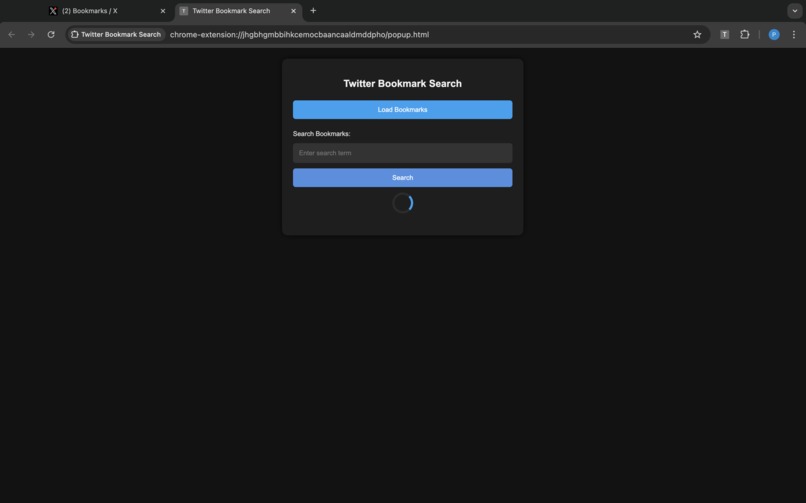
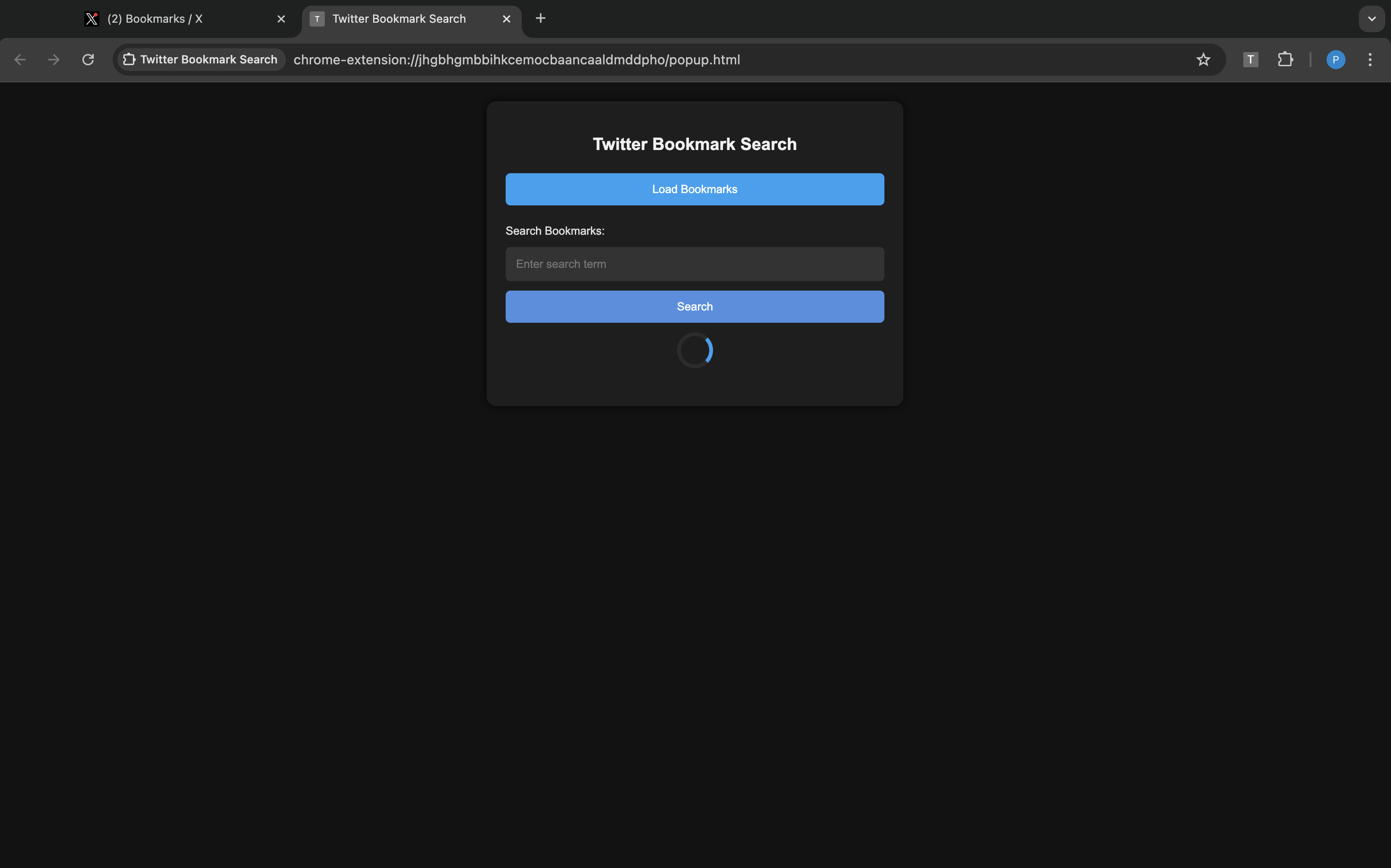
chrome extension
Inspiration
The inspiration behind this project was the limitation of Twitter's default bookmark search, which only allows users to find posts using specific words. I realized there was a need for a more intuitive way to search through bookmarks, especially when users couldn’t recall the exact wording but still wanted to find posts related to a certain domain or topic.
What it does
The Twitter-Bookmark-Search Chrome extension enhances your ability to search through Twitter bookmarks by leveraging a powerful language model (LLM). Unlike the default search, this tool understands the context and meaning of your search input, helping you find all relevant posts even if you don't remember the exact words used in the bookmarked content.
How we built it
I built the project using JavaScript for the Chrome extension, integrating with Gemini API to analyze and interpret bookmarked posts. By reading the user's Twitter bookmarks, the extension uses Gemini to match and retrieve the most relevant posts based on the user's input, providing a seamless search experience.
Challenges we ran into
The main challenge was retrieving all bookmarks since Twitter's API doesn't provide complete access to a user's entire bookmark list. To overcome this, we accessed the data through the browser's inspect element feature, identifying the relevant network requests and URLs to gather all bookmarked posts. I then loaded this data into our extension and sent different prompts to the Gemini API, carefully managing the process to ensure accurate and responsive search results. This approach required additional effort to handle the data effectively and maintain the extension's functionality. Also faced challenges with prompt tuning to give specific query outputs
Accomplishments that we're proud of
Able to create my first chrome extension ever which actually works better than I expected.
What we learned
Building chrome extension Fine tuning prompts to LLMs Gemini API (limits, usage) Data fetching
What's next for Twitter-Bookmark-Search
Plan to publish it on the extensions for everyone to use

Log in or sign up for Devpost to join the conversation.