-
-
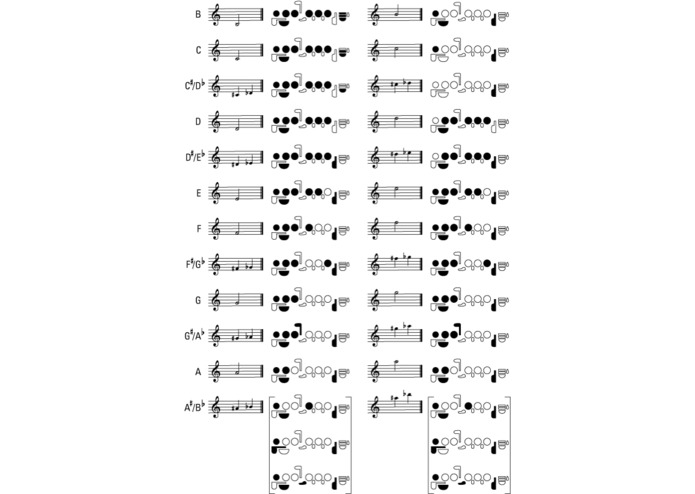
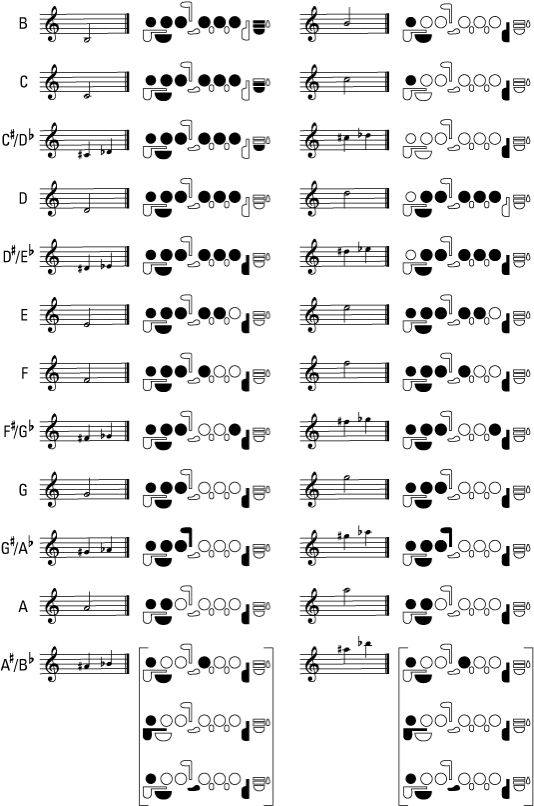
A pictographic flute fingering chart for the flute. Solid black keys are to be pressed down, and white keys are to remain un-pressed.
-
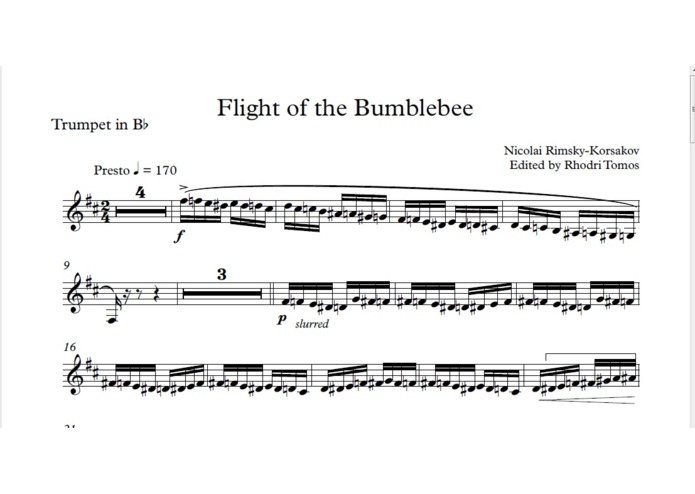
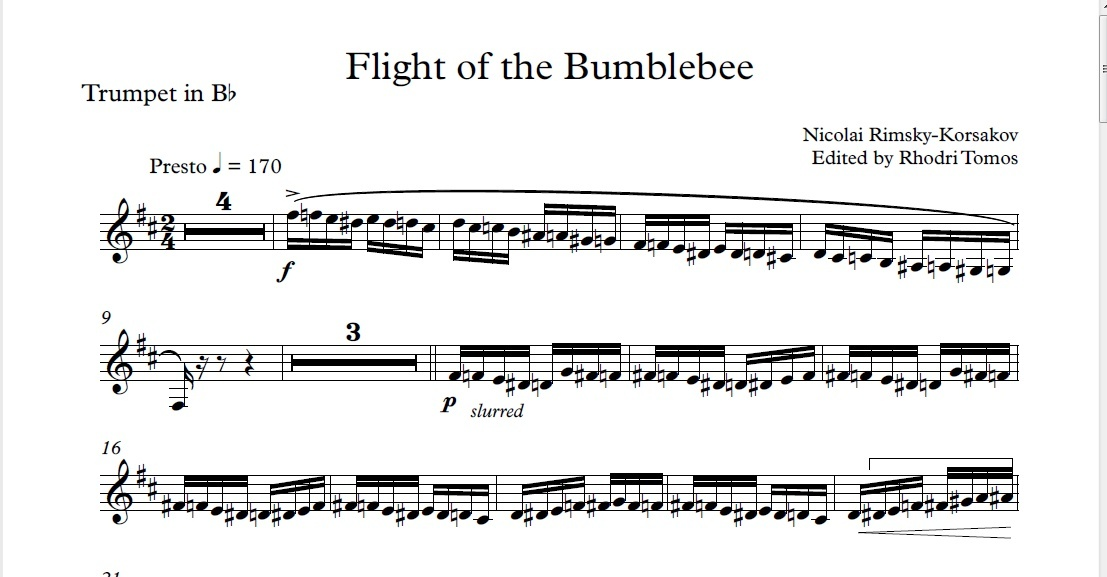
With difficult music (lots of notes, sharps, flats, complex rhythm, etc.), it is easy to miscount the beats and lose track of tempo.
Inspiration
For many beginner musicians learning wind instruments such as the flute, saxophone, clarinet, trumpet, etc. the most difficult part is learning the complex fingering combinations to produce notes and being able to produce them in real time while reading music. Usually, beginners rely on "fingering charts" which show them exactly where to put their fingers to produce a specific note. When trying to play music which requires note after note, this ends up being a very long and frustrating process for the student as they will constantly have to refer to their fingering sheet because are not yet familiar with and have not yet memorized the fingerings. As well, because beginners have not yet developed the physical intuition for finger placement. They will have to constantly have to stop playing and bring their instrument to their face to physically see their fingers, and check if they are in the right place, or annoyingly have to ask their teacher if they are doing the fingering correctly. This makes the learning process slow going and a pain. This project completely bypasses these difficulties for them by speeding up the learning process and giving real time feedback on their form.
What it does
Our solution gives a dynamic visual representation of a fingering chart. The order of musical notes in the melody you are trying to learn can be pre-downloaded onto an Arduino Uno controller, and our device will display the fingering for the note you are on. When you try and make the fingering on your instrument it will give you feedback for each individual key, if you correctly pressing it or leaving it un-pressed. Once you have finally gotten the correct key combo, the note will play, and the display will show you the fingering for next note in your melody. This process cuts out the frustrating act of constantly checking you fingering chart for each note and gives you real time feedback on if your fingering position is correct.
In addition, we have made a music reading tool that keeps track of which bar you are on in a sheet of music (as musicians tend to get lost in reading sheet music, losing track of which line they were on), while also giving them a visual cue (flashing light) on the music itself for the tempo to keep track of timing. It does the work of a metronome without disrupting the musicians' playing and audience by having loud ticking sounds on each beat.
How I built it
Two Arduino Unos were used: one to control the interactive learning tool to determine if the fingerings are correct, and one to trace the sheet music. Multiple switches were used to simulate the flute keys, and LEDs were used as a visual cue to see if the keys were pressed correctly. A speaker was also used to produce the sound output.
Challenges I ran into
Since our team had no prior experience with Arduinos or hackathons, it was definitely a challenge figuring out how to use the equipment as well as how to manage our time efficiently. We spent the majority of the time learning how to use an Arduino and debugging the code, rather than developing super advanced ideas. For example, we ran out of time to sync up the Arduinos because we spent so long just trying to understand how the Arduino worked.
Accomplishments that I'm proud of
- COMPLETING OUR FIRST HACKATHON!!! (We are all first timers)
- Making a cool project we can all be proud of
- Time management/planning to get things done in a crazy amount of time (decision making, prioritizing)
- Learning how to use Arduino Uno for projects
- Learning not only technical skills, but also important entrepreneurial skills such as how to come up with, design, and market a useful produce people could really benefit from
- Debugging!
- Sleeping before 2am
- Working really well as a group we have never worked in before
- Having a ton of fun! We joked and had a blast while still getting a really cool project done!
What I learned
The lesson we all took from this experience is the importance of prioritizing tasks. We knew we were beginners, so we decided to set small goals so that we were able to finish the product, rather than impossible goals for our given time and skills. We learned to take it slow and to focus on getting the basics done before moving on to a bigger task. This way, when we finished our tasks early and ensured the functionality of the tool, we were able to regroup and further develop the design as a team.
What's next for Twinkle Fingers: Beginner Musician Learning Tool
The next steps would be to integrate the pushbuttons on our stand-in breadboard instruments into actual instruments with keys so that this can be used in actual musical practice. This would require finding force sensors/push buttons that integrate well with the keys of instruments such as flute, saxophone, trumpet etc. and don't interfere with the musicians' ability to play. As well, we would want to create visual LED fingering charts for different instruments so that they can use this learning aid as well.
Additionally, for ease of use and flexibility across instruments, instead of manually entering the melody in code/user input and fingering charts (finger combinations for each note), we would also want to write robust code that can read in the notes/duration of notes, time signature, and the fingering chart directly from the source (sheet music, fingering chart) using some kind of vision processing. Using values read visually, the system would apply the necessary changes automatically, so they are all in coordination with user-specified sheet music inputs and instrument choice. Finally, we would want to work on a user interface, to move the product towards a more commercial product.
Log in or sign up for Devpost to join the conversation.