
Inspiration
Twitter has become increasingly populated with malicious content, and drawing the line on free speech versus destructive content has become critical in the digital era. Tweety is a tool to help with exactly that!
What it does
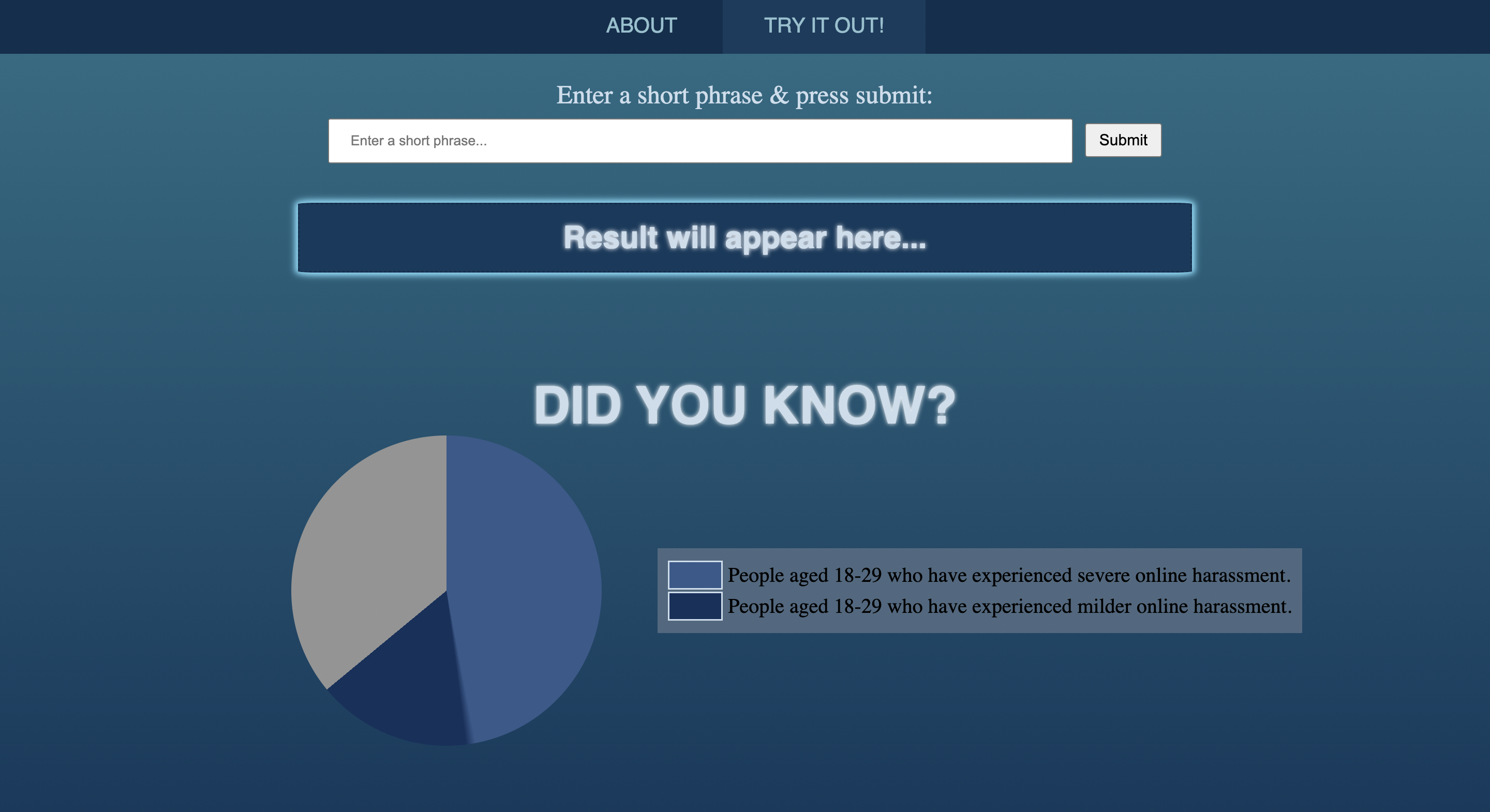
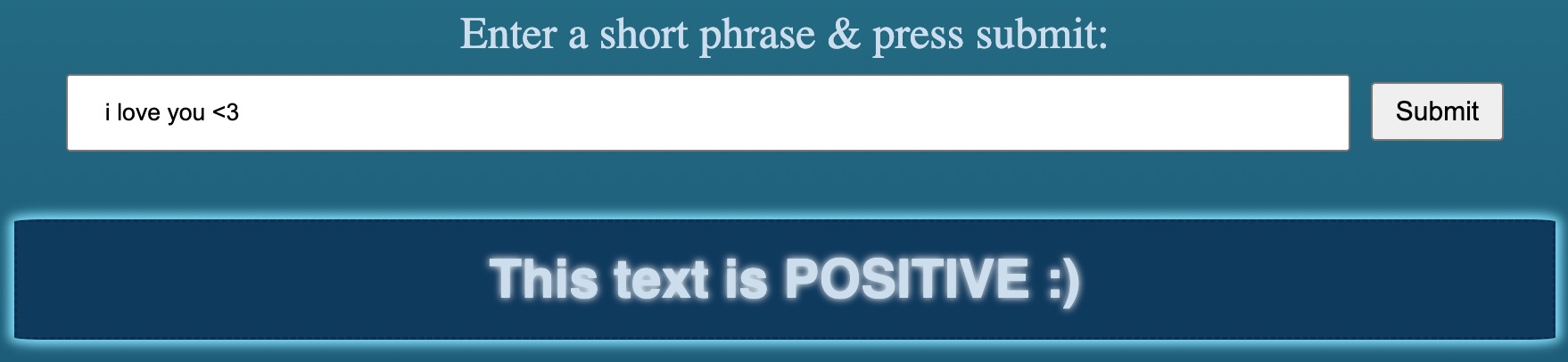
Given a statement, Tweety classifies the statement, as positive, negative, or neutral. It outputs the results for you to see!
How we built it
First, we independently developed the HTML/CSS side and the ML aspect using python. Then, we created a JavaScript file and called Fetch to post data to the python file. The python file uses the roBERTa transformer from Huggingface to analyze the sentiment of a statement and uses flask to receive the data and return the results.
Challenges we ran into
Our biggest challenge was integrating the python and the Javascript, as it took a while to fully understand the functionality of the Fetch API and of Flask. On, the ML side, we ran into some issues with the pipeline in Hugging face and its compatibility with the latest version of python, so we had to do some troubleshooting there.
Accomplishments that we're proud of
We are proud that our project can be accessed globally and that we were able to connect the various aspects of the project in such a short time. Additionally, we love our color scheme and UI.
What we learned
The main thing we learned today was how to use Fetch and Flask’s to combine Python’s backend with WebDev’s frontend to create a coherent product. Some other things we learned were how to create a pie chart out of HTML and CSS and how to use Flask to integrate and the importance of checking CORs and ports.
What's next for Tweety
Now that we’ve figured out how to make Tweety work locally, we’re going to try to grow our project into working globally for anyone. Additionally, we’d also love to get access to Twitter’s and other social media platforms such as Instagram’s and Facebook’s API to identify how a particular topic is viewed on those social platforms.

Log in or sign up for Devpost to join the conversation.