-
-
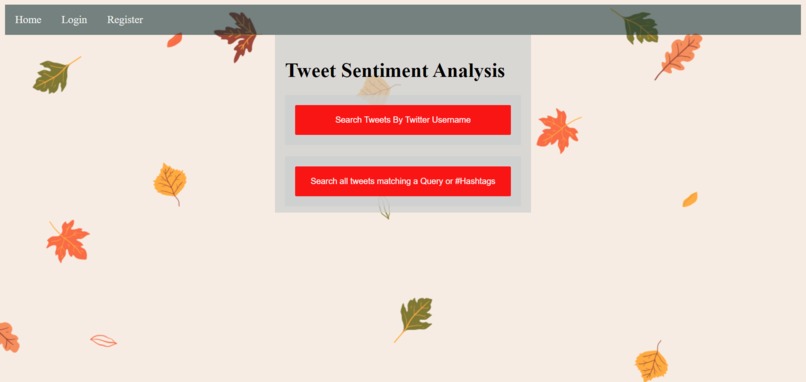
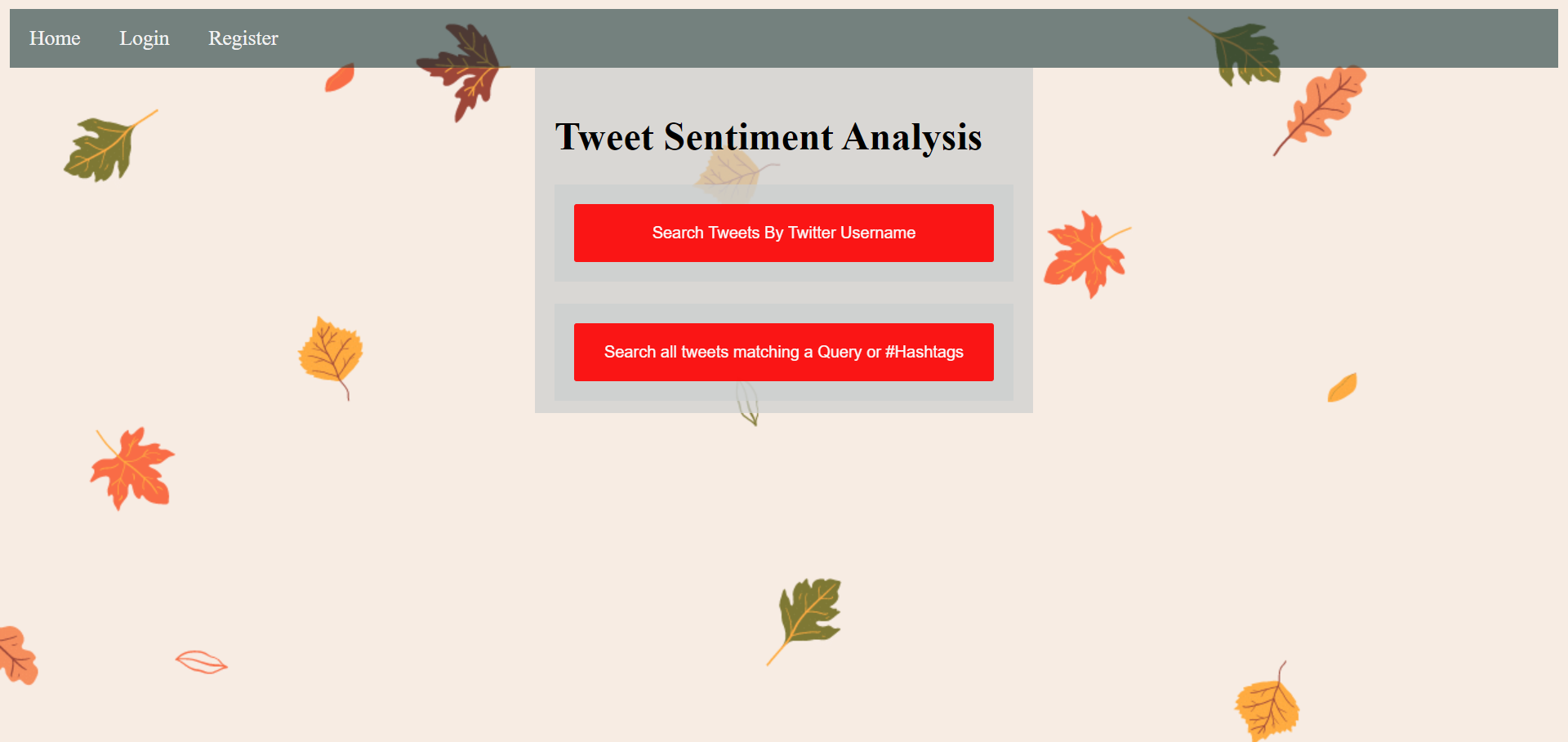
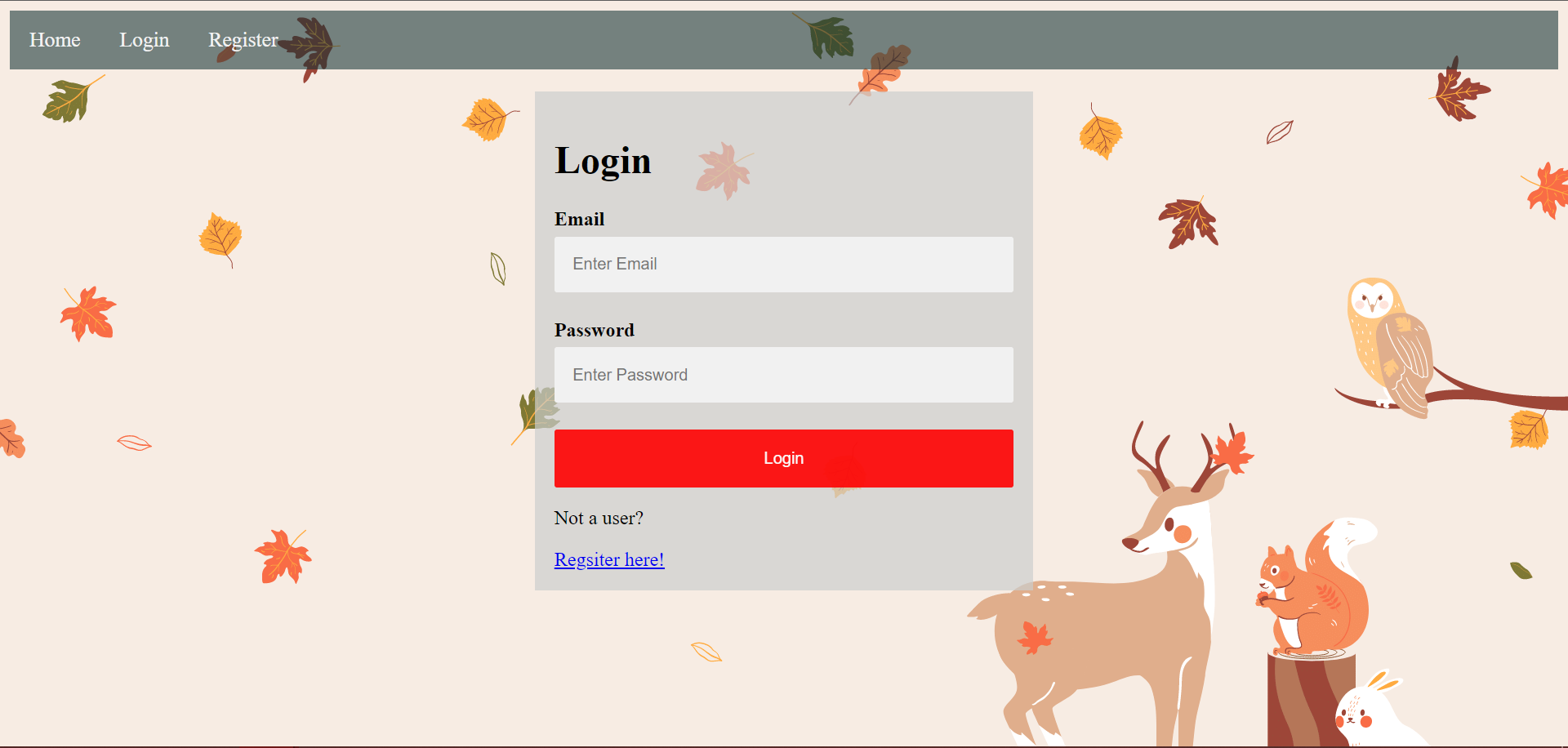
Home Page
-
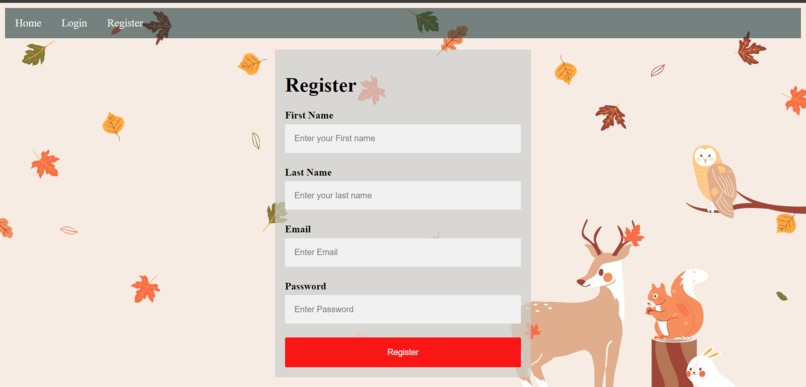
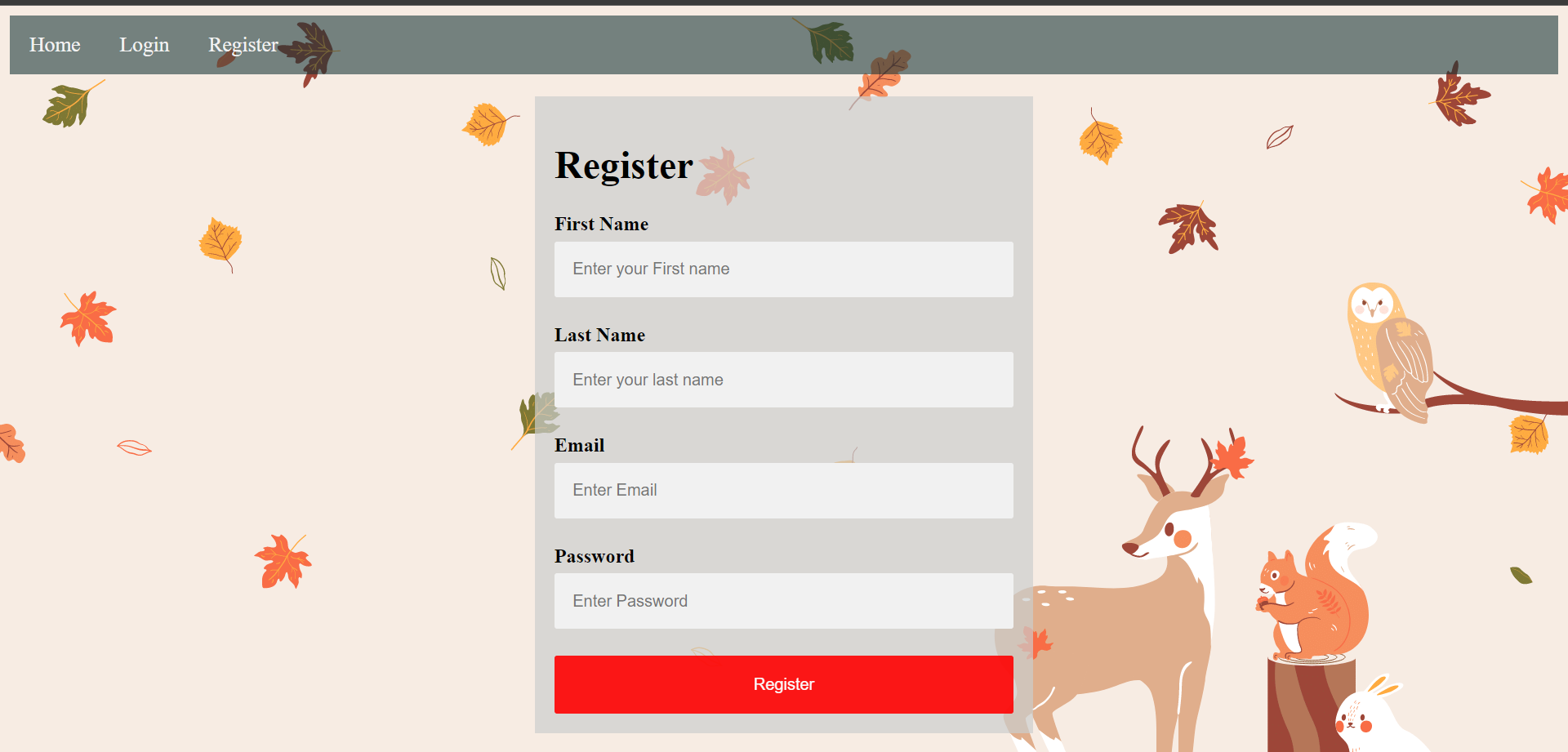
Registration Page
-
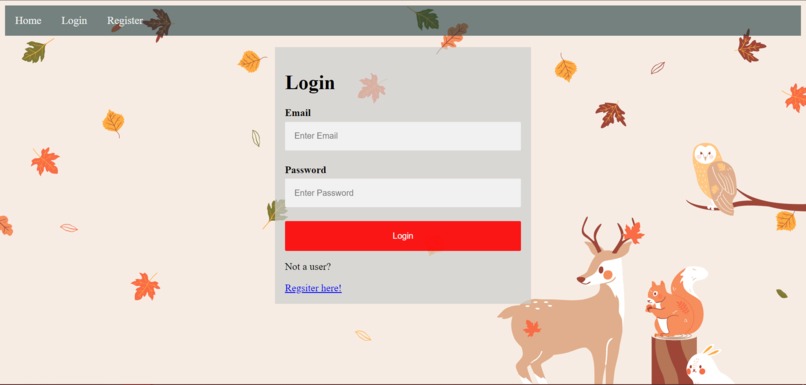
Login Page
-
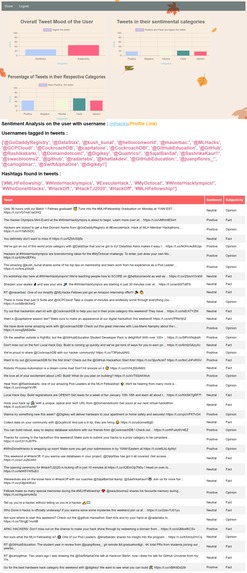
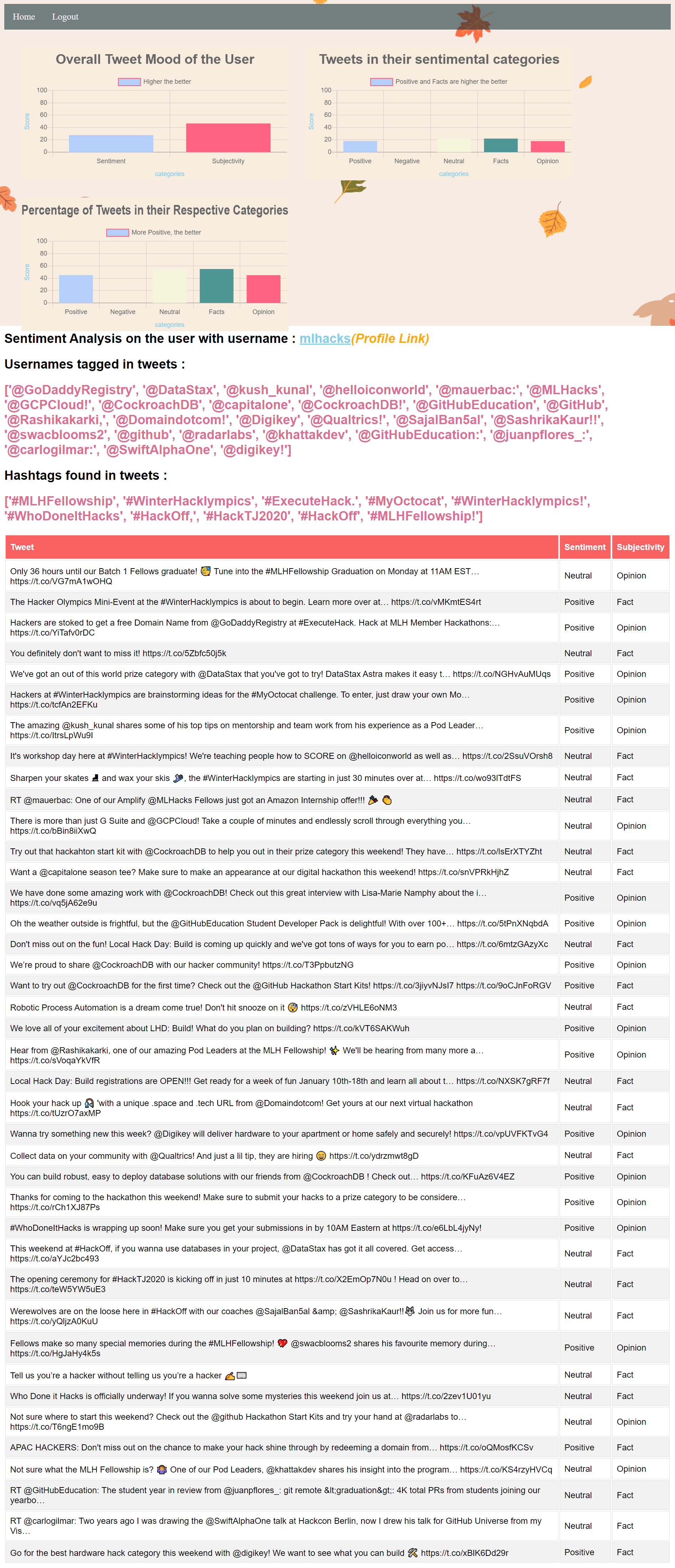
sentiment submission page shows sentiment of all the tweets by the user.
-
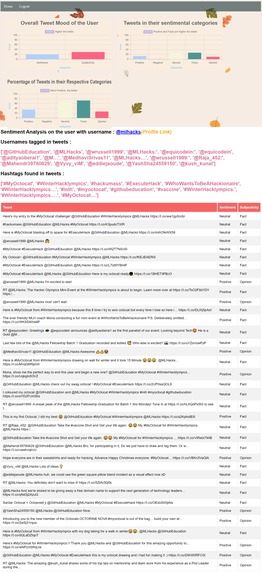
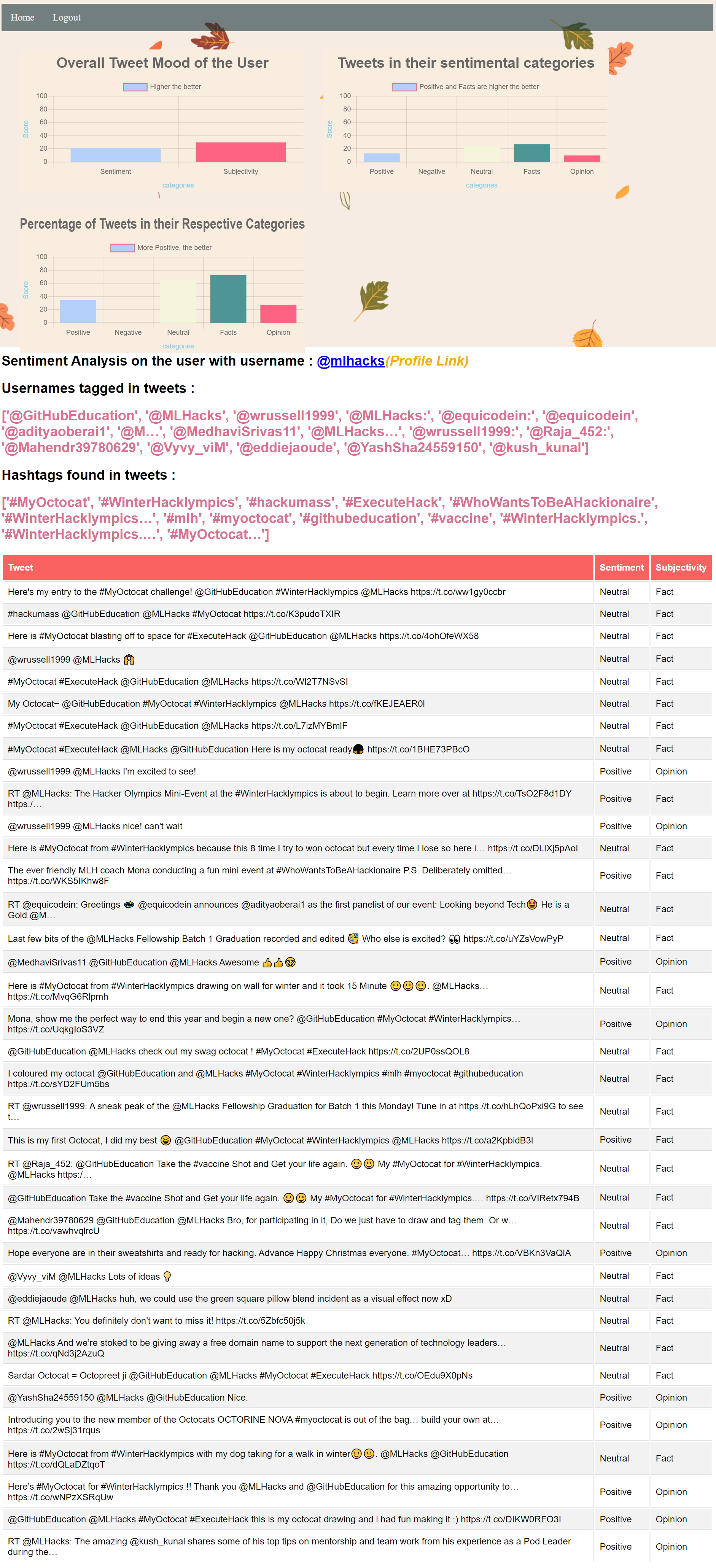
Tweets tweeted towards a username.
-
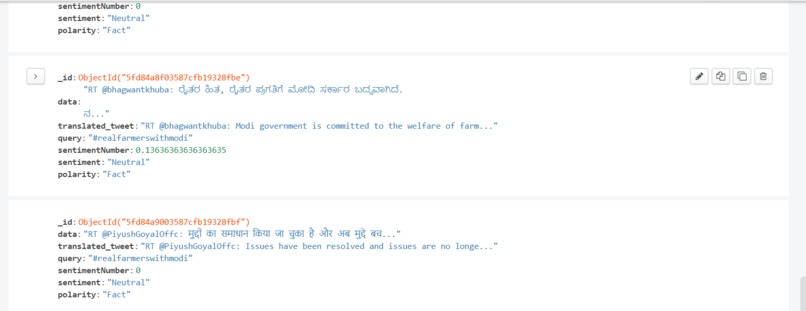
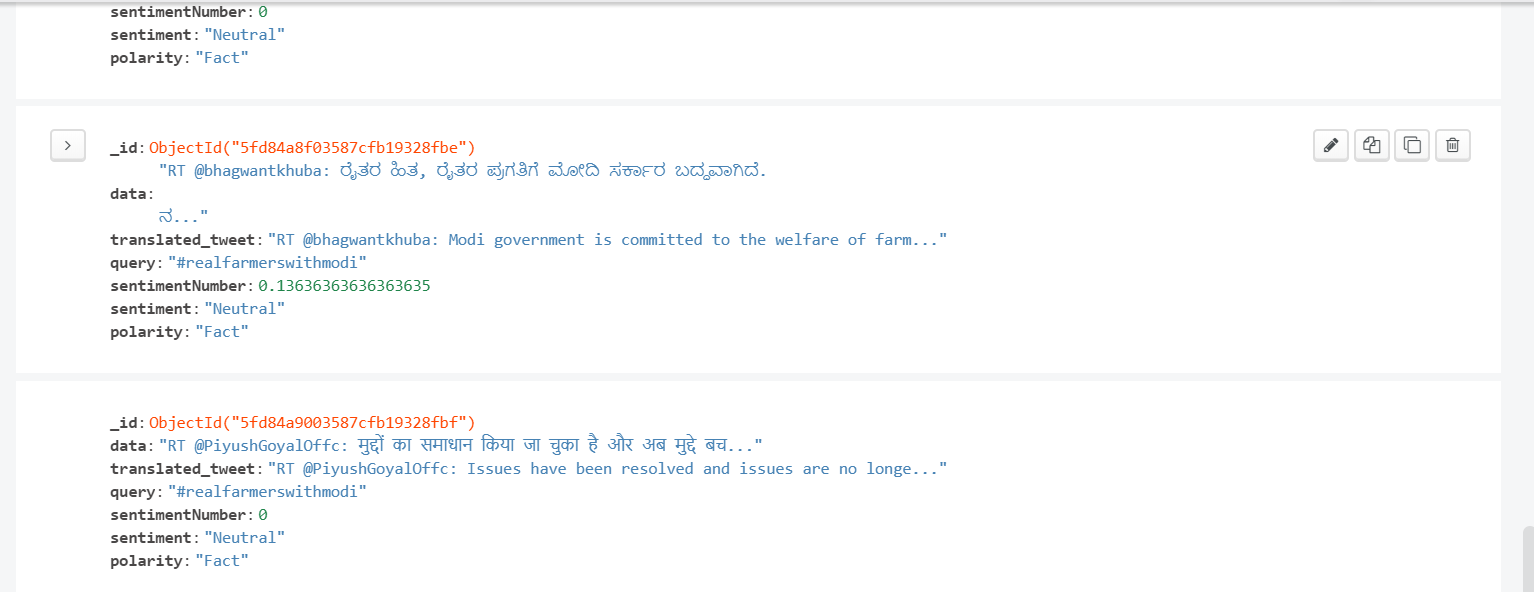
Entries in database
Inspiration
Internet has become a platform for online learning, exchanging ideas and sharing opinions. Social networking site like Twitter is a widely used platform where millions of tweets are tweeted everyday by people to express their opinion on public and private topics that matters them the most. Most of these tweets never reach their intended audiences and fail fulfil their purposes because they are lost in a huge sea of tweets that are often irrelevant.
For the companies and famous personalities most of them having millions of followers, it is exceedingly difficult and tedious to analyze all tweets in which they are tagged or are mentioned in. Analysis of a segment of tweets might not truly reflect the real sentiments of the overall tweets on a topic. This poses a real challenge to know the real public sentiment towards them.
What it does
Sentiment Analysis can analyze a huge pool of tweets and shows their individual or overall sentiment without requiring any effort from the user. This fulfills the purpose of every tweet tweeted on a topic since each tweet is contributing towards its overall sentiment.
Sentiment Analysis is useful in almost all scenarios. Whether it is the government analyzing the sentiments towards its performance or policy, or a company towards its product, sentiment analysis can effectively help in reducing the guess work.
How I built it
First, we made a flask API having different routes that performs different tasks. The index route is pointing towards an interface using which the user can interact with Twitter API.
When a Twitter username or hashtag is entered it triggers the Twitter API that searches the Twitter database for relevant tweets and returns an array containing specified number of tweets.
To avoid redundancy and overutilization of services, each tweet is checked for its existence in the database which contains already processed tweets. If the current tweet is not in the database, then these tweets are translated to English to using Azure text translator and sentiment analysis is performed on these tweets using TextBlob which returns sentiments on a scale of –1 to 1, -1 being negative, 0 being neutral and 1 being positive, and subjectivity on a scale of 0 to 1, where 0 stands for opinion and 1 for fact.
These numbers are converted into their respective labels and tweets are checked if they mention any username or hashtag using a python script which then stores all this data under the Twitter username in the database so that it can be referenced later.
After these processes is repeated for all tweets in the array returned by the Twitter API, the python scripts renders a template with all the required data as the arguments to functions in HTML template with the help of which the user and interact and analyze the sentiments of tweets.
For security the API also provides login and registration which helps in providing controlled access to API resources. The login and registration are made using FLASK JWT Extended which handles the creation and destruction of sessions cookies.
The registration route contains fields like first name, last name, email and password. The email goes through validation script that checks for validity of email (but not for its existence) and the password is checked whether it is of minimum length of 6. If the fields pass the validation, they are then stored in database and the user is automatically logged in using cookies.
In case of login route, the email is checked for its existence in database and the database password is checked against the user entered password, passing which the user is validated and a session cookie is created, and he is logged in.
The signed in users are differentiated from non-signed in users using session cookies which were created while logging in. After the Twitter username is entered in the first step the API searches for session cookie, if the cookie is available then the user is redirected to HTML containing more insights else, user is redirected to a page containing only a table of tweets along with their sentiment analysis. The signed in users can see graphs, mentioned usernames and hashtags along with the table of tweets. The charts are made using an open-source HTML5 based charts named chart.js.
The application is deployed on Heroku using GitHub and is tested before each commit using Travis CI. Each commit on GitHub goes through a unit test script that checks for syntax errors and overall working of application by monitoring the response code for each route. After successful test, the commit is automatically added to deployed code on Heroku.
Challenges I ran into
There were many challenges that I ran into, so of them are:
- How to show tweets in table, I solved it by making a for loop in HTML using jinja and for each iteration it creates a row with 3 columns.
- How to pass data from the python script to Charts.js. Here I used jinja to provide each column a value.
- Extraction of usernames tagged and hashtags was posing a challenge. I solved it by writing a python script that first uses split function that splits each word at one index of array, then I check if the 0th index of each word is a @ then it is a username and if it is # then it is hashtag.
All of these challenge have helped me learn more and grow and appreciate live project more and more.
Accomplishments that I'm proud of
Some of the Accomplishments that I am proud of are:
- A large number of tweets can be analyzed with minimum effort.
- It has applications in real world.
- I have the opportunity to let people use my project and appreciate my work free of cost.
- Free tools provided by GitHub Education that helped me grow and apply my knowledge to real life projects that would have otherwise costed me a lot.
- Use of Travis CI to test before deploying my code.
What I learned
- I learnt how to use MongoDB and its functions.
- I learnt working of Twitter API.
- I learnt about CI/CD Pipeline which I then implemented using Travis CI.
- I learnt to handle all the edge cases as the users might try different things with my project.
What's next for Tweet Sentiment Analysis
I am working on extracting a large number of tweets. Twitter API is very slow as extracting 20 tweets takes 8-10 seconds. Which makes extraction of large number of tweets impossible. So one solution to this is to use many integrated APIs which will be maintained by an API load balanced which I am working on. The load balanced will lets say divide a request to extract 20000 tweets of a hashtag into equal parts and divide it and assign it to the APIs which will write the tweets into the database directly and the main api can extract it.
This will use concept of Parallel Computing
Other plan for Tweet Sentiment Analysis is showing all the trends on the first page with their sentiments and the most used words of tweets in my database with their sentiments.

Log in or sign up for Devpost to join the conversation.