-
-
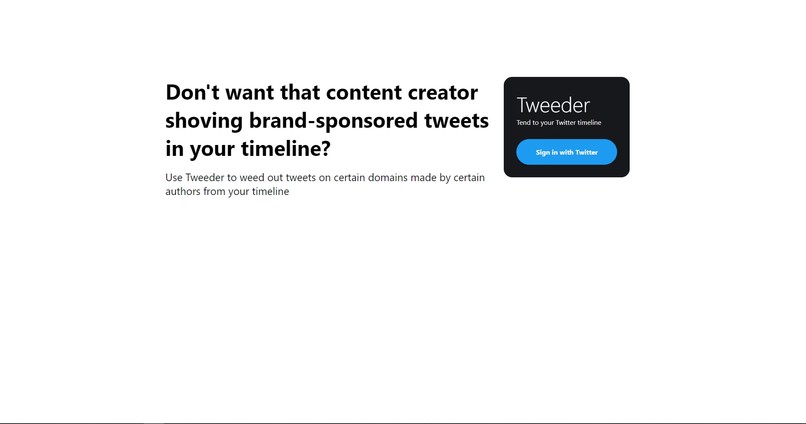
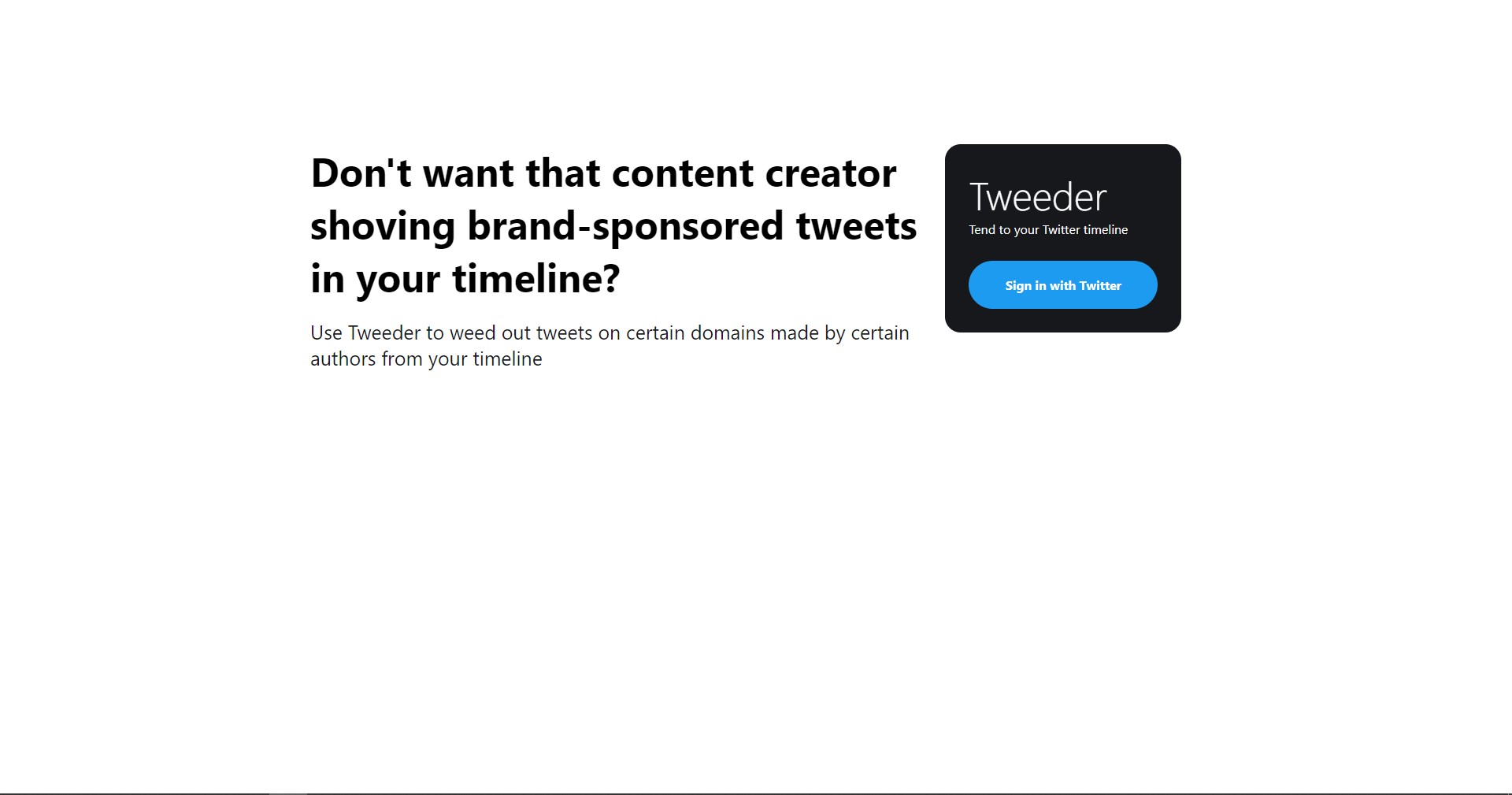
The landing page
-
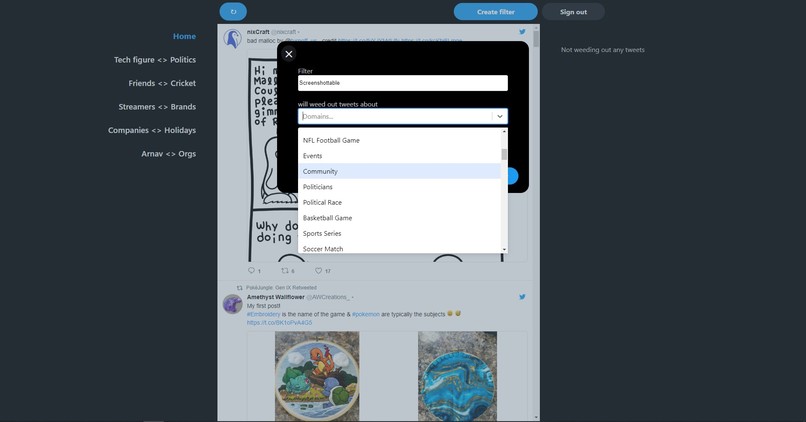
Creating a filter
-
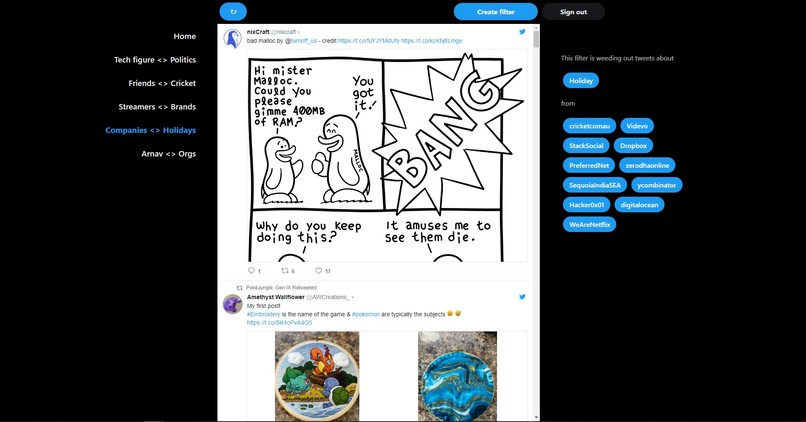
A filtered timeline
Inspiration
As a freelance SWE who works remotely from a tier 3 Indian city, Twitter is my primary source of learning about new developments in the industry, or the world in general. I usually get this new influx of information from following domain experts I respect for their work. Furthermore, insights from these domain experts help me with ideas for problems I'm facing at my job, planning the next skill I should pick up on, and servicing my clients' business needs better.
Now, these experts are humans too and have a variety of takes on a variety of topics. Sometimes, however, I realise that I don't see eye-to-eye to some of their takes and trying to engage in a meaningful conversation isn't possible at all or results in a net-negative Twitter experience for me. Most recently, I was disappointed seeing an infosec professional I follow retweet a politician infamous for spreading communal hatred in India.
Then again, that's just me and nothing should stop someone on Twitter for expressing themselves - that's what Twitter is all about and why I love it. But, as a Twitter user myself, I will have relatively more net-positive experiences if there was a way for me to filter out tweets from my timeline on certain topics by certain people I follow where they aren't experts and where we don't agree on - and so, I built Tweeder!
What it does
Tweet filtration
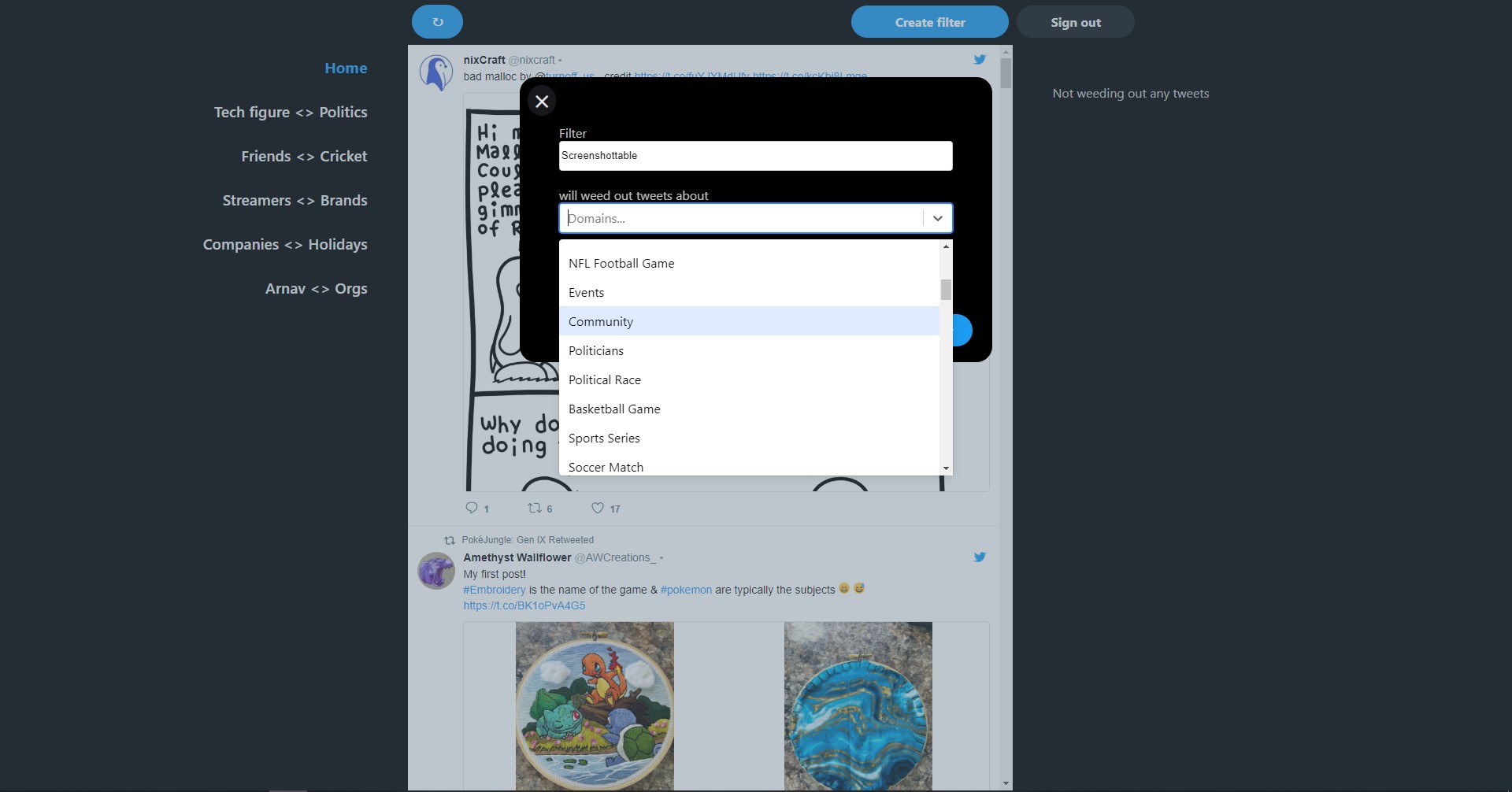
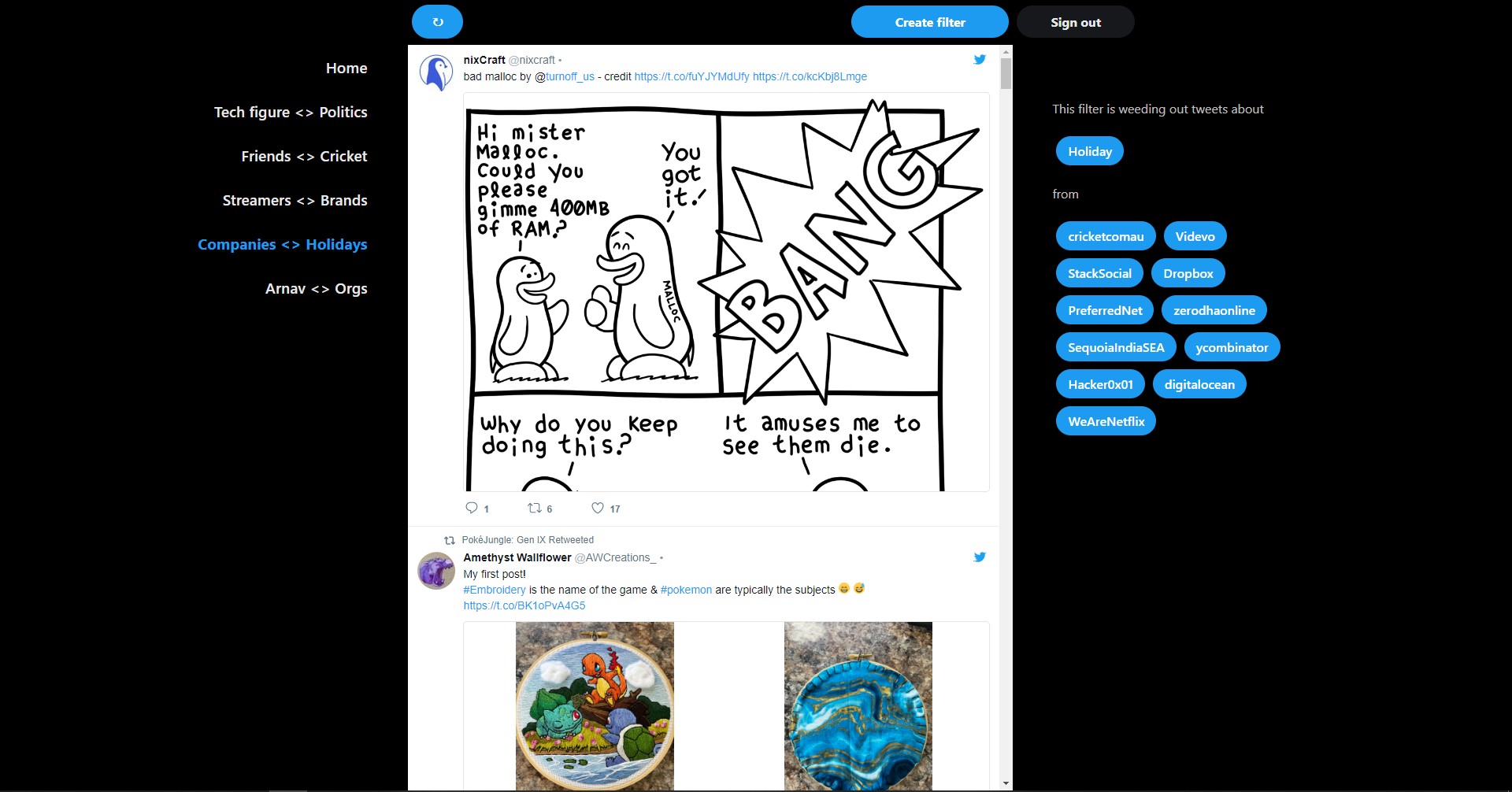
Tweeder has a Twitter-like timeline UX displaying latest tweets from the accounts you follow. Right above the timeline, is a button that lets you create filters. A filter weeds out tweets from your timeline that are about certain topics and authored by certain accounts you follow. You can, for example, create a filter to weed out political tweets from a sportsperson you follow. Post creation, you will see the filter name show up in the left-side menu. Selecting the filter will apply it and purge the Tweeder timeline of tweets that match the filter! There's also a very handy specification that pops up on the right-side after selecting a filter.
Infinite scrolling
Besides the core filtration feature, the Tweeder timeline is infinitely scrollable, allowing you to view tweets as old as you, and, well, the Twitter API, like.
Loading new tweets
There's also a refresh button on top of the timeline which loads newer tweets, if available, whenever you want!
How we built it
Tweeder uses the Twitter v2 Timelines API, Follows API, and context annotations. Each filter created by a user is a combination of usernames, of some of the accounts they follow, and domain labels of context annotations. Post fetching a tweets batch from the reverse chronological timeline endpoint, tweets with their author and any of the context annotations matching the user selected filter are not displayed on Tweeder. Nevertheless, all the tweets, whether displayed or not, are kept in the app memory as users can create multiple and entirely different filters.
Even though Tweeder keeps all the, potentially thousands, fetched tweets in memory, it's able to stay performant by using virtual scrolling on the timeline with tanstack-virtual. And thanks to react-tweet, timeline tweet components look great; almost reminiscent of early-2019 Twitter.
Challenges we ran into
CSS
Enough said.
Infinite virtual scrolling with dynamic components
Virtual scrolling works by knowing sizes, heights in this case, of sibling components. As such, it was difficult to get it right for the timeline as each tweet component has a dynamic height based on its text, attached media, whether it's a retweet etc. To accommodate dynamic heights, I eventually wrote a bounding-box measuring function and forked over react-tweet to make some internal style changes myself.
The Tweet component
As Tweeder's UX is largely the timeline, it was important for me to make the tweets look and feel as good as or atleast close to how they do on Twitter. Initially, I planned to use Tweet embeds, as recommended by Twitter, but they turned out to be very slow at rendering. I then looked into other open-source Tweet components out there including react-static-tweets, tweet-to-html, react-tweet-card, and eventually react-tweet - choosing it because how feature rich (in terms of handling retweets, quote tweets, and media) it was for a standalone component only requiring tweet data. The rest either required extra JS/CSS or made API calls during runtime. That said, react-tweet came with its own set of challenges since it's not in active development - the major ones being incompatibility with Twitter API v2 and React 18. That's when I had enough and decided to build my own tweet component by taking inspiration from react-tweet.
Accomplishments that we're proud of
- I'm proud I was able to build something I want to use myself.
- I'm a backend-leaning SWE and hadn't worked on this much front-end in years. I'm glad I was able to design, develop, test, and deploy the web app before the deadline without many hiccups.
What we learned
This entire hackathon has been a great learning experience; specifically
- The Twitter API and how powerful it is. I am looking forward to using filtered streams now with context annotations.
- The concepts behind virtual scrolling, hydration, SSG, and ISR
- React/Next project structure, tooling, and deployments
What's next for Tweeder
- Context annotation entities support for more focused filters
- Support for combining multiple filters together
- Better mobile device/small screen support
- An indicator in the tweet component for when context annotations are unavailable for that tweet
- Auto-expiring filters when you just want to get through a fad
- Filter import/export to sync between multiple devices because I have no plans to save any user data server-side
- Support for viewing threads of reply tweets
- Integrating Twitter Compliance API to only display compliant tweets
- Various minor/QoL optimizations (available as issues)
Built With
- nextauth
- nextjs
- node.js
- styled-components
- typescript


Log in or sign up for Devpost to join the conversation.