-
-
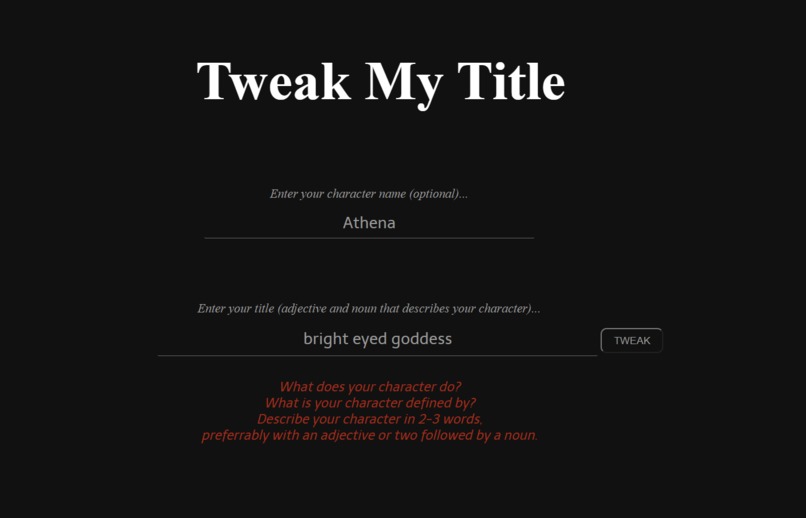
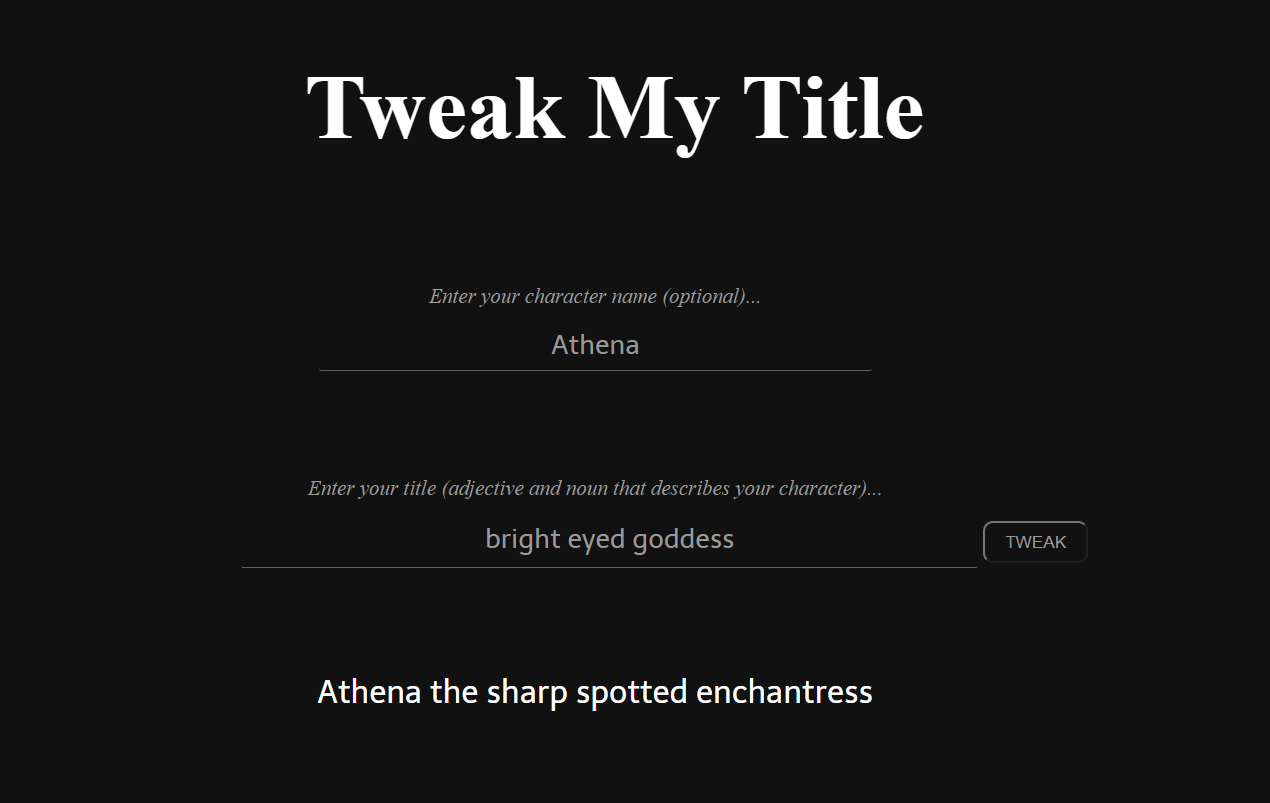
Starting screen with instructions (sample name and description loaded)
-
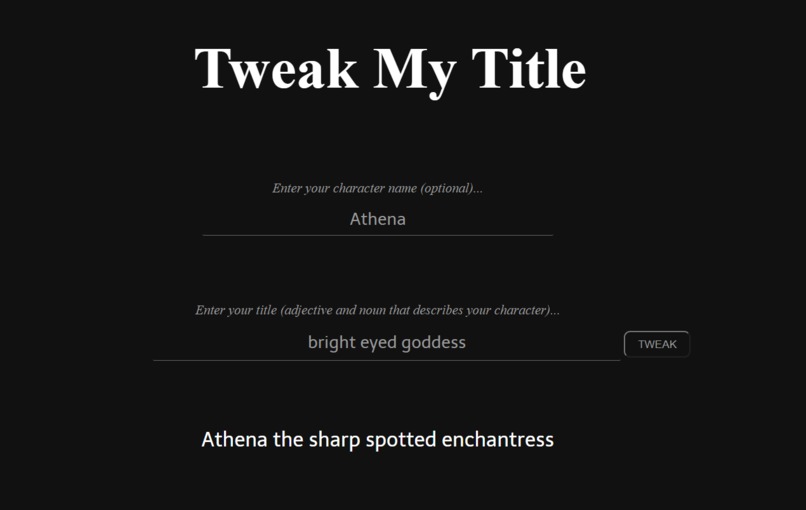
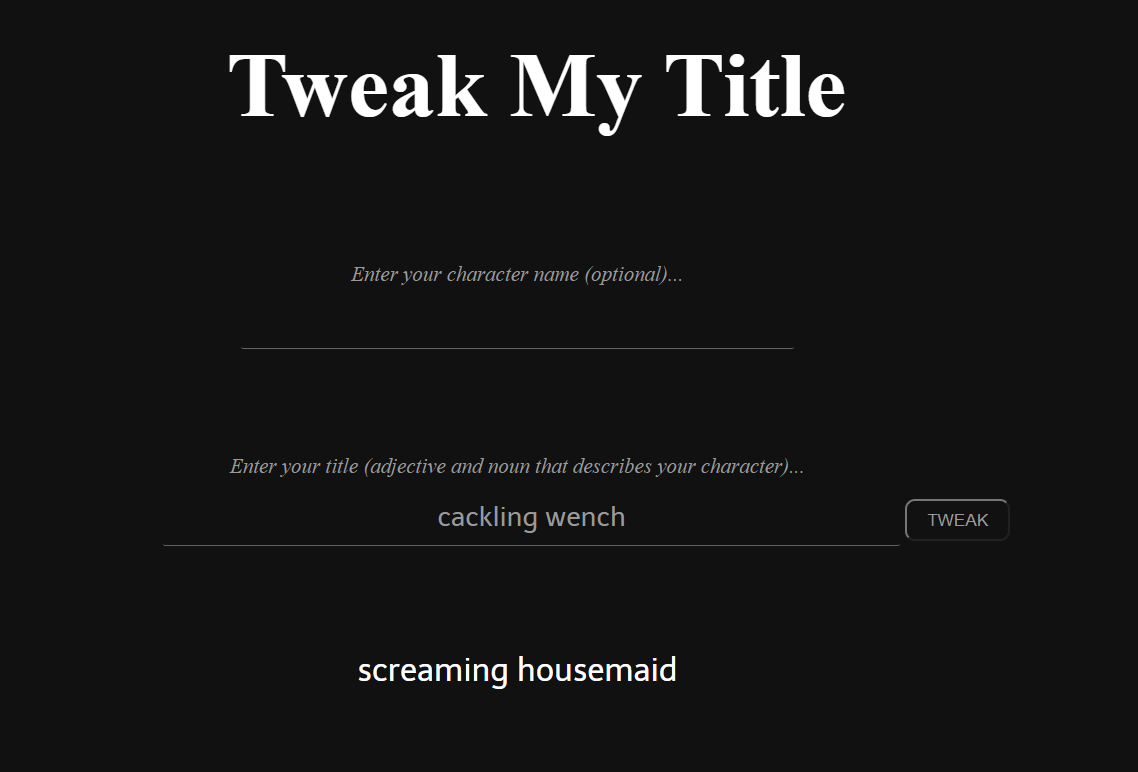
Character name/description generated
-
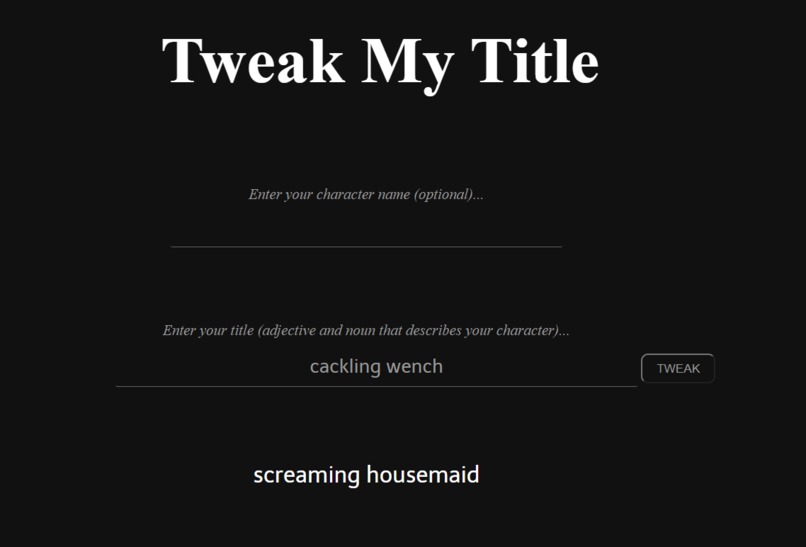
Inputting character name is optional
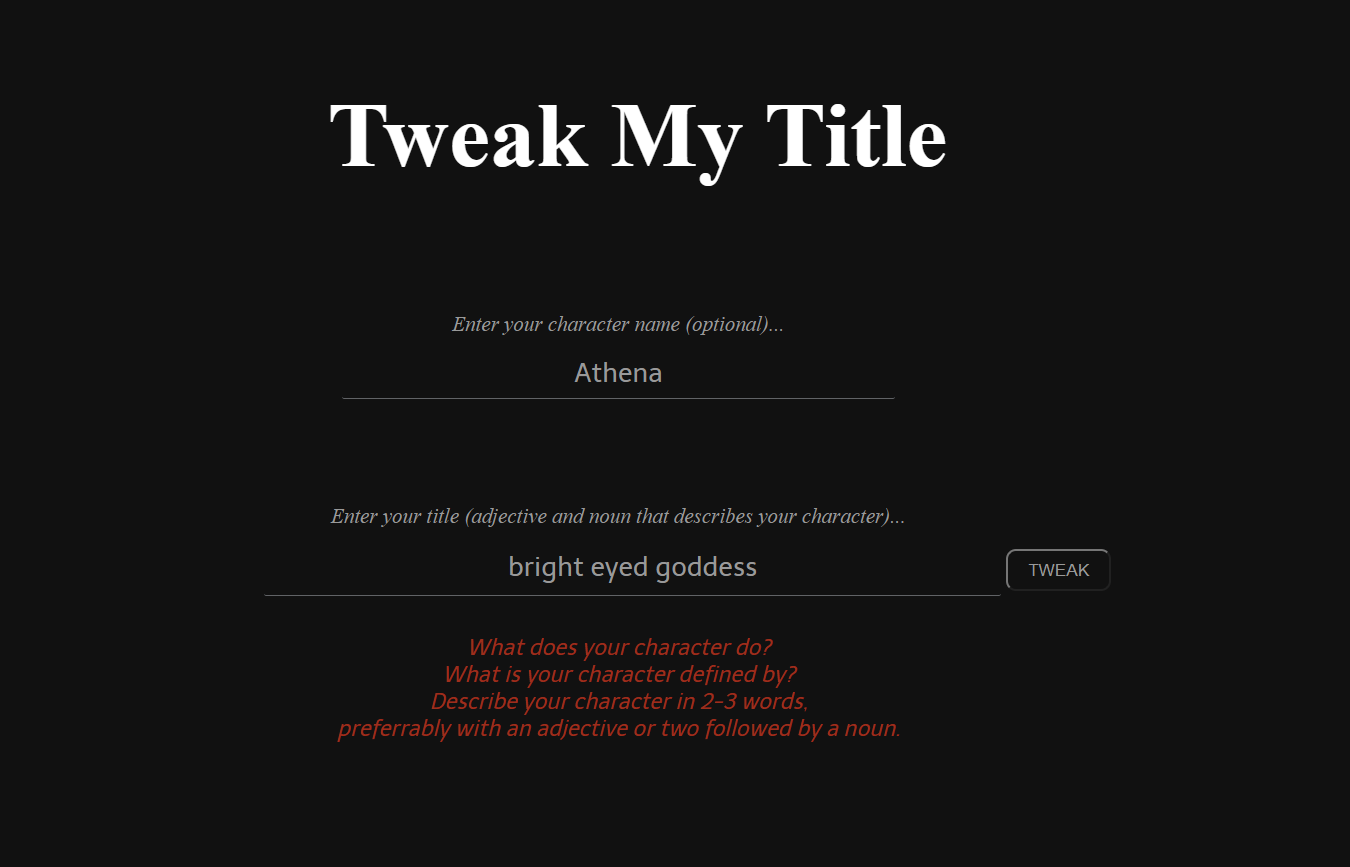
Inspiration && What it does
I'm not sure if it's embarrassing to admit that I've browsed dozens of online character name and gaming tag generators last summer when I participated in my first DnD session. As a newcomer to the fantasy RPG scene and someone who cared a little too much about how things were "named", I felt I needed to rely on these tools in order to explore all the possibilities. However, almost all of the name generators had an exhausting number of fields to fill out. What class was my character? What variant? Did I want an "Asian-like" name or an "Arabic-like" name? Maybe I wanted an Elf name as opposed to a Dwarf name. What's the difference anyway?
And repeat.
The last thing you want to do is overwhelm a newbie. And I was a newbie. Character building should feel fun, but instead the process started to feel finnicky.
This was the inspiration for Tweak My Title - taking the disorienting decision-making out of character building for beginners like I me. The program may not directly give you an impossible-to-pronounce fantasy name, but it sure takes a lot of the friction out of idea generation for building a character. Tweak My Title takes your working idea phrase and runs with it. The program can add on to a name you already have, spice up the way you describe your character, or give you general ideas about what character you want to be in the first place.
Its applications reach beyond the world of games as well. Perhaps it's finally time to step foot into the world of online dating and you need the perfect username to attract the one. Or maybe you're writing an essay and need to convince your English teacher that you're not as bad with words as you actually are. The possibilities are endless.
How I built it
The magic of Tweak My Title is sourced from a thesaurus API provided by the folks at Merriam Webster (bless those guys). The program reformats the character title input string into a string array. As the program loops through this array, a synonym is randomly chosen for each word using the API and is placed in a new array, which is printed out as the resulting string phrase. If no synonym can be found for a word, the string that's placed in the new array is just the original word.
Challenges I ran into
The biggest challenge I ran into was figuring out why my new array, populated with synonyms pulled from the thesaurus API, was being printed as a series of "undefined" instead of the actual synonyms themselves. In other words, my empty array was being printed first, and then it was being populated, even though that's not the order I specified in my code. Here's what my code looked like at the time (I changed the name of some variables to make it more clear):
    for loop {
            newArray.splice(index, 1, getSynonym(oldArray[index])); //getSynonym is an async function
    }

    printArray(newArray);
So why did it look like my array was printing first before it was getting populated? Even though I clearly placed the printArray function after the calls to getSynonym? I thought I was going crazy. It turned out that because my getSynonym function was an async function and required some extra time to process, printArray(newArray) actually executed before getSynonym. Also, my new array wasn't being populated with my synonym strings at all, it was being populated by fulfilled promises that contained my synonym string values. Eureka! I swear I felt my soul transcend the physical realm when I figure that out.
To fix the problem, I had to make the code wait for the getSynonym promise to be fulfilled before moving on to printing the new array, which is exactly what the await keyword is for. So now my code looks something like this:
    for loop {
        const newWord = await getSynonym(oldArray[index]);
        newArray.splice(index, 1, newWord);
    }

    printArray(newArray);
Through this journey of never-ending console.log() debugging statements and furiously reading through the MDN Web Docs, promises, async functions, and await have become much more clear to me, and I've gained an appreciation for them.
Other stuff I learned
I could write so much more about all my other challenges and cool things I learned but to save your eyes from drying out and falling out of their sockets here's just a list.
- What promises are, using async functions and the await keyword
- Using anonymous functions in JavaScript
- Accessing my first API (this was really exciting!)
- Handling JSON objects for the first time
What's next
It won't take you very long playing with Tweak My Title to get some pretty hilarious results. This is because my code isn't able to tell the context a word might be used in - such as whether it is a noun, a verb, an adjective, etc. (since words can have more than one of these forms), or read the tone or mood of the input. It also can produce sentences/phrases that aren't grammatically correct, or just simply don't make sense. Enter in the sentence:
the big brown fox jumps over the lazy dog
and you might get
picnic noble pink goddess bolts throughout picnic derelict louse
I think for now, I could try and prevent my program from synonymizing words that people probably don't mean to be synonymized, like the definite and indefinite articles "the" and "a". I could also restrict users to just entering one adjective and one noun, and only randomly choose adjectives and nouns from the list of synonyms the API returns.
Nevertheless, thinking about the problems computers might have with understanding the rich nuances of language was interesting, and some quick googling has introduced me to the field of Natural Language Processing. It is a beautiful day to discover yet another field of Computer Science!
Built With
- css
- google-fonts
- html
- javascript
- merriam-webster-api
- sublime-text

Log in or sign up for Devpost to join the conversation.