Inspiration
Hours of watching excellent television and hours of being frustrated by glare & eye fatigue!
What it does
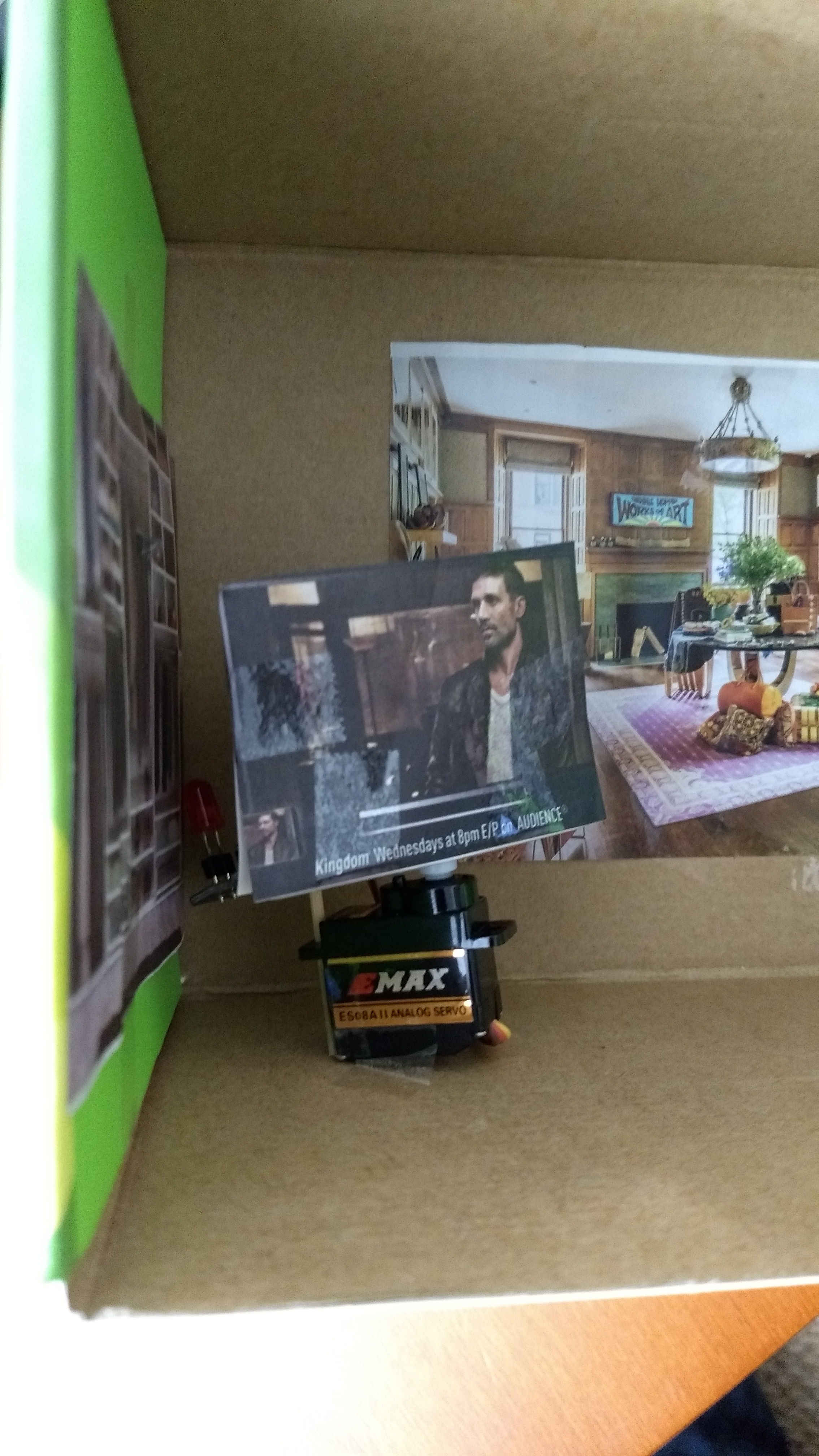
Wirelessly controls bias lighting and the tilt of your TV from a smartphone app through bluetooth using an Arduino 101. Adding a bias light can reduce eye fatigue by making the TV less of a harsh target to focus on (especially at night). The tilt of your TV can effectively cut out glare.
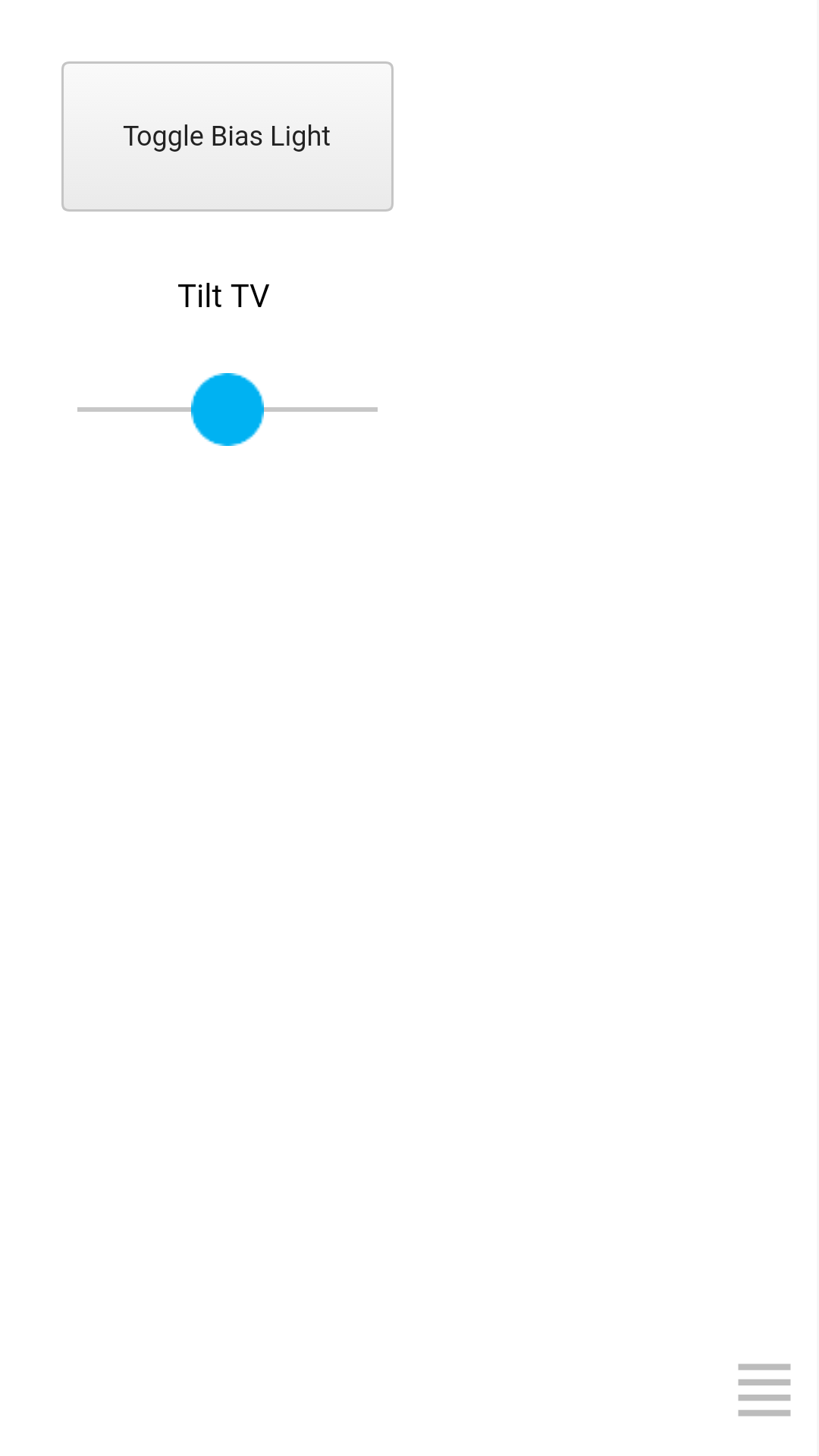
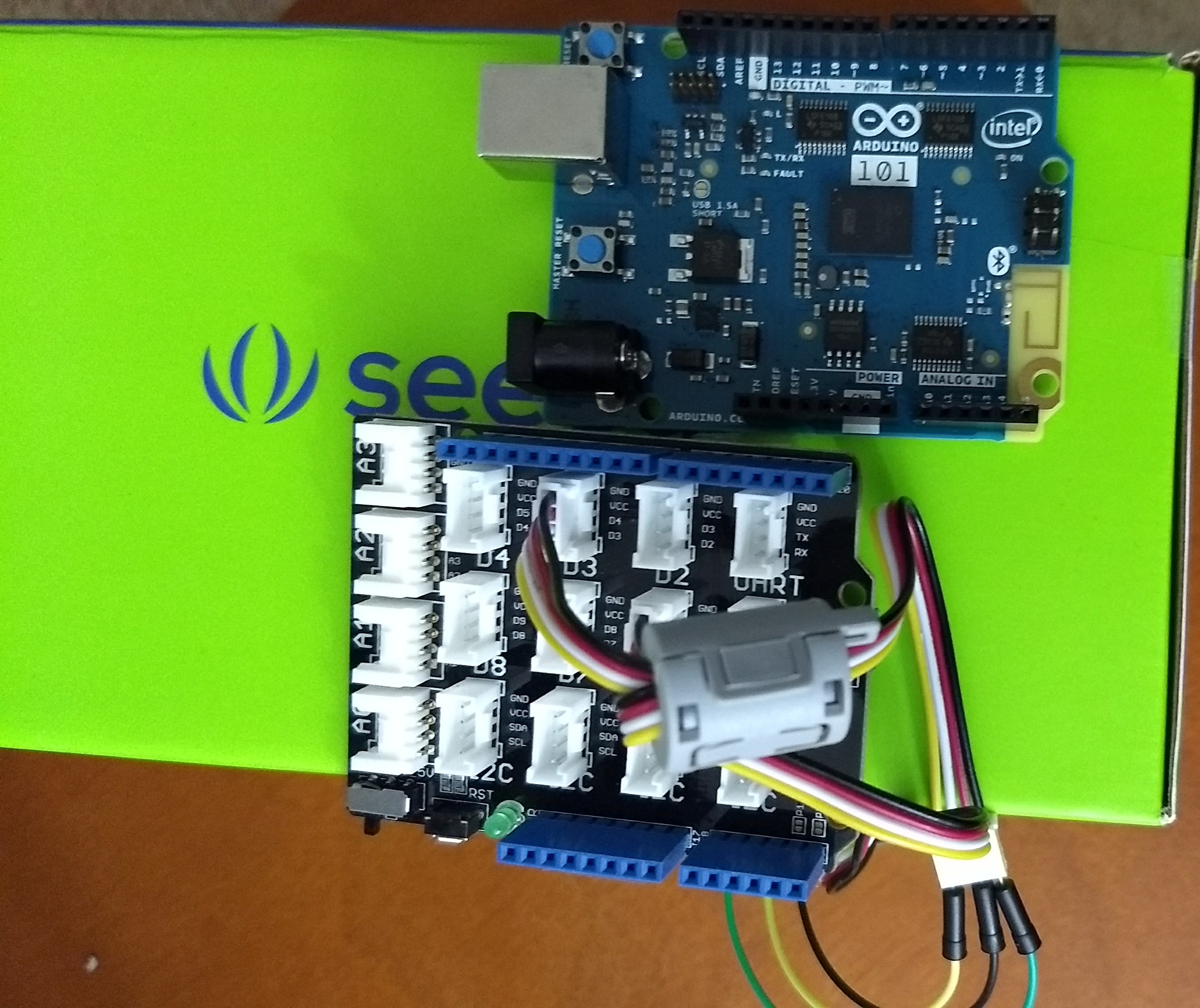
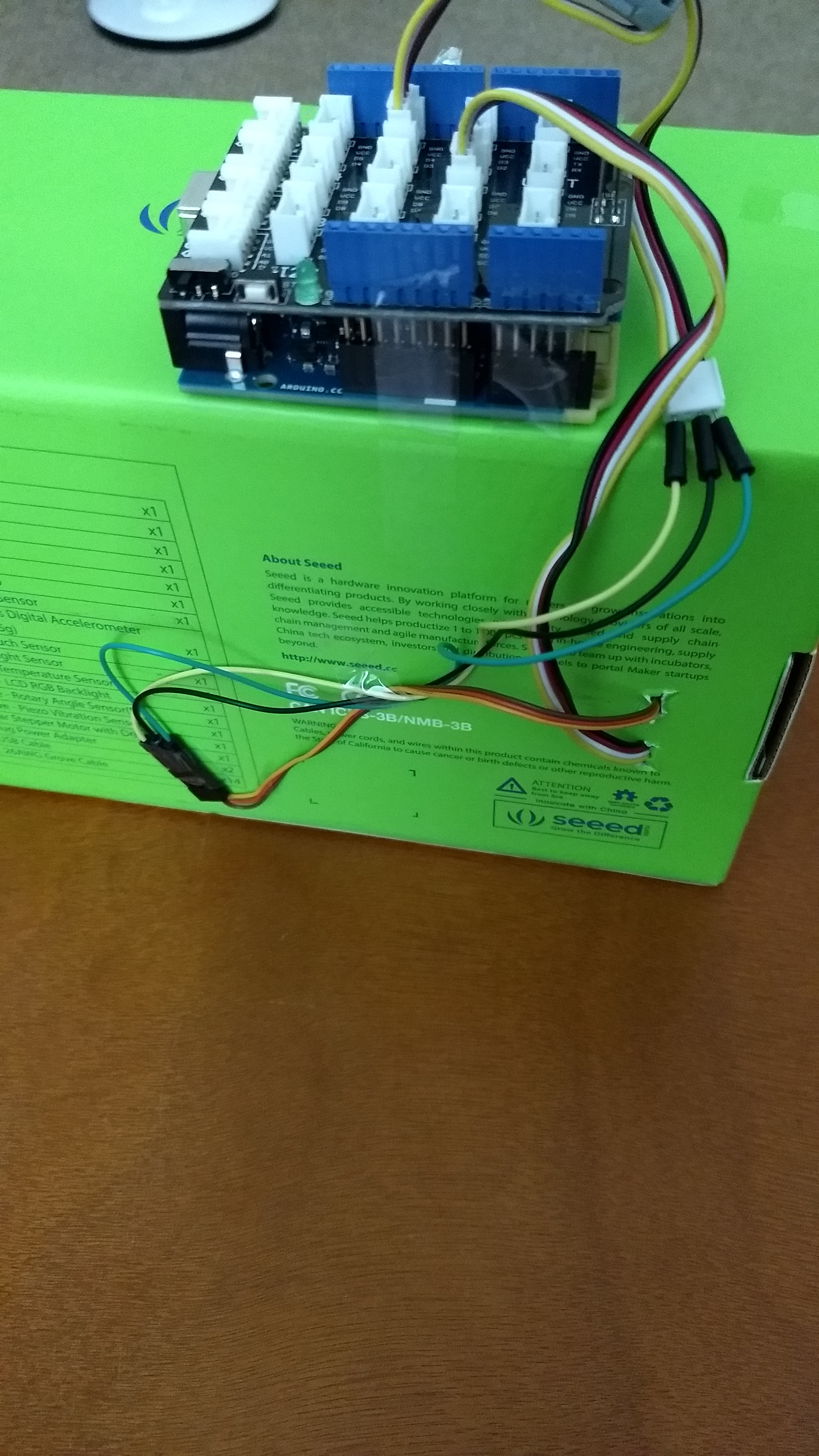
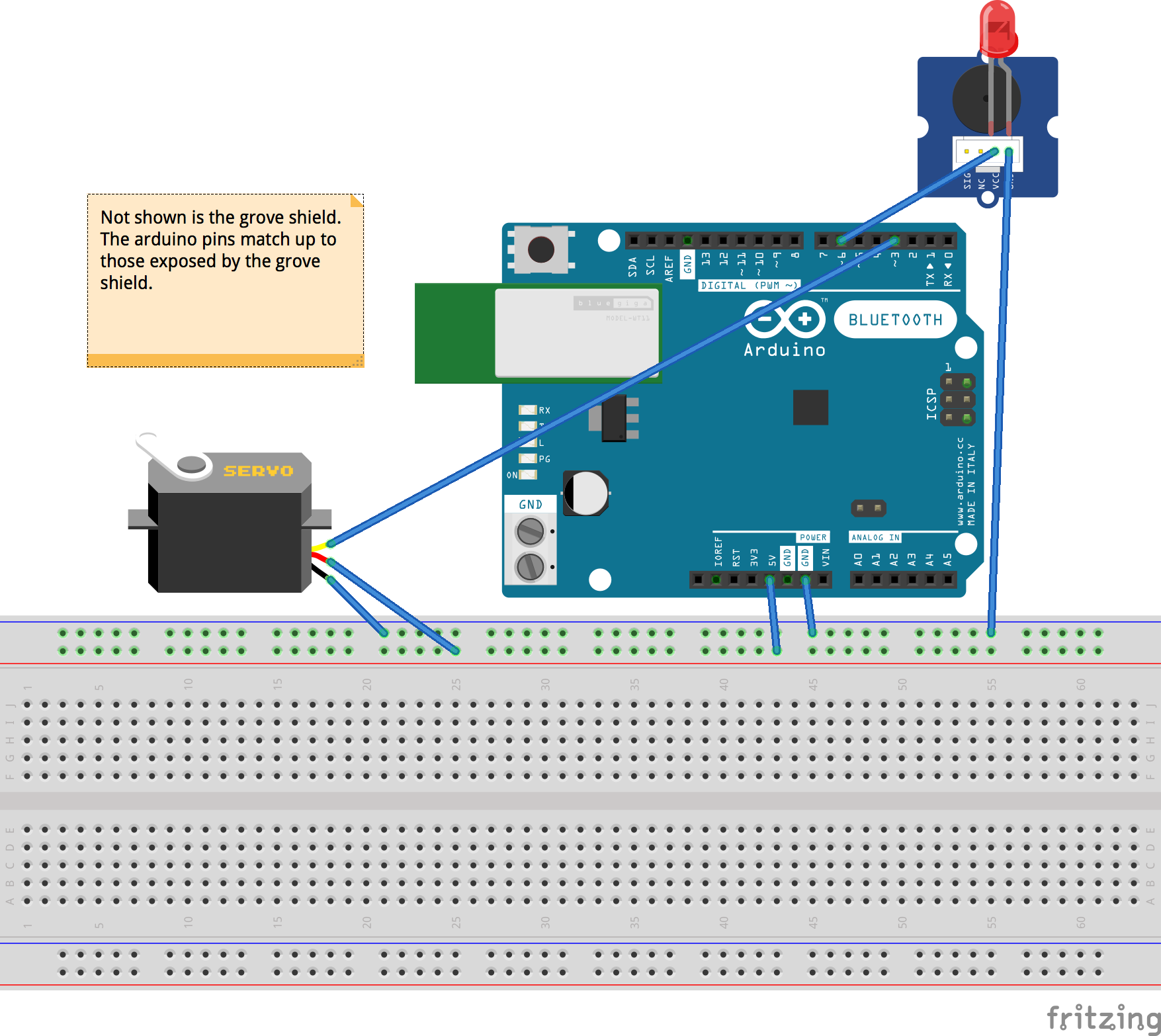
The kit features an Arduino 101, a grove base shield, grove led module, and a servo. Communication between the app and kit is done through the built-in Bluetooth capabilities of the 101. The app's interface feature a slider that controls servo angle and a button to toggle the bias light.
How we built it
Arduino 101 with Anaren Atmosphere and the Arduino IDE
Challenges we ran into
Troubleshooting PWM for servo actuation Bluetooth communication
Accomplishments that we're proud of
The easy to use cross-platform app that seamlessly controls the system. We are also very happy with the effectiveness of cutting glare by just adjusting the TV angle.
What we learned
Wireless communication takes patience and diligence
What's next for TV Starter Kit Plus (IoT Edition)
Change TV channels or settings from your smartphone (adding in classic TV remote functionality)

Log in or sign up for Devpost to join the conversation.