-
-
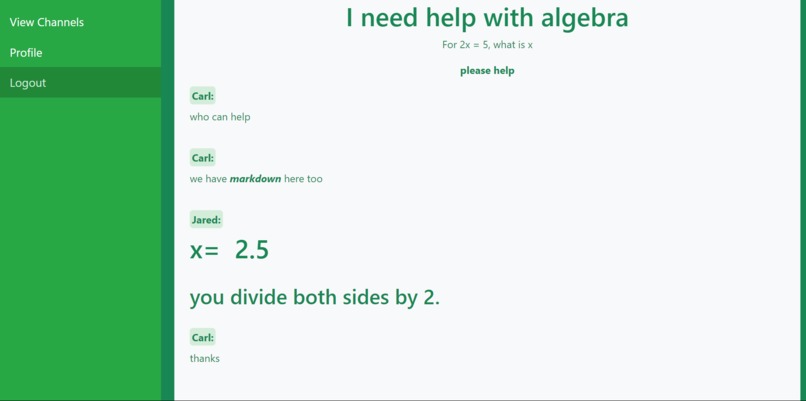
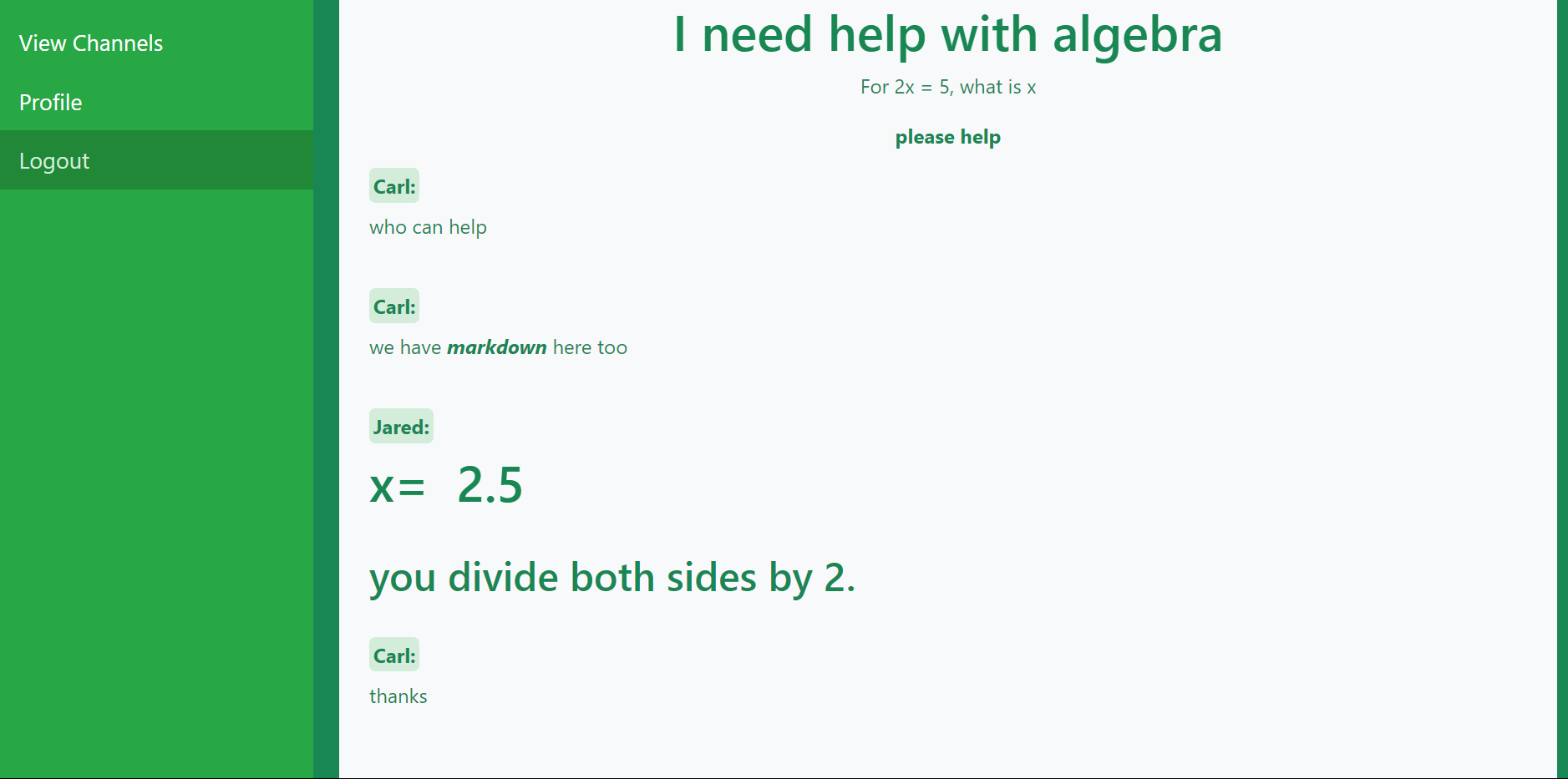
Live Chat Interface
-
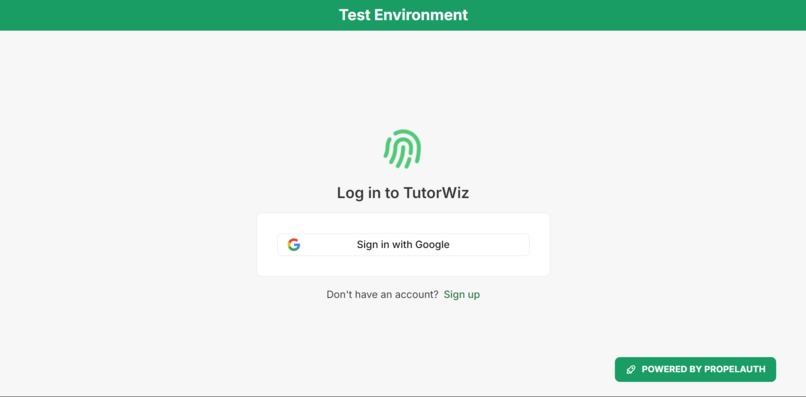
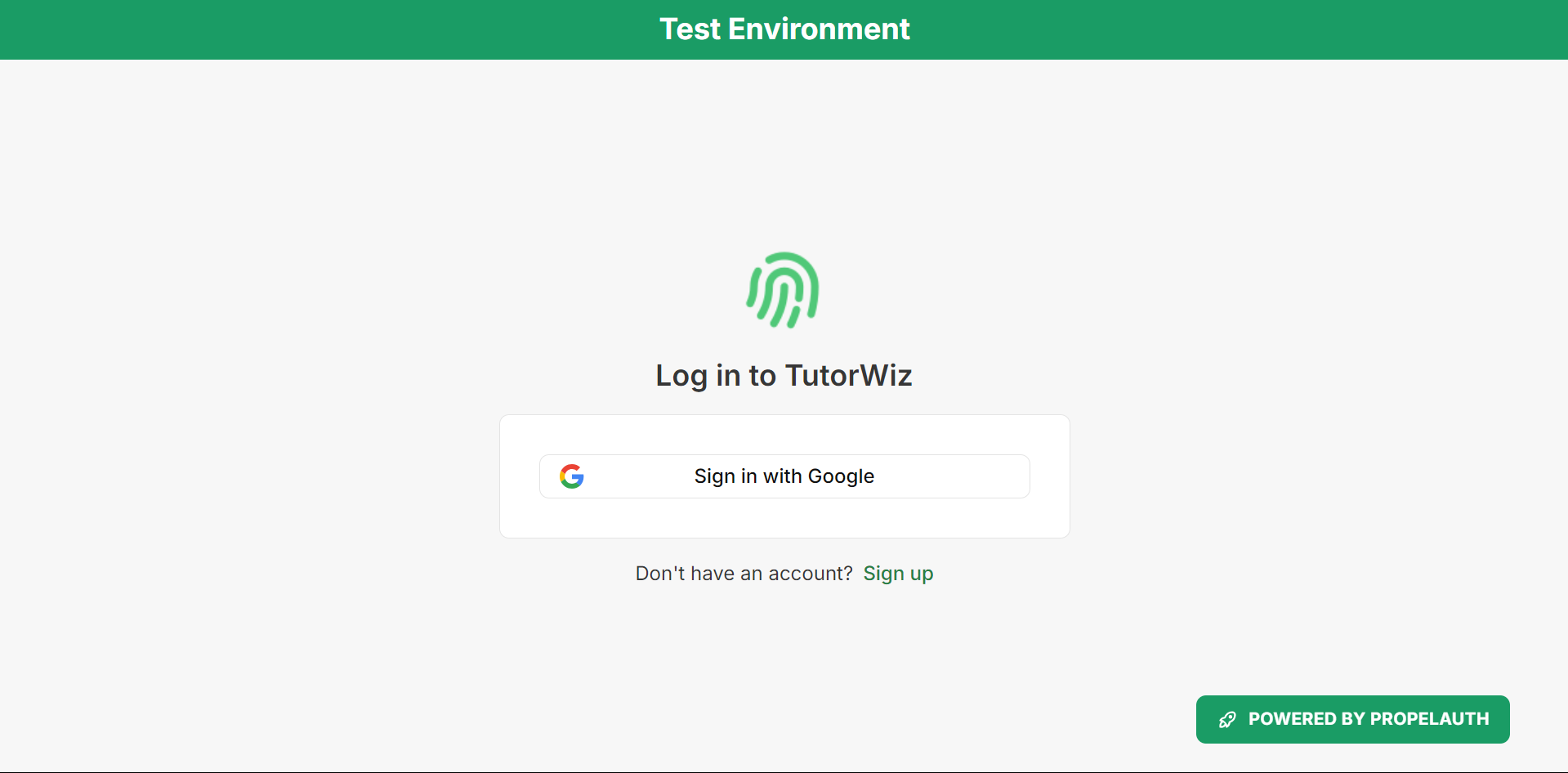
Login Interface
-
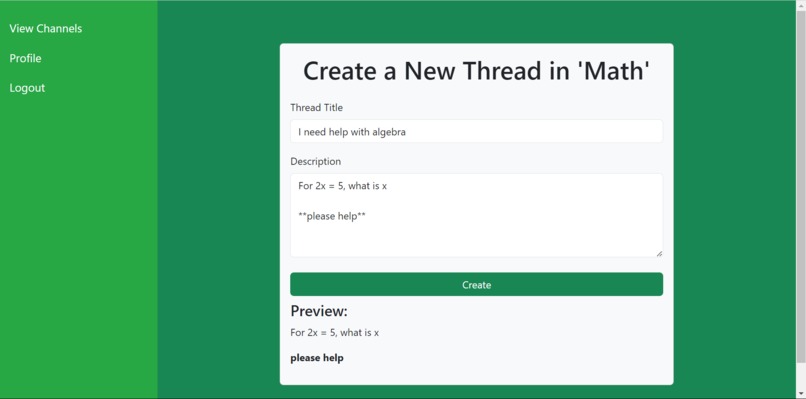
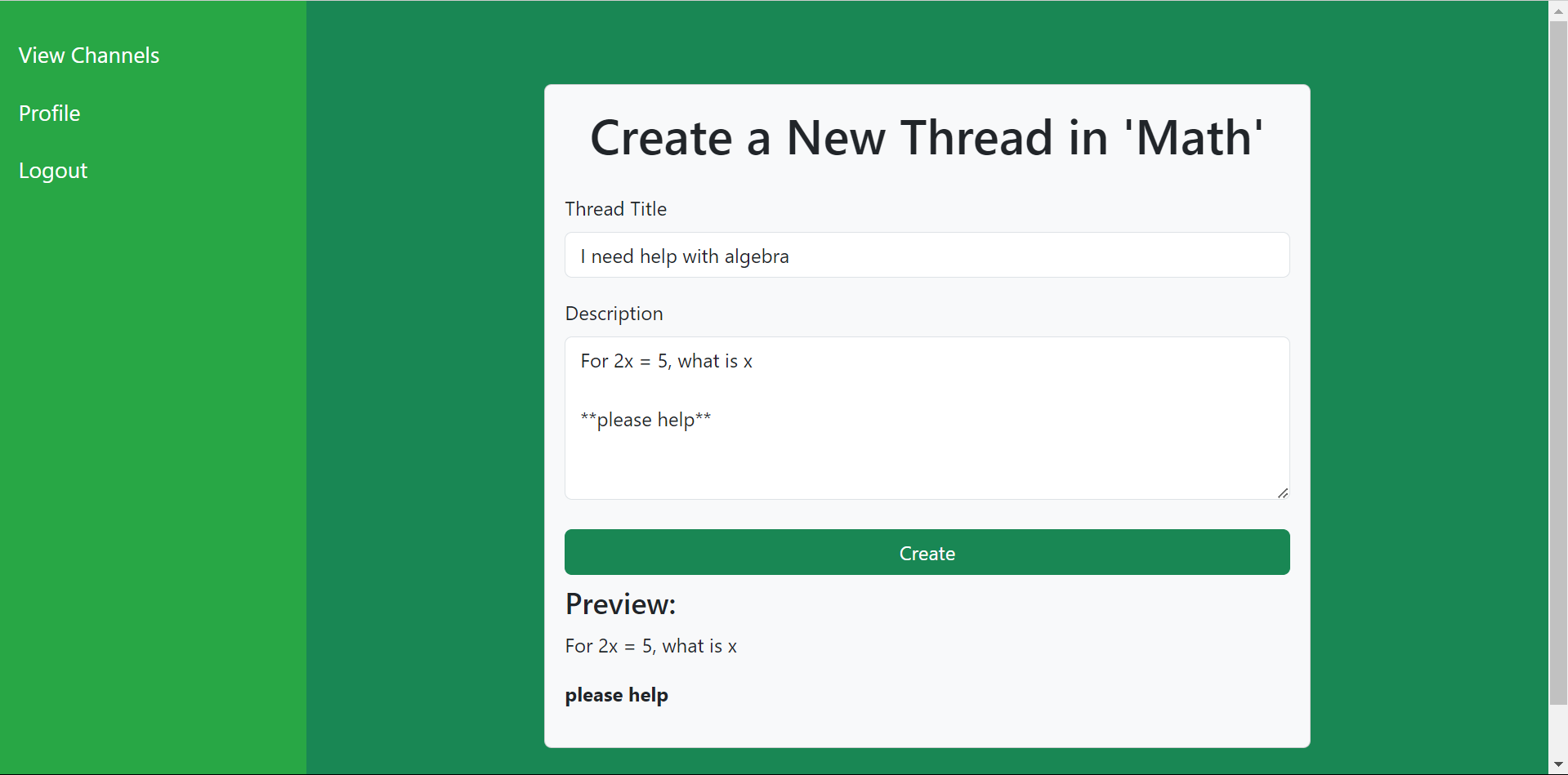
Creating A New Thread
-
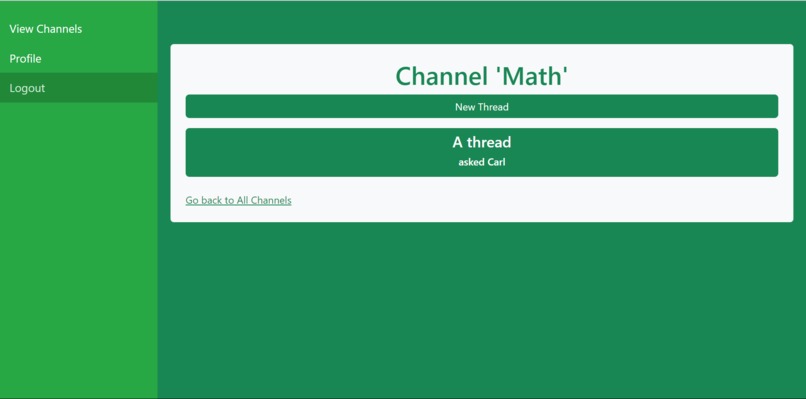
Viewing a Channel
-
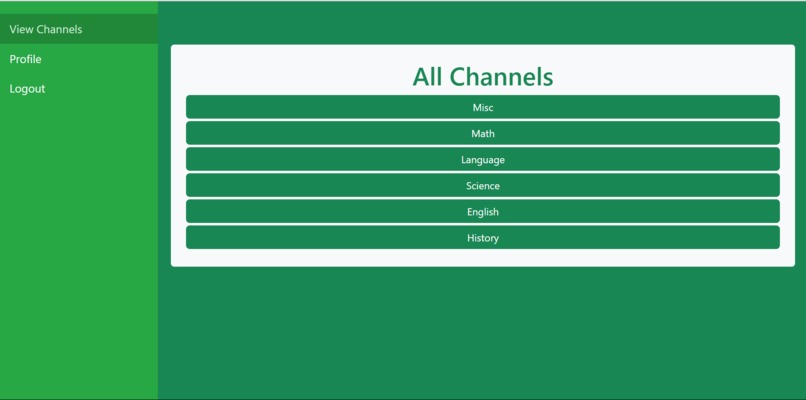
Viewing all Channels
-
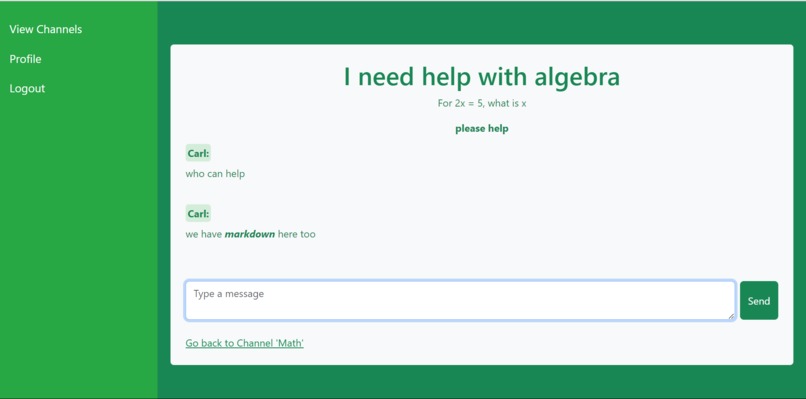
Markdown-enabled Live Chat
-
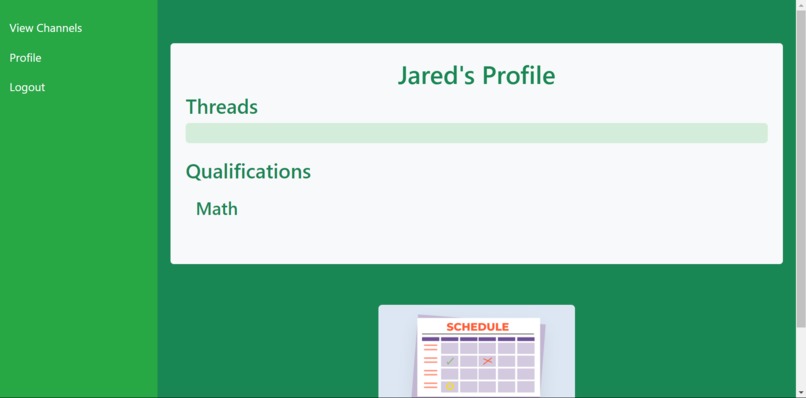
Other User's Profile
-
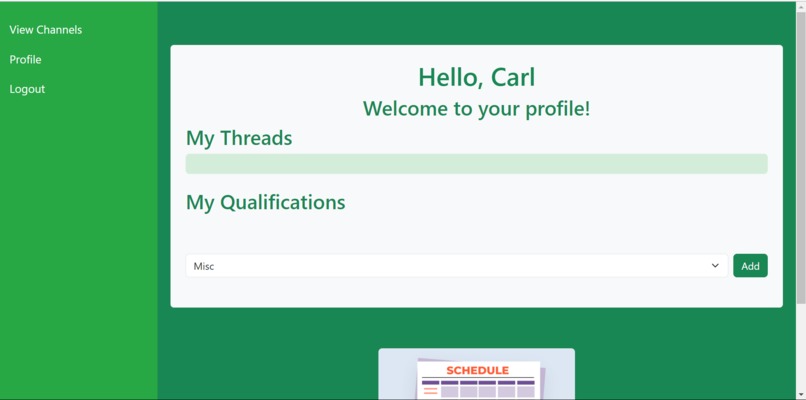
Our Profile
-
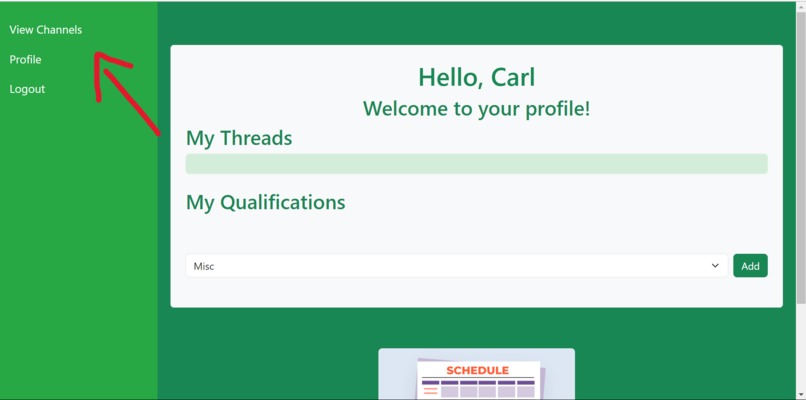
Navbar

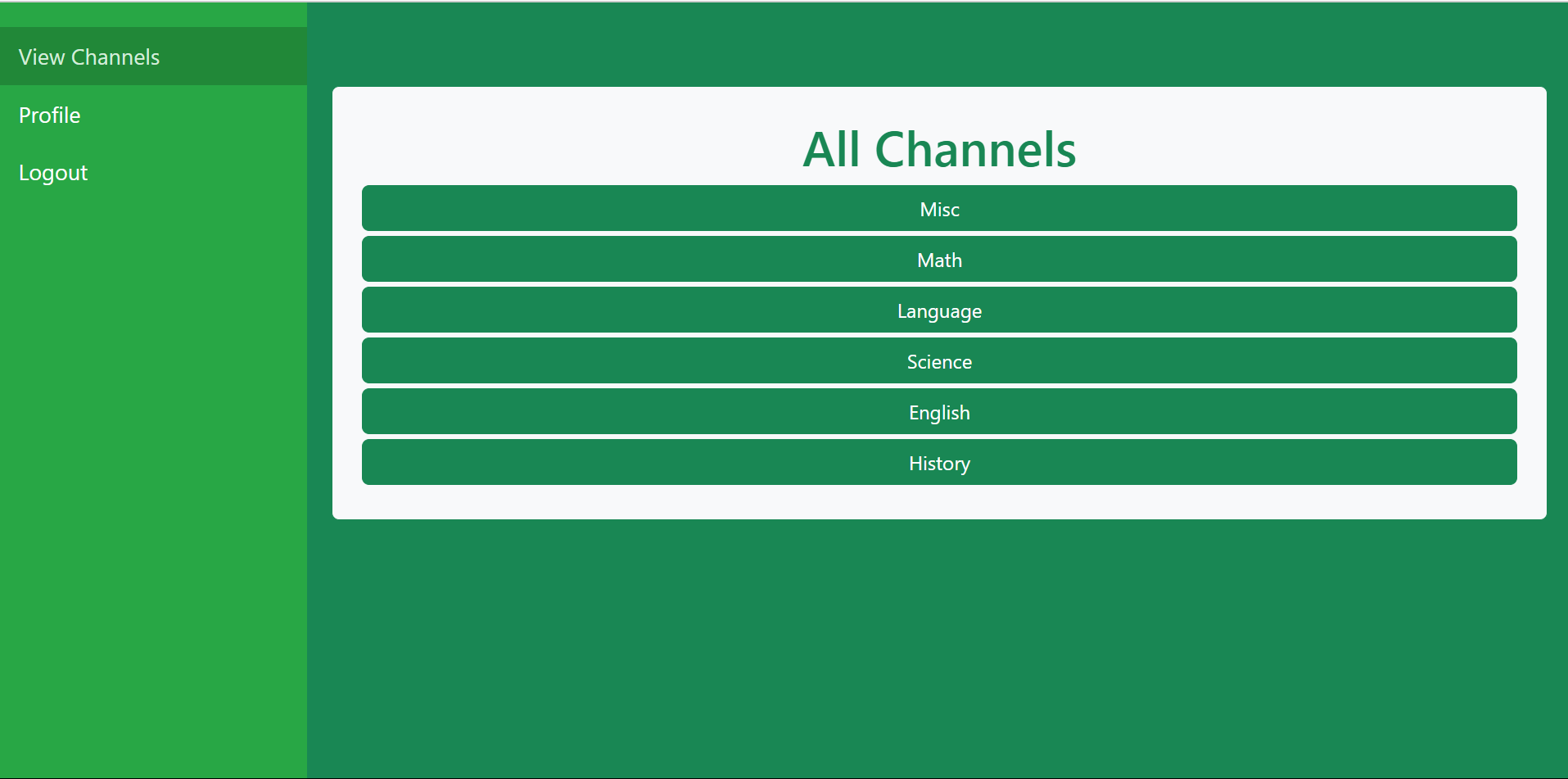
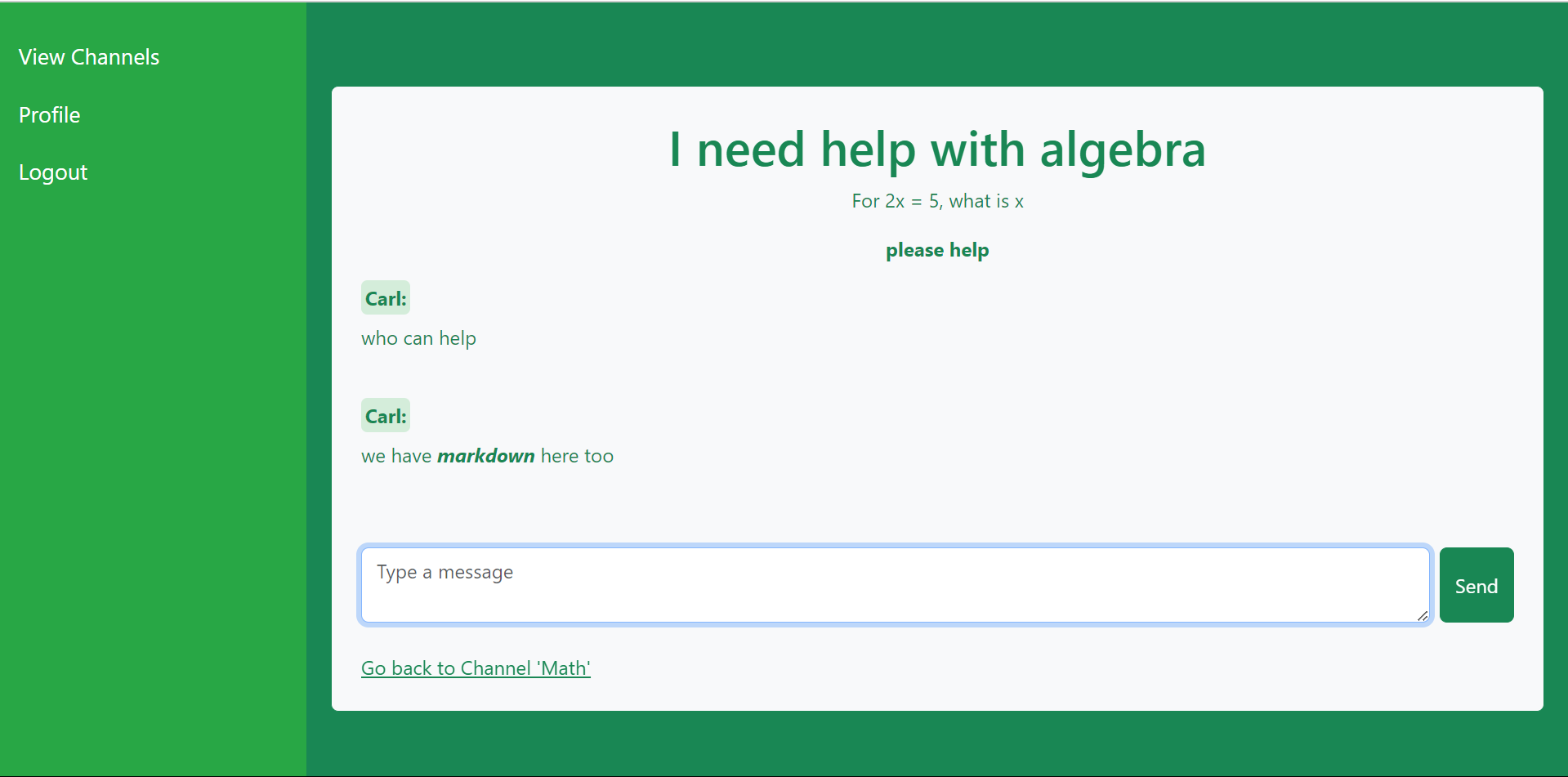

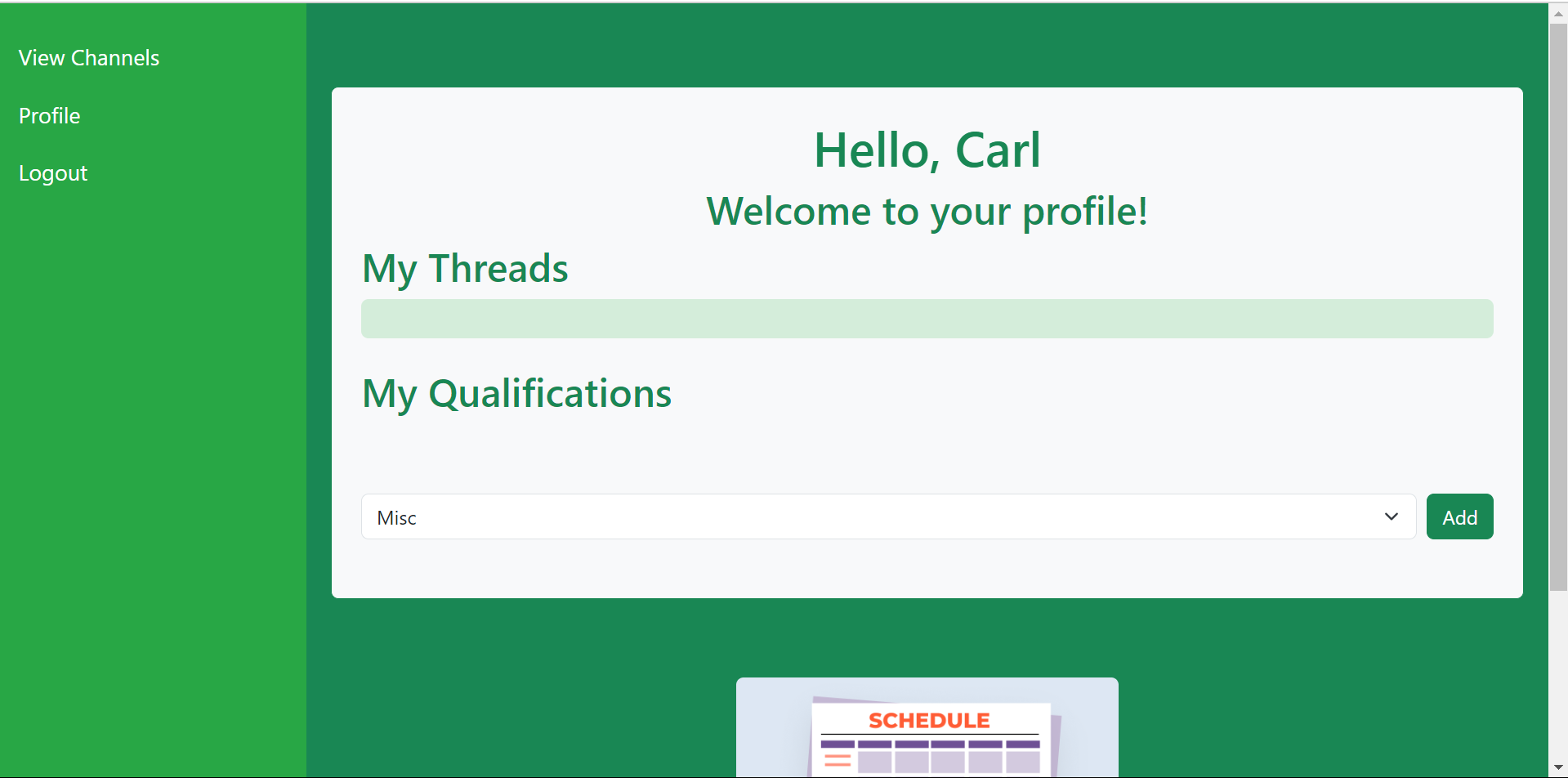
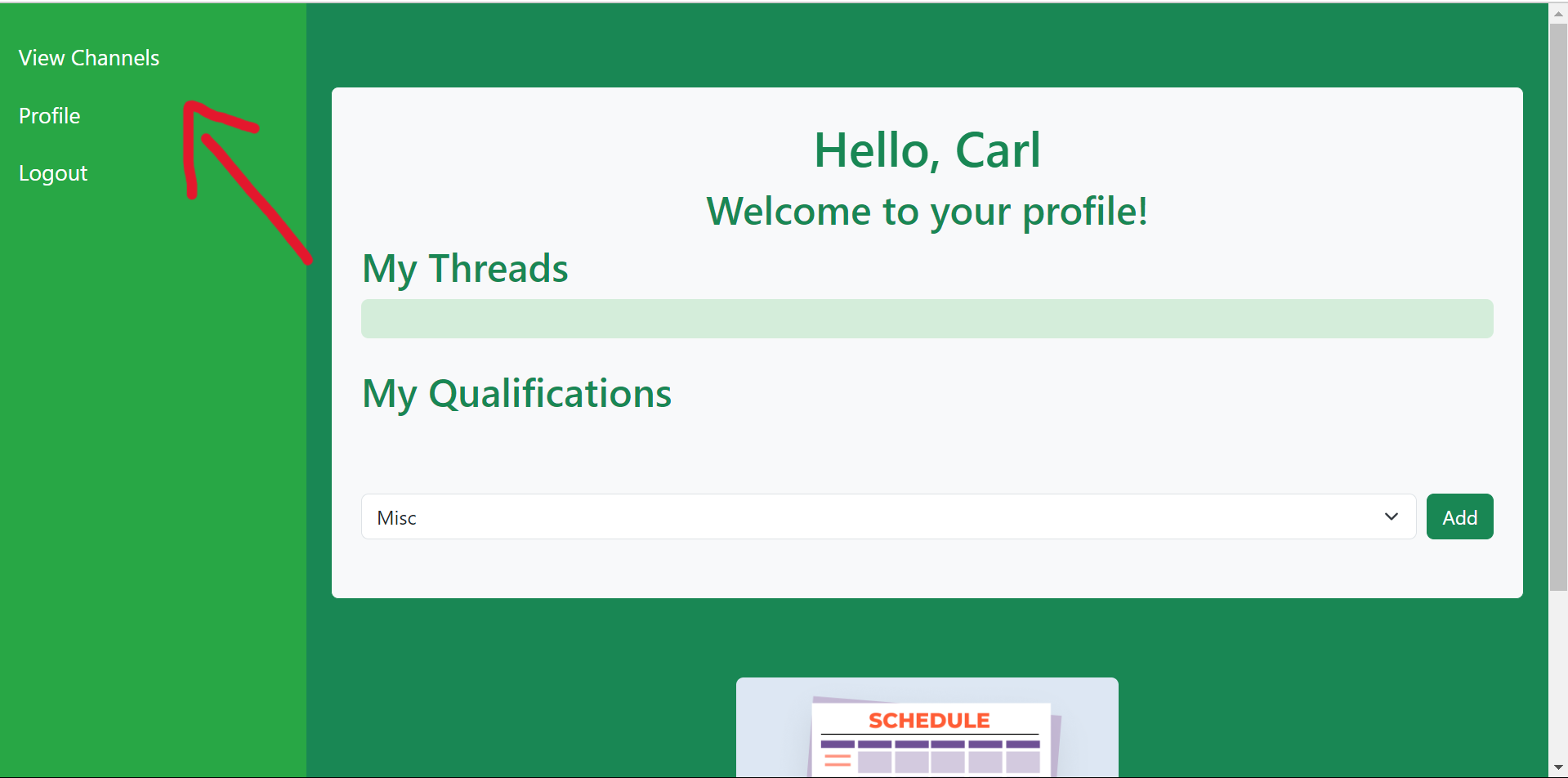
TutorWiz gives schools a solution to students needing additional help. On TutorWiz, students' questions are answered by verified student tutors or teachers. Others needing help can view the answers.
Inspiration
Both members of our team (Carl and Jared) go to the same school. At our school, the tutoring system is limited and it can be hard for many students, especially newer ones, to get the help that they need to succeed in their classes. Because of this, we created TutorWiz, which streamlines the tutoring process for educational institutions by allowing students to easily get help online outside of school hours.
What it does
TutorWiz has multiple functions, but the core function of TutorWiz is to allow students to ask academic questions online, outside of school hours, and have those questions be answered by someone from their school. In order to facilitate this, each school’s TutorWiz portal has a set of channels, which correspond to different subject areas like Math and Science. Within these channels, students can ask questions by opening up a message thread. Within this thread, they can ask their question and only verified tutors and teachers designated by the administration may respond in the live-chat environment. This is to ensure that students’ questions are being answered correctly by a verifiable source. Once a thread has been opened in a channel, other students from the school may view that thread and other old threads to get the answers to previously asked questions, thereby also reducing the workload on peer tutors and teachers because they will not have to answer duplicate questions as often.
How we built it
We used WebPy-Framework, a web framework designed by Carl as a flavor of the Python/WSGI Flask web framework, to run the core web server supporting TutorWiz. We store all message, thread, channel, user, and other information in a SQLite database which we interface into through SQLAlchemy. In order to integrate Google OAuth into the application, we used PropelAuth for authentication. We deployed the project to the web & made it publicly available to test & try out via Render.
Challenges we ran into
One of the challenges that we ran into was that this was Jared’s first hackathon and first time working with WebPy-Framework and the specific tech stack that we used for this application. As a result, we were constantly learning while working. Although this presented a challenge for us, I think that we learned quite a bit in developing this application and we still got it to function in the end.
Another challenge included PropelAuth integration. At first, we weren’t sure how to exactly integrate PropelAuth into our application, and we kept running into 403 Forbidden errors. After much trial and error, we finally figured out that we had to have PropelAuth make our API requests to the backend authenticated, and we needed to set up authentication clients on both the frontend and backend.
The last major challenge that we faced was styling the application. After implementing all the core functionality of the application, we had to style it with CSS so that it was more user friendly and appealing to the user. In the past, styling has not been any of our strong suits, so we were worried whether we would finish the project in time or not. However, remembering the theme of the hackathon, we turned to ChatGPT as a final resort in helping to finish the application. We soon discovered how to fine-tune our prompts to get it to style the site the way we wanted to, and with a few manual finishing touches of our own, we were able to get the site styled in record time. This allowed us to add additional functionality to the application.
Accomplishments that we're proud of
We are proud that the application has a clean UI and is user-friendly, but also that it is simplistic and is not confusing to the user.
We are also proud that we were able to integrate so many technologies into the project even though it was our first time working with some of these technologies. Since we were able to integrate so much into the project, we were able to provide helpful user convenience features that improved UX, like being able to sign in with a Google account, having chat messages update live, and allowing users to use Markdown to enrich their chat messages with styled text and images.
What we learned
Carl - I learned how to easily integrate Markdown into web applications and how to integrate technologies like PropelAuth into my tech stack with technologies that I already know and use. I also learned how to harness the power of generative AI to my advantage, using the right prompts to automate simple tasks so I don’t have to waste time on them.
Jared - The creation of TutorWiz, being the first application that I have ever worked on, taught me the process of planning projects, and creating pieces to put together. I have also learned how to use tools like OpenAI’s ChatGPT, and learned how to synergize with my teammate to make the best possible application for the time given.
What's next for TutorWiz
We’ve already started working on the next set of features for TutorWiz, although they are not complete yet. These features include being able to start a video call within a thread instead of text-based messaging between students and tutors, which will then be recorded and posted as a video so other students can use the material as help. Another feature of TutorWiz that is coming soon is schedules, where tutors and teachers will be able to post their in-school schedules on their profile so that other students on the platform will be able to book meetings with them through TutorWiz. This will allow students to have dedicated teaching time in-person that helps them understand the concept if they don’t believe that opening a thread or video call will help them.
Documentation can be found on our GitHub Repository.
Built With
- bootstrap
- markdown-it
- propelauth
- python
- render
- socket.io
- sqlalchemy
- sqlite
- webpy-framework


Log in or sign up for Devpost to join the conversation.