-
-
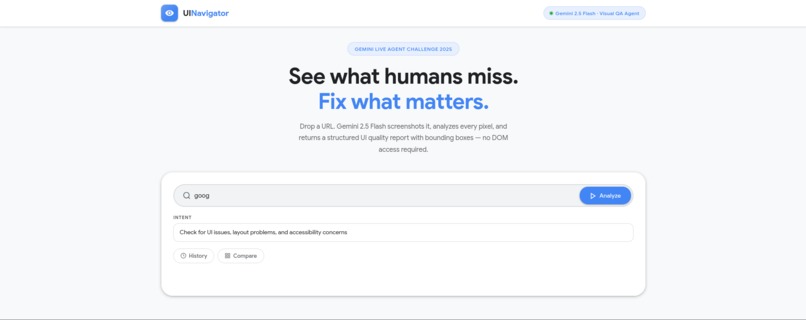
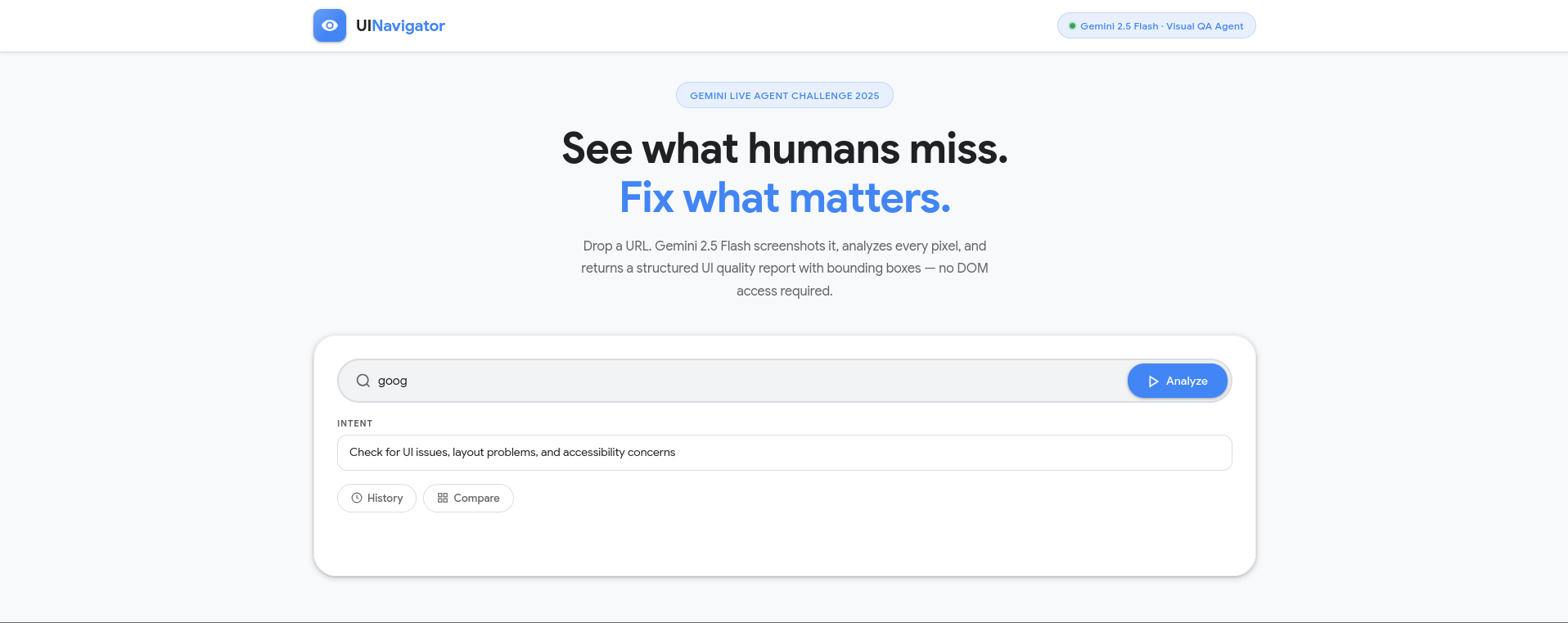
Interface
Every QA engineer has faced this moment the test suite passes, you ship, and then a user reports that a button is invisible, a text is truncated, or a form looks disabled when it is not.
Selenium passed. The user failed.
That gap between what the code says and what the user actually sees is what inspired UINavigator.
What it does
UINavigator is a Visual QA Agent that analyzes any web page using Gemini 2.5 Flash multimodal vision. No DOM access. No HTML parsing. Just a screenshot and pure visual intelligence.
The agent takes a full-page screenshot with Playwright, sends it to Gemini 2.5 Flash, and returns a strictly structured report containing:
- Detected issues with exact screen coordinates
[ymin, xmin, ymax, xmax] - Executable next actions spatially located on the screenshot
- An overall UI quality score out of 100
- Accessibility recommendations
Tested on real websites:
- Google.com scored 95/100 2 issues detected including a Wolof language link visibility problem and the Google Apps launcher affordance
- X.com scored 85/100 10 issues detected including contrast problems and accessibility violations
How I built it
The stack is built on three layers.
The frontend uses Material Design Google white background, the four Google colors, clean and focused. Bounding boxes are drawn directly on the screenshot in the browser red for issues, blue for executable actions.
The backend is a FastAPI application on Python 3.13. Playwright captures full-page screenshots using headless Chromium. The screenshot is sent to Gemini 2.5 Flash via the Google GenAI SDK.
The agent layer uses Pydantic structured outputs with response_schema
and response_mime_type="application/json" to force a strict JSON schema
every time score, issues, next actions, recommendations
with temperature=0.1 for maximum precision.
The infrastructure is fully defined with Terraform Cloud Run, Cloud Storage, Secret Manager, and Artifact Registry. One command deploys the entire stack.
Challenges I ran into
The hardest technical challenge was enforcing structured outputs reliably.
Early versions of the agent returned valid JSON most of the time
but most of the time is not good enough for a QA tool.
Switching to Pydantic with response_schema eliminated parsing failures entirely.
The second challenge was Playwright inside Docker. Chromium headless requires a precise set of system dependencies that fail silently if missing. Getting the container to launch, capture a full-page screenshot, and return without timeout required careful Dockerfile configuration.
Accomplishments that I'm proud of
- Pure visual QA with zero DOM access Gemini sees what users see
- Executable bounding box actions not just observations but precise coordinates
- Strictly typed JSON output via Pydantic reliable at scale
- Complete IaC with Terraform production-ready infrastructure in one command
- Built and shipped in one week
What I learned
Gemini 2.5 Flash spatial understanding is genuinely powerful for UI analysis. The model does not just describe what it sees it locates it precisely on screen. Combined with Pydantic structured outputs, this becomes a reliable and repeatable QA pipeline.
What's next for UINavigator
The natural next step is multi-step navigation giving the agent the ability to execute the actions it recommends, take a new screenshot after each action, and iterate until the QA session is complete. The bounding box infrastructure is already there. The loop just needs to be closed.
Built With
- docker
- fastapi
- gemini-2.5-flash
- google-artifact-registry
- google-cloud
- google-cloud-run
- google-genai-sdk
- google-secret-manager
- html
- javascript
- playwright
- pydantic
- python
- terraform
- weasyprint

Log in or sign up for Devpost to join the conversation.