-
-
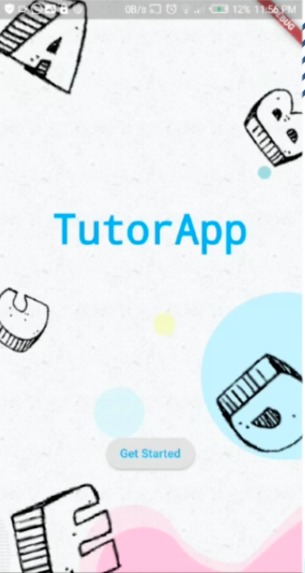
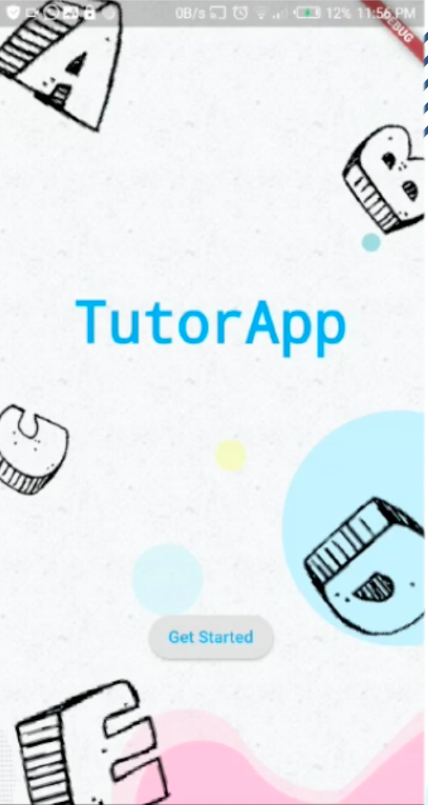
Simple UI/UX
-
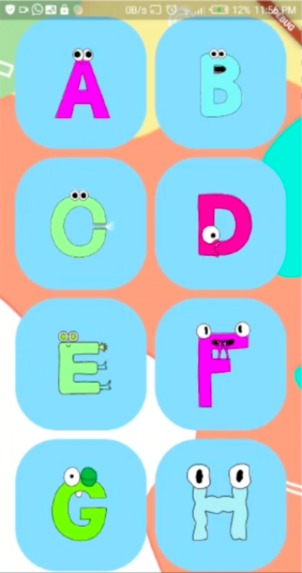
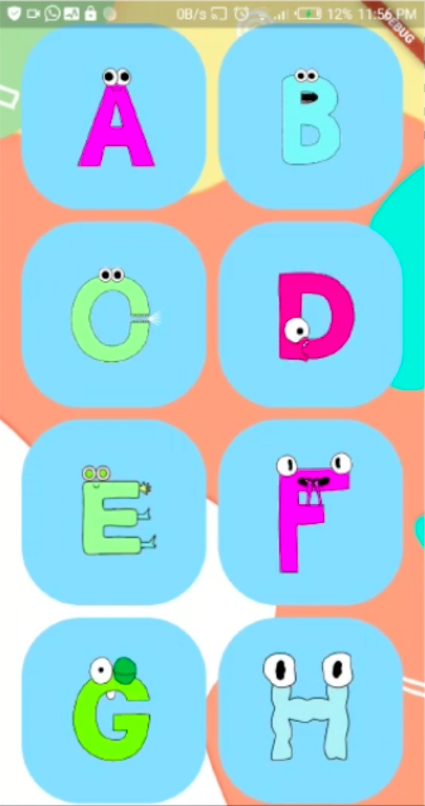
Childish look to encourage the children to use it
-
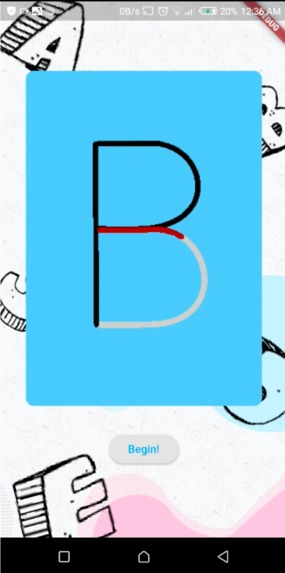
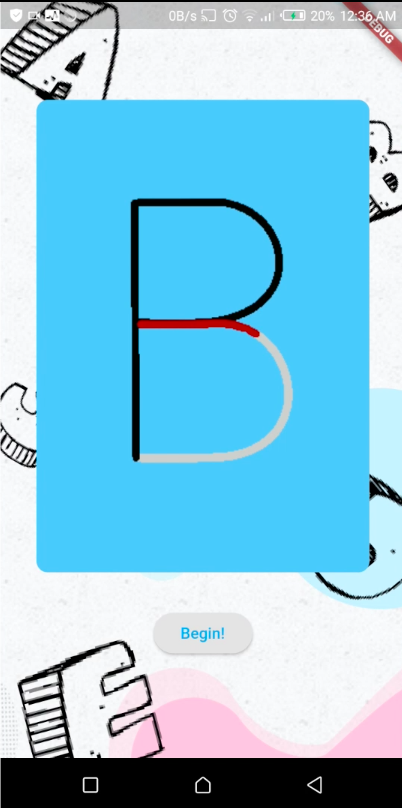
Shows users how to draw each letter
-
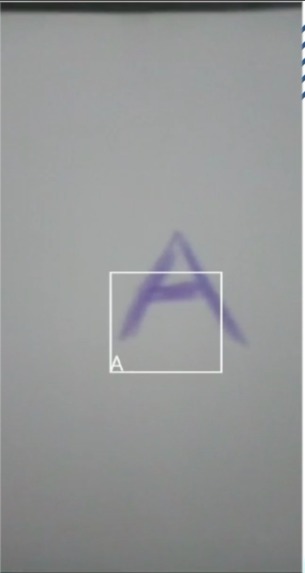
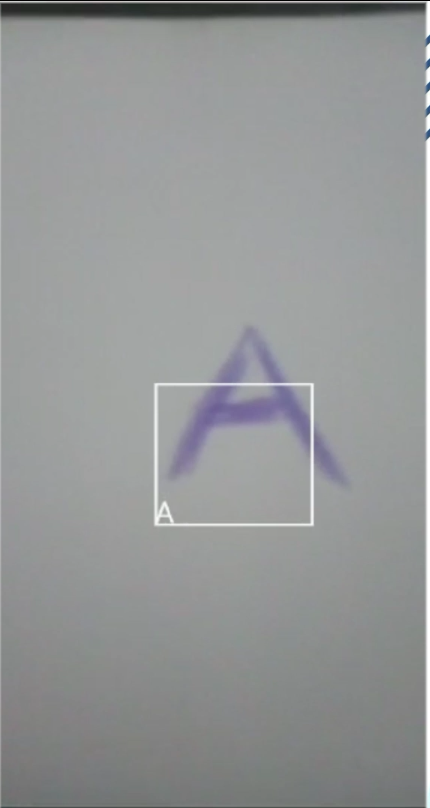
Uses advantage of inbuilt scanner to scan the letters
Inspiration
I have been reading a lot of articles that have highlighted the effect that technology has on the motor capabilities of the hand. Toddlers are struggling to hold pencils properly and I decided that I should code something that help toddlers hold a pencil and teach them how to write alphabets. This will give them a foundation to their basic education at a very early age! The app helps them transition from the tech world to more physical world with paper and pens.
What it does
The app basically lets you chose an alphabet and then shows you how to write/draw the alphabet. After you draw it, you can scan it and the app will detect if you did it right or not. The app aims to challenge toddlers into attempting to learn alphabets. There are multiple animatic, cartoonish-looking alphabets to chose from and tutorials are slow and repeating so that the toddlers can easily follow without struggling.
How I built it
I used the google UI tool kit, flutter. I also used dart to code the back end and the interface as a whole. The app works on android OS and is in apk format. I had to use multiple plugins and import them to my .yaml file such as camera. The assets I had were all fair use and saved locally in my assets folder. I had to import them through my .yaml as well.
Challenges I ran into
Android is a very tricky ecosystem to work. I soon learnt that a lot of settings had to be tweaked to make certain lines of code work. Also, I had to update multiple files to make sure that my API number is high enough to run the code I needed it run. The app was also quite unstable at first and I had to code on_exception and other types of code to stop it from crashing and running into dead ends all the time. I also faced a lot of problems from the app permission and how to configure my androidmaniest.xml file.
Accomplishments that I'm proud of // What I learned
This is the first time I have completely a hackathon alone and I am very proud! My understanding of android, dart and flutter also significantly increased. This app particularly thought me on how to sync the front end to the back end effectively and limit the amount of processes happening at one time so that the app can run smoothly.
What's next for TutorOne
I will be updating the app frequently to make sure the app is optimized and will also pursue many other features. I want to add more key features into the app such as:
- Numbers
- Reward System
- Tutorials detailing how to hold a pencil.


Log in or sign up for Devpost to join the conversation.