Inspiration
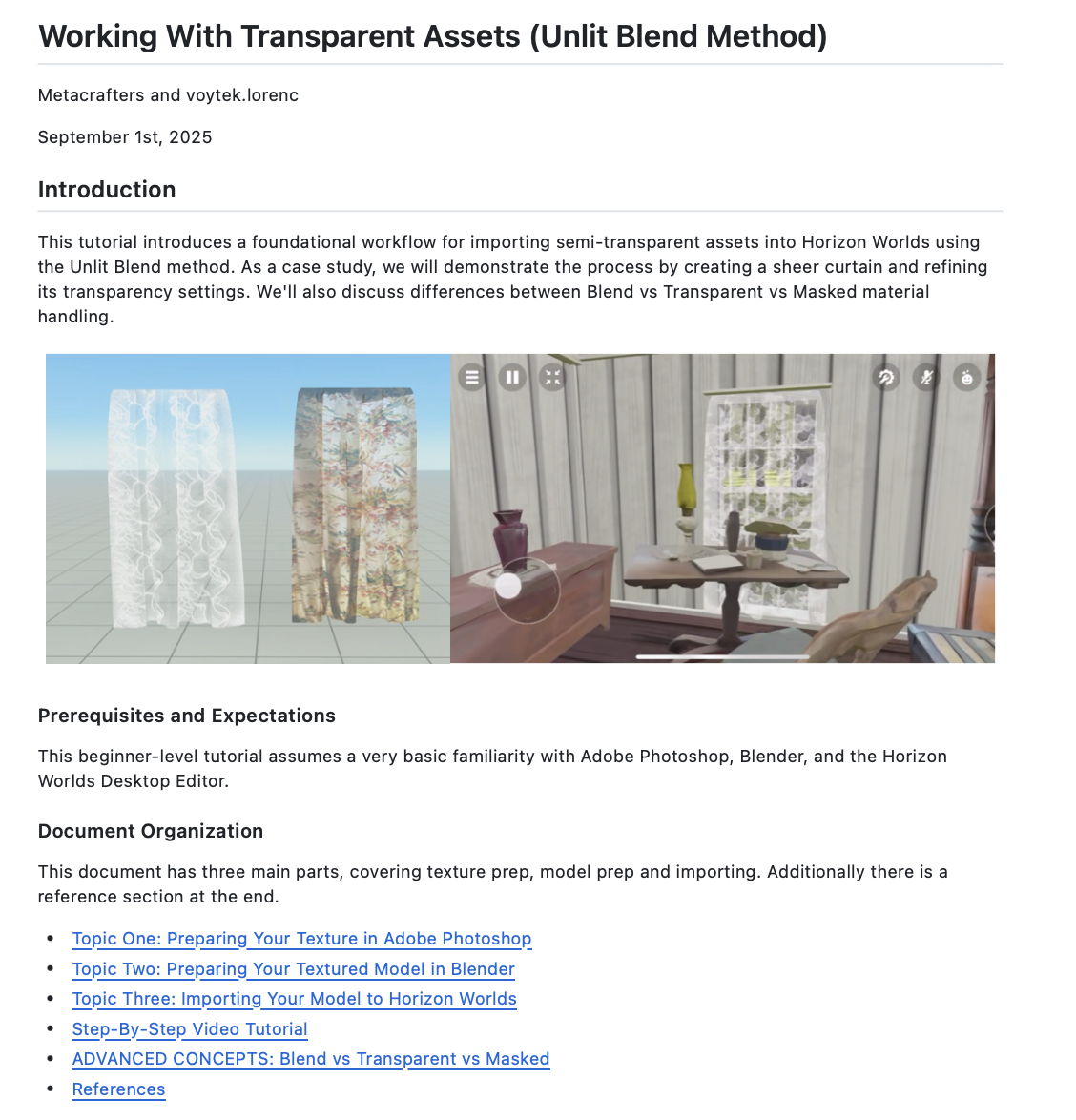
While collaborating with the Sam Houston Memorial Museum and the Texas Presidential Library to bring the history of Sam Houston into Horizon Worlds, we identified a need for creating visually appealing sheer curtains within the platform. This project sparked our investigation into a reliable workflow for semi-transparent assets, which we now aim to share with the Horizon community.
What it does
This tutorial provides a step-by-step guide for importing semi-transparent assets into Horizon Worlds, using a sheer curtain as an example. It covers the complete workflow from texture creation to in-world implementation, organized into three stages: 1. Texture Preparation (Photoshop): Create a 2K texture, add an image, adjust opacity to achieve the desired transparency, and export as a transparent PNG (MATERIAL_BA.png). 2. Model Preparation (Blender): Apply the texture to a 3D model, ensure proper UV mapping, and name the material correctly (e.g., ending with _Blend). Export the model as an FBX file with the appropriate settings. 3. Importing to Horizon Worlds: Upload the FBX and PNG files into the Horizon Worlds Desktop Editor, place the asset in your world, and refine the texture opacity as needed.
The tutorial also covers advanced transparency concepts, comparing Blended (Unlit), Transparent, and Masked materials, including naming conventions, lighting behavior, and alpha channel effects. This workflow enables creators to produce visually accurate semi-transparent objects while understanding material trade-offs in Horizon Worlds.
How we built it
We leveraged video recording and editing, screen capture, screenshot annotation, and GitHub Markdown to produce this tutorial.
Challenges we ran into
Navigating GitHub pull requests was a steep learning curve, as this was a new process for us.
Accomplishments that we're proud of
We successfully created a tutorial that is accessible to beginners while also addressing advanced concepts for experienced creators.
What we learned
We gained hands-on experience with new GitHub tools and workflow techniques.
What's next for TUTORIAL: Working with Transparent Assets in Horizon Worlds
We plan to create additional tutorials and continue sharing the knowledge we are developing with the Horizon community.


Log in or sign up for Devpost to join the conversation.