-
-
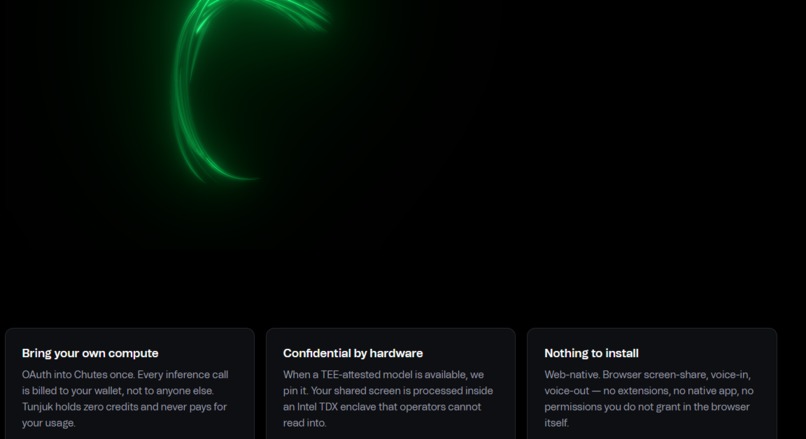
Frontend
-
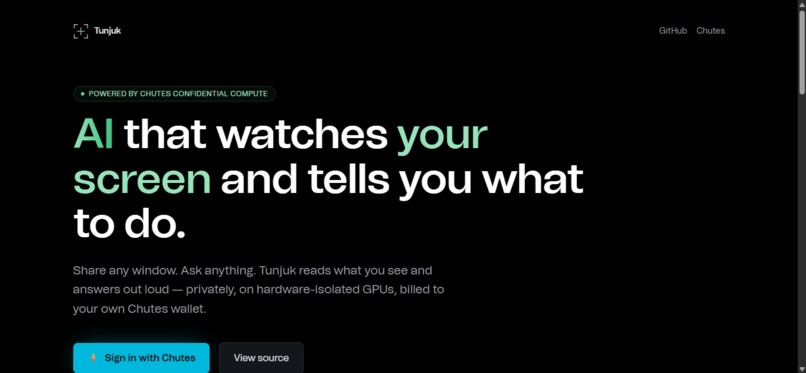
Frontend
-
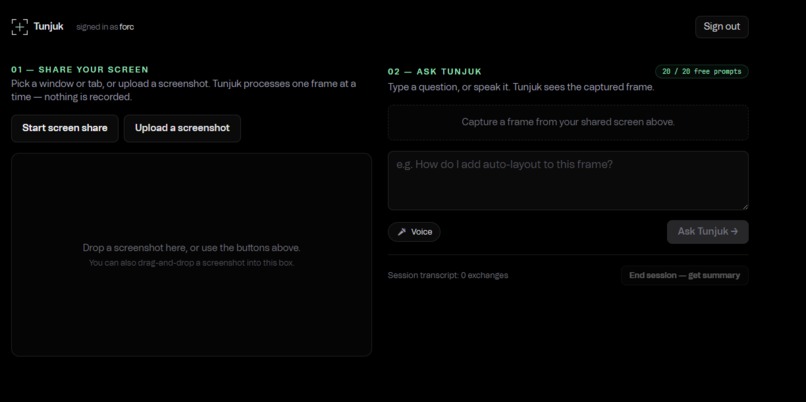
After logging in w chutes
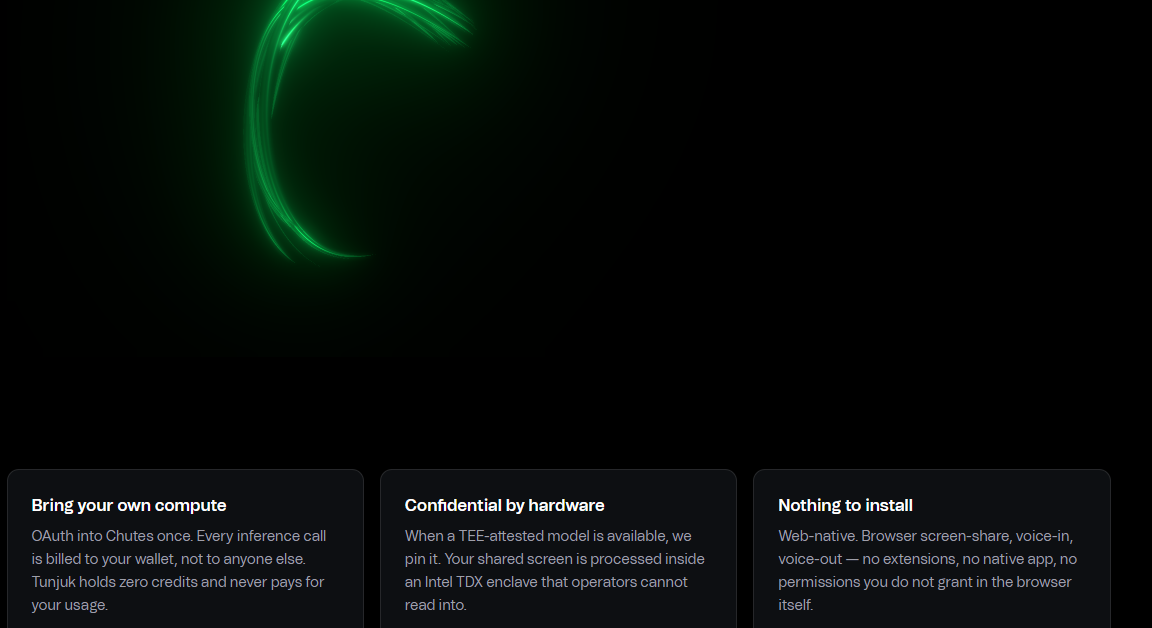
Inspiration
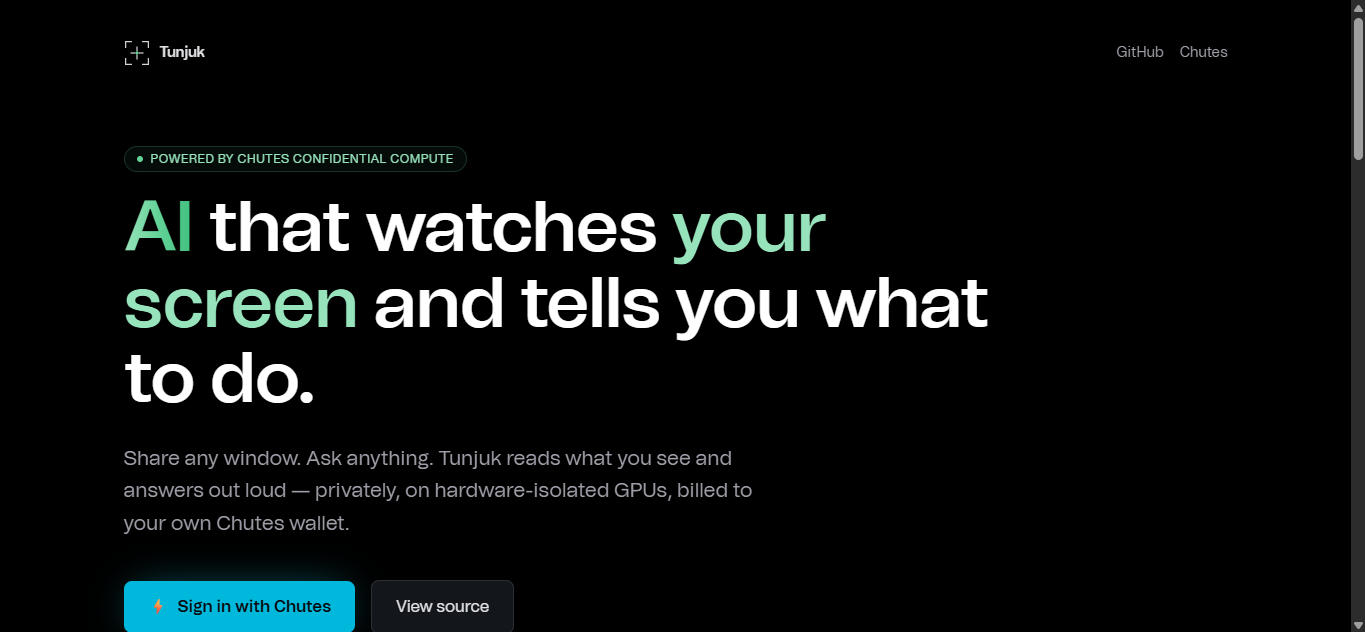
Every day, people get stuck on their own screens. A design student can't find Figma's auto-layout button. A new hire spends a week hunting through an unfamiliar CRM. A parent fills the wrong field on a tax portal and starts over. The AI screen tutors that exist today fix this by forcing you into a native desktop app, a vendor subscription, or both, and the vendor pays the AI bill, so the free tier shrinks every quarter.
Tunjuk ("show / point" in Bahasa Malaysia) was built to take the opposite stance: browser-native, no install, and every user pays for their own inference through Sign in with Chutes. The project itself holds zero credits. The economics scale to infinite users at zero ongoing cost.
What it does
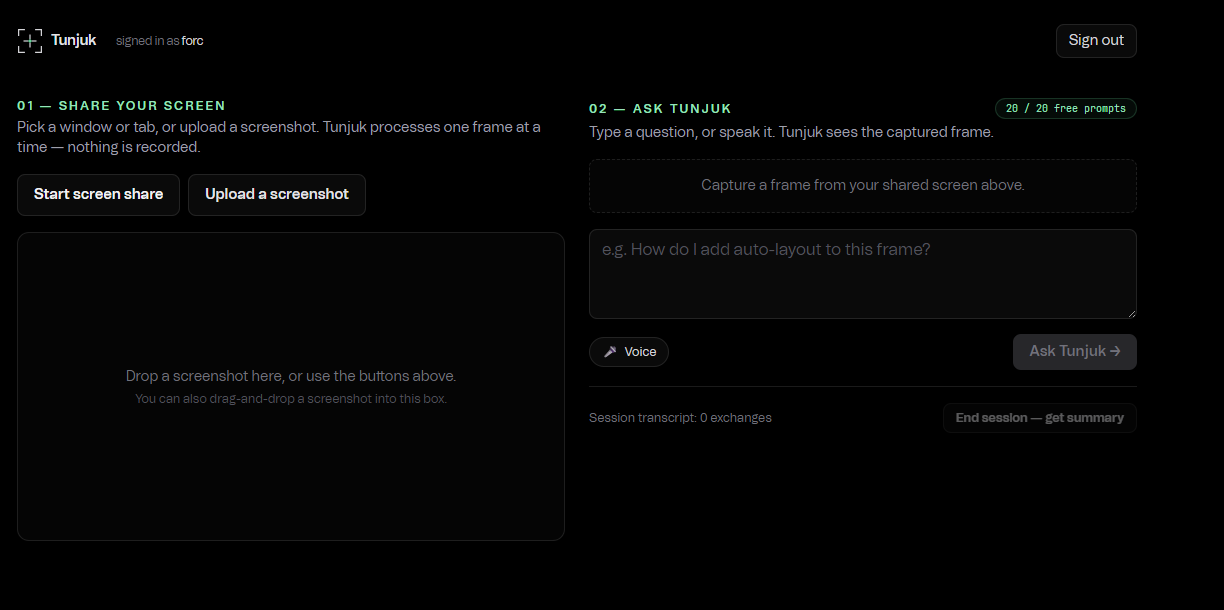
Open any window in your browser — a tab, an app, your whole screen — and ask Tunjuk any question about it, by voice or text. Tunjuk captures a single frame, sends it to a Chutes vision model, and streams an answer back. After the answer finishes, a second model pass returns bounding-box coordinates for the UI elements the answer is pointing at, which Tunjuk renders as labeled cyan boxes on the captured frame. A Document Picture-in-Picture floating panel follows you across tabs so you can read the answer while doing the task.
Every response carries:
- The model id Tunjuk picked (verifiable on the Chutes catalog)
- A Confidential Compute badge when the chosen model runs inside an Intel TDX enclave
- Time-to-first-byte and total stream duration
- A persistence badge proving no user data is stored
How we built it
Tunjuk is a single Next.js 16 App Router app deployed to Vercel.
Sign in with Chutes is the unlock. The /api/auth/login route starts a PKCE OAuth flow scoped to chutes:invoke, the callback exchanges the code, and the access token is sealed inside an AES-GCM HTTP-only cookie. Every inference call forwards that bearer token to Chutes — so the user's wallet, not ours, pays for every prompt.
The vision picker (/api/ask) queries /v1/models on Chutes, filters by input_modalities: ["image"], and biases toward confidential_compute: true or any model id with a -TEE suffix. The picked model id is returned to the client on every response in an X-Tunjuk-Model header. Answers stream from /v1/chat/completions via Server-Sent Events.
The annotation overlay is a second, non-streaming call that prompts the vision model for strict JSON output ({"annotations":[{"x":0.32,"y":0.18,"w":0.08,"h":0.04,"label":"Settings"}]} in fractional coordinates), parses it with hard validation, and renders an SVG overlay on top of the captured screenshot. If the JSON is invalid or the model is uncertain, the panel just doesn't appear — the prose answer is never broken.
The demo tier (/api/quota, Upstash Redis via Vercel Marketplace) gives every new signed-in user 20 free prompts sponsored by a project-owned Chutes key. When a user's own wallet returns a 402 / "insufficient balance", the route automatically retries with the demo key, increments a per-user counter in Redis, and surfaces a top-up link when the allowance is exhausted.
The floating panel uses the Document Picture-in-Picture API. The Ask button's click activates the panel automatically so users can switch tabs while the answer streams. During screen capture, the PiP body is briefly hidden so it doesn't appear in the captured frame.
Brand & UI: pure-black canvas, Chutes brand green #63d297, Power Grotesk display + Tomato Grotesk body, a custom viewfinder reticle logo. UI direction contributed by Aariz Sajan.
Challenges we ran into
- Document Picture-in-Picture user-activation: the API only accepts
requestWindow()within ~5 seconds of a user gesture. Auto-floating on tab-change can't be guaranteed, so we trigger PiP open on the Ask click instead — the panel is already there when the user switches away. - Light-mode browser rendering: the global CSS flipped to a white background under
prefers-color-scheme: light, making white-on-X text invisible. Fixed by forcingcolor-scheme: darkand pinning the canvas regardless of OS preference. - Vercel-Upstash env var names: the Marketplace integration injects names like
UPSTASH_REDIS_KV_REST_API_URL(with_KV_REST_API_in the middle), not what we hardcoded. Made the env resolver check five fallback patterns so it works regardless of the integration prefix. - motion/react incompatibility: every component wrapped in scroll-triggered reveals stayed at
opacity:0on Next 16 / React 19 — the runtime never transitioned. Stripped motion entirely and replaced with plain CSS where needed. - Vision model coordinate accuracy: bounding boxes from current Chutes vision models are useful but not pixel-perfect. We mitigated by validating every coordinate stays in
[0,1], capping at 3 annotations per answer, and silently dropping the panel when the model returns nothing high-confidence. - Capture excludes the floating panel: when sharing the whole screen, the PiP overlay was getting captured. Solved by briefly setting the PiP body to
visibility: hiddenfor one repaint cycle arounddrawImage.
Accomplishments that we're proud of
- A live, working end-to-end app deployed in days, not weeks
- Real Chutes TEE attestation surfaced honestly — including a caveat that it proves environment, not correctness
- A sponsored 20-prompt demo tier that preserves the BYO-compute pitch (no free-tier-forever subsidy, just enough for first-time users to try)
- Annotation overlay built from scratch — model returns structured JSON, browser renders SVG over the live screenshot
- Zero database, zero logs, zero persisted user data — sessions live entirely in an encrypted cookie
- Full source MIT-licensed and one-click deployable on Vercel
What we learned
- The Document Picture-in-Picture API is powerful but has a small user-activation budget — design the UX around that constraint, not against it
- Vercel Marketplace integrations name env vars per-prefix; defensive resolvers beat brittle hardcoded names
- TEE attestation as a UX surface: how to detect, expose, and honestly frame what the badge proves
- Vision-model coordinate accuracy is the current ceiling for pure-web screen tutoring — the next jump requires a browser extension
What's next for Tunjuk
- Chrome extension: draw the annotation arrows on the user's live screen, not on a snapshot. The one thing a pure-web app fundamentally cannot do, because the browser sandbox forbids drawing outside the page viewport.
- Tighter vision coordinates: specialized prompting and a small fine-tune for pixel-accurate bounding boxes.
- Mobile companion: iOS / Android share-sheet so any screenshot in any app can be sent to Tunjuk in one tap.
- Community fork: MIT-licensed and one-click deployable. Built for anyone to run their own instance.
"Try it" links:
Live demo: https://tunjuk.vercel.app https://github.com/FarhanDulvi/tunjuk
Built With
- aes-gcm
- chutes
- confidential-compute
- document-picture-in-picture
- getdisplaymedia
- intel-tdx
- next.js
- oauth2
- pkce
- react
- redis
- server-sent-events
- tailwind-css
- typescript
- upstash
- vercel
- web-speech-api


Log in or sign up for Devpost to join the conversation.