Inspiration
Anyone who's picked up an instrument for the first time knows the problem: you don't know what you're looking at, you don't know where your fingers go, and there's no easy way to "try before you buy" when you're standing in front of a guitar in a shop window. We kept coming back to a simple idea — what if your phone's camera could recognize any instrument on sight, teach you how to play it, and let you preview it in your own room, all without downloading a single app? That's the seed that became TuneAI.
What it does
TuneAI turns any smartphone browser into an instrument-aware AR assistant:
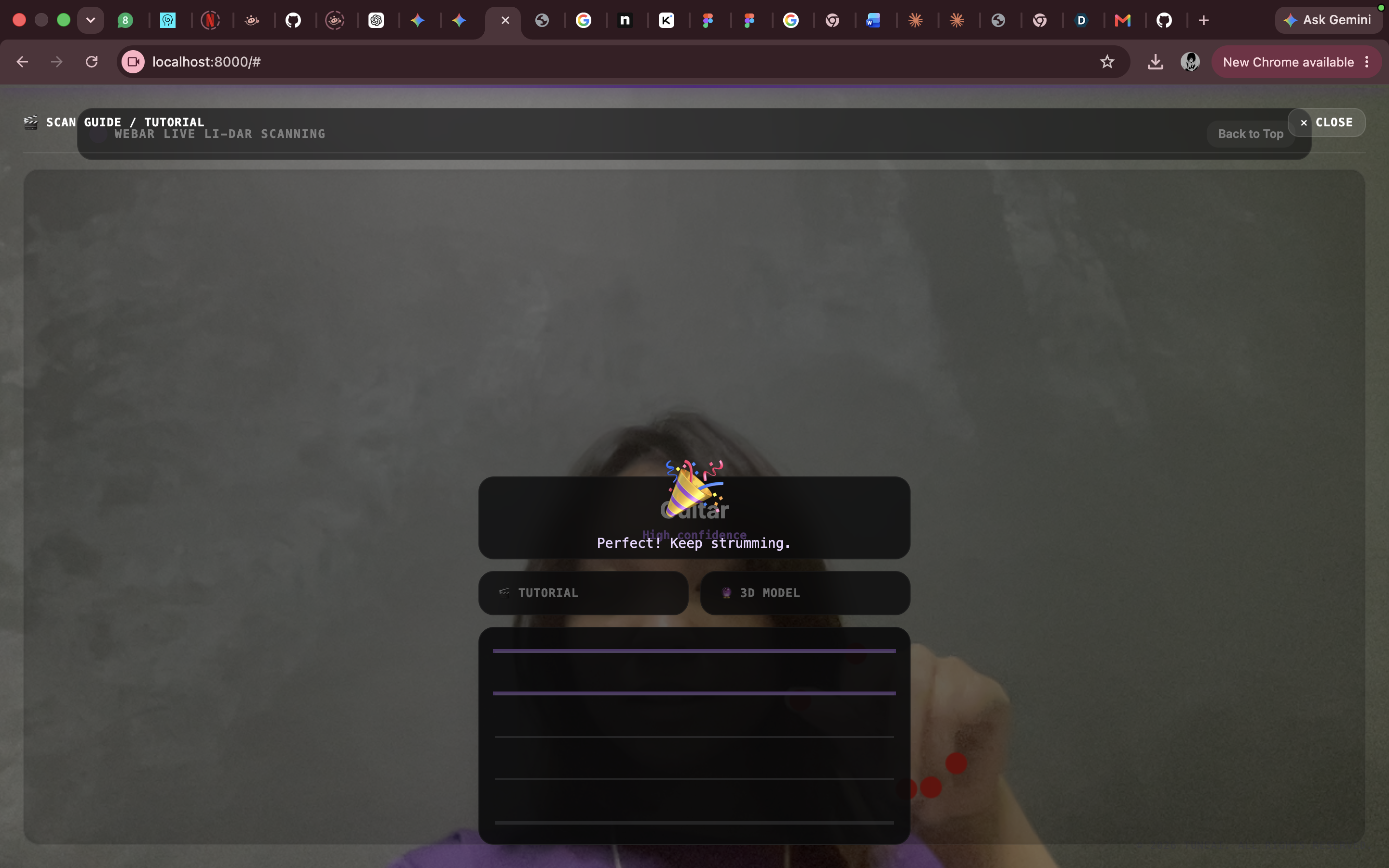
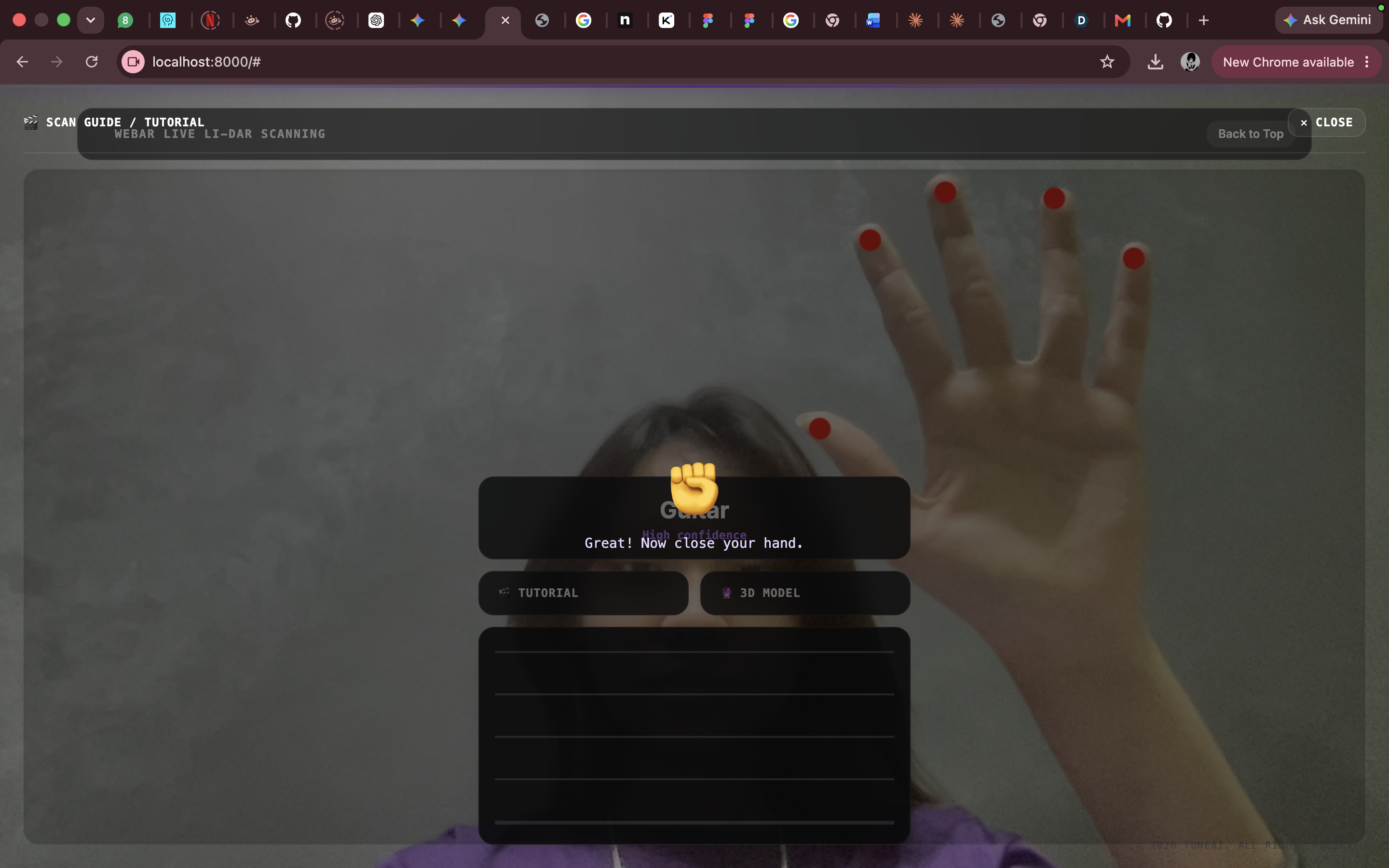
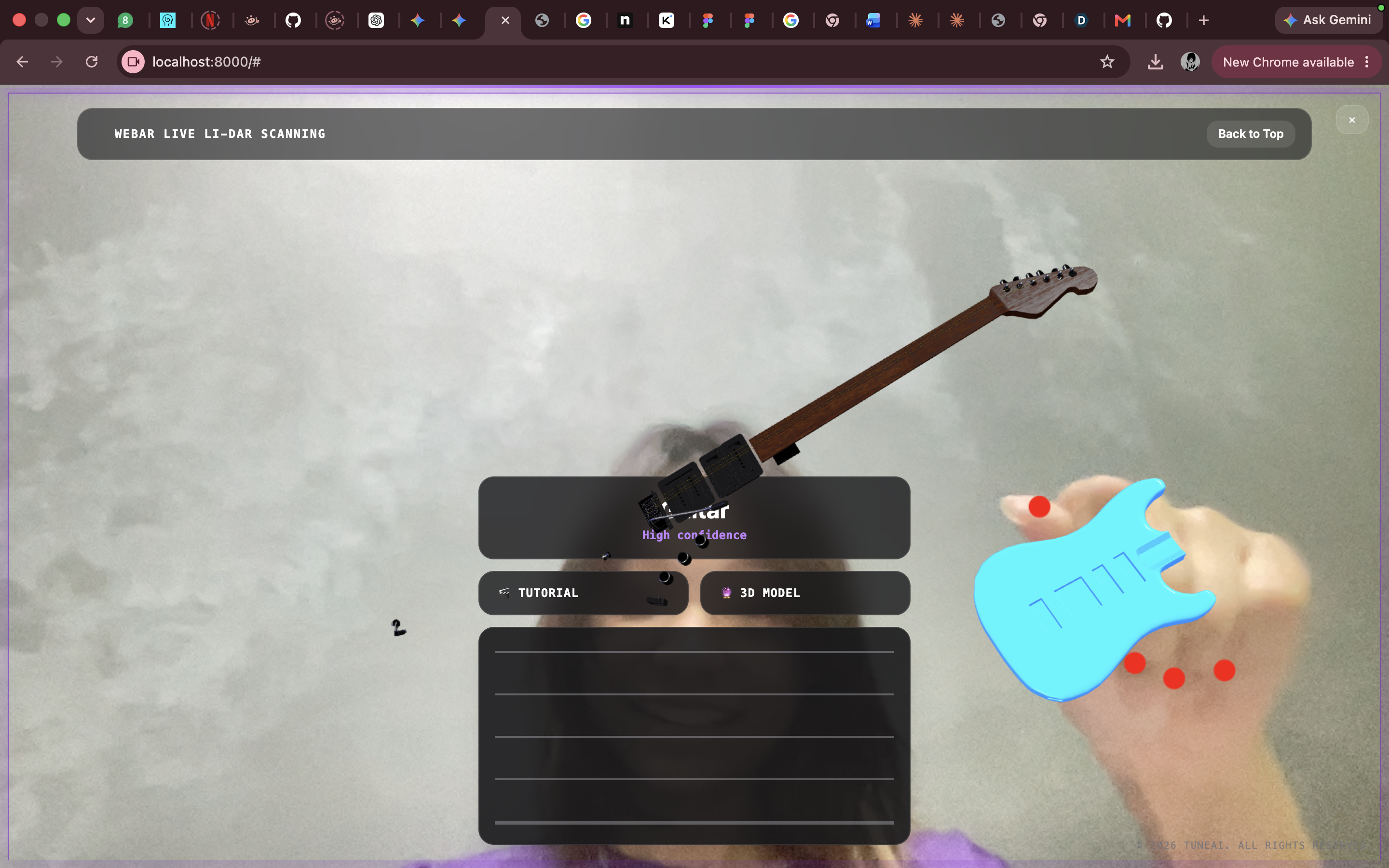
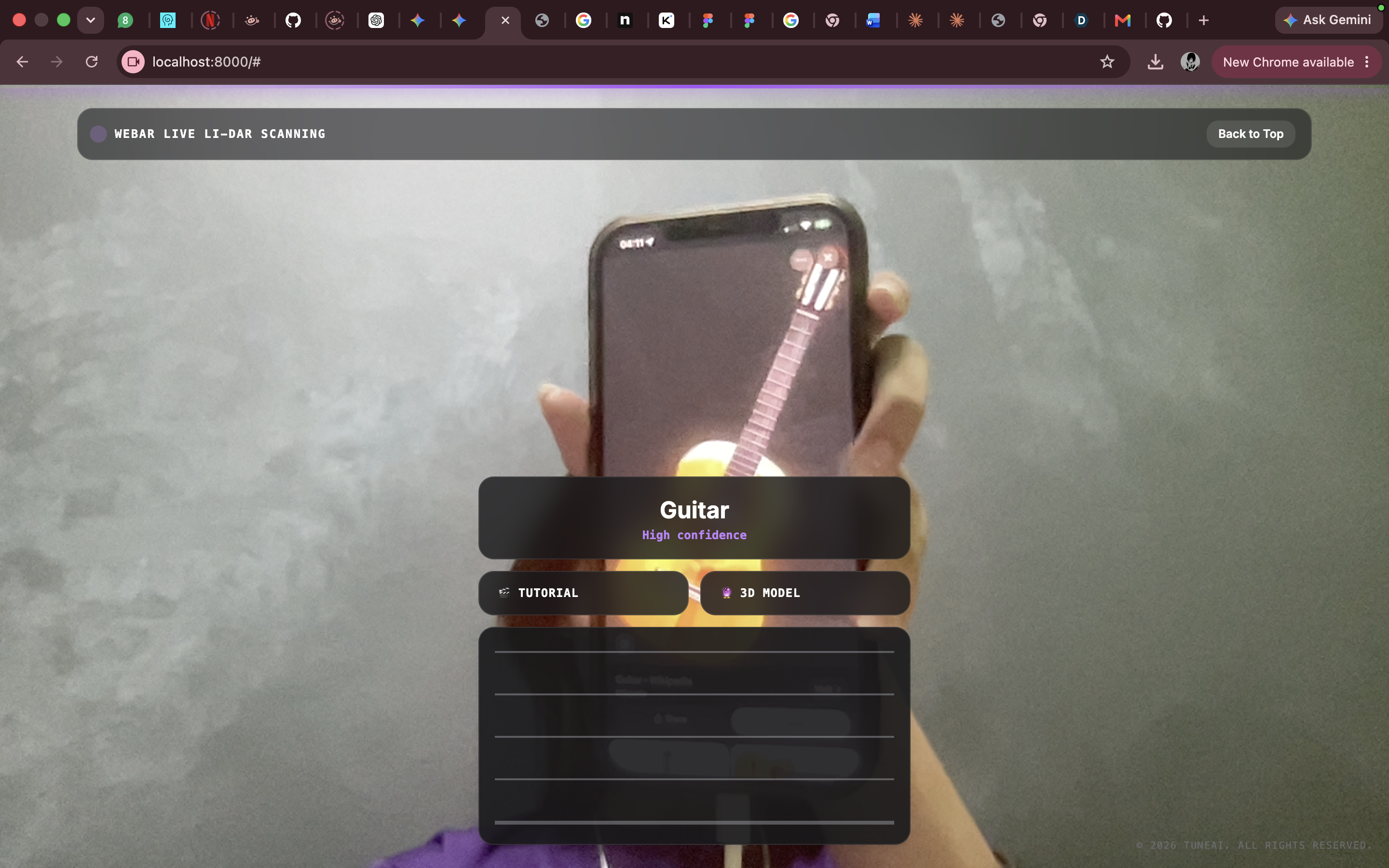
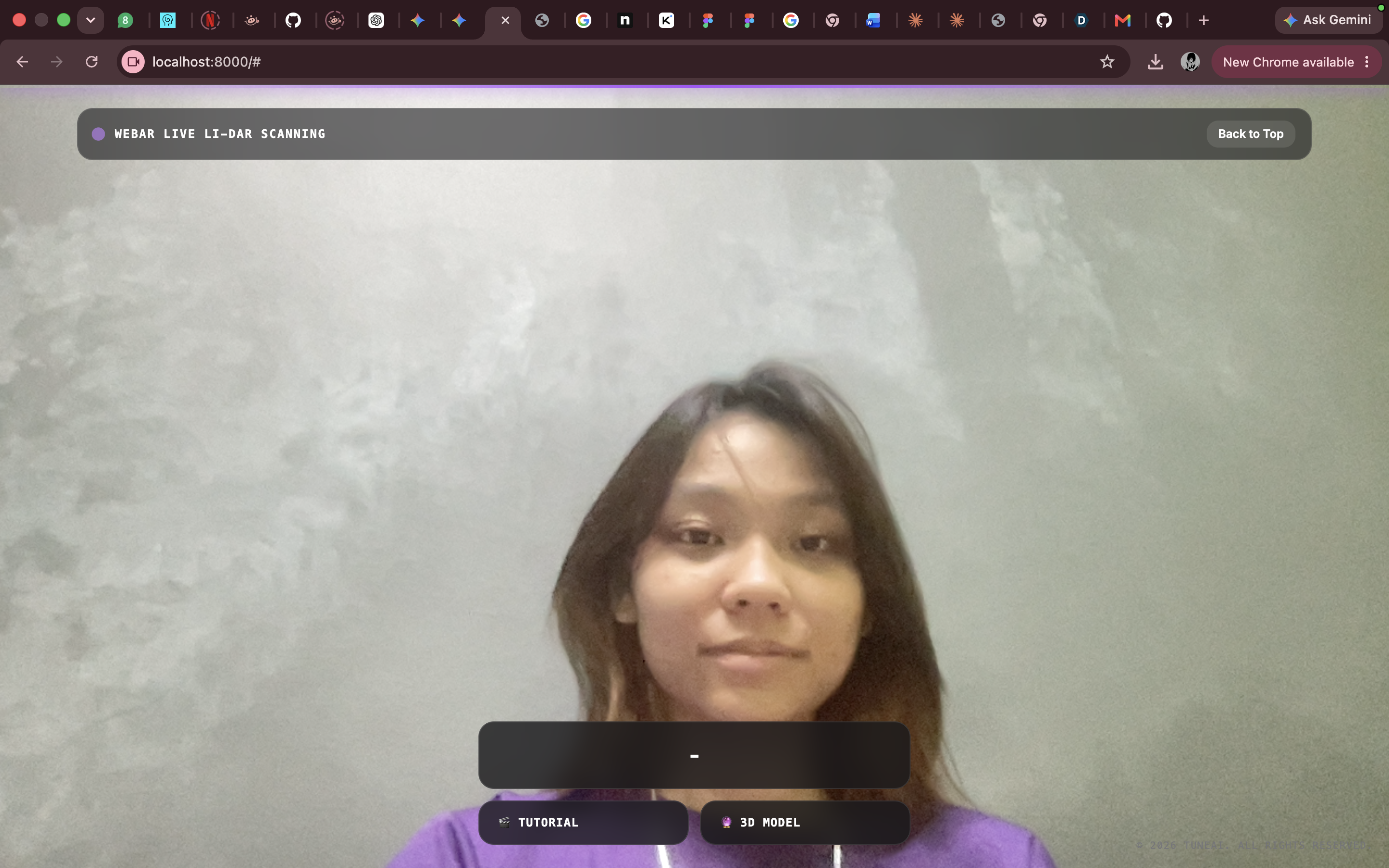
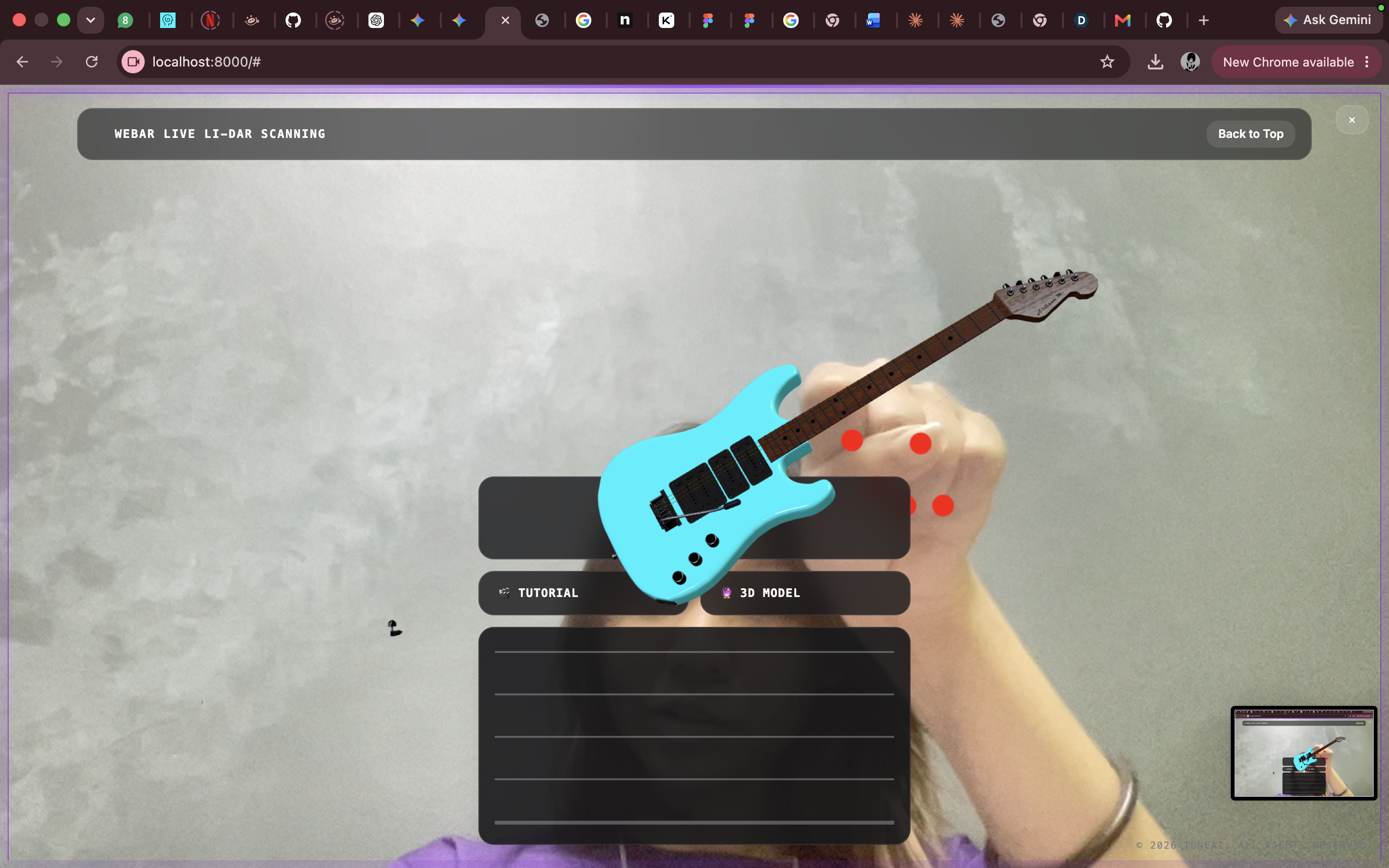
Scan — point your camera at an instrument and TuneAI identifies it in real time, with a confidence score, no app install required. Tutorial mode — live hand-tracking overlays finger-position guidance directly on the video feed, walking beginners through their first chords step by step. 3D Model view — pull up a true-to-scale 3D twin of the instrument, rotate it, inspect every detail, or drop it into your actual room via WebXR (Quick Look on iOS, Scene Viewer on Android). Live feedback — as you strum, TuneAI reads the strings and gives audio/visual feedback so you know if you're on the right track.
How we built it
The whole experience runs in the browser — no native app, no install friction. The landing page and hero use a hand-rolled canvas animation (layered sine-wave ribbons with gradient lighting and specular highlights) to set the tone before users ever touch the scanner. The scanner itself is a live feed piped through a , with MediaPipe Hands running on top for real-time hand-landmark tracking that powers the tutorial overlays. Recognized instruments hand off to for the 3D/AR preview, backed by Three.js for any custom rendering (like the interactive fretboard). Tailwind handled the scanner UI's fast iteration, while the marketing shell was built with hand-tuned CSS for full control over the motion design.
Challenges we ran into
Real-time performance — running hand tracking and video processing smoothly on mobile browsers, without tanking frame rate, took real tuning. Camera-to-overlay alignment — keeping the AR fretboard/finger guides pinned accurately to the live video feed across different phone cameras and orientations was harder than expected. WebXR fragmentation — "AR that works everywhere" sounds simple until you hit the reality of iOS Quick Look vs. Android Scene Viewer vs. WebXR spec support, each with its own quirks. Instrument recognition edge cases — getting confident classification across lighting conditions, angles, and instrument types (not just "a guitar" but which guitar). Accomplishments that we're proud of
We're proud that TuneAI works entirely in the browser — no app store, no install, just a link. Getting live hand-tracking, a real-time scanner, and a true-to-scale AR model viewer to work together smoothly in one seamless flow felt like the real win. We're also proud of the polish on the landing experience itself — the ribbon animation and motion design were built from scratch and hold up as a genuine piece of visual identity, not a template.
What we learned
We came out of this with a much deeper appreciation for how fragmented "AR on the web" still is in practice, and how much invisible work goes into making a camera-based experience feel instant and trustworthy. We also learned a lot about balancing visual ambition (the ribbon, the motion, the glass UI) against real performance budgets on actual phones, not just desktop browsers.
What's next for TuneAI
Expand the instrument library beyond guitars — strings, keys, and percussion. Add real pitch/tuning detection so TuneAI can tell you exactly how far off a string is, not just that you strummed. Turn scan history into a personal practice log, tracking progress over time. Explore partnerships with music retailers for true in-store "scan and preview" experiences. Push further into native-quality AR anchoring so the instrument feels truly locked into your room.

Log in or sign up for Devpost to join the conversation.