-
-

Tumtastic! Logo
-
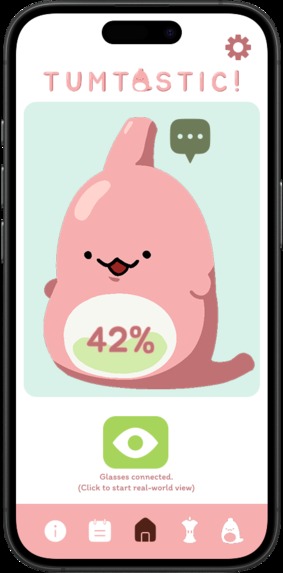
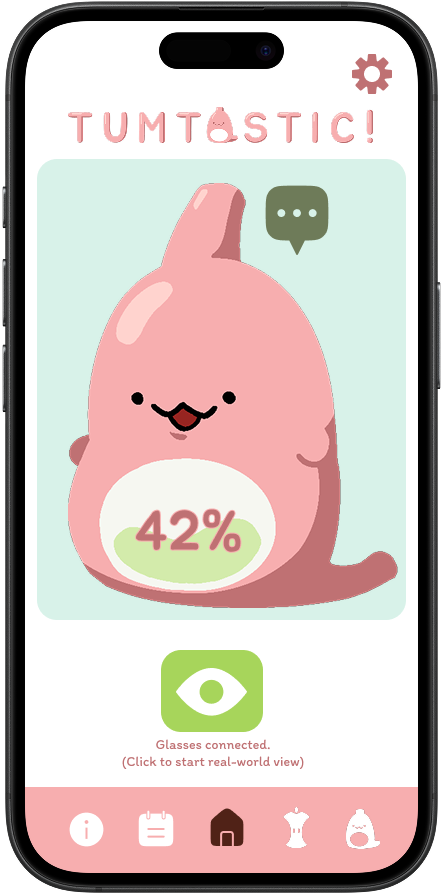
Tumtastic! Home Page
-
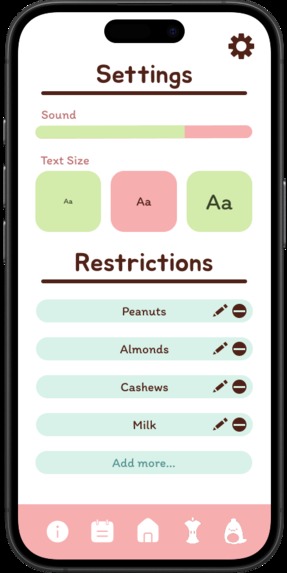
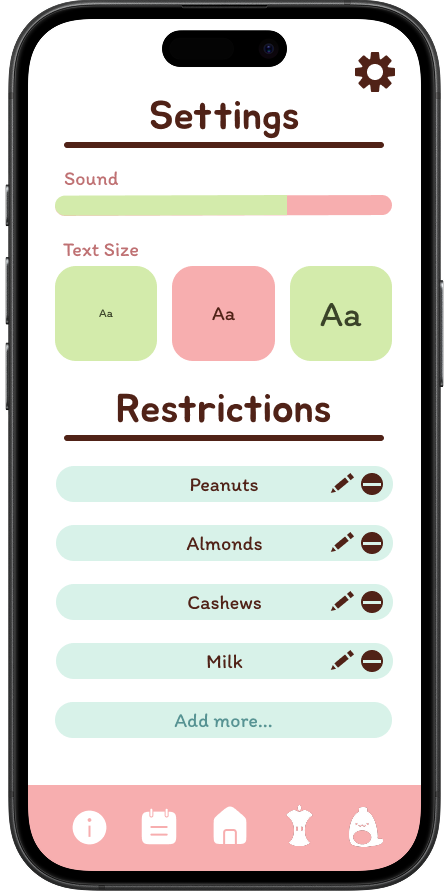
Tumtastic! Settings Page
-
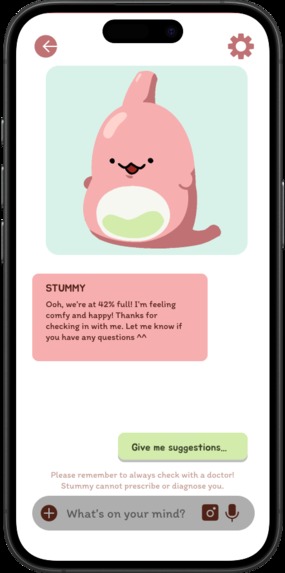
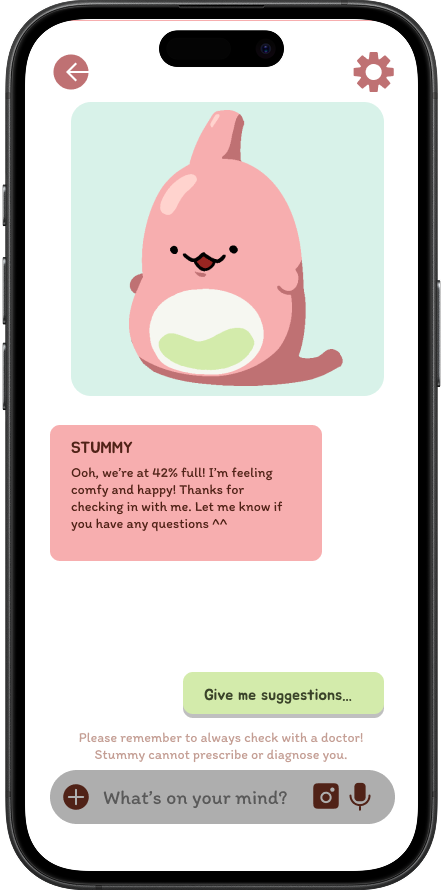
Tumtastic! Stummy Chat Page
-
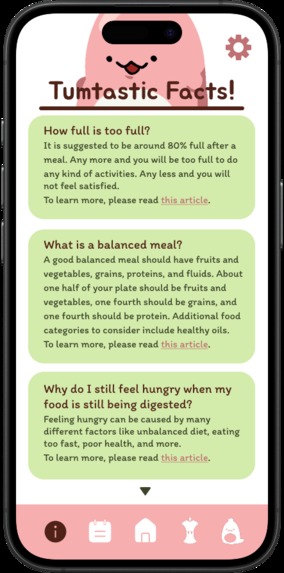
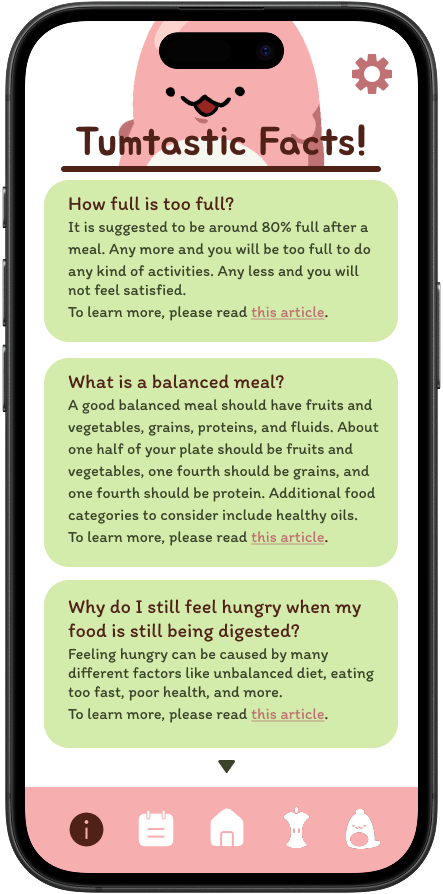
Tumtastic! Information Page
-
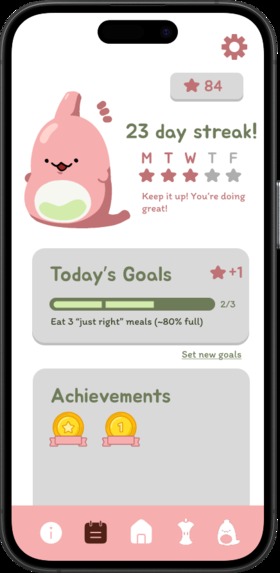
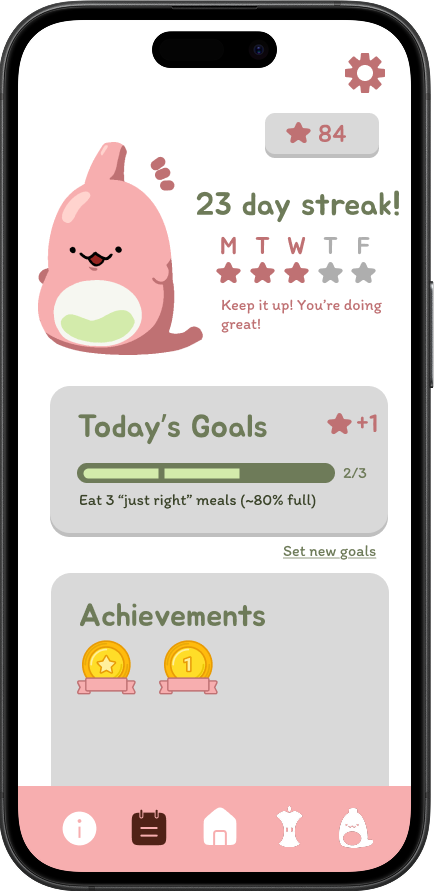
Tumtastic! Daily Tracker Page
-
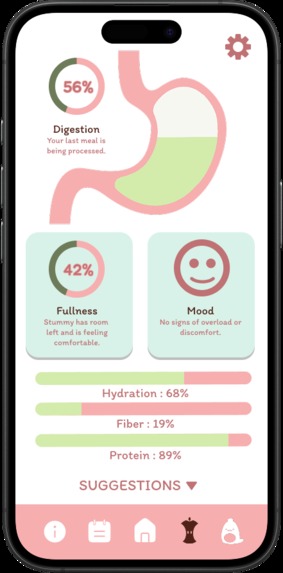
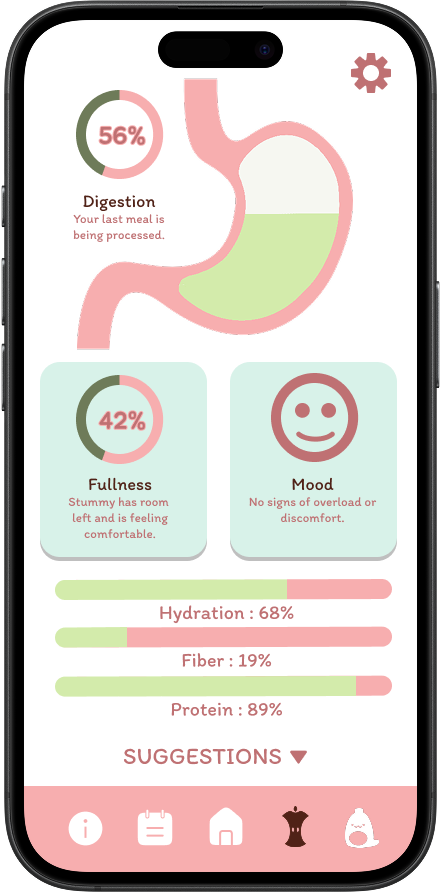
Tumtastic! Digestion Tracker Page
-
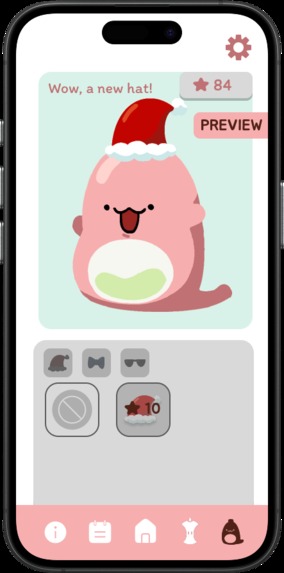
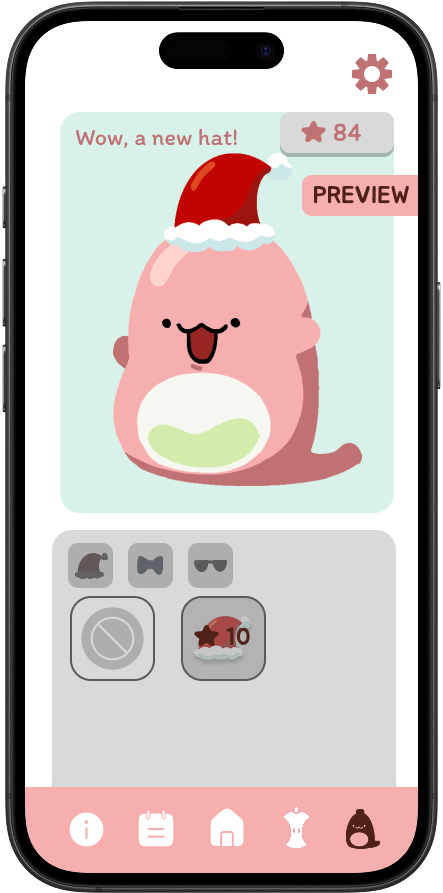
Tumtastic! Stummy Shop Page
-
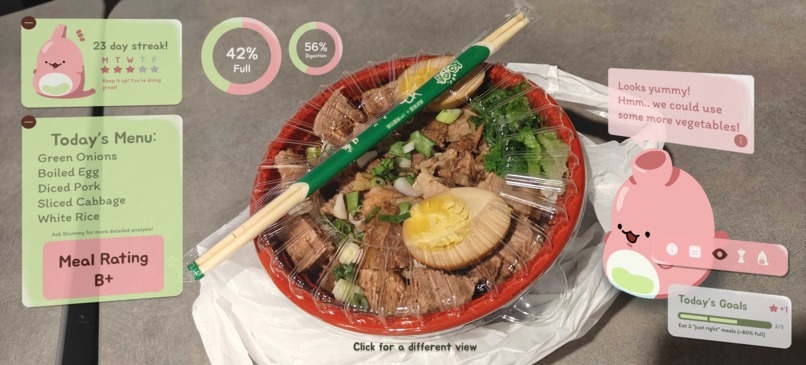
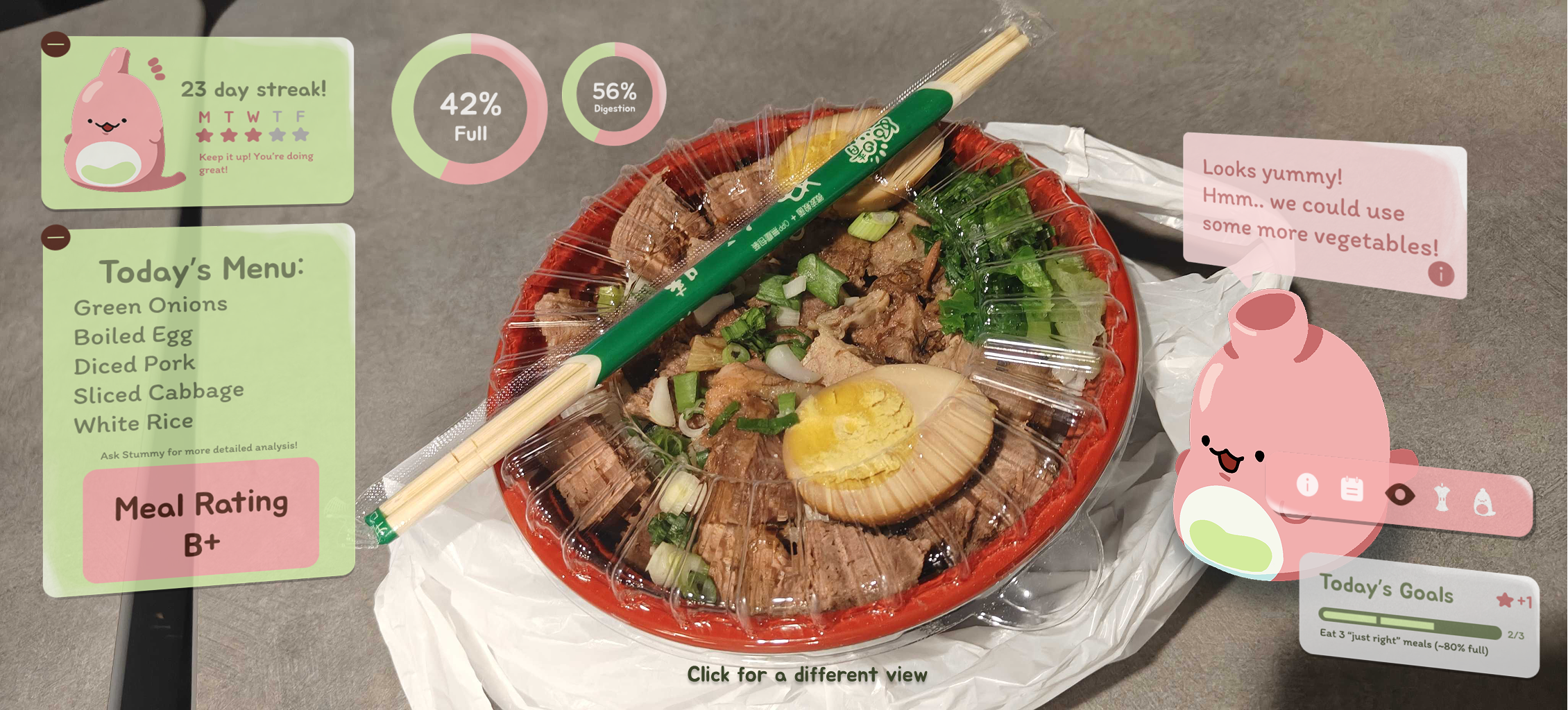
AR Meal Scan
-
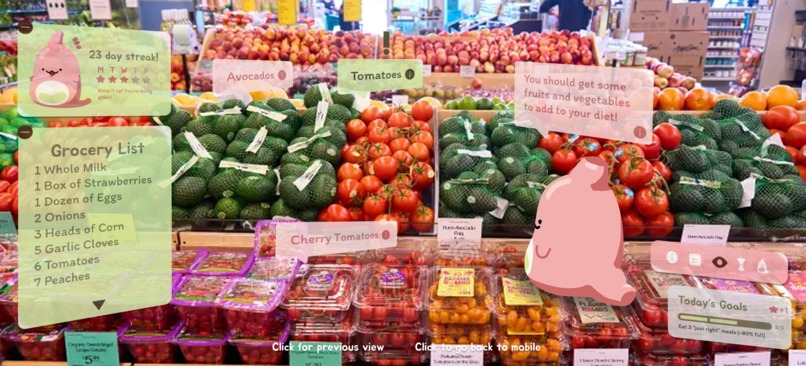
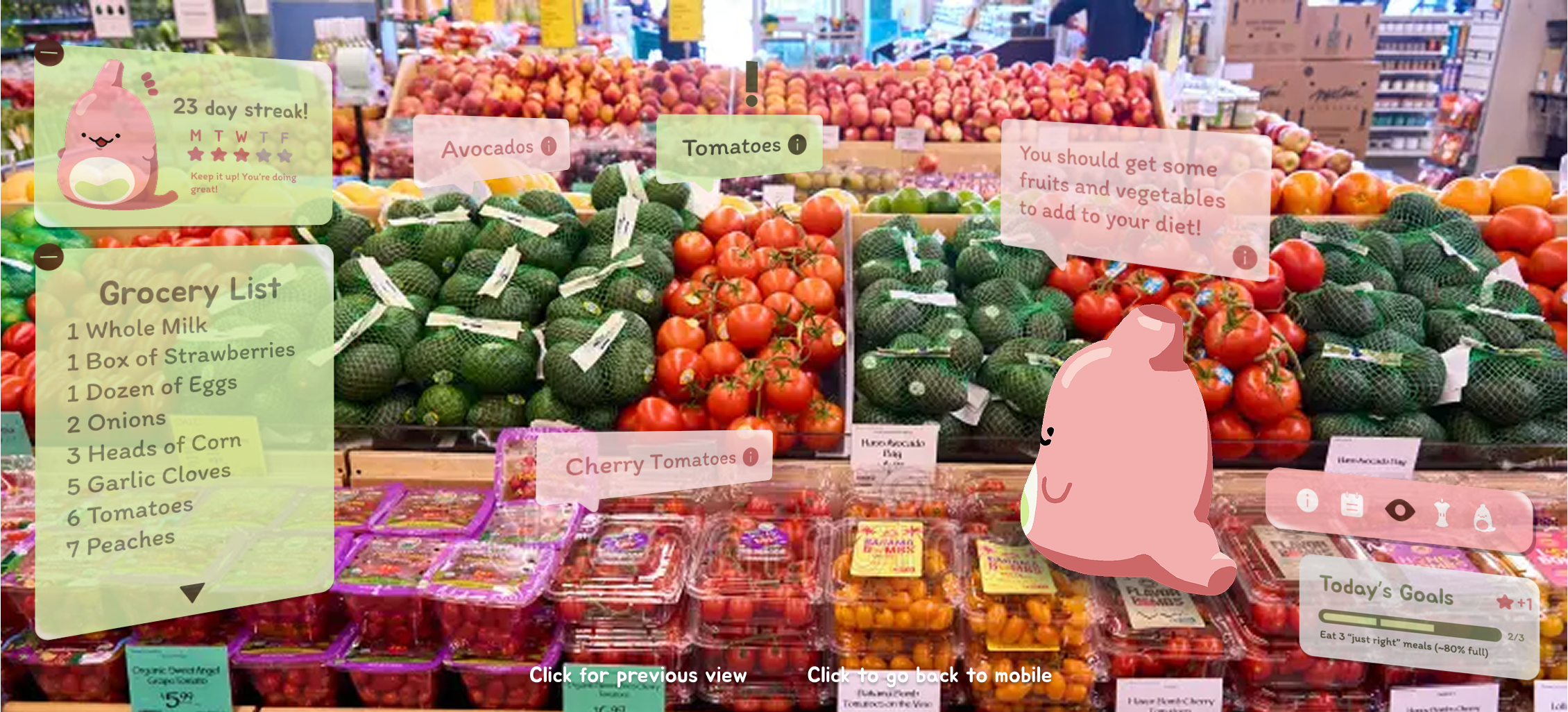
AR Groceries Scan

Inspiration
We were inspired by food and our shared experiences as we both had developed poor eating habits during college. Then the idea of Stummy came as a way to make our app more fun and less “generic tracker app” and we got emotionally invested through Stummy.
What it does
Tumtastic! tracks your stomach fullness, digestion information, and nutritional levels. It also provides support about food, diet, and more. The app includes a daily goal tracker, an information page, a Stummy chat bot, a digestion tracker page, and a Stummy shop. There is also an AR feature that lets you scan your meal or groceries to get help from Stummy.
How we built it
We first brainstormed ideas on Figjam. Then we created our prototype using Figma while using Procreate for illustrations. Halfway through, we felt that we were missing some spark, so we tried out Figma Make for more inspiration and to further explore possible interfaces and ideas, and added to our prototype as we saw fit.
Challenges we ran into
We needed to figure out how connecting the AR aspects to the mobile app would work as they are different devices. We decided on adding an additional button to the home page for the demo. Other challenges included figuring out how to display all the data in an easy, concise way and making sure all the wireframes were connected, as there were many pages to consider. This was also the first time we had to make a user flow diagram, so we had to do quite a bit of research and learned a lot. I would say another challenge is just coming up with an interesting idea we could be proud of. While we thought a stomach tracker was very practical, we felt that it was missing a spark to make us truly like the idea. This project really reinforced that fact to never stop thinking about how to improve, because we kept thinking throughout the process, came up with Stummy, then the AR feature, turning it into the project we love now.
Accomplishments that we're proud of
We are very happy with how Tumtastic! turned out, and we both ended up cherishing Stummy. We are quite proud of what we were about to accomplish in just a few days with just two people, which includes a full demo with both mobile and AR aspects, a slide deck, a demo video, all following a consistent branding.
What we learned
We started out as Figma beginners, but after this project, we have gotten quite used to using Figma tools like clipping masks, button components, and Figma Make. We also learned how to iterate quickly in a short timeframe. Originally, the idea did not include AR, but as we developed the idea further, we felt this was what was missing to enhance the experience.
What's next for Tumtastic!
While the technology in this app does not currently exist, if it did, we’ll definitely consider making this a real product idea! More importantly, it made us realize how common this issue was, and maybe there are some solutions we can implement currently.
Built With
- figma


Log in or sign up for Devpost to join the conversation.