Inspiration
Sending money home is rarely just a payment problem. It is an understanding problem.
A lot of families depend on money sent from relatives abroad. The apps that move that money assume you read English fluently, understand a fee table, and trust a screen you can't fully read. Someone who thinks in Swahili, Hausa, Yoruba or Amharic ends up asking a cousin for help just to send rent to their mother.
I wanted to see what happens if you remove that barrier: you just say or type what you want, in the language you actually speak, and an assistant takes care of the steps while PayPal handles the money.
What it does
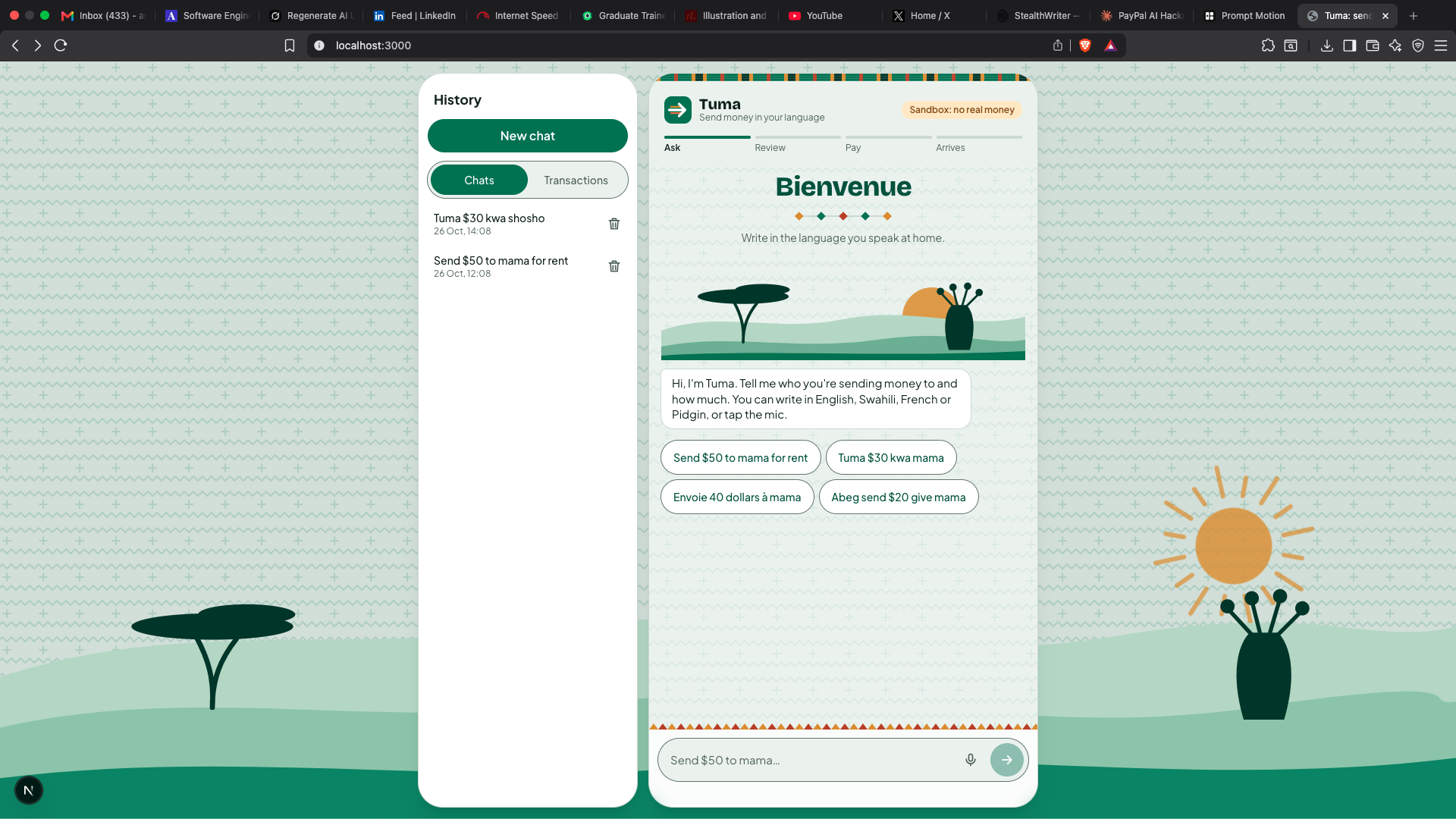
Tuma (Swahili for "send") is a chat and voice assistant for sending money to family through PayPal.
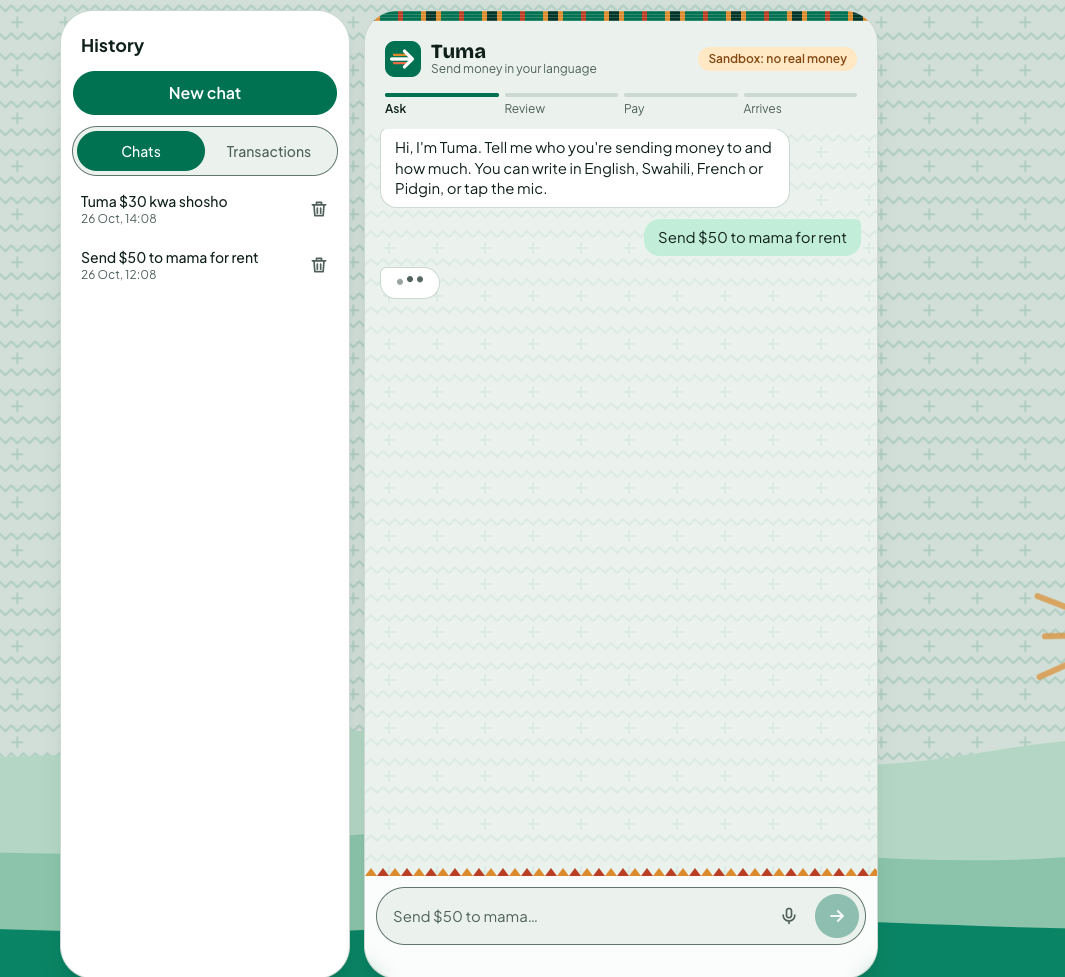
- Say it your way. Type or tap the mic: "Send $50 to mama for rent", "Tuma dola hamsini kwa mama", "Envoie quarante dollars à maman", "Abeg send mama twenty dollars". Gemini understands the request, in any language it supports.
- Check the details. A form asks for the recipient's name and PayPal email, and warns that a payment to the wrong email can't be undone.
- See the real cost before paying. A review card shows the amount, the fee, the total, and an indicative local value.
- Pay with PayPal. The sender approves in PayPal checkout. You can also say "yes" in chat, and Tuma opens the PayPal step for you.
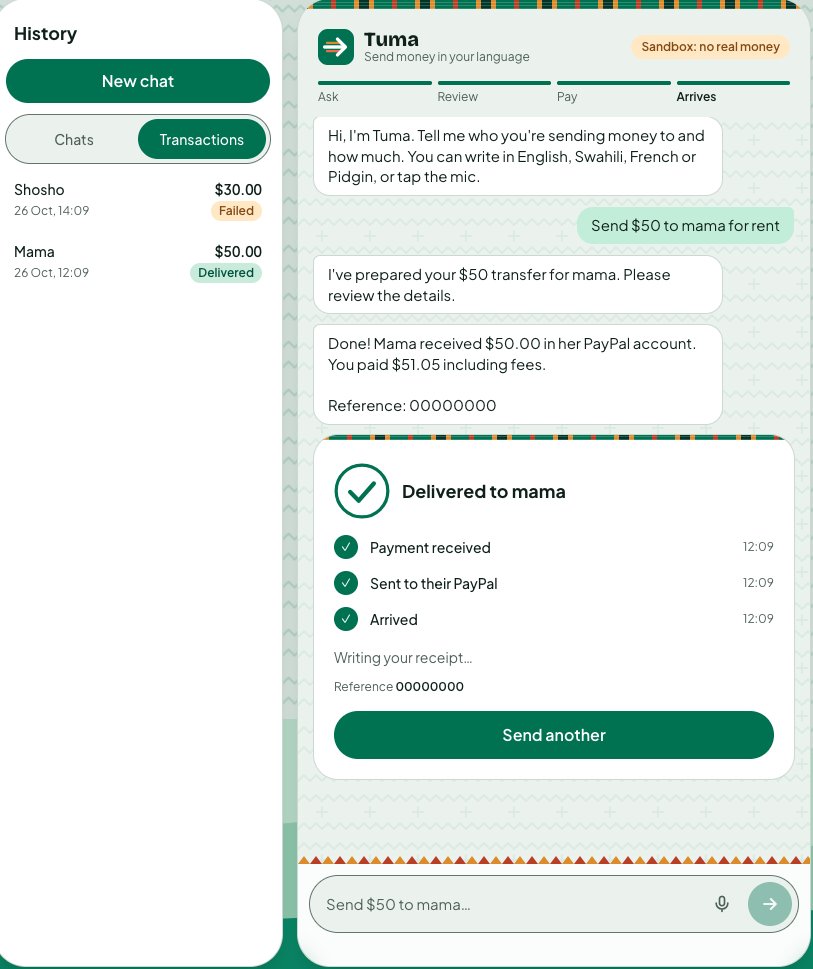
- Watch it arrive. A live timeline goes from payment received, to sent to their PayPal, to arrived. A receipt is written in the sender's language and saved in the chat.
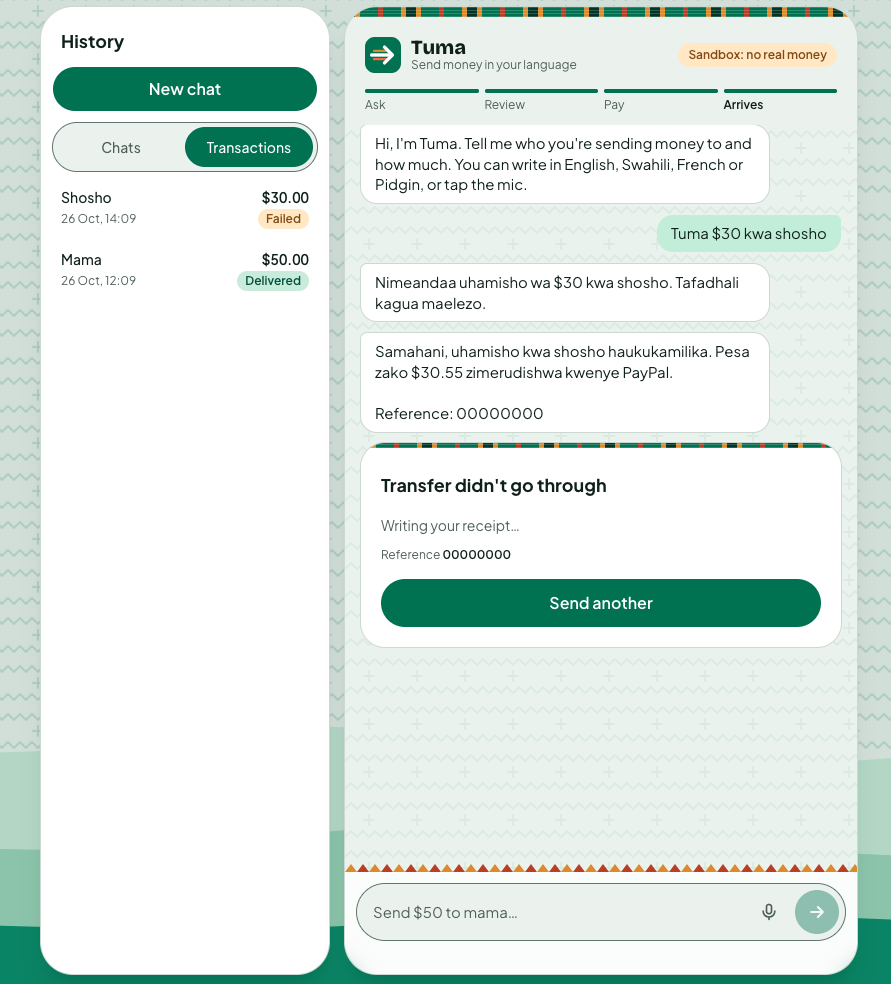
- If something fails, the sender is refunded automatically, and told so.
There is also a history sidebar with every past chat and transaction, so a sender can come back and check "what happened to my money?".
How I built it
Browser (Next.js)  chat + mic, review card, PayPal button, history
      |
Next.js API routes (TypeScript)
  - Gemini agent with tools: find recipient, prepare quote, check status, get receipt
  - PayPal: Orders v2 (create, capture), Payouts, refunds, webhooks
  - Transfer state machine + audit log
      |
PostgreSQL: transfers, events, recipients, conversations, messages
- The AI never moves money. The Gemini agent uses function calling, but its tools only prepare a transfer. Money moves only when the sender approves in PayPal.
- Numbers come from the server, not the model. Fees and totals are computed in code. For the demo fee, ( \text{fee} = \text{round}(0.015 \times \text{amount}) + \$0.30 ), so a \$50 transfer costs \$50 + \$1.05 = \$51.05.
- PayPal Orders v2 with idempotency keys for create and capture.
- PayPal Payouts sends the money to the recipient's PayPal account. If a payout is refused or fails, the app refunds the captured payment.
- Webhooks are signature-verified and de-duplicated, and the payment flow stays correct even if a webhook arrives before the capture call returns.
- A transfer state machine (draft, awaiting payment, paid, sending, delivered, failed) that rejects illegal jumps and records every change.
- Voice: the browser records, converts audio to 16 kHz WAV, and Gemini transcribes it and detects the language.
- Accessibility: labelled controls, keyboard focus handling, screen-reader announcements for progress, large touch targets, and reduced-motion support.
- A built-in PayPal simulator. Judges and developers without a PayPal account can run the whole flow (checkout, webhooks, payouts, refunds) locally or on the hosted demo. The recipient's email decides the outcome, for example
...unclaimed@...or...fail@.... - Tests: about 260 automated tests plus end-to-end tests against a real PostgreSQL database.
Challenges I ran into
- The AI said things that weren't true. At one point Tuma replied "your transfer is being processed" when nothing had been paid, and "I've prepared your transfer" after a database error. I fixed it in three ways: the page tells the agent what is on screen, tool errors replace the model's reply with an honest message, and the agent is told it can never claim a payment happened.
- A race condition found by the simulator. If PayPal's webhook arrived before my capture request finished, the app showed an error even though the payment had gone through. The capture route now accepts that case.
- Moving targets. Gemini retired the model I started with, and the free tier has rate limits. I added a model fallback chain and clear error messages.
- Language is more than translation. PayPal's own checkout window is not available in every language, so Tuma keeps everything it controls in the user's language and is open about the rest.
- Being honest about "real". Cashing out to a local bank or mobile money is outside what the PayPal sandbox can show, so Tuma stops at the recipient's PayPal account and says so.
What I learned
- Treat the model as a translator and a guide, never as the source of truth for money.
- A simulator is worth building early. It found a real bug that happy-path testing missed, and it lets anyone try the product.
- Voice input is mostly plumbing: audio formats, permissions, quota, and good error messages matter more than the model.
What's next
- More languages for the on-screen text, not only the conversation, and spoken replies.
- A live exchange-rate source instead of a fixed demo rate.
- Real accounts and sign-in, so each sender has a private history.
- Checking which countries can receive PayPal payouts, and designing the cash-out step for each.
Try it
Everything runs in the PayPal sandbox: no real money is used. The repository README explains how to run it with real sandbox accounts or with the built-in simulator, and the project also lists test emails and phrases for judges.
Built With
- markdown
- nextjs
- postgresql
- typescript
- vite

