-
-
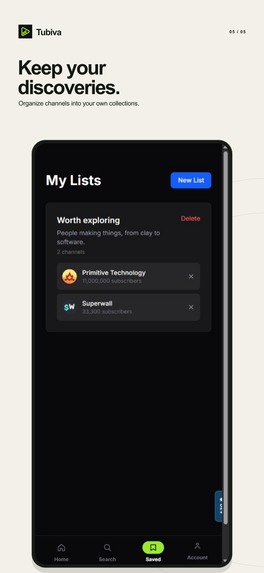
Saved lists
-
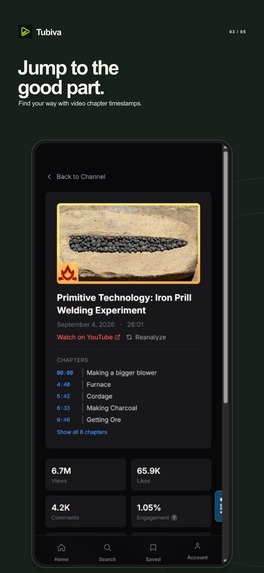
Video detail
-
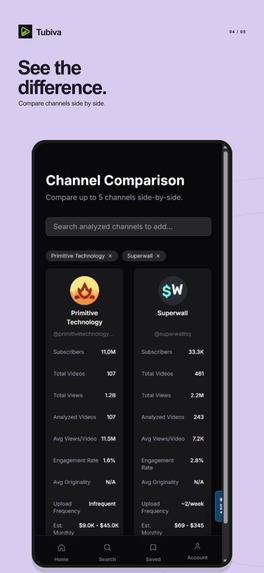
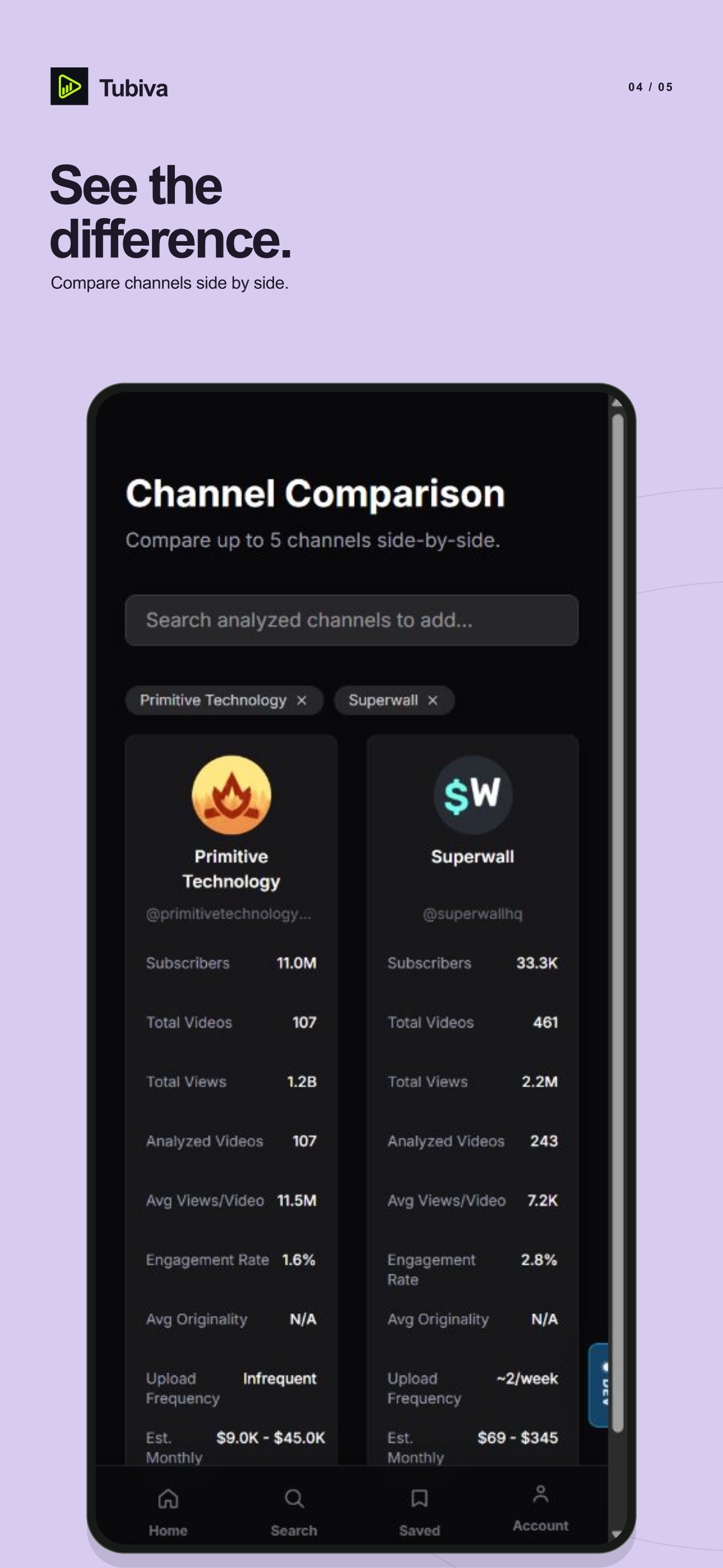
Compare channels
-
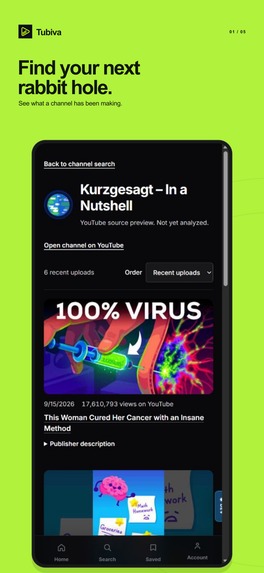
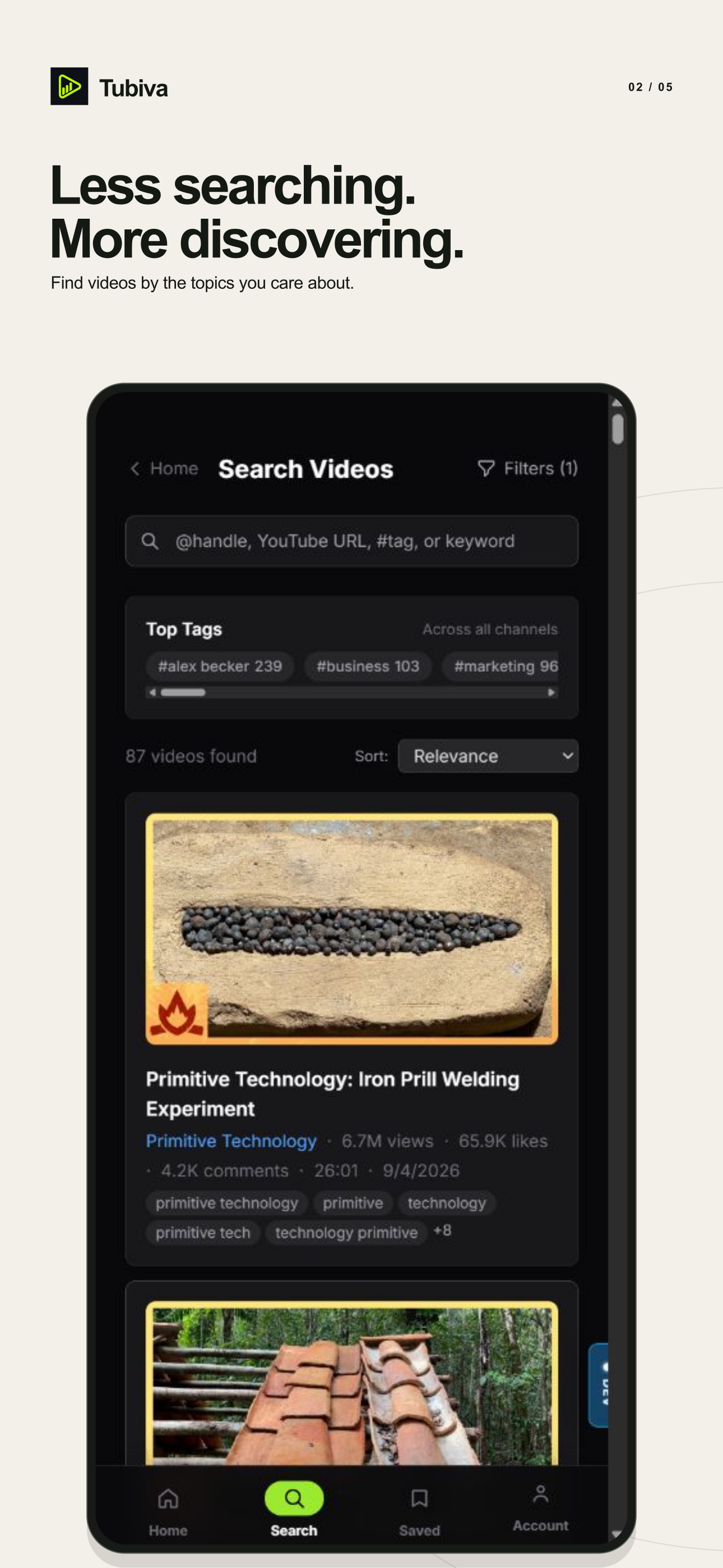
Discover
-
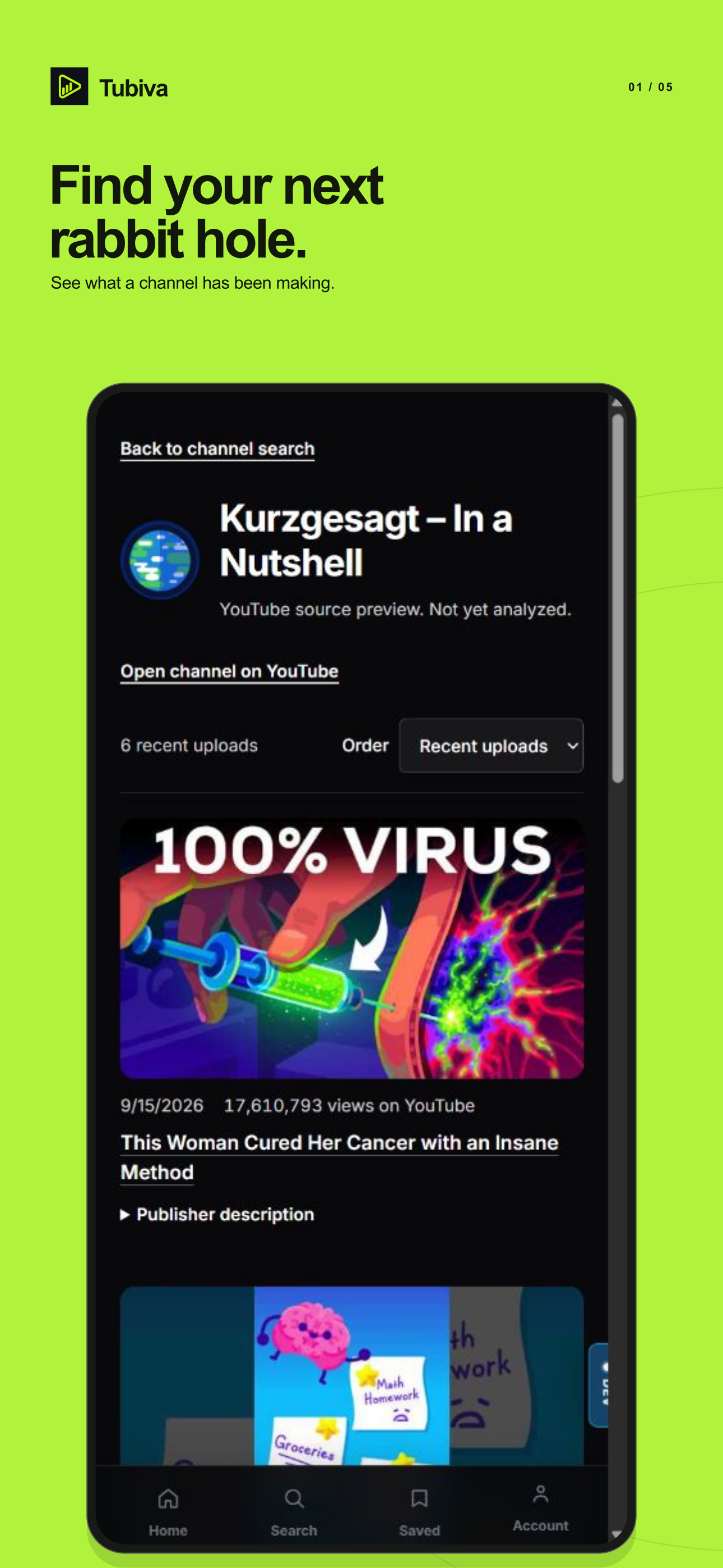
Channel preview
-
App icon
Why I built Tubiva
Tubiva helps you decide which YouTube channels are worth your time and keep track of the ones you want to return to.
I wanted somewhere to look through a channel's recent work before committing to it. That meant being able to compare it with other channels and save more than a link. A note about why a creator interested you can be useful when you come back.
How it works
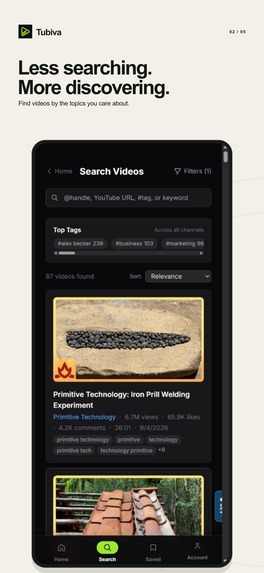
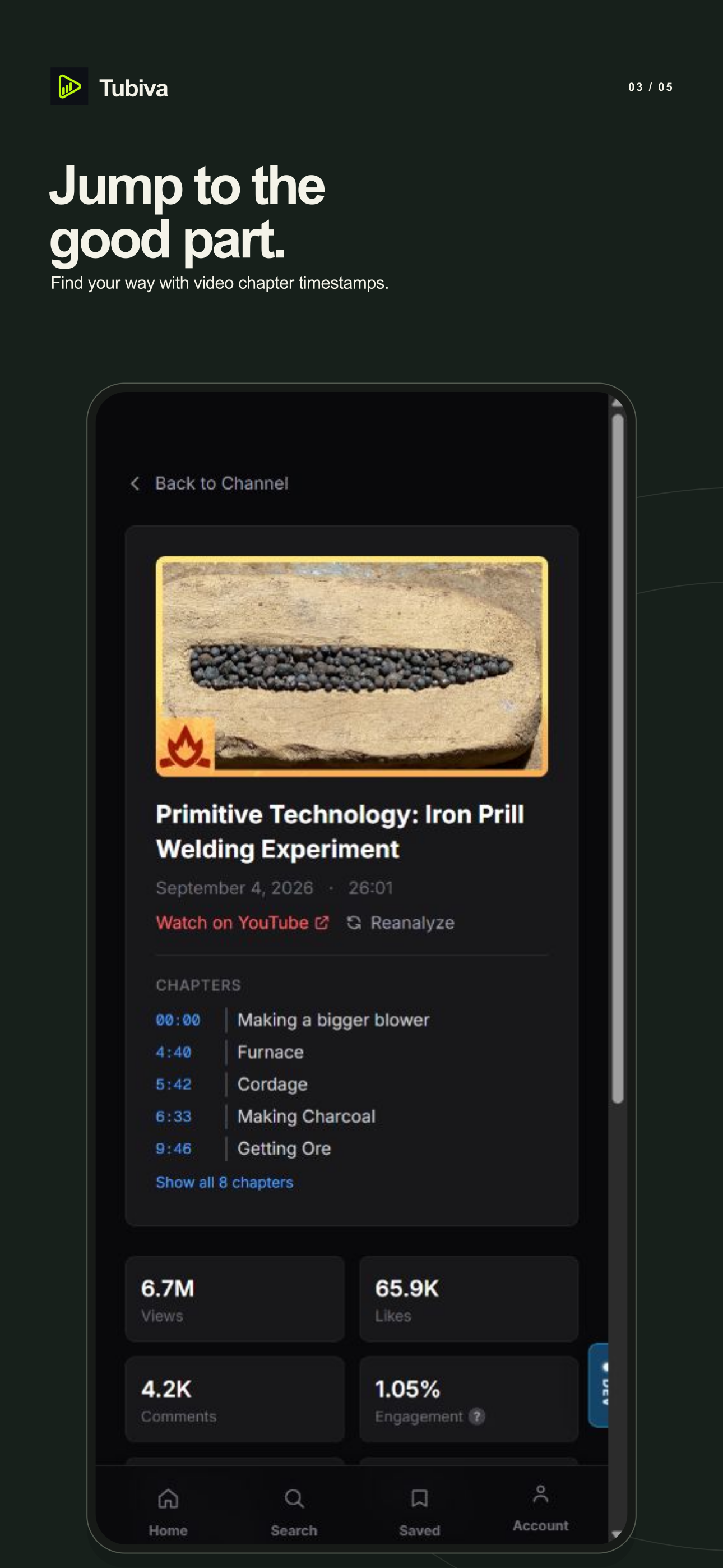
Search by channel name, handle, URL, or topic. A channel preview shows its description, public statistics, and recent uploads. Open a video for more detail, including chapter links where they're available, then follow the source link to YouTube.
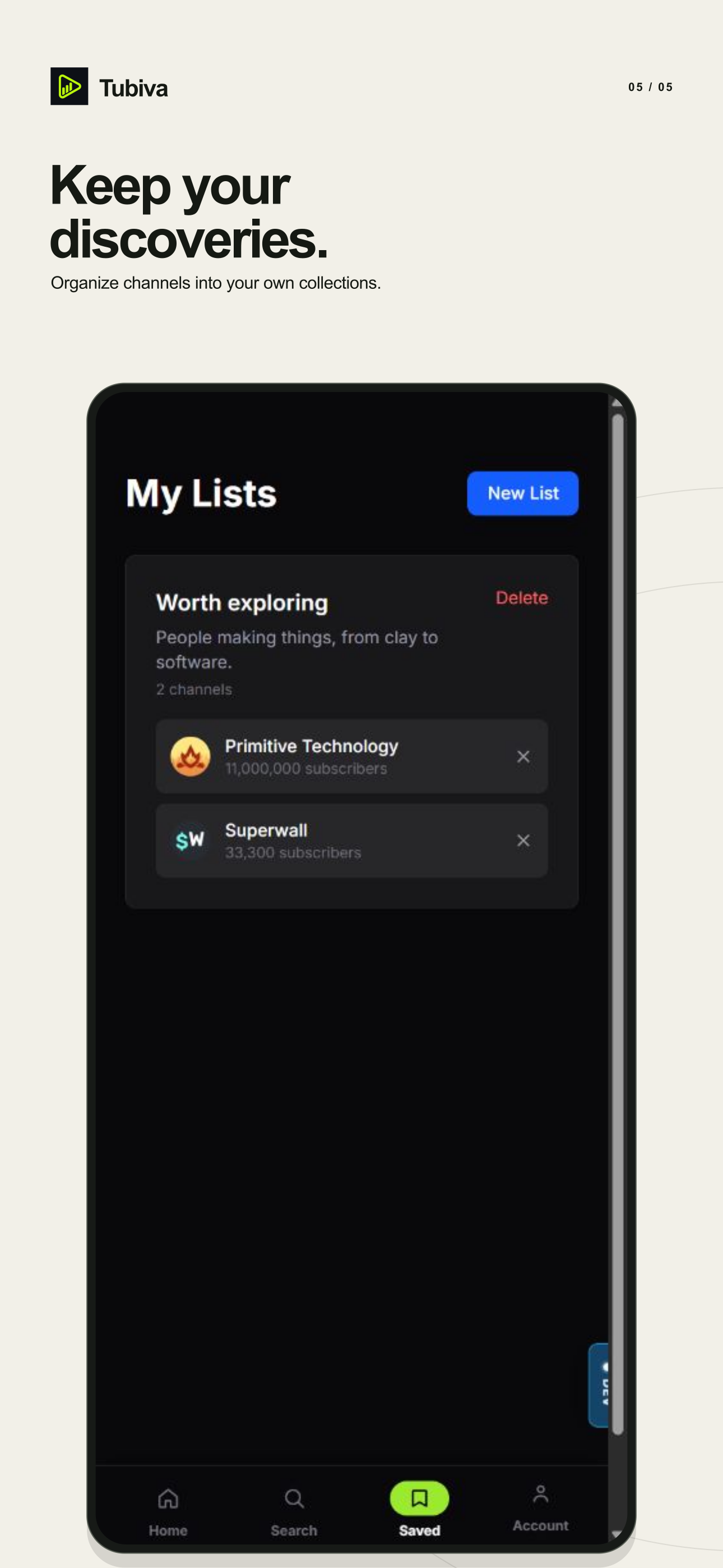
For example, you could search for Primitive Technology, look through its recent videos, and add the channel to a list called "Worth exploring." Pro lets you compare up to five researched channels side by side, looking at things such as average views and how often they upload. You can keep notes alongside the research or export it as CSV or JSON.
Your collections stay in your account across the web, iOS, and Android. Longer scans run in the background, with optional notifications when the research is ready.
The previews use official YouTube metadata. Videos stay on YouTube. AI summaries require creator-authorized captions or imported material that the user has permission to use.
Free and Pro
The free version includes three initial scan credits, one list with room for ten channels, and three follows. The scan credits are a one-time starting allowance.
Pro includes 100 fresh scan credits per month, channel comparisons, unlimited lists and notes, CSV/JSON exports, and unlimited follows. There are monthly and annual plans. On mobile, the paywall displays prices from the store.
How I built it
The app uses Next.js, React, and TypeScript, with Capacitor for iOS and Android. SurrealDB stores the accounts and research, including saved lists, notes, and background jobs.
RevenueCat handles mobile subscriptions and restores. The iOS and Android products use one tubiva_pro entitlement, linked to the signed-in Tubiva account. The backend receives subscription updates so access reflects renewals, cancellations, and expiration. Cancelling renewal leaves access in place for the remaining paid period. Web checkout uses Creem.
OneSignal handles optional web notifications. Signing out removes the browser's account association and opts it out. I tested delivery in Chrome on Windows, then checked that signing out and back in updated the subscription correctly.
What changed during testing
The Android app exposed layout problems that were easy to overlook in a browser. The account menu had become a popup almost as tall as the screen, so I moved it to its own page. The paywall also needed too much scrolling. Plan selection now fits on the first screen, with benefits in a separate view. I fixed overscroll so it no longer pulled the bottom navigation around.
Billing took more checking than I expected. I followed an Android test purchase from the store confirmation through RevenueCat to Pro activation in the app, then cancelled the test renewal.
What's next
I want to make the first visit easier, especially the path from a search to a useful saved list. I'd also like to expand the research available from authorized sources and find out whether notifications help people return to it.
Try Tubiva
Built With
- capacitor
- next.js
- onesignal
- react
- revenuecat
- surrealdb
- typescript

Log in or sign up for Devpost to join the conversation.