-

Tuber
-
-


Uber but for Tutors
Tuber is an "Uber for tutoring" app for those who are looking to tutor and be tutored.
REST API
We created our own REST API for communication for the server between all 3 platforms we are running: iOS, Android, and Web. All 3 are able to do the same operation because of the REST API being able to communicate equally to all of them. The REST API sends out a JSON file, which is typecasted into a string, allowing us to get information that is on the server onto whichever browser requests it. Our backend developer created the REST API using node.js, express.js and mongodb. This allowed us to rapidly create and consume our own API.
Documentation can be found here.
Tokens
To allow user authenticationwe we decided to use tokens instead of a cookies. A token is a string that is sent to the browser after the server authenticates their login. This token is then stored within the HTTP header which allows the user to stay logged for as long as they please. Because of this we were able to implement a truly RESTful API.
iOS
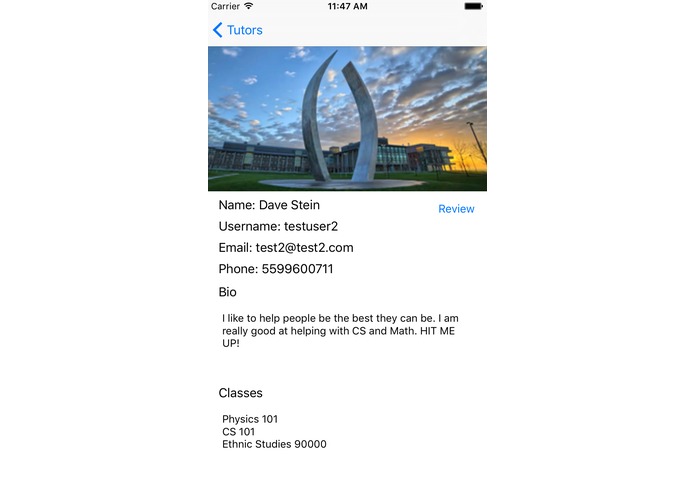
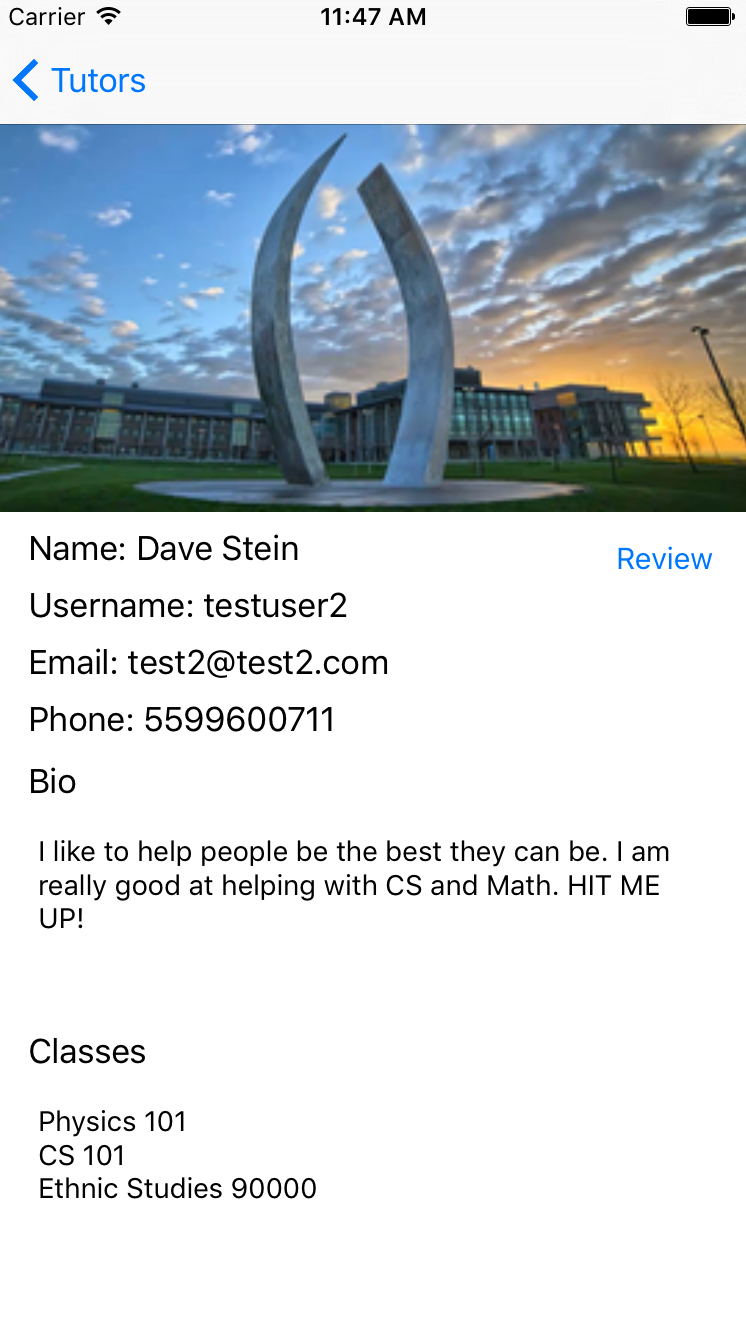
We had to setup multiple viewcontrollers for the App. One managing each different page (login, create a user, settings, reviews, profiles, list of tutors). All of these were connected in the storyboard through segues. Most of the pages would send an HTTP 'get' request when opening in order to gather the information that needs to be displayed from the server. Some pages were listening for user input before doing an HTTP 'post' request to the server providing information for the action being accomplished (login, new user, add a class...) 'Login' and 'create user' both send a post form to the server and get a token in return. This token is then saved and is used everytime the app tries to reconnect to the same account.
A few things that were a bit hard to implement:
- Converting the Data back from the server into usable data
- Displaying all the tutors on the tutor page
- Saving the token for later use (even if the app is closed)
- Getting the layouts right
Android
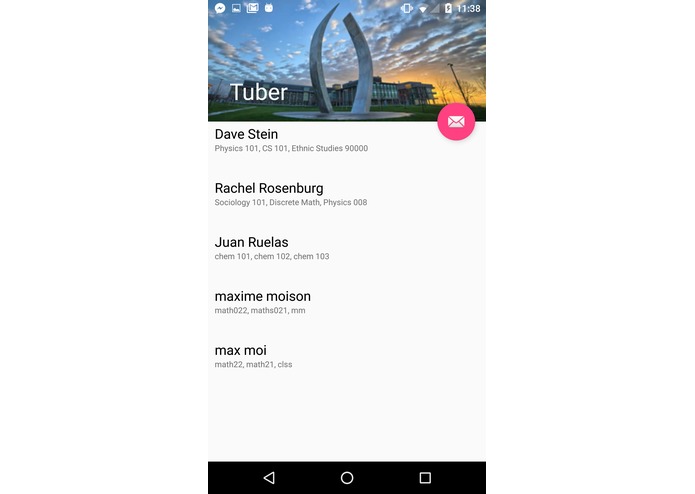
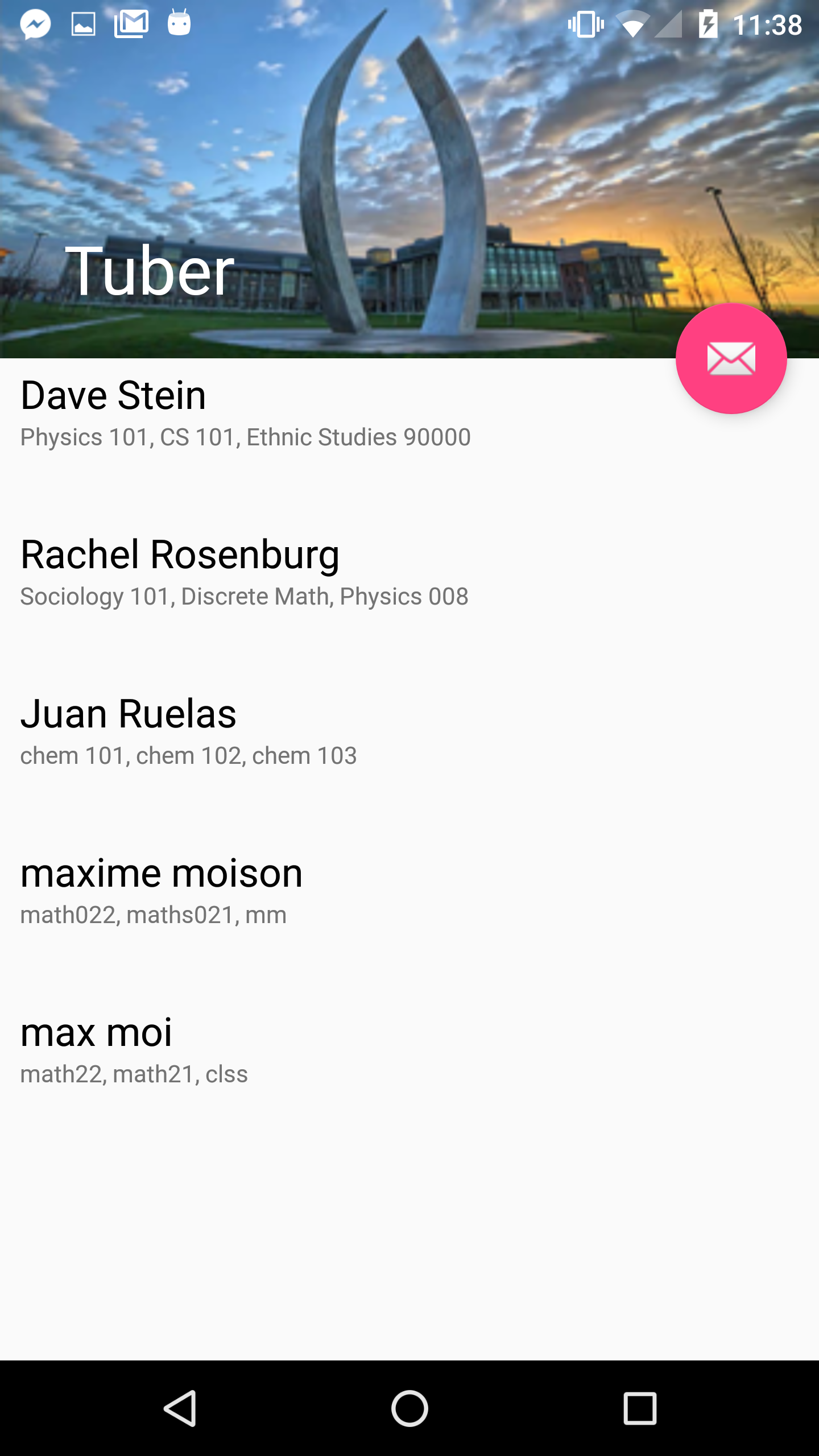
We were successful in creating a user friendly UI for the Android. A few things we had a hard time with when working with Android:
- Converting the Json file to the objects we needed.
- Making the dynamic scrolling list was tough because of the limitations of code we knew, so we had to learn a lot of code to be able implement that
Web
We created and consumed our own api. For the web development we used
- Passport.js for authentication
- express.js for simplifying http requests
- ejs as our templating language
- Material Design from google as the front end framework
- bcrypt for hashing passwords
On the web app you are only able to sign in, sign up, view profile, edit profile, view tutors and log out.

Log in or sign up for Devpost to join the conversation.