-
-
-
-
-
-
-
-
-

App icon

Inspiration
As a freelancer paid by the hour, I need to keep an accurate record of my work and share it with clients before billing. Over the years, I've tried multiple time trackers, but none of them were products I enjoyed using. Most of them felt like clunky, administrative, corporate software, and even the simplest things like exporting my own data or sharing a report with a client were often locked behind paid plans. More importantly, none of them felt "right".
I wanted to build the time tracker I wished I had: extremely fast, thoughtfully designed, intuitive, and generous with the basic features people rely on every day.
The time tracker market is already saturated, so ttrackii needed more than familiar features and better UX to stand out, and I also wanted ttrackii to be sustainable without charging for the basics. That meant finding something worth paying for beyond time tracking itself.
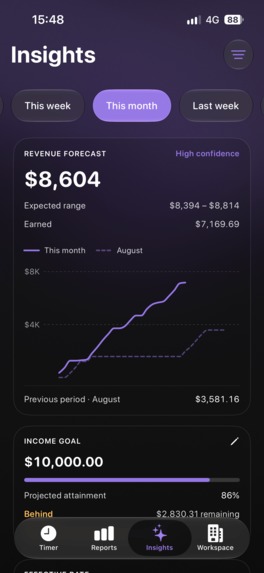
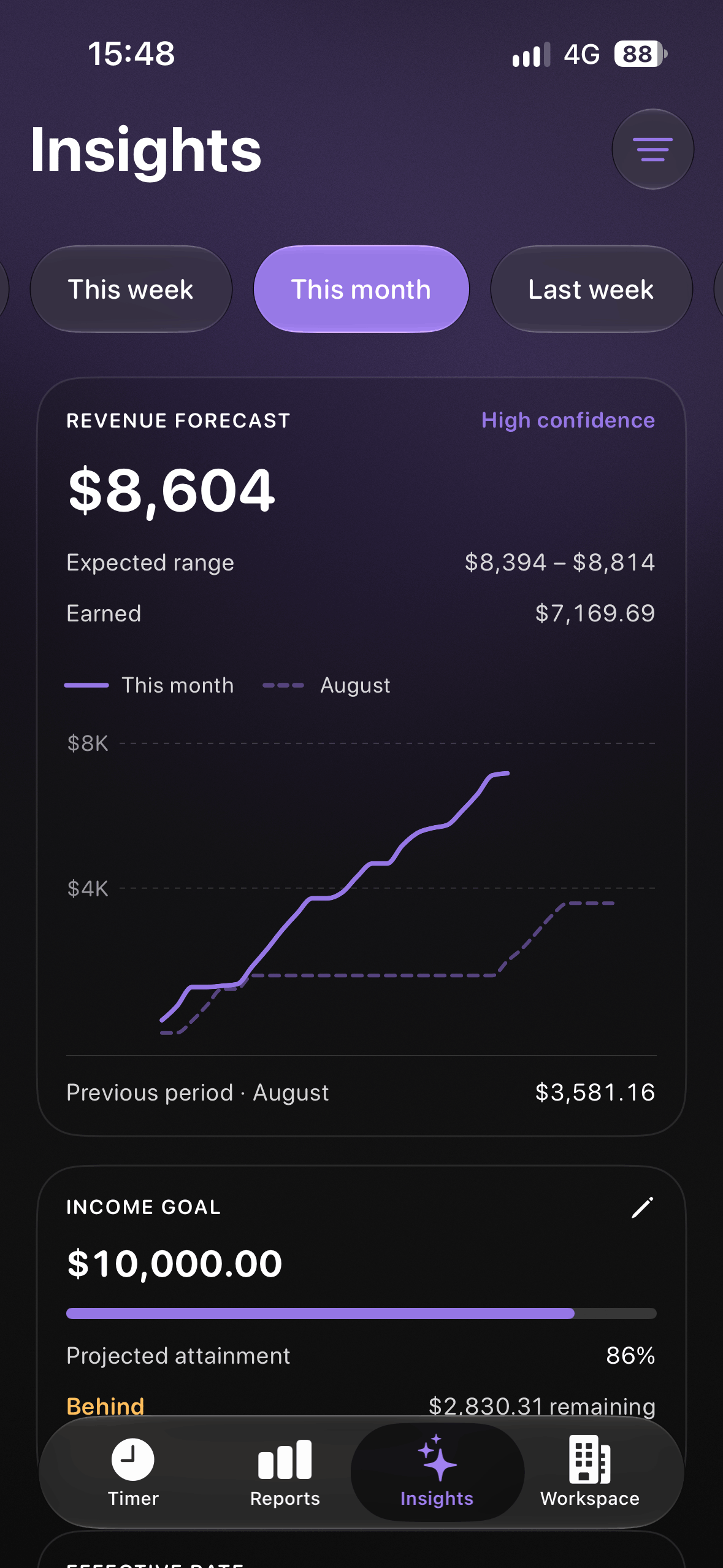
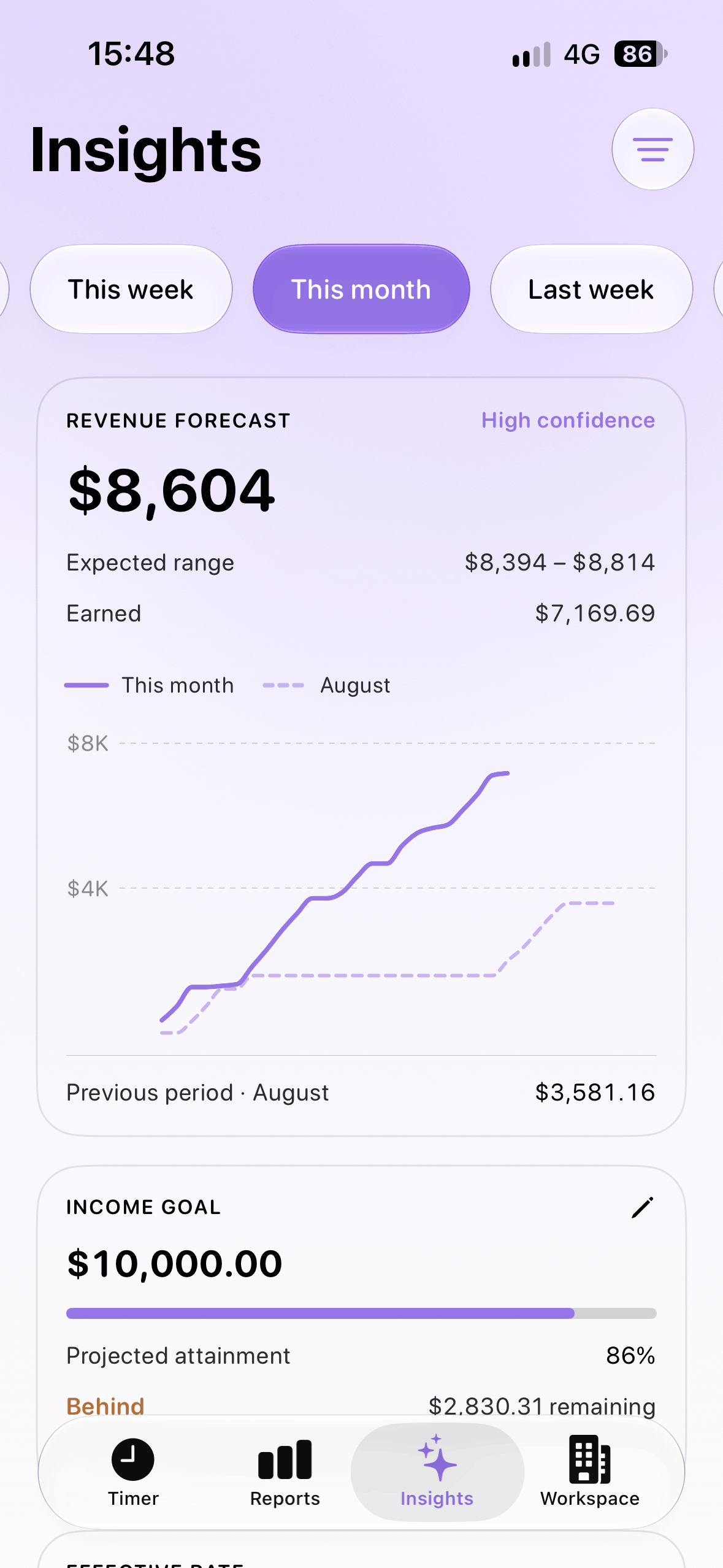
As I kept building the app in my spare time, I realized that it was hard to predict how much work I would do for some of my clients, and therefore how much money I would make by the end of the month. Billing in 3 different currencies every month was the other side of the same coin. I needed a platform that could estimate my income in advance based on historical data, and convert everything to my preferred currency.
What it does
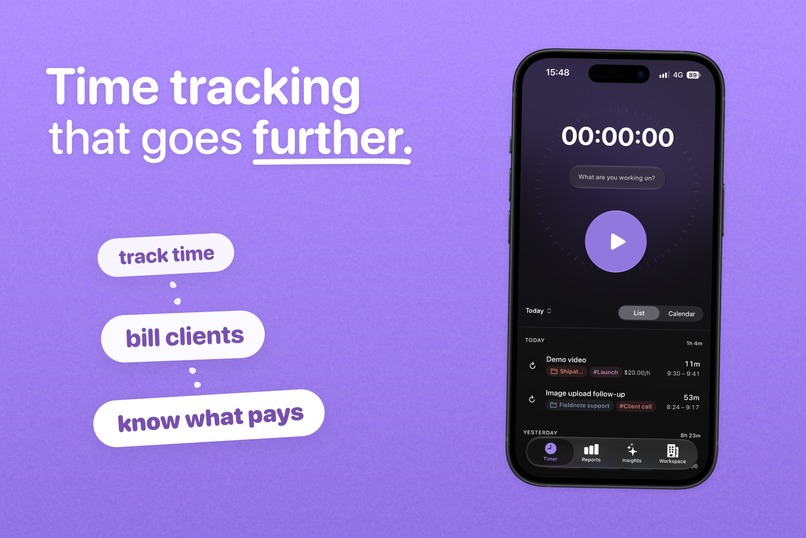
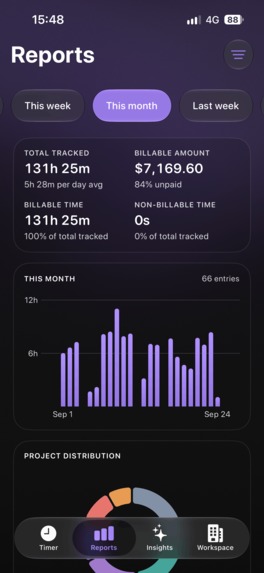
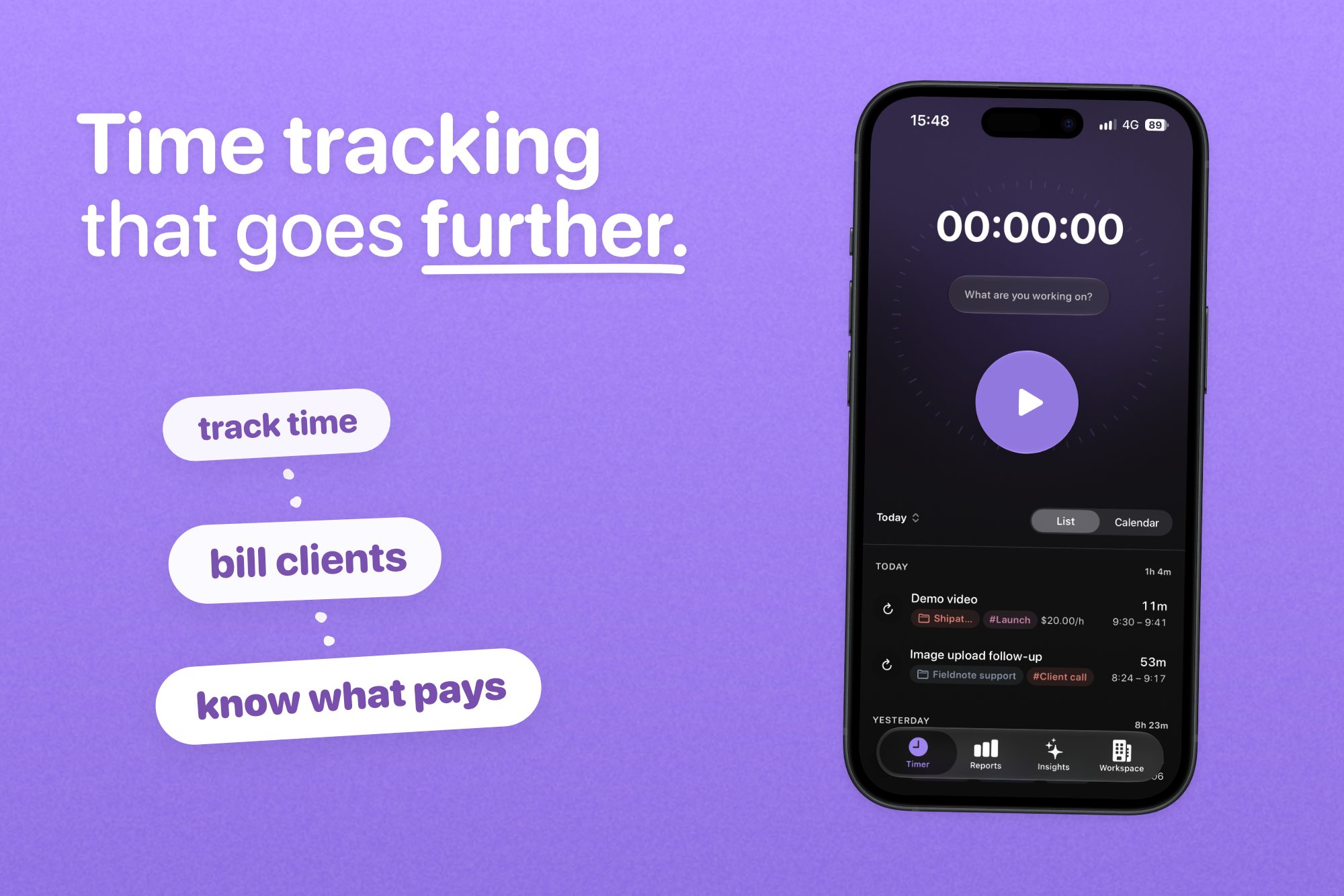
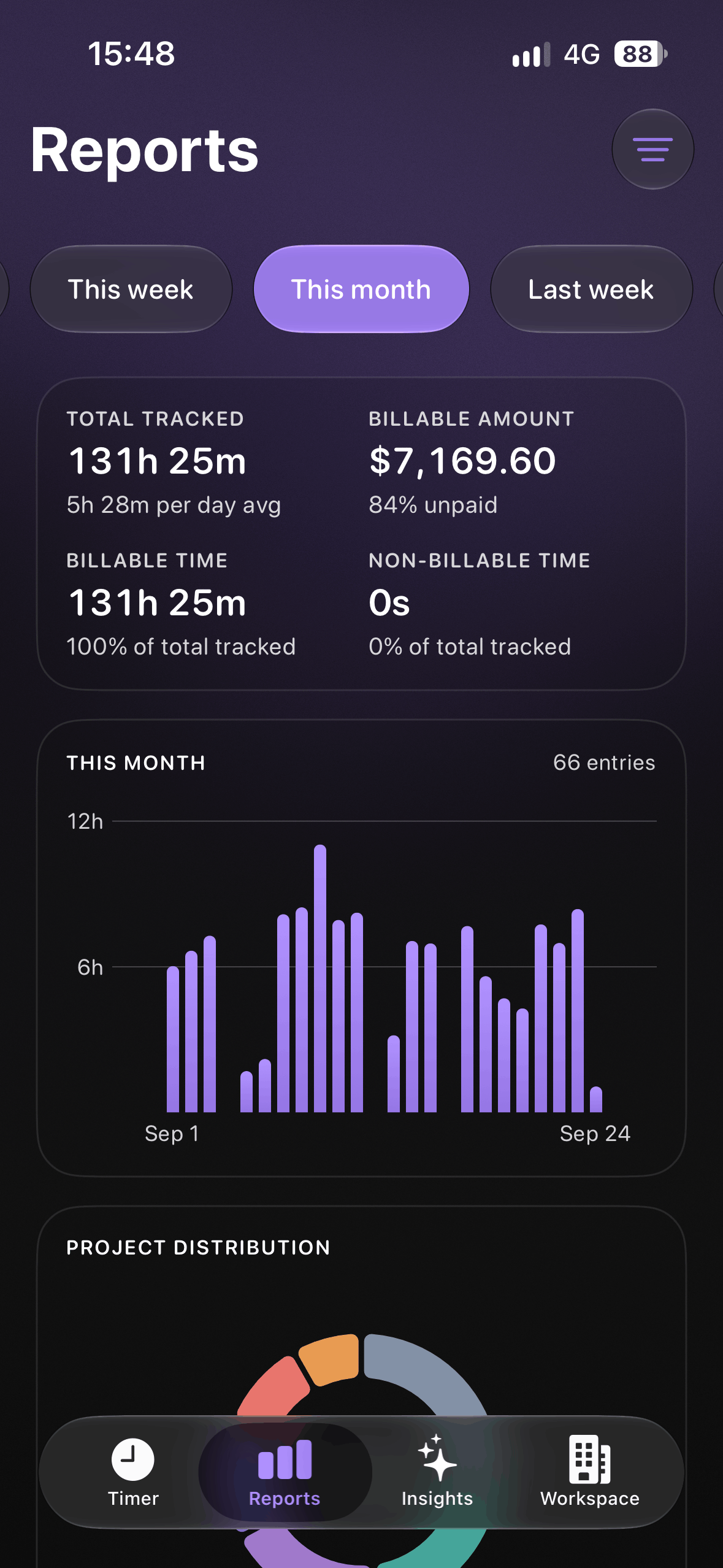
ttrackii turns time tracking into one continuous workflow: from logging your work to organizing it, sharing reports, and understanding what all of that work adds up to.
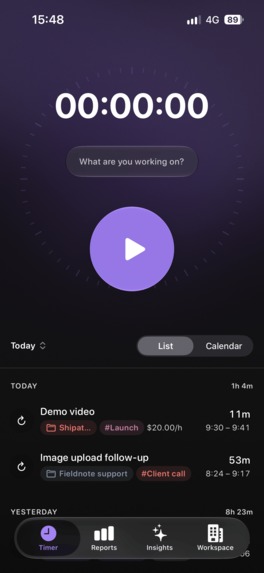
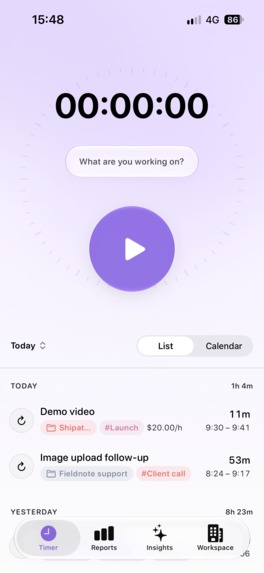
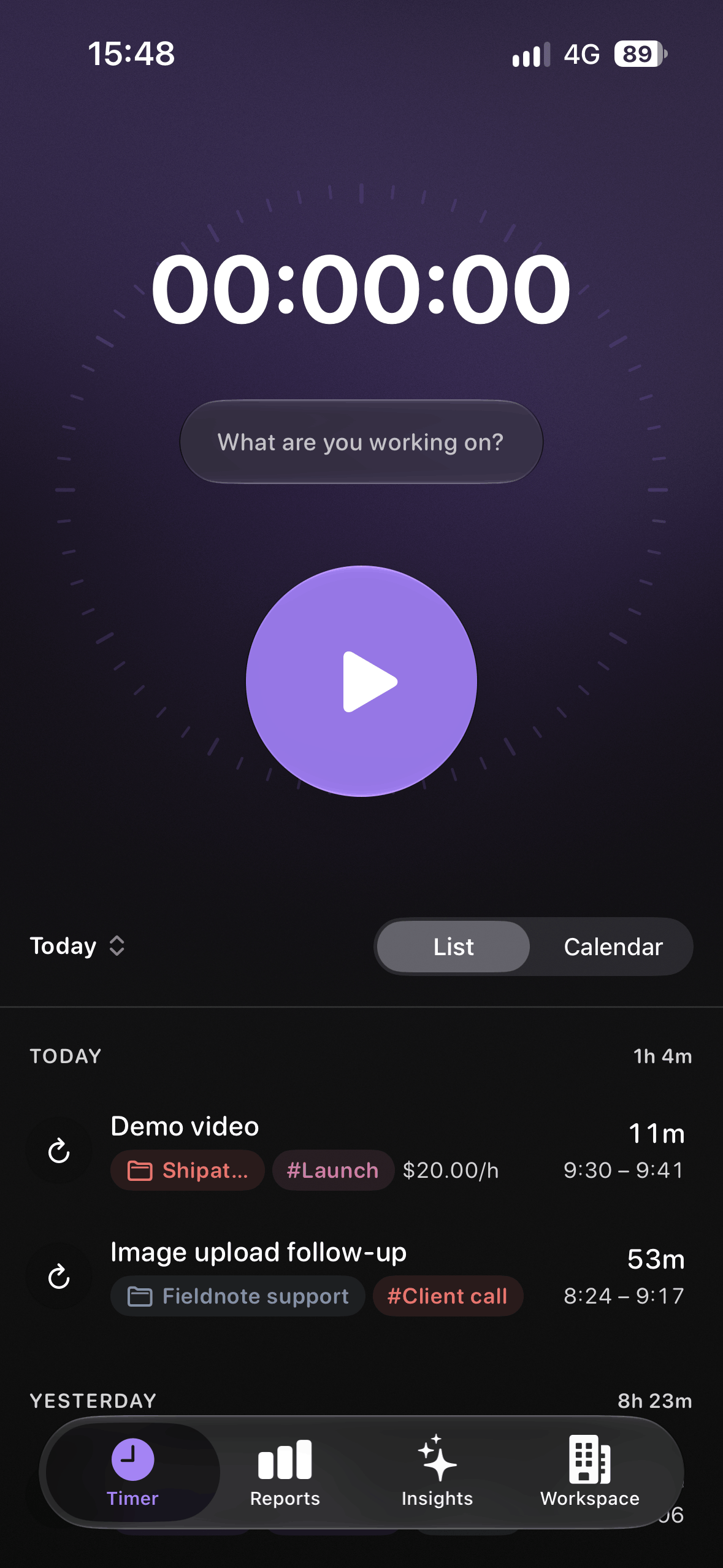
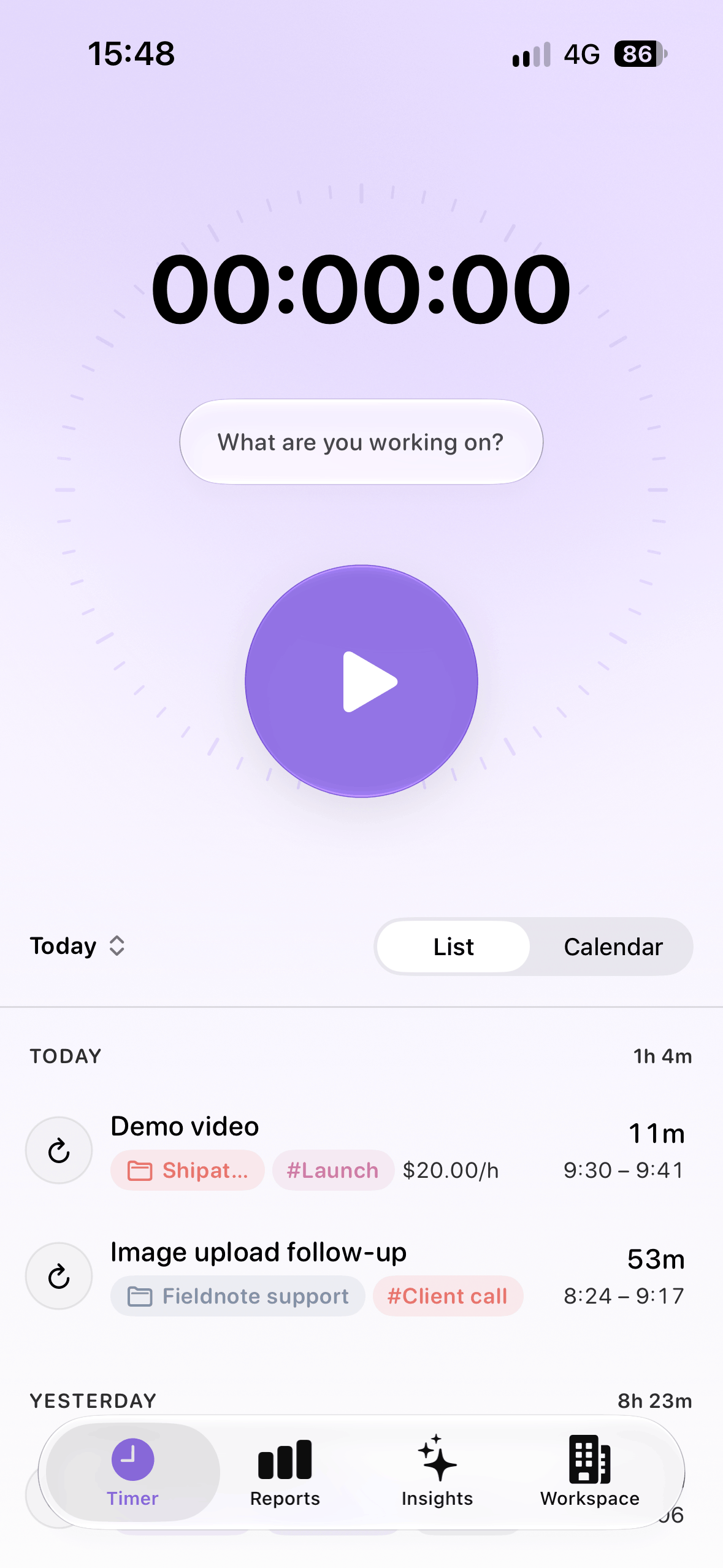
Start and stop timers, add work manually, organize entries by client, project, and tags, and set hourly rates in 26 currencies with exchange rates updated daily, while everything stays in sync between your iPhone and your browser.
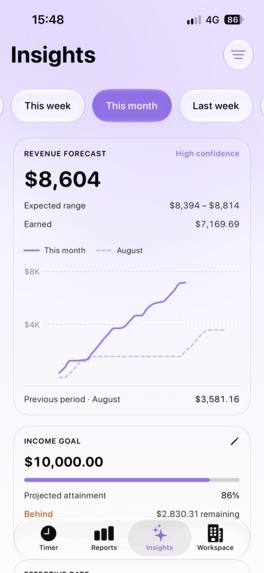
Business Insights continues that same workflow by using the data that's already in ttrackii to show your earnings, progress through the month, productivity patterns, and what your current pace could mean for the weeks ahead.
How I built it
I started with one clear philosophy: no paywalls for basic features.
Tracking time, creating projects and clients, exporting your data, sharing reports, and using ttrackii across your devices shouldn't require upgrading. The paid product is instead built around features that add new value, such as deeper business insights.
The same philosophy shaped the design. I wanted ttrackii to feel less like business software and more like a tool you enjoy interacting with. The iOS app is built natively with SwiftUI, with particular attention to motion, haptics, transitions, micro-interactions, and the careful use of Liquid Glass.
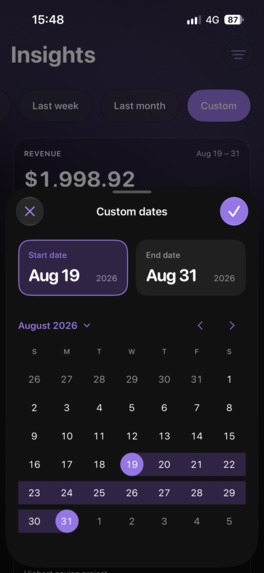
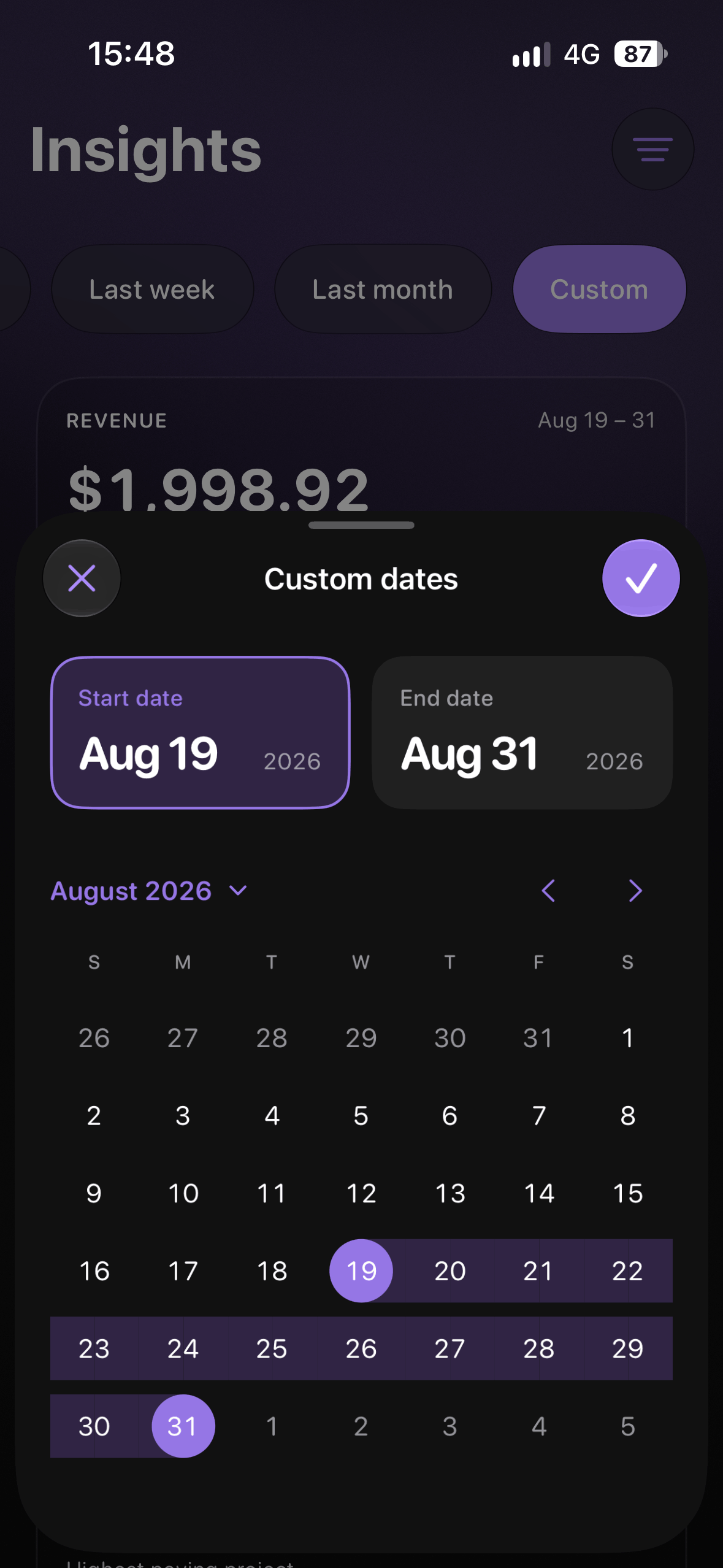
A ridiculous amount of work went into details that look simple and feel obvious in the finished app. I spent weeks refining things like a date range picker, hourly rate input, editing flows, and timer states so no screen would need an explanation.
The result isn't a new way to track time. It's my attempt to make the existing way dramatically nicer to use, and considerably more useful once the timer stops.
Challenges I ran into
The hardest part was making all of this information fit together without making the app feel complicated.
A single time entry can have a client, project, tags, date, duration, hourly rate, currency, and billing status attached to it. That same entry also had to make sense in the timer, history, reports, shared reports, and Business Insights. Changing something in one place also had to be reflected everywhere else.
Working with Swift was another major challenge on its own. I started ttrackii with no Swift experience and very little mobile app development experience in general, so I had to learn SwiftUI while building a production app involving syncing, subscriptions, app lifecycle states, navigation, haptics, animations, and timers.
Accomplishments that I'm proud of
I built and shipped a native iOS app from scratch in less than 3 months, despite having no prior experience with Swift, alongside the web app, backend, reporting system, and Business Insights.
I'm especially proud of the timer bar, which I designed around the action users repeat most often. It keeps the active task and timer state accessible without turning tracking into a separate screen or workflow. This tiny detail is one of the main reasons I personally enjoy using ttrackii more than any other time tracker I've tried.
I'm also really proud of the demo video: before starting, I looked into agentic video editors, but their output felt like it was missing the personality I wanted. I knew the basics of some traditional video editors, so I gave it a shot, and it turned into the smoothest edit I've ever made by far ˆˆ
What I learned
The hardest thing I learned was how difficult it is to turn a problem that seems simple at first into a product that actually feels simple, cohesive, and intuitive. Every new option, setting, or edge case makes sense on its own, but together they can quickly make the product feel heavier than the problem it's trying to solve. I had to get better at deciding what not to build, what could wait, and what was actually worth including in 1.0.
I also learned that polish takes disproportionately more time than getting something to "just" work. A feature can be technically finished in less than a day, but still take another week before it feels right.
What's next for ttrackii
I want to keep expanding Business Insights and make revenue forecasts more useful and accurate, while using real usage data to improve the iOS and web apps.
In the near future, ttrackii will be brought to more screens. The next platforms are iPadOS, Android, a browser extension, and of course, a CLI tool to attract my fellow devs who prefer not to leave their terminal, even when it's time to finally touch some grass.
There are plenty of features in my backlog, some already halfway finished, but immediately after Shipaton, the main focus is distribution: improve the marketing site, launch on Product Hunt, show ttrackii to more freelancers, and figure out which channels can bring in long-term users.
Built With
- next.js
- node.js
- postgresql
- qwikcity
- revenuecat
- stripe
- supabase
- swiftui

Log in or sign up for Devpost to join the conversation.