-
-
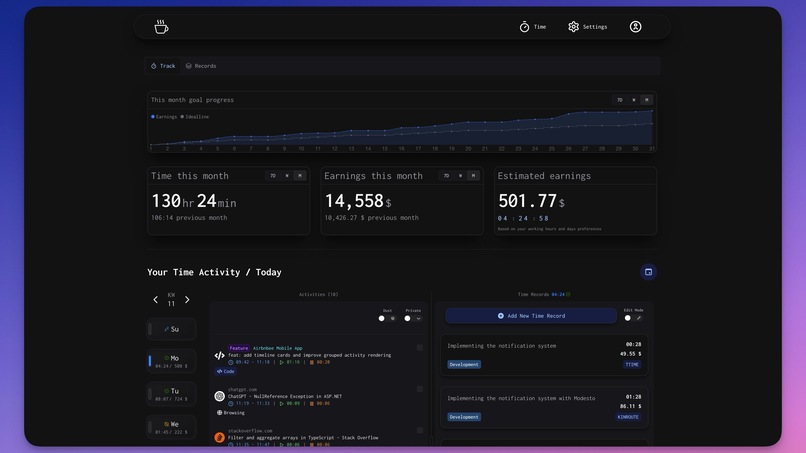
Time Tracking
-
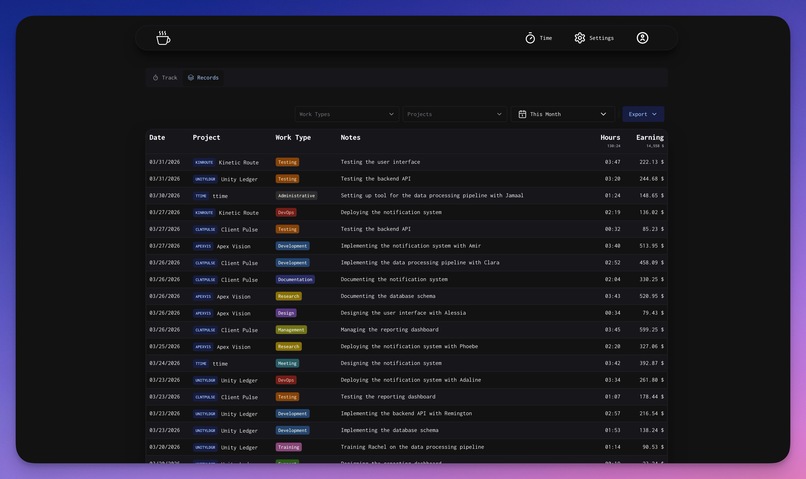
Exports
-
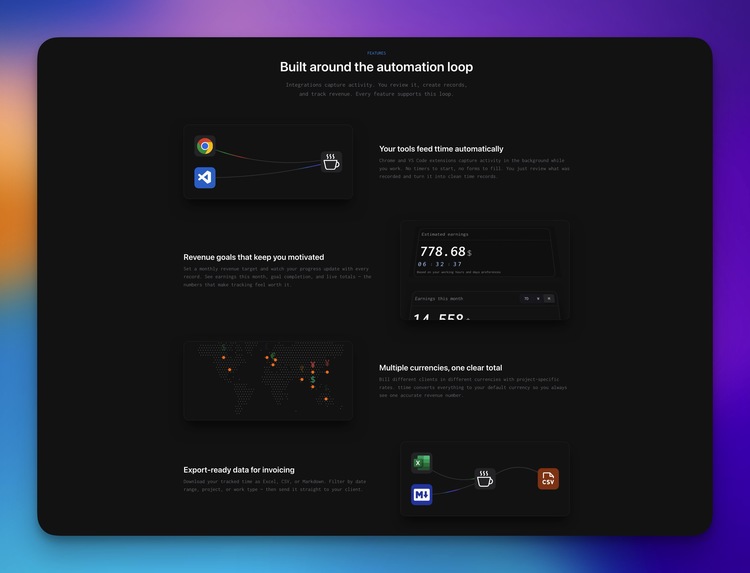
All Features
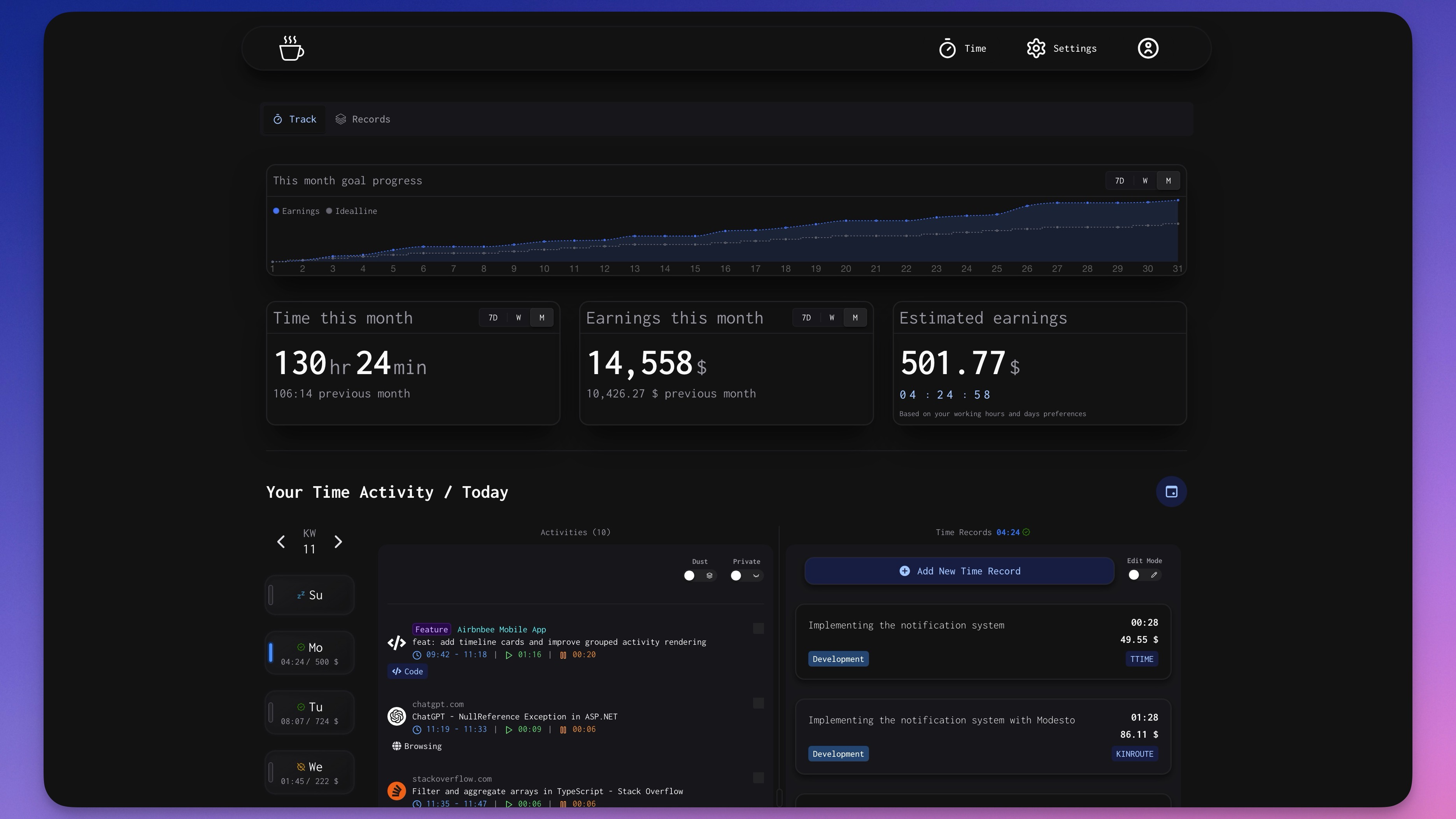
Inspiration
I kept losing billable hours. Not because I wasn't working — but because I was tracking time late.
The research backs this up: if you don't log your time the same day, you lose around 10% of billable hours. Wait until the next day and it's closer to 25%. For freelancers, that's real money disappearing because of a chore nobody wants to do.
I wanted a tool that removed the chore entirely, and kept revenue visible enough that you'd actually stay on top of it.
What it does
ttime is an automated time tracking system for freelancers.
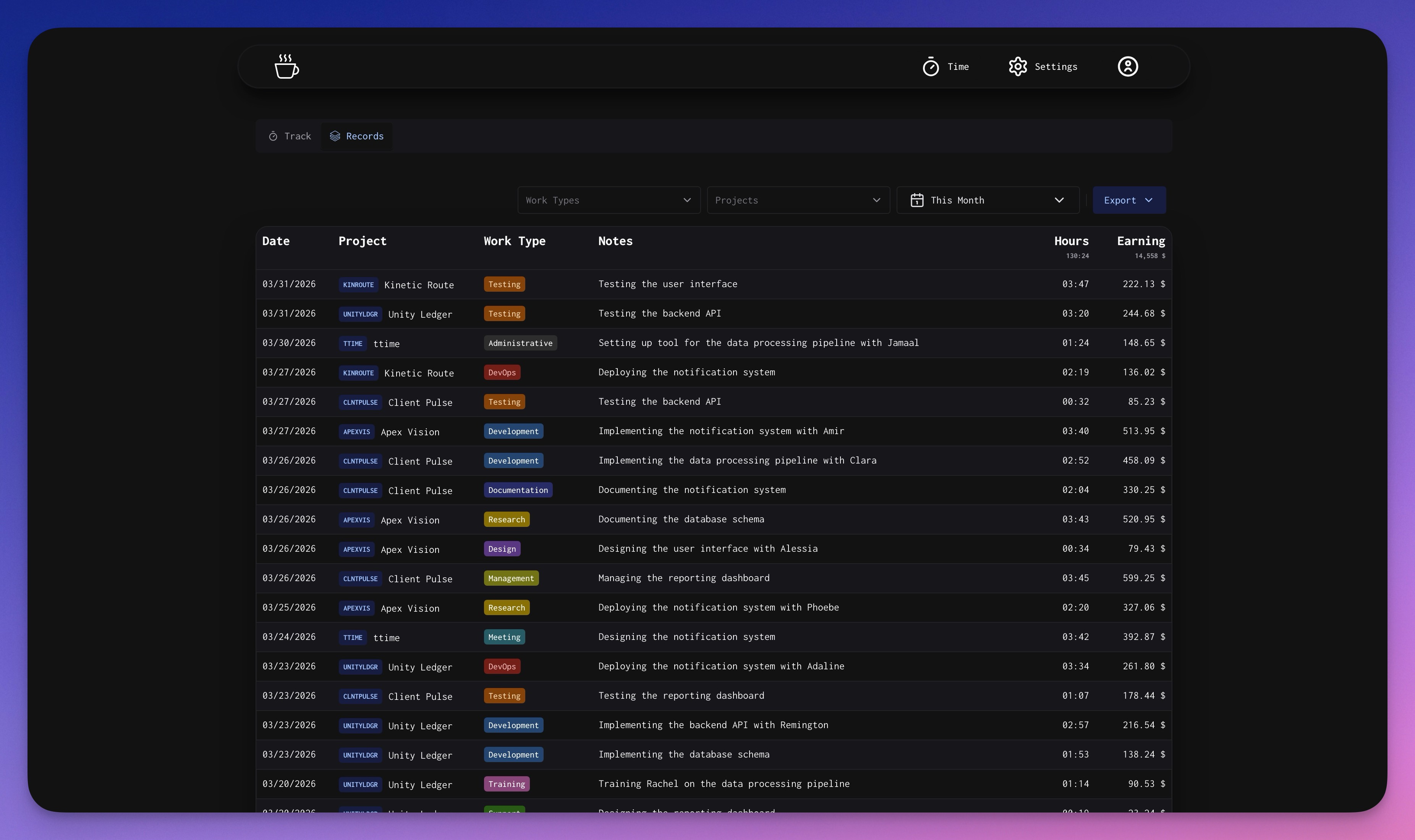
It captures work activity in the background from your browser and code editor, then gives you a fast daily review flow to turn that activity into clean billable records. You set your hourly rate and project rates, and ttime ties your time directly to revenue — so you can see what you're earning as you work.
Key features:
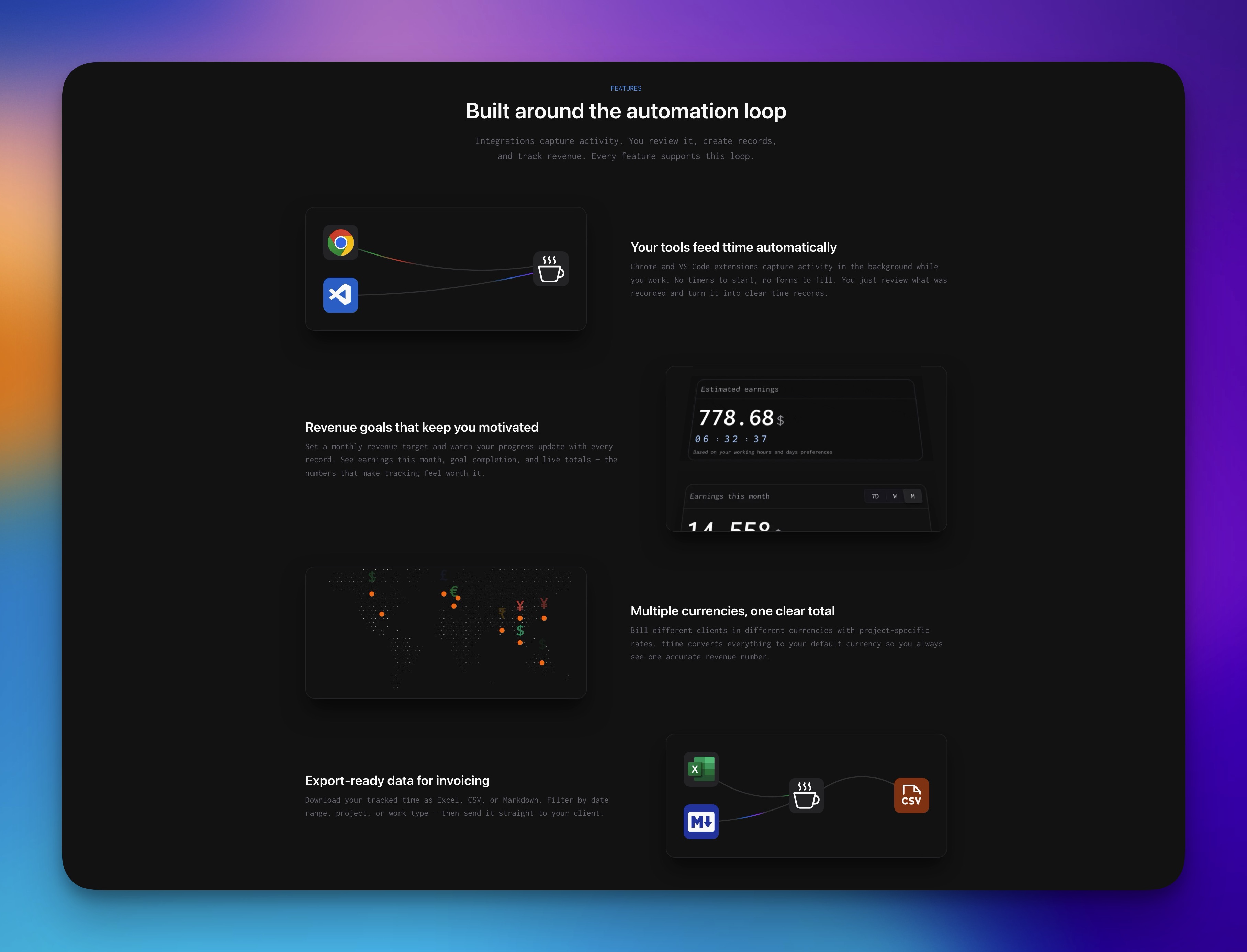
- Activity capture from Chrome, VS Code, and a desktop app (each works standalone, no account required)
- Daily and weekly activity review with 20 auto-categorized activity types
- One-click record creation with smart note suggestions from previous entries
- Revenue goal tracking with a visual progress chart and a live "Estimate Today" ticker
- Multi-currency support with per-project rate overrides
- Export to Excel, CSV, or Markdown for invoicing
How I built it
The stack is Next.js 16 (App Router) with React 19 and TypeScript, backed by PostgreSQL via MikroORM. Auth is GitHub OAuth through NextAuth v5. The UI uses Chakra UI v3.
The Chrome and VS Code extensions each track activity locally and sync to the web app when connected. Activity events arrive at a REST ingestion endpoint, get stored as raw events, and the web app's review flow lets users decide what becomes a time record.
State management on the client uses Zustand with co-located server actions — each page has a .zustand.ts store and a .actions.ts file for the DB layer. This keeps the UI fast and avoids unnecessary re-fetches during day navigation.
Challenges I ran into
The hardest part was making the activity-to-record flow feel fast enough to actually use every day. Too much friction and people stop. The review step needs to be lighter than filling out a timesheet, or there's no point.
Getting cross-extension activity into a shared review format was also non-trivial. Browser activity, coding sessions, and git commits all look different — normalizing them into a format that's useful for billing without losing the context took several iterations.
Accomplishments that I'm proud of
The standalone-first model. All three trackers (Chrome, VS Code, desktop) work without a ttime account and give useful local insights on their own. Connecting to ttime is optional and incremental — you're not forced into an account just to see your own data.
The revenue view also landed well. Showing a running estimate of today's earnings based on your rate and working hours gives freelancers a real-time hook to stay engaged with tracking — something that traditional timesheets never had.
What I learned
Most time tracking tools treat tracking as the product. The insight that changed the design: tracking is the chore, and revenue is the motivation. Once that clicked, the whole UI shifted around surfacing money rather than surfacing hours.
I also learned that standalone-first distribution is a viable strategy. Each extension is useful on its own, which means it can be marketed independently, build trust without an account, and convert to the connected product naturally over time.
What's next for ttime
- Desktop app activity sync to the web app (currently the desktop app tracks locally but doesn't yet connect)
- Improved activity auto-categorization using commit context and domain enrichment
- Invoice generation directly from time records
- Team support for small agencies tracking across multiple contributors
Built With
- nextjs
- openai
- postgresql
