TryShop – “Virtually Try, Truly Buy: AI-Powered Fashion Try-On Meets E‑Commerce.”
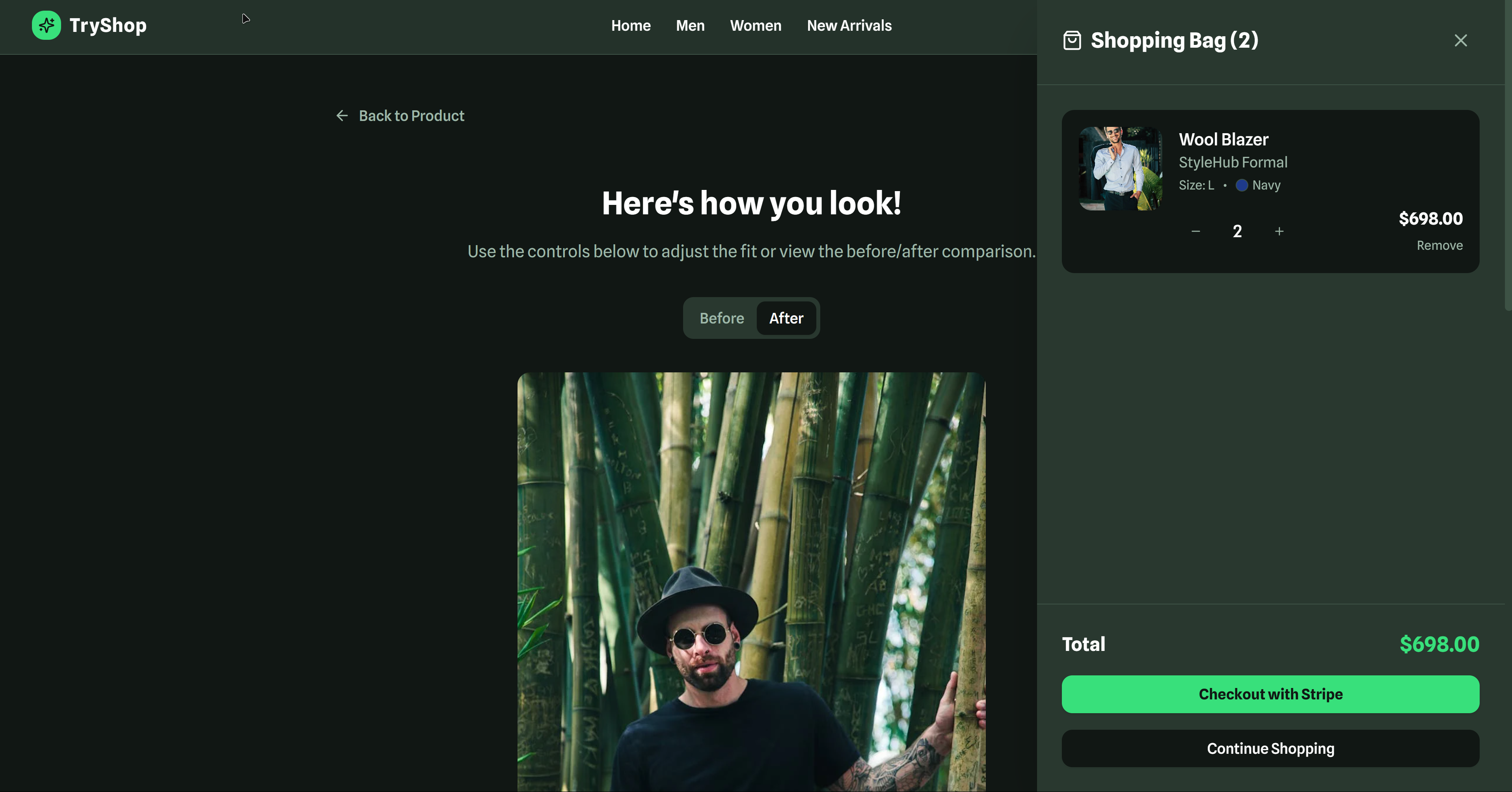
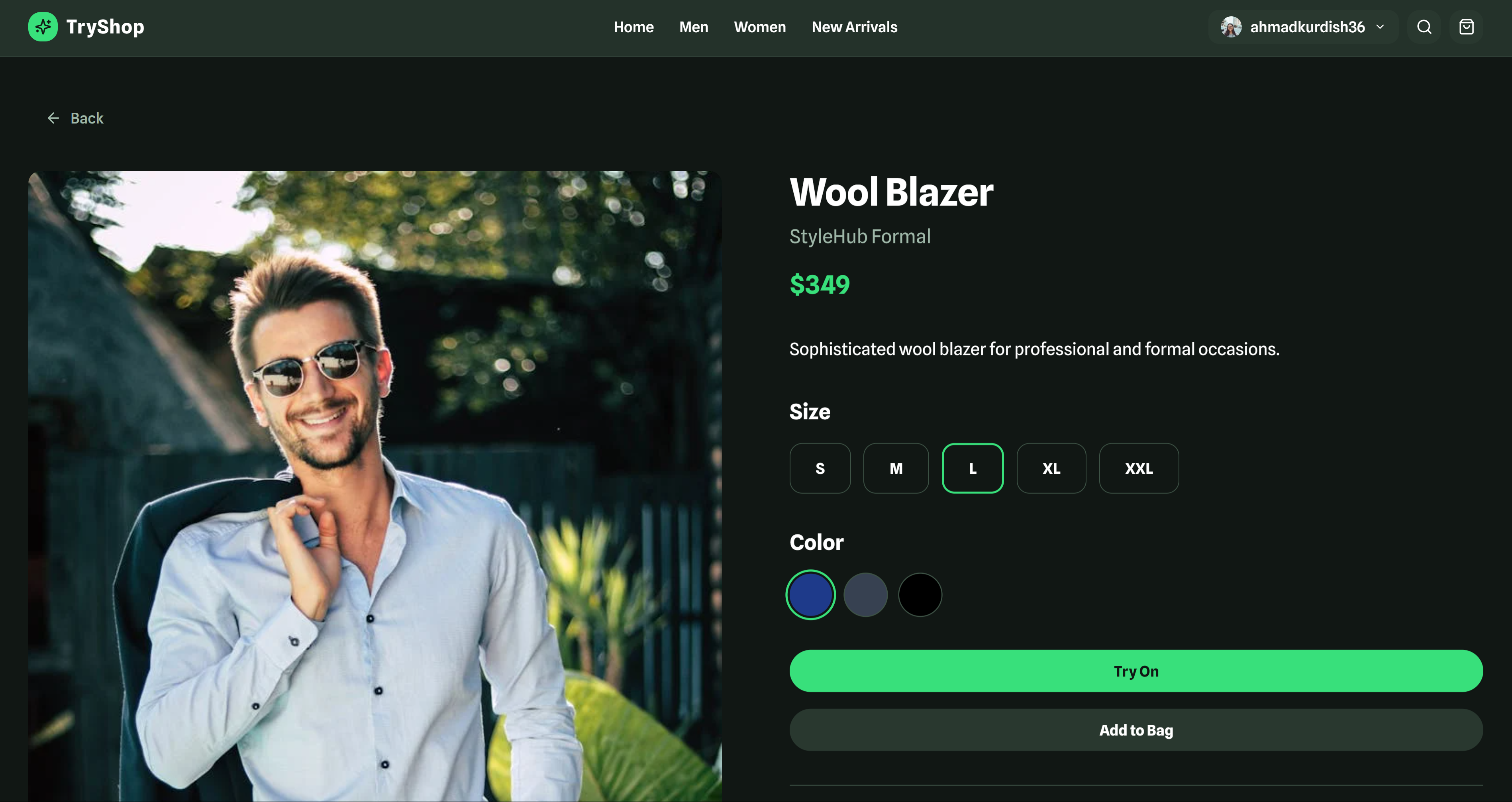
This tagline highlights the core value—the seamless AI-driven virtual try-on experience—while also nodding to its full e-commerce ecosystem (catalog, cart, order tracking, dark theme).
Want versions that are more playful, business-oriented, or tech-forward? Just let me know!
Here’s a polished version of your project story in Markdown:
🚀 About TryShop: My AI‑Powered Virtual Try‑On Fashion Store
🌟 What Inspired Me
I’ve always been fascinated by blending cutting‑edge tech with real-world applications. When Google unveiled its Doppl app in late June 2025—using generative AI to let users virtually try on clothes via photo or video—I realized this was more than a gimmick; it was the next frontier of online shopping ([lifewire.com][1]). I wanted to empower users to experience a similar immersive, accurate try-on experience—without waiting for big tech to roll it out in my region.
🧠 What I Learned
- Frontend robustness: I became fluent in React, TypeScript, and Vite—leveraging Tailwind CSS, shadcn/ui, Framer Motion, Zustand, React Router, ESLint, and PostCSS. Optimizing for performance and responsive design was key.
- Design system discipline: Specifying consistent color palettes, typography, spacing, border radius, and animation durations taught me how small details build a polished UX.
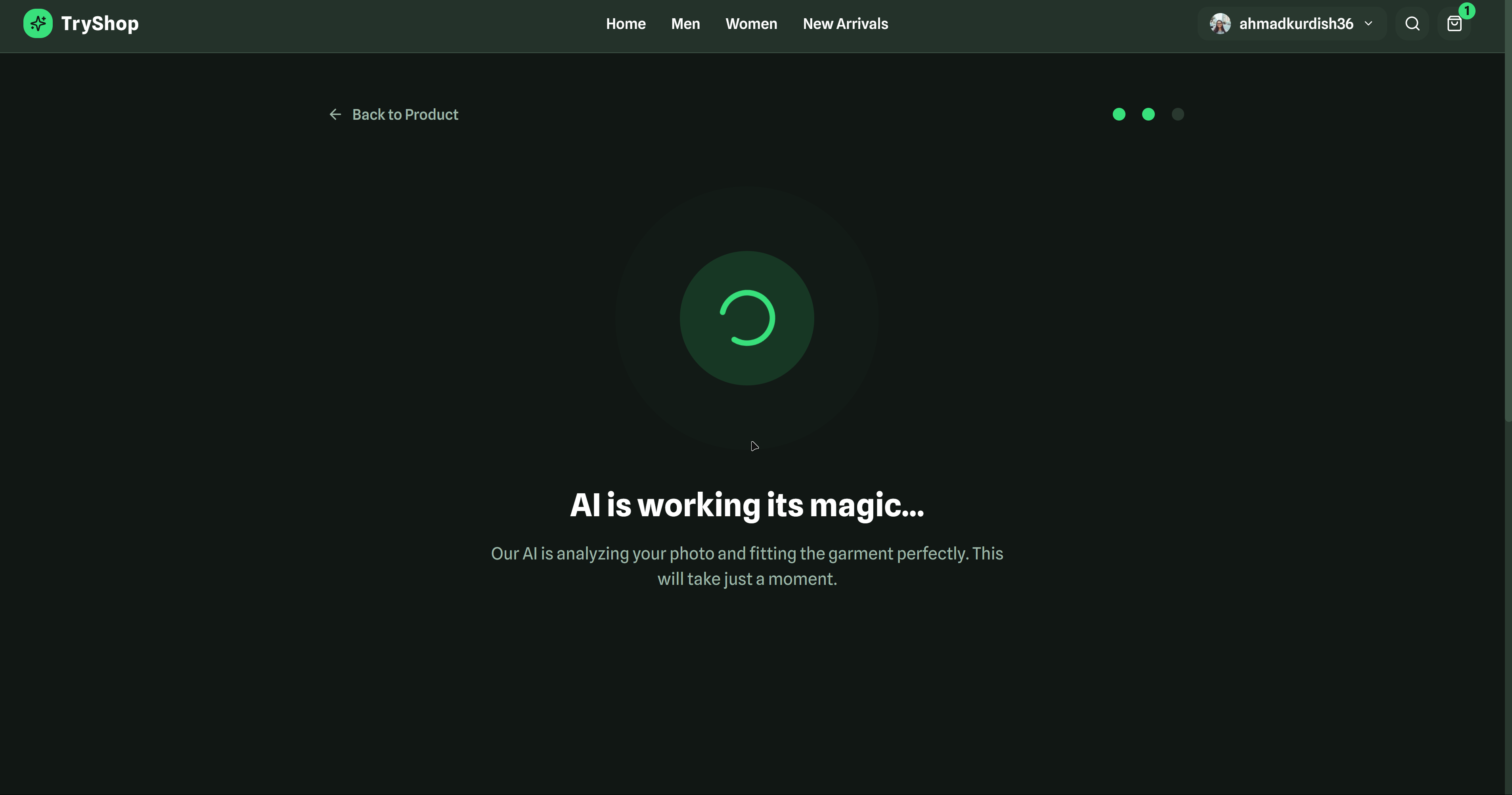
- AI/user flow synergy: Even simulating AI (mock processing/loading states) highlighted for me the importance of UX during async operations—keeping users informed, engaged, and confident about results.
🛠️ How It’s Built
Tech Stack:
- React 18 + TypeScript + Vite for a lightning-fast frontend
- Tailwind CSS + shadcn/ui for efficient, consistent UI
- Framer Motion for smooth UI transitions
- Zustand for global state (cart, user session) with persistent storage
- React Router for page-based routing
Virtual Try-On Flow:
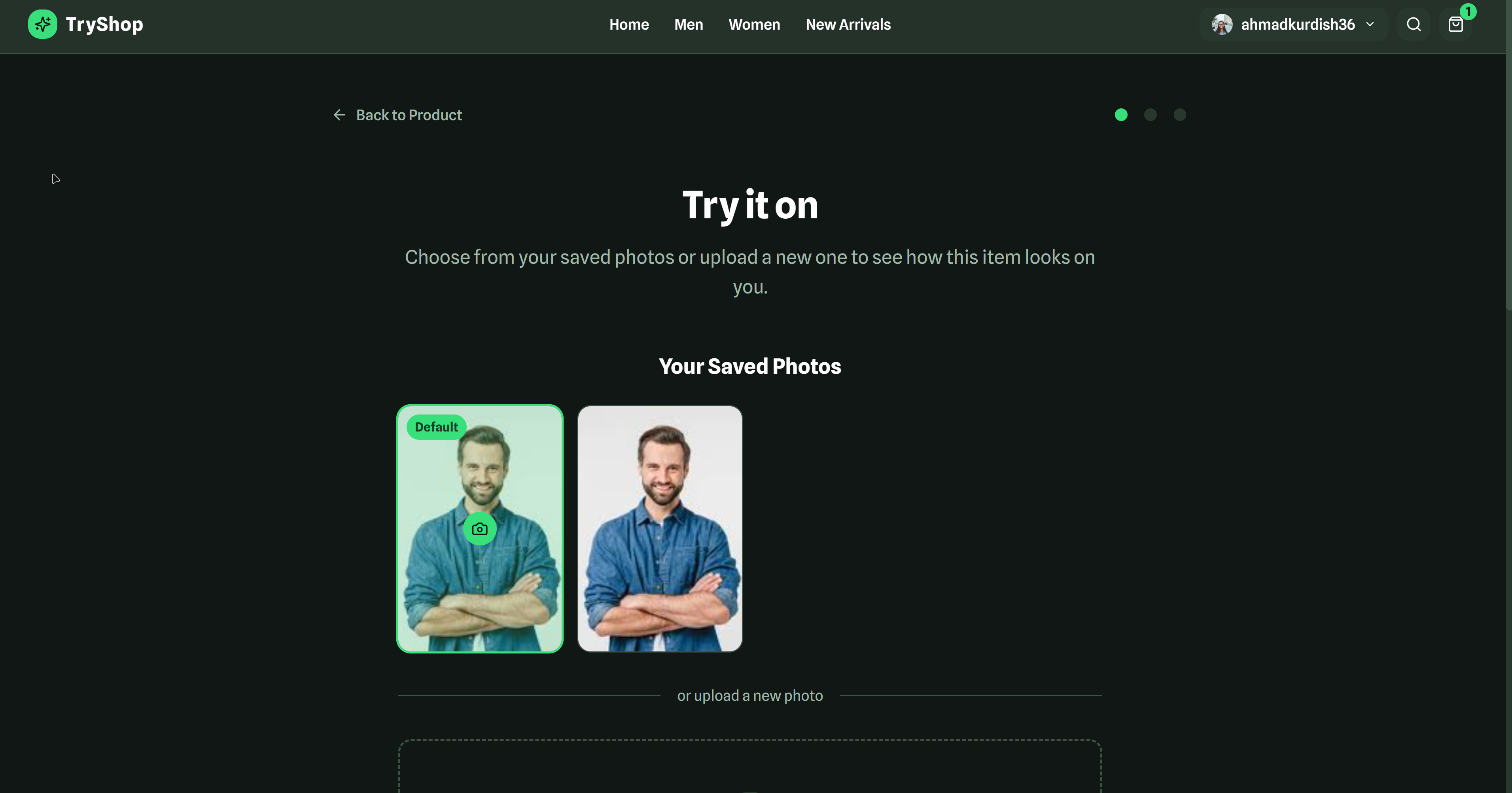
- Upload or select a selfie
- Simulate AI processing (with a loading spinner)
- View before/after comparisons with adjustable fit controls
- Save photo and add to cart seamlessly
E-Commerce Features:
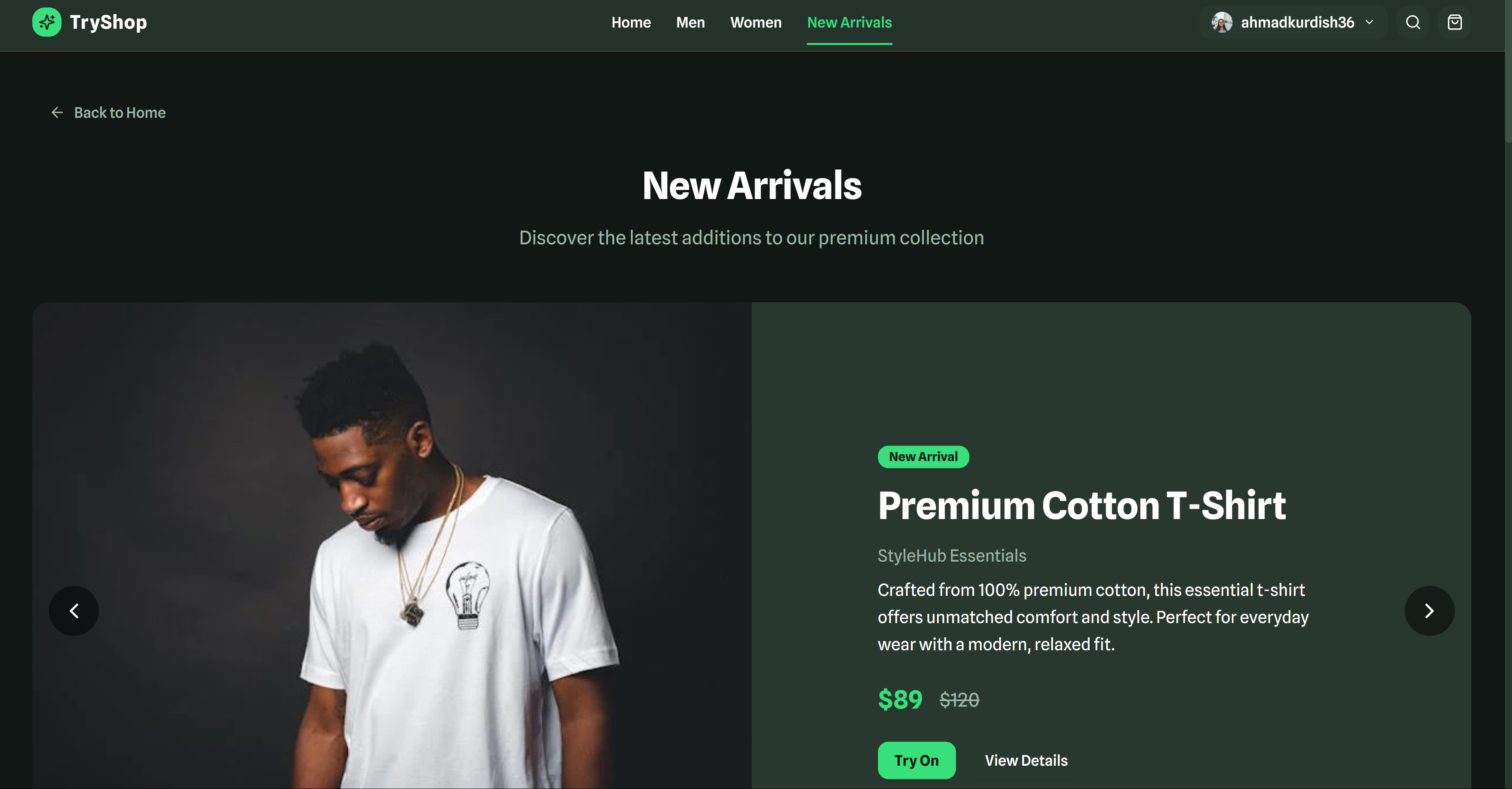
- Browsable product catalog
- Smart search functionality
- Persistent shopping cart with variants
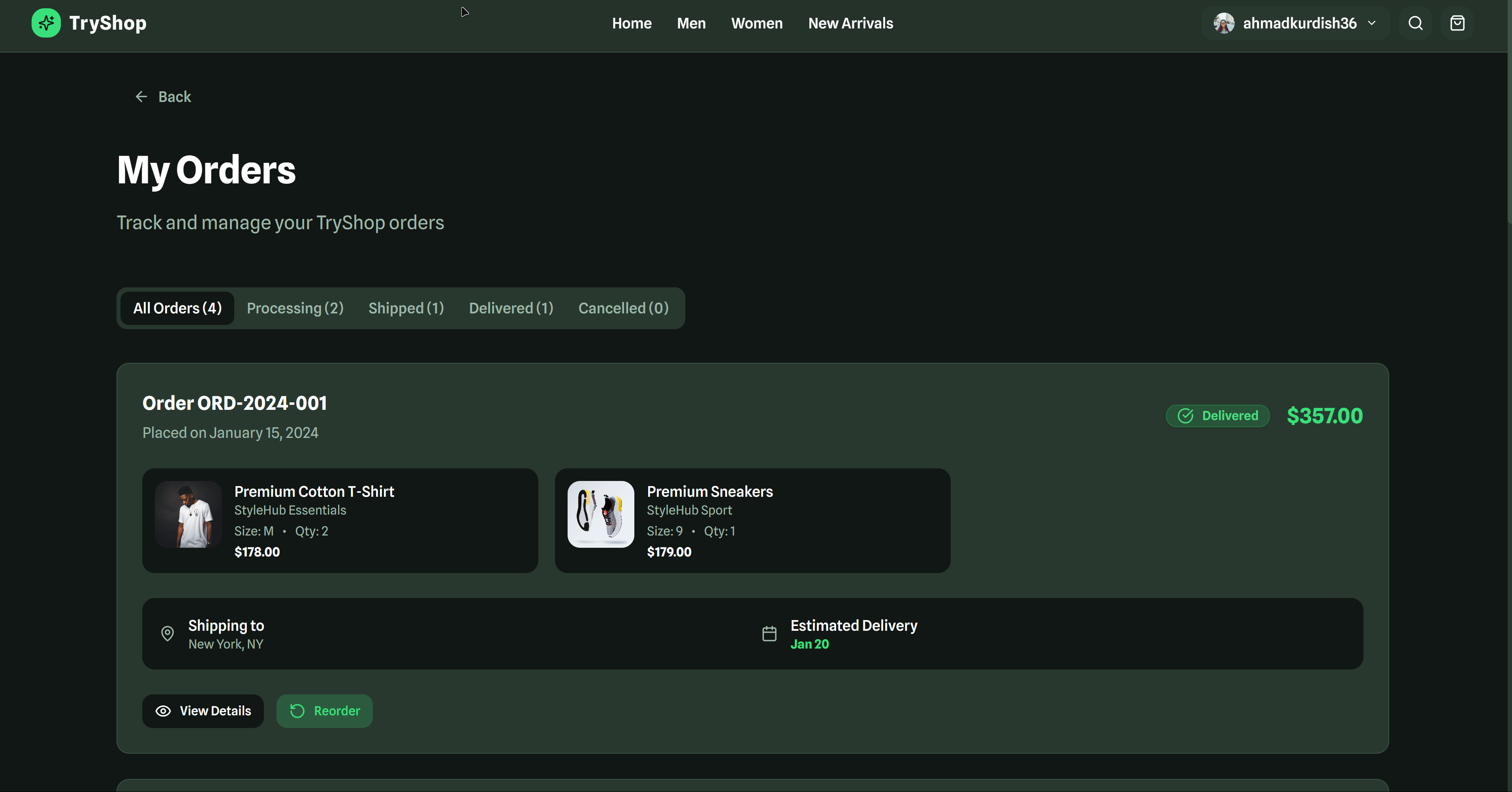
- Order lifecycle tracking (processing → shipped → delivered)
- User authentication and profile management
- Photo/history storage
🔍 Challenges Encountered
- Realism vs. performance: Achieving realistic try-on previews—even via simulation—required careful timing, animation, and UI feedback.
- State persistence edge cases: Handling cart merges, login/logout transitions, and order history race conditions demanded extra care.
- Responsive design complexity: Ensuring a clean, intuitive look on mobile, tablet, and desktop stretched my CSS and layout skills (especially with Framer Motion).
- Feature scope creep: Prioritizing MVP features—AI simulation, cart/order flow, user storage—over planned extras like social sharing, wishlist behavior, and PWA support required me to set firm boundaries.
🥅 What’s Next
- Real AI integration: Swap simulated processing for real AI-powered try-on using APIs or on-device models
- Payment gateway: Add Stripe (or alternative) checkout
- Backend and API: Build a database-backed backend for persistence
- PWA support: Enable offline capabilities and an installable experience
- Analytics & A/B testing: Introduce feature flags, funnels, and performance tracking
✍️ Reflection
Building TryShop taught me how to blend design, interactivity, and simulation into a user-centric experience—even without a production-ready AI backend. I sharpened my frontend engineering skills, honed system-level thinking for state and UX flows, and tackled real-world constraints around performance and responsiveness. Most importantly, I proved that a project can simulate cutting-edge tech and still delight users—paving the way for integrating full AI-driven capabilities next.
Built With
- ai
- bolt
- dressai
- imagegen
- javascript
- netlify
- react
- typescript


Log in or sign up for Devpost to join the conversation.