-
-
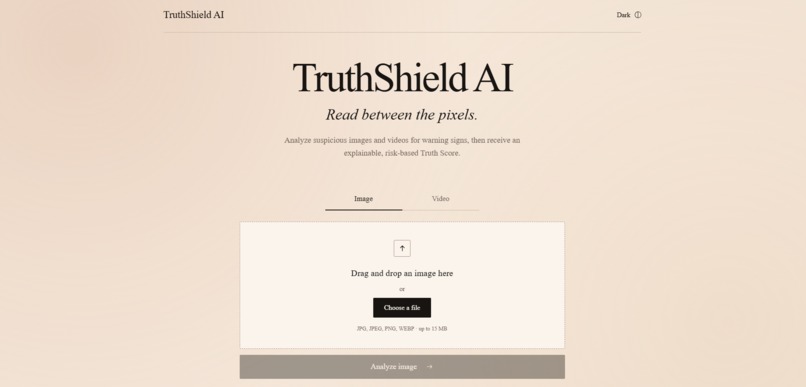
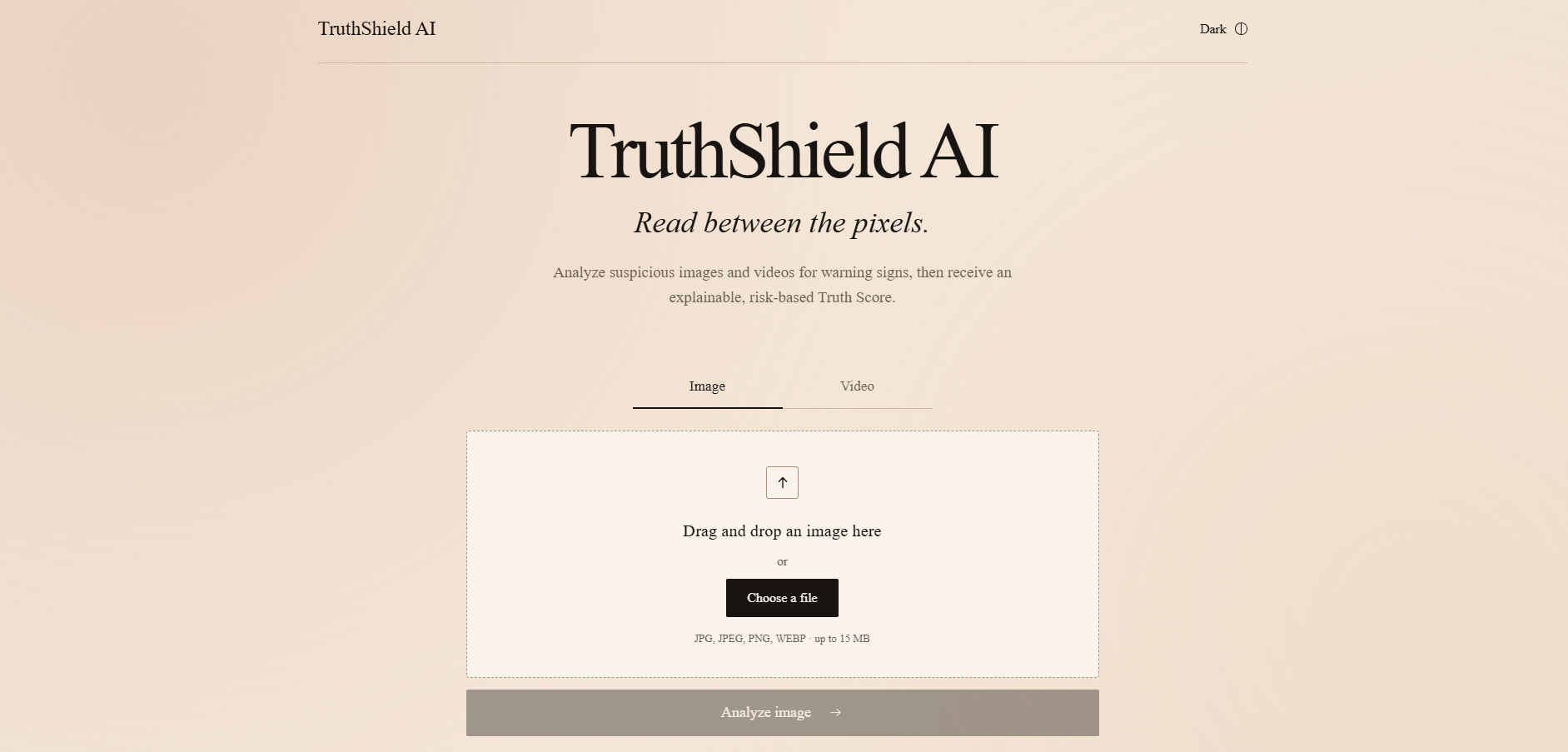
The homepage in light mode.
-
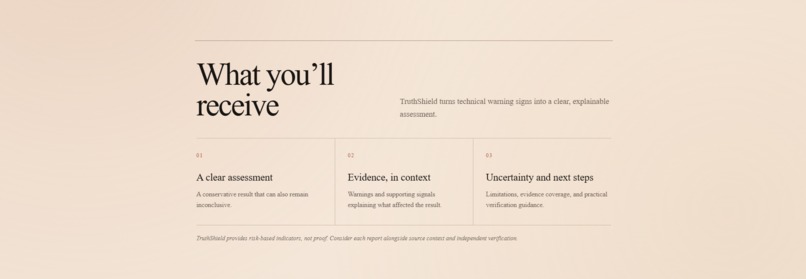
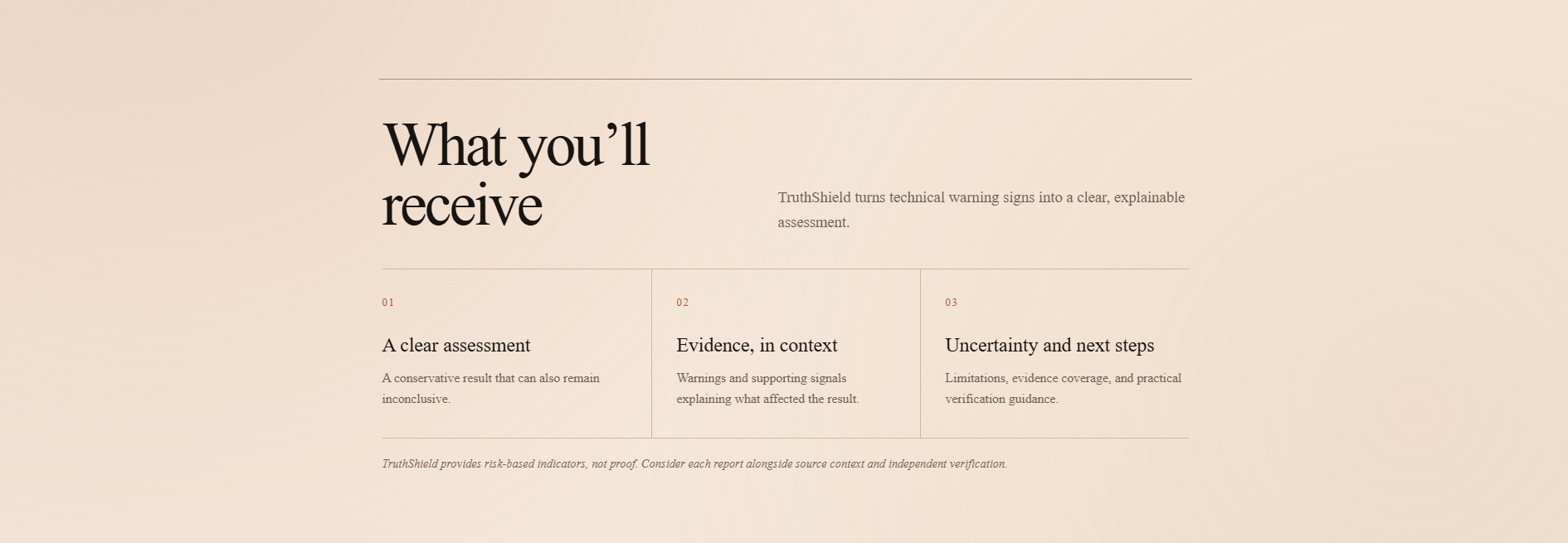
homepage continued
-
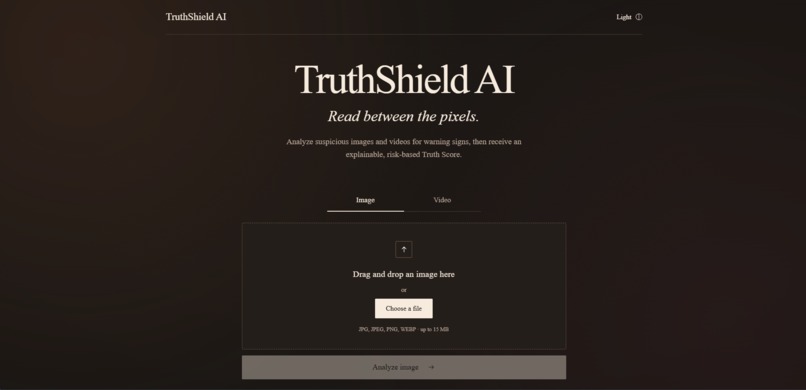
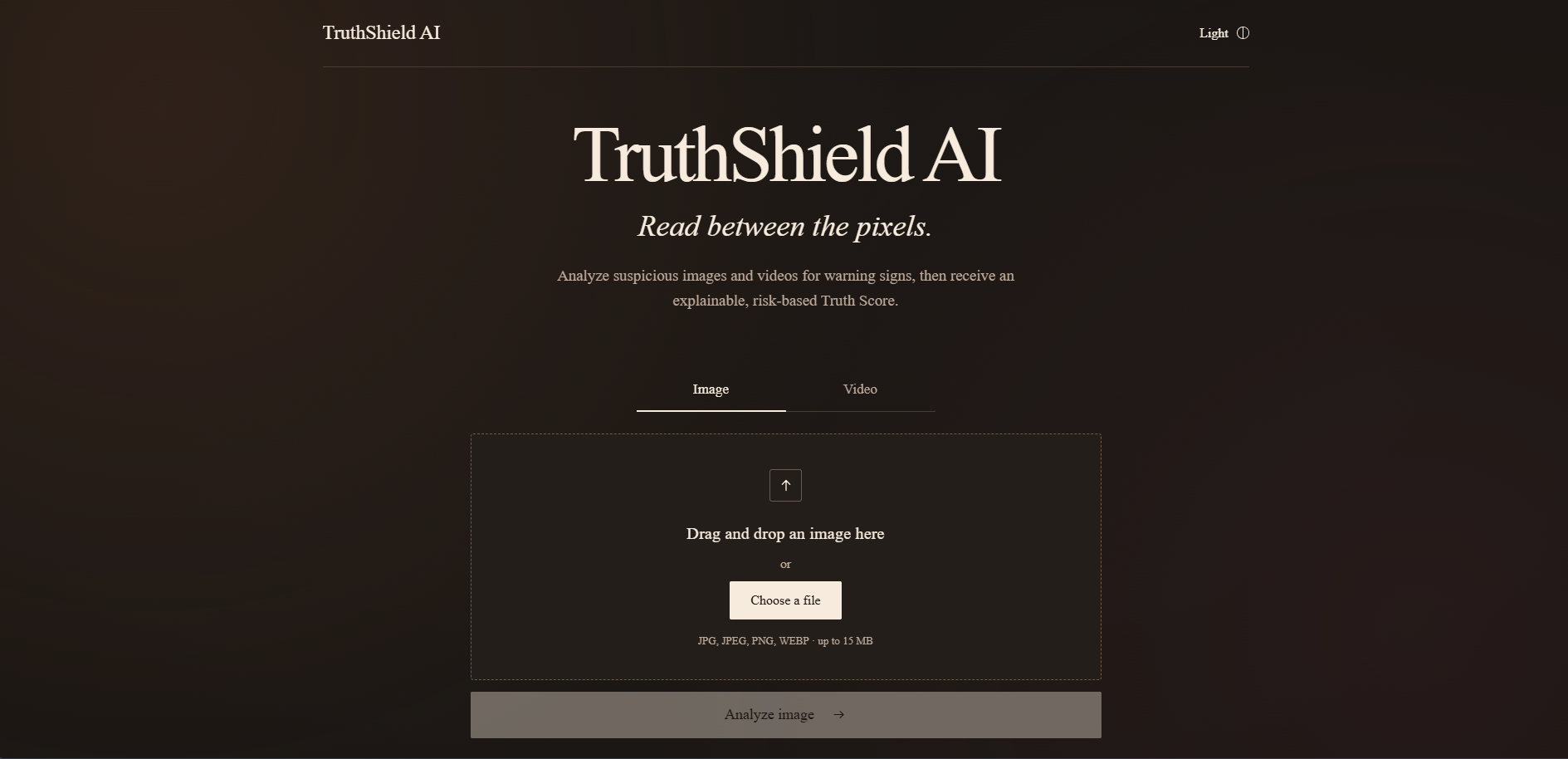
The homepage in dark mode.
-
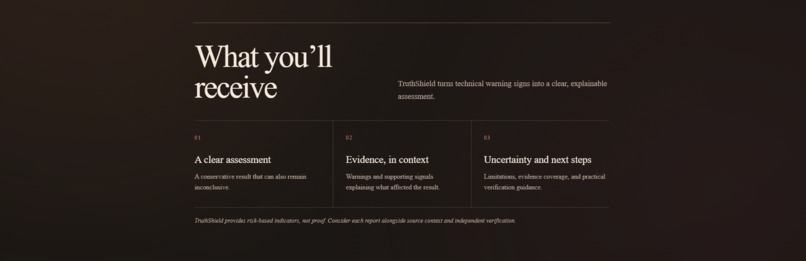
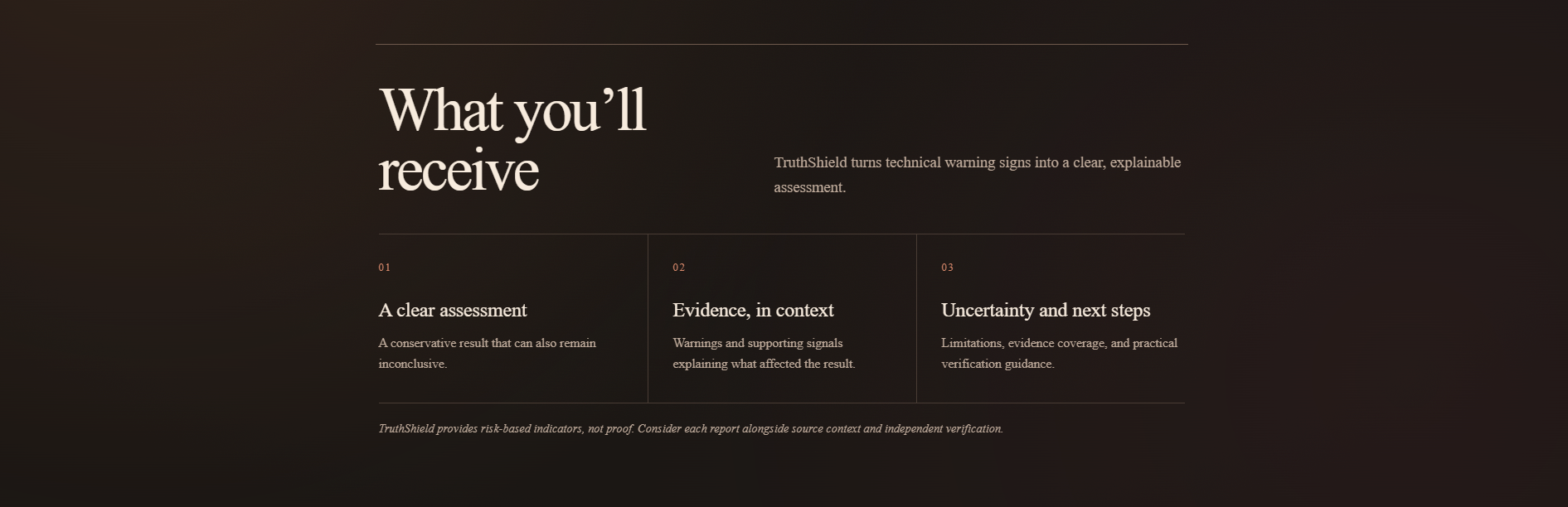
homepage continued
-
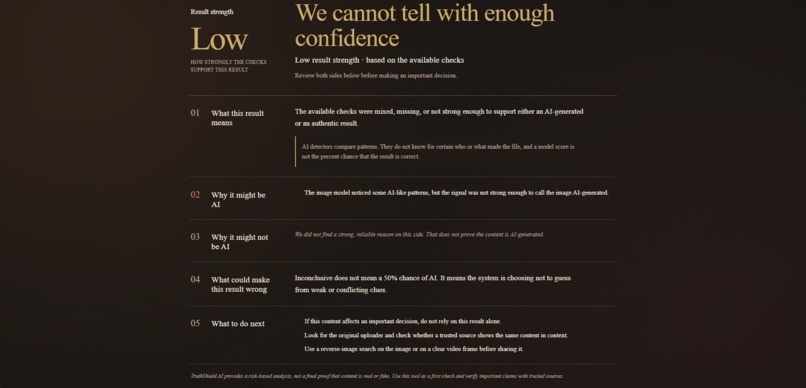
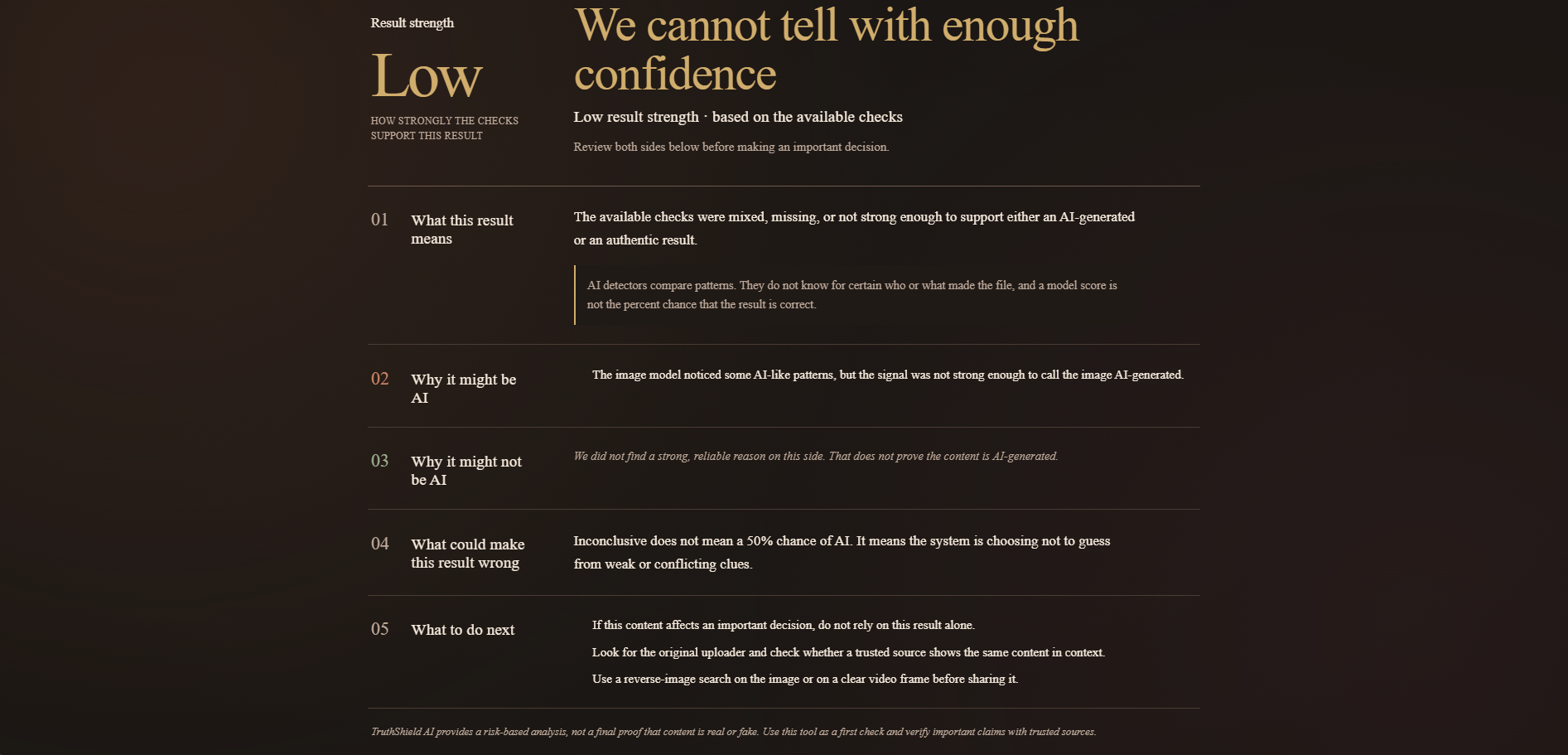
An example of the result when you analyze an image.
-
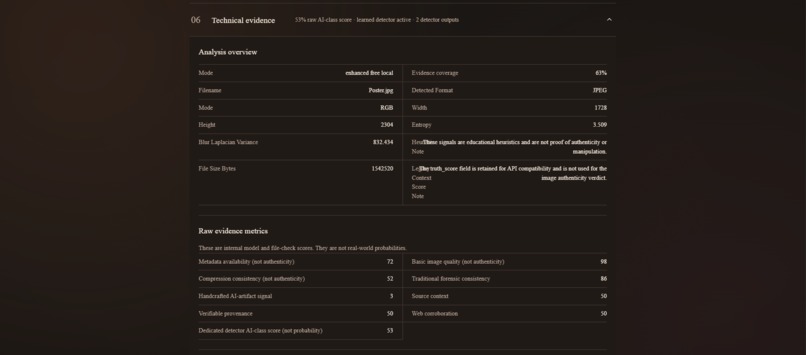
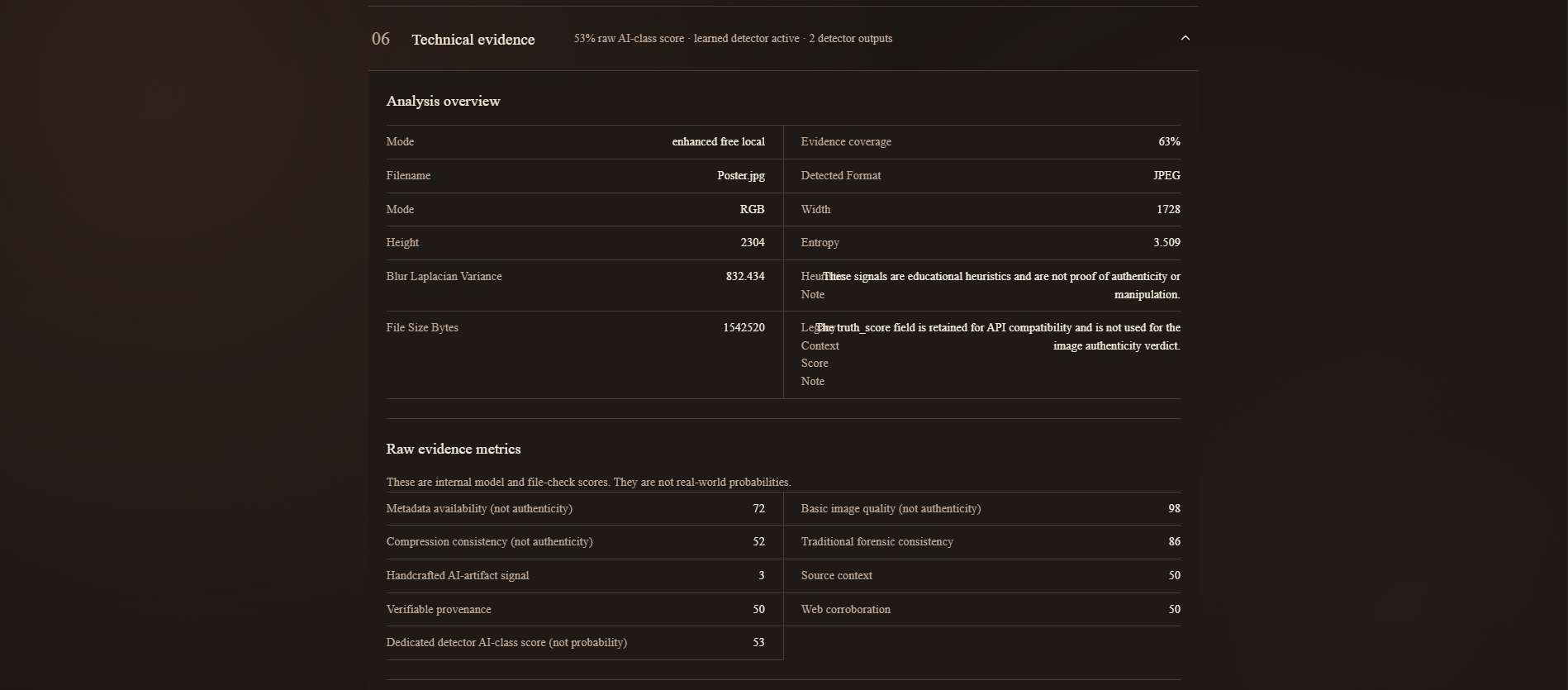
Advanced analysis
-
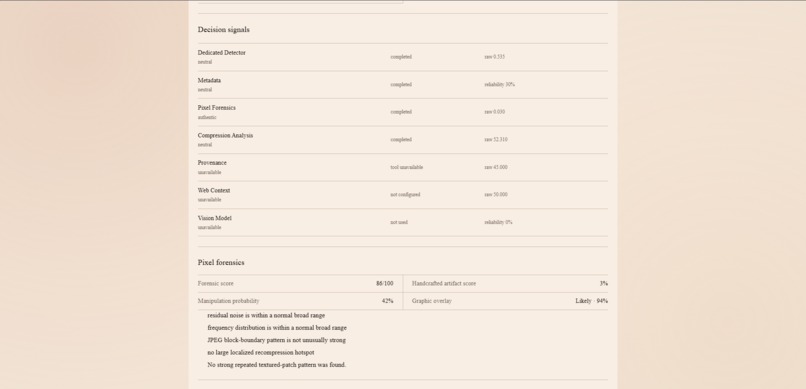
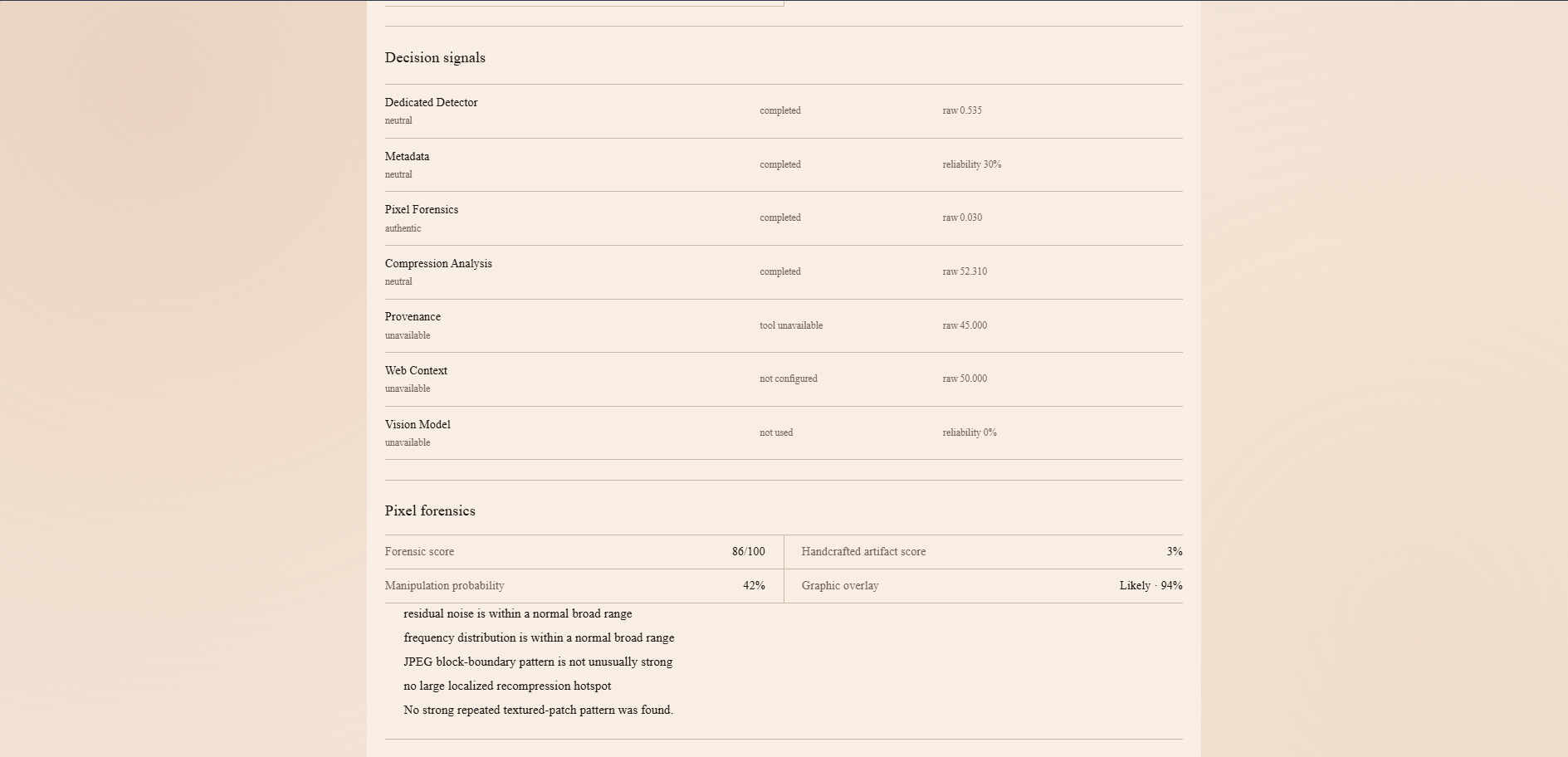
Advanced analysis continued
-
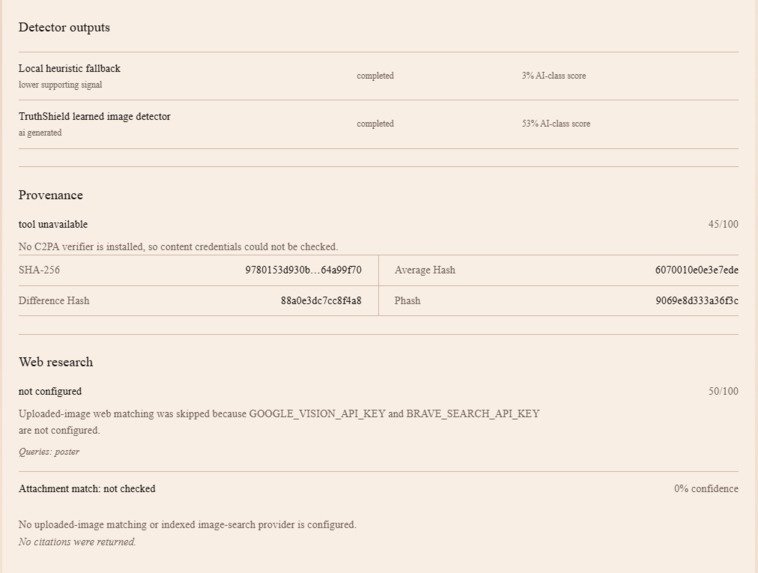
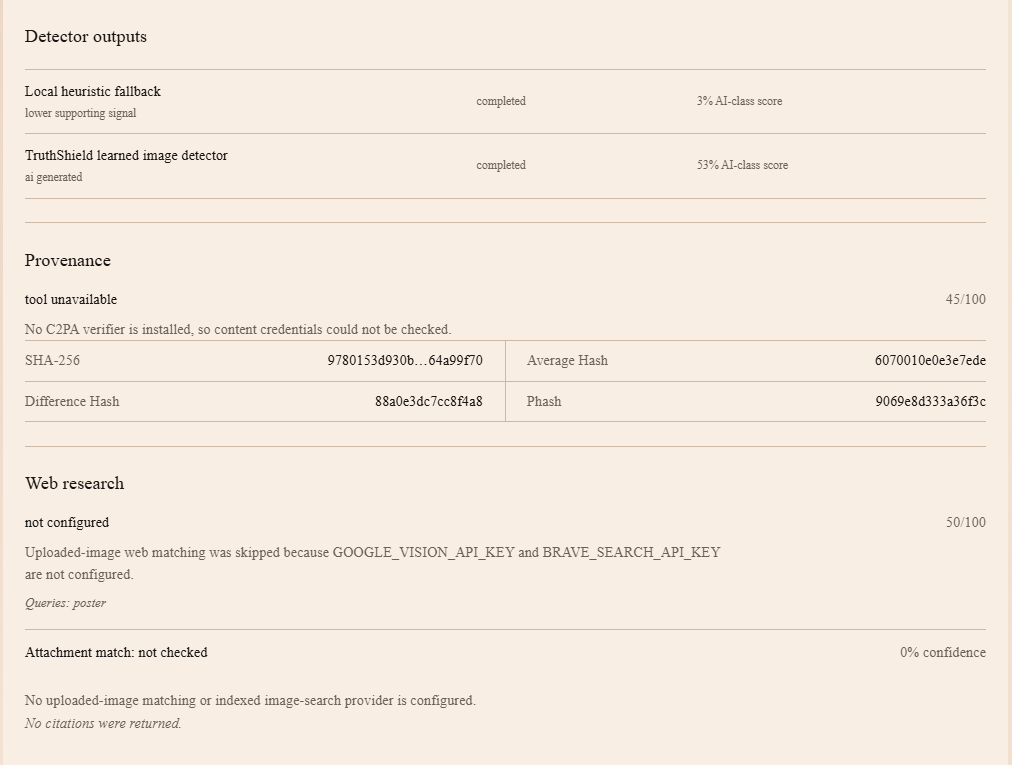
Advanced analysis continued
Inspiration
When the hackathon theme was announced, I spent the first day looking at other projects for inspiration. I came up with a few ideas, but I could not decide what I wanted to build.
The next day, my little brother showed me a video of himself dancing and jumping around. At first, I thought someone had recorded him. His face, body movements, and even the way his arms moved looked completely real.
Then, he told me that he created the video with CapCut AI using only one picture of himself. I honestly could not believe it.
He showed the video to my parents and my grandma. They praised him for dancing so well because they thought he had actually done it. When I told them that the video was AI-generated, they were really shocked.
After that, my dad started talking about how quickly AI is improving and how it could affect IT jobs in the future. That conversation gave me an idea. If my parents and grandma could not tell the difference between a real video and an AI-generated one, many other people probably could not either.
I thought there should be a simple tool that could help people check whether an image or video might be real or AI-generated. That is how I got the idea for TruthShield AI.
What it does
TruthShield AI is a web app that helps people check suspicious images and videos before they trust or share them.
TruthShield AI does more than show a label. It explains the signs it found, why the file may be suspicious, what supports it being real, and the limits of the scan.
I wanted the app to be easy to use, even for people who do not know much about AI. The main goal is to help users slow down, check the content, and make a better decision before believing or sharing it.
How I built it
I built TruthShield AI as a full-stack web application.
For the frontend, I used React, TypeScript, Vite, and Tailwind CSS. I created a clean and responsive interface where users can drag and drop a file, start the scan, and view a detailed report.
For the backend, I used Python and FastAPI. The backend safely handles uploaded files, runs the analysis, and sends the results back to the frontend.
For image detection, I trained a custom AI model based on ResNet-50. The model was trained using three types of images: Real camera photos; Real photos that were edited, captioned, or compressed; and AI-generated images
The edited real image category was very important. Screenshots, memes, captions, cropping, and social media compression can make real images look suspicious. I did not want the model to automatically label those images as AI-generated.
For videos, I used OpenCV to examine the video frames. The app checks individual frames and also studies how they change over time. It looks for strange motion, repeated frames, flickering details, and other patterns that may appear in AI-generated videos.
I combined these signals into one explainable report instead of depending on only one AI model or one score.
Challenges I ran into
One of the biggest challenges was learning that AI detection is not a simple real-or-fake problem.
Real images can lose their camera information when they are downloaded, screenshotted, edited, or shared on social media. At the same time, modern AI-generated images and videos can look extremely realistic.
At first, the app was too quick to label some real images as AI-generated. I realized that falsely calling a real image fake could be harmful. To make the app safer, I added an inconclusive result. If the system does not have enough strong evidence, it honestly tells the user that it is unsure.
Training the model was another challenge. I had to make sure it was learning useful visual patterns instead of shortcuts. For example, I did not want it to think that every blurry, compressed, or captioned image was created by AI.
Video detection was even harder because videos contain many frames. Checking more frames can make the analysis better, but it also takes more time and computing power.
I also had to connect the frontend, backend, and AI models into one working product. This included handling file uploads, errors, loading times, model files, and different screen sizes.
Accomplishments that I'm proud of
I am proud that TruthShield AI became a complete working full-stack project instead of only being an idea or a basic AI demo.
I trained and tested a custom image detector, built video-frame analysis, created an easy-to-use interface, and connected everything through a FastAPI backend.
I am especially proud of the three-result system. Many AI detectors try to label every file as real or fake, even when they are not sure. TruthShield AI can admit when the evidence is inconclusive. I believe this makes the app more honest and responsible.
During a balanced test, about 98% of the results that the system was confident enough to decide were correct. The system still marked uncertain cases as inconclusive instead of making a risky guess.
I am also proud that the app explains its results. Users can see both the warning signs and the signs that support the file being real. This makes the project more transparent and useful.
What I learned
This project taught me a lot about machine learning, full-stack development, datasets, and responsible AI.
I learned that a bigger dataset does not always mean a better model. The data must be balanced, varied, and similar to the files that real users may upload.
I also learned that an AI model can sound confident and still be wrong. A detector score is not proof. That is why TruthShield AI uses multiple signals and clearly explains its limits.
I learned how to train and test machine-learning models, build APIs with FastAPI, process images and videos with Python, and connect an AI backend to a React frontend.
Most importantly, I learned that a good AI tool should be honest about uncertainty. The goal should not be to make the most predictions. The goal should be to give users helpful and responsible information.
What's next for TruthShield AI
The next step is to improve the image and video models using more real-world data. I want to test the detector with content from more AI generators, different cameras, social media apps, screenshots, face swaps, and heavily edited files.
I also want to make video scanning faster while keeping the results useful. Video analysis currently requires more time and computing power because the app has to examine many frames.
In the future, I would like to add: Support for more image and video formats Better detection for face swaps and edited areas Faster video analysis More source and content history checks A browser extension for checking media online User feedback that can help improve future versions
TruthShield AI is not meant to be a perfect truth machine. I want it to become a strong first step that helps people question suspicious content, understand the warning signs, and think before they share.
Built With
- cloudflare-pages
- computer
- docker
- fastapi
- hugging-face
- hugging-face-spaces
- machine-learning
- numpy
- opencv
- pillow
- python
- pytorch
- react
- resnet-50
- scikit-learn
- tailwind-css
- typescript
- vision
- vite


Log in or sign up for Devpost to join the conversation.