-
-
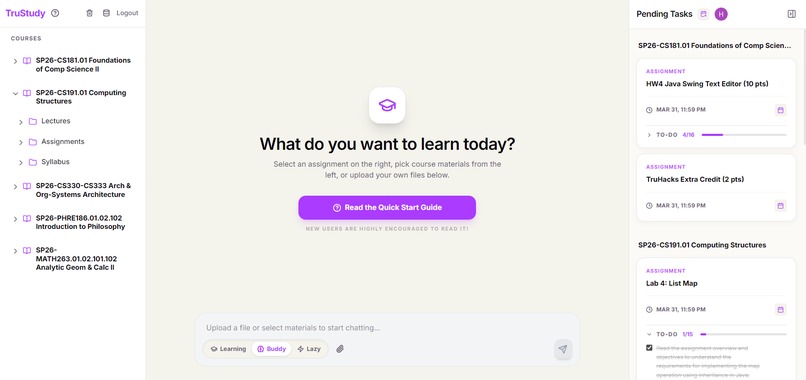
Screenshot of TruStudy_1
-
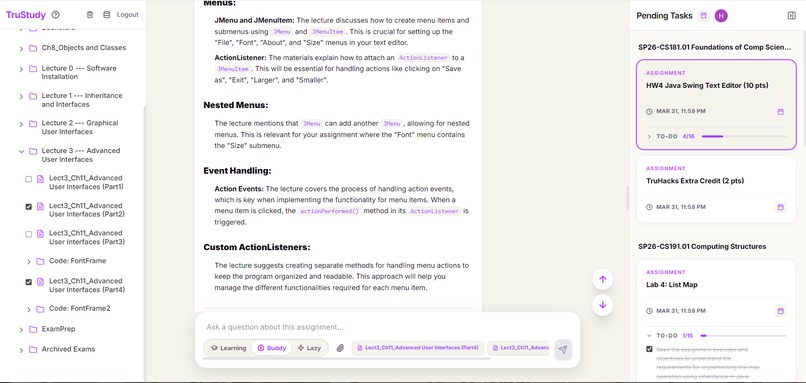
Screenshot of TruStudy_2
💡 Inspiration
We've all used AI for assignments, but the process is broken. You're manually downloading files, watching endless lecture videos just to find the relevant part, copy-pasting into ChatGPT, hitting context limits, and starting over. I built TruStudy because I wanted something me and other Truman students could actually use, something that knows your course, reads your assignments, and finds the right material automatically.
🎯 Why It Matters
Most AI study tools are general-purpose, they don't know your professor, your syllabus, or what chapter your exam covers next week. Students end up doing the heavy lifting themselves: finding the right files, manually downloading everything, trimming them down to fit a context window, and hoping the AI doesn't hallucinate a citation that doesn't exist.
TruStudy closes that gap. It knows your course because it reads it directly. Answers are grounded in the actual documents your professor uploaded, not training data from two years ago.
✨ What It Does
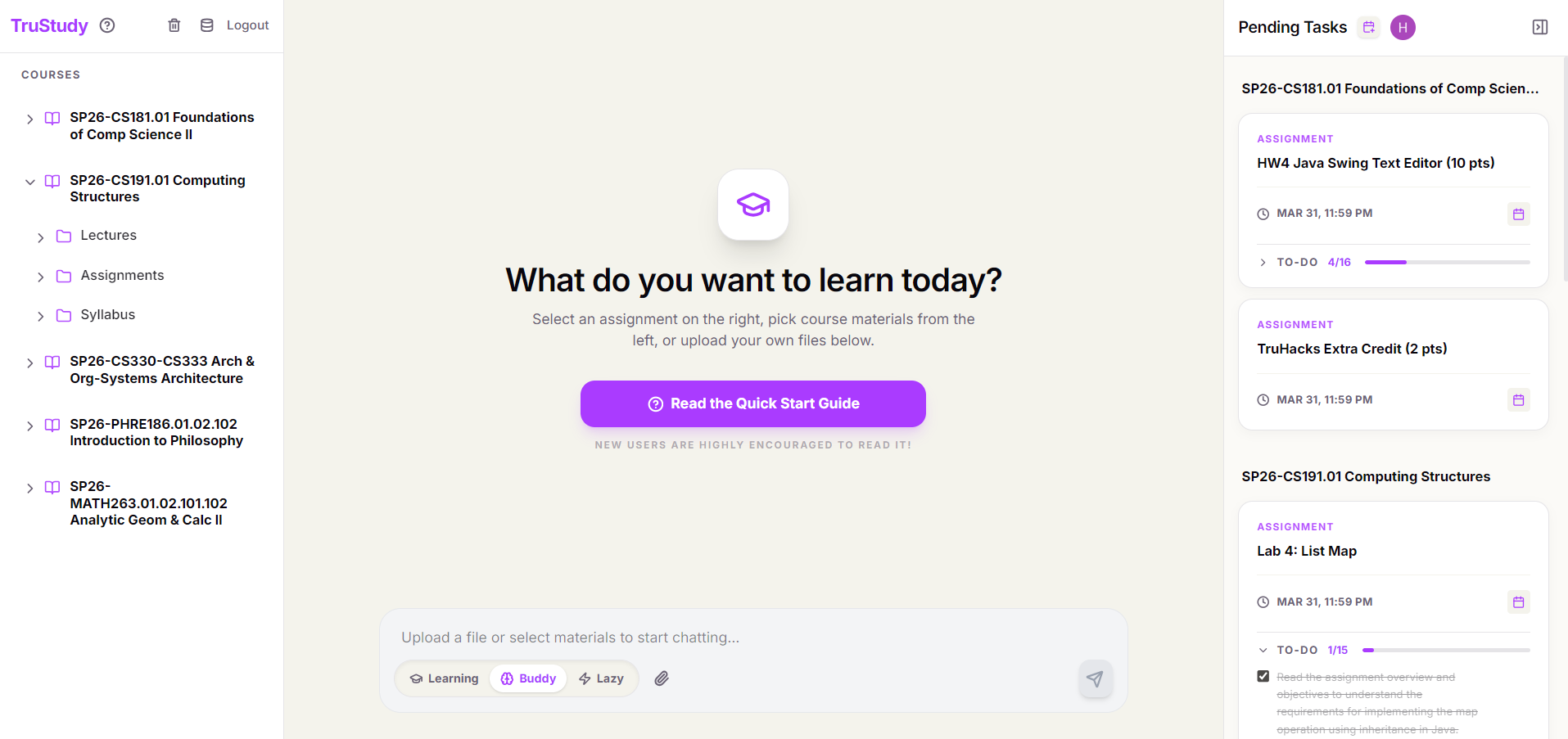
- Brightspace integration — logs in via Truman CAS SSO and reads your real course content: assignments, instructions, attachments, and the full course material tree
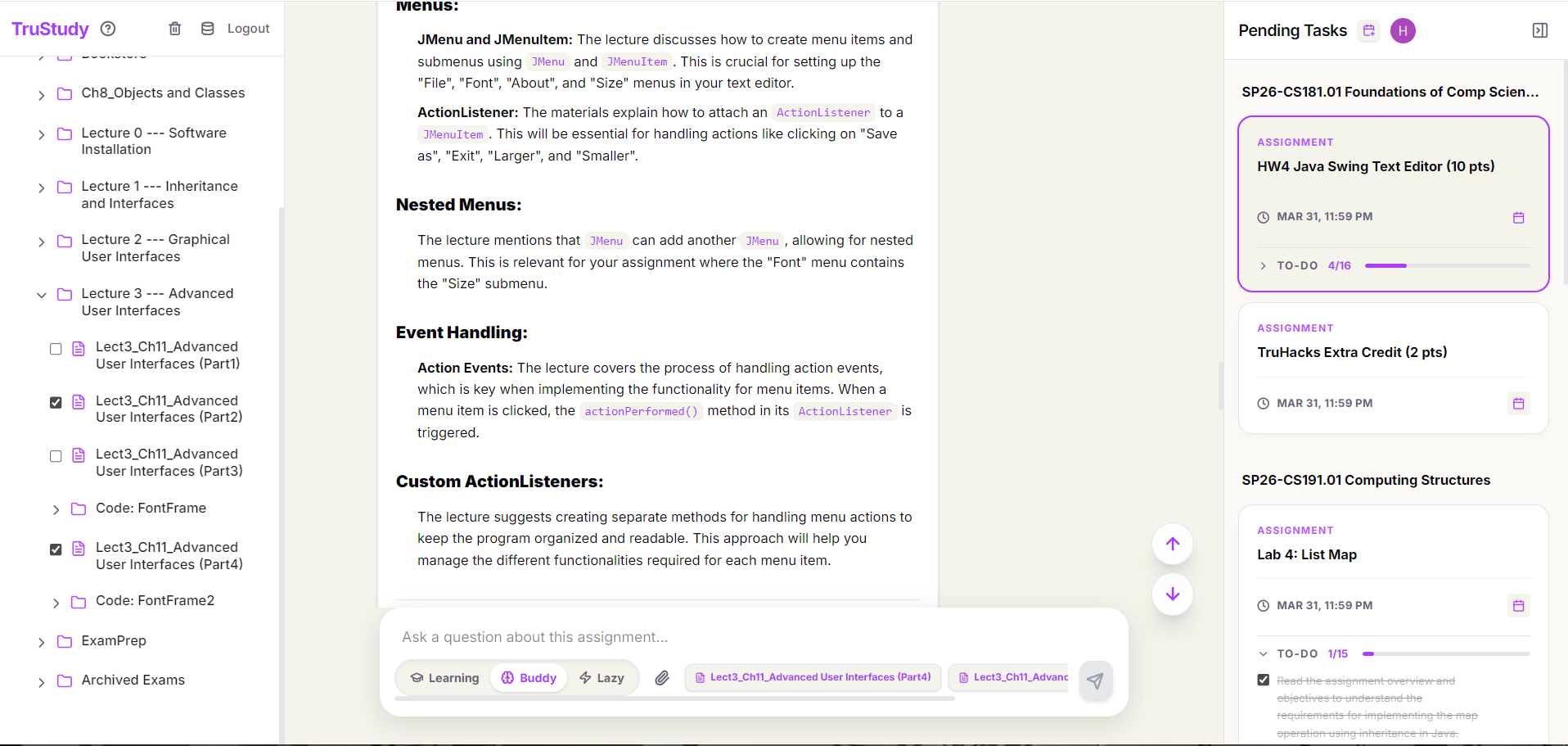
- Automatic material discovery — analyzes your assignment and autonomously fetches the referenced textbook chapters, lecture slides, and lab documents from Brightspace
- Multi-format parsing — handles PDFs (with OCR fallback for scanned documents), Word docs, PowerPoints, and video lectures (transcribed via Whisper)
- RAG-backed answers — chunks and embeds course materials into a local vector database; answers are grounded in actual retrieved content, not guesses
- AI-generated task checklist — breaks down every assignment into an actionable to-do list on first open
- Multi-turn memory — expensive pipeline work (parsing, embedding, extraction) runs once per assignment and is cached; follow-up questions are fast
- Three study modes — Learning (Socratic guidance), Buddy (conversational help), Lazy (direct answers)
- Manual override — select specific course materials from the sidebar, or upload files directly when Brightspace links point to external sources
- Google Calendar — syncs with your actual calendar for time management.
🏗️ How I Built It
The core is a LangGraph multi-agent pipeline, a directed graph of specialized nodes sharing typed state. Each node does one job: extract text, summarize, find material references, fetch and embed them, rewrite queries, retrieve and respond.
I started by reverse-engineering the Brightspace Valence REST API since there was no official SDK for what I needed. Authentication runs through Playwright automating Truman's CAS SSO login to intercept the Bearer token. From there, all course content is accessible via the LP/LE API endpoints.
The pipeline uses ChromaDB for local vector storage, OpenAI for embeddings and generation, and fuzzy string matching (rapidfuzz) to map LLM-extracted material references to actual files in the Brightspace content tree. The FastAPI backend streams pipeline progress back to the React frontend via SSE so the user can watch each step execute in real time.
See (AI_ARCHITECTURE.md) for the full pipeline diagram and node breakdown.
🧱 Challenges
Brightspace API — The documentation is sparse and students don't have access to admin-level endpoints (everything under /orgstructure/ returns 403). I had to reverse-engineer the token interception flow using Playwright and work around the missing endpoints with name-prefix heuristics for course filtering.
Pipeline design under time pressure — Designing a pipeline that is both fast and accurate is genuinely hard. I went through several iterations on the drawing board before committing to the LangGraph approach. Keeping track of what state flows where, what gets cached, what gets re-derived, it becomes a nightmare without a clear architecture diagram.
Content diversity — Different professors upload things completely differently: some use PDFs, some use links to Google Drive, some embed videos directly, some use scanned image-PDFs. Getting the parser to handle all of these gracefully (OCR fallback, Whisper transcription, external link detection) took significant iteration.
Video parsing — Integrating Whisper with size and duration limits, handling the async/sync threading mismatch under Windows uvicorn, and making sure videos that are too long surface a useful message to the user rather than silently failing.
Observability — A complex multi-node pipeline fails silently in really confusing ways. Adding structured pipeline logging (every node emits a trace entry with status, duration, and detail) and streaming it to the frontend was one of the best decisions I made, it turned debugging from guesswork into something systematic.
🏆 Accomplishments
The pipeline actually works, and it works well. I handed it to a few friends to test today, they pointed it at their real assignments and it gave them accurate, grounded answers on the first try. Building something that solves a real problem for real users in a hackathon timeframe is satisfying.
Being able to move fast on unfamiliar APIs, reading Brightspace docs, designing the agent architecture, wiring everything together, and ship a working product under pressure was a good test of what I've learned.
📚 What I Learned
Divide and conquer — breaking the problem into discrete, testable nodes made the complexity manageable. Observability from day one — logging and pipeline tracing saved enormous debugging time. Validate early — I had multiple API integrations and pipeline stages fail in ways I didn't expect; writing integration tests and checking outputs at each step prevented those failures from compounding. Resist feature creep — knowing what to cut and what to keep is the hardest skill when you're building fast.
🔭 What's Next
- Stronger retrieval with better embedding models and larger top-k windows
- PDF and video previews inline in the chat
- Cloud storage (currently everything is local — ChromaDB, uploads, session files)
- Broader university support beyond Truman State
Built With
- chromadb
- fastapi
- langchain
- langgraph
- ocr
- playwright
- python
- rag
- react
- tailwindcss
- typescript
- vector-embedding
- whispir


Log in or sign up for Devpost to join the conversation.