-
-
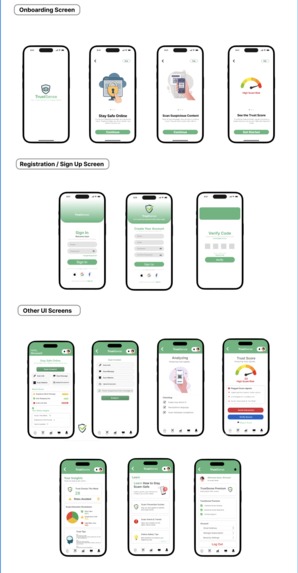
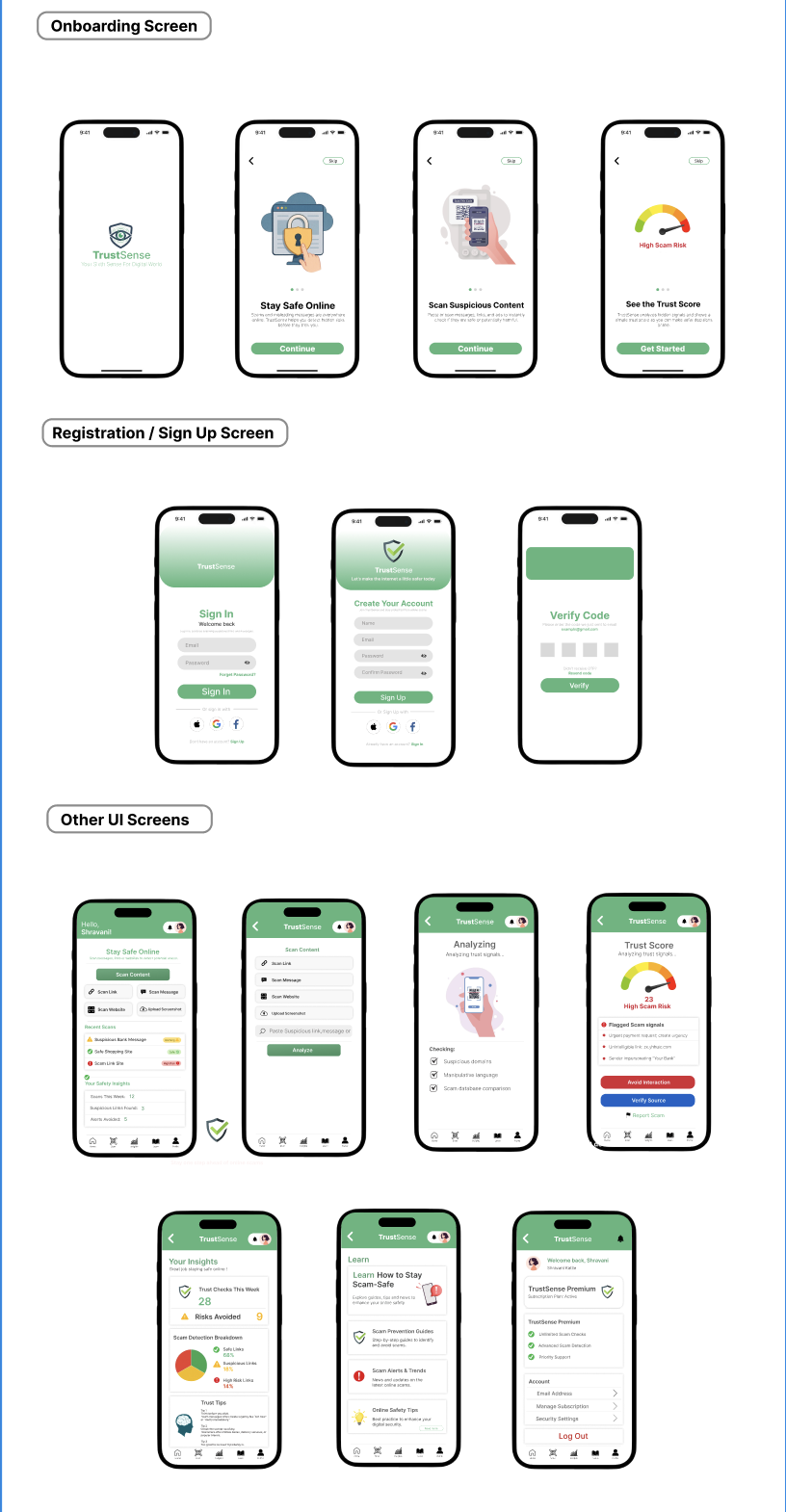
TrustSense App Layout
TrustSense Inspiration
The idea for TrustSense came from a personal experience. I once purchased headphones worth ₹1800 from an advertisement on Instagram. The advertisement looked genuine and trustworthy, but the product I received was completely different and of very poor quality.
This incident made me realize how easily people can be misled by fake advertisements, scam links, and fraudulent websites. Many users do not have the tools or knowledge to quickly verify whether something online is safe or not.
This experience inspired me to design TrustSense, a solution that helps users quickly scan and analyze suspicious links or messages to detect potential scams.
What it does
TrustSense is a mobile application concept designed to help users identify online scams and unsafe links.
Key features include:
Link Scanner – Users can paste suspicious links and analyze them.
TrustScore System – The app generates a safety score indicating the risk level.
Safety Tips – Provides guidance on how to handle suspicious links or messages.
Learn Section – Educates users about common scam techniques.
User-friendly Interface – Simple and intuitive design for quick scam detection.
How I built it
The project was designed using Figma, where I created the full user interface and interactive prototype.
Steps followed:
Defined the problem statement and target users.
Designed the user flow for scanning and analyzing suspicious links.
Created wireframes and high-fidelity UI screens.
Built an interactive prototype to simulate real app navigation.
Developed a UX case study explaining the design process.
The prototype demonstrates how users can move from scanning a link to receiving a TrustScore and safety advice.
Challenges I ran into
During the design process, I faced several challenges:
Designing a clear user flow that makes scam detection simple.
Creating a TrustScore system that visually communicates risk levels.
Ensuring the prototype interactions work smoothly across multiple screens.
Structuring the case study to clearly explain the problem and solution.
Overcoming these challenges helped improve the usability and clarity of the design.
What I learned
Through this project, I learned:
How to design user-centered solutions for real-world problems.
The importance of clear UX flows in security-related applications.
How to create interactive prototypes using Figma.
How storytelling and personal experiences can strengthen a UX case study.
Future Improvements
In the future, TrustSense could include:
AI-powered scam detection
Real-time threat alerts
Browser extension support
Community reporting system for scams
These features could make TrustSense a powerful tool for improving online safety.
Built With
- figma
- figma-make
- interaction
- prototyping
- ux-design


Log in or sign up for Devpost to join the conversation.