-
-
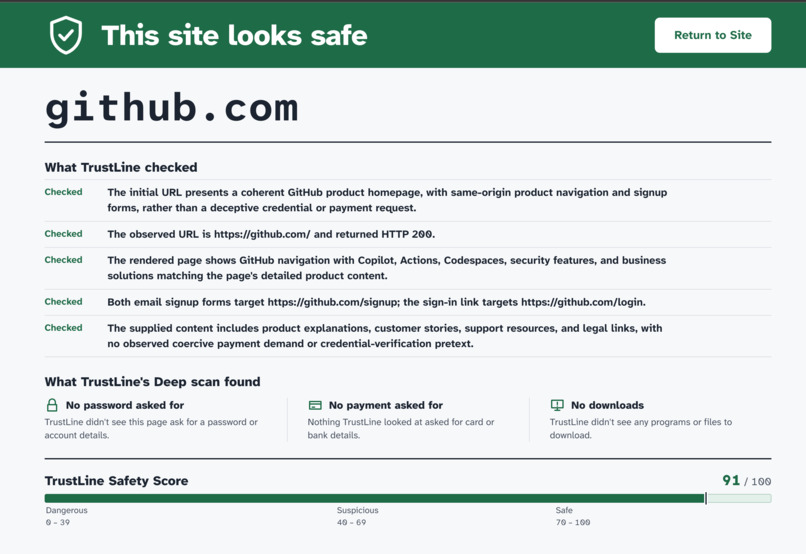
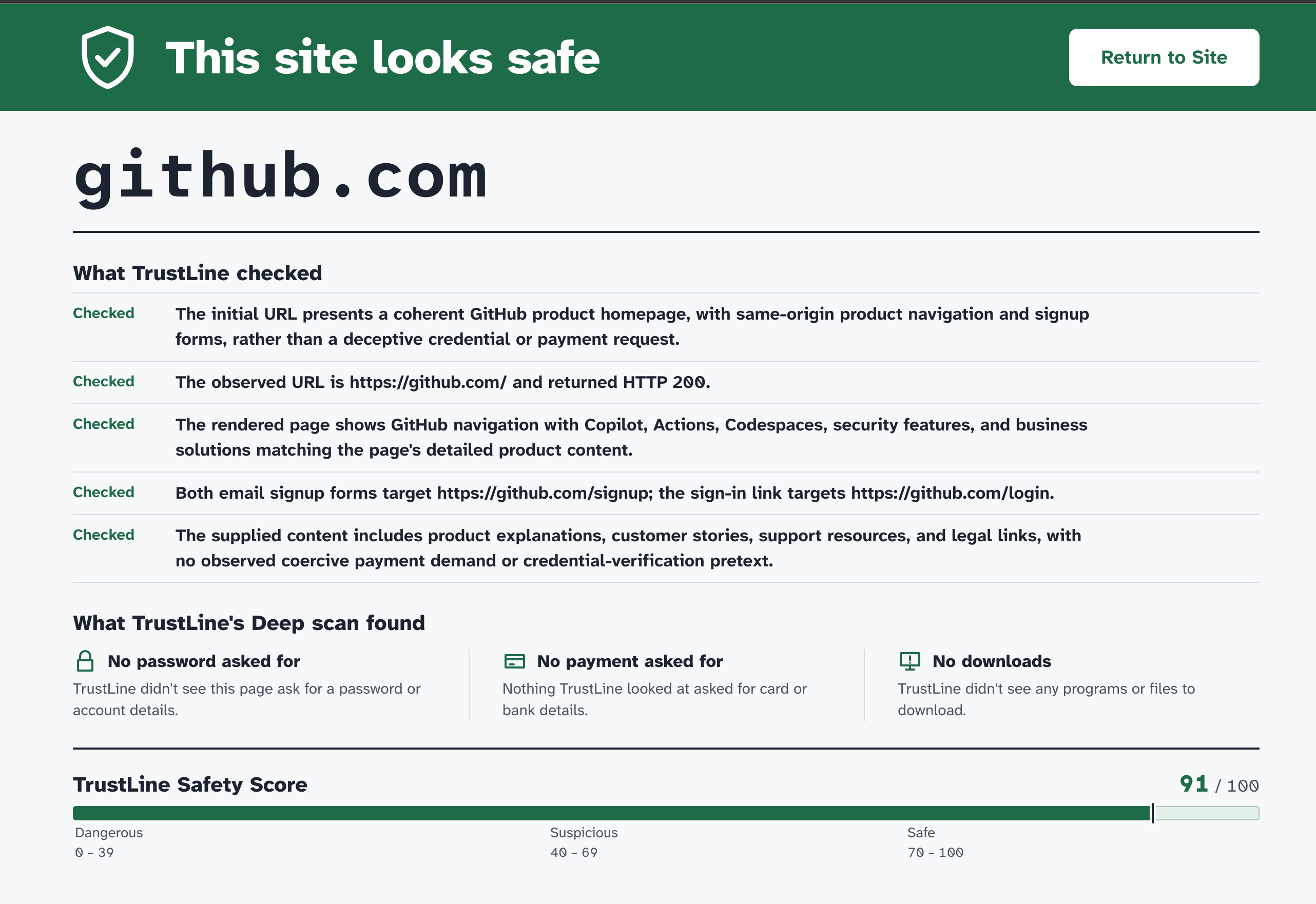
Safe Site Report Preview
-
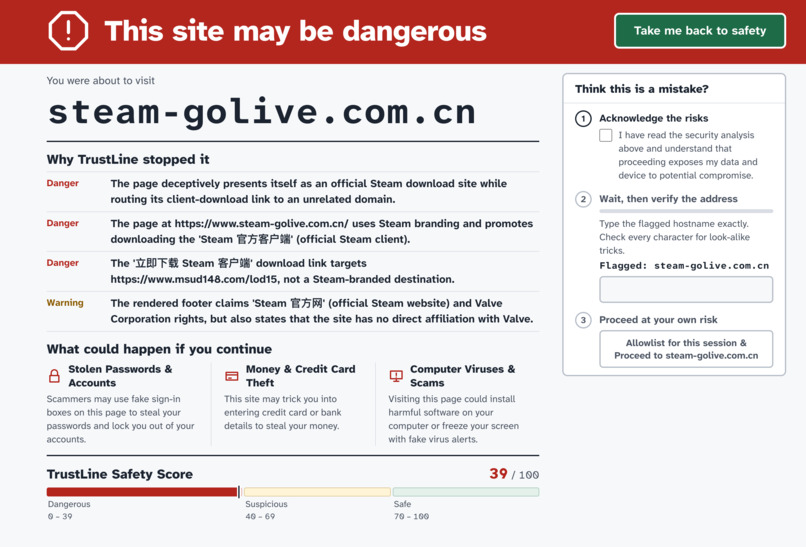
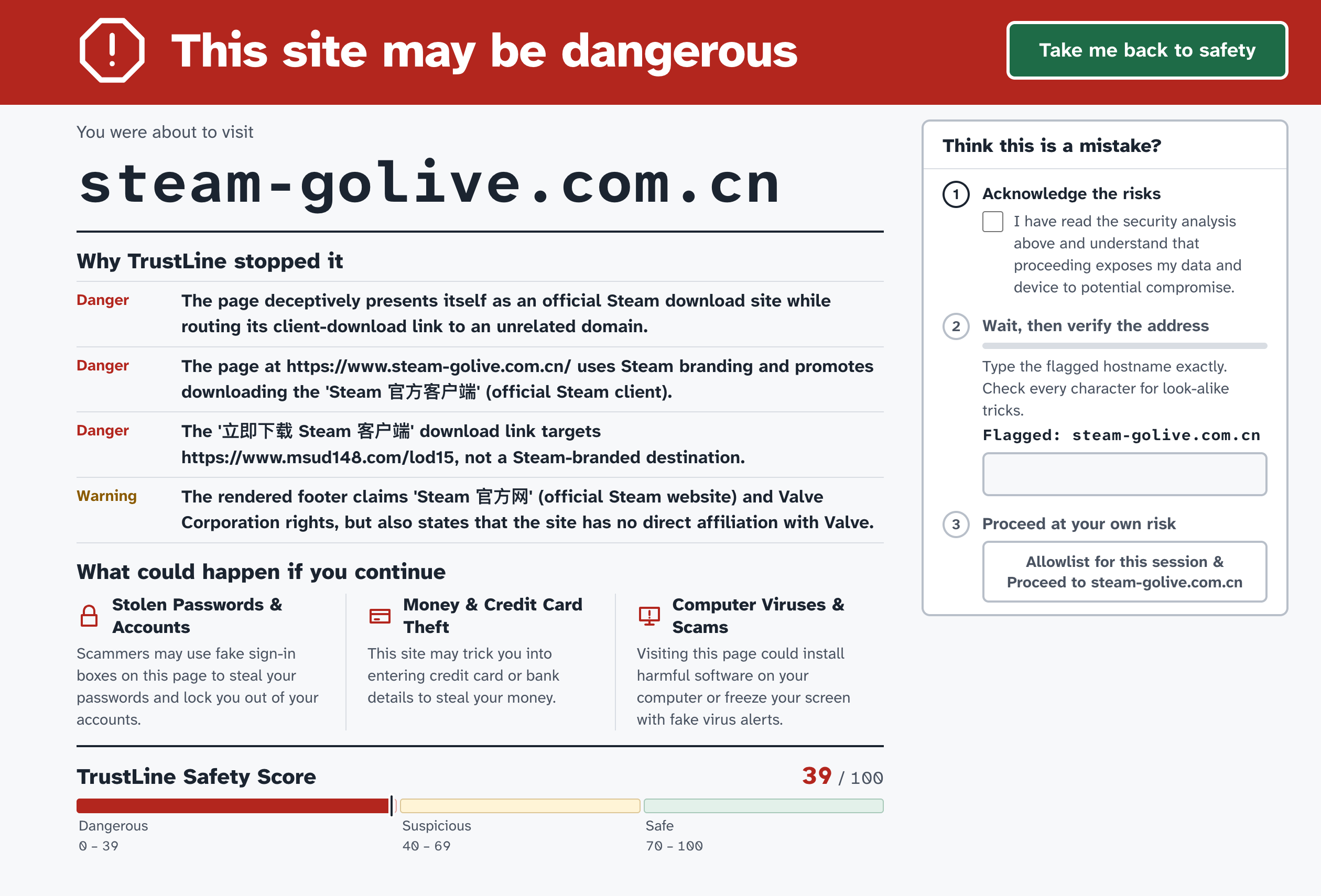
Dangerous Site Report Preview
-
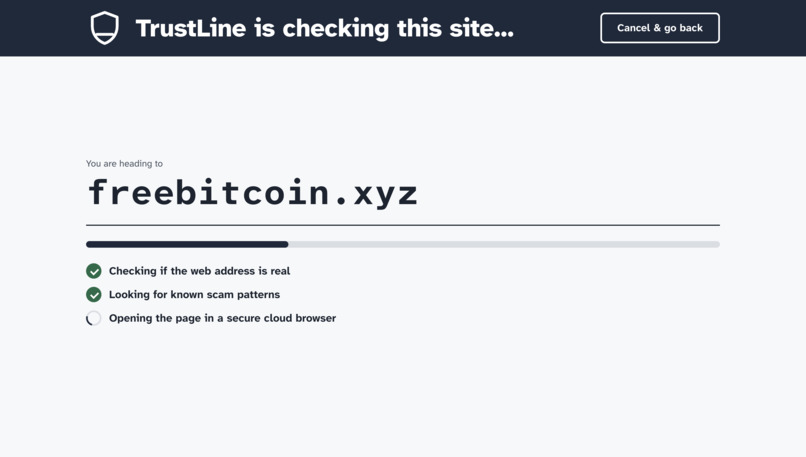
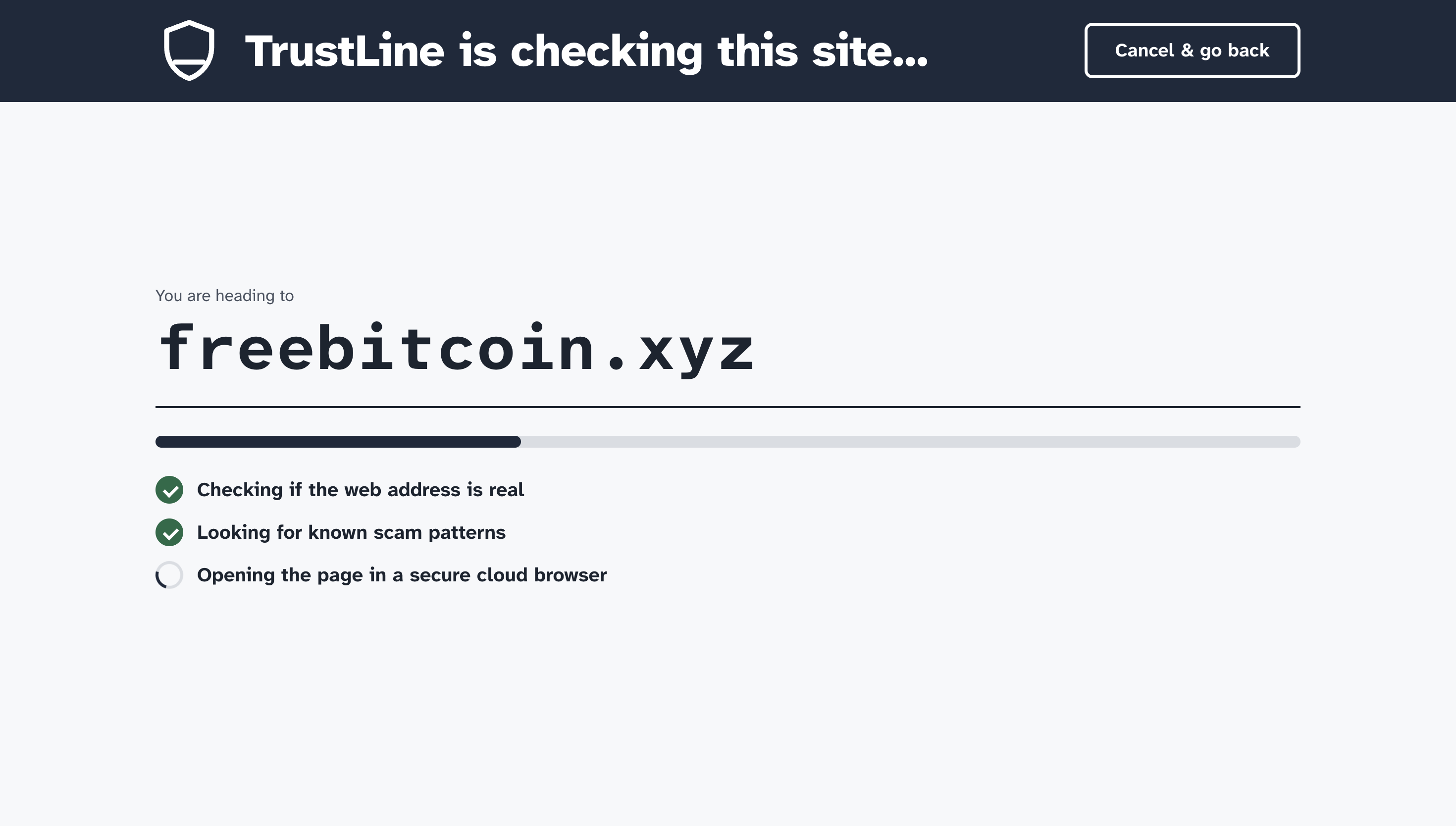
Scanning Screen Preview
-
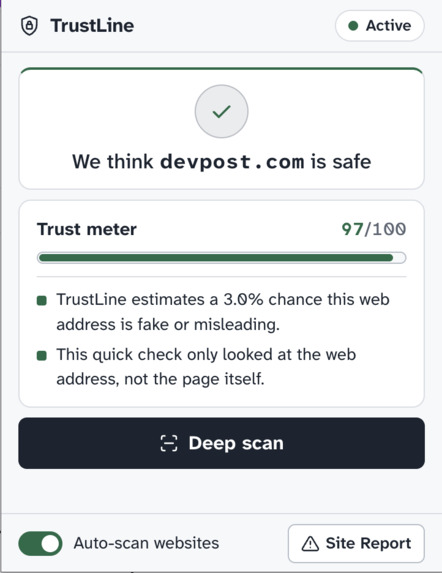
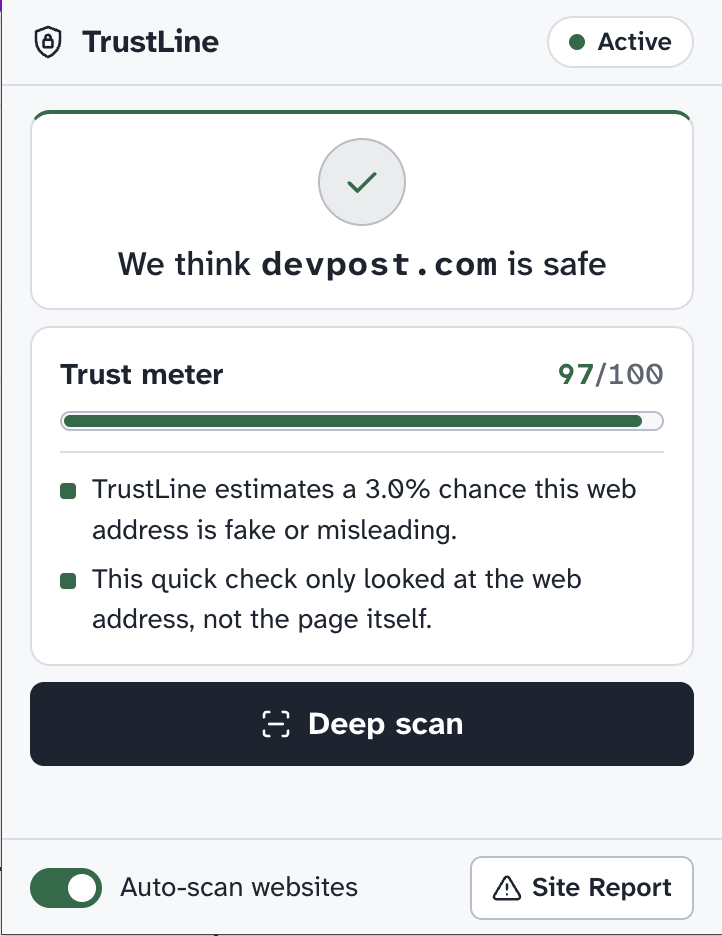
Extension Preview
Inspiration
The advancement of AI has made the creation of scam and phishing websites easier than ever. A study conducted by Netcraft states, "Roughly 10 attacks using AI-based tools [were being used] a year ago, growing to more than 1,500 in March 2026." link.
We noticed fraudulent actors using these technologies to harm people, yet there aren't enough people using those same technologies to defend against the growing number of attacks. We also noticed that the people most affected by these attacks were those with less technical experience, so we wanted to design a project that would help defend against these new paradigm of attacks.
What it does
TrustLine runs in the background whenever a user is scrolling through the web. For suspicious sites, TrustLine runs a deep scan to audit if the website is safe, and redirects the user to a site report page that warns them of the dangers of continuing to the site. If the user is adamant on continuing to the site and understands the risks of doing so, TrustLine provides a process to continue to the site.
How we built it
We designed TrustLine to be a frictionless security layer for non-technical users. We use Jev as an initial light scan to determine the sites' trust score. When Jev isn't confident about the result, we defer to deep scan.
Since our deep scans act as our final safety net, they need to be as accurate as possible. To ensure this, we use frontier models (GPT-6.1) in a virtual Cloudfare Browser Run environment. The website is never visited on the user's device until it passes the deep scan.
We used a list of phishing websites (phishtank.net) to evaluate and iterate TrustLine's approach to recognize and block suspicious websites. However, like all security software, TrustLine is not perfect. When TrustLine is unable to verify the site, a light pop-up appears in the top right corner to remind the user to exercise precaution.
Challenges we ran into
The biggest problem we had was balancing Jev (a quick but not thorough decision model) with deep scan (a very accurate but slow model) when deciding what scans to use for checking websites. Most phishing scams are finance related (ie. cryptocurrency, investing, shopping). Jev often overlooked fraudulent finance-related websites as legitimate because of fake reviews. To fix this blind spot, we added a "finance" parameter for Jev to classify. If it was a finance-related website, we defaulted to deep scan.
Another huge problem was we had to face multiple techniques that phishing websites use to get around detection, like avoiding initial detection scans by waiting to fully load the page's HTML. Phishing websites also often have placeholder sites that redirect users to dangerous sites. To overcome these challenges, we designed a system to automatically scan redirects and suspicious page loads.
Accomplishments that we're proud of
• Along with blocking the website, the deep scan gives detailed and easy-to-understand responses on why the website is dangerous
• TrustLine's deep scan model consistently identifies safe and dangerous websites at a very high success rate (95%+)
• The operating costs for TrustLine is extremely cheap ($0.01 for each deep scan, functionally free for every light scan) - Assuming a rate of a deep scan every 50 unique website visits, it would cost $0.20 for every 1000 unique website visits
• The latency is unnoticeable for safe sites (<100ms average)
• Easy-to-use UI/UX design accessible for all users
What we learned
Initially, we tested TrustLine by giving it to parents. We were told that a lot of the technical terminology just looked like jargon to them, and they didn’t understand the jumble of words they saw in front of them. We took this feedback and created a minimalist design, removing unnecessary lines that might be harder to understand for non-technical users.
What's next for TrustLine
Right now, TrustLine protects users the moment they visit a website, but we want to expand it into a complete safety layer across the entire browsing experience:
Integrating directly with webmail clients (like Gmail and Outlook) to pre-scan links inside incoming emails and flag phishing attempts before a user even clicks them.
Intercepting file downloads to check for malicious executables, disguised PDFs, and drive-by malware before they are saved to the device.
Building a lightweight feedback loop where newly discovered AI phishing domains flagged by one user's Deep Scan are instantly shared to protect all TrustLine users.
Built With
- cloud
- cloudflare
- cursor
- gemini
- gpt
- javascript
- jev
- python

Log in or sign up for Devpost to join the conversation.