-
-
-
-
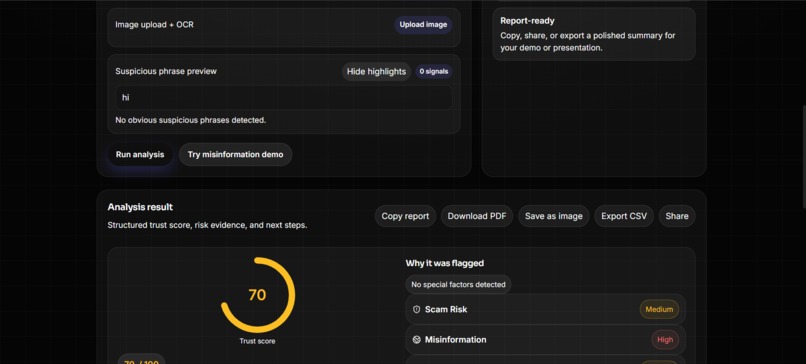
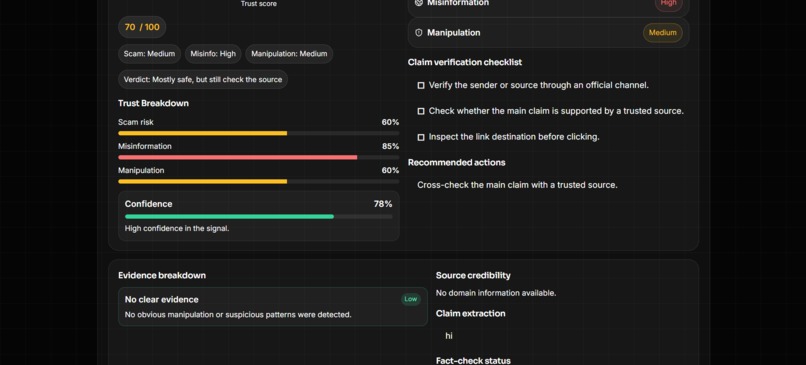
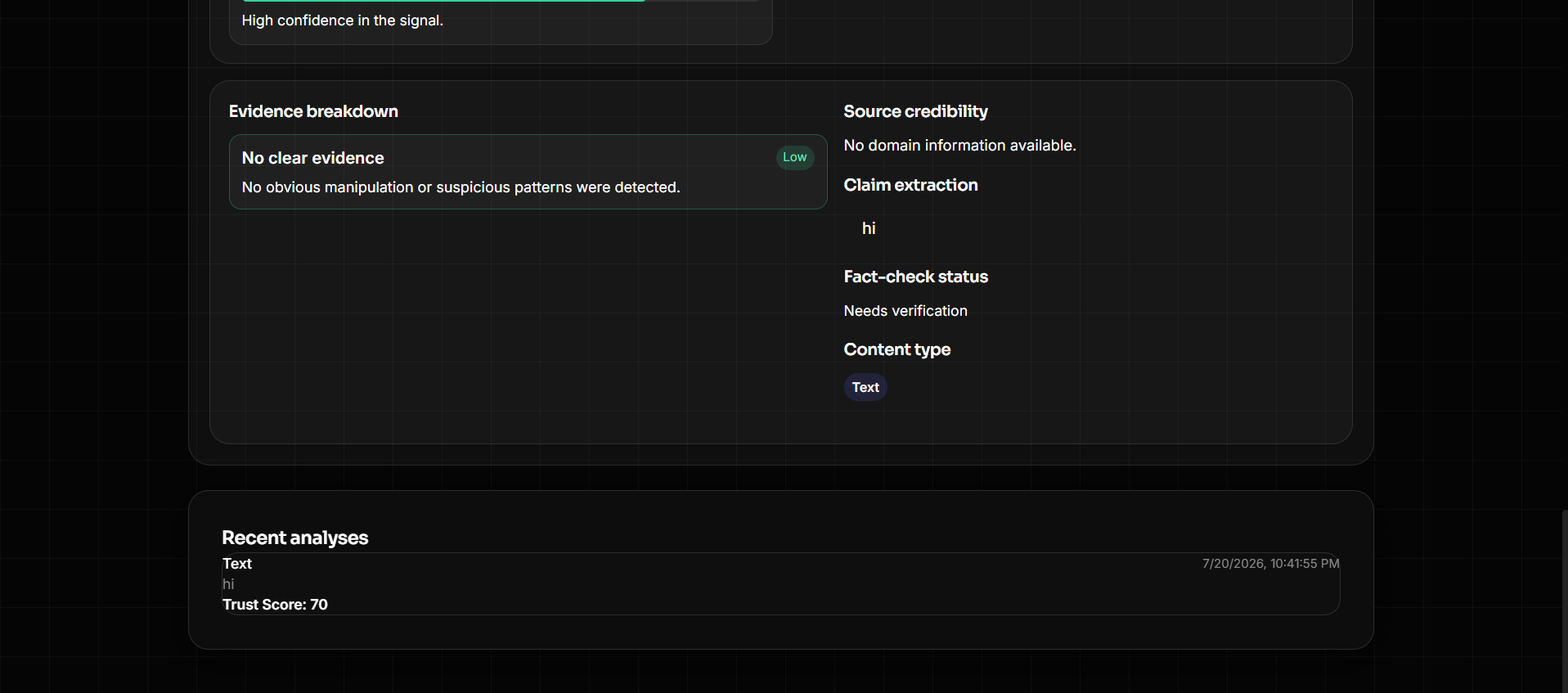
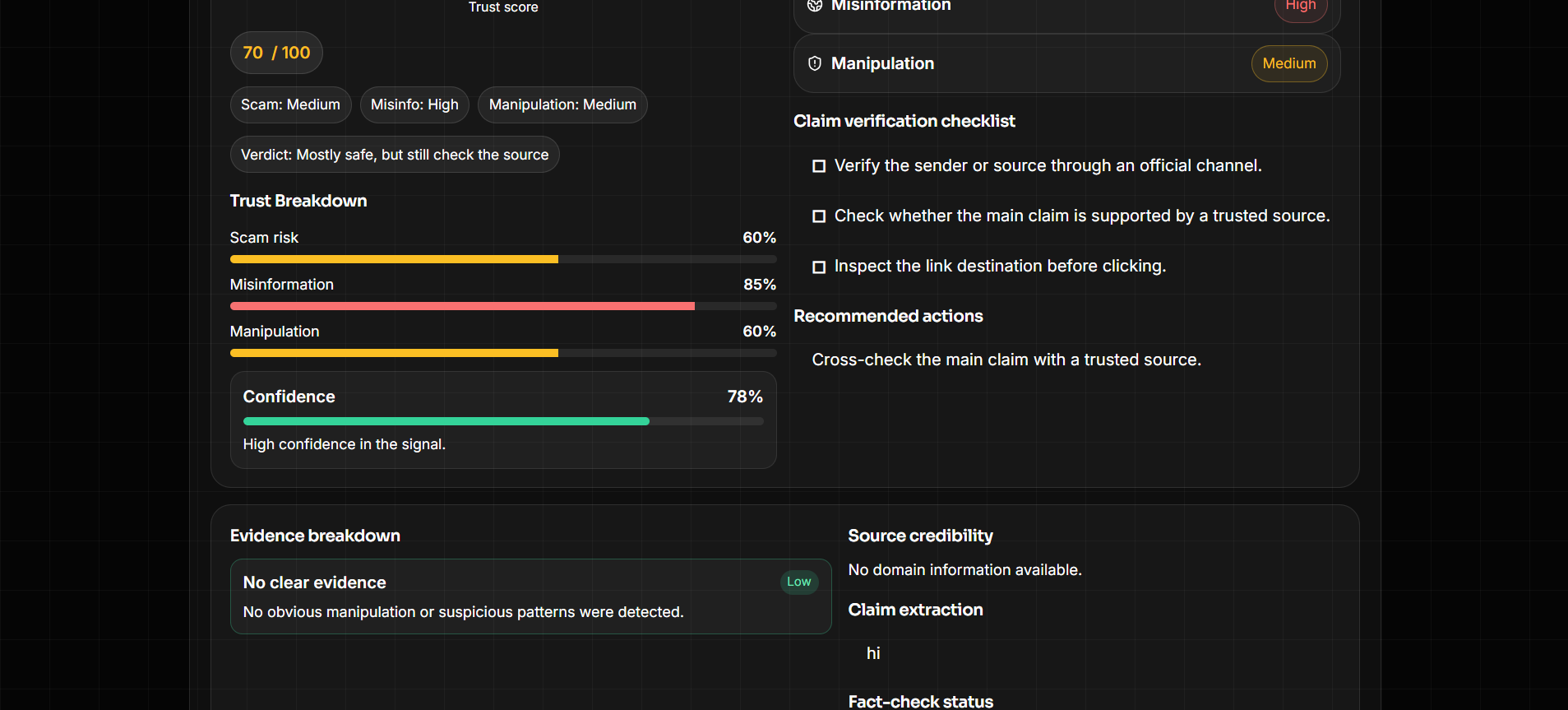
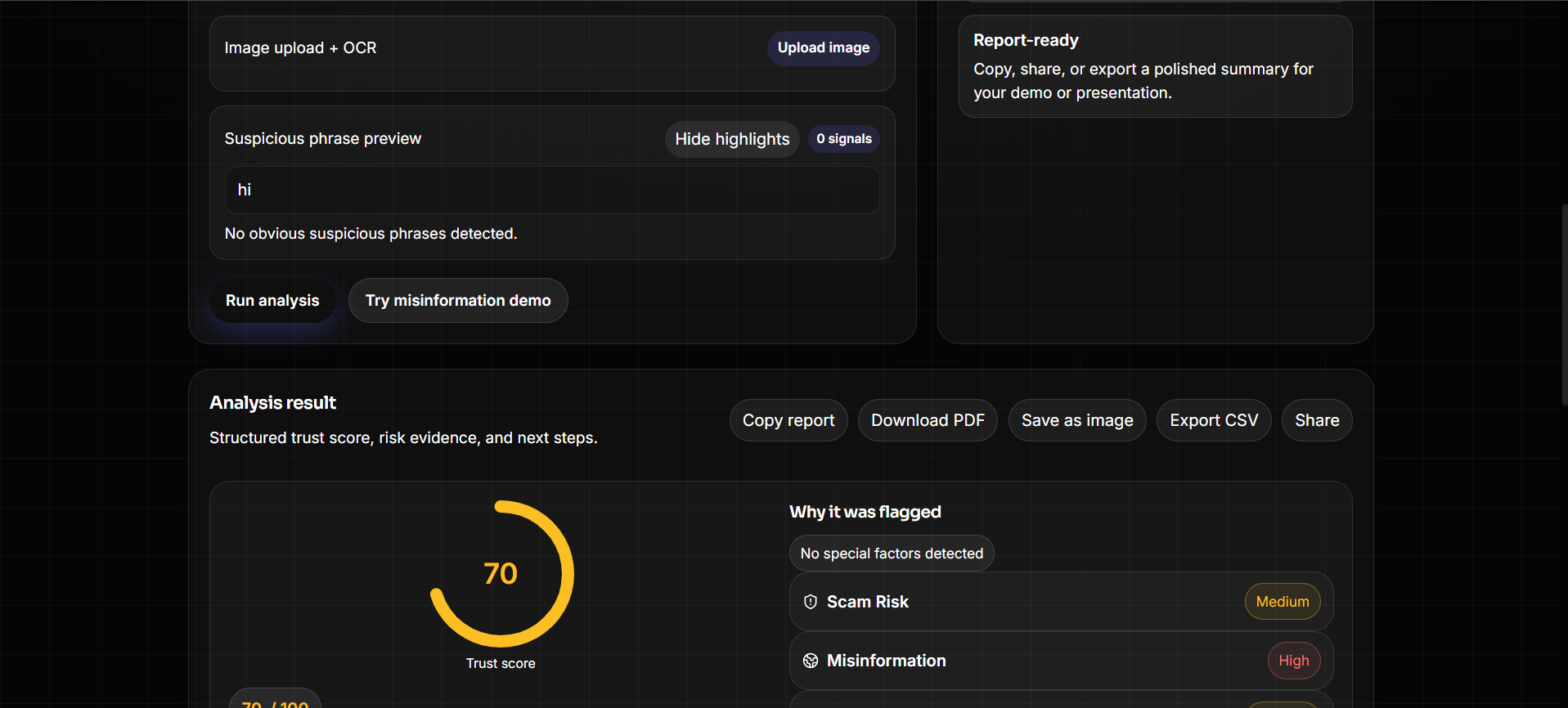
showing sample analysis
-
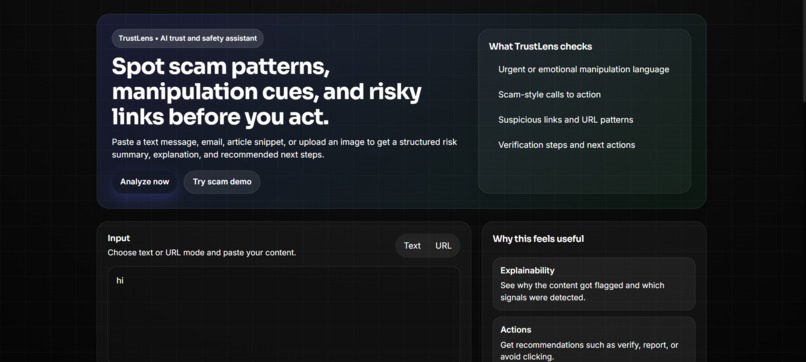
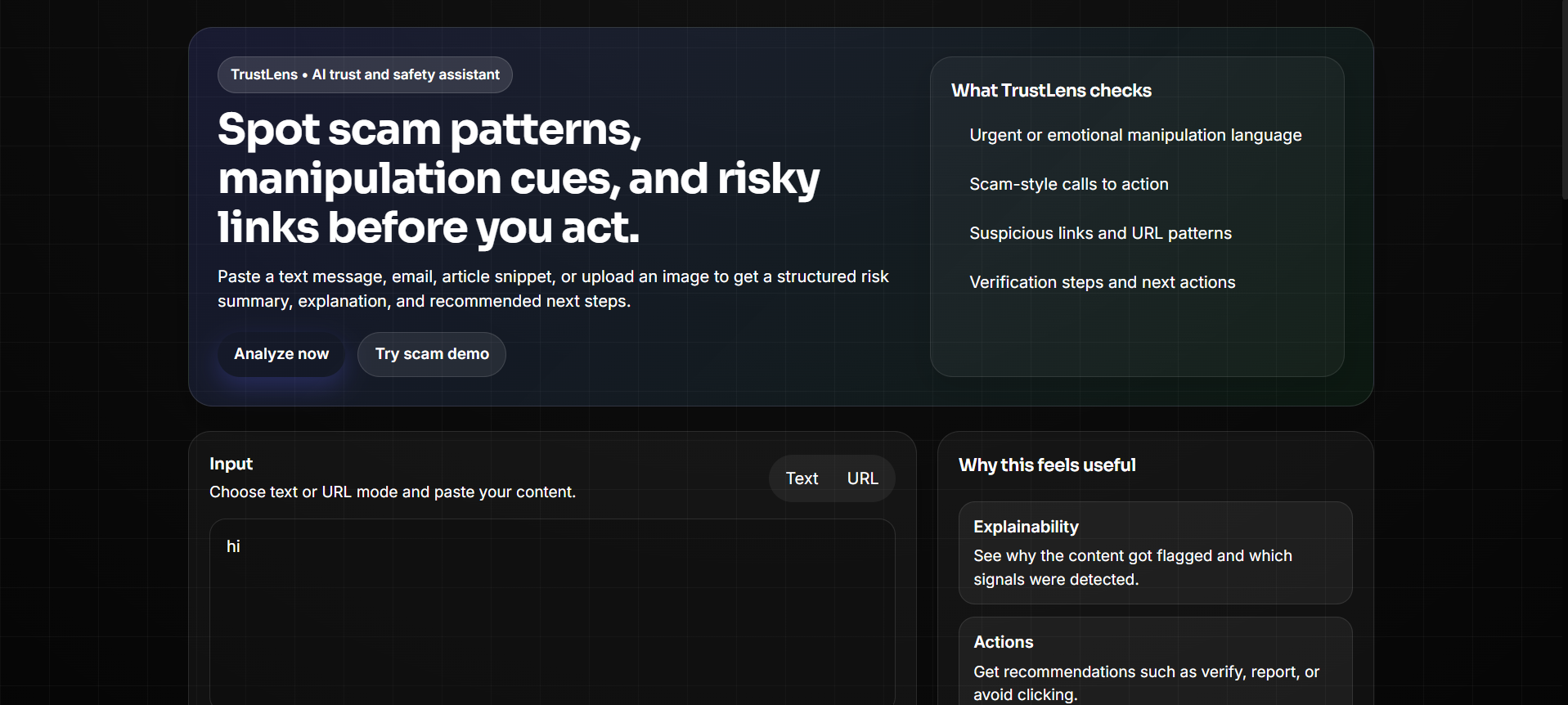
entering text analysis
-
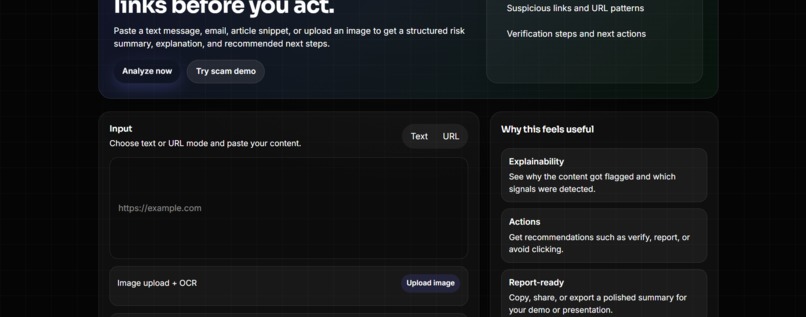
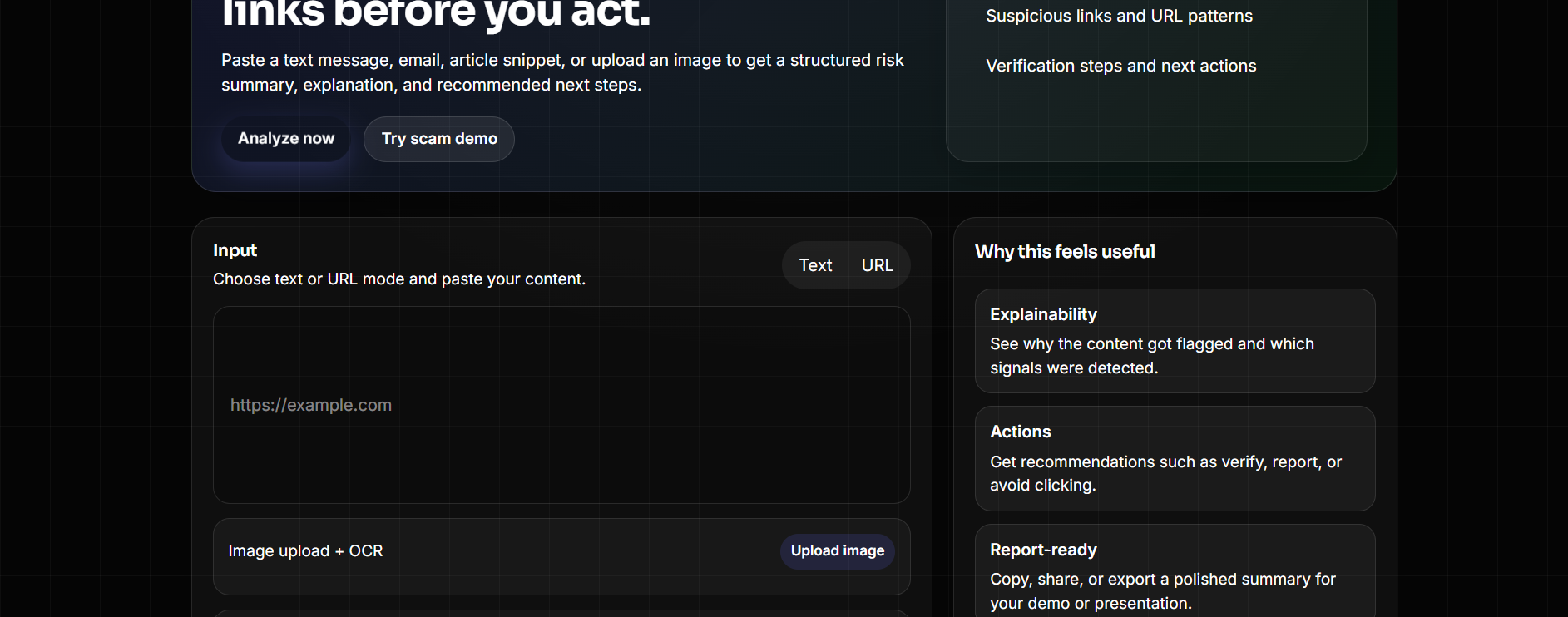
link analysis
-
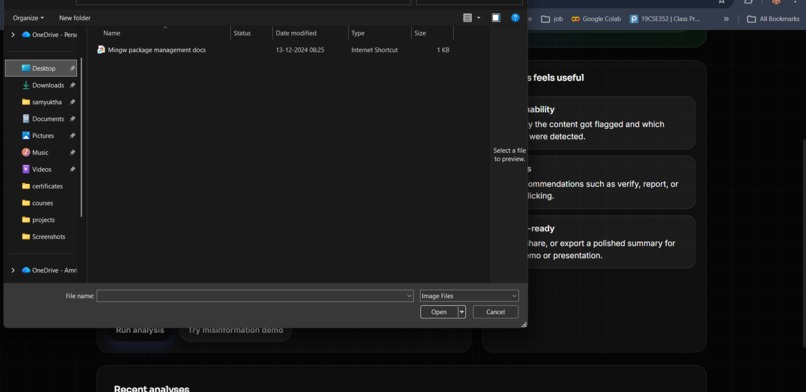
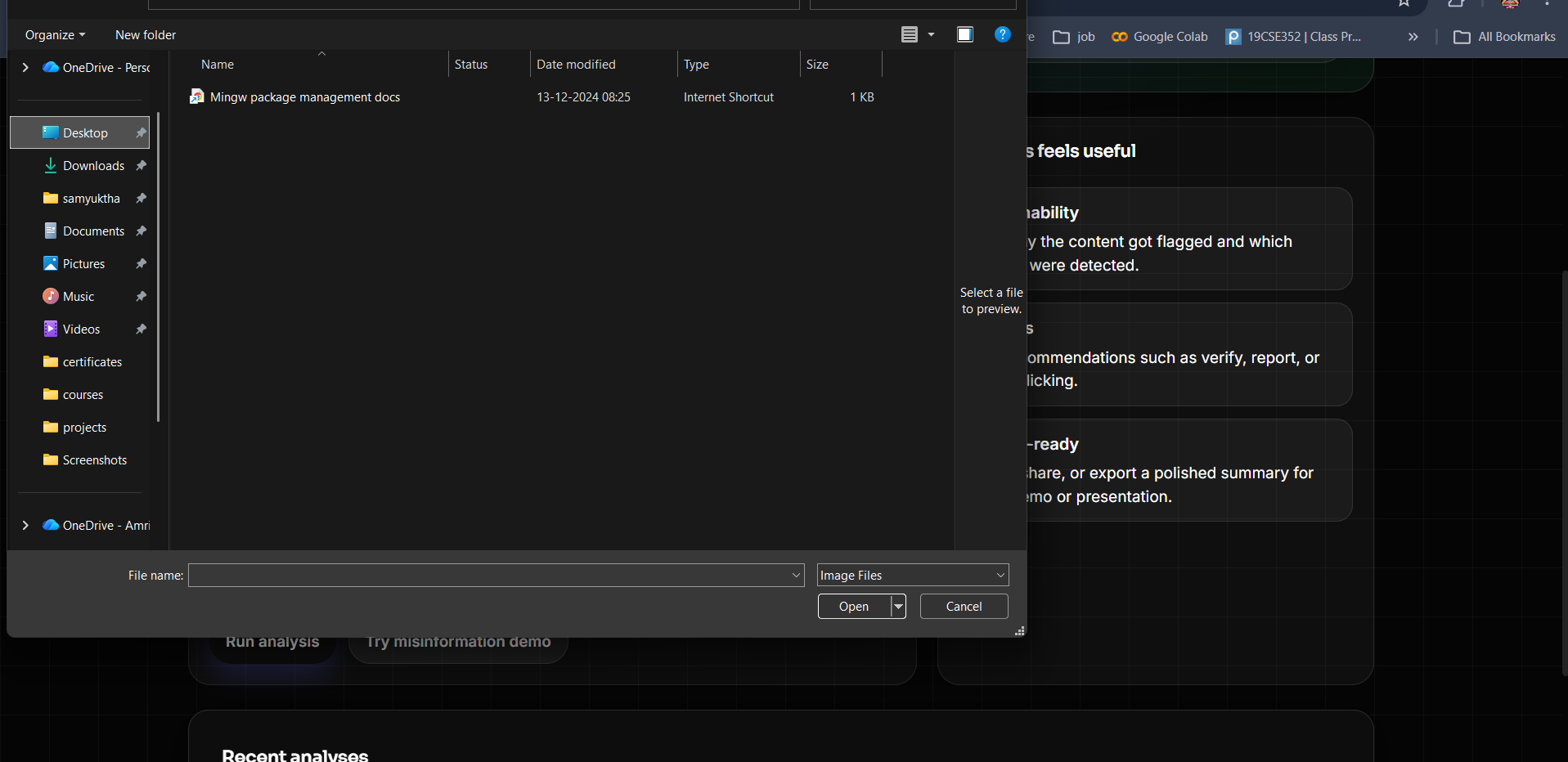
OCR analysis
TrustLens — Project Story
Inspiration
Scams, phishing links, and misinformation don't usually announce themselves — they hide behind urgency ("your account will be locked in 10 minutes"), fabricated authority ("scientists confirmed..."), and links that look almost right. Most people don't have the time (or the trained eye) to slow down and check every message, email, or article before they act on it.
We wanted to build something that does that slowing-down for you: paste in a suspicious text, forward a sketchy email, or drop in a link, and get back a clear, explainable verdict — not just "safe" or "unsafe," but why, backed by evidence, with concrete next steps. That idea became TrustLens: an AI-assisted trust and safety analyzer for everyday content.
What it does
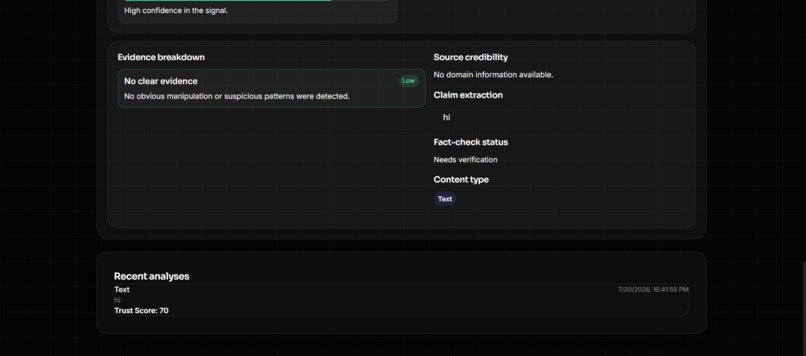
TrustLens takes text, a URL, or even a screenshot (via OCR) and returns a structured risk report:
- A trust score (0–100) and a confidence rating
- Separate risk ratings for scam risk, misinformation risk, and manipulation risk
- Evidence and red flags — the specific phrases, patterns, or link characteristics that triggered the flags
- A claim-verification checklist and recommended actions (e.g. "don't click the link," "verify through an official channel")
- Link safety analysis — flags shortened URLs, suspicious TLDs, encoded characters, and other structural red flags
- Image → text via OCR, so a screenshotted scam message can be analyzed just as easily as pasted text
- Exportable reports — copy, download as PDF/PNG, export as CSV, or share directly
- A local history panel so you can revisit past analyses
How we built it
TrustLens is a two-part system:
Backend (FastAPI + Python)
- A FastAPI service exposes
/analyze(for raw text) and/analyze-url(for links, which are first fetched and stripped down to readable text with BeautifulSoup). - Every request first runs through a rule-based heuristic layer — curated term lists for urgency language, emotional manipulation, and misinformation signals, plus a separate link-safety checker that scores domains based on TLD, shorteners, encoded characters, and more.
- That heuristic result is then enriched by a call to Google's Gemini API, using a strict system prompt that asks the model to return a fixed JSON schema (trust score, risks, claims, evidence, verdict). The LLM output is merged on top of the heuristic baseline, so the app always has something to show even if the model call fails, times out, or returns malformed JSON.
- Pydantic schemas validate the shape of the response before it goes back to the client.
Frontend (React + Vite)
- A single-page app lets users switch between text and URL mode, paste content, or upload an image.
- Image uploads run through Tesseract.js entirely in the browser — no server round-trip needed for OCR — and the extracted text is fed straight into the same analysis pipeline.
- While waiting on the backend, the frontend does its own lightweight client-side pattern matching (suspicious phrase highlighting, URL heuristics, source-credibility scoring) so the UI always has some signal to render immediately, then reconciles that with the richer backend/LLM result once it arrives.
- Results are rendered as an animated trust gauge, risk bars, an evidence breakdown, and a claim checklist, built with Framer Motion and Recharts for the visualizations.
- A report-builder assembles everything into a shareable text/CSV/PNG/print-ready report using the Canvas API and the browser's native share sheet.
Challenges we ran into
- LLM reliability and format drift. Getting a language model to consistently return clean, parseable JSON — and to keep doing so across model version changes — was one of the trickiest parts. We ended up writing defensive JSON extraction (stripping markdown code fences, regex-matching the JSON object out of extra prose) and a fallback path that quietly returns the heuristic-only analysis if the model call fails, so the user is never left with a blank screen or a stack trace.
- Model availability. Gemini model names change and get deprecated faster than expected, so we had to experiment with iterating through a list of candidate model names to find one that actually worked in our environment.
- Merging two sources of truth. With both a rule-based heuristic engine and an LLM doing risk analysis, deciding how to merge their outputs — and making sure the UI degrades gracefully when one of them is missing or wrong — took real iteration.
- Client-side OCR performance. Running Tesseract entirely in the browser keeps user data local and avoids extra backend load, but it also means managing long-running, progress-reporting async work without freezing the UI.
- UI iteration. Early on we prototyped several different result-display components before converging on the current trust-gauge-and-evidence-card layout — a good reminder that a lot of a project's "story" is in the versions that didn't make the final cut.
Accomplishments we're proud of
- A working end-to-end pipeline that goes from raw scam text (or a screenshot of one) all the way to a structured, explainable risk report in seconds.
- A system that fails gracefully at every layer — heuristics as a safety net under the LLM, and client-side analysis as a safety net under the backend — so the app never just breaks.
- Making the why as important as the verdict: every score comes with visible evidence and next steps, not just a number.
What we learned
- Explainability matters more than raw accuracy for a trust-and-safety tool — people are far more likely to act on a flagged message when they can see which phrase or link pattern triggered the warning.
- Defensive engineering around LLM calls (timeouts, JSON validation, retries across models, and heuristic fallbacks) is not optional if you want a demo — or a real product — to hold up under unpredictable input.
- Doing some of the analysis client-side (pattern detection, OCR) can meaningfully improve perceived speed and resilience without sacrificing accuracy.
What's next for TrustLens
- Wiring up real link-safety and fact-check integrations (e.g. Google Safe Browsing, a fact-checking API) to replace the current heuristic-only link and claim checks.
- Persisting history and reports server-side (with accounts) instead of
localStorage, so reports can be revisited across devices. - Expanding language support beyond English for both the OCR and the manipulation/scam term detection.
- A browser extension version that can scan a page or a highlighted message in place, without needing to copy-paste into the app.


Log in or sign up for Devpost to join the conversation.