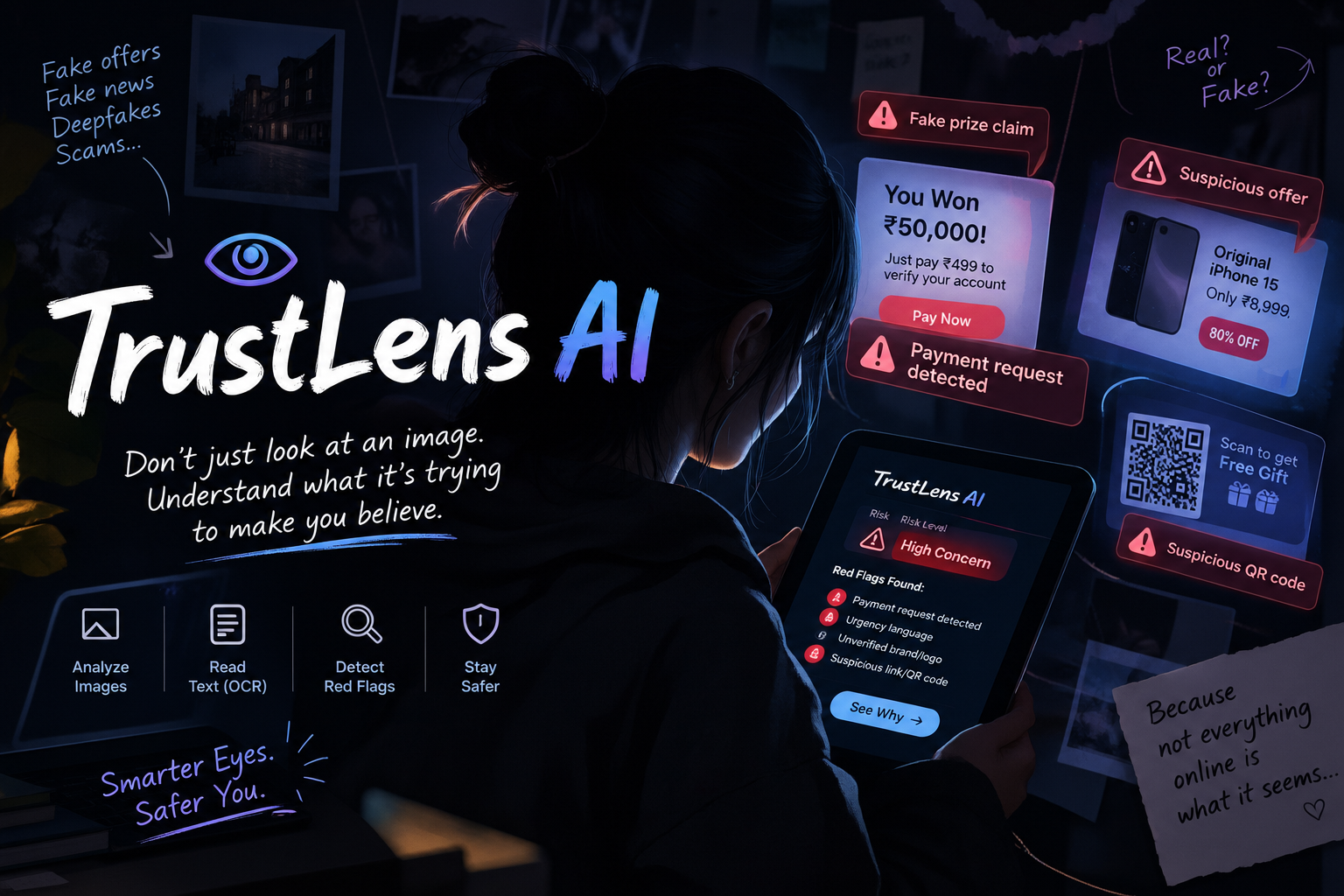
TrustLens AI — Turning Suspicious Messages into Safety Awareness
Inspiration
In today's digital world, people frequently receive messages promising prizes, cash rewards, or exciting opportunities. Some messages create urgency, ask for processing fees, or include suspicious links. It can be difficult for people to recognize these warning signs, especially when they do not know what to look for.
I wanted to build a simple tool that could help people become more aware of these risks. This inspired me to create TrustLens AI, a student-built prototype that examines message wording and text found in image screenshots to highlight common warning signs.
What It Does
TrustLens AI allows users to upload an image or screenshot, or paste a message directly into the Detection Lab. It attempts to extract text from images and checks the wording for patterns such as prize claims, money requests, urgency, requests for sensitive information, and suspicious links.
The tool presents an easy-to-understand report explaining which warning signals were detected. Users can also explore the project through guest access and view recent scan summaries stored in their browser.
How I Built It
I built TrustLens AI as a browser-based web project using HTML, CSS, and JavaScript. I focused on making the interface accessible and easy to navigate, even for someone without technical experience.
For image analysis, I integrated browser-based OCR to attempt to extract text from uploaded screenshots. I then implemented rule-based checks to identify common warning patterns in the extracted or pasted text. I also added a text-pasting fallback for cases where image text extraction does not work properly.
The project includes a welcome screen, a Detection Lab, an analysis report, and local history for recent scan summaries. My goal was to create a working, interactive prototype that demonstrates how technology can support online safety awareness.
Challenges I Faced
Building this project was a learning experience. I had to work through challenges involving image text extraction, slow processing, handling unclear text, and making the different parts of the interface work together.
Another challenge was making the results useful without misleading users. A warning score should not be presented as a guaranteed scam probability. For this reason, TrustLens AI explains the warning signals it finds and makes clear that it cannot prove whether a message is genuine or fraudulent.
Working with limited resources also encouraged me to focus on a practical browser-based solution and build the project step by step.
What I Learned
While building TrustLens AI, I learned more about web development, interface design, OCR, rule-based text analysis, and the importance of communicating technical limitations honestly.
I also learned that building a useful product is not only about adding features. It is about understanding a real problem, making the solution easy to use, testing different situations, and being transparent about what the technology can and cannot do.
What's Next?
In the future, I would like to improve OCR accuracy, support more languages, test the tool with a wider variety of messages and screenshots, and explore more advanced AI-based image and message analysis. I would also like to develop secure user accounts and improve privacy and accessibility.
Important Disclaimer
TrustLens AI is an early-stage, rule-based safety-awareness prototype. Its score represents the total number of warning signals detected, not the probability that a message is fraudulent. It may miss suspicious content or flag harmless content. Users should independently verify messages and never share passwords, one-time codes, or sensitive information with untrusted sources.
Final Thoughts
TrustLens AI represents my effort to turn an online safety concern into a practical project. Building it has helped me learn by doing, solve problems step by step, and understand how even a beginner can start creating technology with a meaningful purpose.
My mission is simple: help people pause, look closer, and think before they trust a suspicious message.
Built With
- artificial-intelligence
- css
- github
- html
- image-processing
- javascript
- localstorage
- ocr
- responsive-web-design
- tesseract.js
- web

Log in or sign up for Devpost to join the conversation.