-
-
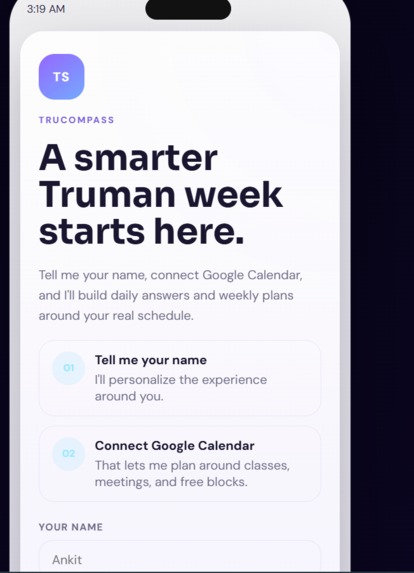
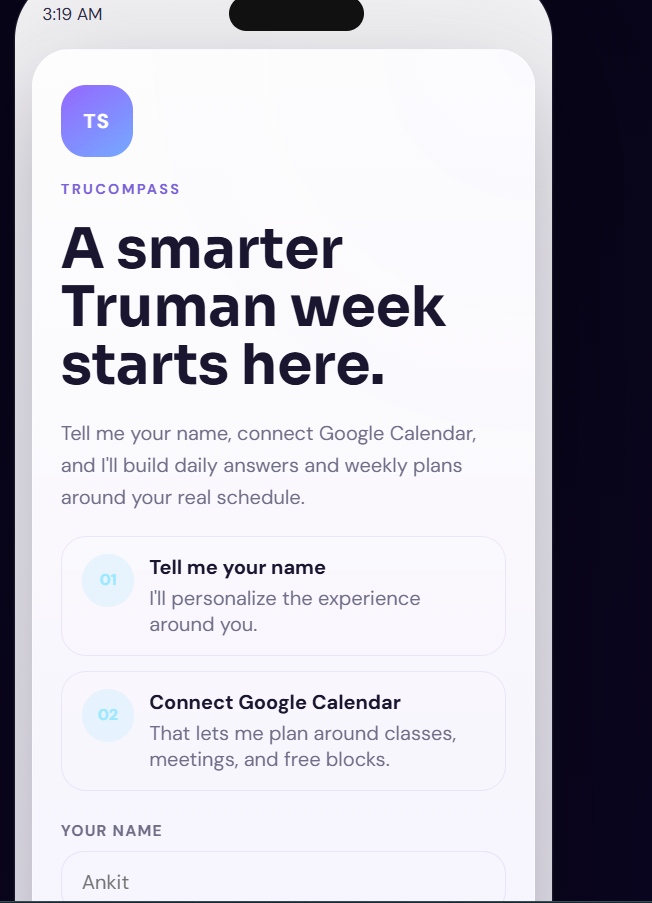
Landing Page
-
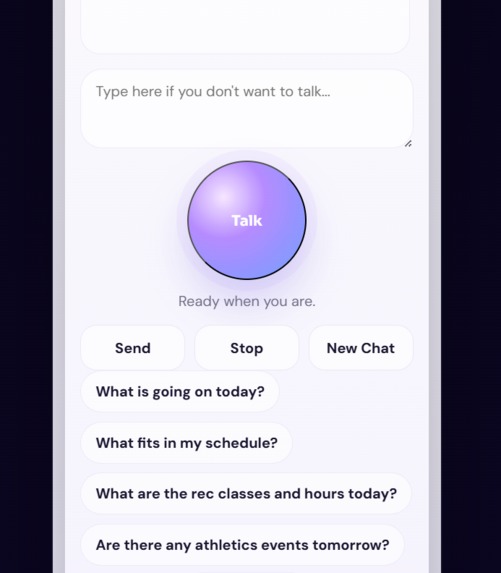
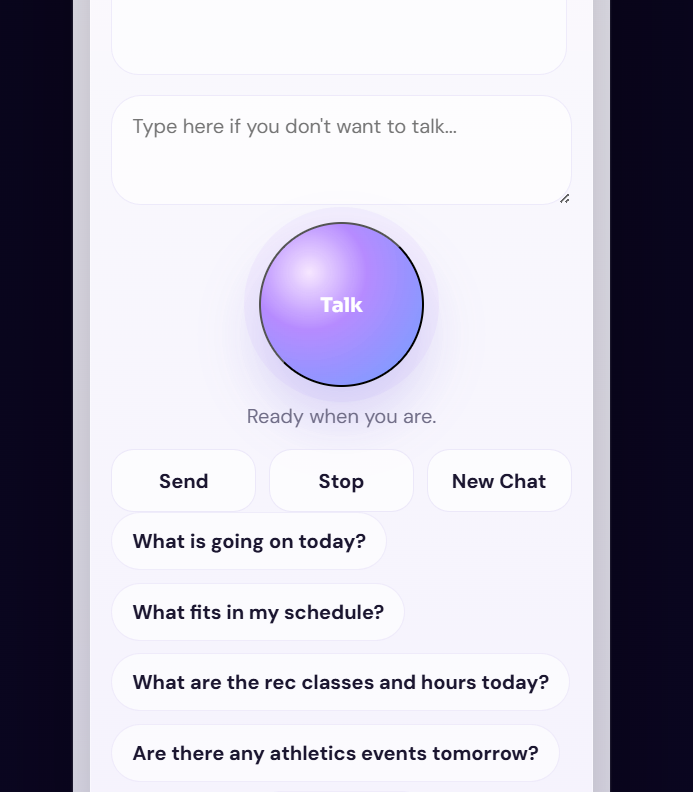
Speak Feature
-
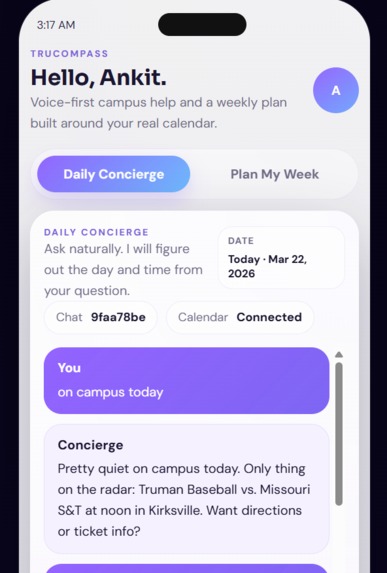
Demo of talk feature
-
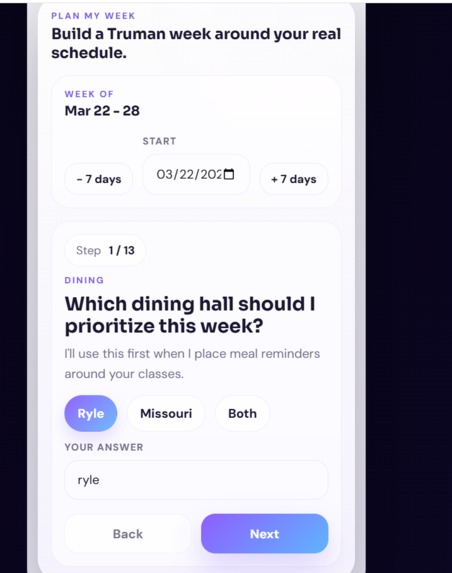
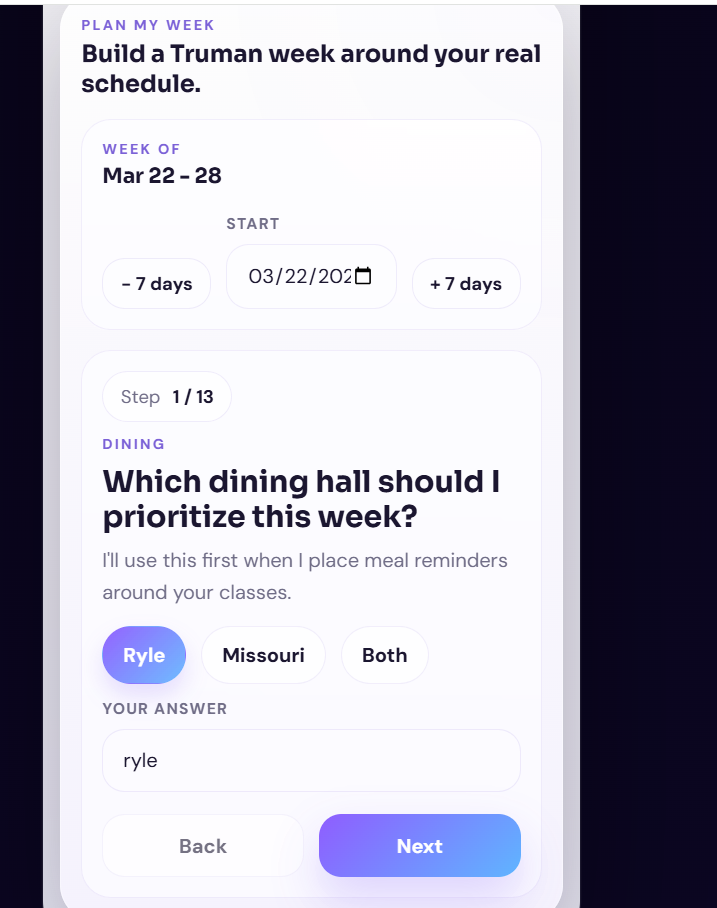
Plan Feature
Inspiration
TruCompass came from a simple problem I kept running into as a student: campus information exists, but it is scattered everywhere.
I would miss events because I did not know they were happening, or I would spend way too much time checking different places for answers like:
- what is for dinner
- how crowded the Rec is
- what events are happening today
- what actually fits into my schedule
The bigger issue was not just access to information. It was that none of the systems felt personal. A list of events is helpful, but it is much more useful if something can tell me which event fits between my classes, when I should eat, or when the Rec will be less crowded. That was the motivation behind TruCompass: build something that feels like a campus companion, not just another website.
What it does
TruCompass is an AI-powered campus companion for Truman State students.
It helps students:
- ask natural questions about campus life
- see what is happening on campus today or this week
- check dining menus and meal times
- check Campus Rec hours, classes, and crowd levels
- see athletics events
- build a personalized weekly plan around their real Google Calendar
- save helpful items directly into Google Calendar
The app has two main experiences:
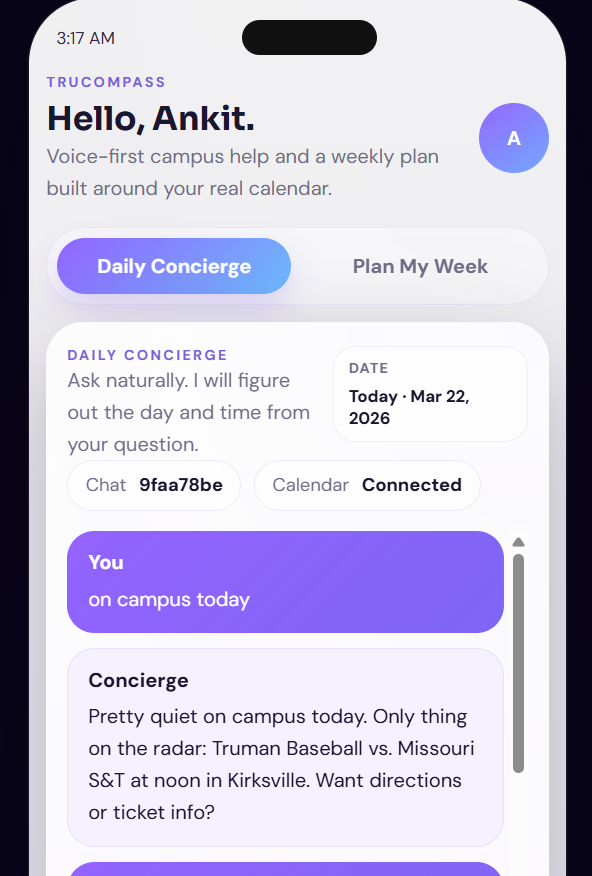
Daily Concierge
A student can ask questions naturally, like:
- “What’s going on on campus today?”
- “Is the Rec open right now?”
- “What’s for dinner at Ryle?”
- “Are there any athletics events tomorrow?”
Plan My Week
The app asks a few guided questions, looks at the student’s real schedule, and builds a weekly plan with:
- meals
- study blocks
- Rec sessions
- events
- reminders
How we built it
We built TruCompass as a full-stack web app.
On the frontend, we created a mobile-first interface focused on simplicity and conversation. We wanted it to feel closer to a real app than a dashboard.
On the backend, we built an Express server that brings together multiple Truman-related data sources, including:
- campus events
- athletics
- dining
- Campus Rec
- newsletters and updates
- TruView
- Google Calendar
We also added AI response generation so the app can turn raw campus data into answers that feel conversational and useful. Instead of only showing data, we tried to make the app interpret it in context.
For storage and deployment readiness, we connected:
- Supabase for persistent data
- Redis for caching
- Render for hosting
Challenges we ran into
One of the hardest parts was making the app feel truly helpful instead of technically impressive but awkward.
A few challenges stood out:
- different campus data sources had different formats and reliability
- some information was public, while other parts were harder to access consistently
- the planner had to avoid overlapping with existing calendar events
- the AI responses sometimes sounded too robotic or repeated the same thing
- voice and conversational flow were harder to polish than expected
We also had to think carefully about trust. If the app says something is happening, it needs to be accurate. If it recommends a plan, it should fit the student’s real schedule.
Accomplishments that we're proud of
We are proud that TruCompass became more than just a chatbot.
It now:
- connects live campus information into one place
- uses Google Calendar to personalize answers and plans
- gives schedule-aware recommendations
- supports a guided weekly planning flow
- brings together campus life, dining, Rec, athletics, and updates in one experience
The biggest thing we are proud of is the direction of the product. It feels like something students could actually use, not just a prototype with a cool API demo behind it.
What we learned
We learned that building an AI app is not just about connecting a model.
The real work is:
- finding reliable data
- cleaning and structuring it
- making outputs feel natural
- designing an experience people trust
We also learned how important personalization is. The same campus event can be relevant to one student and useless to another. Connecting real schedule context made the product much more meaningful.
On the technical side, we learned a lot about:
- integrating multiple live data sources
- caching and persistence
- calendar-aware planning
- building conversational product flows
- deploying a full-stack app in a more production-ready way
What's next for TruCompass
The next step for TruCompass is making it even more proactive and student-aware.
We want to expand it so it can:
- surface more important campus opportunities students might otherwise miss
- make weekly planning even smarter
- improve conversational memory and follow-up quality
- better support student help resources like tutoring, advising, and wellness
- grow into a true mobile experience
Our goal is for TruCompass to become something that reduces the stress of student life by helping students spend less time searching and more time actually participating.
Built With
- express.js
- google-calendar-api
- html
- javascript
- node.js
- openai
- react
- render
- supabase
- vite

Log in or sign up for Devpost to join the conversation.