Inspiration
TrrackFit grew from a simple idea: keeping track of your training should feel like a natural part of your workout.
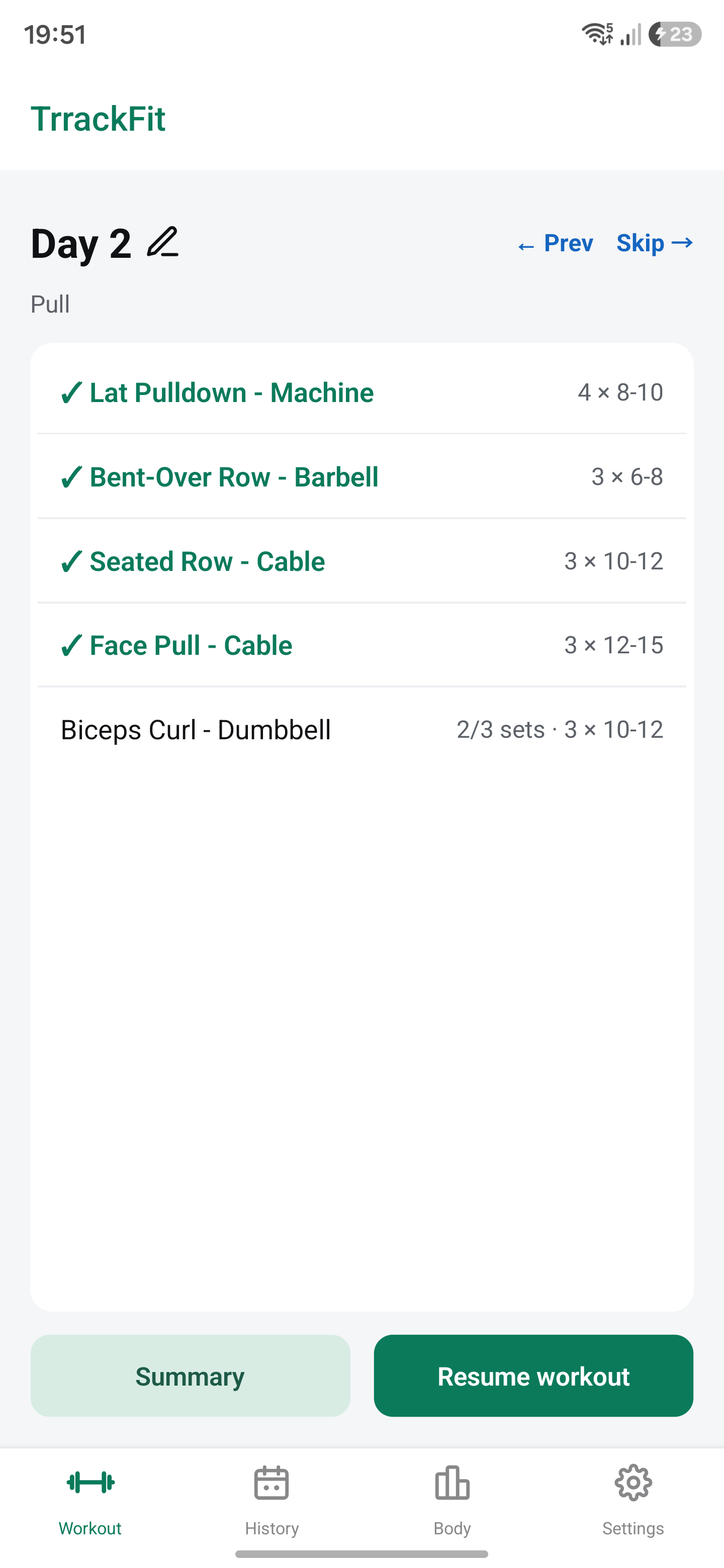
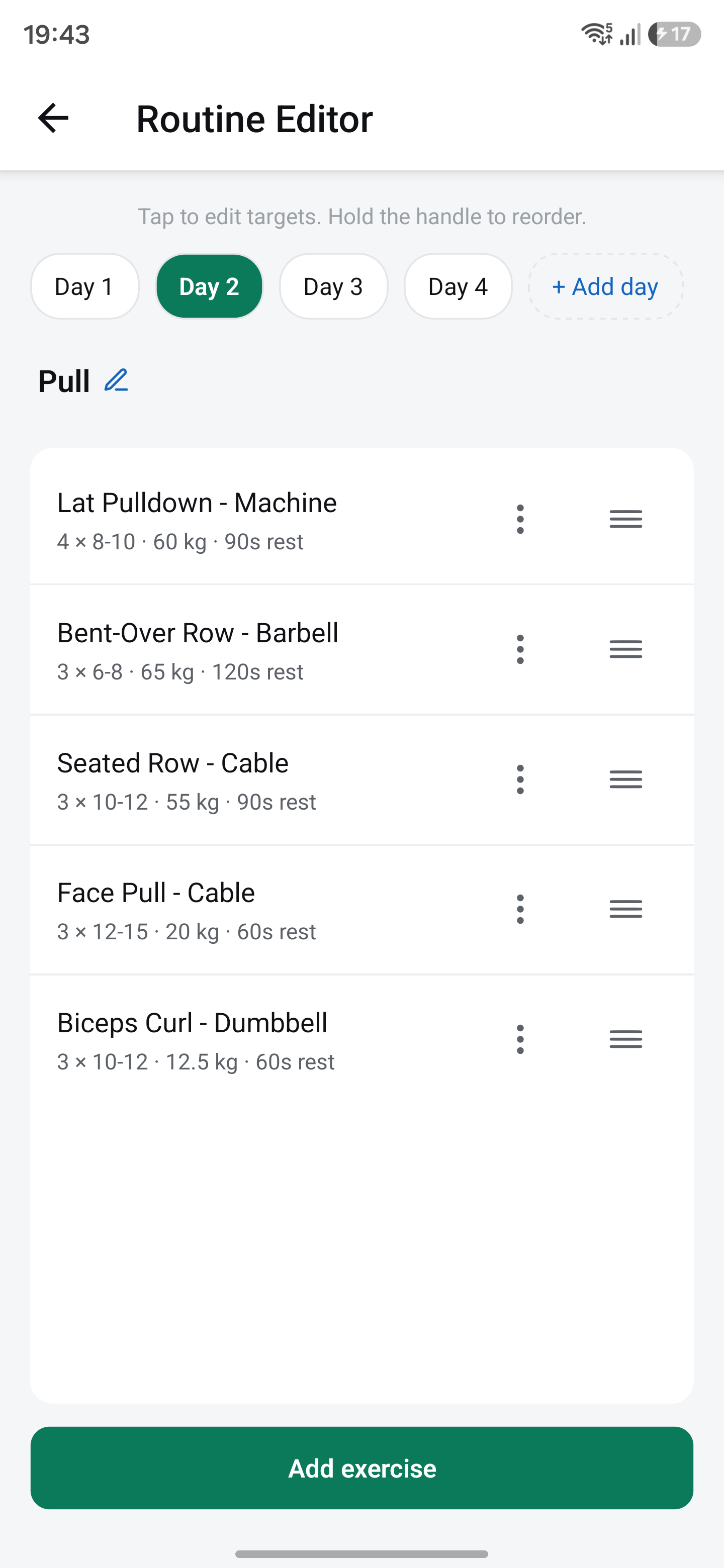
I wanted an app that made it easy to see what you did last time, log your next set, and understand your progress. That meant paying attention to small details—how quickly you can adjust a target, rearrange exercises, or resume an unfinished session.
That became the goal behind TrrackFit: make every workout count.
What it does
TrrackFit is an Android workout tracker that helps users:
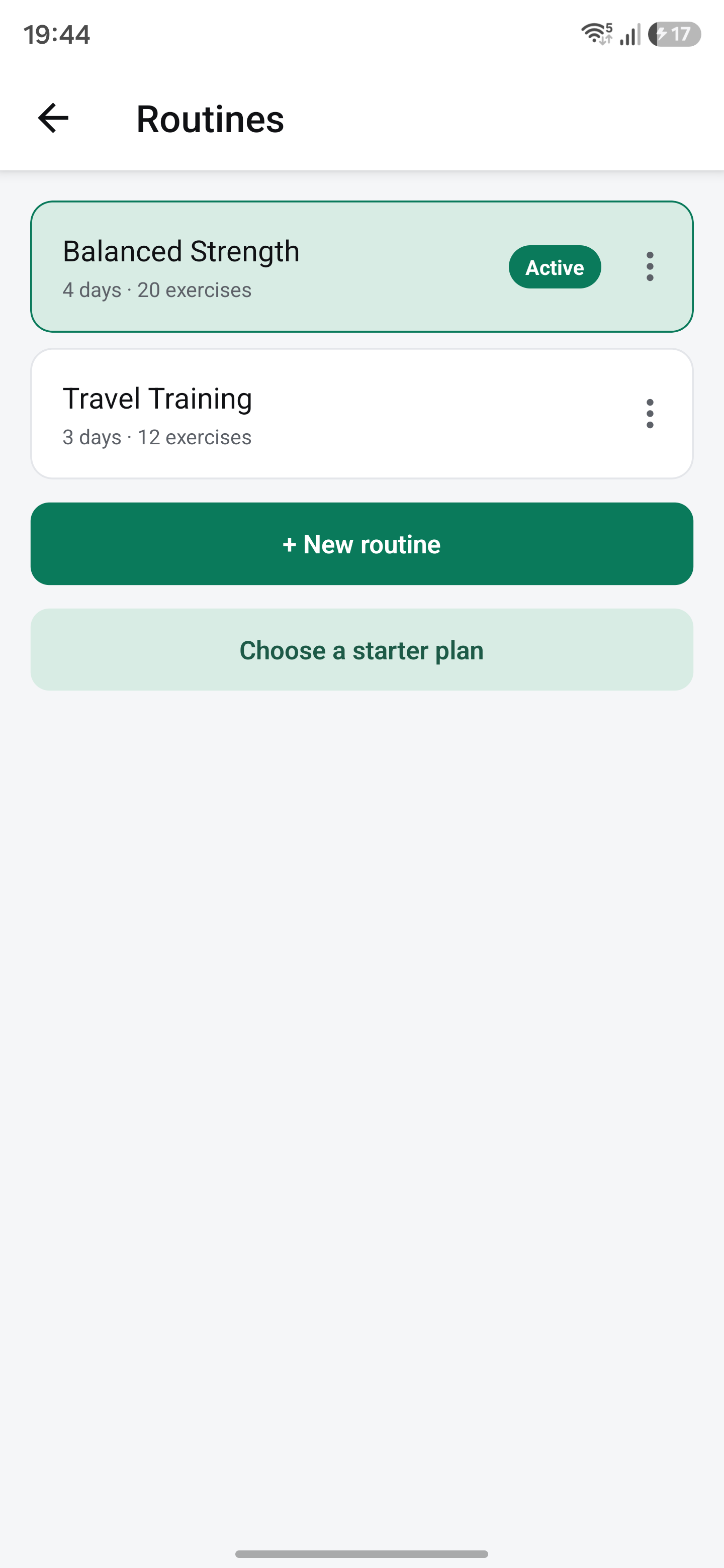
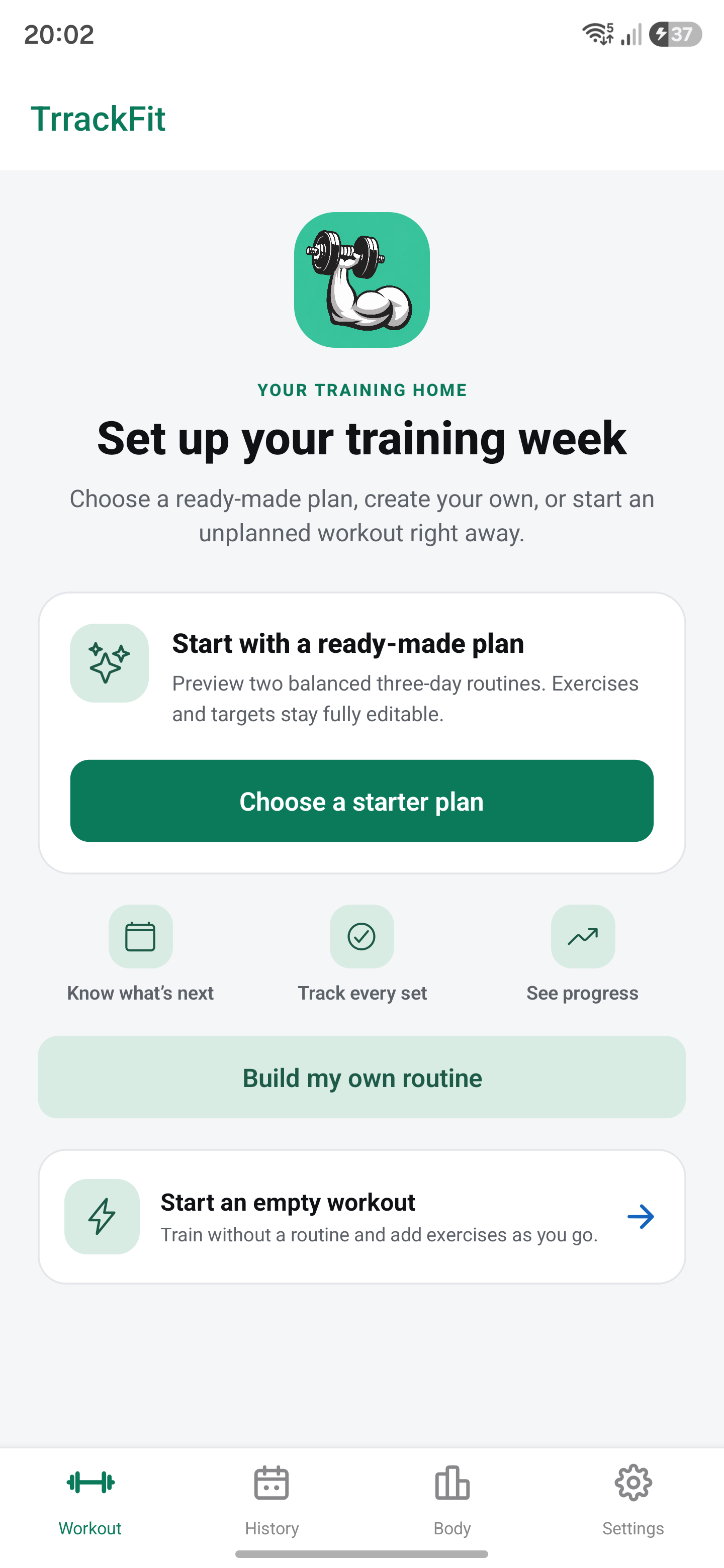
- Create routines and organize training days.
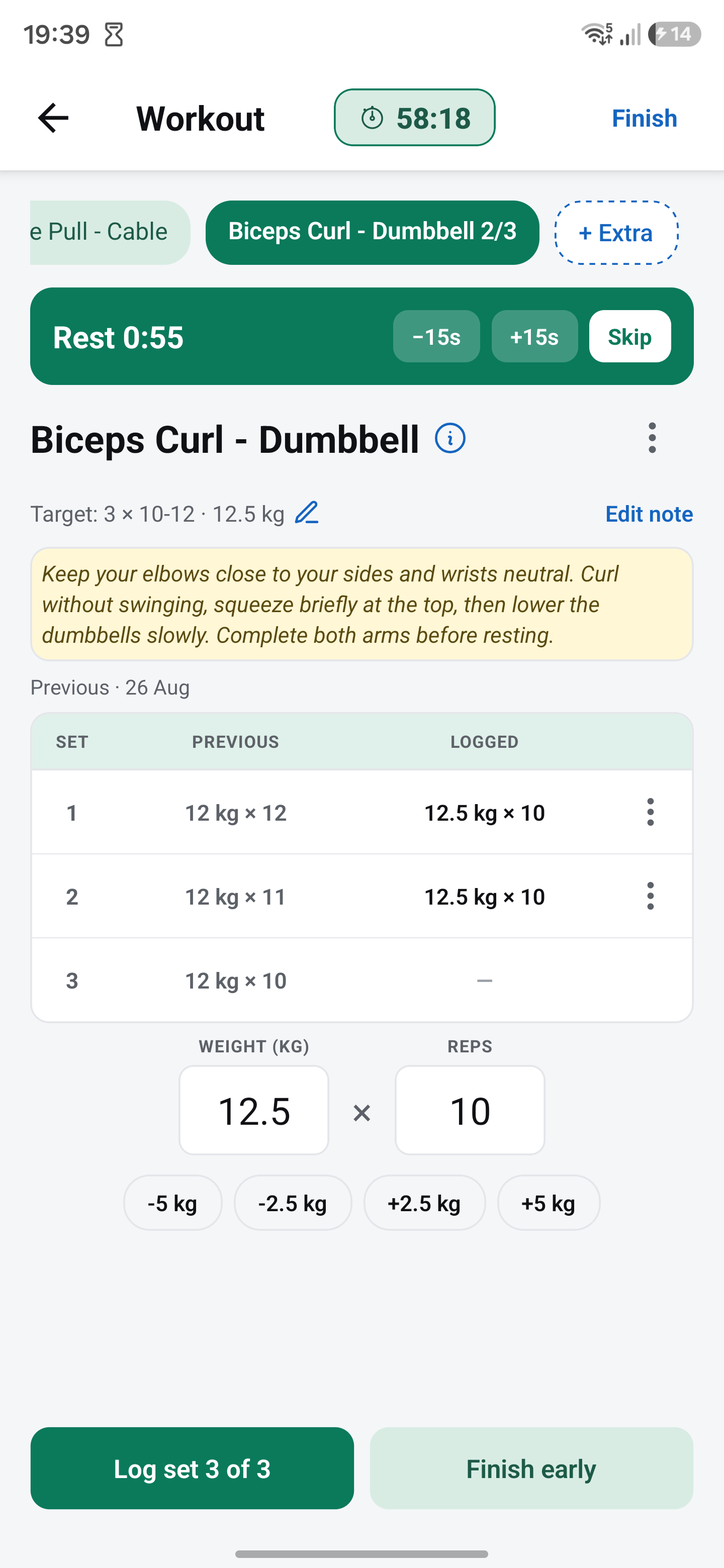
- Log weight, reps, duration, and distance.
- Track weighted and assisted bodyweight exercises.
- Compare previous sets while working out.
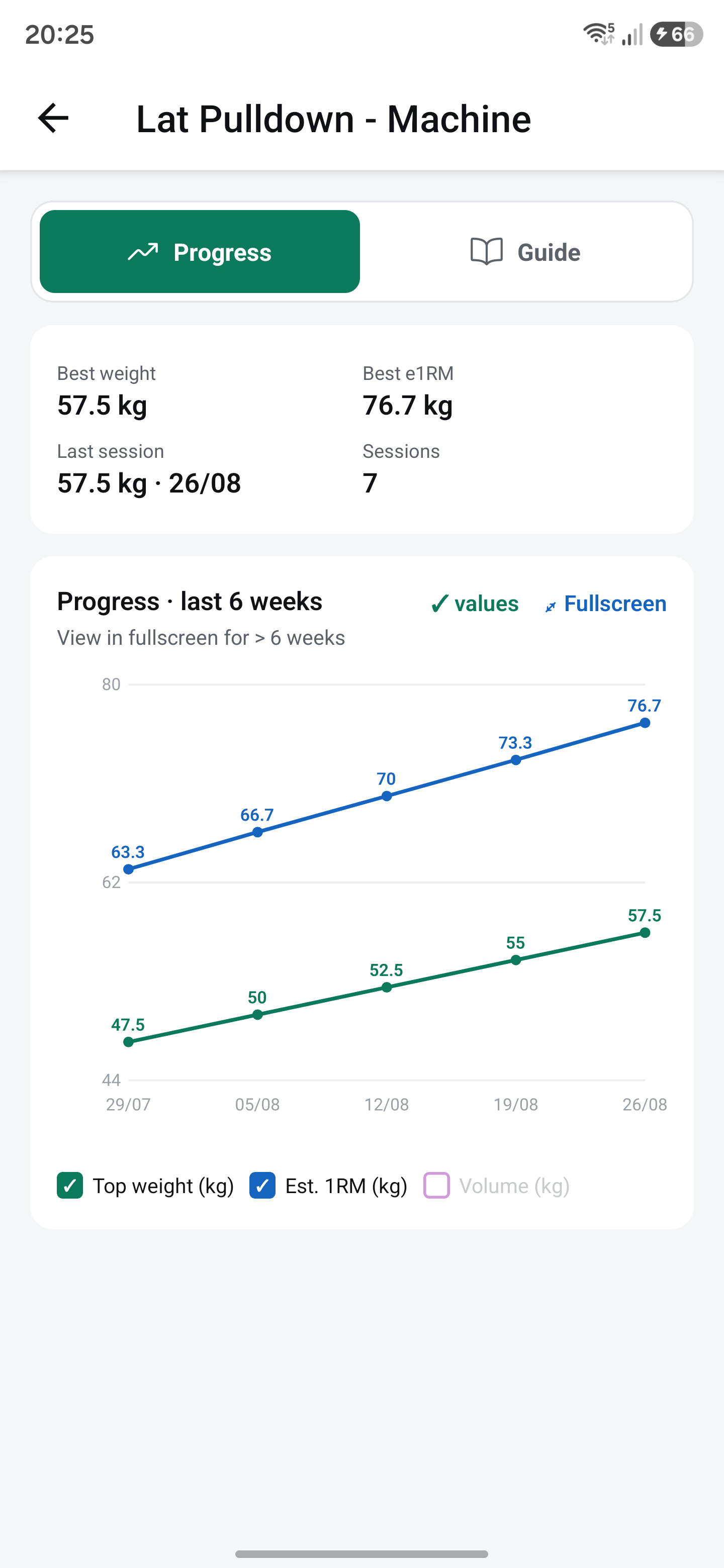
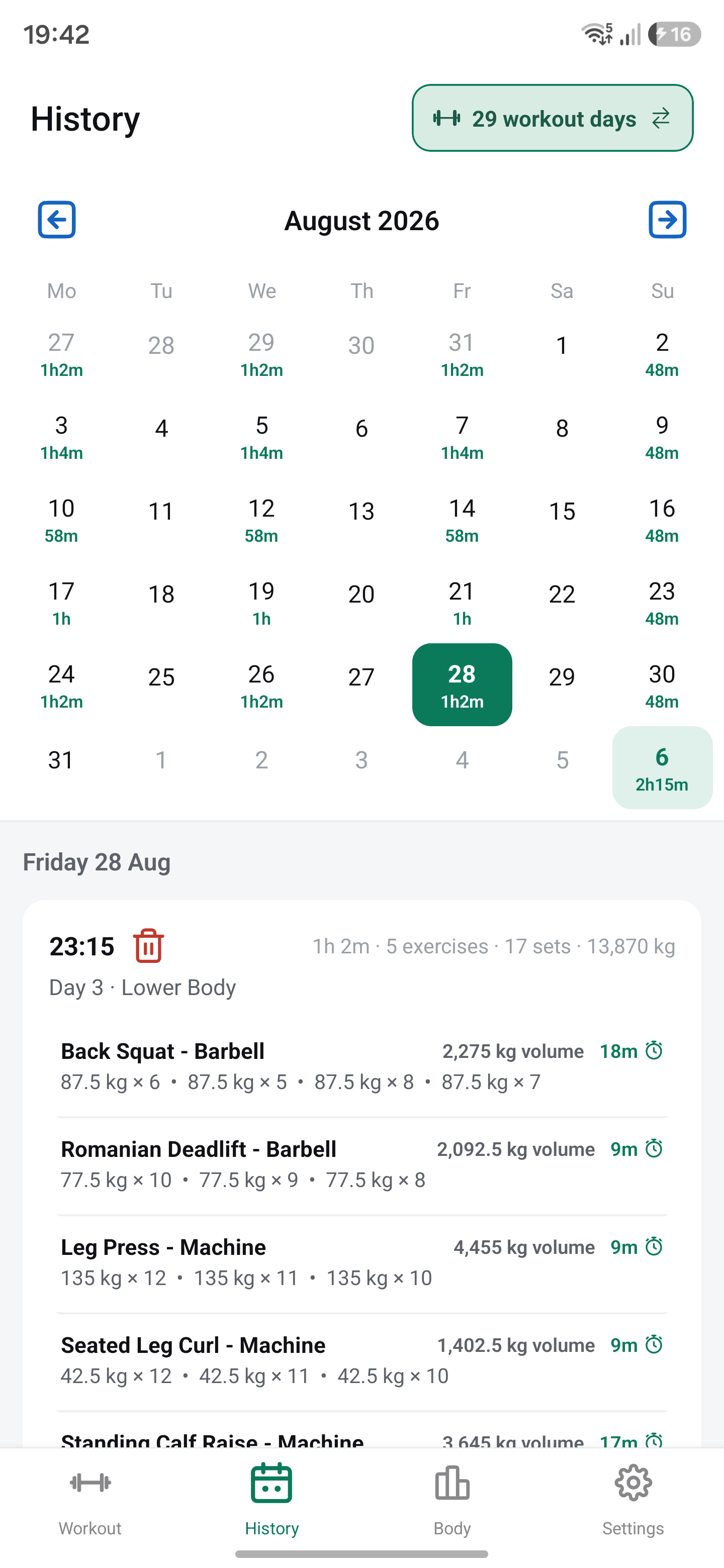
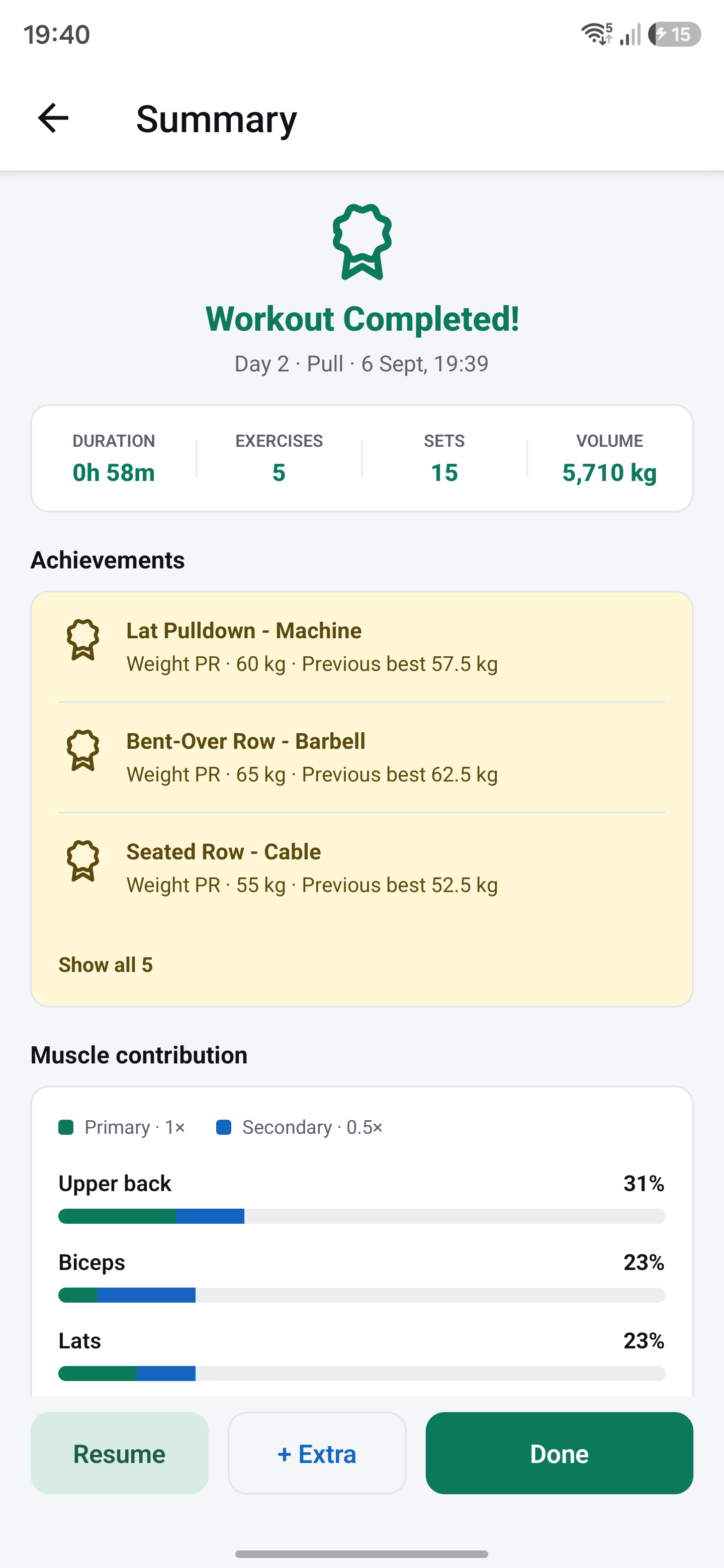
- Review personal bests, progress charts, and workout history.
- See which muscles a workout targeted through a visual summary.
The app supports offline workout logging, with cloud synchronization for Pro users.
How I built it
I built the mobile app with React Native, Expo, and TypeScript. The backend uses Hono, Prisma, and PostgreSQL, with shared types and validation schemas to keep the app and API consistent.
Workout changes are saved locally first and queued for synchronization, so logging doesn’t depend on a continuous internet connection.
I integrated RevenueCat to manage Pro subscriptions and entitlement checks. The subscription experience includes localized pricing, monthly and yearly plans, calculated annual savings, purchase restoration, and recovery states when pricing fails to load.
I also built a Next.js website to introduce the app, showcase its features, and publish workout guides.
Challenges I faced
One challenge was making offline data and server data work together reliably. Creating, editing, and deleting exercises needed to stay consistent across synchronization without mixing data between accounts or restoring deleted records.
Another was calculating workout progress correctly. Added weight and assistance have opposite meanings: increasing added weight makes an exercise harder, while increasing assistance makes it easier. I introduced separate tracking methods and saved bodyweight snapshots with sets so later bodyweight changes wouldn’t alter historical volume estimates.
The interface presented its own challenges. A workout screen needs to accommodate long exercise names, logged sets, notes, timers, and input fields while keeping the main actions accessible. I refined these interactions through repeated testing on Android devices.
What I learned
I learned that a useful fitness app depends as much on small interactions as it does on its feature list. Clear labels, sensible defaults, and fewer taps can make a meaningful difference during training.
I also learned to treat subscriptions as a complete user experience. Beyond processing a purchase, users need clear pricing, reliable access to paid features, restoration, and understandable failure states.
Automated tests became an essential part of the project, particularly for workout calculations, account isolation, authentication, and synchronization.
What’s next
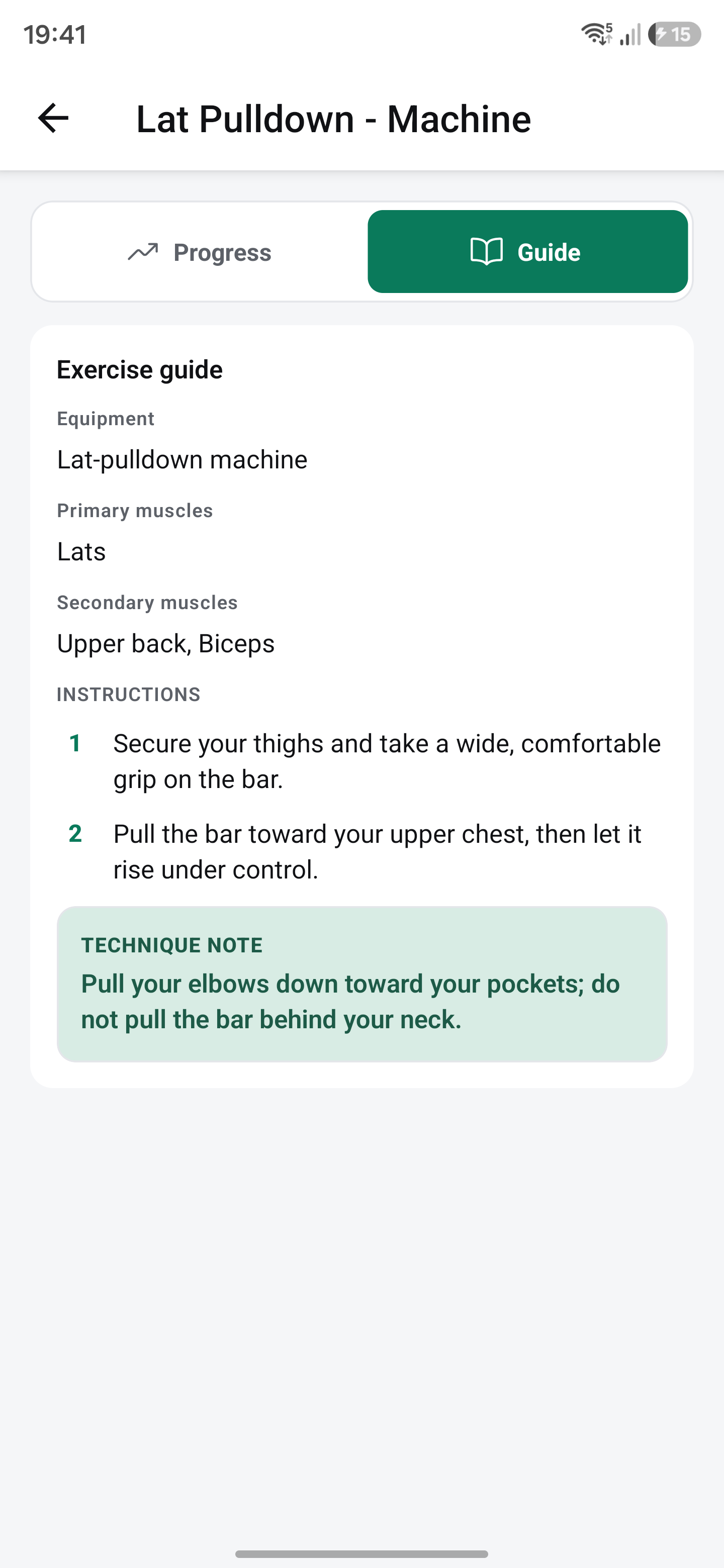
TrrackFit is now available on Android. My next focus is learning from people using it in their workouts, improving exercise guidance, and continuing to make logging faster and progress easier to understand.
Try TrrackFit: trrack.fit

Log in or sign up for Devpost to join the conversation.