-
-
1
-
2
-
3
-
4
-
5
-
6
-
7
-
8
-
9
-
10
Trivectra
Your privacy. Your keys. Your connection.
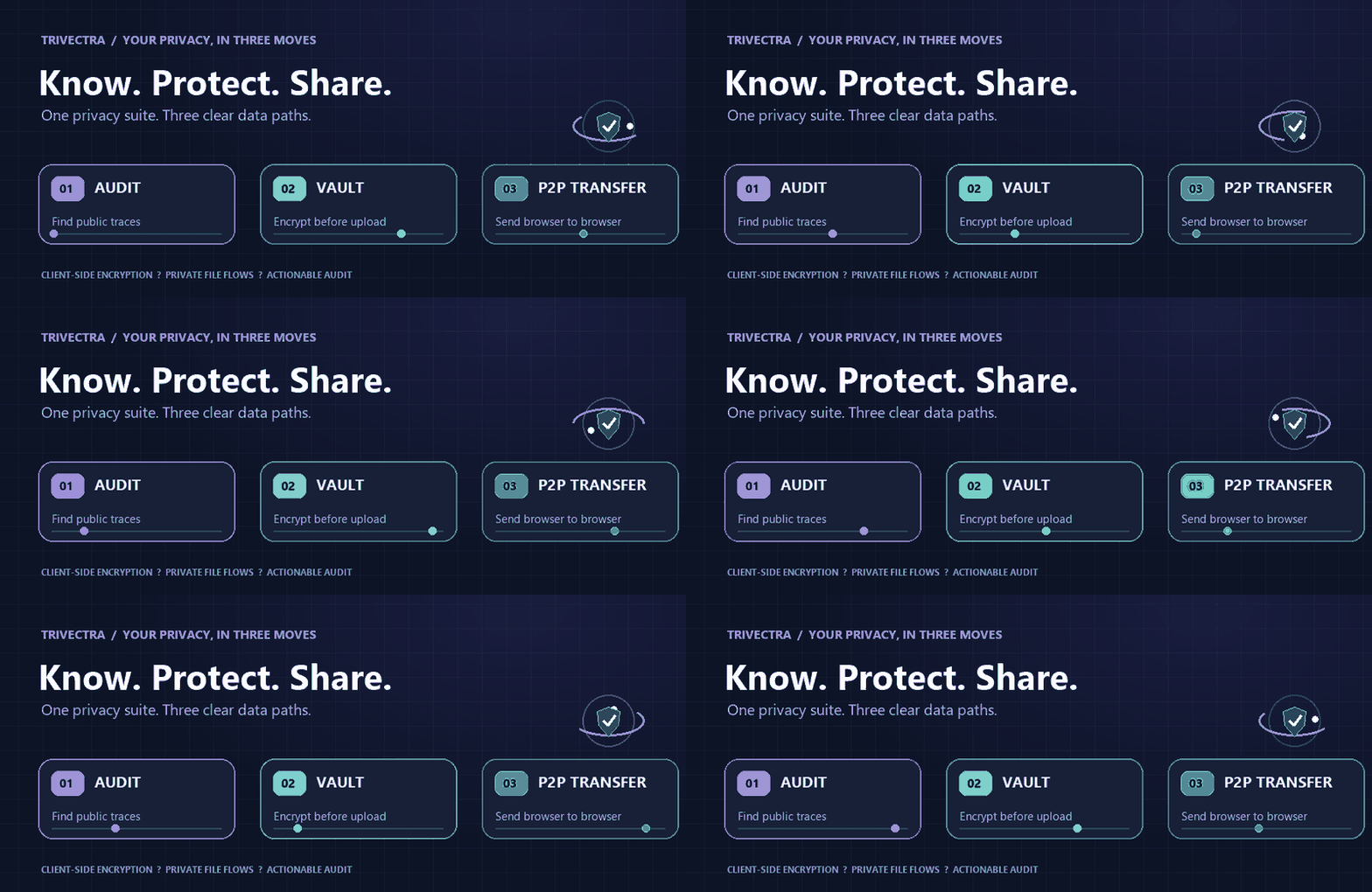



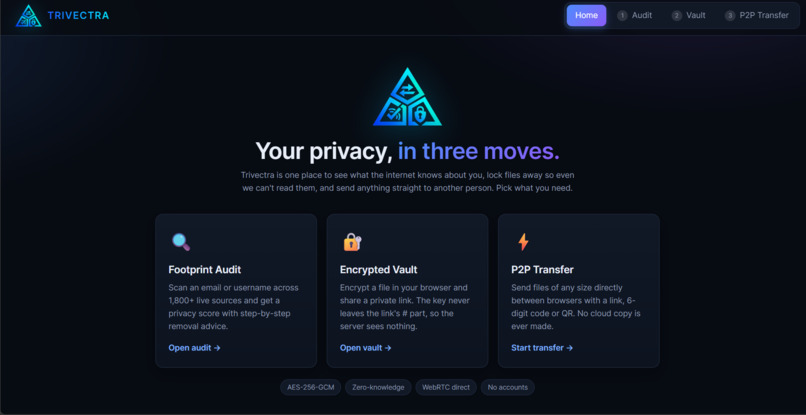
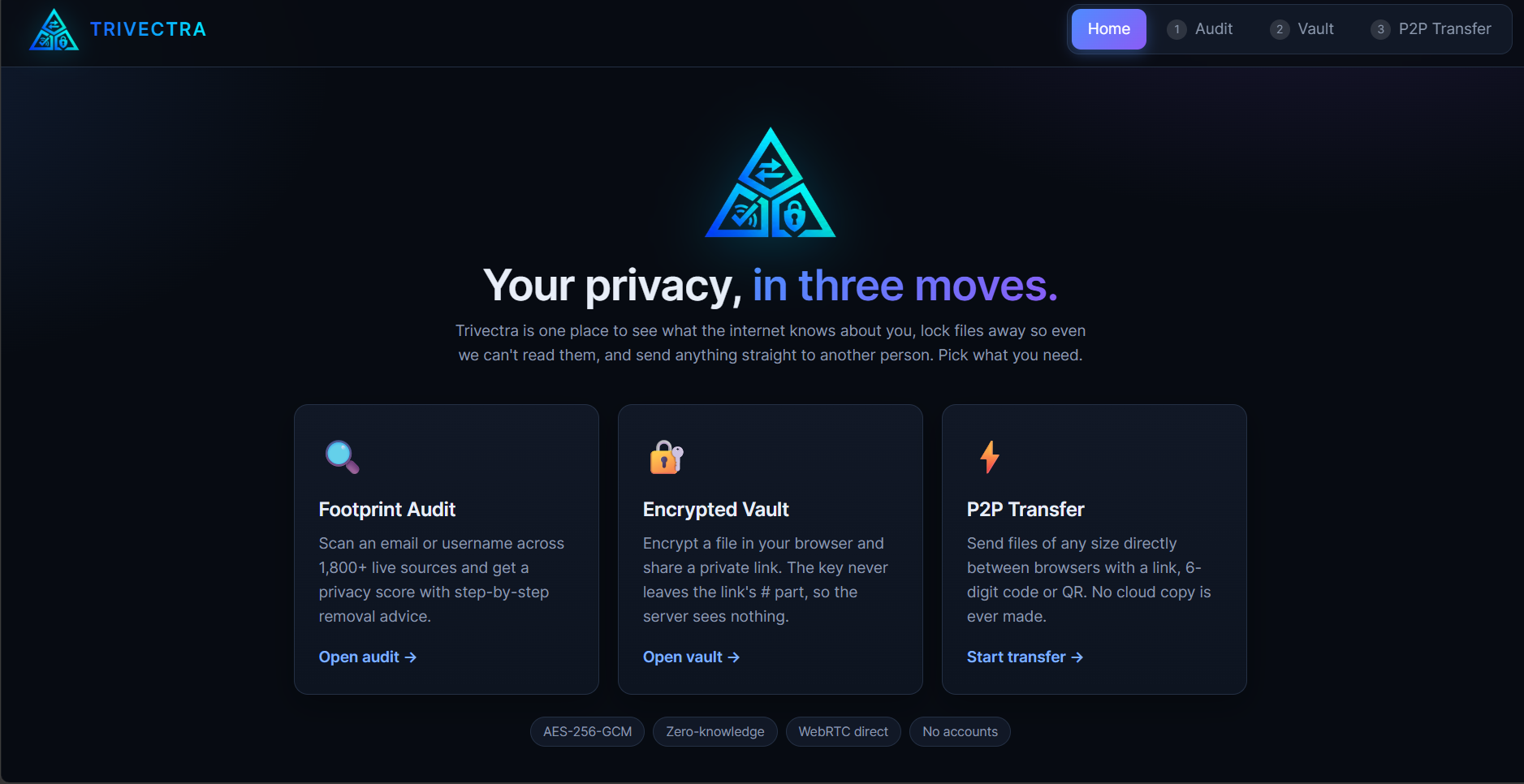
Trivectra brings three useful privacy tools into one place: uncover public traces of a username, encrypt files in your browser before storage, and send files directly to another browser.
Launch Trivectra · Explore the source
The idea
Privacy is often split across a pile of disconnected services: one to check where a username appears, another to share a sensitive file, and another to send a large file. Every extra service is another place to think about data exposure and retention.
We wanted one approachable privacy workspace for three related jobs: see your public footprint, protect a file before it leaves your device, and move a file without uploading its contents to a cloud drive.
Three tools. Three different data paths.
| ◉ AUDIT | ▣ VAULT | ⇄ P2P TRANSFER |
|---|---|---|
| Find public traces of a username or email. | Encrypt a file locally and share a private link. | Send files directly between browsers. |
| 1,843 username profile sources | AES-256-GCM in the browser | WebRTC data channel |
| Exposure score, findings, and action plan | Key stays in the URL fragment | Room link, six-digit code, or QR |
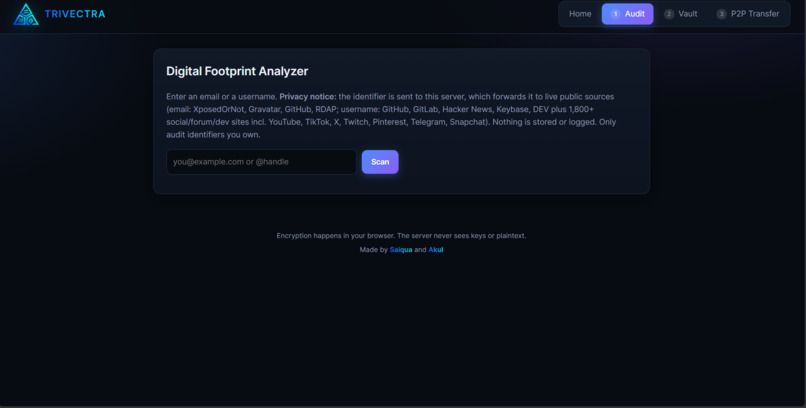
◉ Footprint Audit
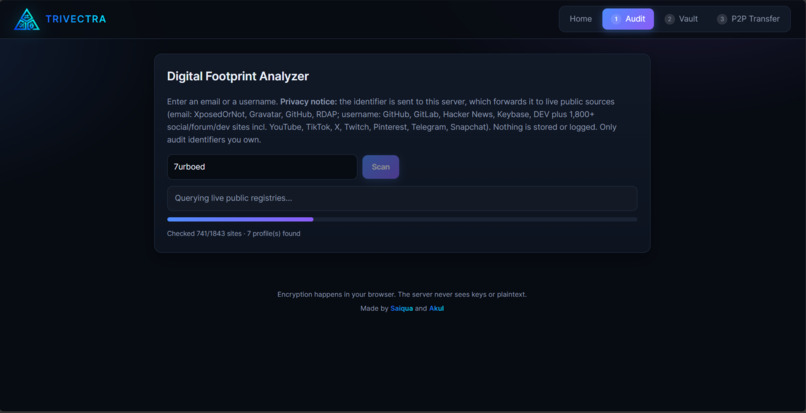
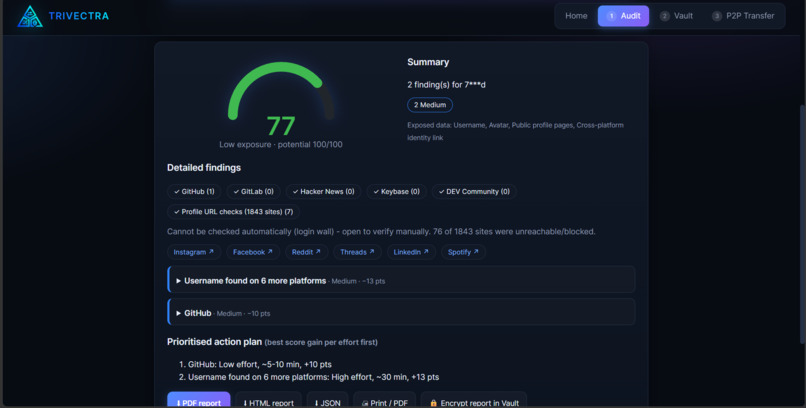
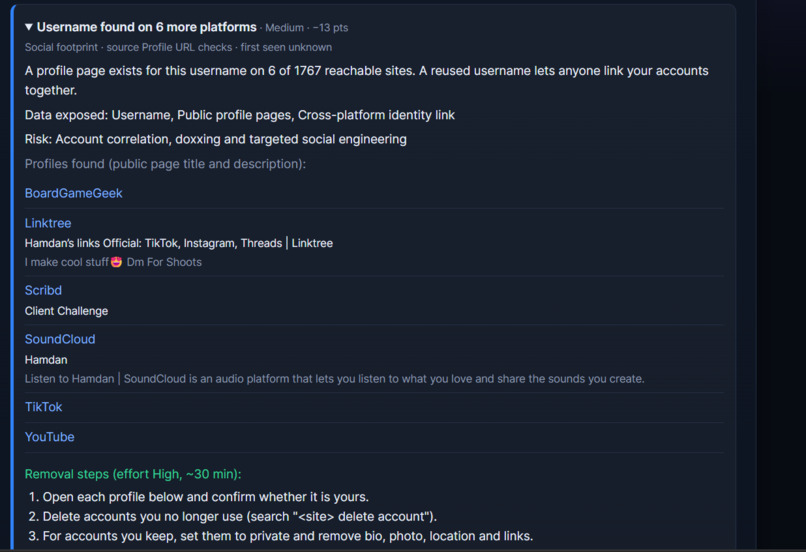
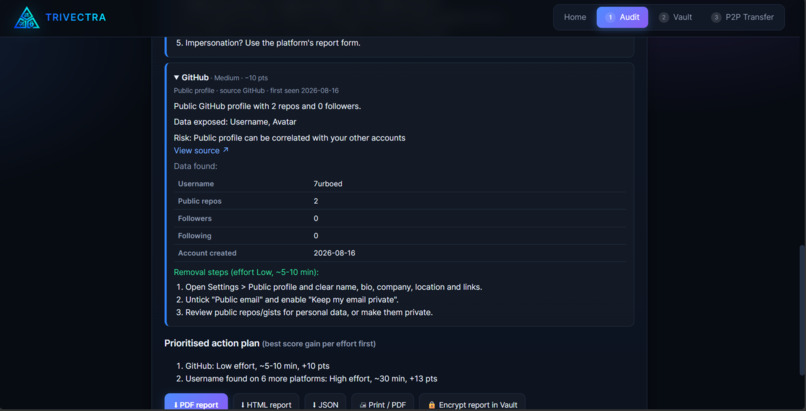
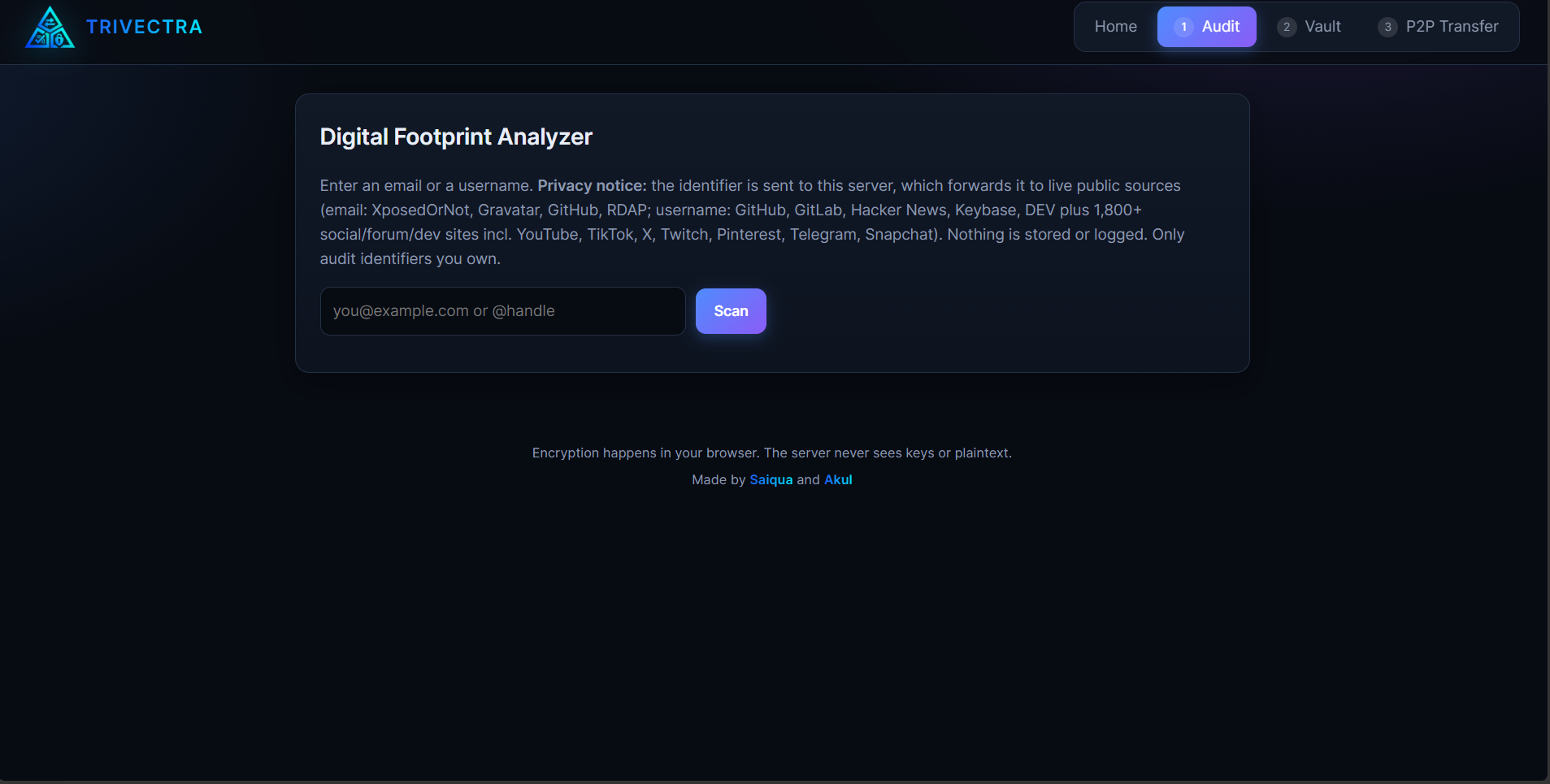
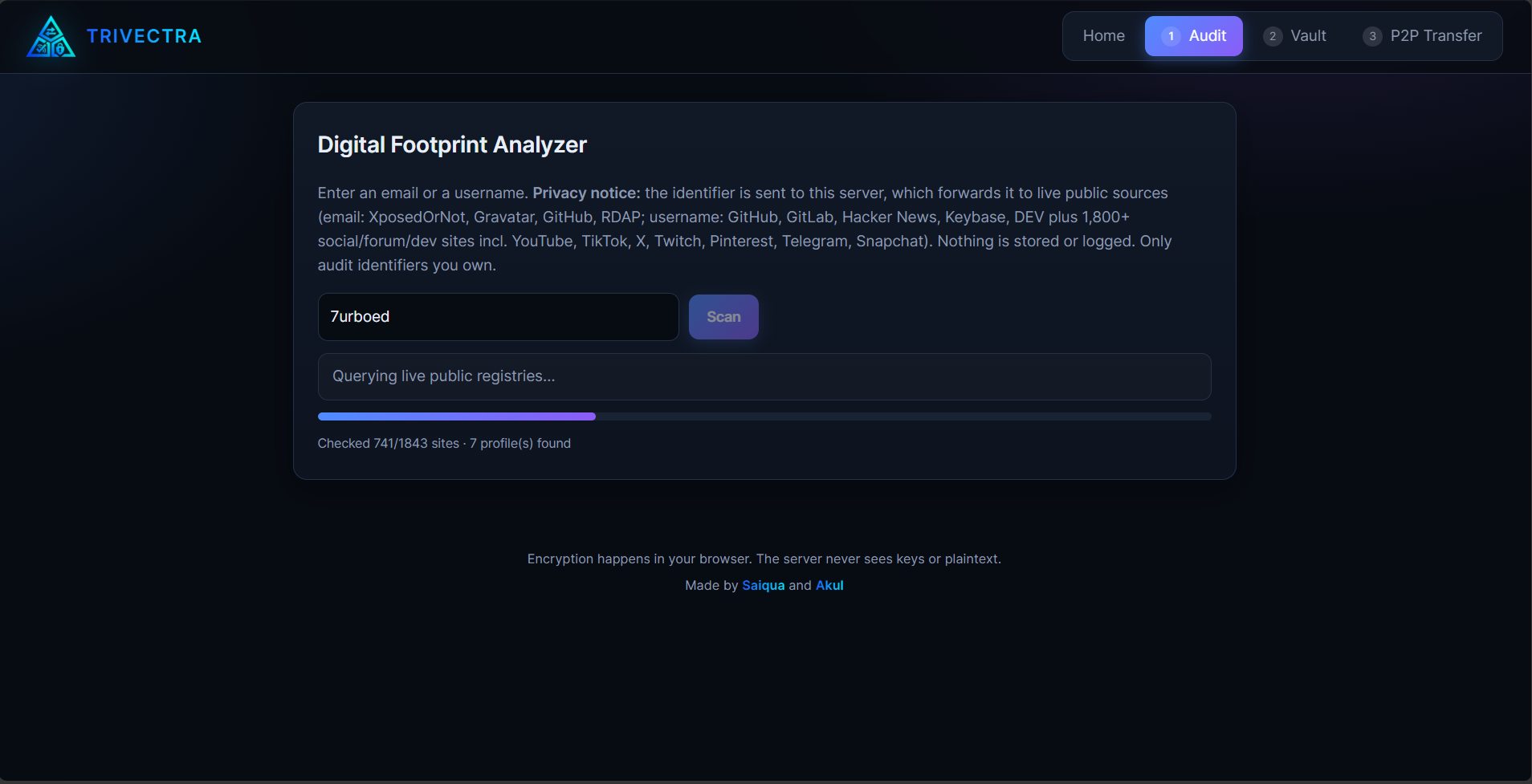
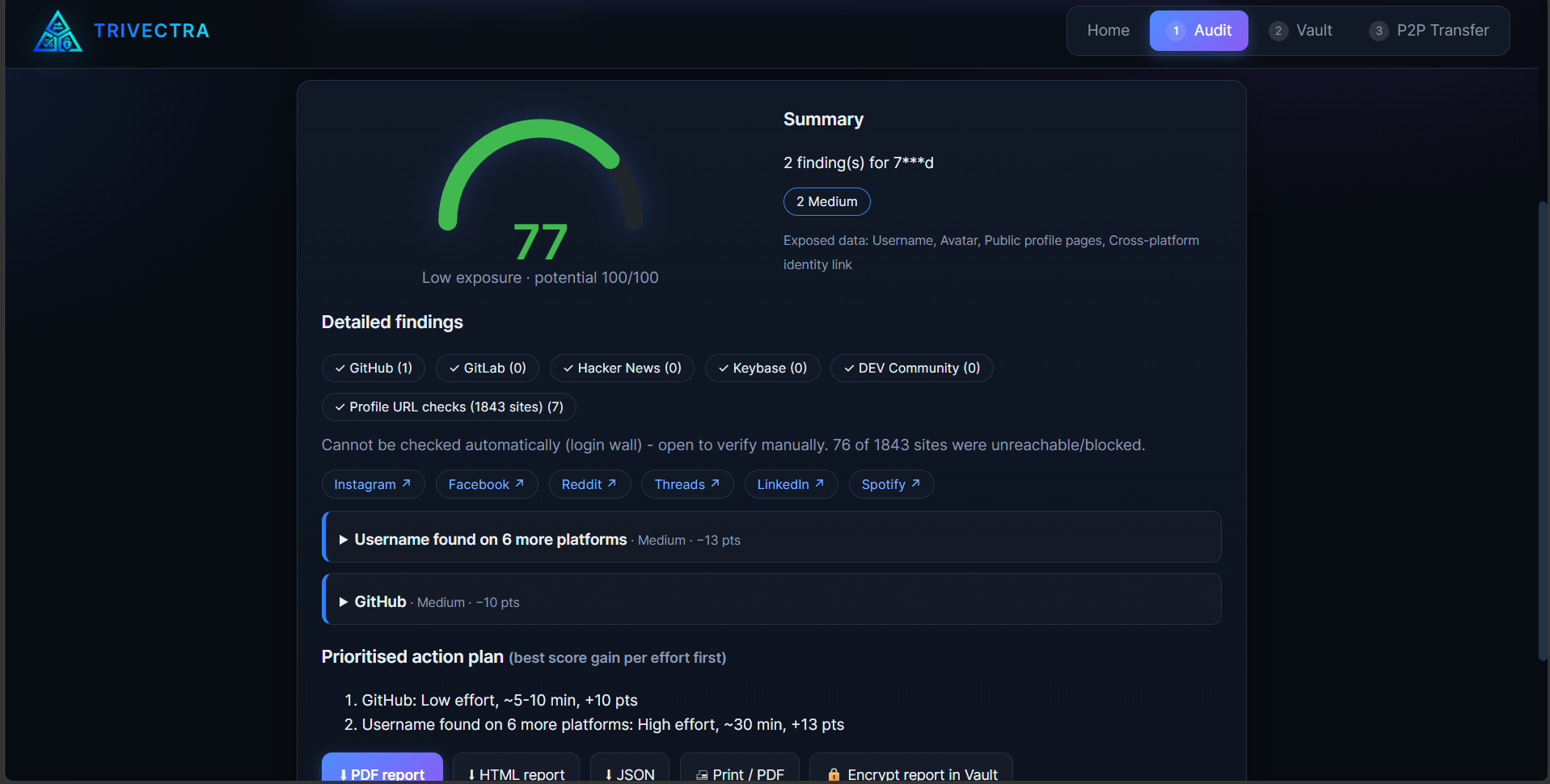
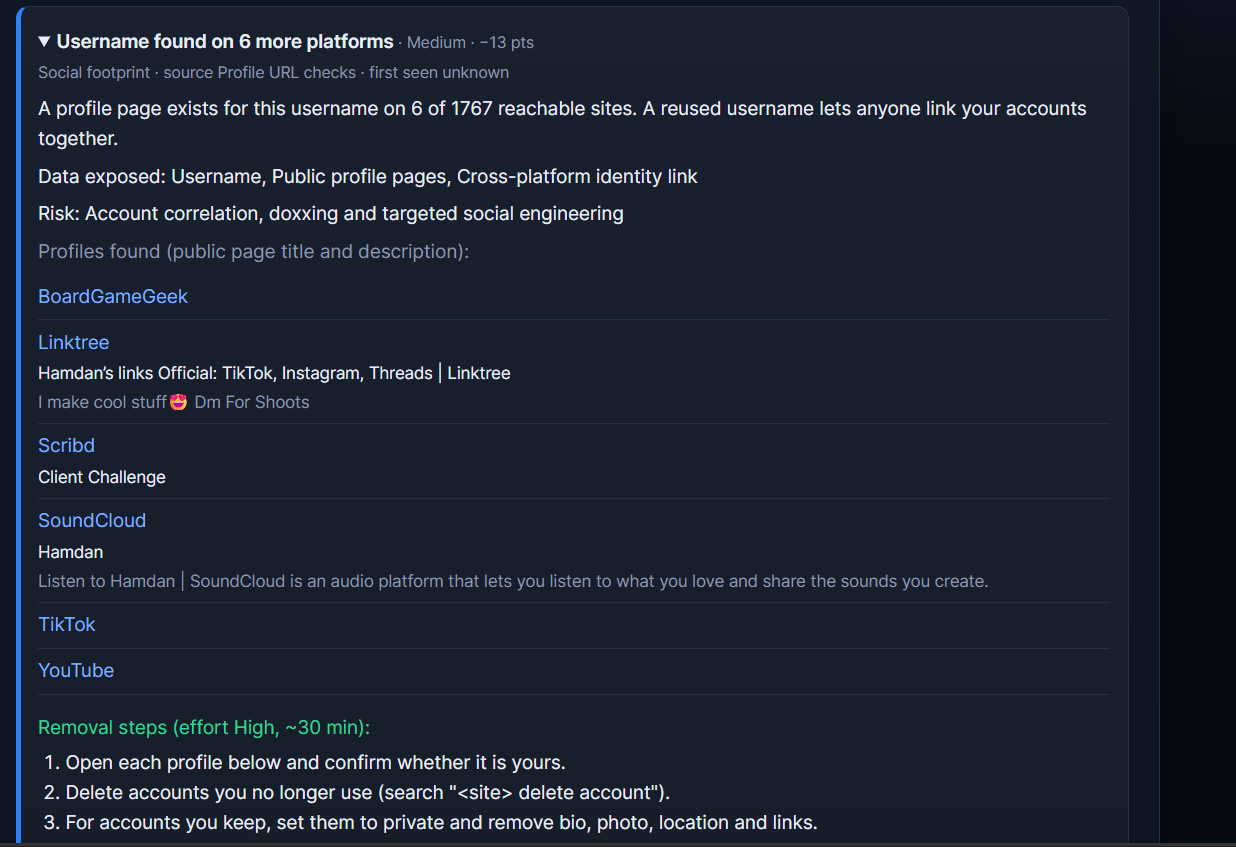
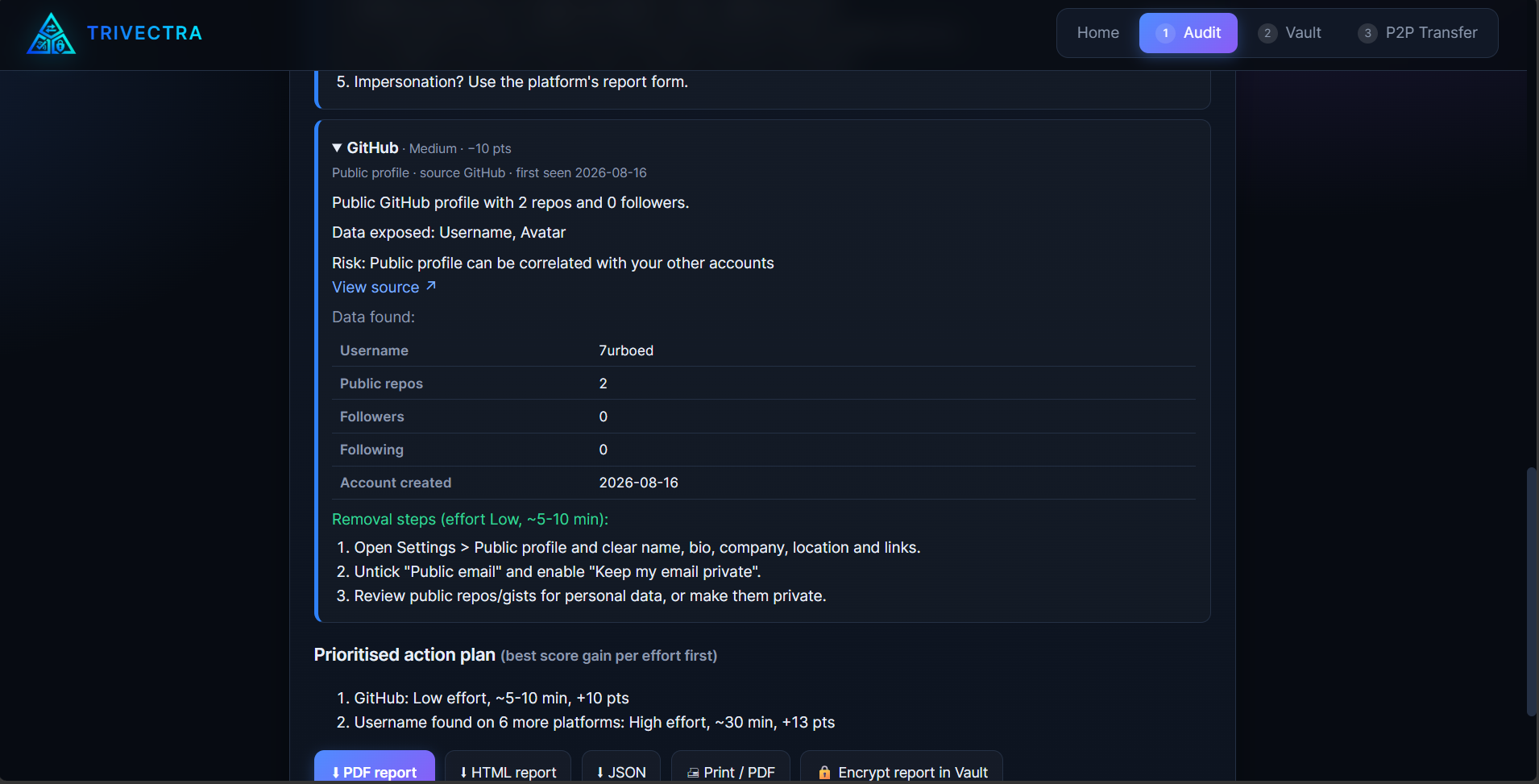
Enter an email address or username to run an exposure audit. Username checks cover 1,843 profile sources assembled from validated Sherlock, WhatsMyName, and Maigret definitions. Findings can include public profile titles and descriptions, a privacy score, removal guidance, manual links for login-walled platforms, and downloadable PDF, HTML, or JSON reports.
The audit is honest about uncertainty: a site that blocks or cannot be reached is marked unknown, not treated as proof that no account exists. Audit identifiers are sent to the service to run checks against public sources. Only audit identifiers you own or are authorized to check.
▣ Encrypted Vault
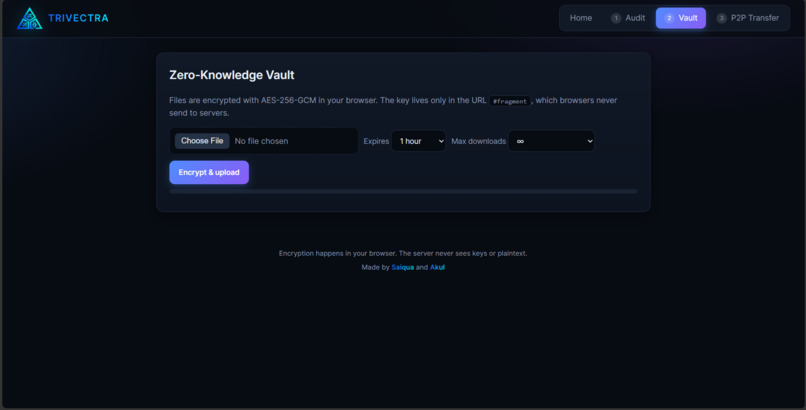
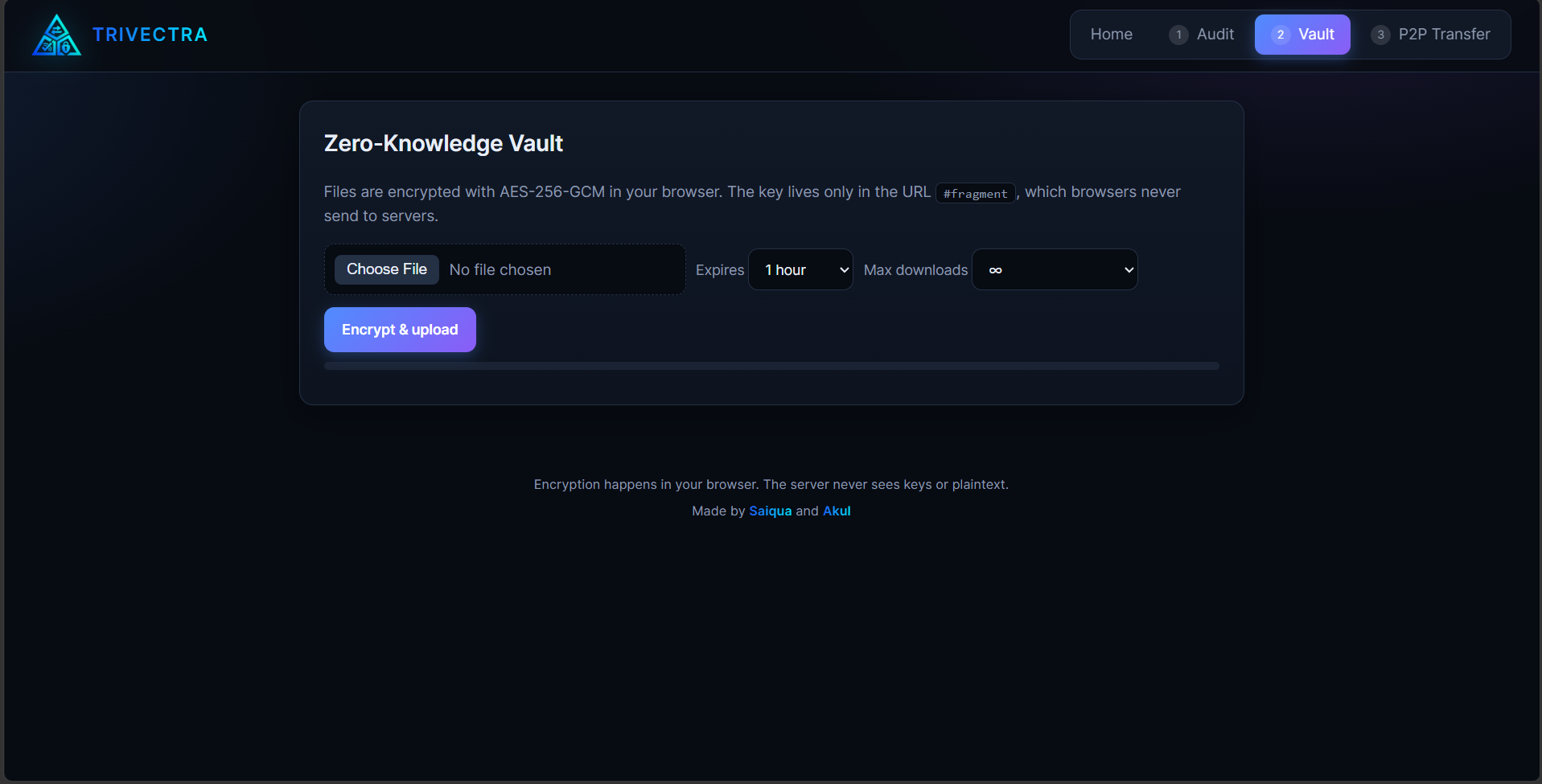
Choose a file and Trivectra encrypts it locally with AES-256-GCM using the browser's Web Crypto API before uploading ciphertext. The decryption key is placed in the URL fragment (#key=...), which browsers do not include in HTTP requests. Links can expire and can have download limits.
Share the complete link carefully: anyone who gets it also gets the key needed to decrypt the file.
⇄ Peer-to-Peer Transfer
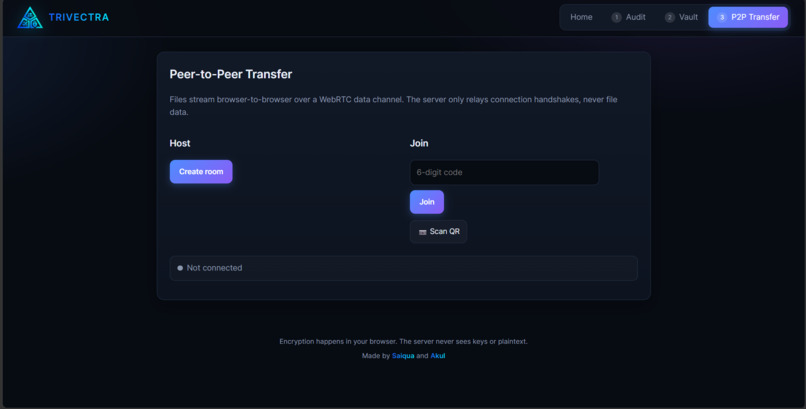
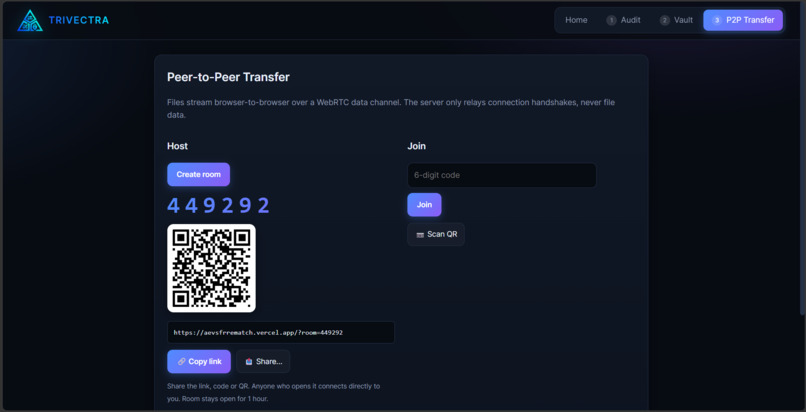
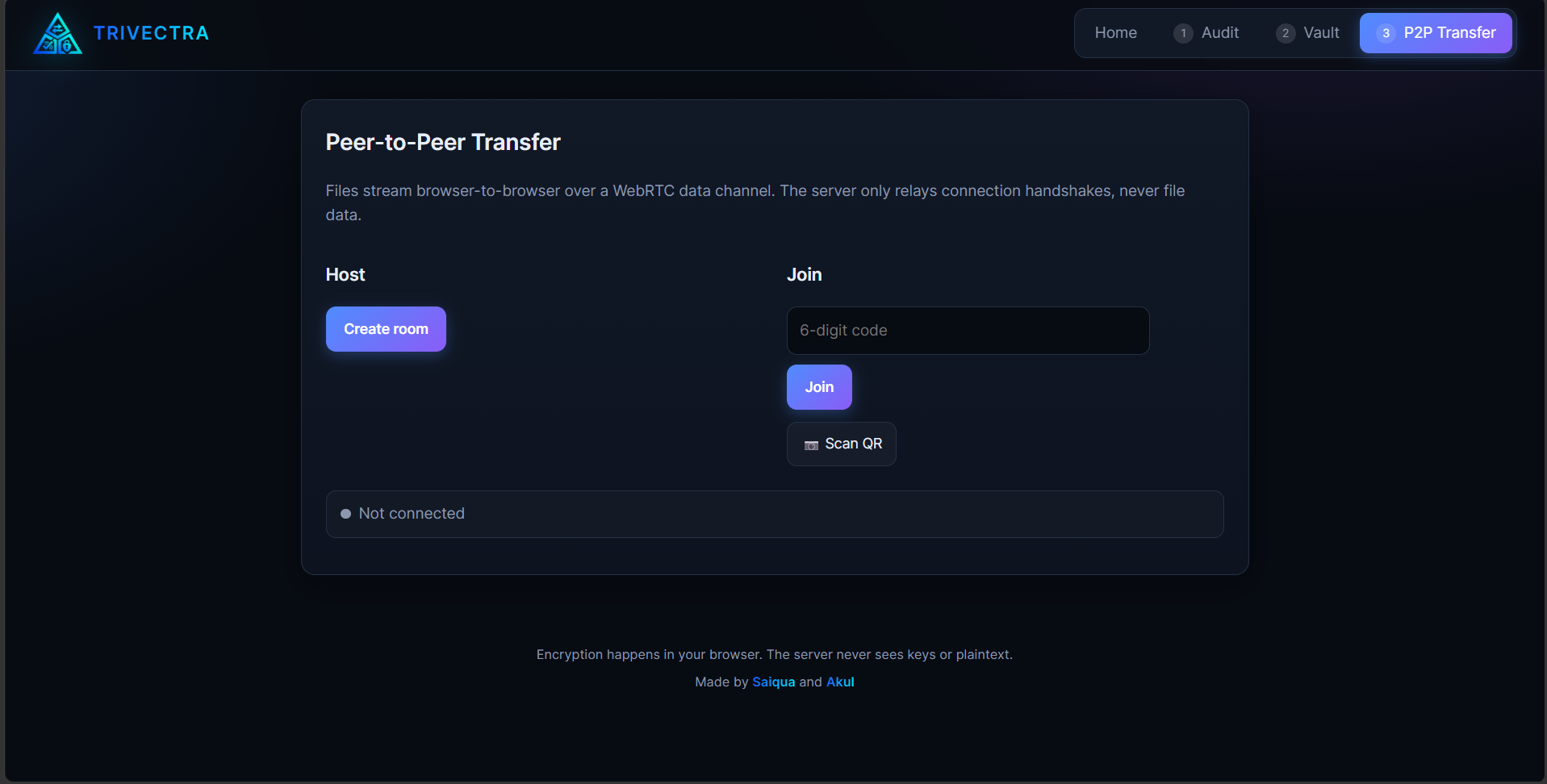
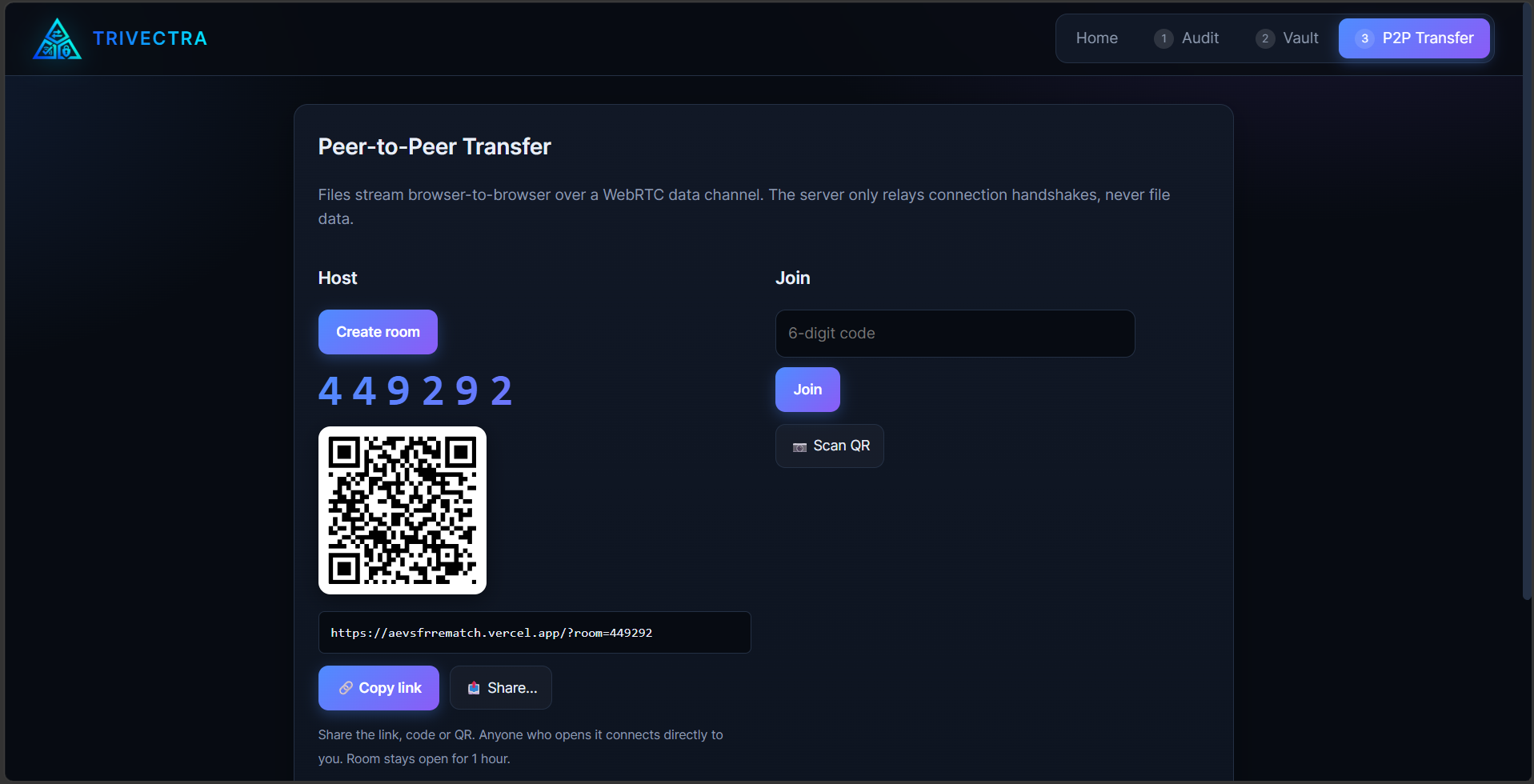
Create a room and invite the recipient with a link, six-digit code, or QR code. The browsers establish a WebRTC data channel for file transfer; the coordination service handles room setup and signaling, not the file itself. The app shows connection state and transfer progress.
Supported Chrome and Edge browsers can stream received files directly to disk. Other browsers may buffer files in memory. On restrictive networks, a TURN relay may carry encrypted transport packets.
Watch the privacy boundaries
| Flow | What the service handles | What stays between browsers |
|---|---|---|
| Audit | Submitted identifier and live public-source checks | Audit results are shown in the browser; inaccessible checks stay marked unknown |
| Vault | Encrypted file chunks and link/download metadata | Decryption key and plaintext |
| P2P | Room coordination and connection signaling | File bytes over the WebRTC data channel |
The tools have different trust boundaries: an audit must send the identifier to perform checks, a vault needs to store ciphertext, and a P2P transfer needs signaling to connect peers. Trivectra does not claim that these features provide anonymity.
How we built it
- Frontend: HTML, CSS, and vanilla JavaScript.
- Footprint checks: Node.js scan engine with live profile checks, source-specific validation, progress updates, and sharded requests for serverless execution limits.
- Encryption: Browser Web Crypto API with AES-256-GCM; file encryption and decryption run client-side.
- File transfer: WebRTC data channels with server-assisted room signaling, progress feedback, and flow control.
- Backend: Node.js API shared by the local server and Vercel function.
- Persistence: Redis-compatible storage for vault ciphertext and temporary transfer signaling in serverless deployments.
- Reports: Client-generated PDF, HTML, and JSON audit exports.
Challenges we ran into
- Profile sites all behave differently. A successful response does not necessarily mean an account exists. We validated provider rules against known existing and nonexistent usernames and distinguish findings from unknown results.
- Serverless functions have a clock. We split the large username catalog into parallel requests and aggregate progress and results in the browser.
- WebRTC has to cross real networks. NATs and firewalls can block direct connections, so the app uses ICE configuration and can use TURN when necessary.
- Security claims are easy to overstate. We made the data paths visible: audit identifiers are sent for public checks, vault files are encrypted before upload, and signaling is separate from P2P file transfer.
What we're proud of
- Bringing footprint auditing, encrypted storage, and peer-to-peer transfer into one connected interface.
- Making the vault's key handling understandable instead of hiding it behind a vague “secure” label.
- Producing reports with concrete findings and next steps—not just a pile of profile links.
- Treating “unknown” as unknown, rather than falsely reporting blocked sources as clean.
- Keeping the app usable without accounts or a frontend framework.
What we learned
Security features work best when people can understand them. We learned to treat the interface and the explanation of data flow as part of the security design—not as polish to add afterward.
We also learned that network behavior is product behavior: public sites can rate-limit audits, and WebRTC connectivity depends on each recipient's network. Clear progress, honest errors, and useful limitations matter.
What's next
- Add more tested provider definitions while keeping false positives and inaccessible results clearly separated.
- Improve retry and recovery behavior for interrupted audits and transfers.
- Expand cross-browser testing for large-file streaming and WebRTC connectivity.
- Make privacy settings and retention behavior easier to inspect before sharing.
Try it
- Open Trivectra.
- Run a username audit and inspect a finding's public details and removal plan.
- Encrypt a small test file in the Vault, then open the generated link in a second browser.
- Create a P2P room and connect from a second device or browser profile.
For local development, run npm install and npm start, then visit http://localhost:3000. Vercel vault and room features require persistent Redis-compatible storage.
Built by
Saiqua and Akul

Log in or sign up for Devpost to join the conversation.