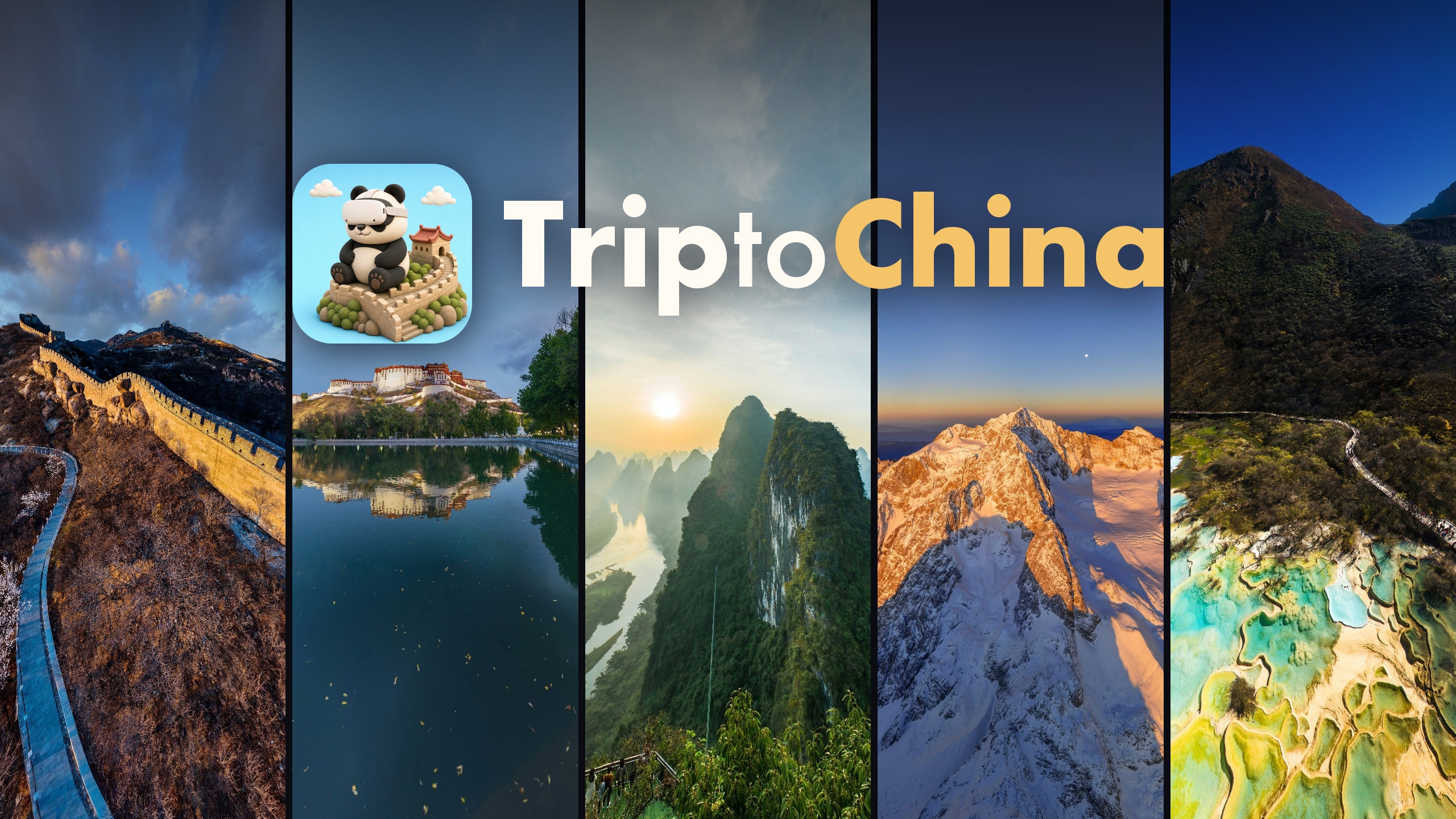









Inspiration
Most people who are curious about China will never get to see more than a few of its famous places. The Great Wall at sunset, the Potala Palace, the karst peaks of Guilin, the Bund at night, the snow mountains of Yading: they are spread over thousands of kilometres. And when you do get there, you often don't know what you are looking at.
We wanted a lean-back way to be there for a few minutes, from a sofa, a train seat or a hotel bed, with a local guide standing next to you who tells you what you see. Not a photo gallery, and not a game: a calm, guided journey that anyone can enjoy in a short break.
What it does
TriptoChina is a library of 57 guided journeys across China, with 680 stops in total. Each stop is a high-resolution 360° photo of a real place.
- Start from a map of China. The home screen floats in your own room (passthrough) as a big map with a pin for every journey. Look or point at a pin, pinch, and the journey opens.
- A guide at every stop. A narrator tells you where you are and what matters about it. Labels float over mountains, buildings and rivers so you always know what you are looking at, and you can open an info card for the story behind it: the history, the people, the numbers.
- Travel your way. Go stop by stop, let the journey play on its own, or jump to any stop from the trip map. Some places switch between day and night from the same viewpoint, every stop has its own ambient sound, and you can take photos and keep them.
- Made for comfort. The view never moves by itself: no flying, no automatic turning, no camera motion. Moving between stops is a short blink to black, and the new view always opens in front of you. Every interaction works seated, within arm's reach, with hands or controllers.
- Four languages. The interface and all narration are available in English, Chinese, French and German.
- Download only what you want. Eight journeys come with the app and start right away. The others are separate downloads from their page and can be deleted any time.
A full journey takes 5 to 10 minutes, so you can have a complete moment in one short break and come back for the next place another day.
How we built it
- Native Quest app built with the Meta Spatial SDK, Kotlin and Jetpack Compose (all panels, labels and cards are Compose UI placed in 3D space), Media3 for narration and ambient audio, and the Meta Platform SDK for entitlement checks and on-demand downloads (asset files).
- Content is data, not code. Every journey is a content package (
trip.json+ panoramas + audio). The app scans the packages and builds the home map, the trip map and every stop from them, so adding a journey never needs a code change. Each journey and each language pack is a separate asset file in the Meta Horizon Store, downloaded only when the user asks for it. - A content pipeline for 680 stops. Scripts prepare the panoramas, generate a coordinate grid so labels can be pinned to the exact peak or rooftop, check every package (positions, facts, missing files), build looping ambience from real recordings, and voice the narration.
- Narration in four languages. English and Chinese are voiced with cloud TTS. French and German are voiced fully on-device on a Mac with an open-source model (Qwen3-TTS): a designed reference voice is cloned so each journey keeps one narrator from start to finish. Every clip is transcribed back with Whisper and checked against the script; numbers are converted to words before voicing because the model misread digits.
- Comfort rules as a checklist. We wrote down rules (no self-motion, blink transitions, world-locked UI, labels 5 m away, text at least 0.9° tall) and checked every feature against them.
Challenges we ran into
- Making labels land in the right place. A label that points at the wrong peak is worse than no label. We built a grid-overlay tool to read exact directions off each panorama, and checked every stop in the headset.
- Motion sickness. Early versions wrapped the user in a 360° scene on launch and used fly-through transitions; both made testers dizzy. We moved the home screen into passthrough and replaced every transition with a short blink.
- Size. The full library is about 6 GB. Splitting it into one download per journey, with a few bundled journeys that work offline right after install, kept the first launch fast.
- Voices that sound like a real guide. Machine voices tend to stumble over Chinese place names and numbers. We rewrote scripts for speaking, converted numbers to words and re-voiced every clip that failed the Whisper check.
Accomplishments that we're proud of
- 57 journeys and 680 stops, each with researched narration, labels and info cards, in four languages.
- A calm experience that people who are sensitive to motion sickness can use for a full session.
- It is live on the Meta Horizon Store, and the latest update adds French and German.
What we learned
- In 360° content, comfort and clarity matter more than effects. A blink transition and a well-placed label do more than any camera move.
- Treating content as data let a very small team produce a large library and check it automatically.
- On-device open-source TTS is now good enough for long-form narration, if every clip is verified.
What's next
- More journeys, including video stops and more night scenes.
- More languages (Spanish and Japanese are next).
- Deeper hand interactions at each stop, such as a hand-held magnifier to look at details without zooming the whole view.
- A "today's place" stop on the home map to give people a reason to come back every day.
TriptoChina is already published on the Meta Horizon Store. This competition build is version 0.1.4.
