-
-
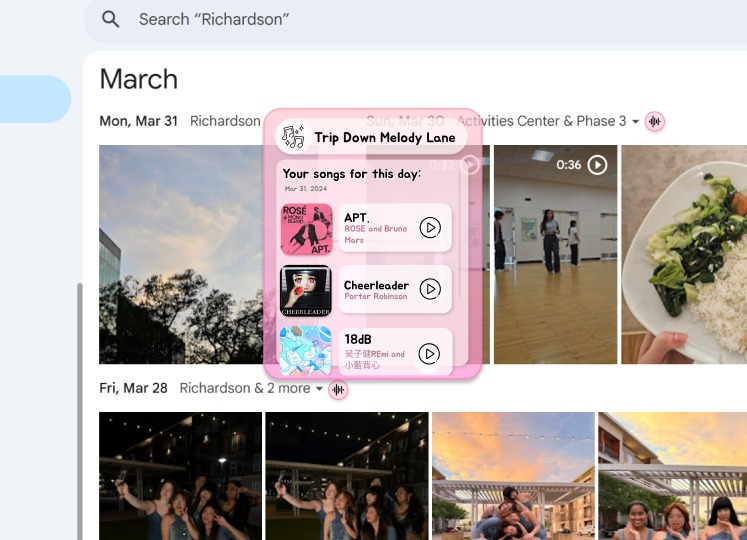
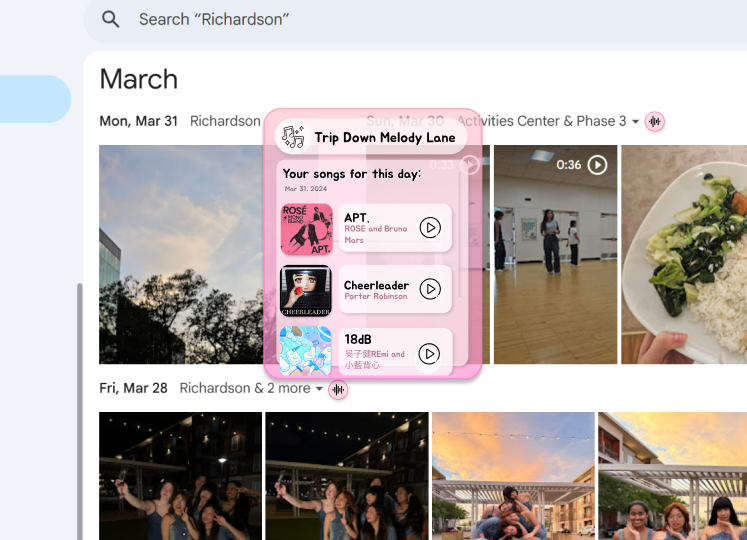
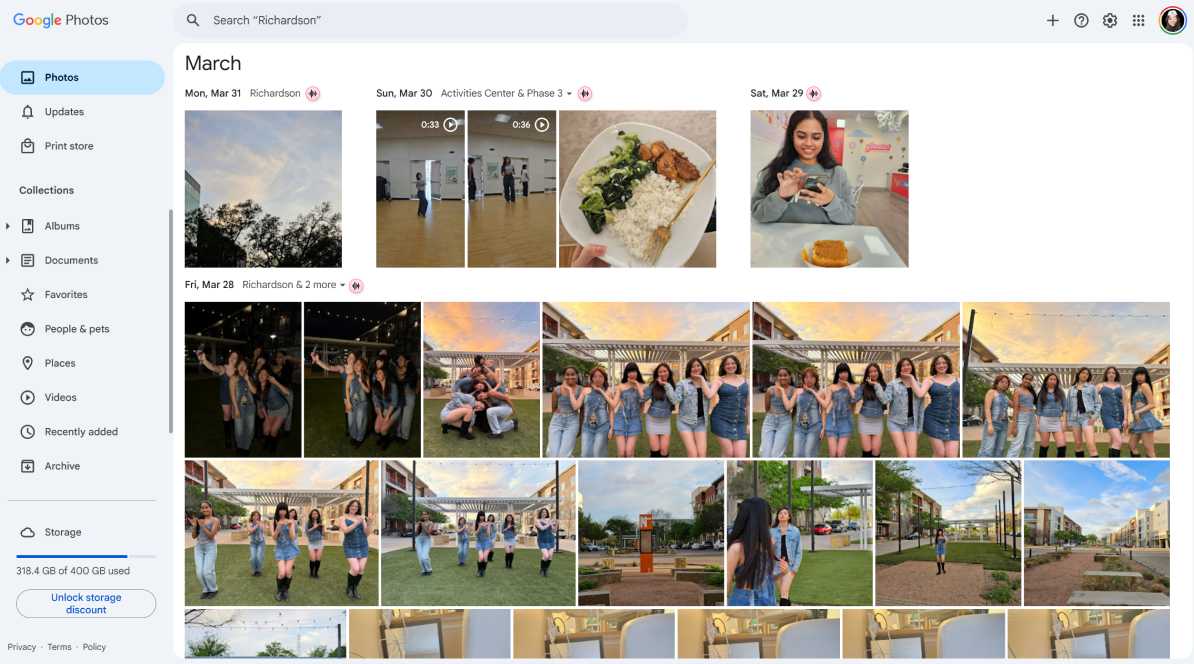
Displays what music you were listening to on a specific day alongside your photos
-
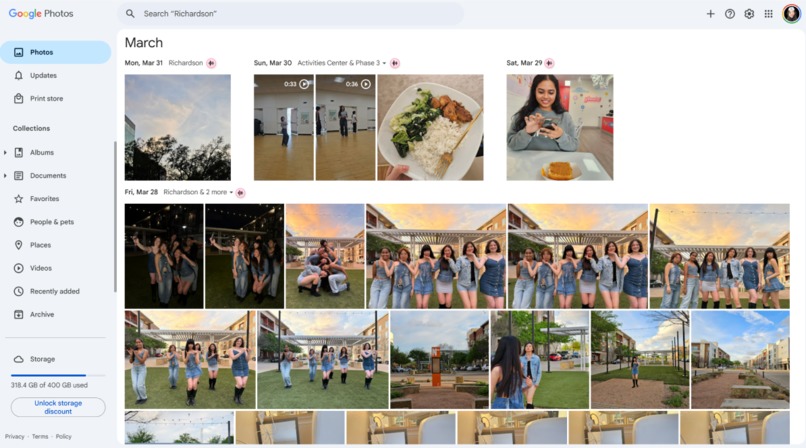
Uses Regex to detect dates onscreen and inject our button into the webpage
-
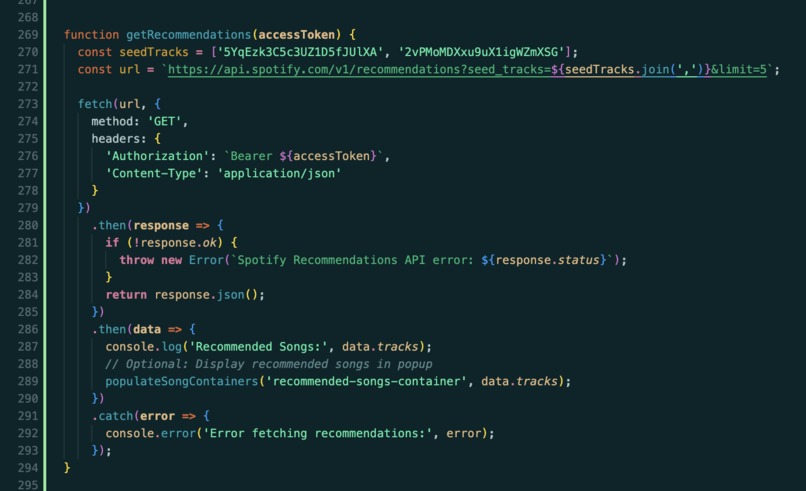
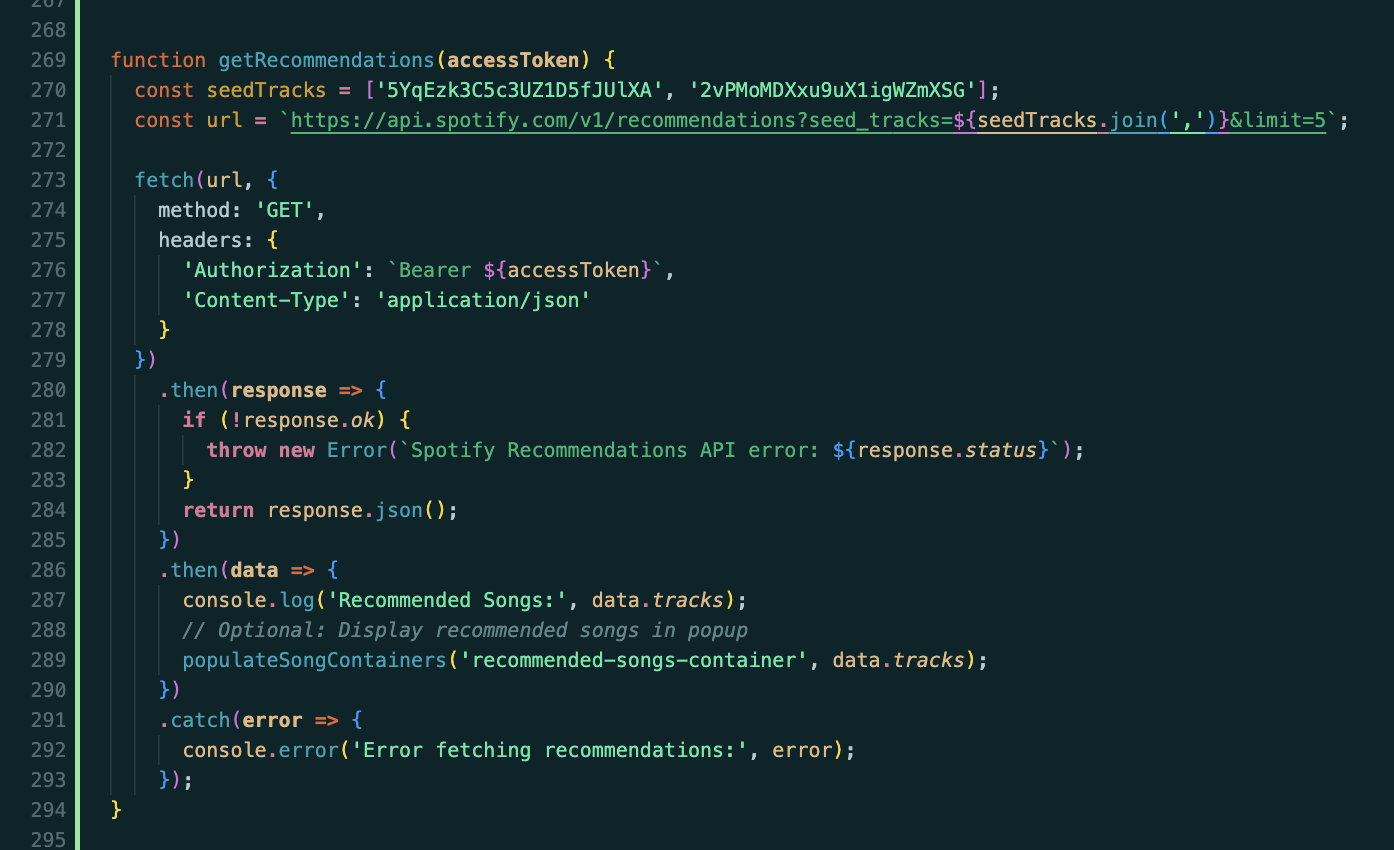
Some of our code for the Spotify API to retrieve music and recommendations
-
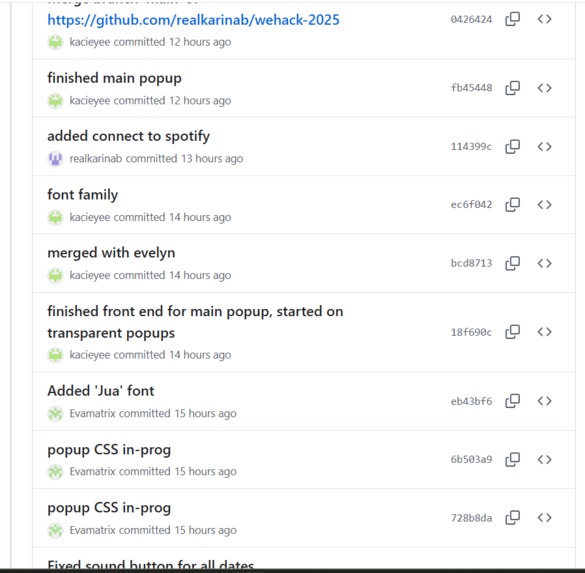
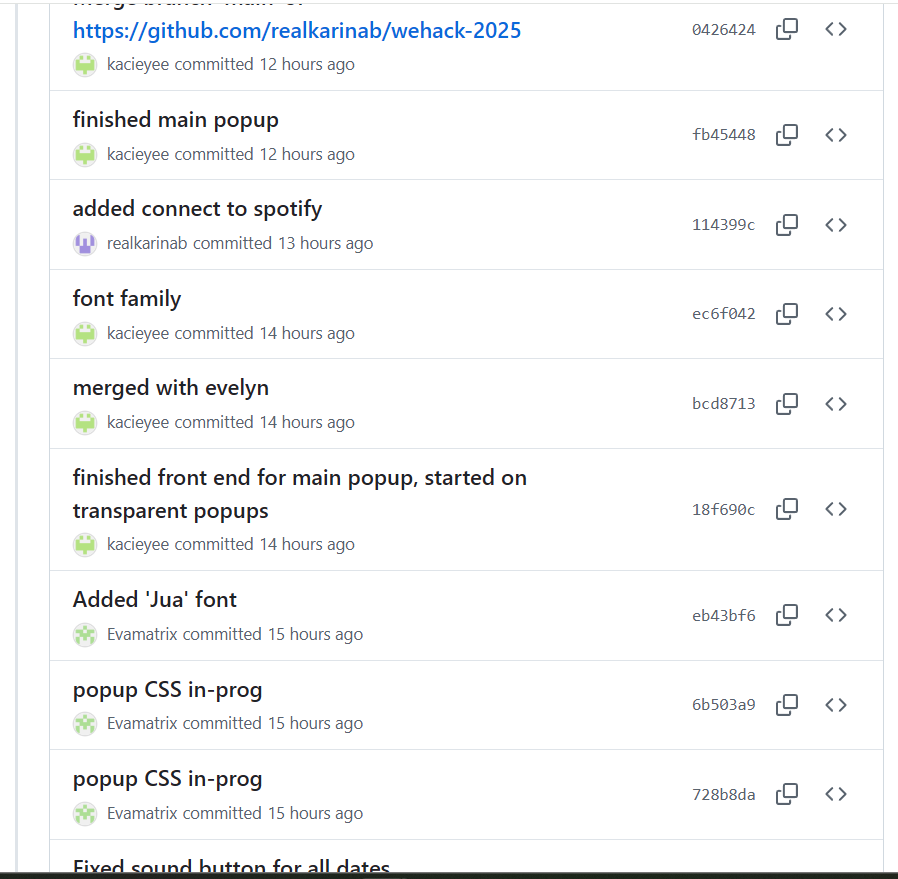
Some of our commits on Github
-
Our logo!
-
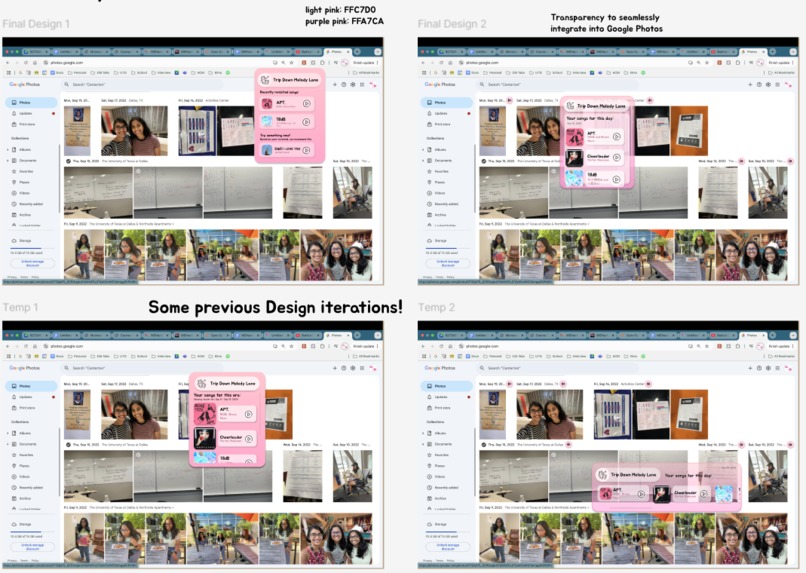
Some previous design iterations we went through
-
Title Card

Inspiration
Music and photos are two of the most powerful ways to relive a memory. A single song can take you back to a specific moment, and a photo can instantly transport you to the emotions of that day. We wanted to create a way to combine both—so when you look at a photo, you feel it too. That idea inspired us to connect music and photos into one seamless experience.
What it does
Music doesn't just help us retrieve stored memories, it also helps us lay down new ones. We seamlessly combine melody and memories by integrating our Google Chrome extension into Google Photos and use the Spotify API to retrieve songs you listened to on specific dates, so you can listen along as you take a trip down memory lane. We also recommend you new music based on those songs so you can make new memories for the future!
How we built it
We used HTML, CSS, JavaScript, Figma, the and Spotify API to build our Chrome extension.
Challenges we ran into
The sound button was not appearing on some of the dates, so we tried changing various things. In the end, we figured out that the extension was only showing the button if the date matched the regex format, which was weekday, month, day, year. Therefore, photos taken from the past week to the past year did not have the button. Once we realized the issue, we were able to increase the number of valid cases for the if statement and successfully load the button on all dates. Initially, the Spotify API posed a challenge due to its learning curve, especially when it came to user authentication. We ran into multiple errors while trying to set it up, but after a lot of troubleshooting, we figured out the correct way to make authenticated API calls.
Accomplishments that we're proud of
We are proud of our visual design and being able to connect Spotify API to our extension.
What we learned
We learned how to make an extension that interacts with an existing webpage and the different data we could pull from Spotify’s API.
What's next for Trip Down Melody Lane
We want to implement a feature that allows users to get a recommended list of songs based on specific days/periods. We also want to play the songs in real-time as you scroll through your Google Photos to create an immersive experience.
Built With
- chromeextension
- content-scripts
- css
- html
- javascript
- json
- spotifyapi


Log in or sign up for Devpost to join the conversation.