-
-
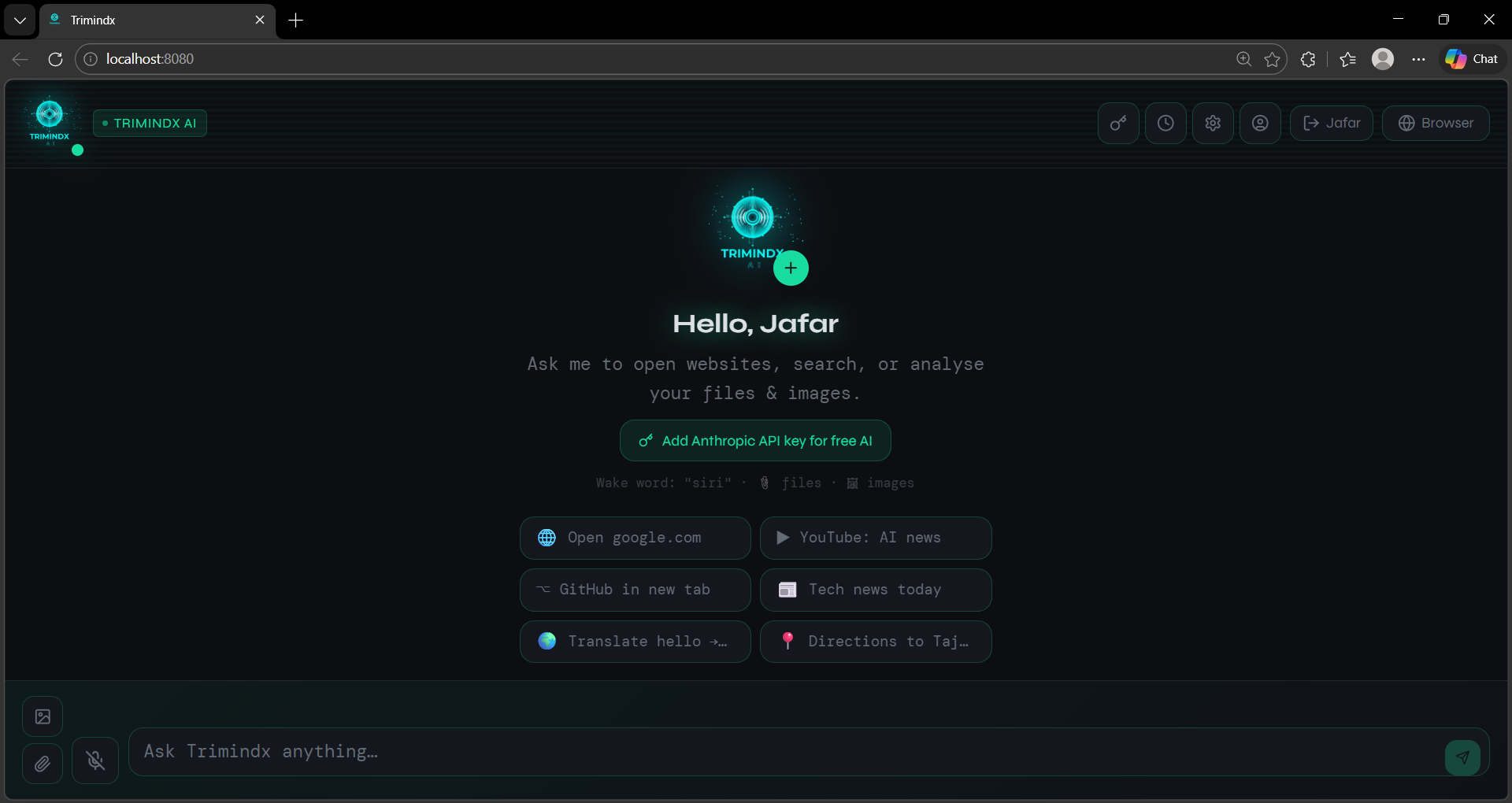
TrimindX Overview
-
Interface
-
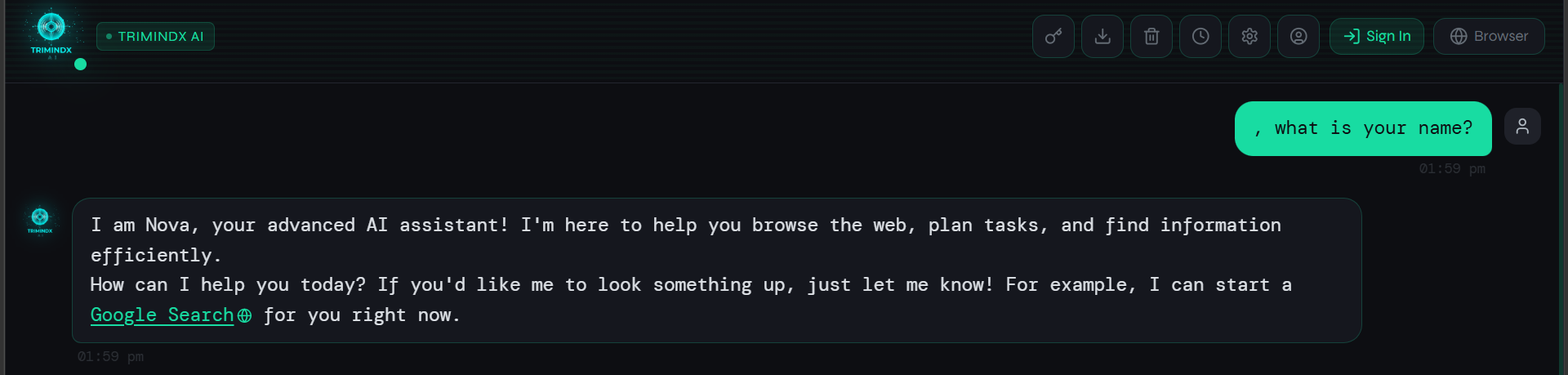
You can call with any Name
Inspiration
We always found ourselves jumping between too many tabs — a search engine here, an AI chat there, a browser window somewhere else. It felt inefficient. We thought, why can't one tool just handle all of this? That question is what started TrimindX AI. We wanted to build something that felt less like an app and more like a smart assistant that actually lives in your workflow.
How We Built It
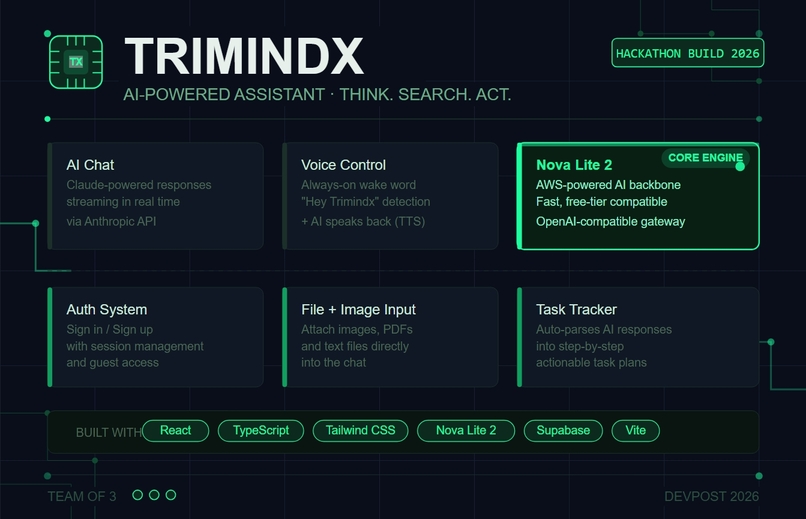
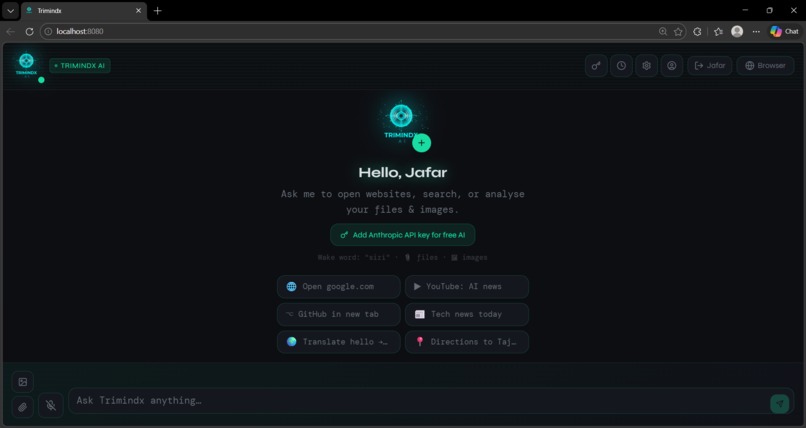
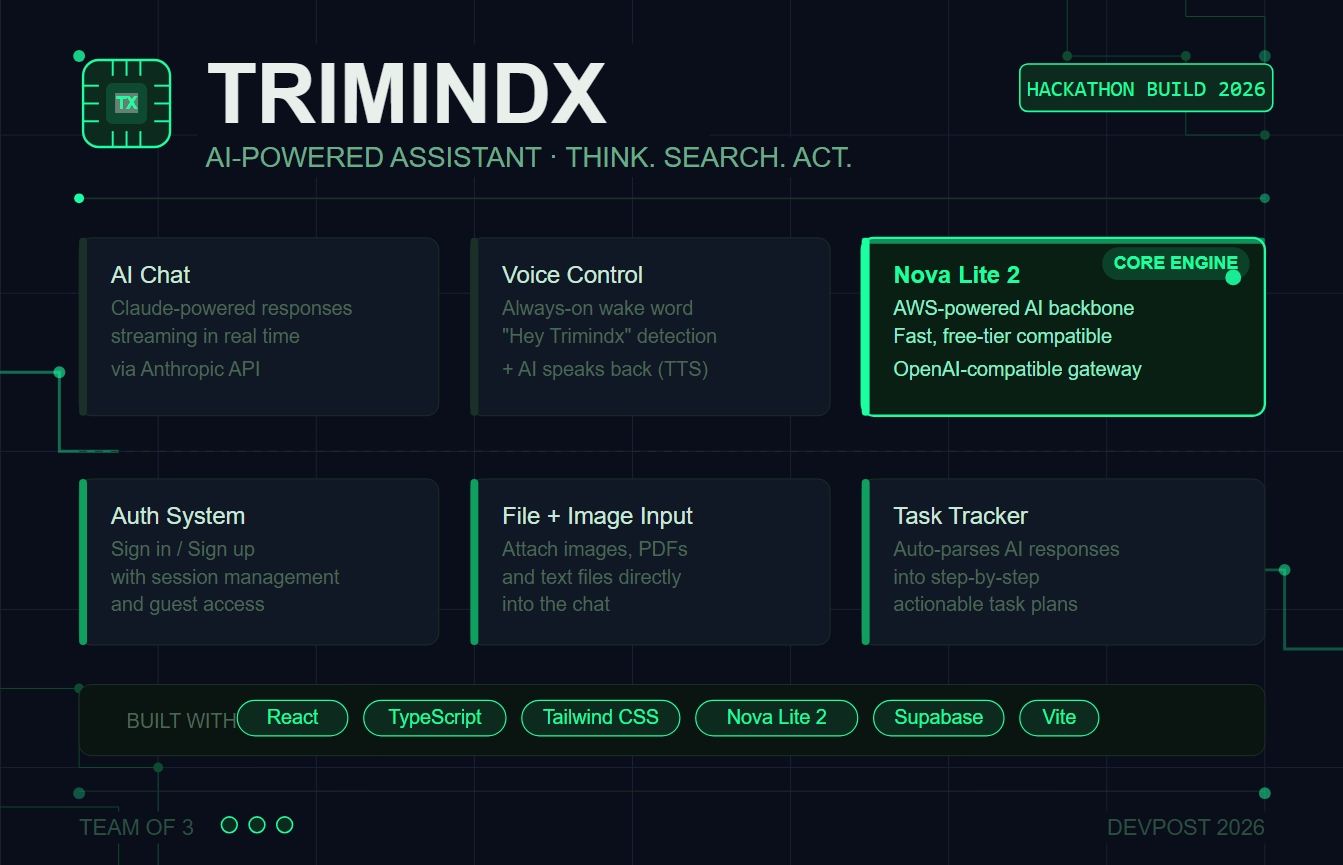
We split the work across our team of three — one focused on the core AI and chat experience, onehandled the UI design and frontend, and one took care of the backend, auth, and integrations. We started with a simple chat interface and kept adding layers — a built-in browser, voice input, file uploads, and task tracking. The AI runs on Claude via the Anthropic API, the frontend is built with React and TypeScript, styled with Tailwind CSS, and Supabase handles the server-side logic.
What We Learned
We learned that building for real people is harder than building for a demo. Every small detail — how fast a response streams, how an error message reads, where a button sits — affects how the whole thing feels. Working as a team also taught us a lot about communicating decisions quickly and trusting each other to own their part.
Challenges
Getting the embedded browser to work reliably was tough. A lot of sites block being loaded inside another page, so we had to build fallbacks and clear error states so users never felt lost. Streaming AI responses in real time while also watching for links and task steps in the output took a lot of trial and error to get right. Coordinating across three people under a tight deadline was its own challenge too.
What's Next
There's a lot more we want to add — better memory across sessions, a mobile version, and tools that let teams use it together. But for now, TrimindX does what we originally set out to build: one place to think, search, and get things done.
Built With
- lucidereact
- node.js
- novalite2
- react
- reactrouter
- shadcnui
- supabase
- tailwindcss
- typescript
- vite

Log in or sign up for Devpost to join the conversation.