Inspiration
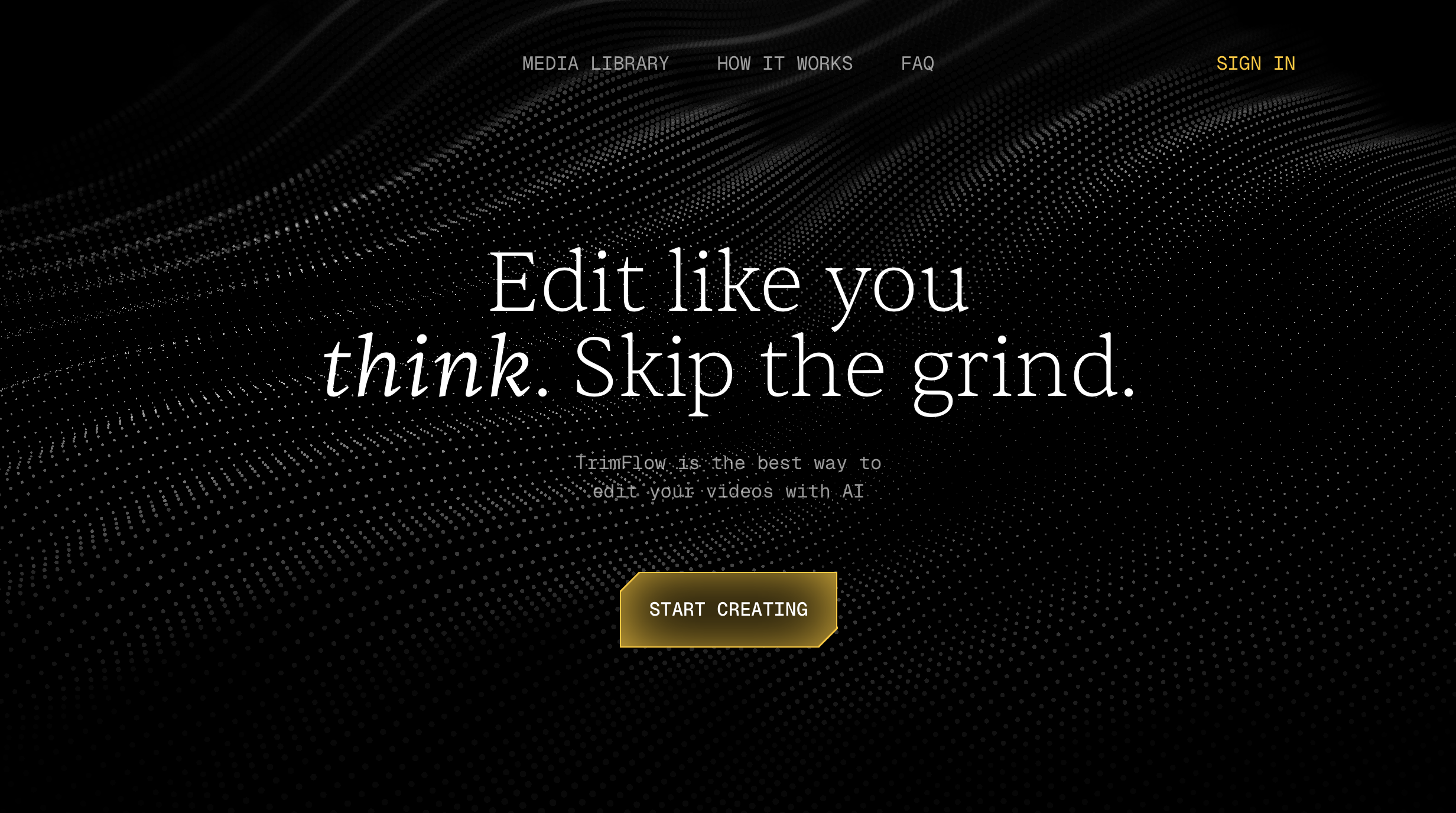
We were inspired by the idea that AI should handle the tedious parts of editing. Instead of manually hunting for highlights and adding various edits, creators should be able to upload a video and be able to tell AI how they would like to edit their video, for a final cleana and crisp result. Our goal with TrimFlow was to build a tool that is able to produce real high quality content for users of all editing expertise.
What it does
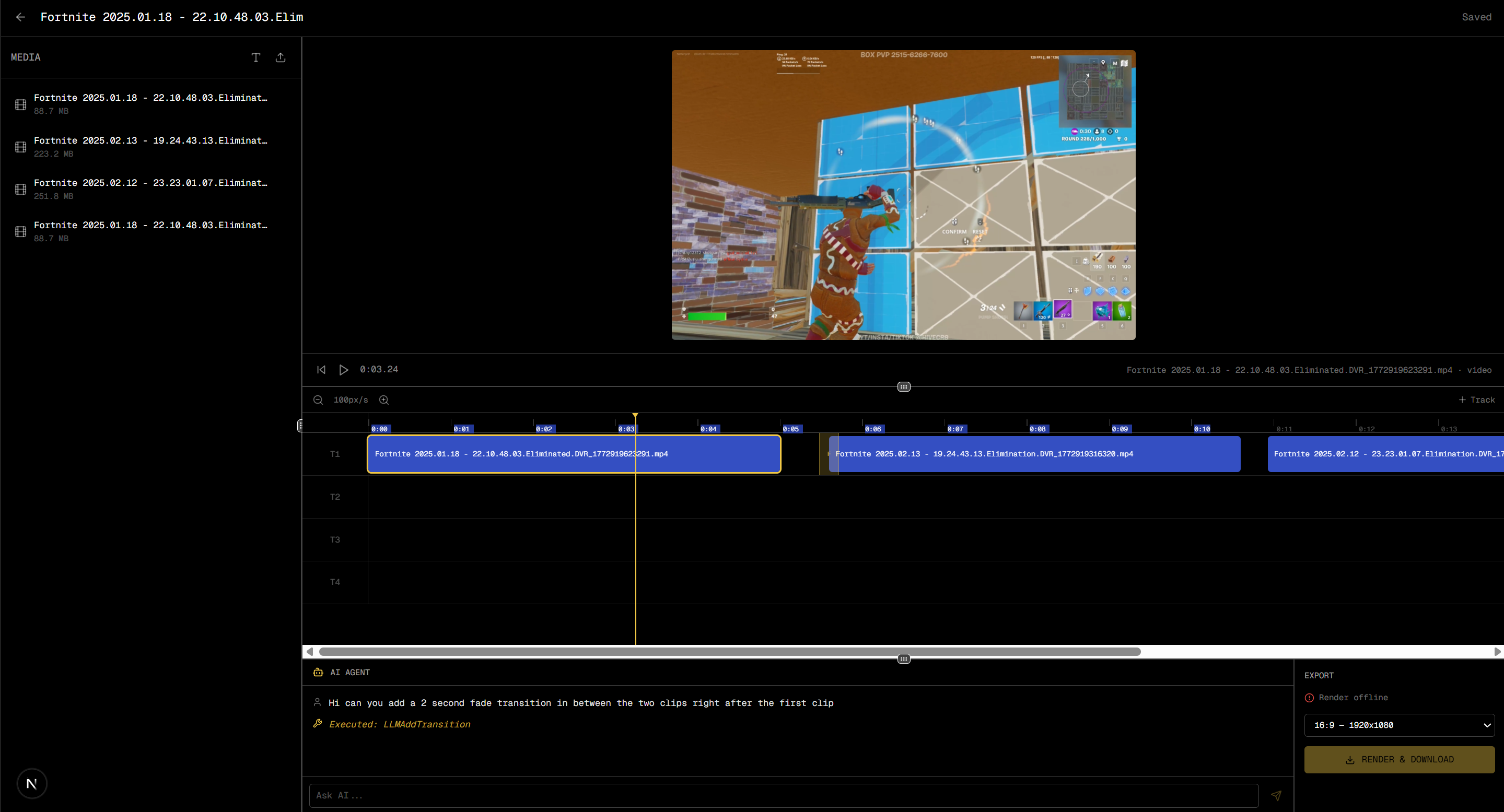
TrimFlow is a simple web-based video editor that allows users to upload a video, edit it in the browser, and export it in different formats optimized for popular platforms. Users can, upload a video file directly to the web app, trim and cut sections of the video, resize the video for different aspect ratios, add various types of transitions, export the final edited video directly to youtube.
How we built it
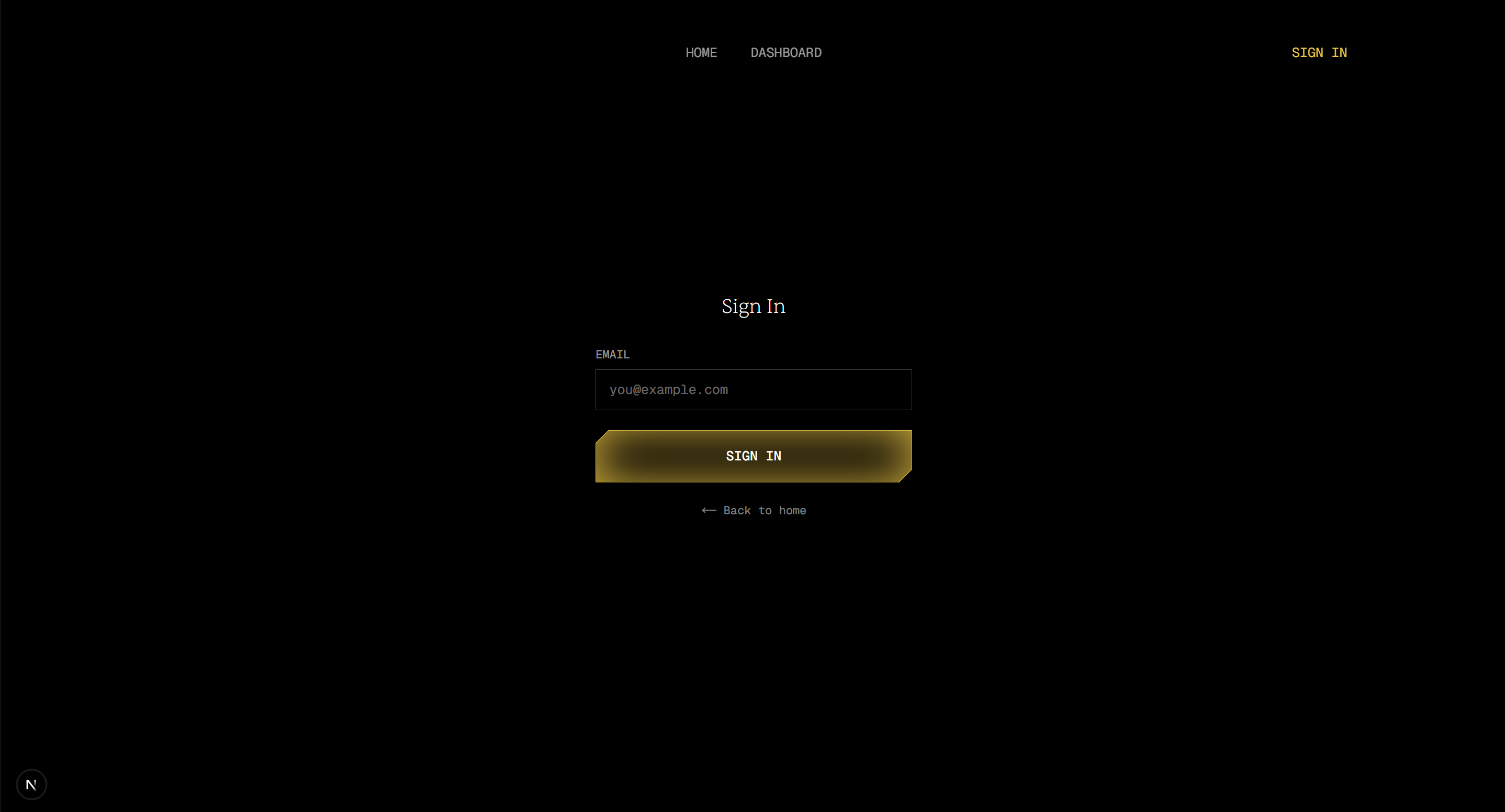
The frontend is built with Next.js and React, styled with Tailwind CSS. Users can sign in (authenticated via MongoDB), upload a video from the dashboard, and jump straight into the editor. The editor features a resizable multi-panel layout with a media bin, resize, and reorder, a live video preview synced to the playhead, and an export panel for rendering. The backend is a Python FastAPI server handling all API routes project CRUD with autosave, media file upload and serving (streamed in chunks for large files), video rendering proxied to a Remotion render server, and AI powered editing. Project metadata, timelines, and edit state are stored as JSON files on disk, while uploaded media is saved to local file storage. The AI agent is powered by Google's Gemini 2.5 Flash. It receives the current timeline state, media bin contents, and chat history as context, then returns structured function calls adding clips to the timeline, moving or resizing them, updating text overlays, or inserting transitions like fades and wipes. These function calls are dispatched directly to the editor state, so the AI's edits appear instantly on the timeline.
Challenges we ran into
One of the main challenges we faced was applying the requested edits to the video through Gemini. There is limited documentation for agentic video editing, thus we were required to make constant small edits to determine what worked and what did not. Supporting multiple aspect ratios also required careful handling to ensure videos resize correctly while maintaining quality.
Accomplishments that we're proud of
We’re proud that TrimFlow provides a clean, frictionless editing experience where users can immediately start editing. Some accomplishments we’re especially happy with include: A functional browser-based video editor. Support for trimming, and transition inputs. Multiple export aspect ratios. A simple homepage that prioritizes usability instead of sign up funnels. A lightweight architecture that can run locally. The project demonstrates how a simple tool can make video editing much more accessible.
What we learned
Through building TrimFlow, we learned how complex video editing pipelines can be under the hood. Even basic features like trimming or transition input require careful coordination between the frontend editor and backend processing system. We also learned the importance of designing intuitive interfaces for creative tools. Small UX decisions like how a timeline behaves or how playback works can dramatically affect the editing experience. Finally, we gained experience integrating traditional video processing tools into modern web applications.
What's next for TrimFlow
In the future, we want to expand TrimFlow into a more powerful editing platform while still keeping the interface simple. Adding export support for various platforms, not just youtube, incorparating more editing options like text overlay, automatic caption generation, as well as cloud based processing for faster rendering.


Log in or sign up for Devpost to join the conversation.