-
-
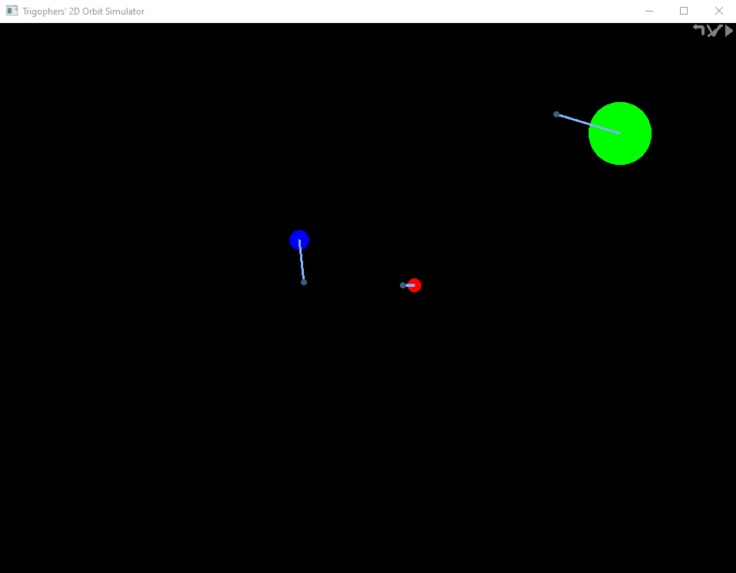
The Editor
-
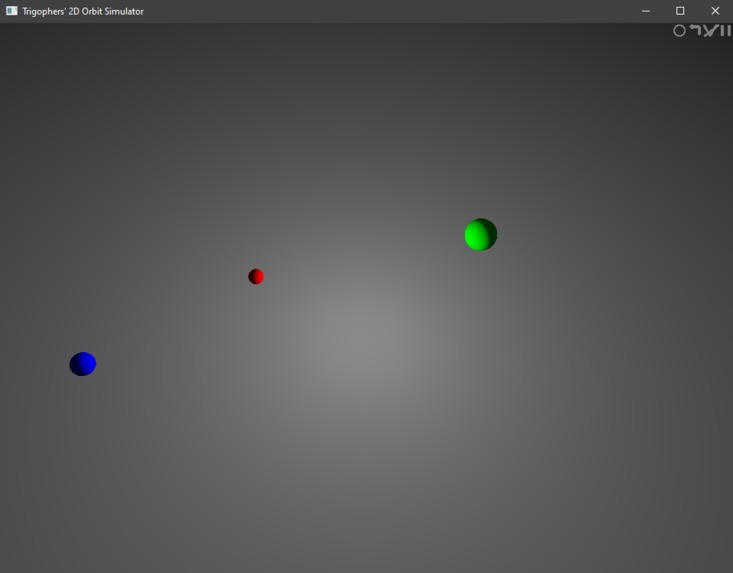
Ray Tracer View
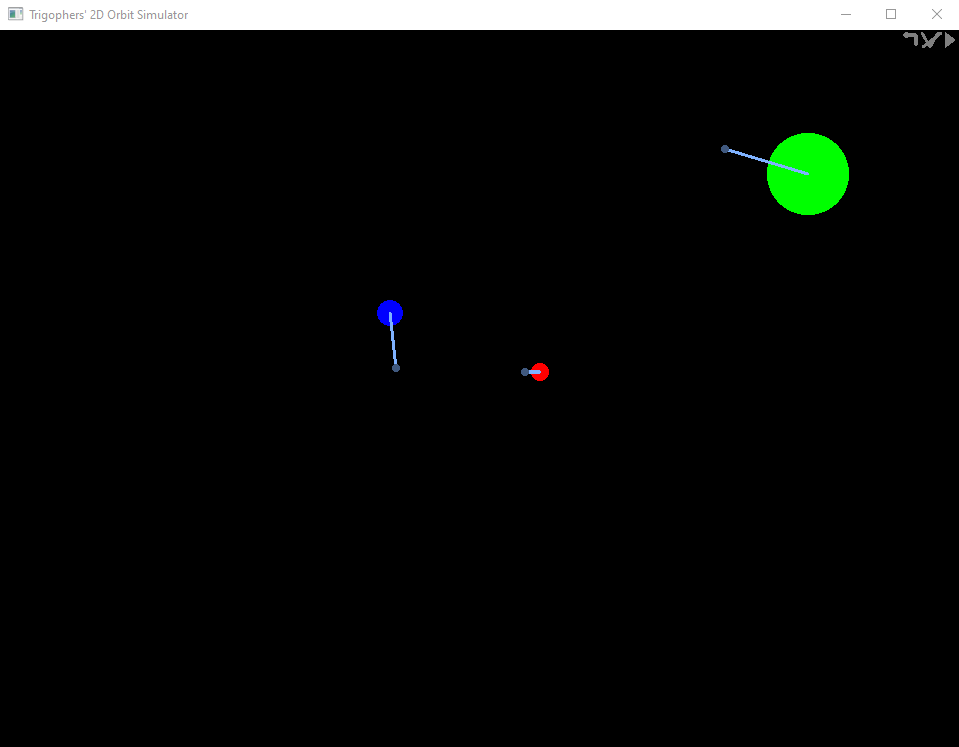
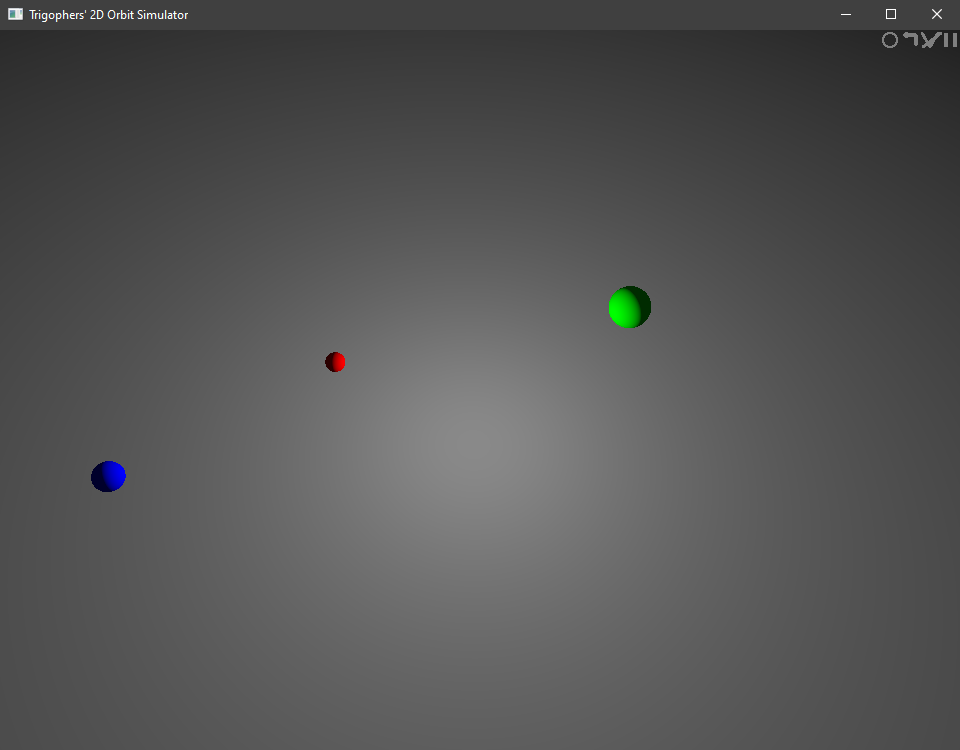
Hi, I'm Sam.
How to Use It
No keyboard required
Pause/Play button to of course pause and play the simulation. Positions, velocities, mass can only be edited when paused.
V button to enable/disable the display of the vectors
Back arrow button to reset to the original parameters
Circle button enables or disables the raytracer effect while the simulation is running. It might be kinda slow.
Inspiration
My inspiration was from all the years where I couldn't figure out in my head why the moon didn't fall toward the earth too. I wanted to understand so much, but as a young child, couldn't figure out. Now, when I have a better understanding of the world, it is easier to understand.
What it does
This program uses a 3 body gravity simulation. It allows the user to edit the positions, velocities, and masses of thee 3 objects.
How I built it
I built the program starting simply with getting a window up, and then making some circles appear in the window. Everything is rendered using OpenGL, and the shader was the simplest part. Writing the physics came next, and after that, writing the editor for the objects concluded the building of the project. It is written in C++, along with a single GLSL shader.
Challenges I ran into
One challenge I ran into was how to pass arguments into the shader. If I couldn't do this, then nothing could be drawn on the screen without manually inputting values. Another challenge I ran into was how I should allow the user to use the editor. I ended up making the whole editor mouse controlled, with no keyboard input. I also ran into the challenge of limiting framerate, which was keeping the simulation from running too fast and things zooming around. It sounds trivial but I had so much trouble with this problem. Lots of searching through documentation finally solved this for me.
Accomplishments that I'm proud of
I'm proud that I was able to figure out the math behind the world and understand it even better.
What I learned
I learned so much about physics, and a lot about the specific libraries I was using.
What's next for the Orbit Simulator
I hope that I can make this a more serious project, allowing the user to create/delete objects or label things. I could also make the whole thing look nice or optimize the physics to take less time, allowing more objects to be used.

Log in or sign up for Devpost to join the conversation.