-
-
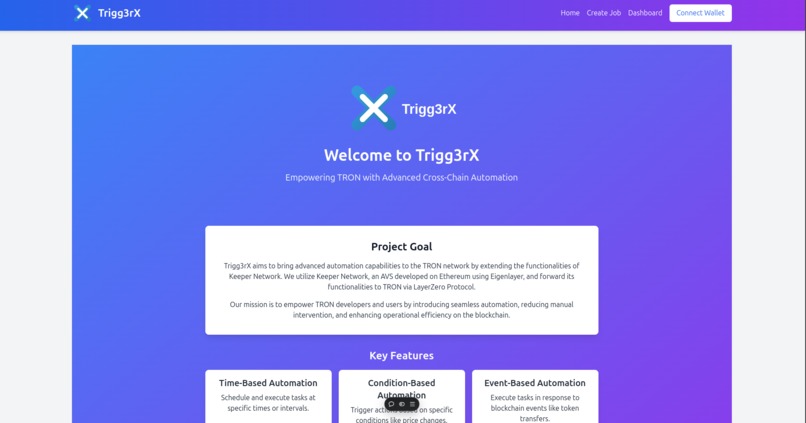
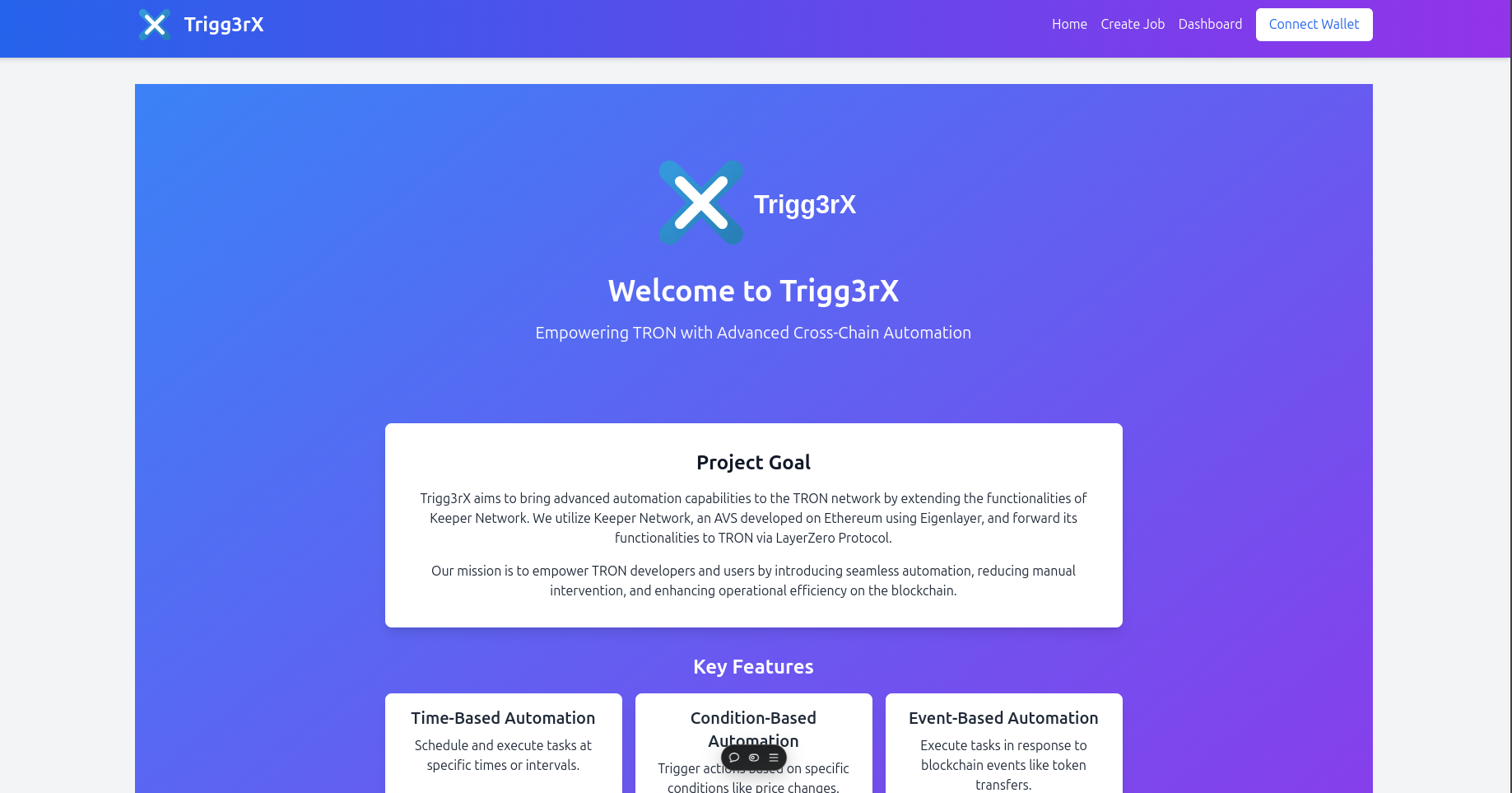
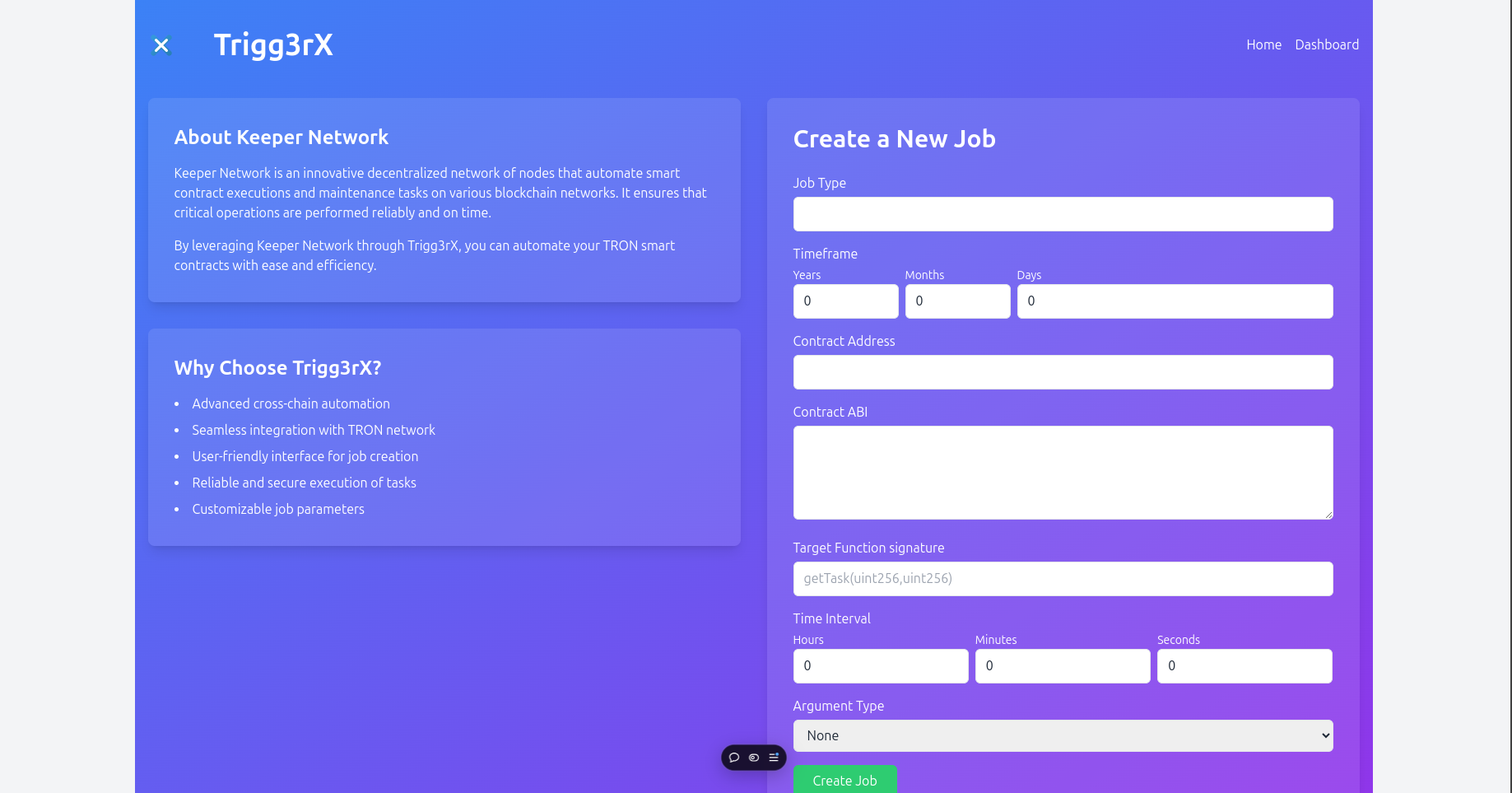
Landing page
-
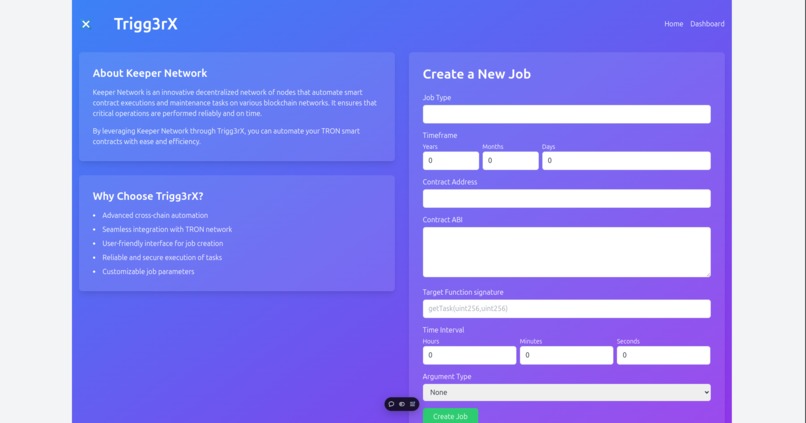
CreateJob page
-
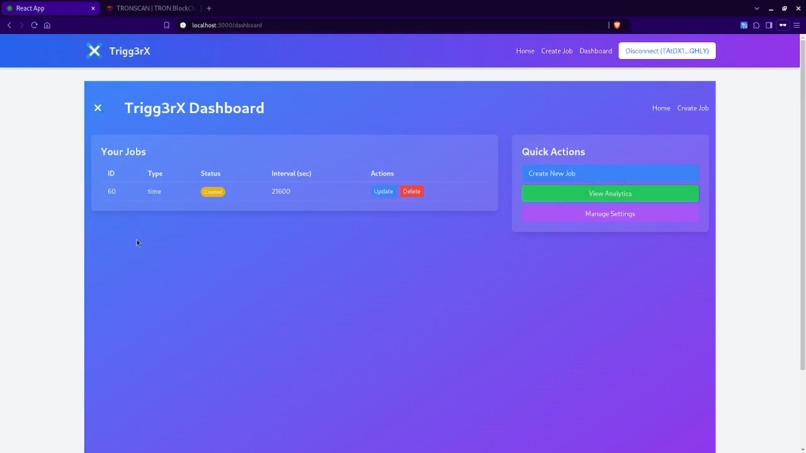
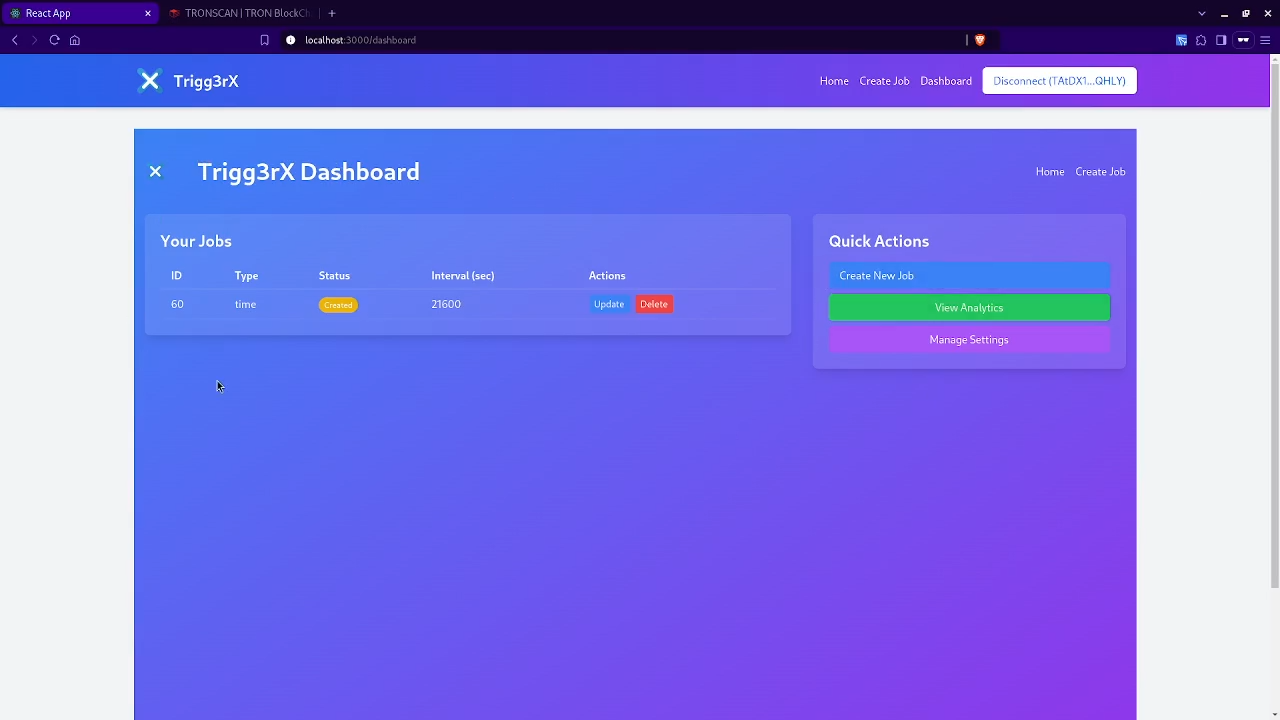
User Dashboard
Inspiration
TriggerX was born from the growing need for decentralized automation solutions within the TRON ecosystem. While other platforms, such as Gelato, have provided effective automation solutions on Ethereum, the TRON blockchain still faces challenges related to manual task execution for time-sensitive DeFi operations such as staking, token swaps, and liquidation processes. Our goal was to bring the level of automation seen in Ethereum to TRON by leveraging cross-chain interoperability and the advanced Automated Validation System (AVS) architecture of EigenLayer from Ethereum.
The core inspiration came from eliminating the need for constant user monitoring and manual intervention. We envisioned a system where decentralized keepers, operating trustless, would execute tasks on behalf of users, enabling seamless and reliable automation across blockchains.
What it does
TriggerX is a cross-chain automation platform that empowers users to automate various on-chain tasks on the TRON blockchain. It enables the automation of key DeFi actions such as:
- Scheduled operations (e.g., staking, token burns).
- Condition-based tasks (e.g., token swaps or liquidations triggered by price movements).
- Event-based triggers (e.g., when a specific on-chain event occurs like a token transfer or reaching a liquidity threshold).
- By leveraging a decentralized keeper network (powered by AVS on Ethereum), TriggerX ensures that tasks are executed reliably and without manual oversight, offering users peace of mind that their tasks will be handled promptly and efficiently.
How we built it
TriggerX was developed using a blend of Ethereum's EigenLayer AVS for decentralized keeper validation and TRON's blockchain for executing tasks. Key development aspects include:
- Cross-chain Messaging: We built a backend architecture that handles secure messaging and data flow between Ethereum and TRON. The backend, implemented using Node.js, interacts with TRON using TronWeb and with Ethereum using Ethers.js.
- Smart Contracts: Core contracts such as the JobManager on TRON handle task creation, while contracts like TaskManager and ServiceManager on Ethereum manage task validation and keepers.
- Frontend: A user-friendly interface built with React allows users to easily define their automation rules, such as scheduling tasks or setting up triggers based on real-time data.
Challenges we ran into
One of the most significant challenges was establishing seamless cross-chain communication between Ethereum and TRON. Synchronizing data flows between two distinct blockchains with different consensus mechanisms and finality times required extensive testing and optimization. Additionally, designing a secure and robust system for decentralized keepers to monitor and execute tasks was a critical challenge that needed careful thought.
Creating a coherent workflow for time-based, condition-based, and event-based automation on TRON, while leveraging keepers from Ethereum, required a lot of brainstorming and prototyping. However, we succeeded in ensuring that tasks such as scheduled staking and liquidations could be executed across chains without any manual intervention.
Accomplishments that we're proud of
We are particularly proud of having:
- Bridged the Ethereum and TRON ecosystems through seamless cross-chain automation, making DeFi task execution effortless on TRON.
- Developed a scalable and secure decentralized keeper system that works across multiple blockchains.
- Created a highly intuitive user interface that simplifies task automation, making it accessible to non-technical users as well.
What we learned
Through this project, we learned valuable lessons about cross-chain interoperability and the nuances of securely interacting with multiple blockchains. We gained deep insights into optimizing decentralized task execution, especially when dealing with real-time data and triggers on the blockchain. Another key learning was improving user experience for decentralized automation tools, balancing technical functionality with an intuitive user interface.
What's next for TriggerX
Our next steps for TriggerX include:
- Expanding Automation Capabilities: We aim to introduce more complex automation strategies beyond simple time- and event-based tasks, such as multi-step workflows and DeFi farming strategies.
- Integrating BitTorrent Chain (BTTC): We plan to expand cross-chain capabilities by integrating BTTC to allow even greater flexibility in task automation across multiple blockchains.
- Enhancing Keeper System: We will introduce more sophisticated staking and slashing mechanisms to further strengthen the reliability and security of the decentralized keepers.
Test it Out
Our app is live @ Trigg3rX. Follow the steps:
- Connect Your TronLink Wallet
- Navigate to the Create Job Page
Fill Out the Job Creation Form
- Job Type: Enter the type of job you want to create.
- Timeframe: Specify the duration for which the job will run (in years, months, and days).
- Contract Address: Input the address of the smart contract you want to interact with.
- Contract ABI: ABI (Application Binary Interface) of the contract.
- Target Function: Enter the function signature you want to call on the contract (e.g., getTask(uint256,uint256)).
- Time Interval: Set the interval for the job (in hours, minutes, and seconds).
- Argument Type: Choose the type of arguments you will be passing (None, Static, or Dynamic).
- Arguments: If you selected Static, enter the arguments as a comma-separated list.
Here is a demo set of values to enter: For a contract which links domain name to wallet address - Contract Address:
TN4MeYmA3CRmo6Uj6h4Yj2pPcnJiwGaFog- Target Function Signature:linkDomainToAddress(bytes32,address)- Argument Type: Static - Arguments:tronscan.nile.org,TEqqmXaynt9XmmcBNYbJh5tMVDmm183c2rNotice how we wrote the targetFunctionSignature and arguments.
- No spaces are allowed in the arguments.
- The arguments are separated by commas.
- The arguments types mentioned in function signature should be in the same order required by the function.
Estimate the Fee
Confirm Job Creation
View Your Jobs

Log in or sign up for Devpost to join the conversation.