-
-
-
-
-
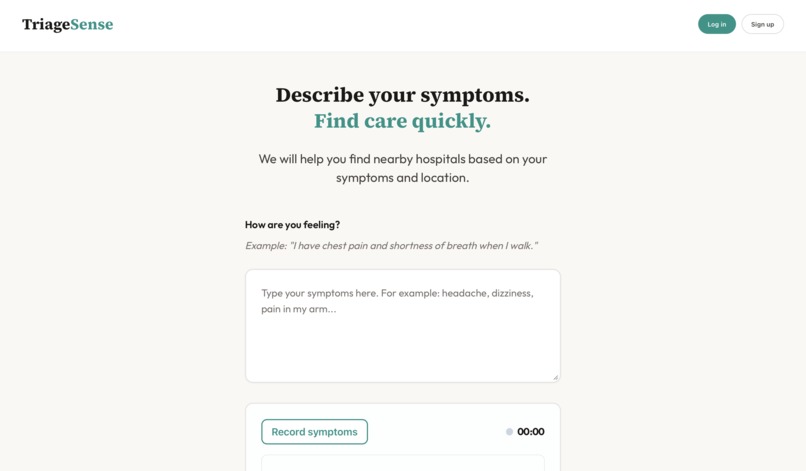
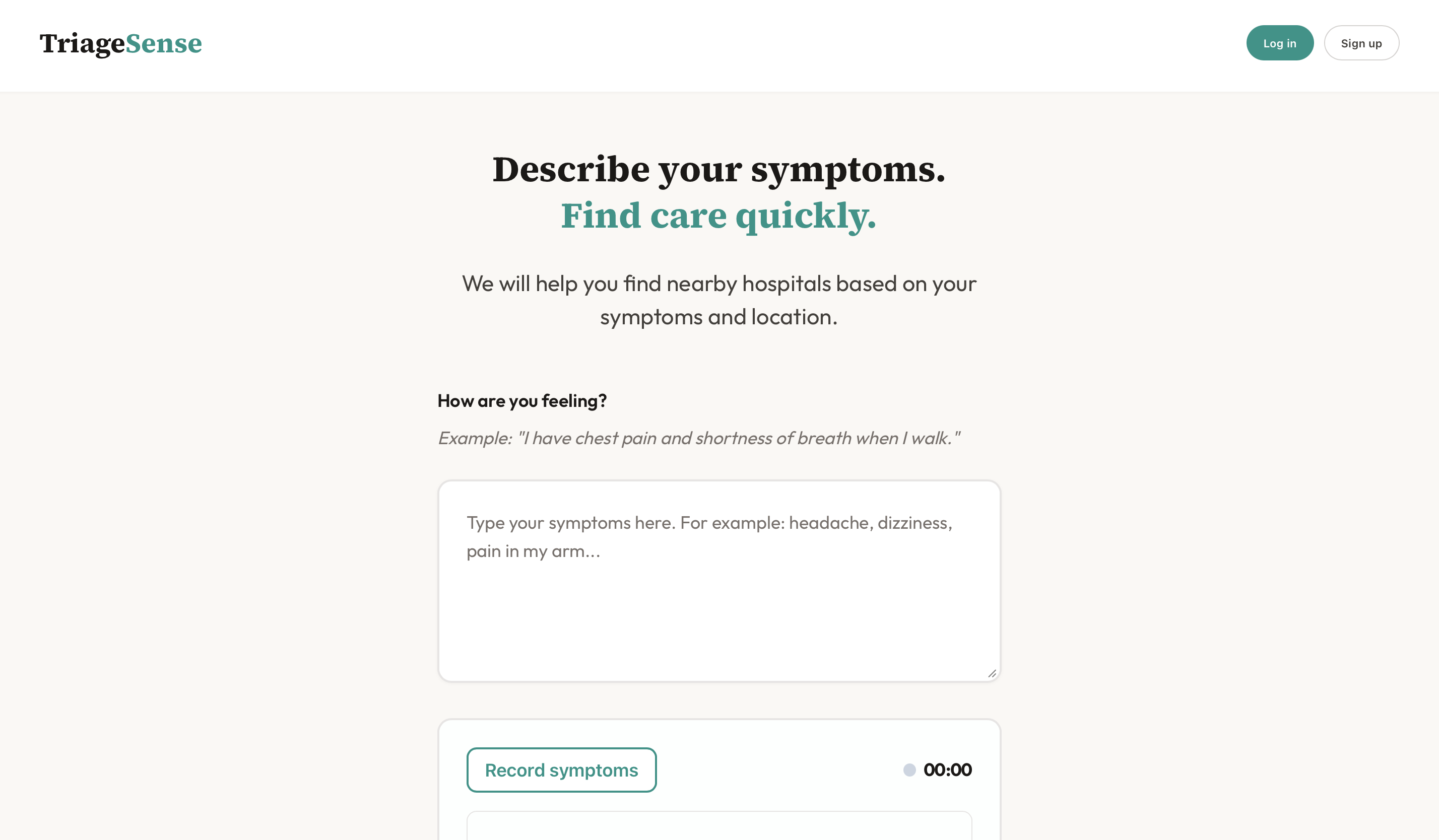
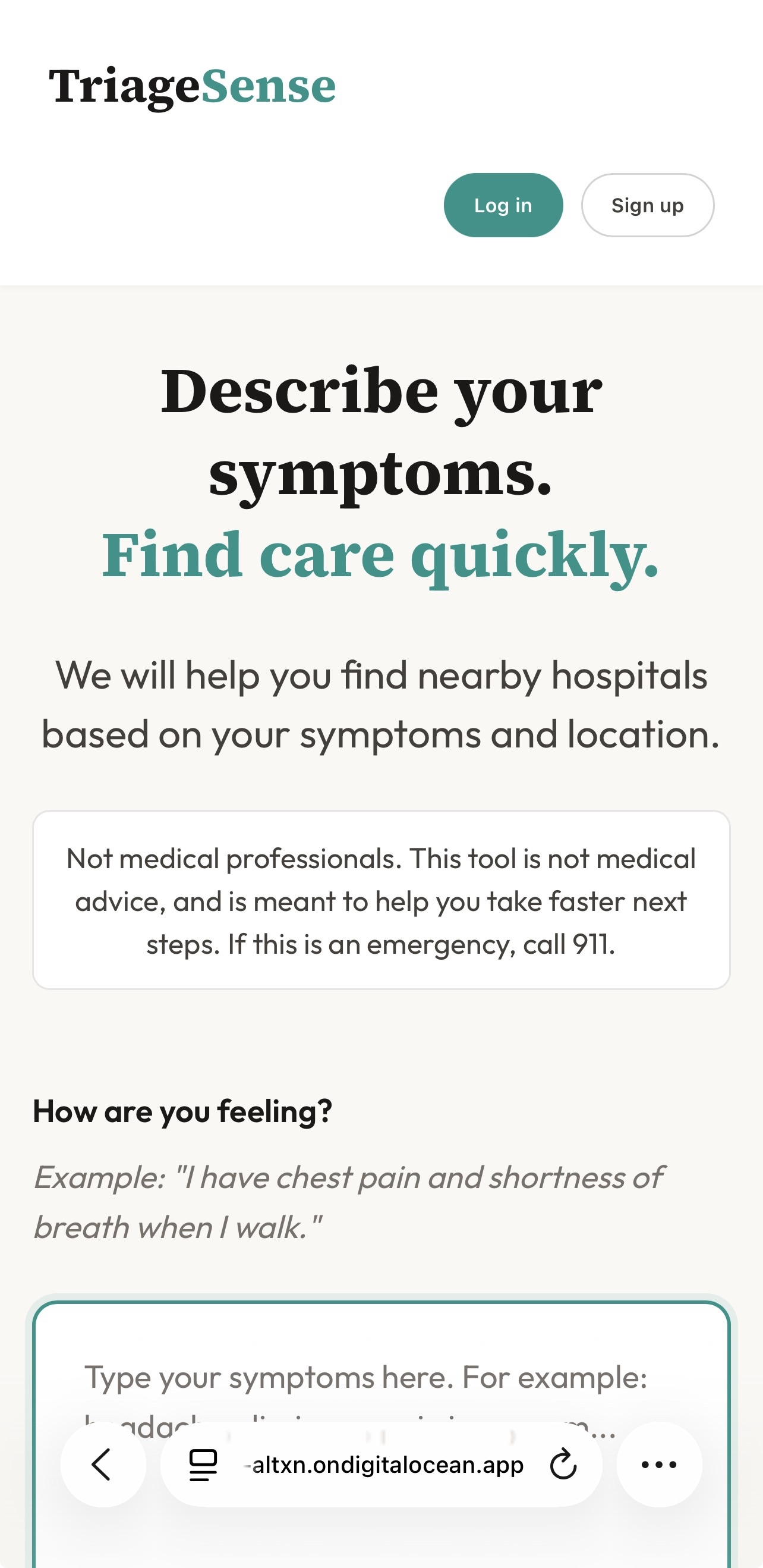
Home Page
-
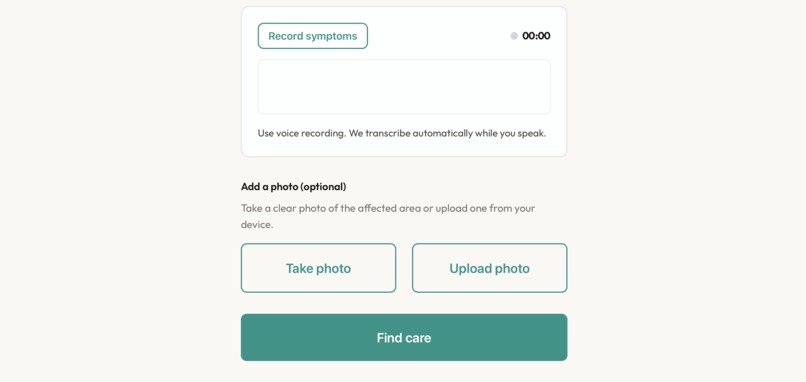
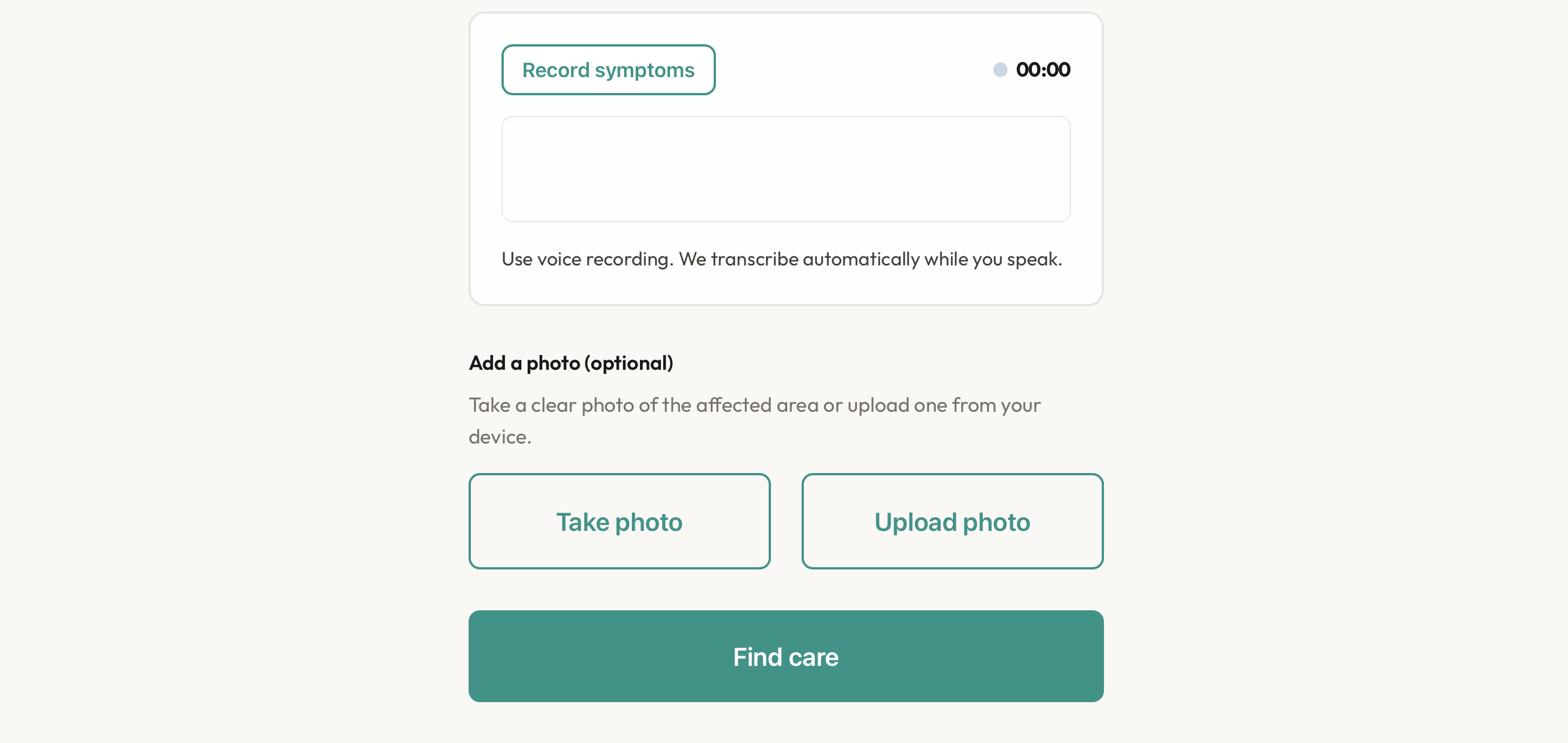
Picture/Record
-
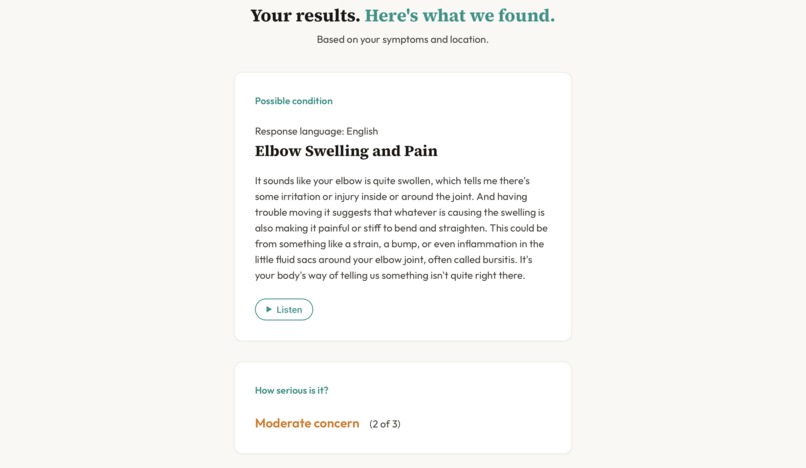
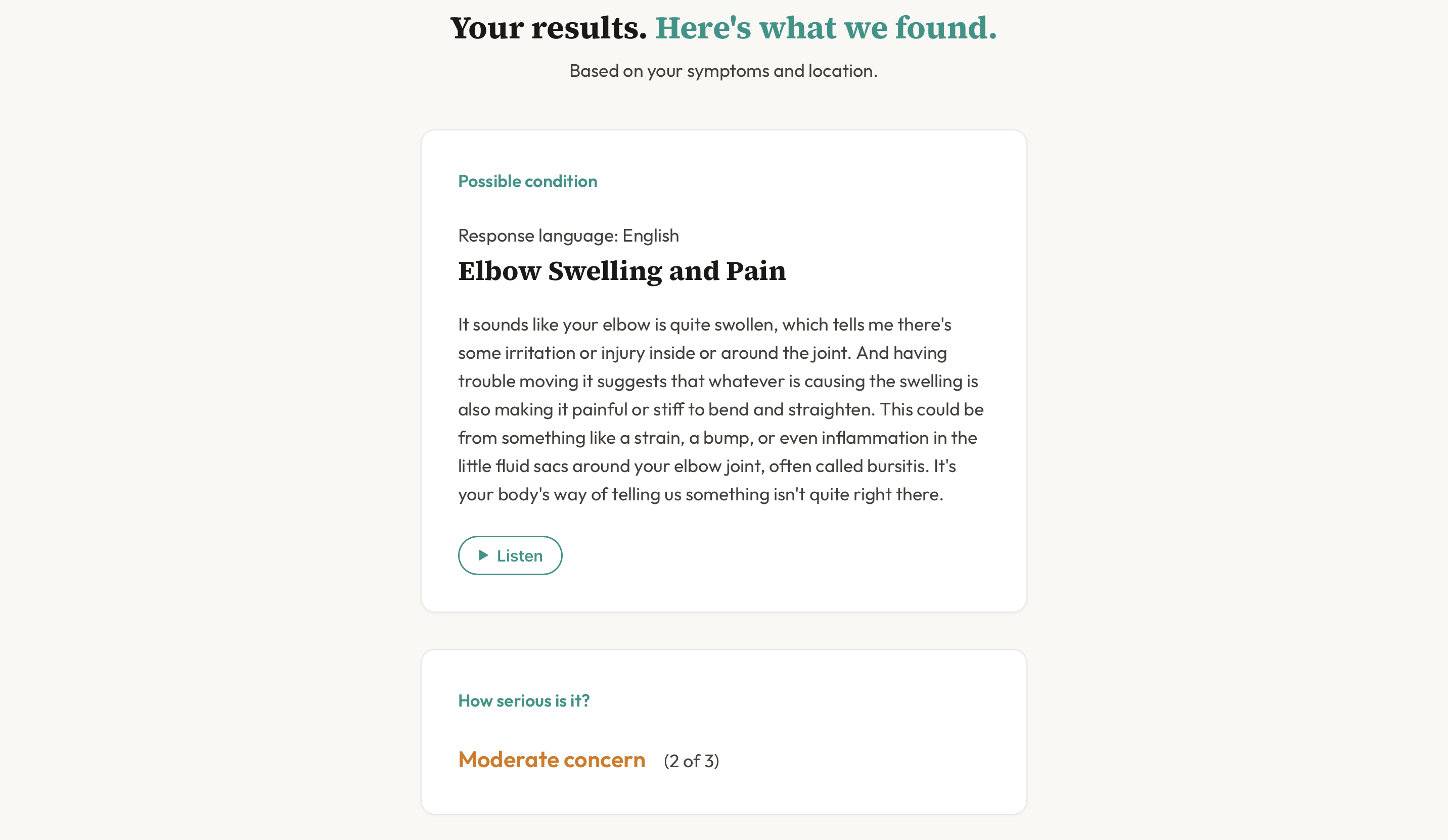
Diagnosis
-
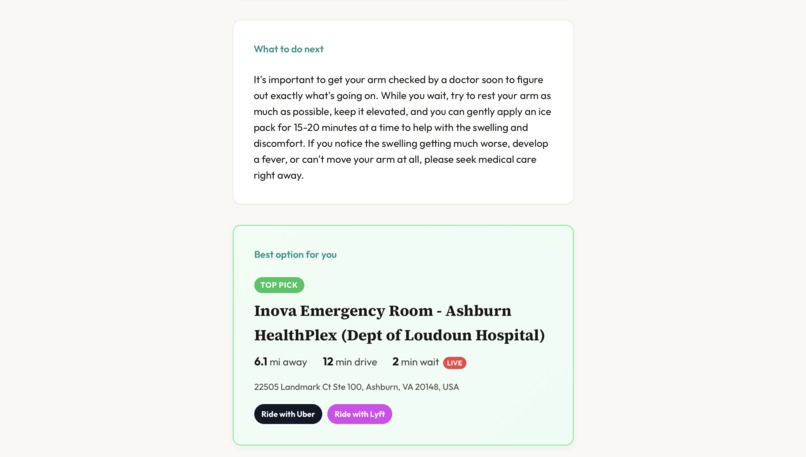
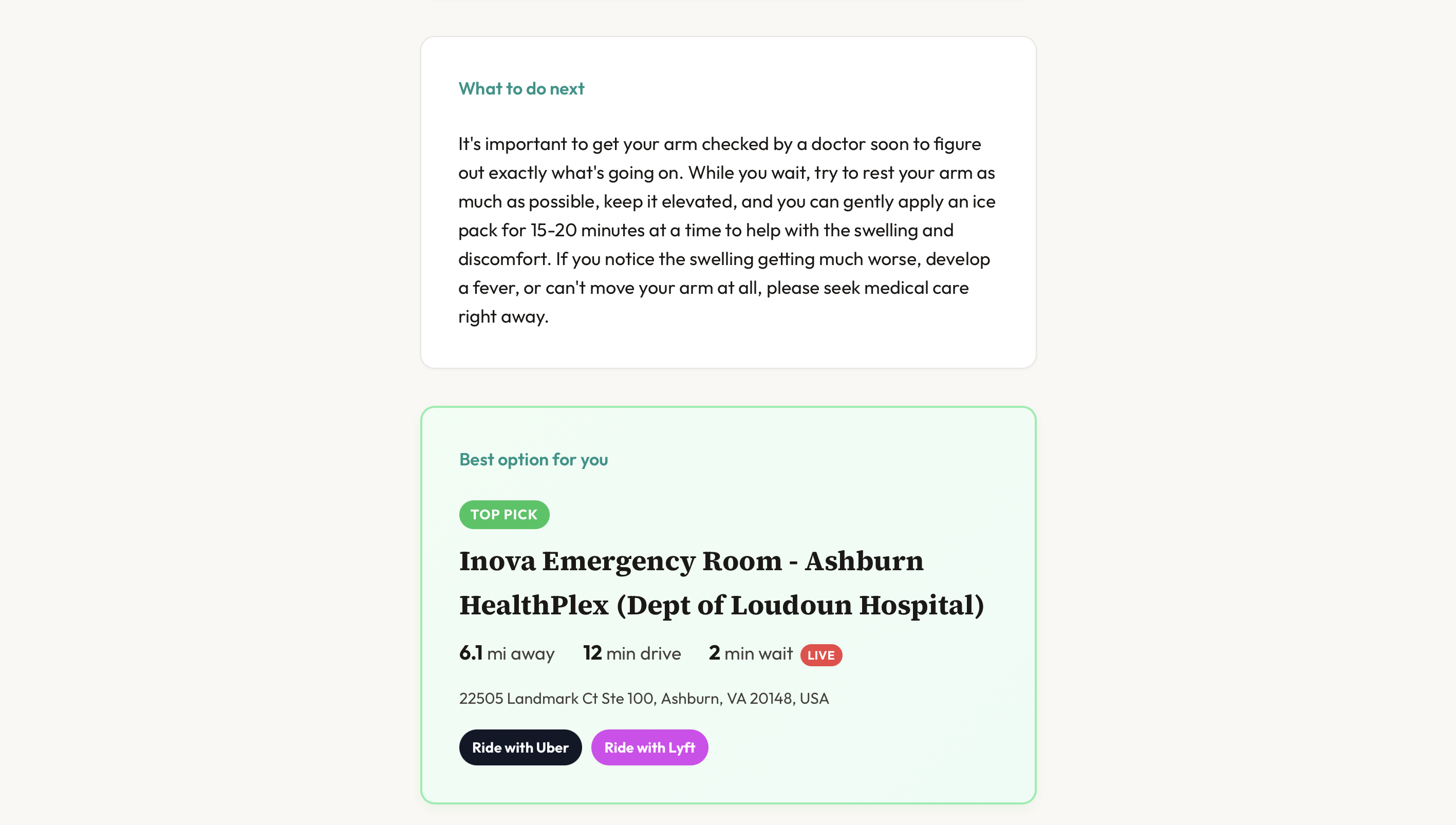
Next Steps/Recommended Hospital
-
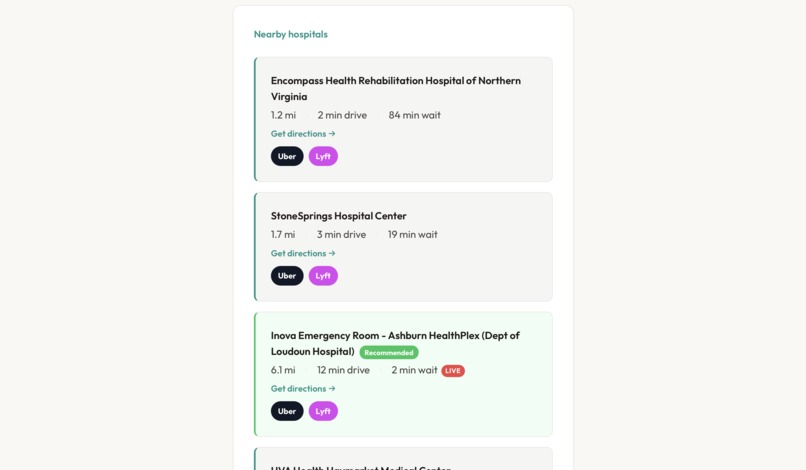
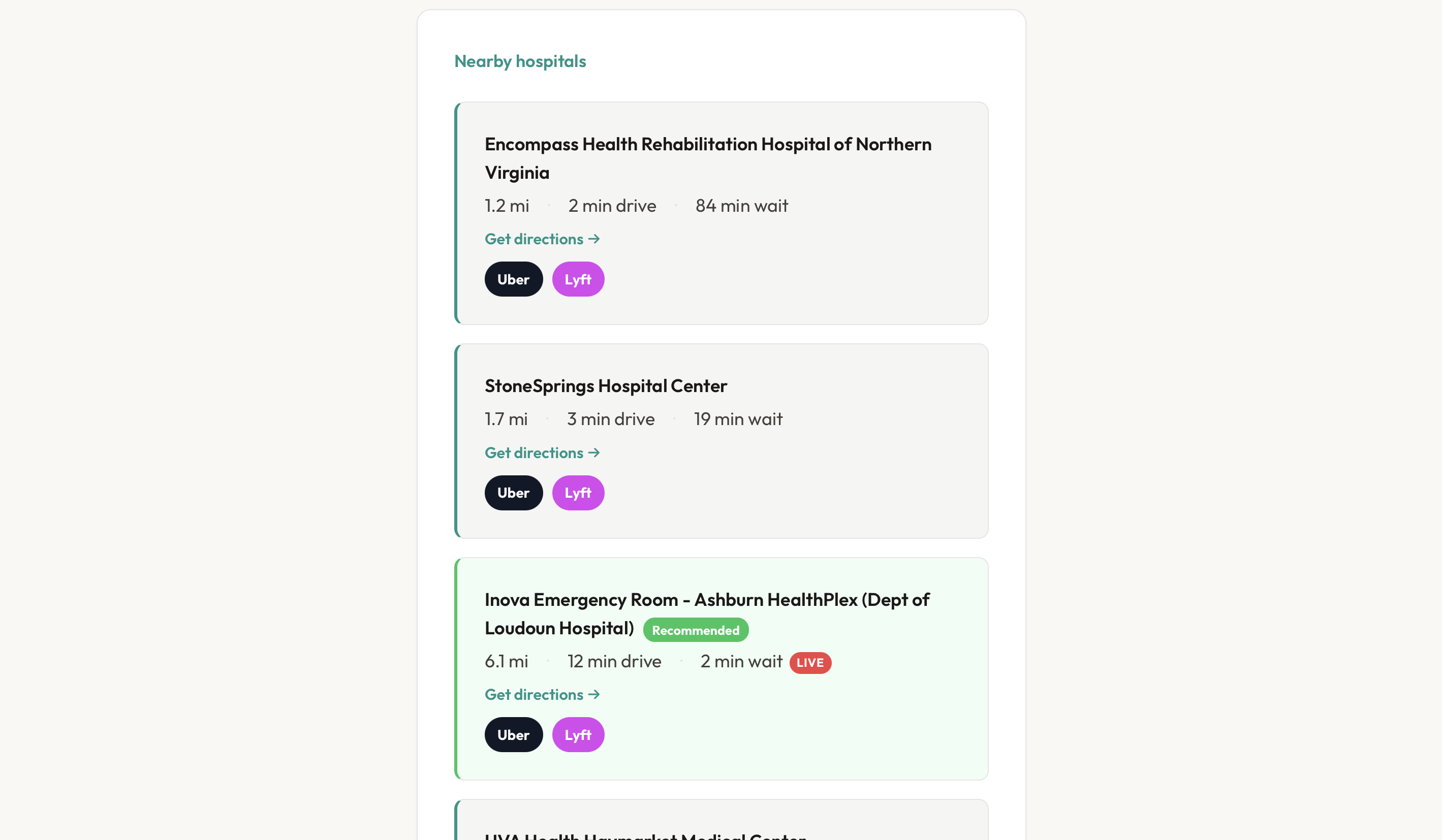
Other Options
-
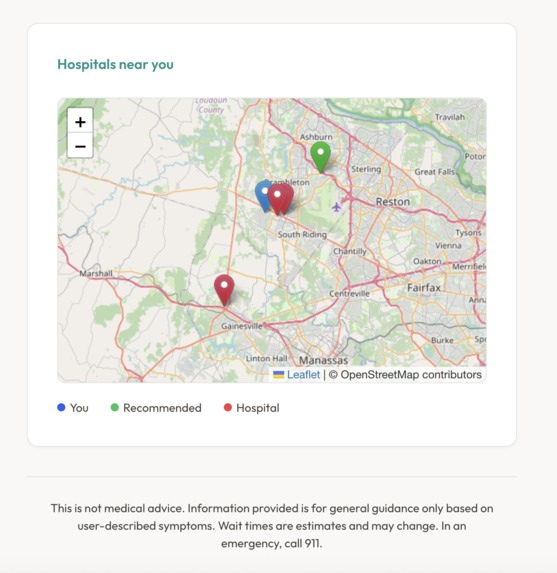
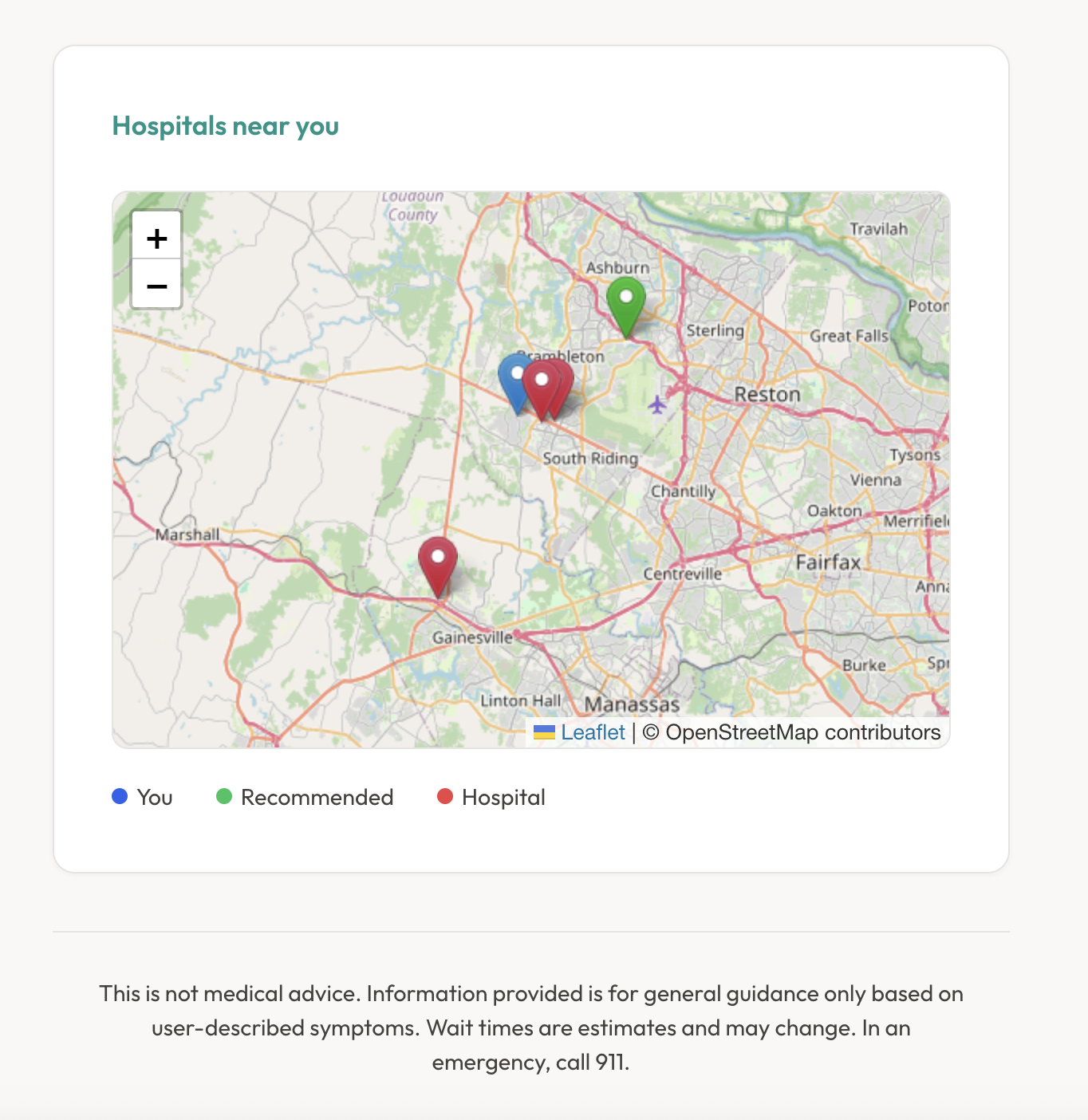
Map Location of Hospitals
-
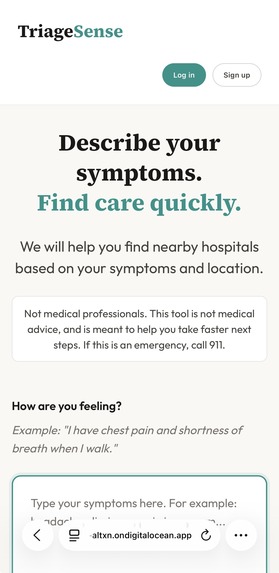
Mobile Function
Inspiration
TriageSense was inspired by a deeply personal experience within our team. One of our teammates’ grandfathers passed away from a heart attack after experiencing warning signs in the two days leading up to his death, including excessive sweating, unusual fatigue, and becoming easily short of breath. Instead of seeking professional medical care, he asked friends for advice, and they assumed that because it was summer, it was simply due to the heat. On the day he passed away, he suffered a heart attack and died in the ambulance on the way to the hospital. This experience made us realize how easily early warning signs can be dismissed, how often people rely on informal reassurance instead of medical guidance, and how crucial it is to seek help quickly when early symptoms could indicate a serious or life-threatening condition.
What it does
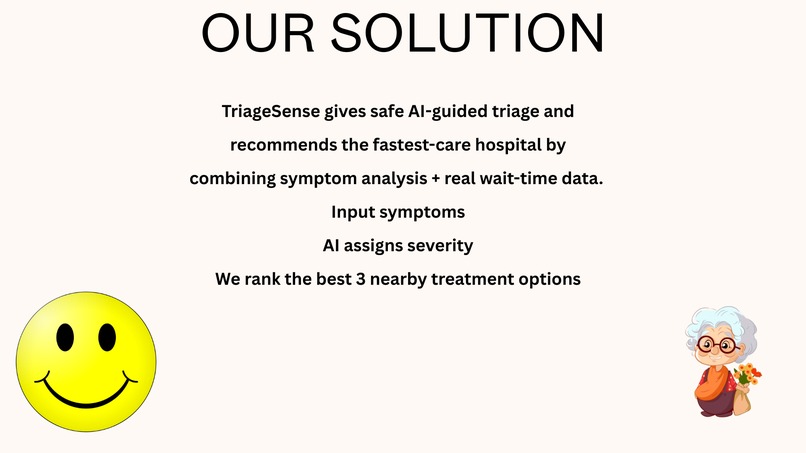
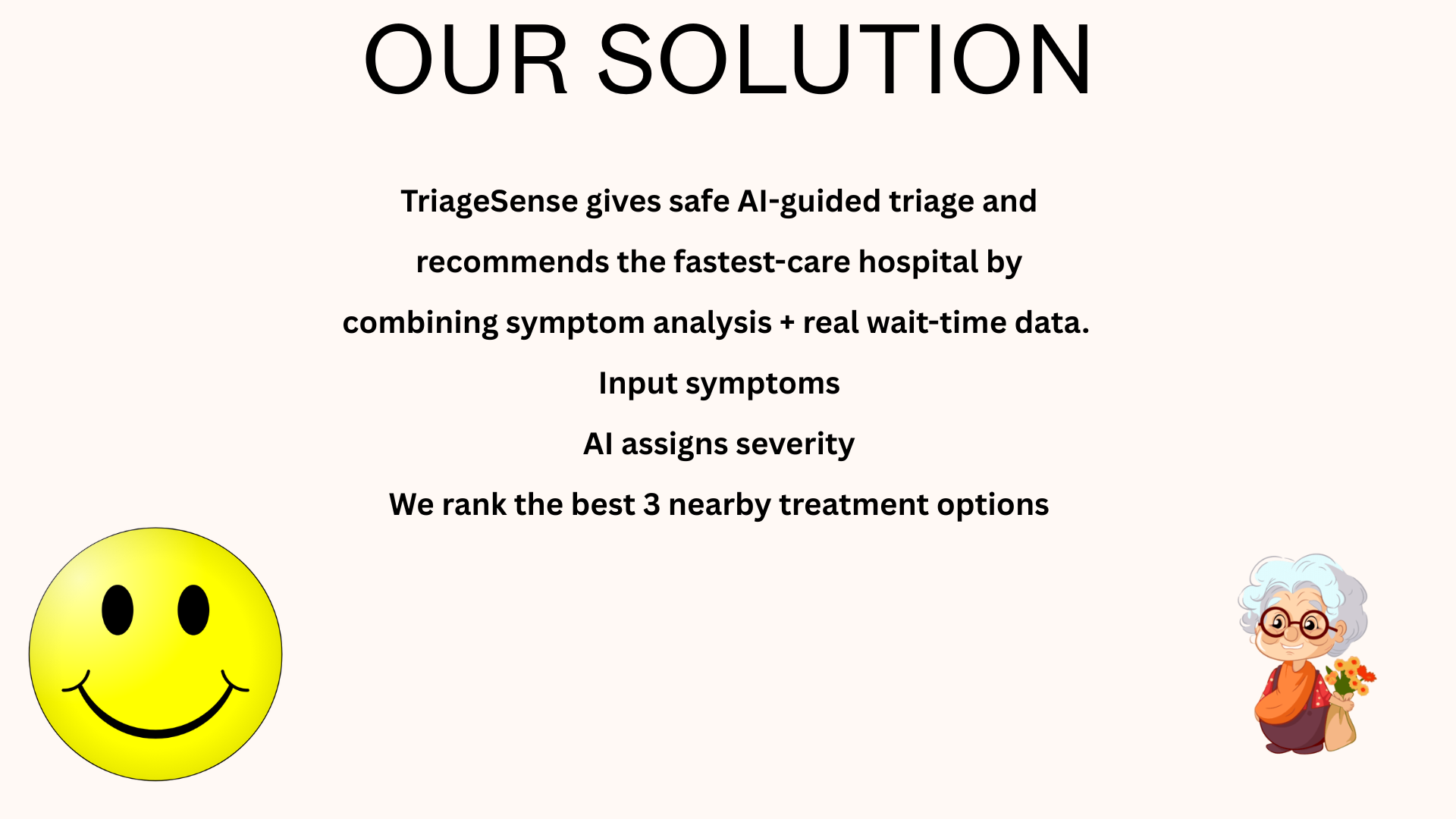
TriageSense is an AI-powered triage platform that helps users quickly understand the seriousness of their symptoms and decide what to do next. Users can describe their symptoms by typing, speaking, or uploading a photo, and the system analyzes this input to predict possible conditions and determine urgency. The platform supports multiple languages, so users can speak to it in their preferred language, and it will provide both written and spoken diagnostic outputs in the same language. TriageSense generates a severity level and clearly advises whether to monitor symptoms, seek urgent care, or go to the emergency room. If the severity reaches the highest level (3 out of 3), the app will automatically send an email alert to the user’s listed emergency contact. Beyond assessment, it identifies nearby triage centers and recommends the fastest option by combining travel time with estimated wait time, helping users reach care as quickly as possible.
How we built it
We used React frontend and Node/Express backend. Users can enter or record symptoms and optionally upload an image. This data is sent to a /diagnose API, where the backend uses Gemini (LLM) to generate a severity-aware diagnosis.
With user permission, the frontend accesses browser geolocation to fetch nearby hospitals via the Google Places API. The backend retrieves each hospital’s website and parses HTML to extract estimated wait times. Results are displayed on an interactive Leaflet map, with quick navigation links via Google Maps Directions.
Authenticated users have profiles stored in MongoDB. For critical cases (severity 3/3), the backend automatically emails a diagnosis summary to an emergency contact using SMTP (Gmail app password). The platform also supports multilingual speech-to-text and text-to-speech powered by ElevenLabs. The app was hosted using Digital Ocean's App Platform.
Challenges we ran into
One of our biggest challenges was achieving consistent multilingual support. When users described symptoms in a language other than English, we wanted the diagnosis and voice output to be generated and read back in that same language. However, the system initially defaulted to English for both text and speech. Another challenge was coordinating development and managing merges in GitHub. Since we were working on different features simultaneously, merging branches did not always go smoothly and occasionally resulted in conflicts.
Accomplishments that we're proud of
- Built a fully integrated AI-powered triage system that analyzes text, voice, and image inputs to assess symptom severity in real time.
- Developed a smart hospital recommendation model that optimizes for total time to care by combining travel time and estimated wait time.
- Implemented multilingual input and response capabilities, improving accessibility and inclusivity for diverse users.
- Successfully deployed the application on DigitalOcean, enabling it to run on the cloud instead of only locally.
What we learned
- Learned to fork and clone the main repository, allowing the team to build features simultaneously on separate machines instead of working from a single laptop.
- The challenges of handling multiple input types (text, voice, image) and generating accurate, understandable outputs for users.
- How to deploy the application on a cloud server, making it accessible and runnable beyond local machines.
What's next for TriageSense
In the future, we plan to integrate ride-hailing services like Uber and Lyft into TriageSense. This will allow the app to automatically request a ride to the nearest appropriate medical facility if urgent care is needed, reducing delays and helping users reach treatment as quickly as possible.


Log in or sign up for Devpost to join the conversation.