-
-
Thumbnail
-
Landing
-
Process
Inspiration
In Mexico, more than 60 million people rely on public clinics and community health centers. Most don't have a seasoned emergency physician doing triage — the staff on hand are nurses or paramedics. Without a clear prioritization protocol, patients are seen in arrival order, so a critical stroke can sit in the waiting room behind a prescription refill.
The Emergency Severity Index (ESI) is the most widely used triage protocol in U.S. emergency departments, but applying it correctly takes training. We wanted to put that expertise behind a browser tab, so any clinic can triage like a top hospital.
What it does
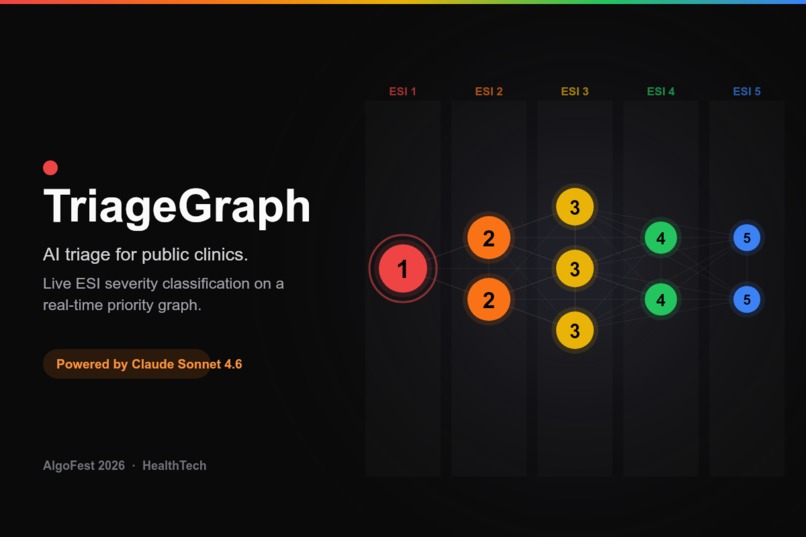
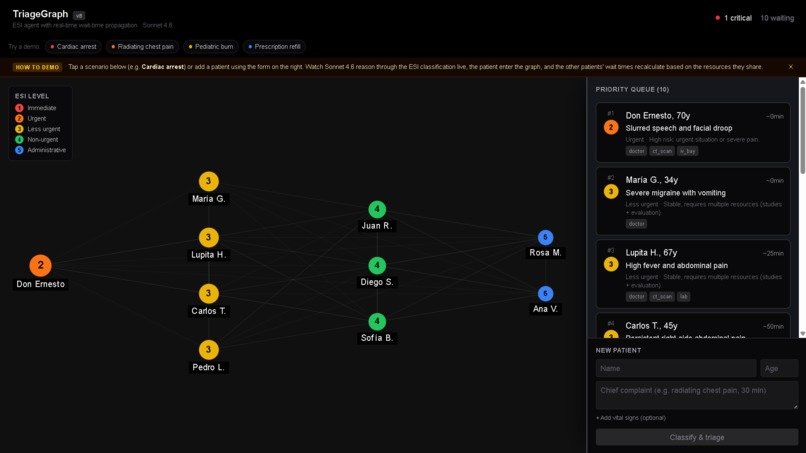
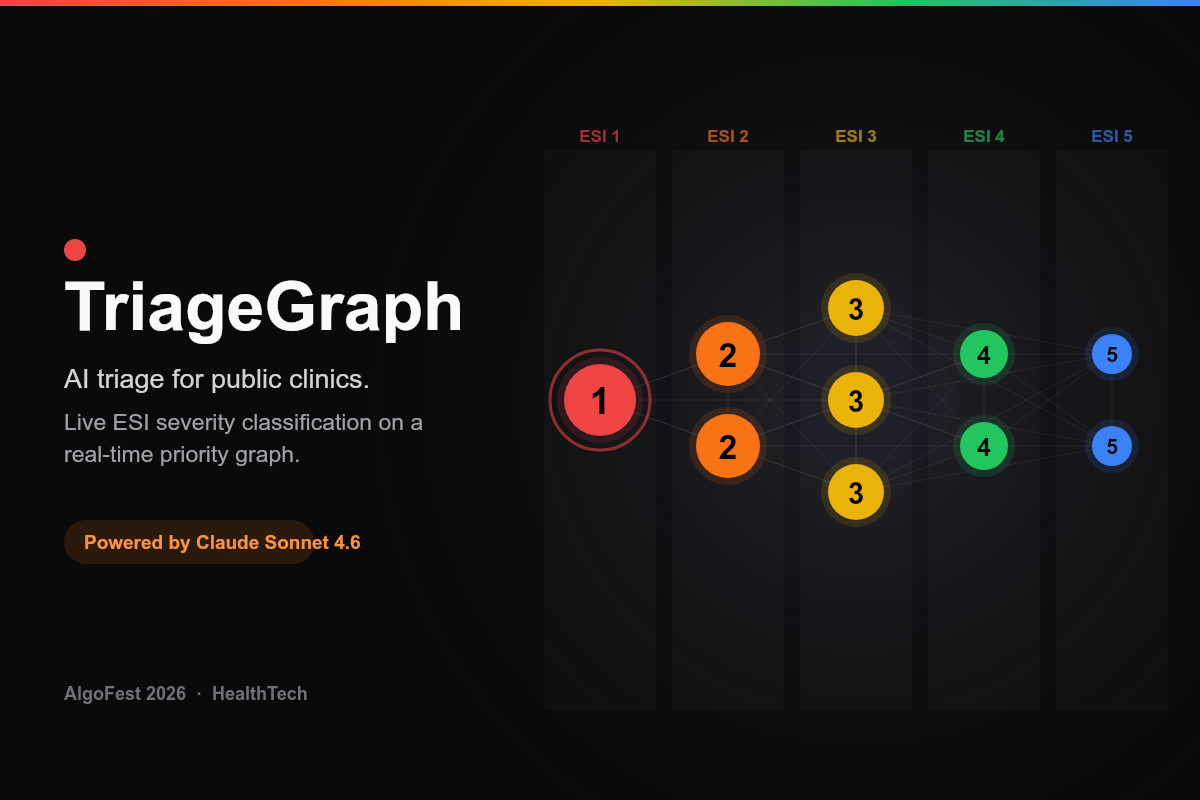
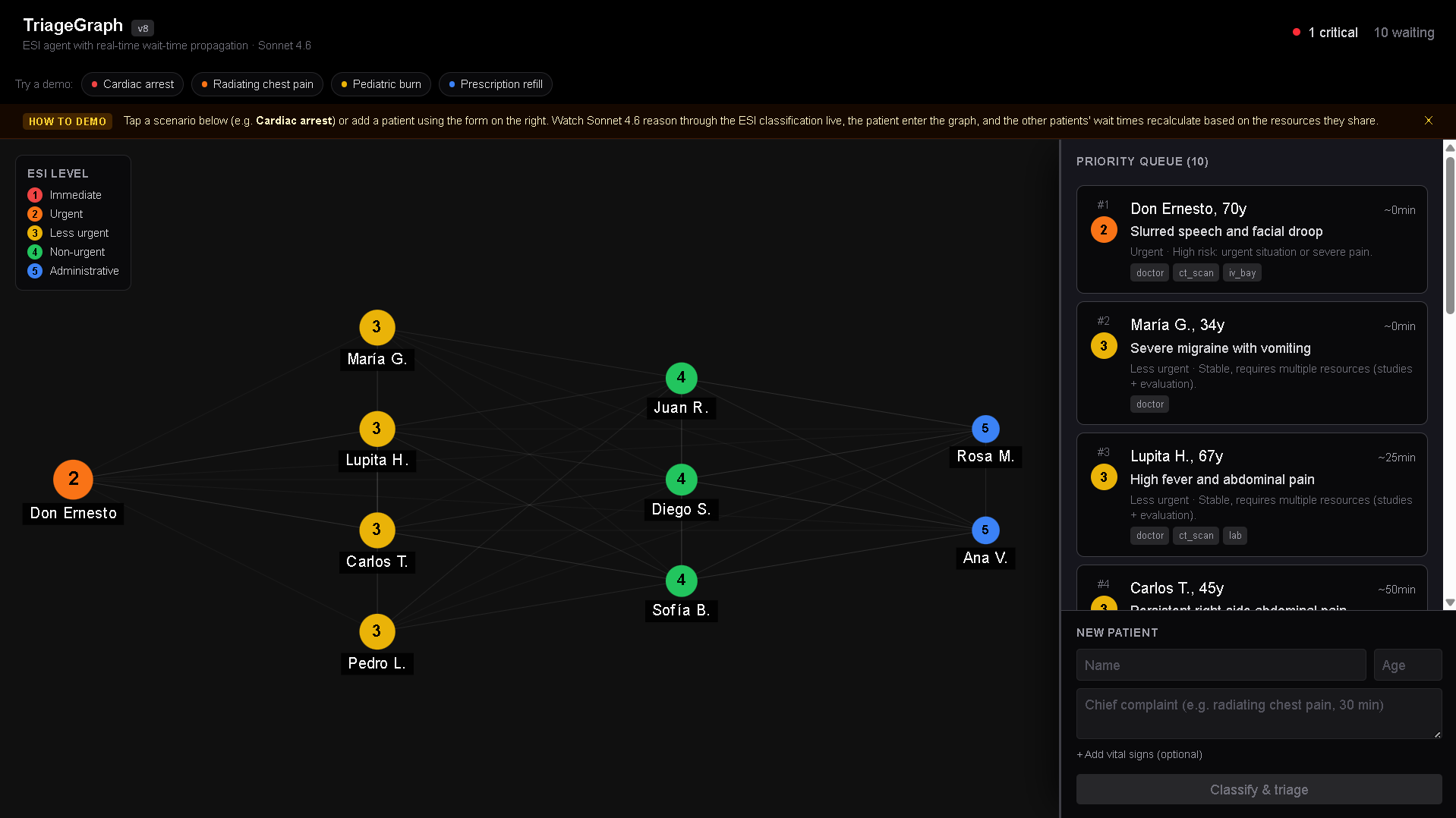
TriageGraph is an AI triage agent that turns a plain-language patient description into a prioritized, living waiting room:
- A nurse describes a patient (chief complaint + optional vital signs), or taps a demo scenario.
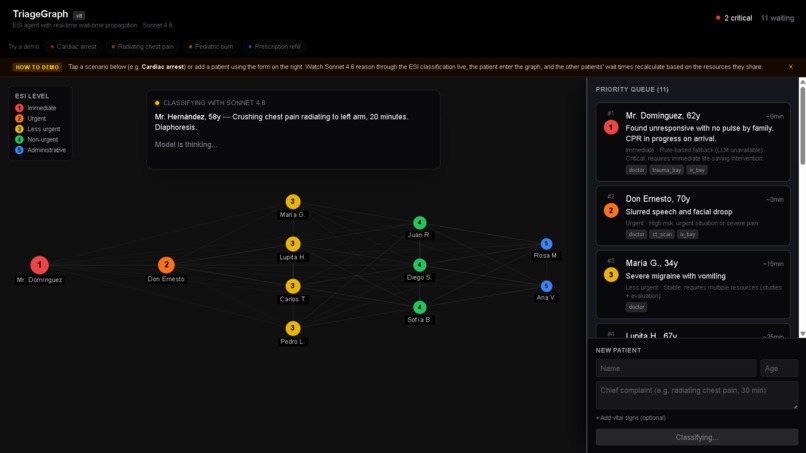
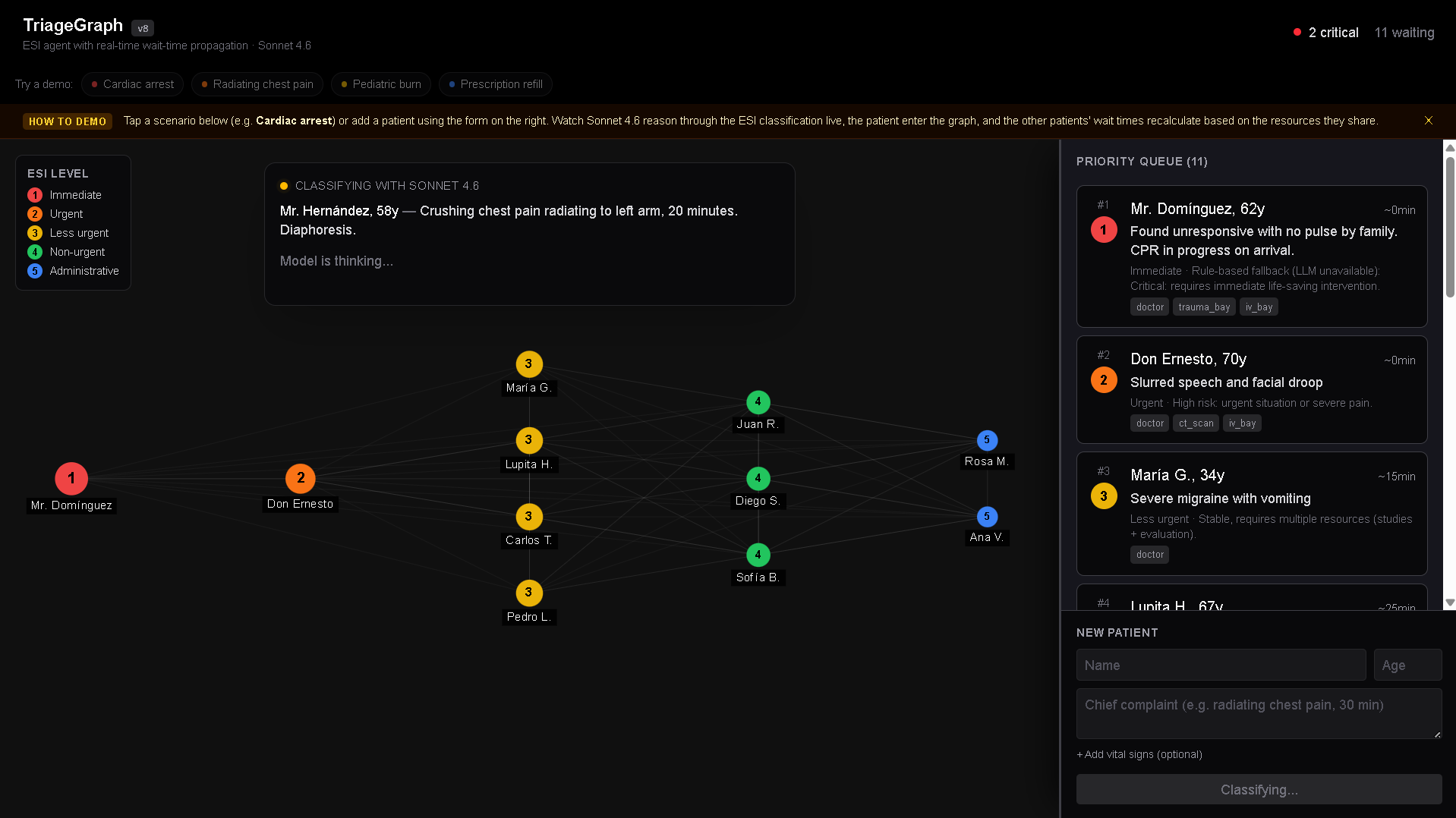
- Claude Sonnet 4.6 reasons through the case live and assigns an ESI level (1–5) plus the clinical resources the patient will need (doctor, ECG, CT, X-ray, lab, IV bay…).
- The patient drops into a live priority graph organized into ESI swim lanes, and every other patient's estimated wait time is recomputed in real time based on the resources they're now competing for.
How we built it
- Frontend: Next.js 16 (App Router) + React 19 + Tailwind CSS 4.
- Reasoning: Claude Sonnet 4.6 via the Anthropic API, streamed token-by-token over Server-Sent Events so you watch the ESI decision unfold.
- The algorithm (the core):
- ESI classification — Sonnet returns a structured
<triage>block; a deterministic rule-based classifier (vital-sign thresholds + symptom tiers) backs it up so the demo never freezes if the API is unavailable. - Resource-contention graph — patients are nodes; an edge connects two patients who compete for the same scarce resource.
- Wait-time propagation — patients are ordered per resource by
(ESI ascending, arrival ascending); each patient's wait is the critical-path max across the resource queues they sit in. Admitting a new ESI-1 re-propagates wait times across the whole graph instantly.
- ESI classification — Sonnet returns a structured
- Visualization: react-force-graph-2d with fixed swim-lane positions (X = ESI level, Y = arrival order) so the layout stays readable instead of a hairball.
- Deploy: Railway with GitHub auto-deploy.
Challenges we ran into
- Next.js 16 shipped past our prior knowledge — async params and new route-handler conventions. We read the bundled docs and adapted.
- Making a force graph legible. Default physics piled every node into a central blob; we switched to deterministic ESI swim lanes with per-lane vertical distribution and reliable auto-fit.
- Deploy gauntlet: a Node version mismatch (Next 16 needs ≥20.9), a 580 MB upload before adding
.railwayignore, and a mid-build Railway platform outage — which pushed us to GitHub-based auto-deploy. - Internationalization: we built it in Spanish first (the real use case), then moved the entire UI and the model's reasoning to English for an international audience.
Accomplishments that we're proud of
- A genuine algorithm, not a GPT wrapper — wait-time propagation over a resource-contention graph is the heart of the project, exactly what AlgoFest asks for.
- A demo with a real wow moment: add a critical patient and watch the entire waiting room re-rank in real time.
- A deterministic fallback that keeps it usable even if the LLM is down.
What we learned
- How to encode a real clinical protocol (ESI v4) into a hybrid LLM + rules system.
- Streaming the model's reasoning makes an AI decision trustable — seeing the "why" matters more than the label.
- Graph layout is a UX problem as much as a physics one.
What's next for TriageGraph — AI triage for public clinics
- Voice input for hands-free triage at the bedside.
- Multi-resource capacity modeling and staff scheduling.
- A pilot with a real community clinic to validate against nurse triage decisions.
Built With
- anthropic
- claude
- d3.js
- next.js
- node.js
- railway
- react
- react-force-graph
- server-sent-events
- sonnet-4.6
- tailwind-css
- typescript

Log in or sign up for Devpost to join the conversation.