-
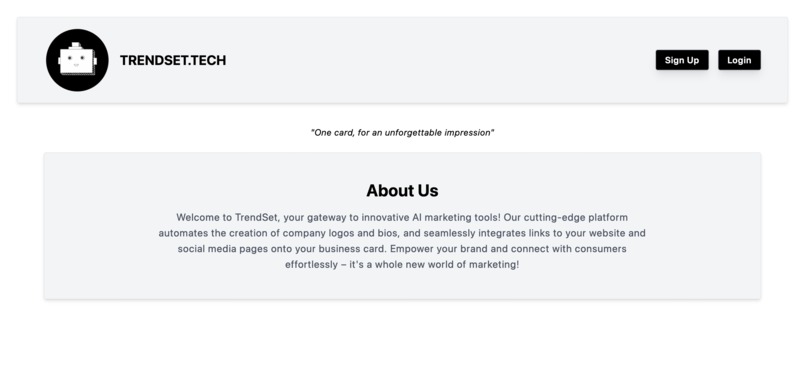
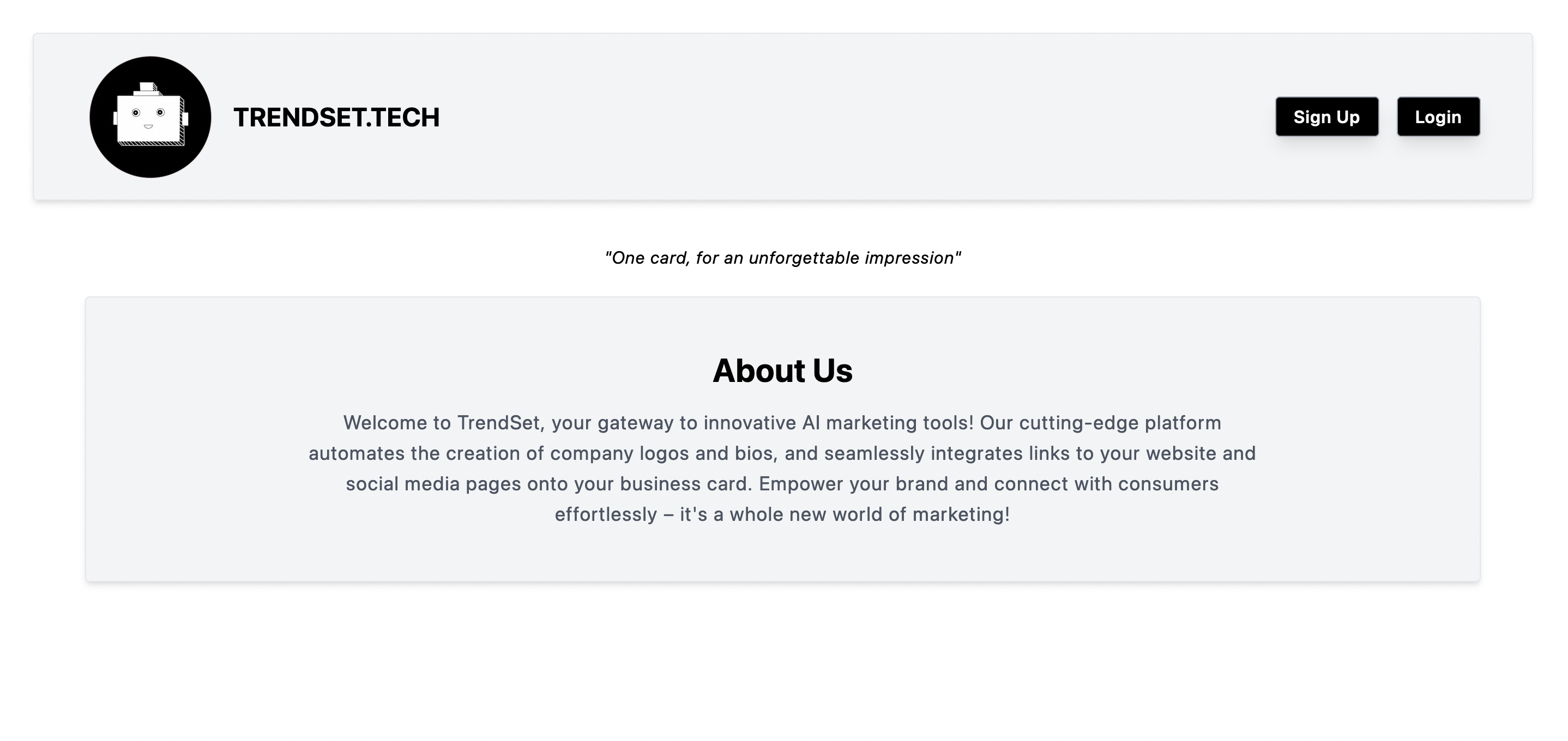
Home Page
-
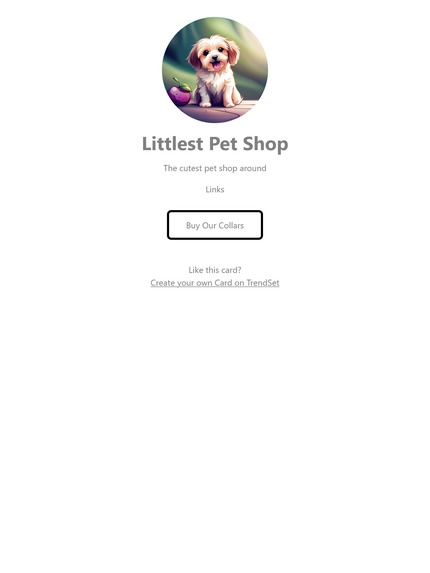
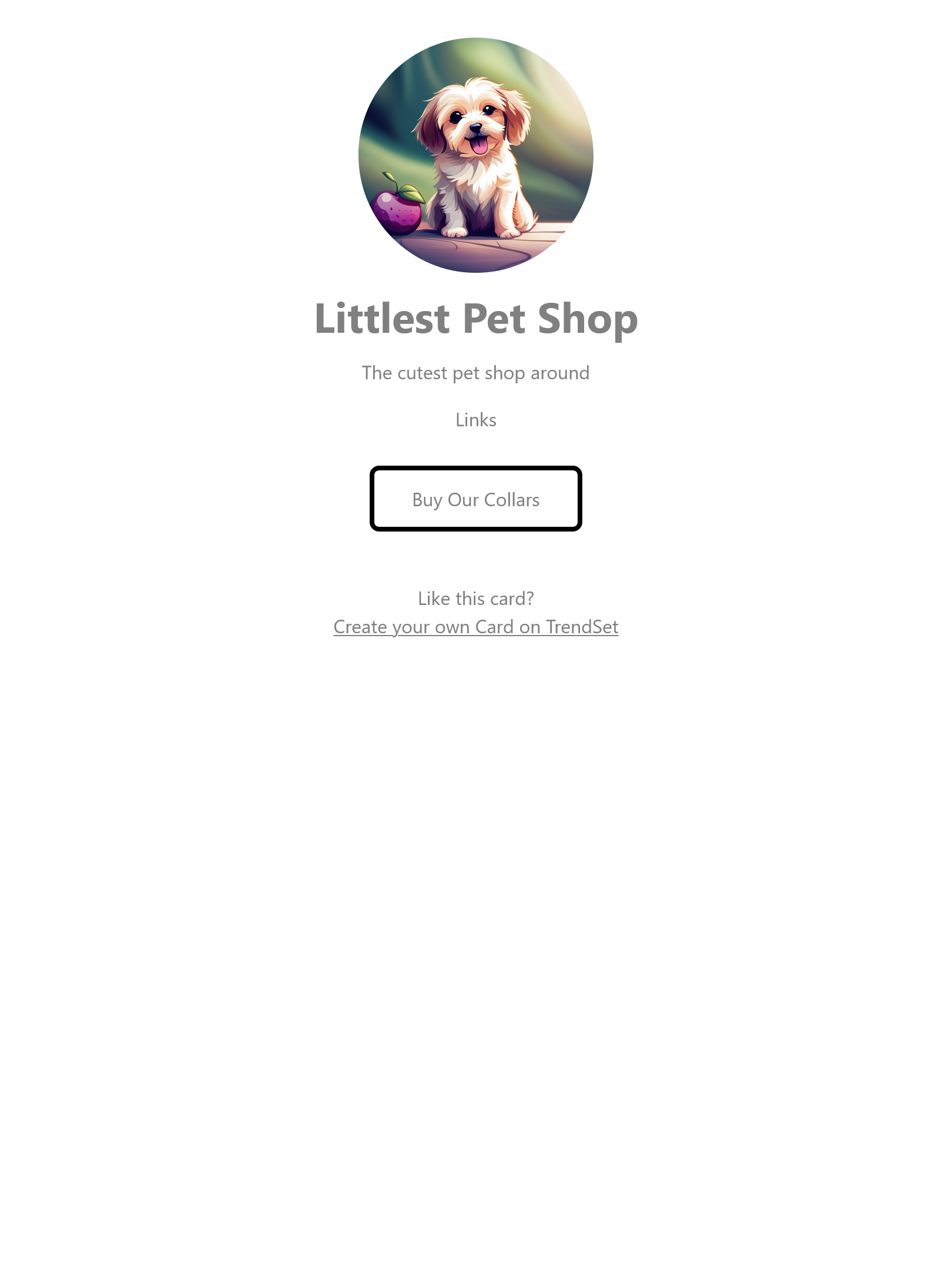
Company card output example
-
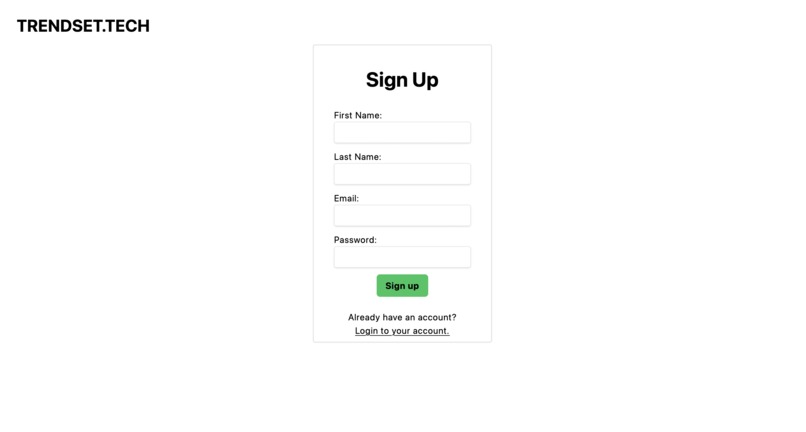
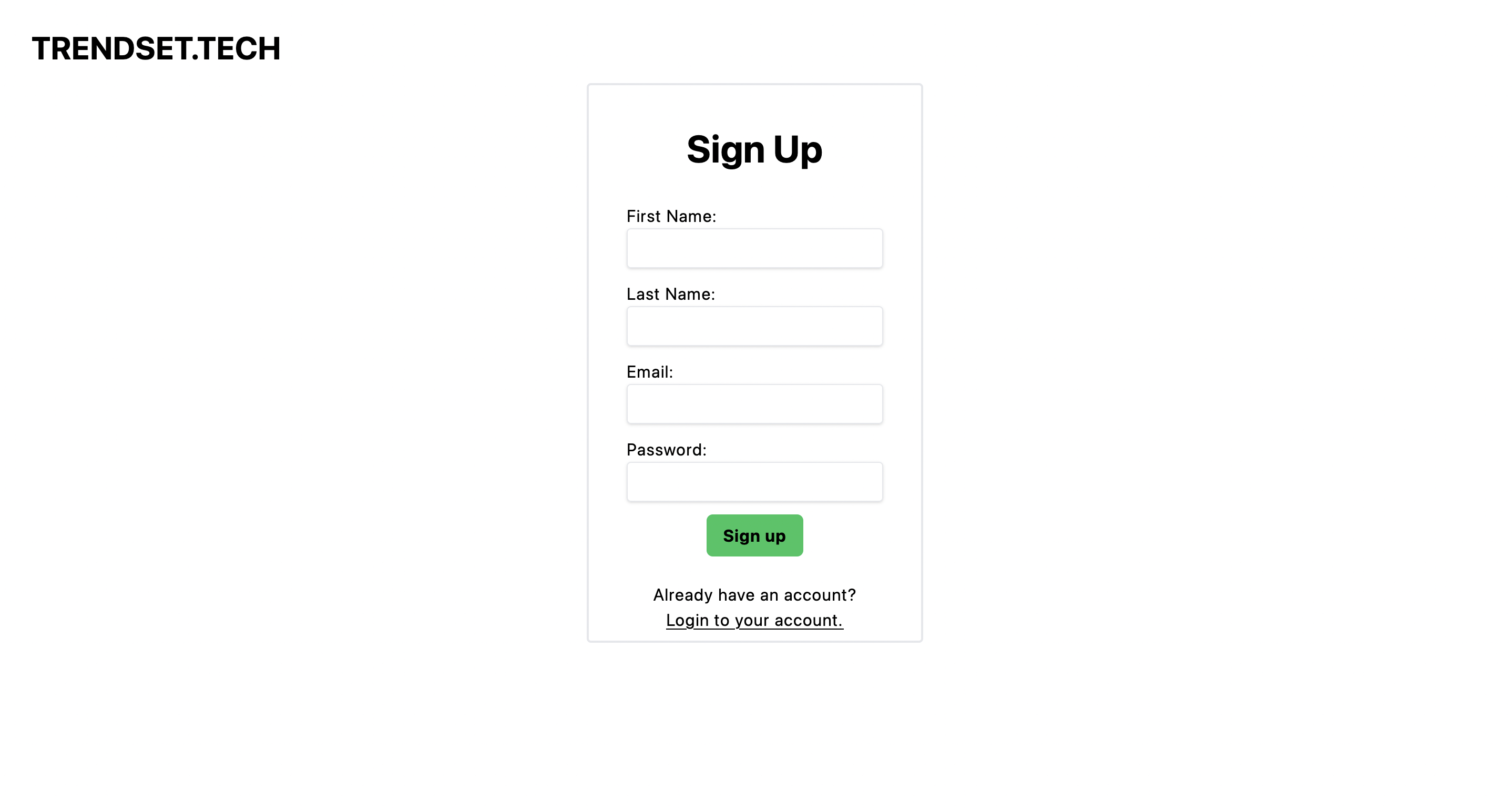
Sign Up Page
-
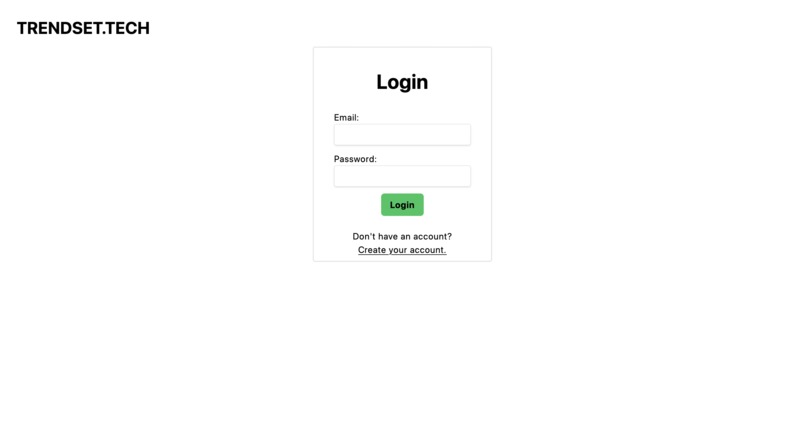
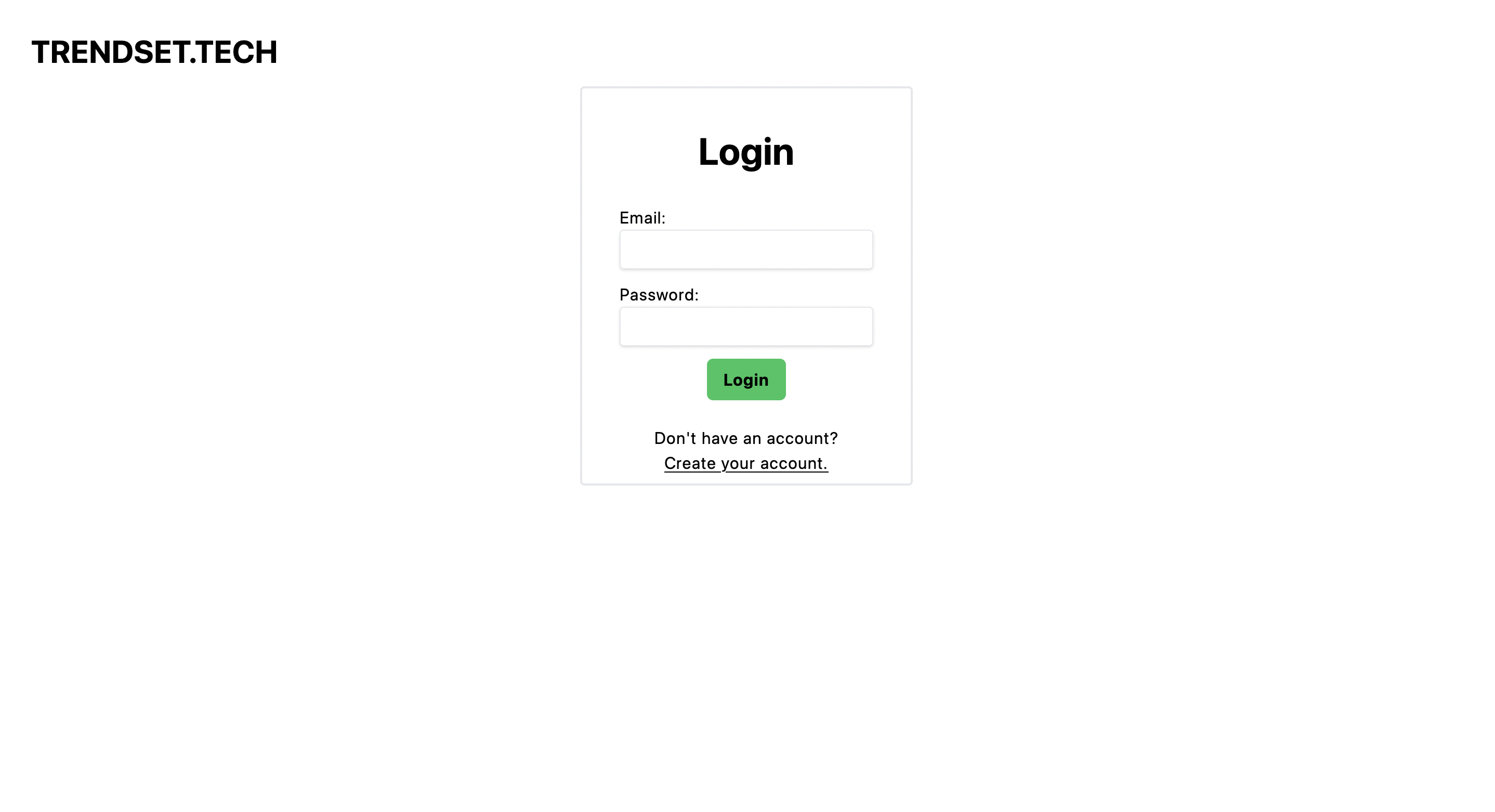
Login Page
Inspiration
The inspiration came from LinkTree. We wanted to help automate the process of logo generation and bio creation in a fun way with AI! Trend Set provides a streamlined and efficient way for small businesses to jump-start their marketing campaign, so they can go back to doing what really matters—providing value to their customers.
What it does
Tend Set is an AI marketing tool that functions very similarly to link tree. Company's logos and mission statements are auto-generated by AI using information provided by the user. Links to the company's website and social media pages can be added to their card to direct consumers to your products.
How we built it
Python was used for the back-end database and logic, We used MongoDB for the database, Firebase for authentication, Python with Flask for the API, OpenAI for the generated items. As for the front-end, NextJS was used for the structure of the website, and Tailwind CSS was used for styling.
Challenges we ran into
We ran into a lot of challneges ranging from learning new technologies, to front-end back-end data mis-matching, to closing in on deadlines. The Python Flask module was used to build an API between our Python database, and our frontend. Flask can be very particular with the data types that it likes vs. doesn't like, which caused some hiccups along the way. Everyone on the team had to learn new technologies and frameworks to pull this off, so there was a learning curve to overcome as well.
Accomplishments that we're proud of
To deploy our web application to the cloud, we used Google Cloud Run, which automatically deploys our code into production as soon as a new commit is pushed up to our GitHub repository. Clound Run saved us a lot of time when it came to deploying our web application, especially when we were making changes to our code post-deployment
What we learned
We learned a variety of technologies, from automated pipelines from our GitHub repository up to our Google Cloud resources, to building an API that was used for interfacing with our Python database via TypeScript, and using a CSS framework that was new to us. We learned something new while building almost every aspect of this project.
What's next for Trend Set?
As a group, we've grown attached to this project, and we plan on making improvements to it in the future. We have a plethera of ideas that we did not get a chance to execute, such as:
- a dashboard for managing company info, webages, logos, and slogans
- integration with design tools such as Adobe Illustrator, and Canva
- Analytics and metrics relating to the performance of the company's card
Instructions For Running On Local Machine
Downlaod our Source Code
Run the following command to install the Python dependencies (Python 3.9.6+):
pip3 install -r backend/requirements.txt
navigate to frontend/trendset/app to tun the web server locally
cd frontend/trendset/
npm rn dev
visit 127.0.0.1:3000 to view the website


Log in or sign up for Devpost to join the conversation.