-
-
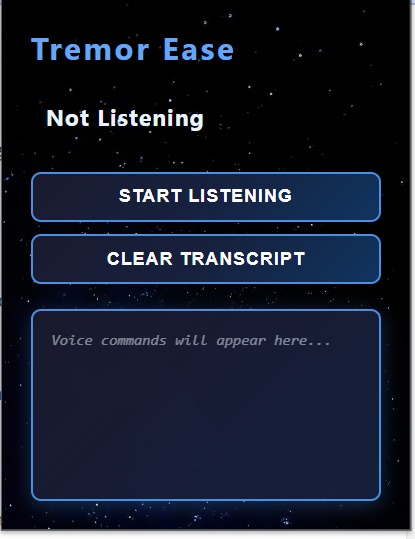
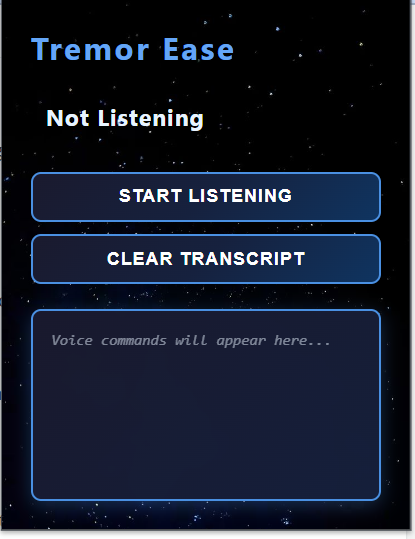
Simple extension open without listening
-
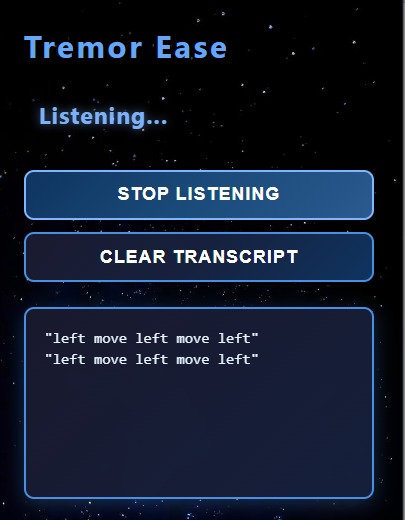
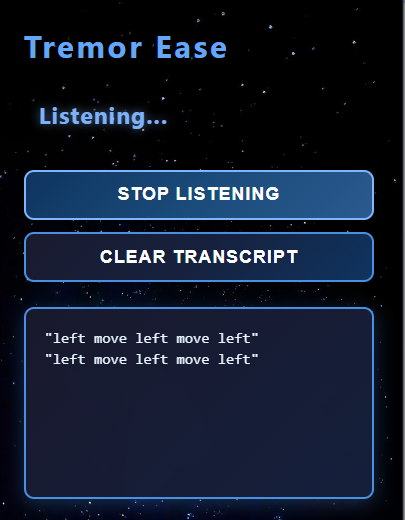
extension when listening is on and writing command in transcript
-
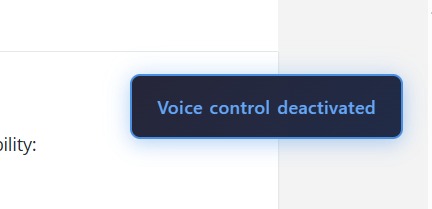
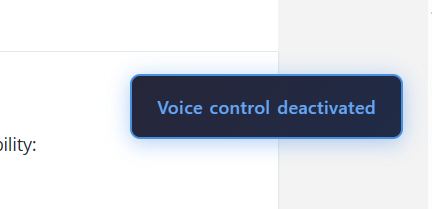
notification when command stop listening is given
-
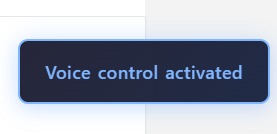
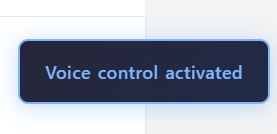
notification when command start listening is given
-
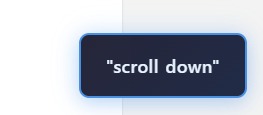
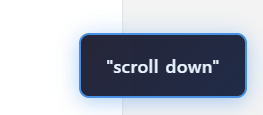
every command notification so opening extension is not necessary
Inspiration
I once watched a movie featuring a character with Parkinson’s disease. It deeply moved me to see how something as simple as using a mouse could be so challenging for them.
When this hackathon began, I immediately knew I wanted to build something that could simplify life for people with tremors.
That’s how TremorEase was born — to make interacting with computers easier through voice.
What it does
TremorEase is a Chrome extension that allows users to control mouse actions using voice commands.
It can:
- Move the mouse:
up,down,left,right - Perform a click
- Scroll the page up or down
- Start/stop listening via voice
- Show live transcripts of commands
- Use a virtual mouse cursor (doesn't interfere with the real one)
How we built it
TremorEase consists of three core parts:
Content Script (content.js)
- Uses the Web Speech API to recognize voice commands
- Creates a floating, animated fake cursor on the screen
- Responds to commands like
"move up","click","scroll down", etc. - Sends and receives messages to/from the popup UI
Popup Interface (popup.html + popup.js)
- Built using HTML/CSS with a clean, glowing interface
- Displays "Listening" status
- Shows a live transcript of spoken commands
- Buttons for start/stop listening and clear transcript
Communication Logic
- Uses
chrome.runtime.sendMessageandchrome.tabs.queryto send/receive messages - Syncs the popup and content script
- Keeps track of whether the extension is listening and what commands are being executed
All logic was written in JavaScript, and it was my first time working with Chrome Extensions, speech recognition, and dynamic UI handling.
Challenges we ran into
- Writing advanced JavaScript logic as a beginner
- Understanding Chrome's content security policies
- Dealing with script injection issues
- Ensuring the extension only works on the active tab
- Handling microphone permissions and automatic recovery after recognition errors
Accomplishments we're proud of
- Built a fully functional extension from scratch
- Implemented voice-commanded cursor movement
- Created a clean, beginner-friendly UI
- Kept the tool simple, accessible, and user-centric
- Developed and tested the entire core logic independently
What's next for TremorEase
What I want to add to this are
Voice-Activated Keyboard Allow users to:
- "Type A", "Type B", etc.
- Toggle capital letters on/off
- Use commands like
"Backspace","Enter","Space"for full typing control
Tremor Mouse Control Add support for users who still want to use a physical mouse:
- Stabilize cursor movement
- Filter out involuntary shakes
- Use voice confirmation to avoid accidental clicks
Voice-Activated Grid Navigation Introduce a visual grid overlay to enable precise mouse control:
- Say "Open grid" to display sections
- "Go to section 5", then "Click"
- Zoom into grid areas for even more precision


Log in or sign up for Devpost to join the conversation.