-
-

-
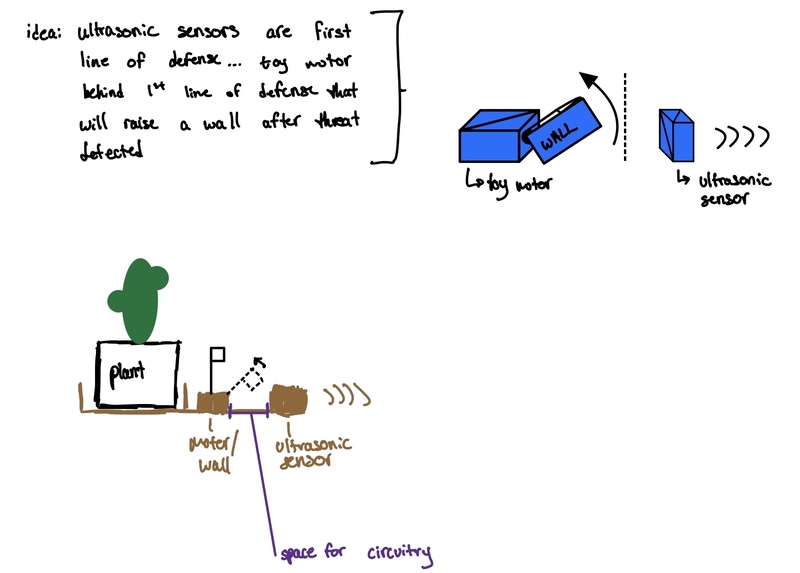
Project Schematic

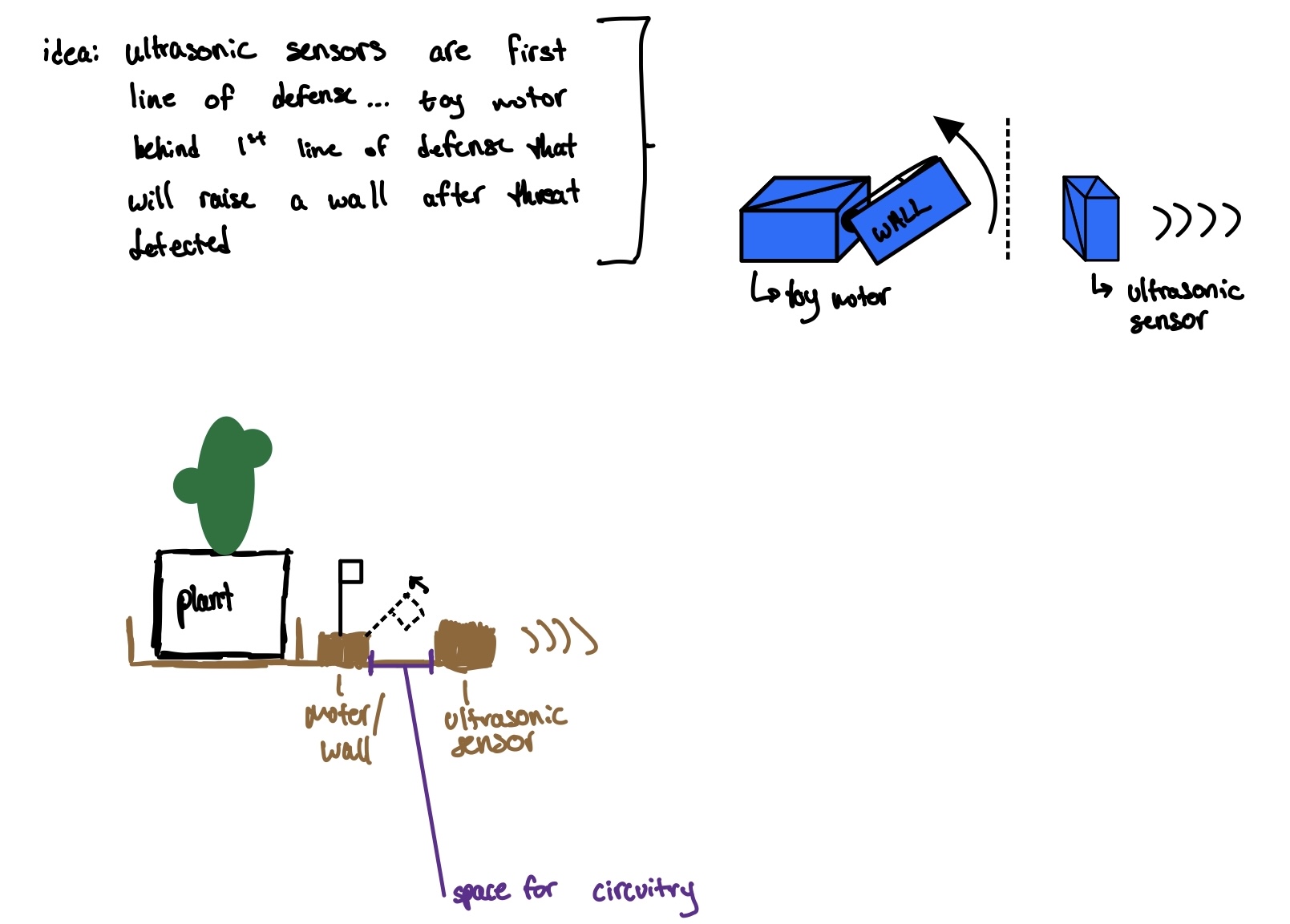
Technology description:
Ultrasonic Sensor for detecting motion near the tree. Two servo motors for bringing up a wall to protect the tree. An external 9V battery and a voltage regulator to ensure that the motors were receiving enough power. Adafruit Feather for connecting to WiFi to send alerts to the digital dashboard. Arduino Uno to coordinate the logic of how the motors and feather should respond to the motion sensor.
Our design process & iterations:
First, we put together a simple Arduino circuit containing a motion sensor and one servo motor. Next, we wrote basic code to make the motor move back and forth. The motor moved slowly, so we added the battery to ensure it was receiving enough power, which fixed the issue. Then, we improved our code to have the servo motor put up the walls in response to the motion sensor, then let them fall after 10 seconds. Finally, we added the Feather and wrote code to have it send an alert when the motion sensor triggers. We also added the second servo motor.
Challenges we faced:
The motor was running slowly, so we needed to add an external 9V battery to give it more power. This also required a voltage regulator because the servo motor takes 5V. Right before the demo, the circuit was not working at all — by using a voltage reader we were able to debug the issue, which was that the voltage regular was wired incorrectly.
Next steps:
If we were to continue with this project, we would like to add more motion sensors to cover a wider area!
Code Snippet: ##
** Code for TreeGuard**
We began by setting up all of our pins for the motors and ultrasonic sensor as such:
void setup() {
  // put your setup code here, to run once:
  pinMode(trigPin, OUTPUT);
  pinMode(echoPin, INPUT);
  rightServo.attach(rightMotorPin);
  leftServo.attach(leftMotorPin);
  Serial.begin(9600);
}
Then creating functions to have the ultrasonic sensor detect the distance of an incoming "threat" and take note when there is something within a certain distance with the following code:
` void waitForTriggerLoop() { // put your main code here, to run repeatedly: digitalWrite(featherOutPin, LOW); long duration, distance; digitalWrite(trigPin, LOW); // start trig at 0 delayMicroseconds(2); digitalWrite(trigPin, HIGH); // rising edge of trig pulse delayMicroseconds(10); // duration of trig pulse digitalWrite(trigPin, LOW); // falling edge of trig pulse // NOTE: echo pin reads HIGH till it receives the reflected signal // duration for which echoPin was HIGH == time taken to receive echo duration = pulseIn(echoPin, HIGH); // distance distance = (duration / 2) / 2.91; Serial.print("distance: "); Serial.println(distance);
if (distance < 500) { wallsUp = true; } else { delay(1000); } }`
and defined the function or putting up walls as such: `void putUpWalls() { // put up the walls leftServo.write(motorUpPosition); rightServo.write(motorUpPosition);
// wait 10s digitalWrite(featherOutPin, HIGH); delay(2000); digitalWrite(featherOutPin, LOW); delay(8000);
// put down the walls leftServo.write(0); rightServo.write(0);
delay(30);
wallsUp = false; }`

Log in or sign up for Devpost to join the conversation.