-
Cover
-
Timeline
-
Multi-level timeline
Inspiration
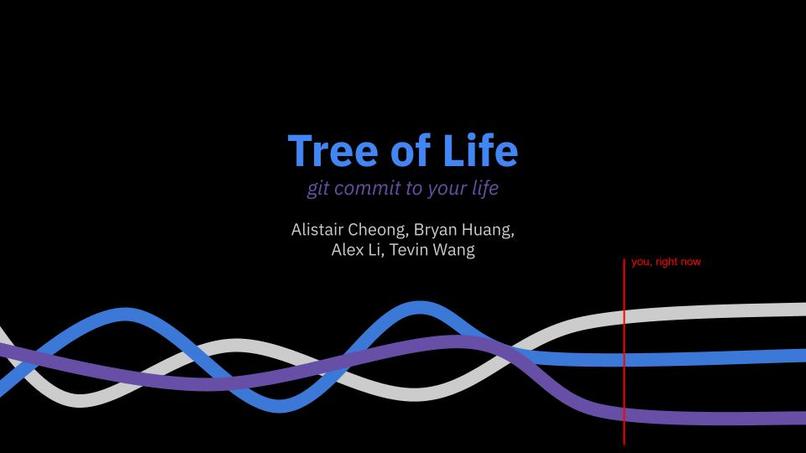
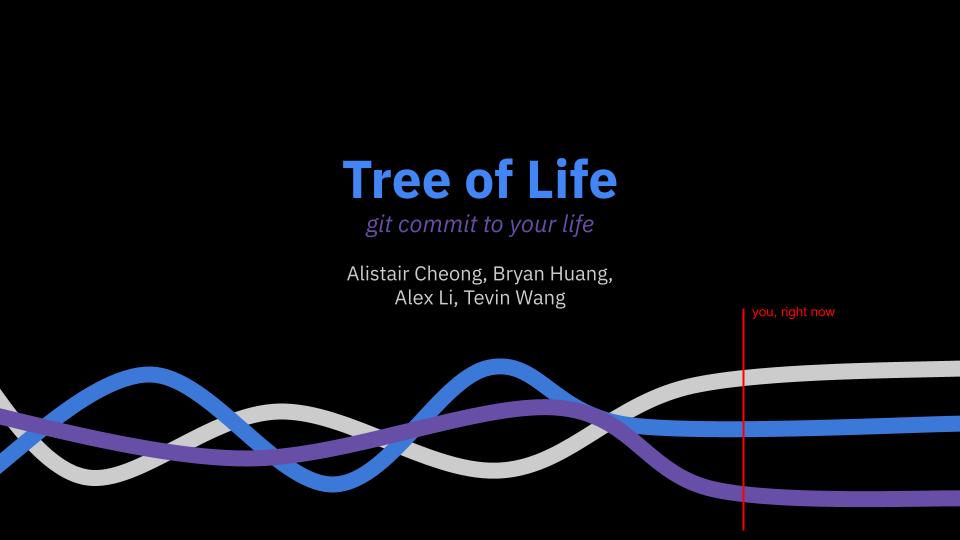
The inspiration for Tree of Life came from the desire to visualize and reflect on the key events, relationships, and milestones that shape a person's life. We wanted to create a tool that makes it very easy for users to see what commitments are going on in their life; so as to combat procrastination disguised as work. Our goal is to provide a space for users to visualize their multifaceted lives and find a sense of security by watching their commitments evolve over time.
What it does
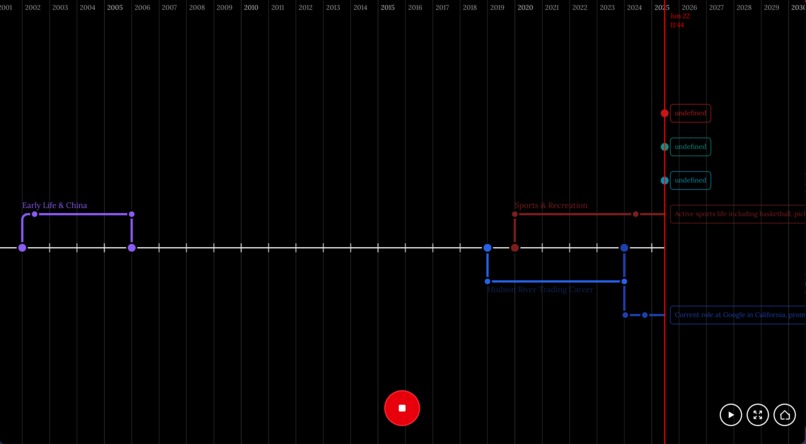
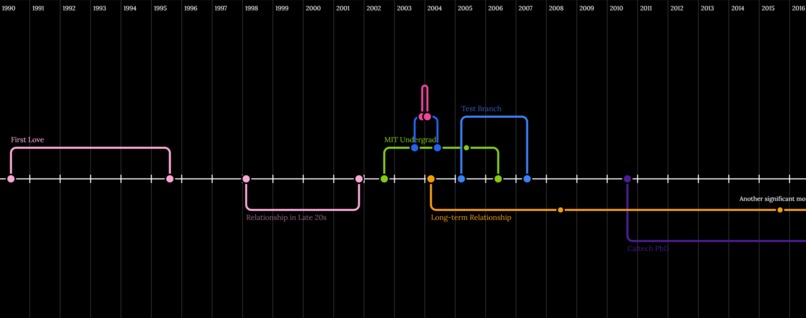
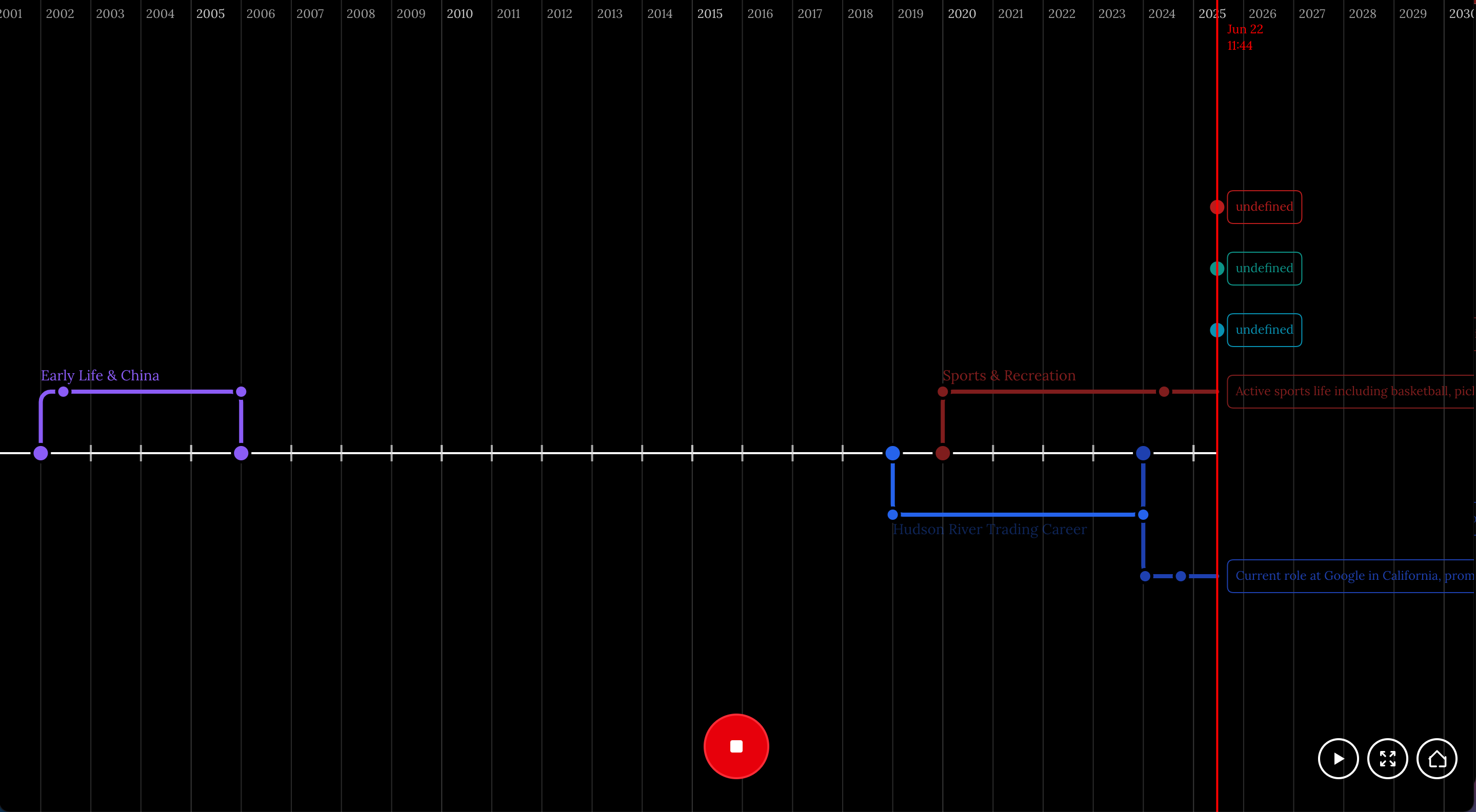
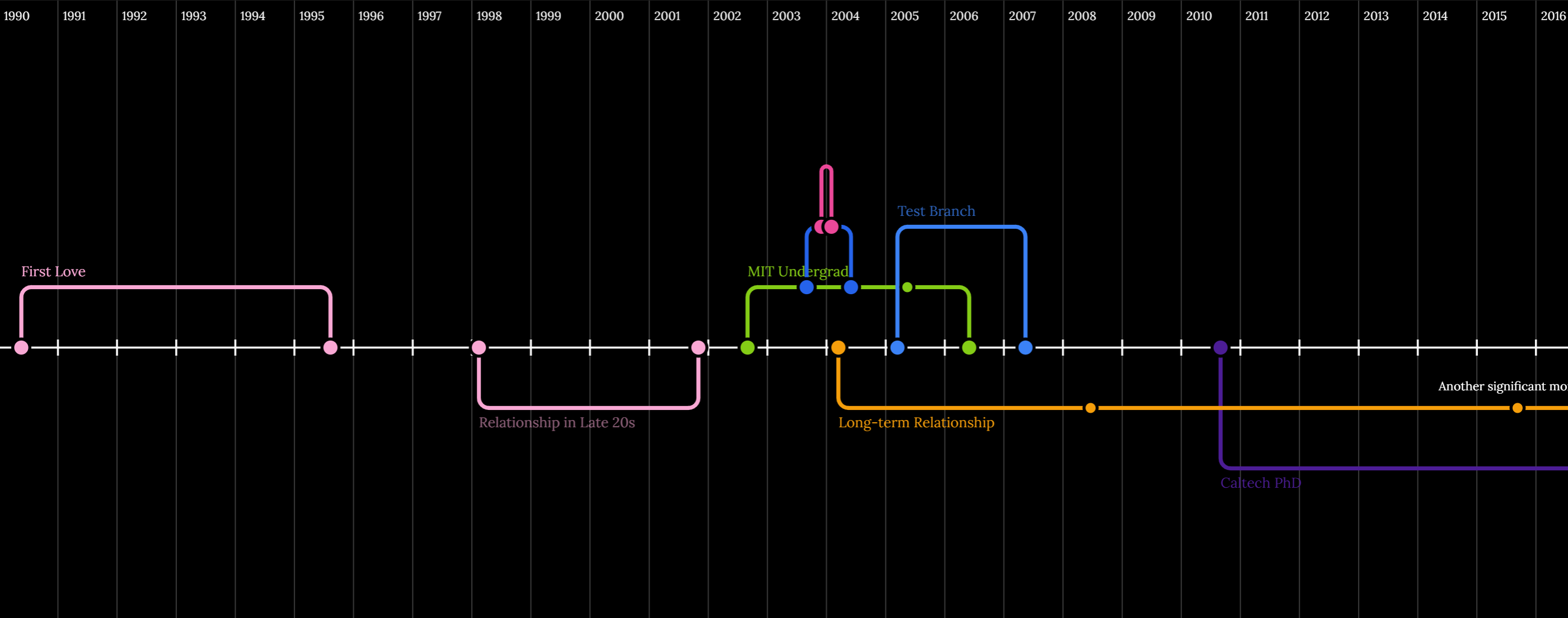
Tree of Life is an interactive timeline application that allows users to map out the major branches and events of their life. Users can create branches for different life phases (such as education, relationships, or career), add significant events (nodes) to each branch, and visualize how these experiences overlap and influence each other. The app provides a clear, visual representation of a user's life journey, making it easy to reflect on the past and plan for the future.
The app also features a video chronological playback mode, letting users watch their life story unfold as a dynamic animation. During live voice sessions, the timeline automatically zooms in and spotlights new branches and nodes as they are created, making the experience more engaging and interactive.
How we built it
We built Tree of Life using Next.js for the frontend and API routes, with TypeScript for type safety. The timeline data is structured as branches and nodes, with each branch representing a major phase or relationship, and nodes representing key events. The data is currently stored in static files for demonstration, but the architecture supports future integration with databases or user authentication. The UI leverages React components to render the timeline and its interactive elements.
To implement the video playback and dynamic zoom features, we used React state management and animation libraries to control the timeline's viewport and playback sequence, synchronizing these with user actions and voice commands.
Challenges we ran into
- Effectively prompting VAPI to create a natural-feeling method of speech input.
- Designing a flexible data model that can represent complex, overlapping life events and relationships.
- Selecting a performant and responsive rendering engine that supports increasing amounts of branches and nodes.
- Creating a timeline visualization that is both informative and easy to navigate.
- Handling edge cases, such as ongoing relationships or overlapping branches.
Accomplishments that we're proud of
- Being able to fully interact with the application with voice input, no typing required!
- Successfully modeling life events and relationships in a way that feels intuitive and meaningful.
- Building a clean and interactive timeline UI through helpful tooltips and disappearing labels
- Implementing video chronological playback and real-time zoom/spotlight on new branches and nodes during voice interaction.
What we learned
- The importance of a well-structured data model for complex visualizations.
- How to manage and render hierarchical data in React.
- Techniques for building scalable and maintainable Next.js applications.
- Best practices for synchronizing UI animations with real-time user input and voice commands.
What's next for Tree of Life
- Adding user authentication and persistent data storage.
- Allowing users to customize branches and events with more details, images, or tags.
- Improving the timeline visualization with animations and better navigation.
- Enabling sharing and collaboration features so users can build timelines together.
- Integrating AI-powered recommendations for life milestones or reflection prompts.
- Expanding video playback features and adding more interactive visual storytelling tools.
Built With
- claude
- next.js
- vapi


Log in or sign up for Devpost to join the conversation.