-
-
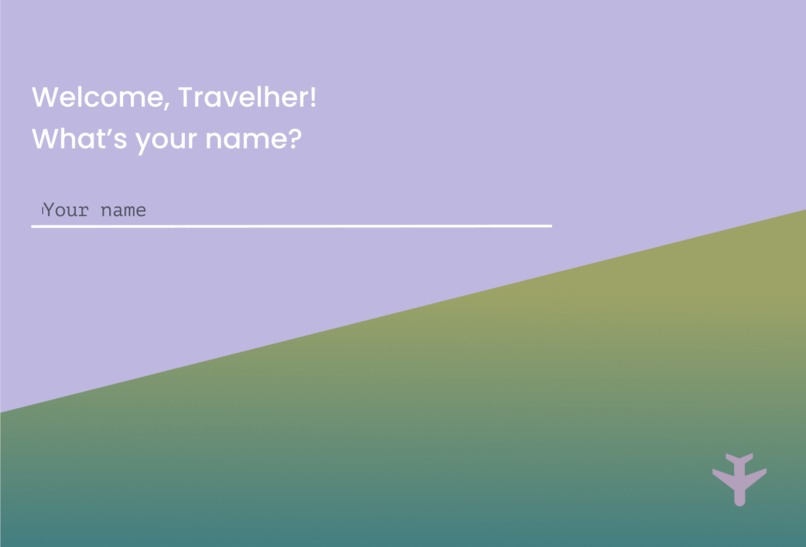
Landing page
-
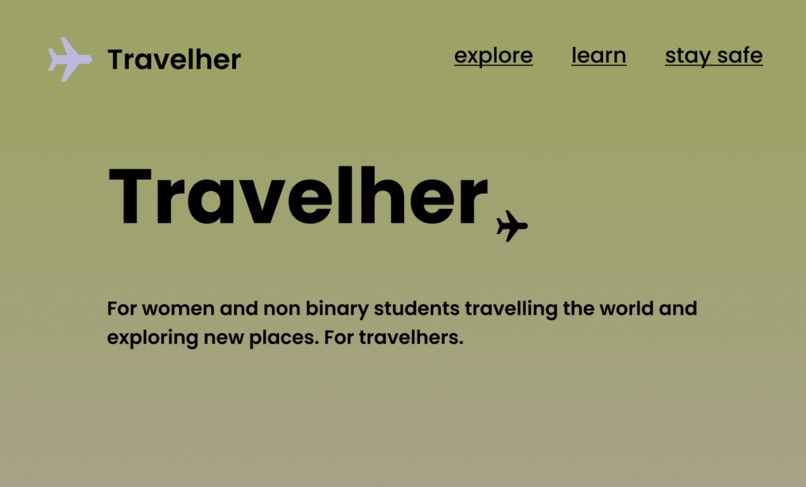
Home page
-
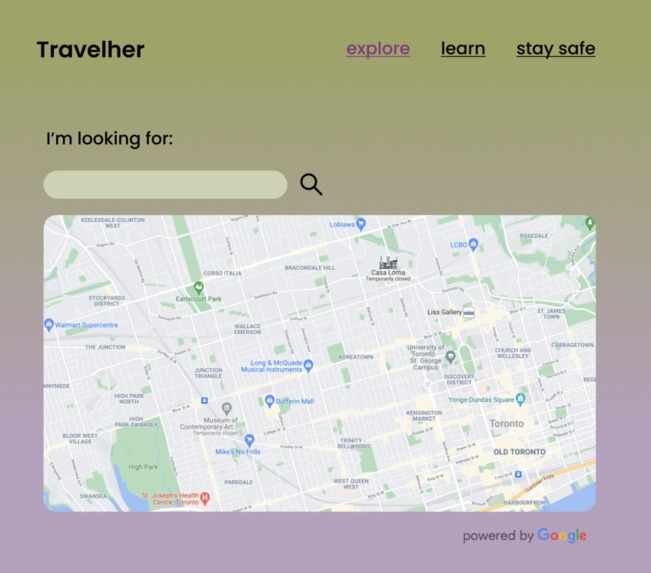
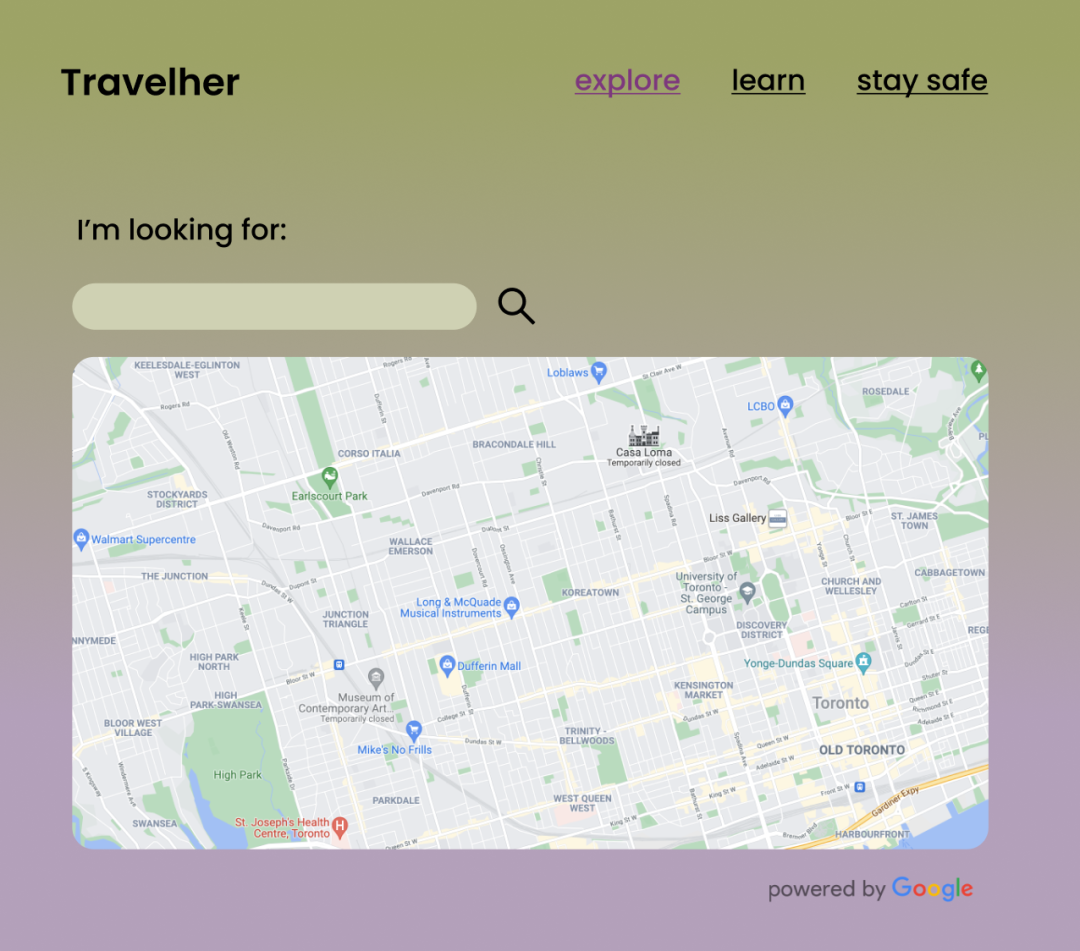
Explore
-
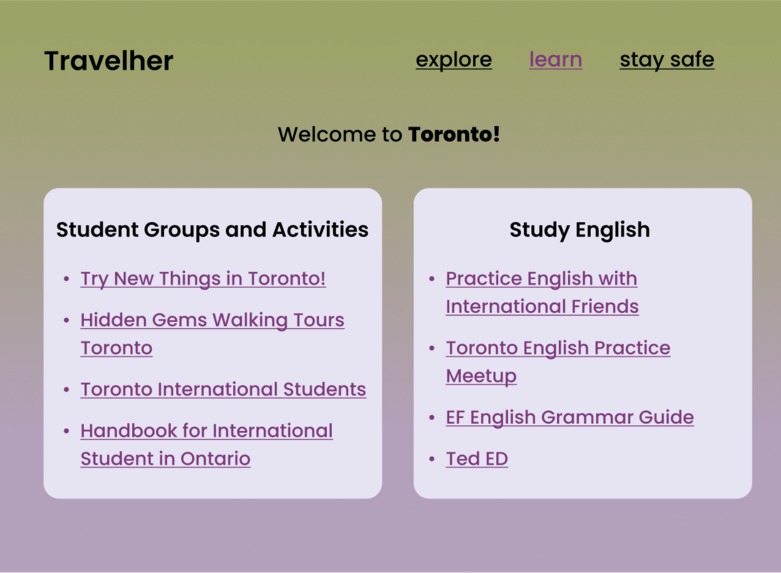
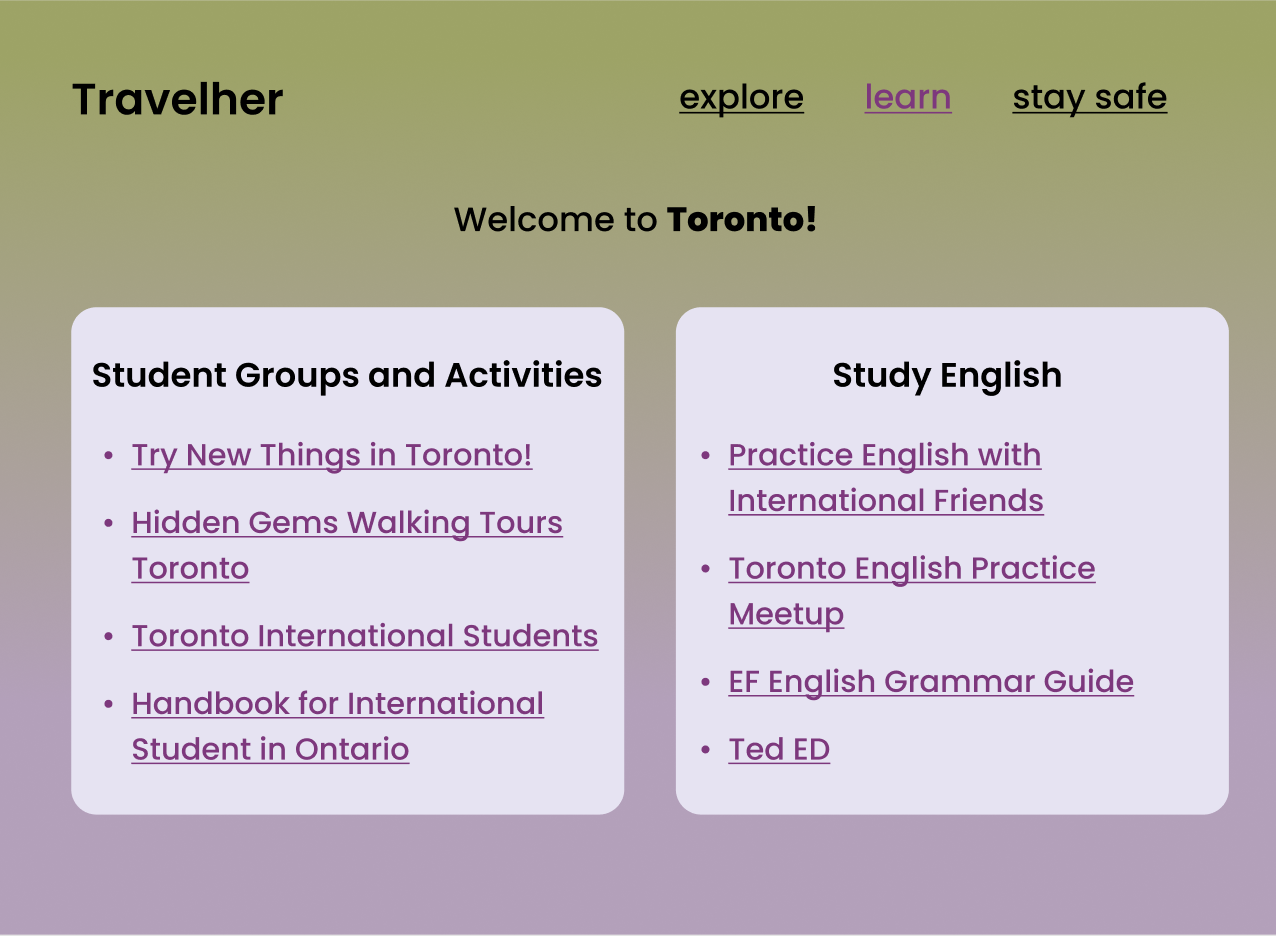
Learn
-
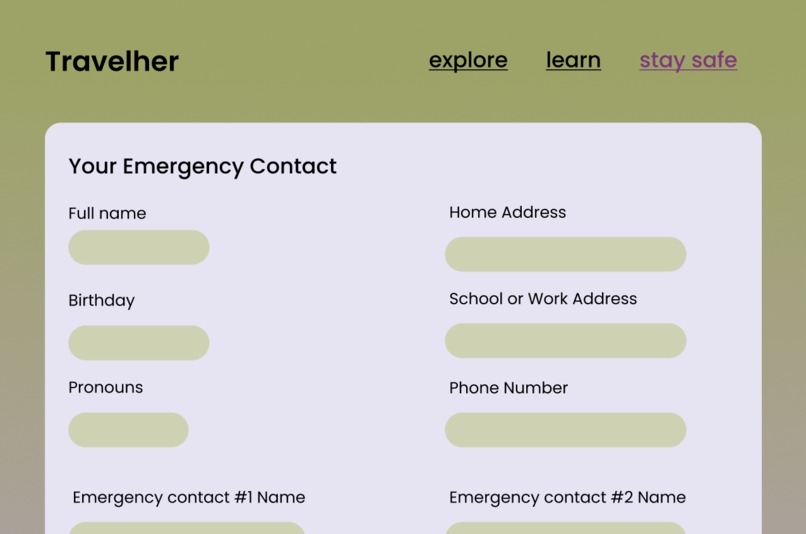
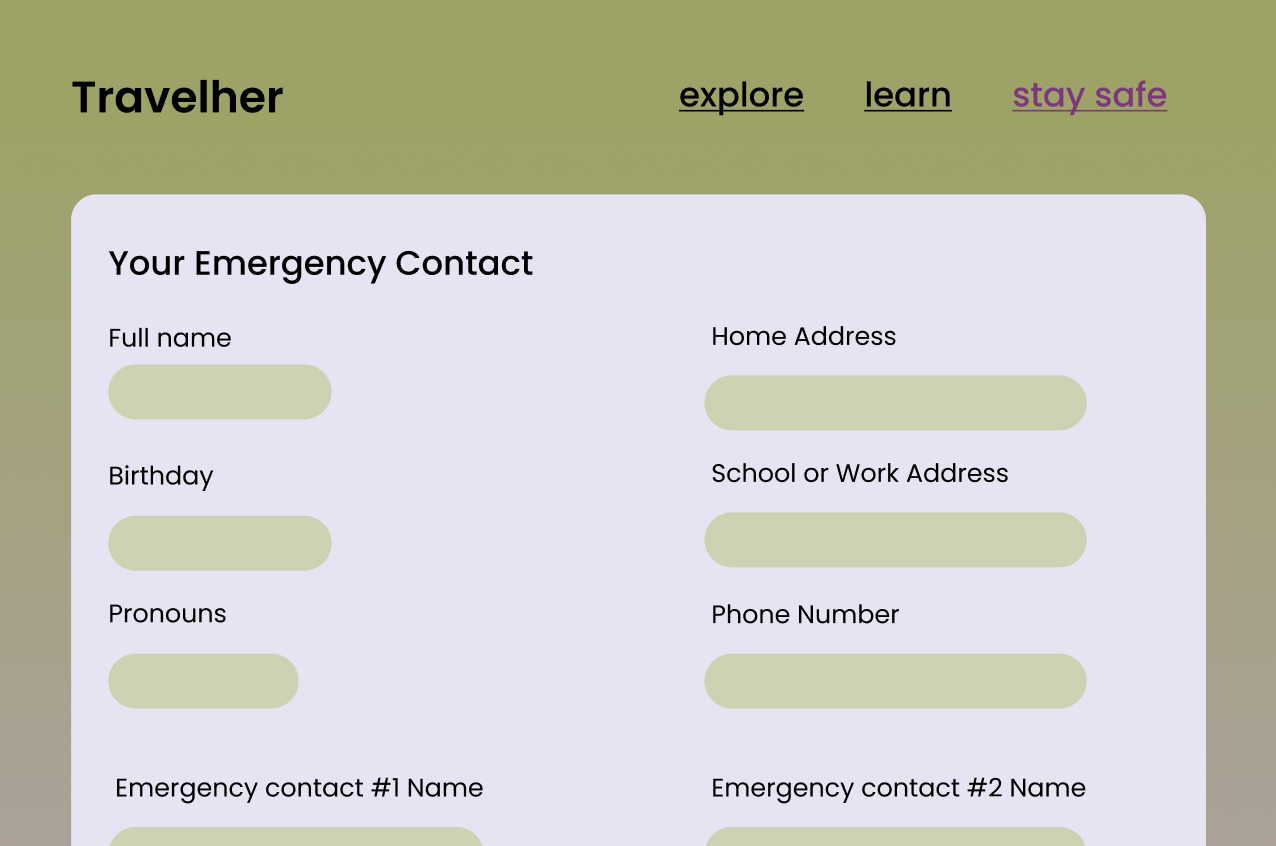
Stay Safe - emergency contact form
-
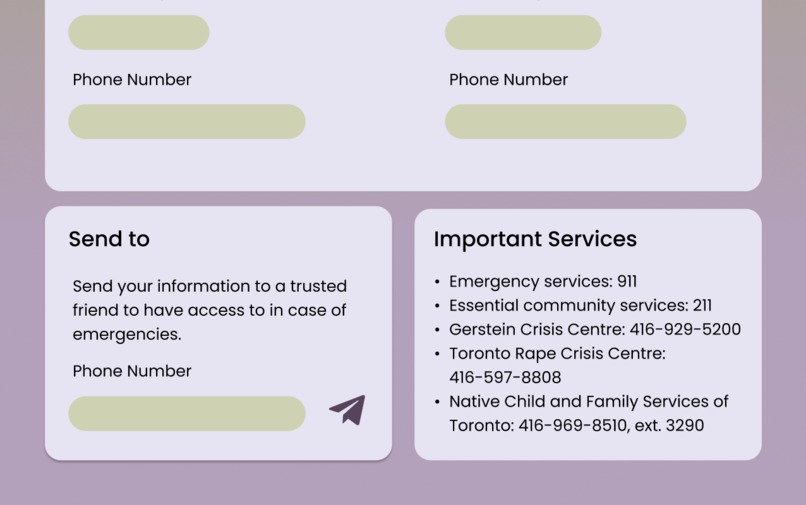
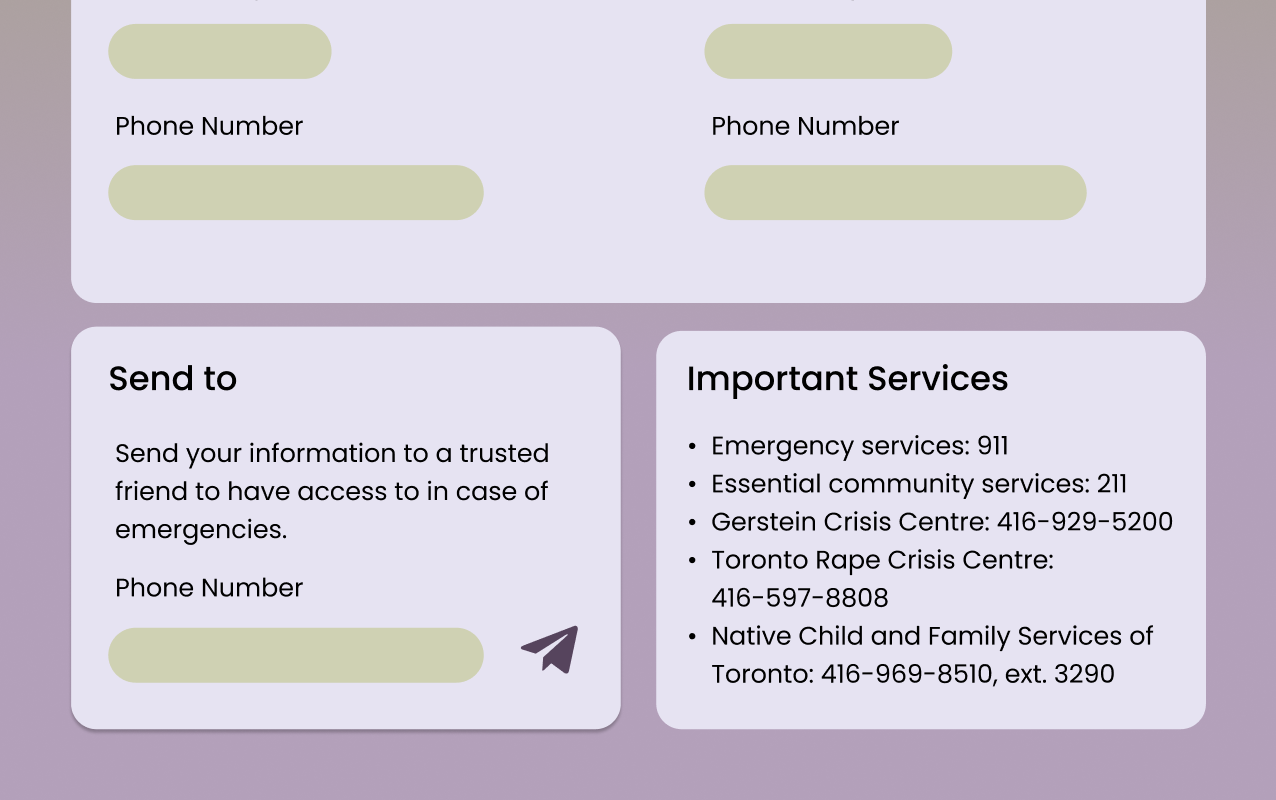
Stay safe - send emergency information + crisis and help lines
💡Inspiration
Our team had a unique perspective on the core mission of our end project, Travelher– one of us is an international student, one of us moved to Canada at a young age, and all three of us have a deep passion for language and culture. Our personal experience immediately made us interested in building a hack that ultimately works to connect people across cultures, so we chose to focus on supporting women and non binary students who study abroad. We focused on building bridges.
Women have been forced to carry the responsibility of keeping themselves safe when travelling alone from a young age, told to not dress a certain way, to be home before it gets dark. The burden only increases for those who choose go abroad for school: now in a new country juggling culture, language, and lifestyle changes, personal safety is yet another thing they must consider everyday. An April 2021 survey found that 88% of women felt unsafe or threatened while travelling.
🌎 What it does
Travelher offers three main functionalities for users: Explore, Learn, and Stay Safe. Through Explore, users will be able to find recommendations for places of interest near them through the Google Maps API. Learn offers customized lists of local international student groups and gatherings based on the user's city of study, as well as language learning materials for the country's main language. Finally, Stay Safe gathers emergency info about the user, including name, age, addresses, phone numbers, emergency contacts and pronouns, then implements the Twilio API to format and send the information to a phone number given by the user. This allows a trusted friend to have specific and helpful information should an emergency ever happen. Stay Safe also displays location-specific crisis and emergency lines.
💻 How we built it
After narrowing down to a couple specific problems we wanted to focus on, we moved onto creating a mockup of the UI using Figma, then finally adding on animations to create a working prototype of our website. We then began coding the HTML and CSS frontend on Repl.it, an online IDE, and Visual Studio Code to begin work on implementing the Twilio API.
🔥 Challenges we ran into
We came up with lots of ideas during the ideation process, but as a team of beginners, had to make choices to narrow down what we believed would challenge us over the duration of the hackathon while still being manageable in execution. We faced lots of challenges early on with CSS formatting as we tried to keep our website design as elegant and intuitive as possible. Double column forms using Flexbox also proved to be a challenge, but we all learnt a lot through all the extensive research and debugging we did along the way. One of the biggest challenges we faced was the time crunch, and at the end of the day, we weren't able to complete some aspects that we had originally set out to do, but instead prototyped them as Figma designs.


Log in or sign up for Devpost to join the conversation.