TravelAble
Inspiration
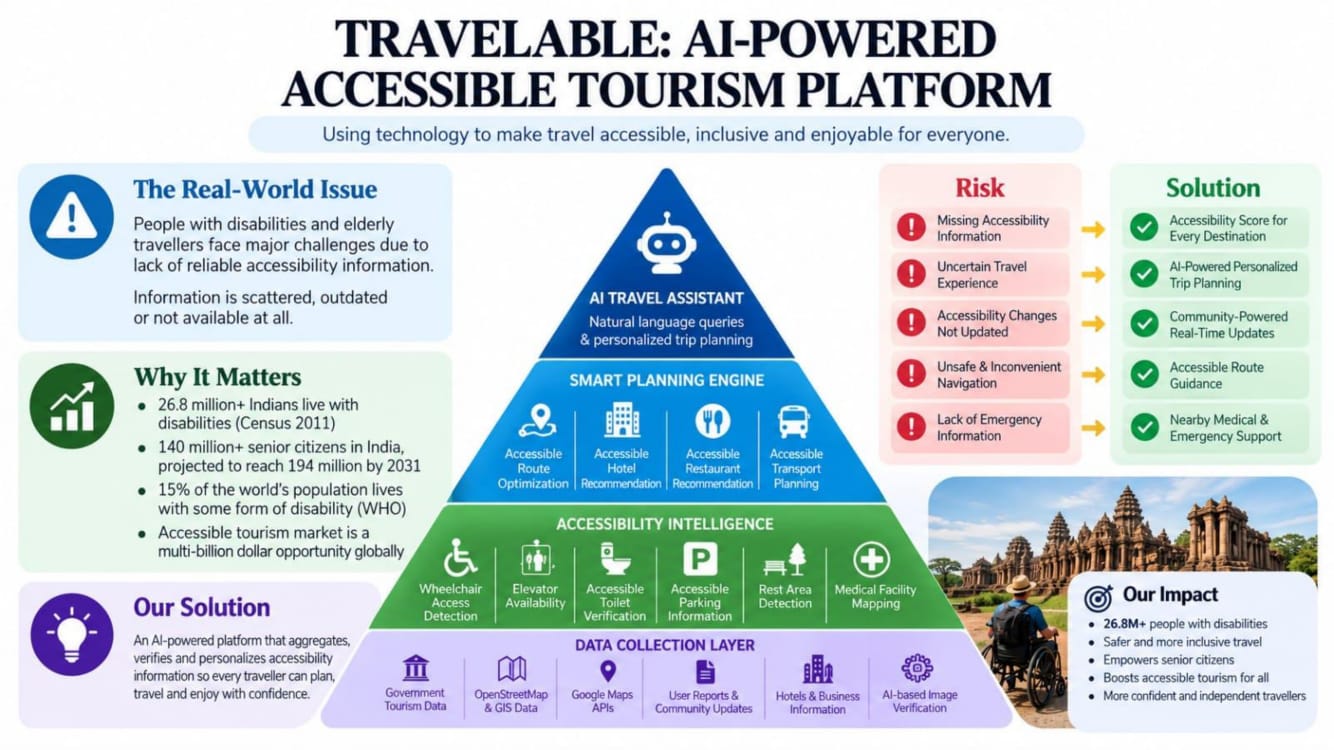
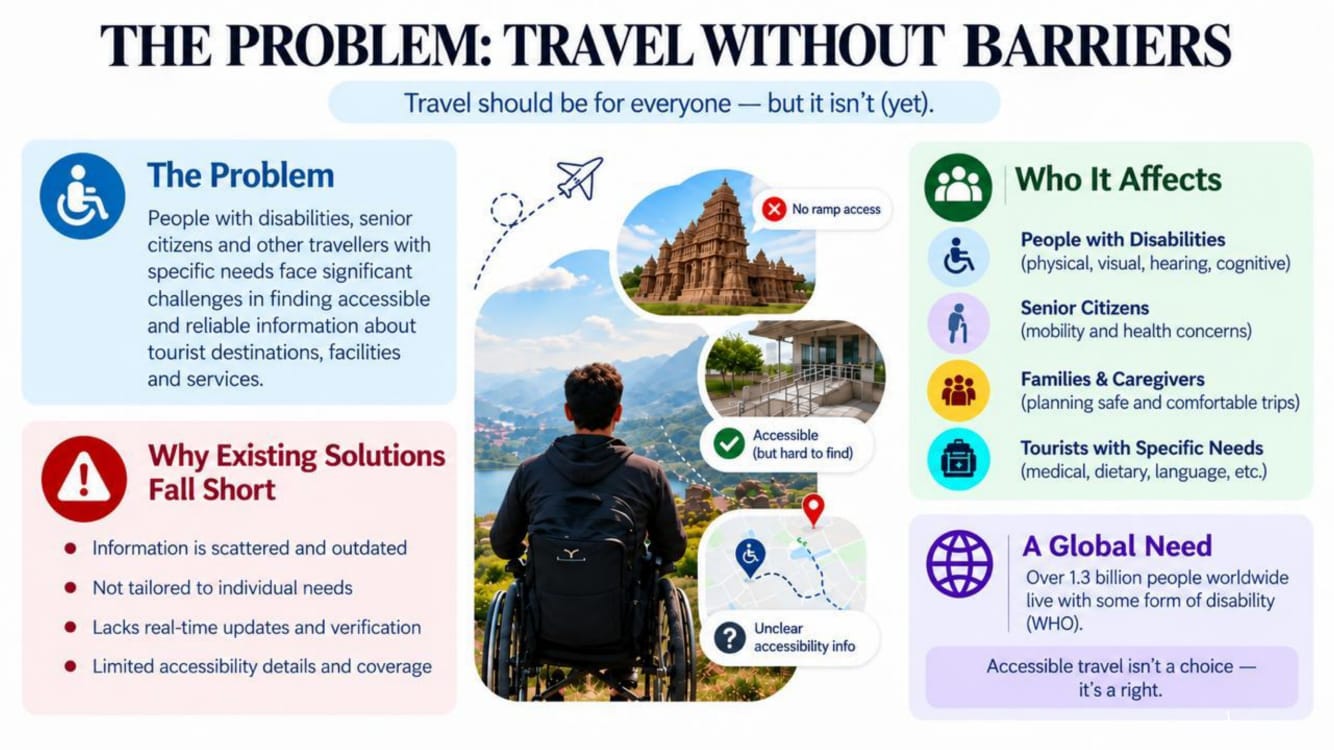
Travel should be accessible to everyone, but for people with disabilities, planning a trip can be much more difficult. Information about wheelchair accessibility, ramps, accessible transportation, assistance staff, and suitable hotels is often scattered across different platforms or not clearly mentioned.
This inspired us to build TravelAble, an accessibility-focused tourism platform that helps travelers discover destinations, hotels, transportation, and other travel services based on their accessibility requirements.
Our goal was simple: make travel planning more inclusive, convenient, and accessible.
What We Learned
While building TravelAble, we learned how to turn an idea into a functional web application.
We improved our understanding of:
- React.js and component-based development
- JavaScript and JSX
- React Router for navigation between pages
- React Hooks such as
useState - Context API for sharing application data
- Responsive web design
- Managing and displaying structured tourism data
- Creating accessibility-based filtering and matching logic
- Working with location and map-related information
- Using Git and GitHub for project development
- Designing a user-friendly interface
One of the most important things we learned was that building a project is not only about writing code. We also had to understand the user's problem, decide which features were actually useful, and continuously test and improve our solution.
How We Built TravelAble
We developed TravelAble as a React-based web application.
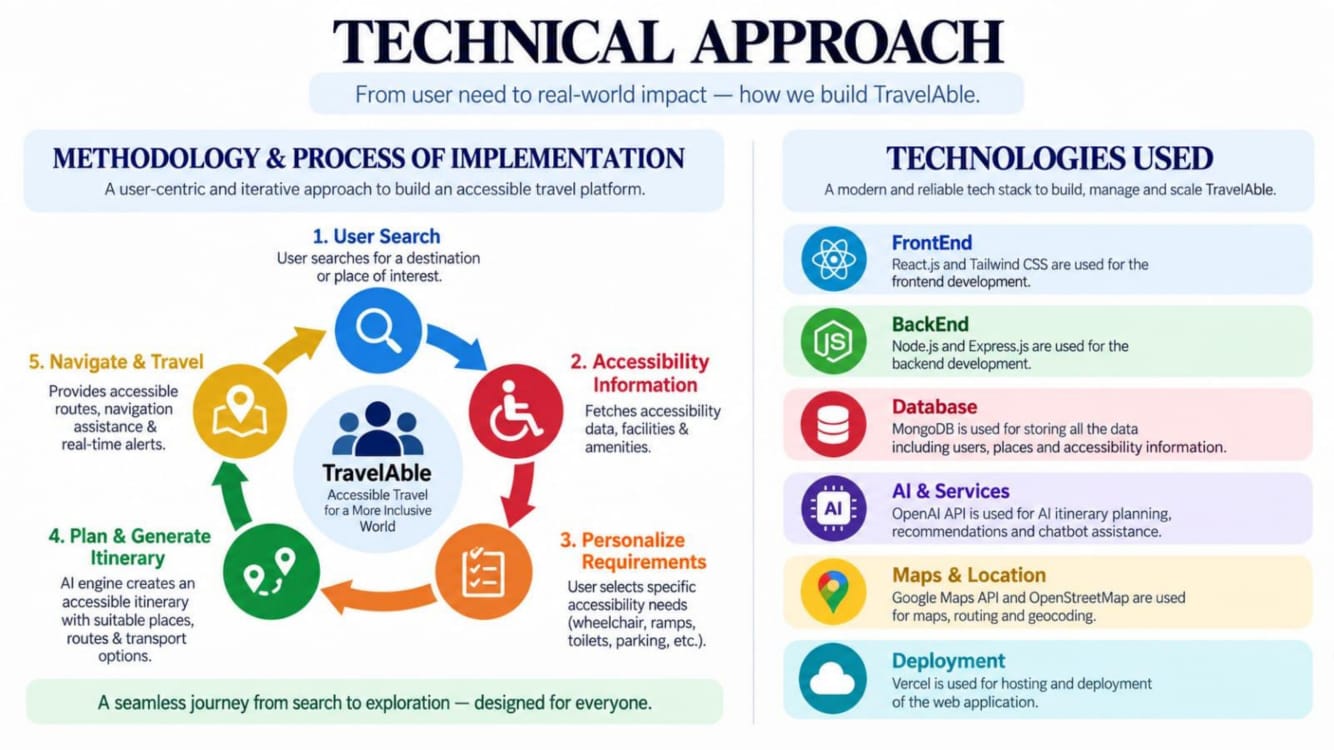
Technology Stack
- Frontend: React.js
- Programming Language: JavaScript
- UI: HTML5, JSX and CSS3
- Routing: React Router
- State Management: React Context API and React Hooks
- Build Tool: Vite
- Package Manager: npm
- Data: JavaScript/JSON-based tourism data
- Location: Geolocation and map-related integration
- Version Control: Git/GitHub
We designed the application around different categories of accessible travel services, including:
- 🏞️ Destinations
- 🏨 Hotels
- 🚐 Accessible vehicles
- 🧑🏫 Guides and assistance
- 🚆 Transportation
We also created an accessibility matching system. Users can have different requirements such as wheelchair access, ramps, elevators, or assistance staff. TravelAble uses these requirements to calculate an accessibility score and match percentage, helping users identify options that better suit their needs.
For example, the application can represent accessibility features using structured data such as:
accessibility: ["wheelchair", "ramps", "assistanceStaff"]
This information is then processed by our accessibility logic to provide more meaningful recommendations to users.
Challenges We Faced
1. Building the Project as Beginners
One of our biggest challenges was implementing a complete React application while still learning the technology. We had to understand components, routing, state management, and data flow while simultaneously developing the project.
2. Managing Different Types of Accessibility Data
Accessibility is not a single requirement. Different travelers may need different facilities.
For example:
- Wheelchair users may require ramps and accessible vehicles.
- Travelers with mobility difficulties may need elevators.
- Some travelers may require assistance staff.
We had to structure this information in a way that could be easily searched, filtered, and compared.
3. Creating the Matching System
Another challenge was developing logic that could compare a user's accessibility requirements with the facilities provided by a destination, hotel, or vehicle.
We created accessibility scoring and matching logic so that users could get a clearer idea of how well an option matches their requirements.
4. Finding Suitable Images and Data
We needed images and realistic information for multiple destinations, hotels, and vehicles. Finding suitable resources and organizing the information consistently was time-consuming.
5. Making the Website Responsive
We wanted TravelAble to work across laptops, tablets, and mobile devices. Adjusting layouts, cards, navigation, images, and other components for different screen sizes required repeated testing and improvements.
What We Are Proud Of
The main thing we are proud of is that TravelAble is built around a real-world problem rather than being just another tourism website.
Instead of simply showing places to visit, we focused on answering an important question:
“Can this place actually meet my accessibility needs?”
TravelAble brings accessibility information into the travel-planning process and aims to make tourism more inclusive.
What's Next
We see TravelAble as a starting point rather than a finished product.
In the future, we would like to add:
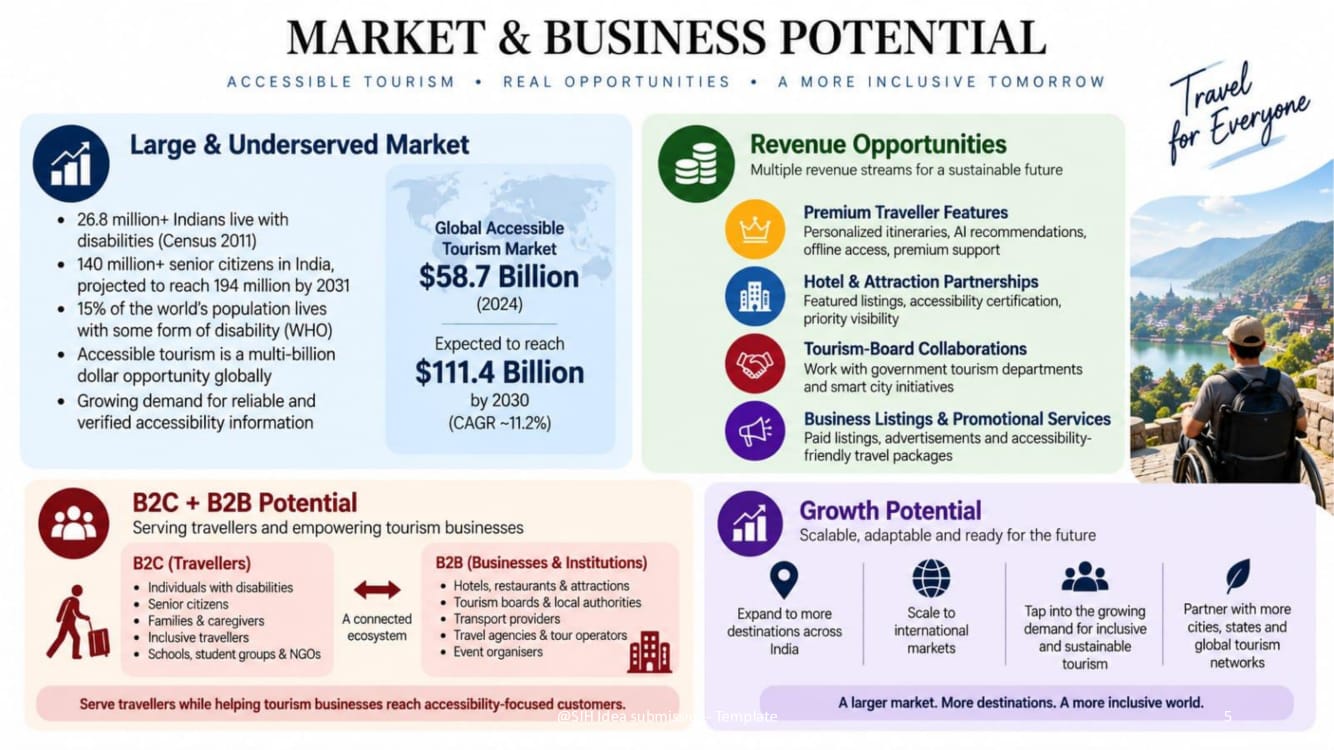
- AI-powered personalized travel recommendations
- More accurate real-time accessibility information
- Reviews specifically focused on accessibility
- Verified accessibility information from hotels and service providers
- Route planning based on accessibility requirements
- Voice-based assistance
- Multilingual support
- Integration with real-time transportation and booking services
Our long-term vision is to create a platform where accessibility is considered a standard part of travel planning rather than an afterthought.
Conclusion
Building TravelAble taught us that technology can be used not only to make things faster, but also to make experiences more inclusive.
Through this project, we learned React, improved our development skills, faced challenges with data, accessibility logic, responsiveness, and integration, and most importantly, learned how to build technology around the needs of real users.
*TravelAble — Making travel more accessible, one journey at a time.
What it does
TravelAble is an accessibility-focused tourism platform designed to make travel planning easier and more inclusive for people with different accessibility needs.
Instead of simply listing tourist destinations, TravelAble helps users find accessible destinations, hotels, transportation, vehicles, and assistance services based on their requirements.
Users can explore available options, view accessibility features, compare suitable services, and understand how well a particular option matches their needs through an accessibility score and match percentage.
Our goal is to make accessibility an important part of travel planning rather than something travelers have to figure out separately.
How we built it
We built TravelAble as a React.js web application using a component-based approach.
Technologies used
- React.js — Frontend development
- JavaScript — Application logic
- JSX — UI structure
- HTML5 & CSS3 — Structure and styling
- React Router — Page navigation
- React Hooks — State and interaction management
- Context API — Sharing application data
- Vite — Development and build environment
- npm — Package management
- JavaScript/JSON data — Tourism and accessibility information
- Git/GitHub — Version control
We organized the application into different categories such as


Log in or sign up for Devpost to join the conversation.