
Whole Story
This hack has been dedicated to creating a route recommendation system for travelers on a budget. The inspiration for this idea comes from personally experiencing the hassle of searching for and deciding between different transportation and travel pricing options to get from one place to another. That said, the objective of this system is to provide a web application that automates this search process for the user. Most of the project was dedicated to gaining an understanding of various travel API’s, learning how to aggregate information from them, and integrating that information into a programming context I was able to work with. I decided to analyze only two forms of transportation: driving and flying. As reflected in the web application, a user is first prompted as to whether they wish to drive or fly. Depending on what the user selects, he/she will be directed to the appropriate page to begin filling out the necessary information in order for our system to generate the cheapest travel routes that are within the provided travel budget.
I used radar.io python SDK , https://github.com/radarlabs/radar-python Regions function to detect a user's country, state, and postal code. I also used the Radar geocoding feature to mark pointers on the map for the given coordinates and also to mark/show a route between them.
I found the Google Maps API to be an effective tool to leverage. I utilized the Google Maps API for its locational data to generate travel routes between any two different locations. In order to quantify the cost of a driving route, I needed a way to figure out how to find the gas prices per gallon in order to calculate the driving route costs. I successfully extracted the average per gallon gas prices for the different types of fuel within all 50 states from https://gasprices.aaa.com/state-gas-price-averages using Web scraping with python.
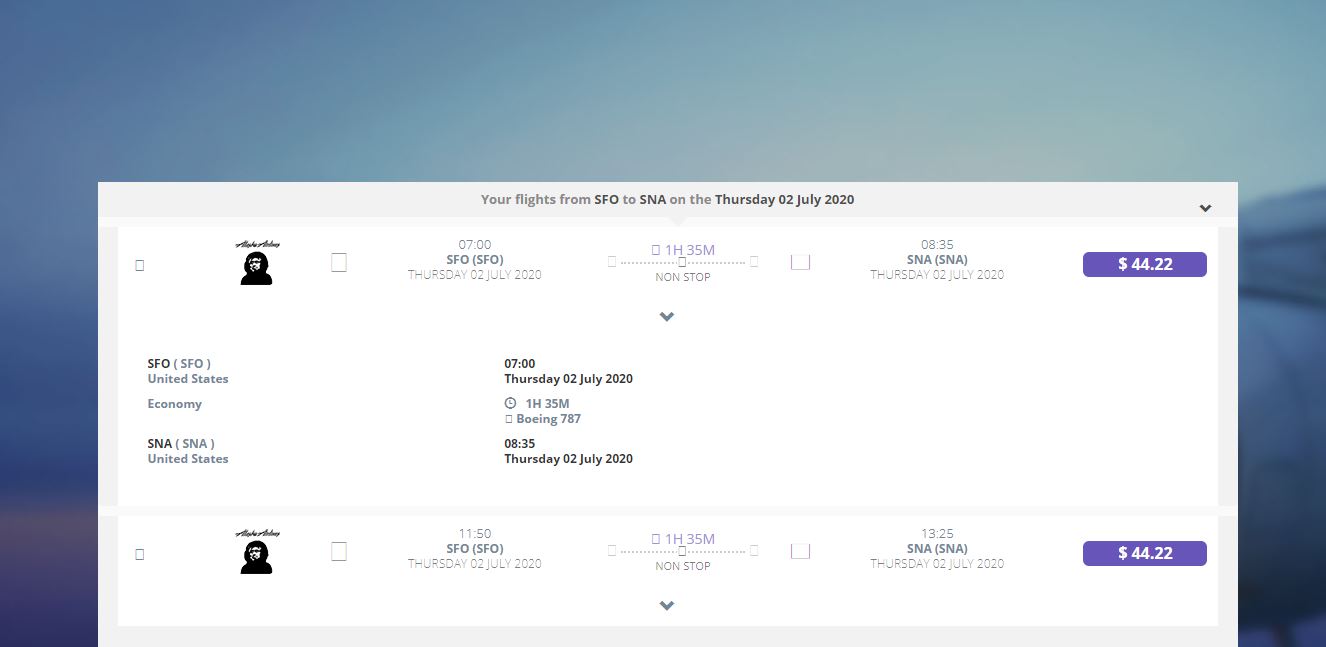
I made use of the flight API, Amadeus. There were many functions in the API but for the scope of this hack, I predominantly made use of “Flight Offers Search” which searches flights among more than 400 airlines around the world. Using the API engine, Postman, in combination with this special function, I was able to generate information about flights between two input locations such as flight cost, seat availability, and airline providers.
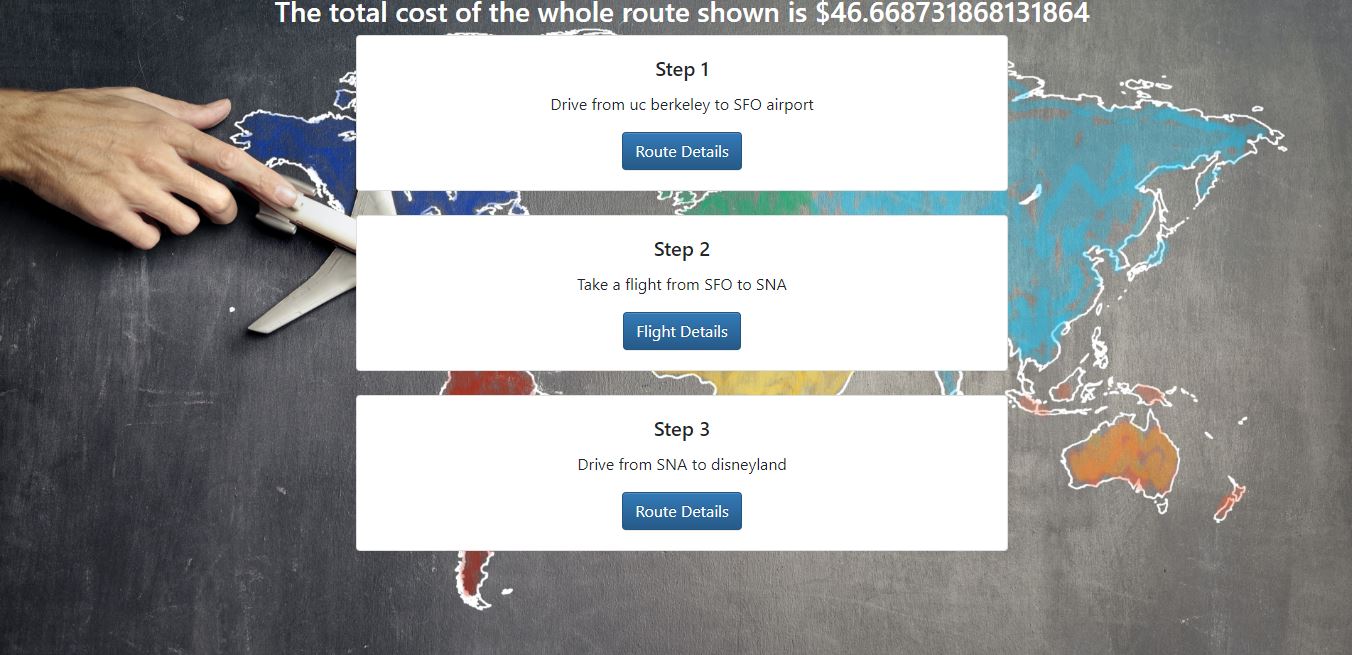
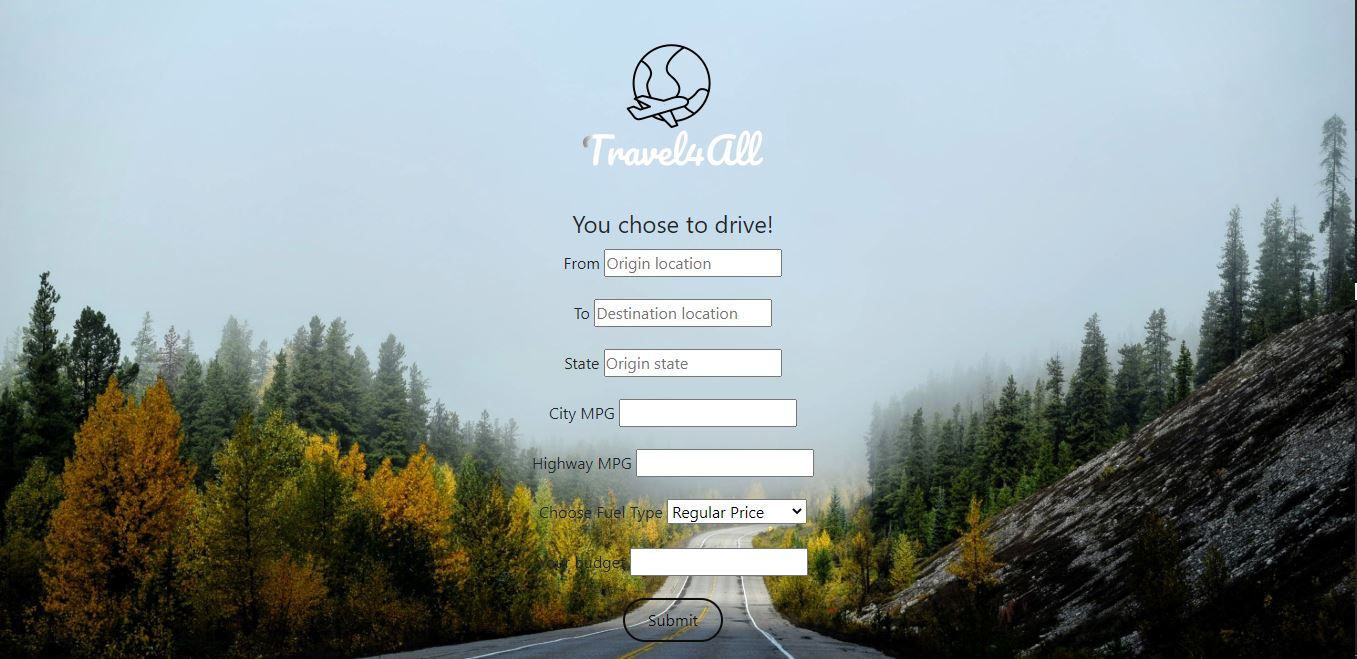
Talking about the webpage, the whole frontend was built using HTML, CSS and was supported by a flask python backend to integrate the APIs and display the best travel plan. The first page introduces prompts the user to select whether he/she will be flying or driving. If the user selects to fly, he/she will then be taken to a page to fill in the origin and destination location, departure date, and intended budget. If the user selects to drive, he/she will be prompted to fill in the same trip logistics with the addition of his/her car’s fuel type, origin state, city MPG, and highway MPG. In either case, the output consists of the cost of the cheapest trip within the stated budget as well as a snapshot of the driving routes involved. I made use of Radar and Google Maps to show the routes on map.

Log in or sign up for Devpost to join the conversation.