WakeupBot
9am meetings suck. But you know what sucks even more? When that one dev who works remote just keeps sleeping through your 9am Slack meetings. Fortunately, there's now a solution! Enter WakeupBot.
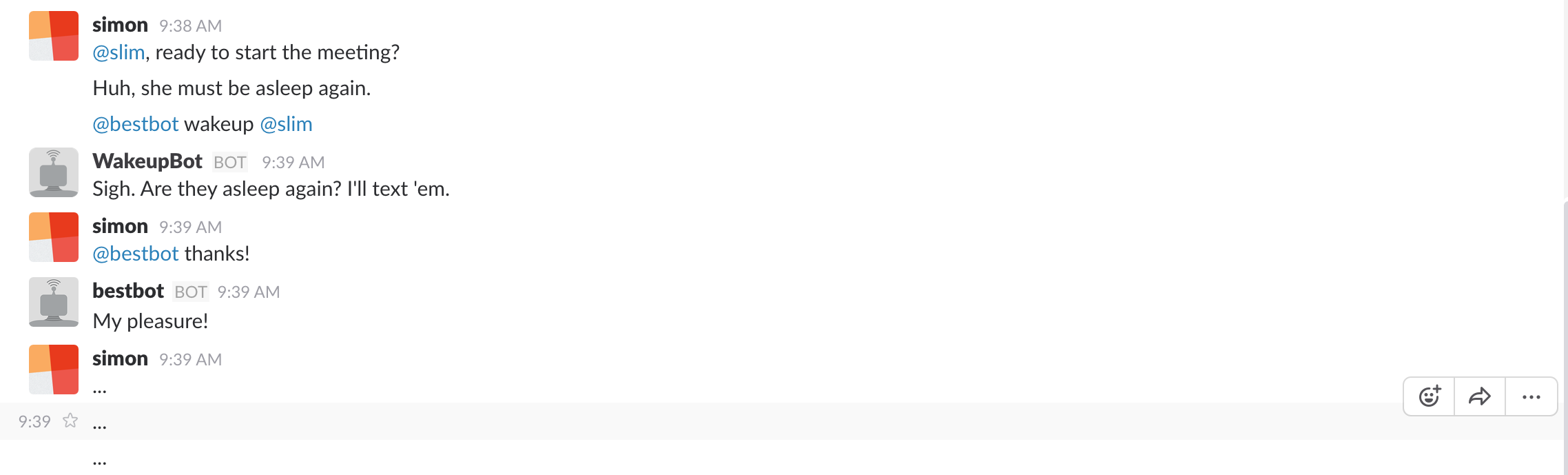
Invite WakeupBot to your meeting channel, and send it to go wake up that dev by mentioning it followed by the request wakeup @<sleeping dev>. It'll then, very kindly, send your sleeping beauty a wakeup text (via the Twilio SMS API)!
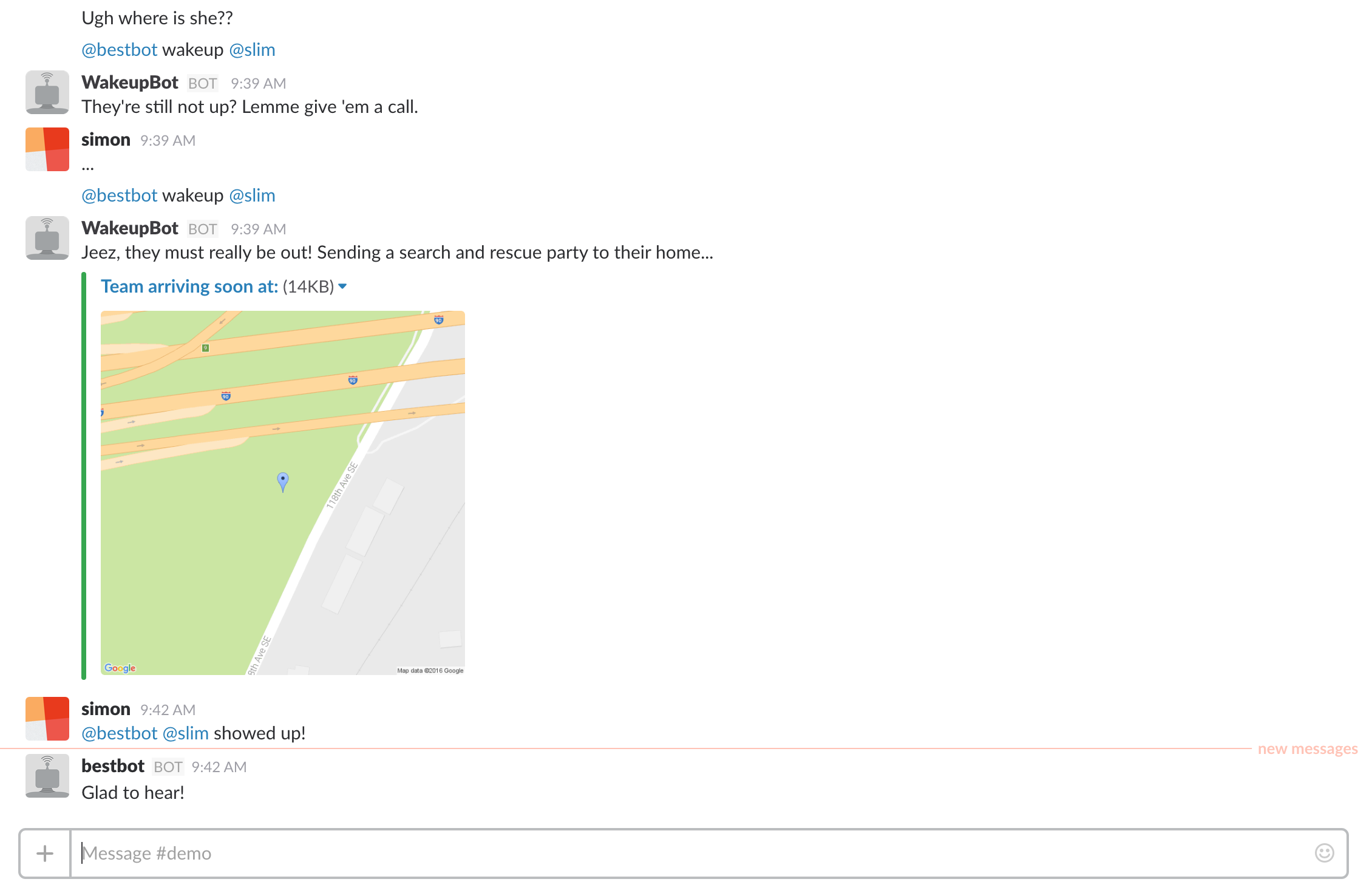
If, unfortunately, they still don't show up, a second invocation of @<bot> wakeup @<sleeping dev> and WakeupBot will try again, this time with a gentle wakeup phone call (via the Twilio calling API). A third time, and WakeupBot will bring out the big guns, doing a reverse-lookup on their phone number (via the Twilio Lookup API with the Next Caller Advanced Caller ID add-on) to get their home address and dispatch a search and rescue party for our truly unconscious dev.
Once they show up, let WakeupBot know with @<awakened dev> [came/is here/showed up]!
Setup
To integrate WakeupBot to your Slack team, follow the steps below.
- Clone this repo, and run
npm install. - Create a "Custom Integration" for your Slack team, of type Bot.
- Add a config.js file to the root of this project, of the format:
javascript
module.exports = {
TWILIO_ACCOUNT_SID: '', // Twilio IDs and tokens
TWILIO_AUTH_TOKEN: '',
TWILIO_TWIML_APP_SID: '',
TWILIO_CALLER_ID: '', // Twilio phone number to send from
SLACK_TOKEN: '', // Bot integration API token
PHONE_NUMBERS: {
<user Slack ID>: <phone number> // ID and phone number of each member of the team
},
RESPONSES: {
<user Slack ID>: 0 // Tracks the escalation level
},
GOOGLE_MAPS_KEY: '' // Key for the Google Maps api (only static map access required)
};
Deploying
Once set up, simply run node index.js locally to deploy the bot (deploying an instance of the project locally will deploy the bot for the entire team). No hosting is required.
Example conversation
See below an example wakeup flow!


Log in or sign up for Devpost to join the conversation.