-
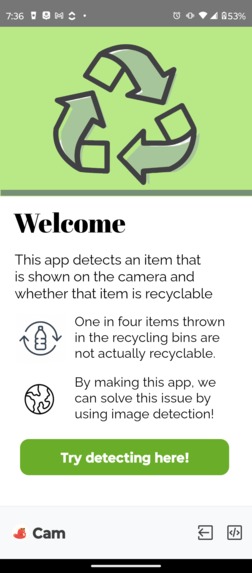
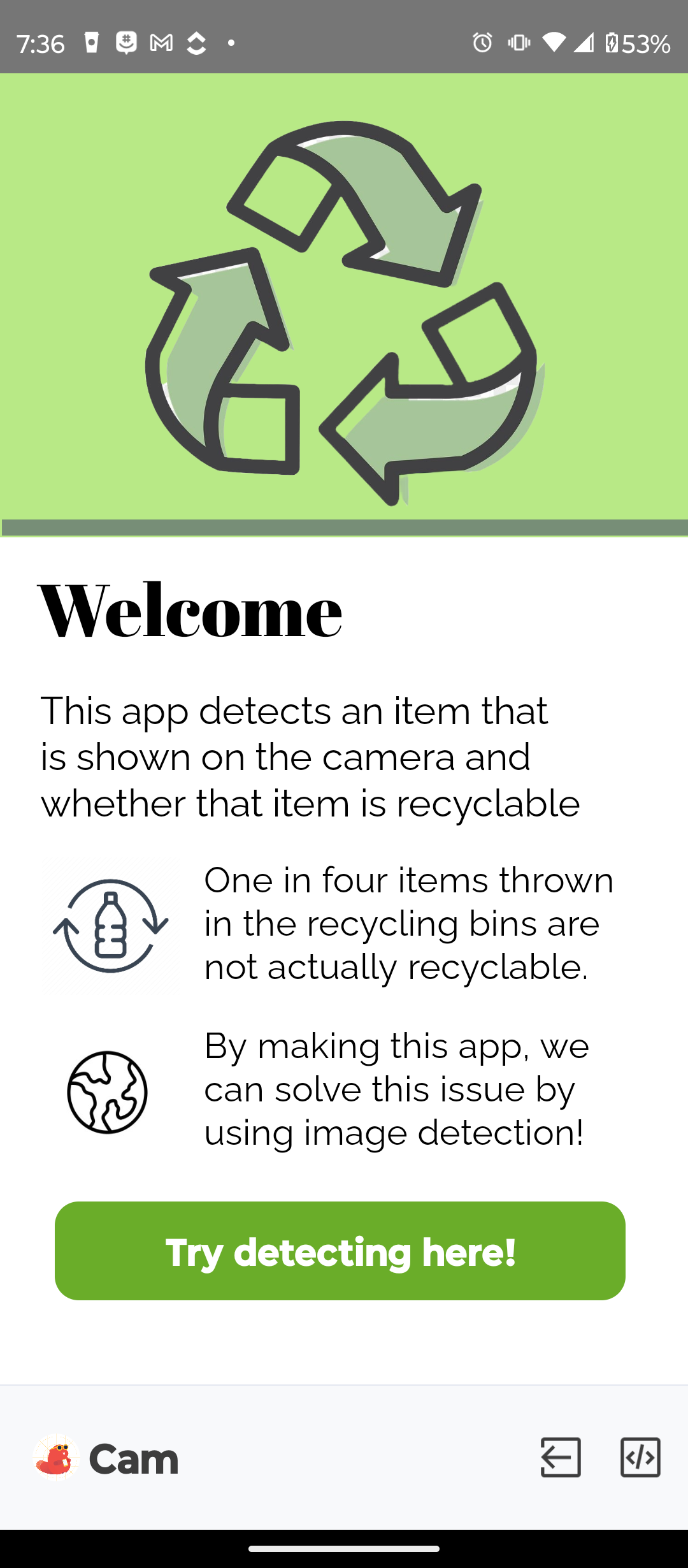
This is the start screen of the app. It states what the apps function is and its benefits. There is a button to start to image detection.
-

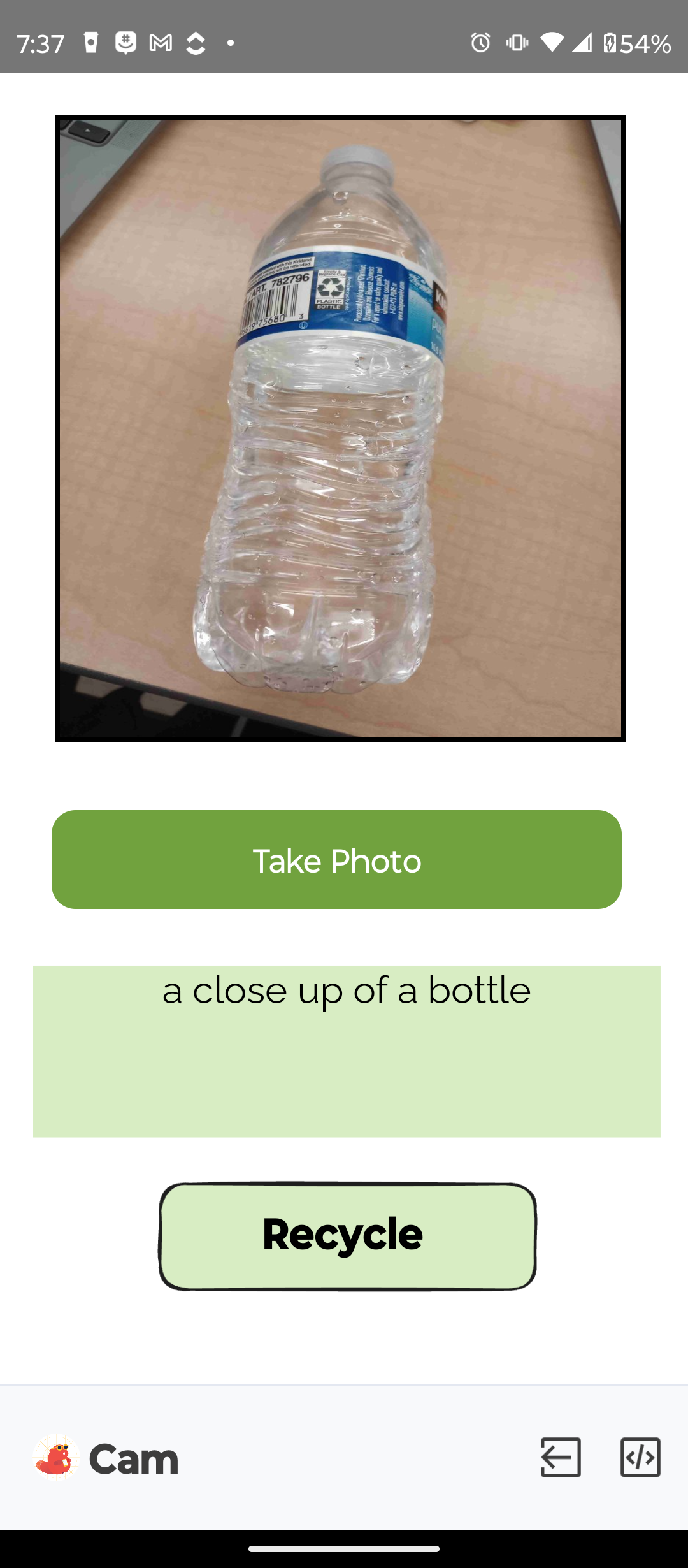
This is the image detection screen of the app. You take a photo of the item and then it returns the item and its recycling condition.
-
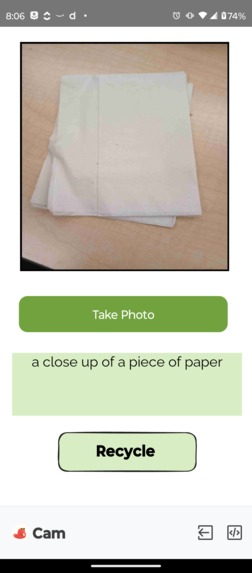
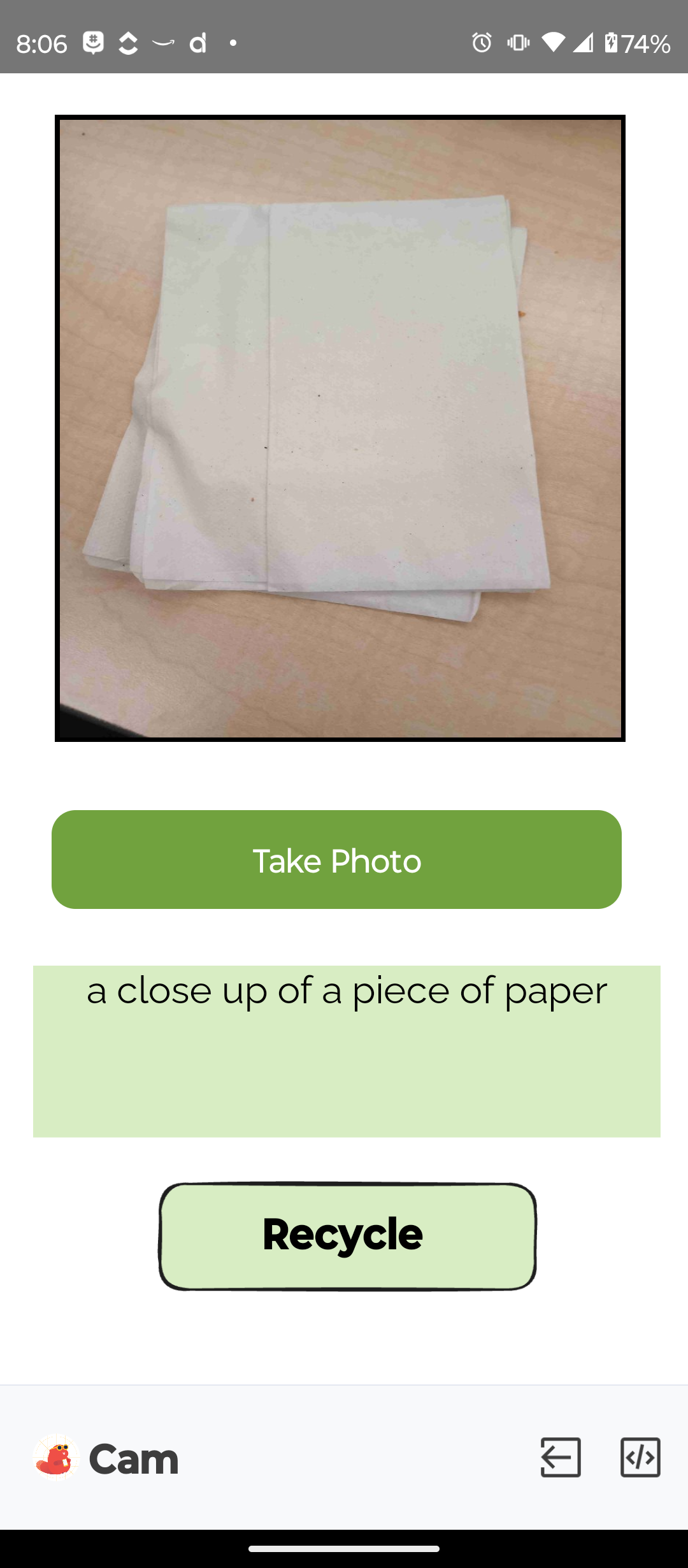
This is another example of the image detection part of the app. We took a photo of a napkin/paper and it was classified as recyclable.
Inspiration
Our inspiration behind this project is that whenever throwing away or recycling certain items, there is no clear source if that claimed to be recycled item, is actually recyclable. One in four items thrown in the recycling bins is not actually recyclable. By making this app, we can aid in solving this issue by making users aware of whether an item can be recycled by using image detection (Artificial Intelligence).
What it does
This app detects an item that is shown to the camera and whether that item is recyclable or if it is trash. The app analyzes the item in the picture and it gives the user data on what the item is and whether that item is recyclable or not, so they are able to dispose of it properly.
How we built it
We built this app by using an app development platform called Thunkable. We started off by using certain keywords to detect the image without any data sets. Afterward, we started implementing data sets that have keywords for the recyclable items. We had to edit the design of the app by having two different screens, one is the start screen where the user sees the function of the app and then the user is able to press a button to navigate to the second screen. This screen is where the user is asked to take a photo of their item and the app gives an output based on the photo.
Challenges we ran into
A challenge we ran into was implementing the data sets. It was our first time using Thunkable, and getting used to the programming website was difficult at first. Since we are all used to coding and not block-based coding it was a little complicated and overwhelming. But after testing out the website for a while, we got used to the block-based coding to use for our app. For the data sets, we were not sure how to implement Google Sheets into Thunkable, so we had to overcome that challenge first. After that, we were not sure how to iterate through the data set, but after playing around with some blocks we got it to work. Before using Thunkable, we were struggling for 15 hours with using software, since we were on school laptops (required admin for downloading and running apps). Since the software downloading did not work, we tried to figure out how to implement AI models, but we faced additional issues, and was overall complicated.
Accomplishments that we're proud of
A few accomplishments we are proud of are learning how to navigate and use a new block-based programming website. We also managed to integrate data sets into Thunkable. We are also proud of our perseverance throughout the whole Hackathon. Although we ran into many difficult issues, we still managed to figure out how to implement our ideas into code!
What we learned
We have learned multiple ways how to use Machine Learning/AI to help expand our project ideas. Also, we have directly worked with data to process given information and output a response. Throughout the project and hackathon, we have experienced a variety of situations, and that will help us learn when participating in future hackathons.
What's next for Trash & Recycling Photo Detection
The next step for Trash and recycling Photo Detection would be having a real-time webcam/phone camera detection around the trash can. If the item is recyclable an LED light would light up green, if not and it's trash, it would light up red. Another step is possibly training an AI model to identify if certain materials and conditions of an item are recyclable. For example, if a greasy pizza box were to be held up to the motion detection camera, it would identify the item and then state if it’s recyclable or not based on its material and conditions. To expand on that step, having a user-interface option where the user can enter the condition of the object and then we can use the train model to analyze different data inputs and give a detailed response to the user about whether or not it's recyclable.
Disclaimer We could not download the project, but the link is attached below.
Built With
- block-based-coding
- google-sheets
- thunkable


Log in or sign up for Devpost to join the conversation.