Inspiration
There's a book called Ender's Game where kids played a game that affected reality the same way it did in the game. Our robot uses a similar principle where people playing the game are actually cleaning up the environment.
What it does
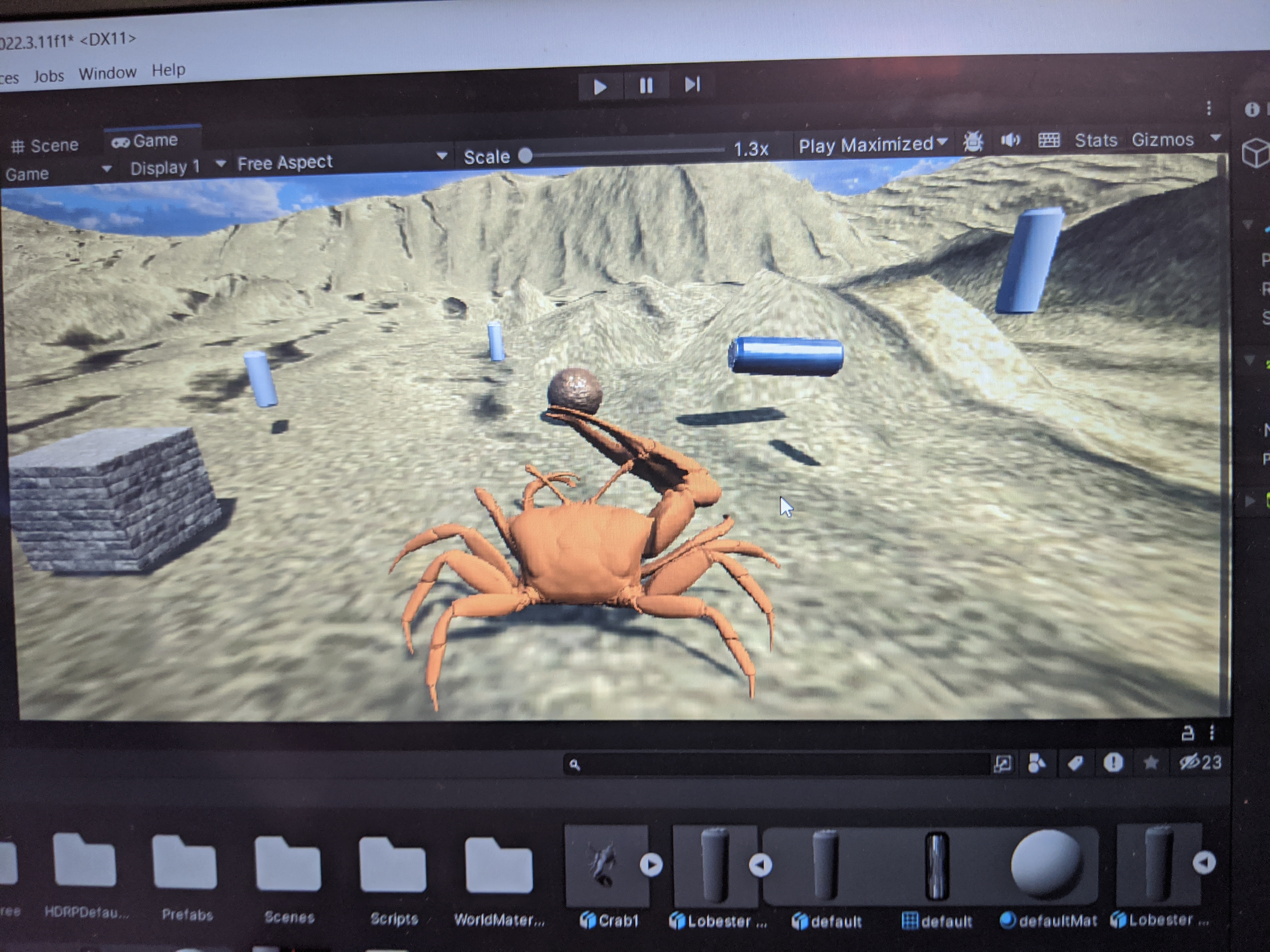
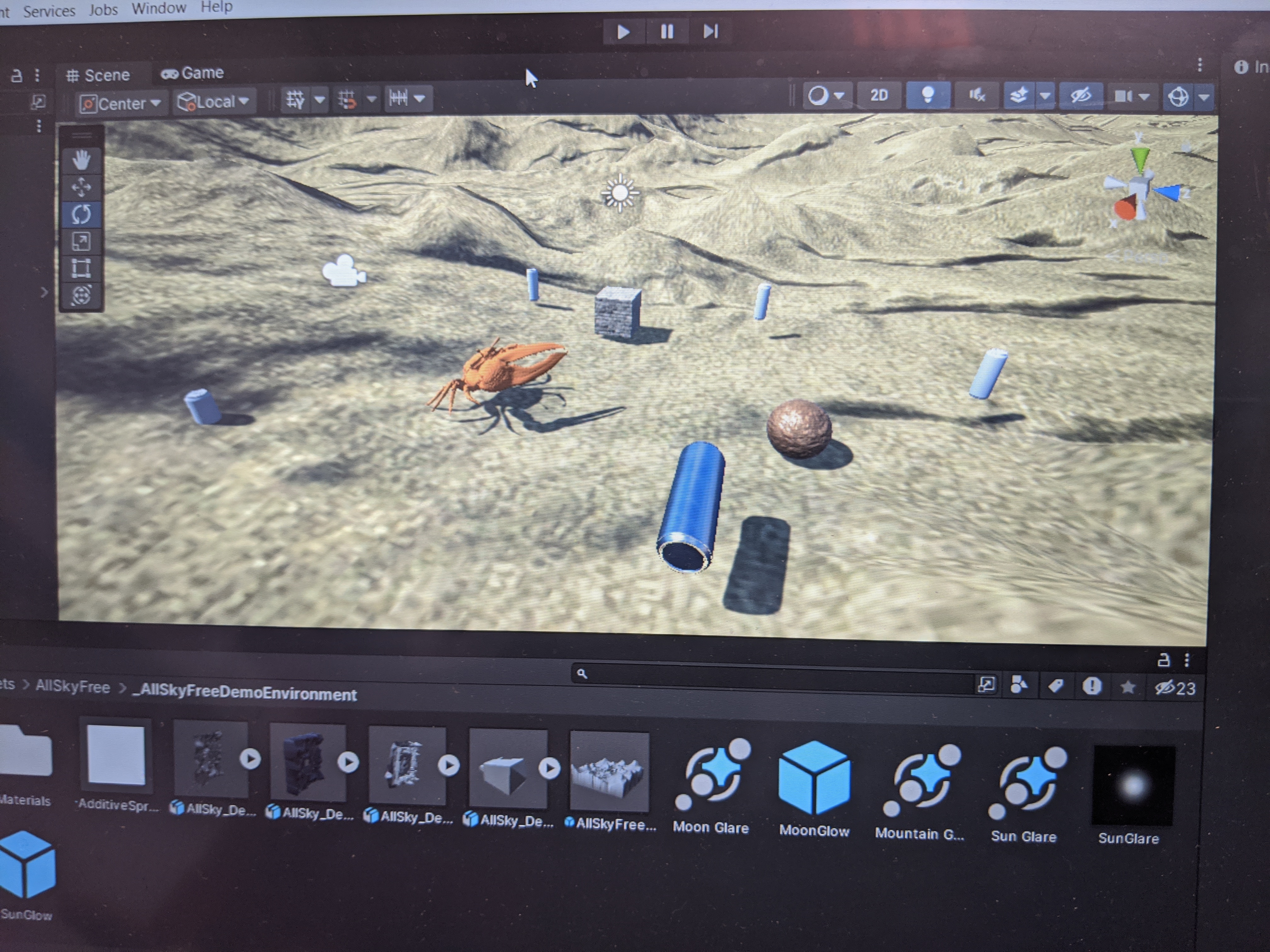
The idea is that the game we designed controls the robot to pick up trash in real time. The game acts as the robot controller, and there would be a camera that scans in the environment and displays it to the user's screen via the game. The user would then try to collect trash and avoid obstacles in the terrain like sand mountains and such.
How we built it
The Robot:
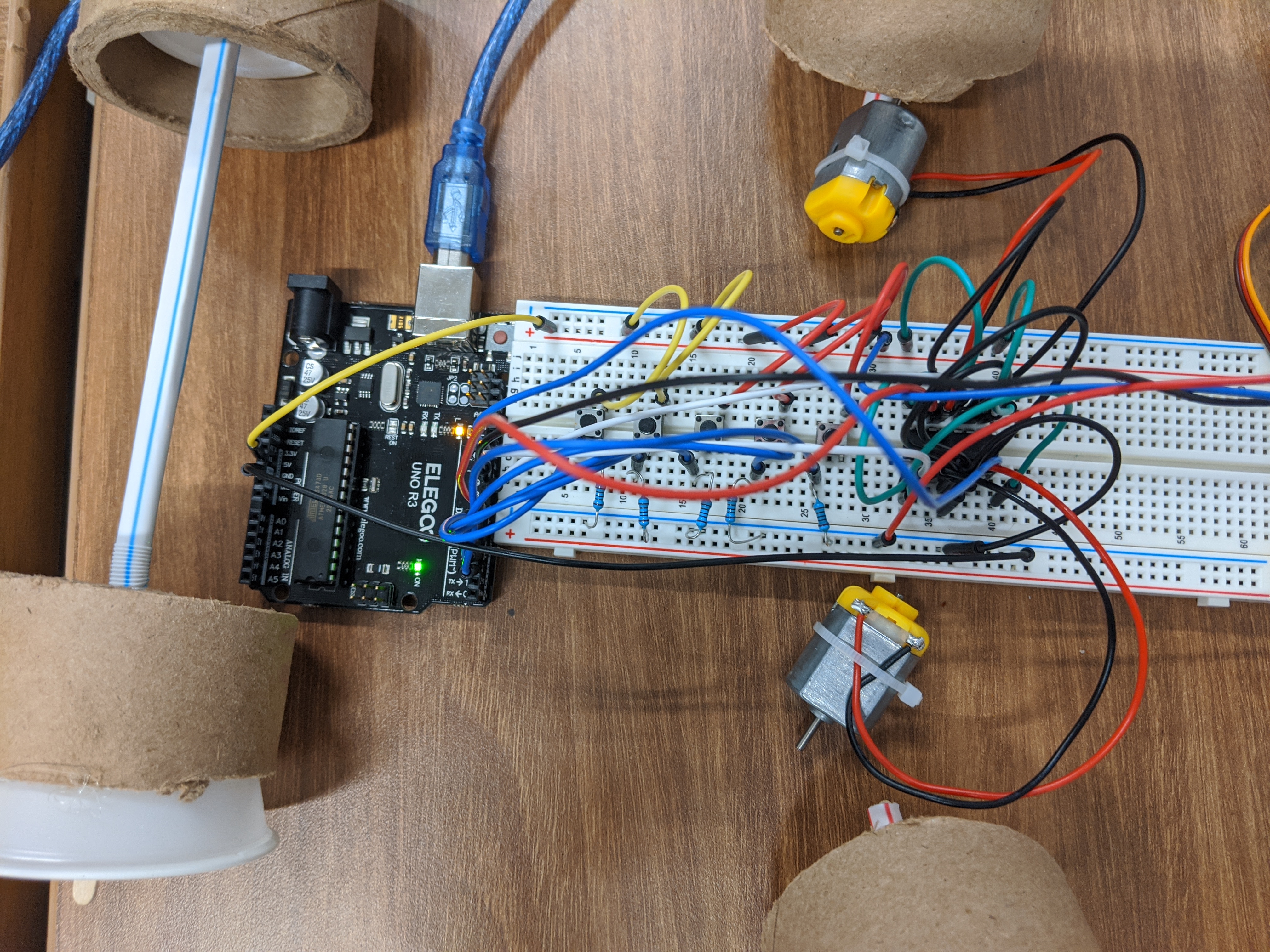
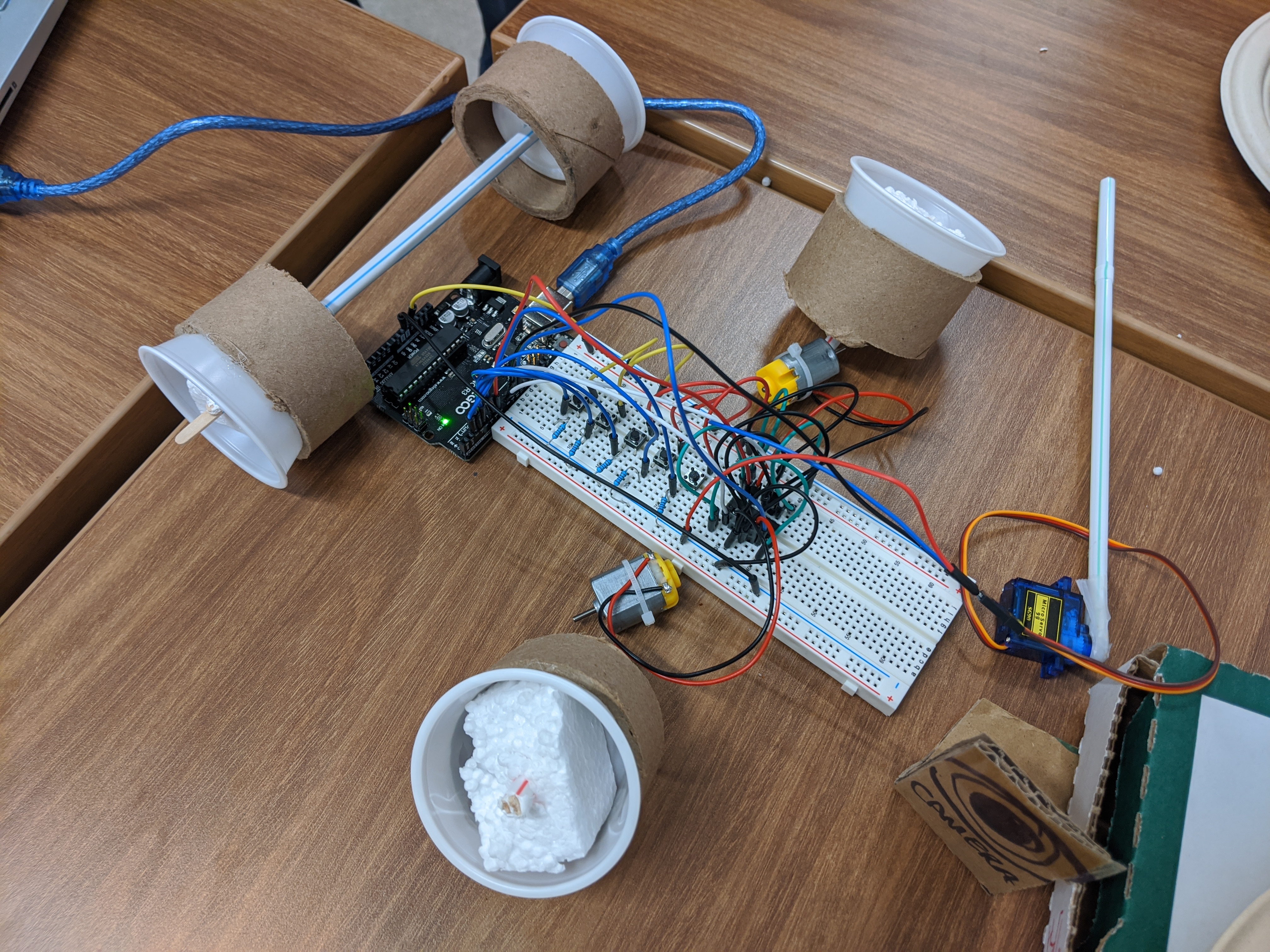
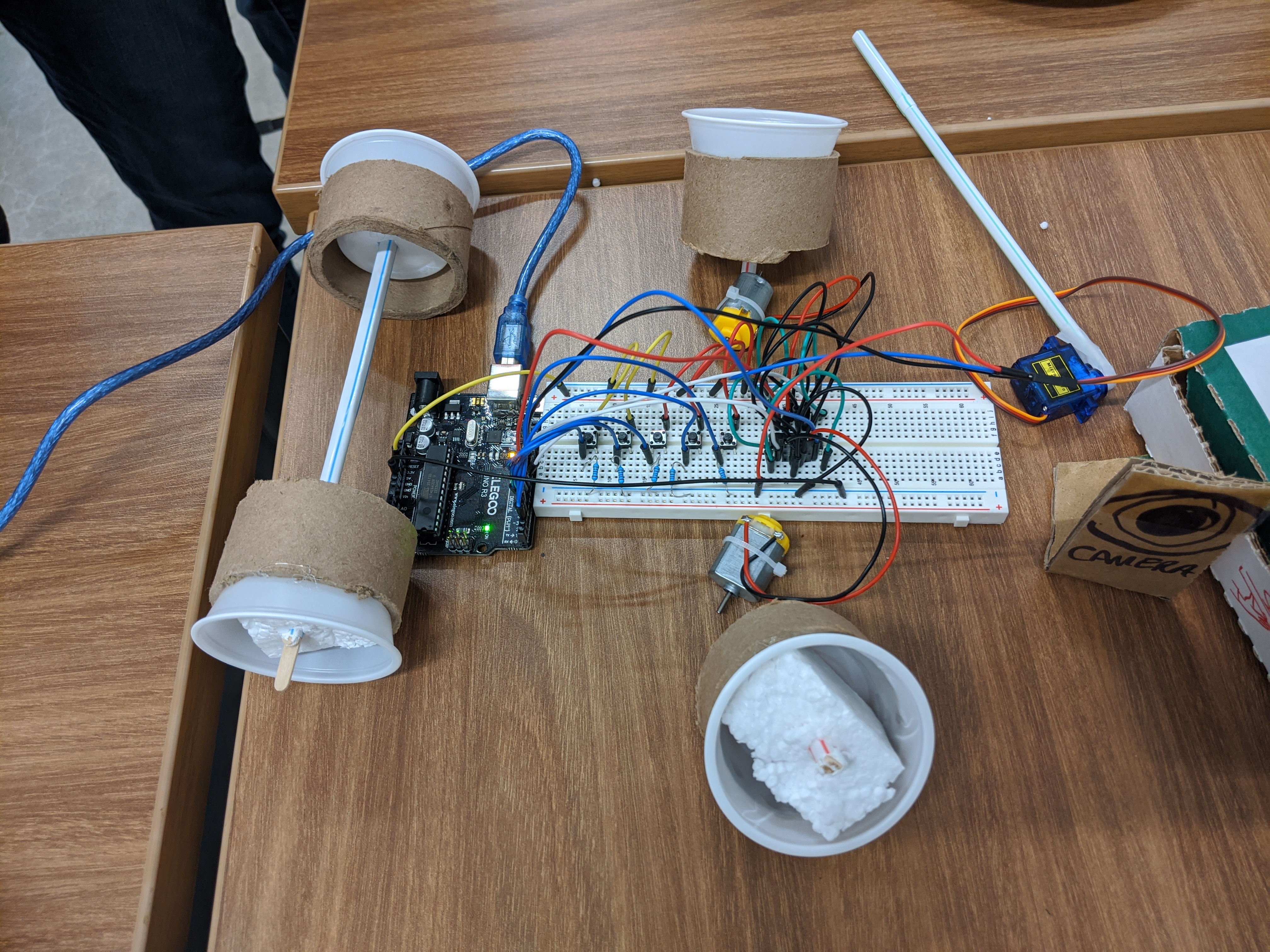
We have 5 buttons that act as a physical representation of the robot receiving signals from the game for individual actions. One button moves both fan motors in the same direction for the robot to move forward while another button makes it move backwards. The third button makes the claw move forward and back so that it sweeps the trash into a container. The last two buttons moves only one fan motor so that the robot turns left or right.
The Code
There's two different sets of code: Arduino and Unity. For Arduino, we figured out the controls we needed for the equipment we used and compiled a series of codes we found in Arduino's official website together for each of the robot's functions. For Unity, we designed a player that will run around and interact with the trash objects and can remove them from the environment.
Challenges we ran into
Hardware:
The Arduino kits are fairly limited with the type of hardware given as it's impossible to do some functions with the fan motors, step motors, and microservo motors. For example, you can only move up to 180° with the microservo motors. As such, we used those for our sweeper instead of our original idea of using them for our wheels.
Circuitry:
One of the issues we ran into is building the circuit for the robot itself. We had to eliminate some ideas because the circuitry was too complex, but we worked around it by combining simpler circuits together for the same effect.
Coding:
We faced multiple coding issues while building and designing the robot and game. For example, the documentation for the Arduino codes were not organized by the Arduino type (Uno vs Leonardo), so it was challenging to figure out which libraries would work with Arduino. We also weren't able to connect our robot to our game as we intended because Arduino's serial code is too old and outdated for Unity.
What we learned
We learned how to connect hardware with software. Hardware wise, we learned how to design a complicated circuit by breaking it into smaller components and adding them together. As for software, we learned how to code in C++ as that's the main language Arduino uses.
Submitting for: (All Categories) Best Build, Sapling Software, Sustainable Seedling

Log in or sign up for Devpost to join the conversation.