-
-
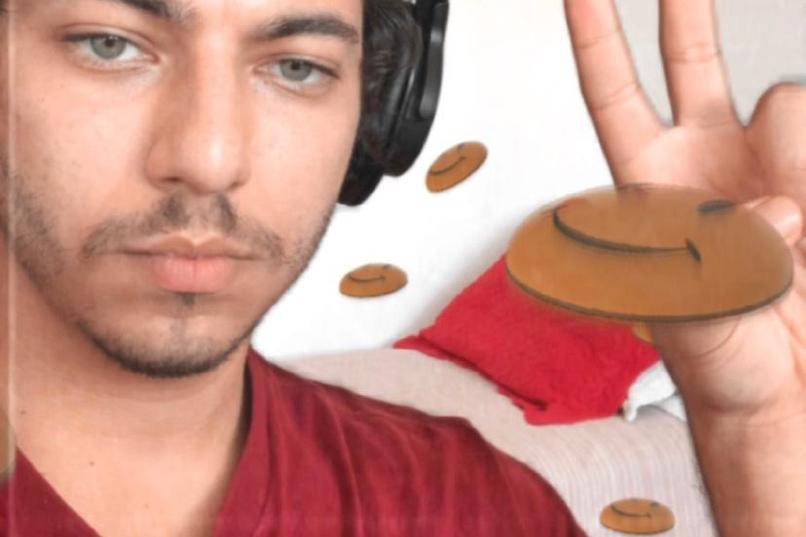
Front Camera
-
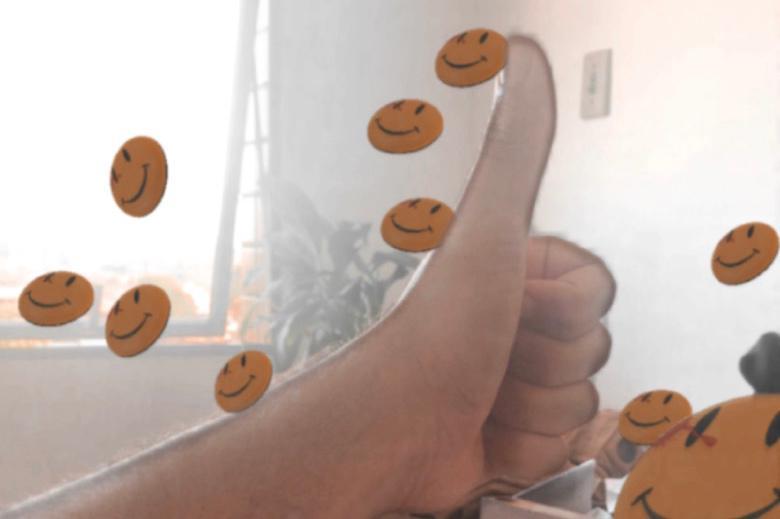
Back Camera
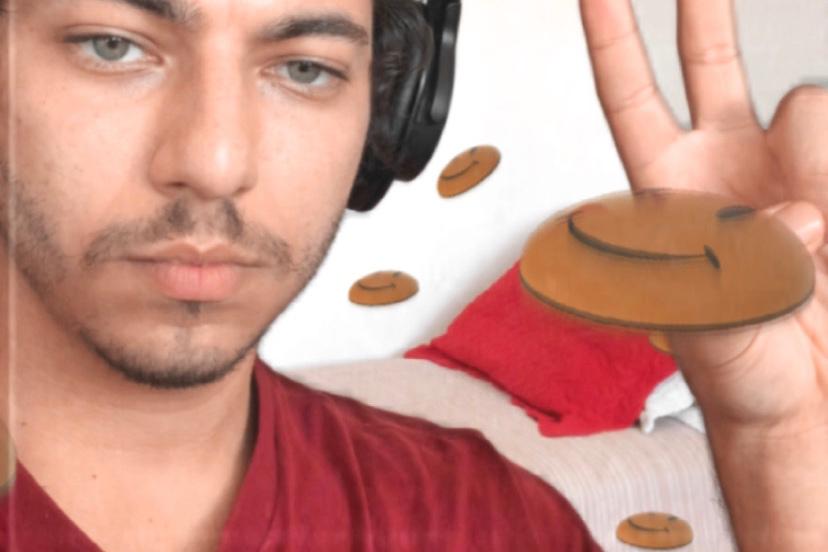
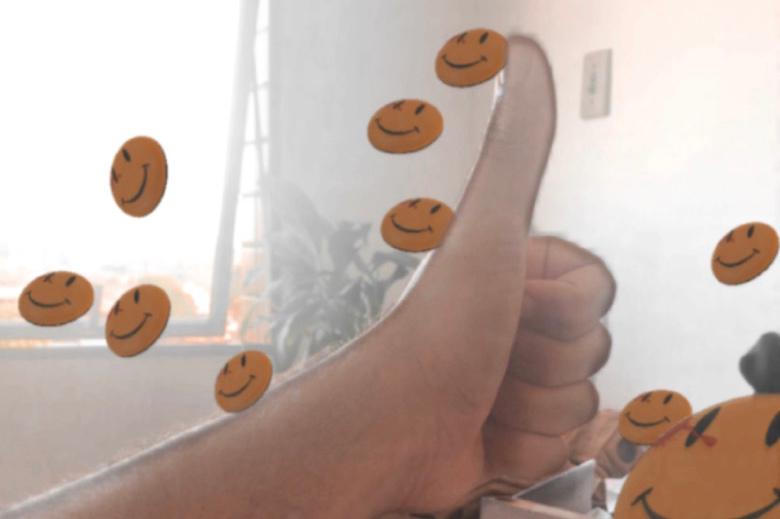
Inspiration
I am an avid Playboi Carti fan, I listen to his songs every day and many times fan-made remixes. These remixes often come with cool edited videos that resemble VCR cameras and integrates many of playboi's symbolism into it. The symbols range from cash stacks to smiley faces and are quite popular around teen-culture. Thinking about the targeted audience of the preferred platform for this hackathon, I decided to pay homage to this great artist.
What it does
The effect has a VCR style overlay and sends particles around the user that can be interacted with by head movements. Also, you can tap the screen to change between a few classic playboi carti's symbols. If the user opens his mouth above a threshold or he reaches 12s recording gravity force is applied and the particles fall. The particles react to sound energy! Making it a good companion for dance videos.
How I built it, challenges I ran into, and accomplishments that I'm proud of:
For this project, I used many technics to achieve my goal. First I needed to build my own 3D particle system as the esthetic is built around PlayStation 1 style graphics. For that, I grabbed some 3D objects from the AR library and the newly released Render Pass (update came in handy). By nesting nullObjects I was able to send the object render as a texture to the regular 2D particle system, I also added a little bit of rotation, a sum of a transition between values and head rotation, to make the fake3D particles believable. The next step was to add interactivity. Parametrical design is all about controlled random input values, and what's more random than life? Having the effect react to the world around the user was a must. So I made the particles bounce with the sound energy meter, which listens to the microphone and turns the input into a manageable value to be worked with. To finish off I had to make everything blend really well together. The render feed and the camera feed are two sides of the same coin. Making the particles (render) blend in together with the real world (camera) is really hard to do. My main challenges were: dealing with noise from the camera input, the hard edges from the objects, and the depth of field. To solve that I rendered together the camera feed and the particles render, added a soft blur on top of it and sent it through a framebuffer to add some motion blur, that way I got rid of the camera noise and hard edges and also got a slight DoF effect by the particles on the background moving slower than the ones in front. To wrap it up, I added a custom noise overlay with VCR scanlines and a color preset on the whole scene. I am really happy with the result, the particles sometimes can be mistaken with real-world objects and the effect definitely feels like something a Carti fan would create!
What I learned
Throughout the process, I realized many shortcomings Spark AR still has.
- My fake3D particle solution lacked something really important to AR: lighting. Since I was passing a rendered image of the 3D objects, all the lighting had to be done to the objects themselves, the particles wouldn't react to the lights as they should because they behaved like 2D planes.
- The planeTracker is good but has some erratic behaviors while working with particles. Sometimes it would change the focal plane position and bug out the particle's position, making them really big or really small. Damaging the experience.
- The device motion fed to the program only goes as far as 180 degrees. Which sometimes makes the rotation jump from 180 to -180 breaking the immersion a little bit.
- Render passes are great, but the performance hit is real! Fortunately, we have the option to reduce the render size.
But after, I saw the work done and was mesmerized:
- The included AR Library is very very rich in content. You can edit whatever you get from there to have it your way and call it a day.
- Spark AR is the EASIEST, BY FAR, AR software to create on. I was able to achieve this without a single line of code, which is amazing, to say the least.
- You can have a particle systemception. Having a particle system as a texture for another particle system!
What's next for TRAP STYLE WORLD PARTICLES
In the future, I want to be able to add more renders from the same object to feed more particle systems. I went for one particle system for each 3D object and only instanced each of them once due to performance reasons. Also, I'd like to have this effect working properly on the planeTracker and with real 3D particles reacting to lights! Adding Instagram Music support will be great! I haven't done it because I couldn't test it with my account. Beauty effects like retouch aren't working with render passes. I'm sure in the future, ill be adding it.
Log in or sign up for Devpost to join the conversation.