
Inspiration
Many classes, meetings, talks, and academic conferences (CVPR and PLDI this summer are two I'm aware of) around the world are being conducted online via Zoom due to the COVID-19 pandemic. Previously, people around the world had to travel for many of these events, but they now have access to these resources due to their virtual nature. A major barrier, however, is language. For instance, a person from the U.S. may have always wanted to attend an annual French conference. Yet, even though it's now conducted on Zoom, that person still cannot attend because he/she does not understand French. Thus, I wanted to build an app that bridges this language barrier and allows people of all cultures and backgrounds to attend foreign meetings and talks.
What it does
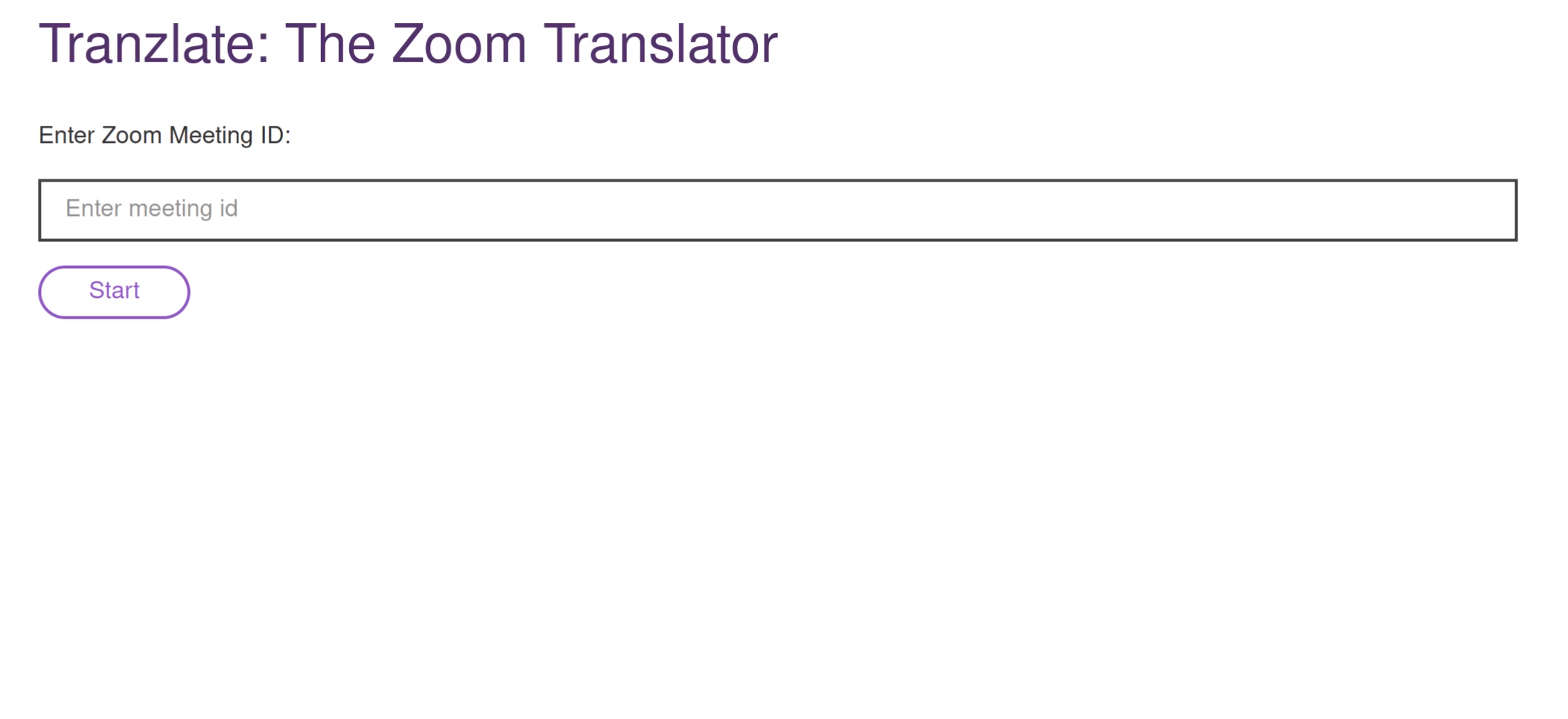
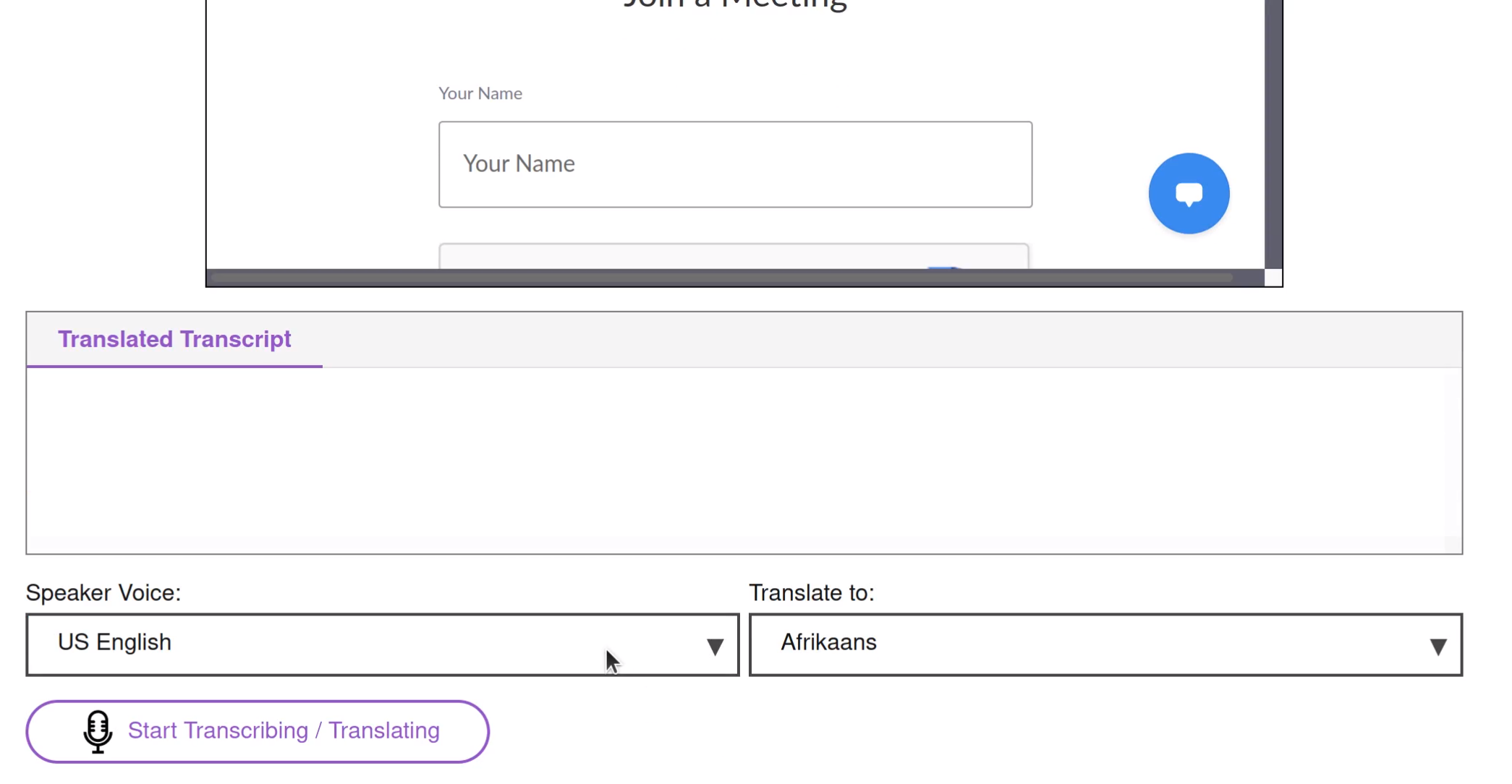
With a minimalistic user interface, Tranzlate displays an in-browser Zoom meeting window, with live translated text directly below. Within the text box, the transcript automatically scrolls as the speaker talks, and the most recently spoken sentence/phrase is also highlighted. Tranzlate is easy to use: simply enter your meeting ID, select the speaker's language and the language you'd like to translate to, and you are all set.
Challenges I ran into
Right off the bat, I realized that Zoom's SDK does not provide live audio stream, so I had to try an alternative approach via microphone input. Also, as I built off of existing code from IBM's Speech to Text demo, I also had to read the code to understand how to modify it. Furthermore, I had trouble getting the IBM-Watson Translate API to work (in part due to outdated documentation), so I used Google's Translate API instead. Once that was settled, I spent a long time figuring out how to correctly update the translated text due to the translate API's asynchronous callback function; this was my first time working with API calls with React and a Node.js Express server.
Accomplishments that I'm proud of
Having a completely in-browser web app with a natural interface, which incorporates a Zoom meeting window and a text box immediately below (with the translated text).
What's next for Tranzlate
If the Zoom meeting audio could be directly obtained via a live audio stream (the Zoom SDK might support this in the future), then Tranzlate could also readout the translated text via a Text to Speech API, allowing the user to hear, instead of just see, their native language.


Log in or sign up for Devpost to join the conversation.