
Inspiration
Canvas is a great platform for managing course works. However it is not that convenient to log in every time to check, for example, todo list for today. It would be nice to have a Slack bot that can push notifications and provide some manual query functions that can integrate Canvas into Slack.
What it does
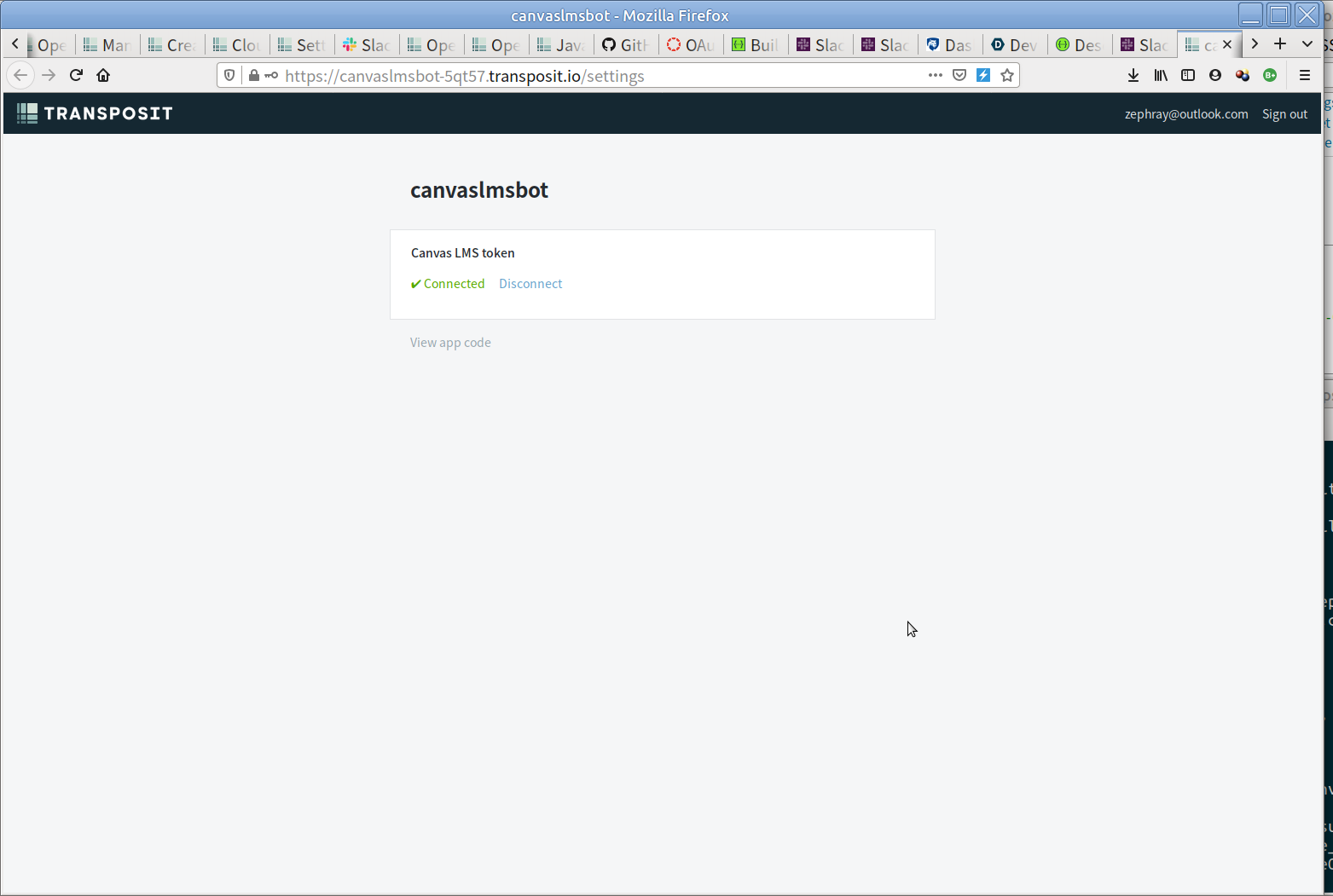
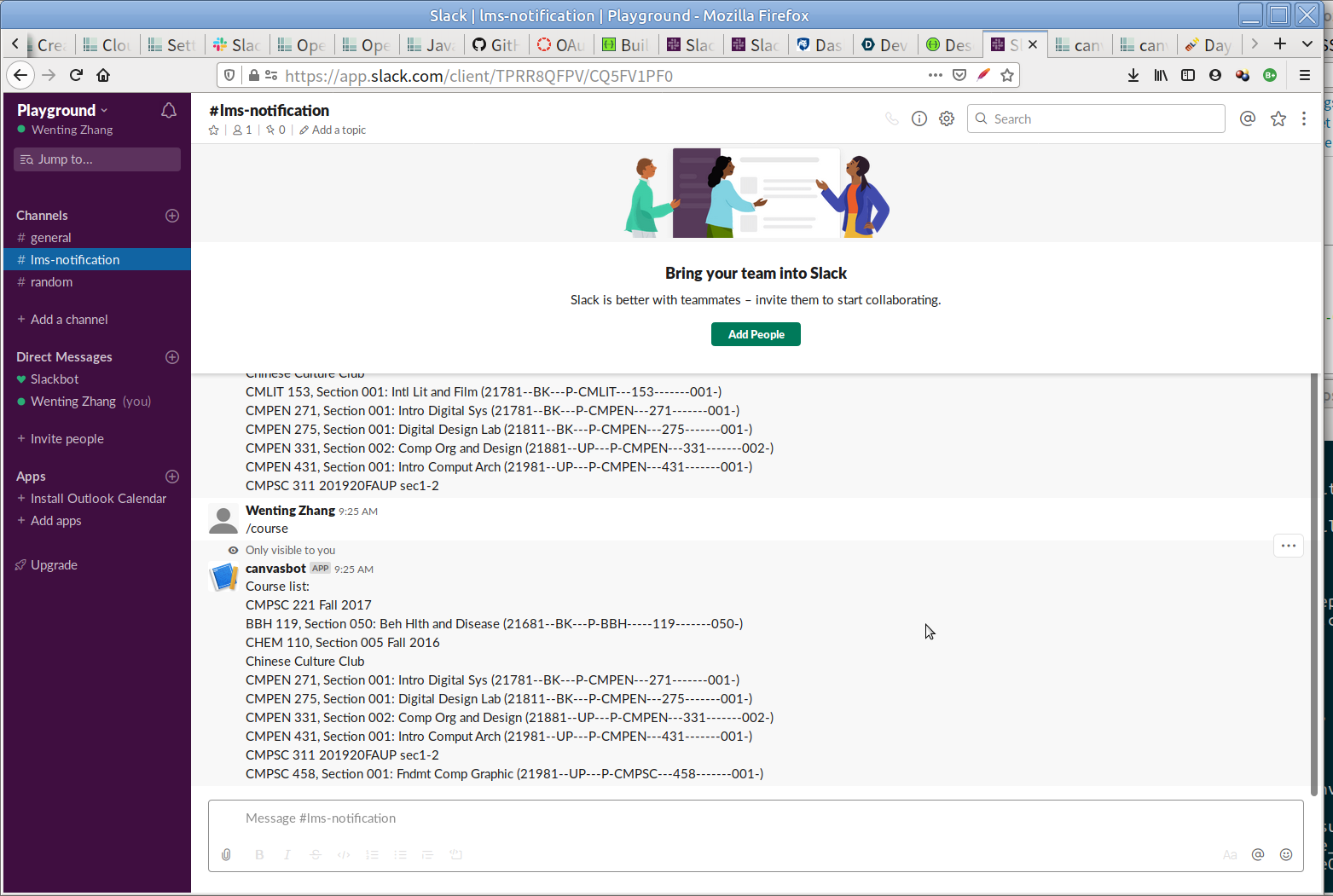
So far, it is simply a demo. The user can add the app into their Slack workspace, then follow the setup process to connect with their own Canvas account, then they would be able to fetch the current course list from Canvas.
How we built it
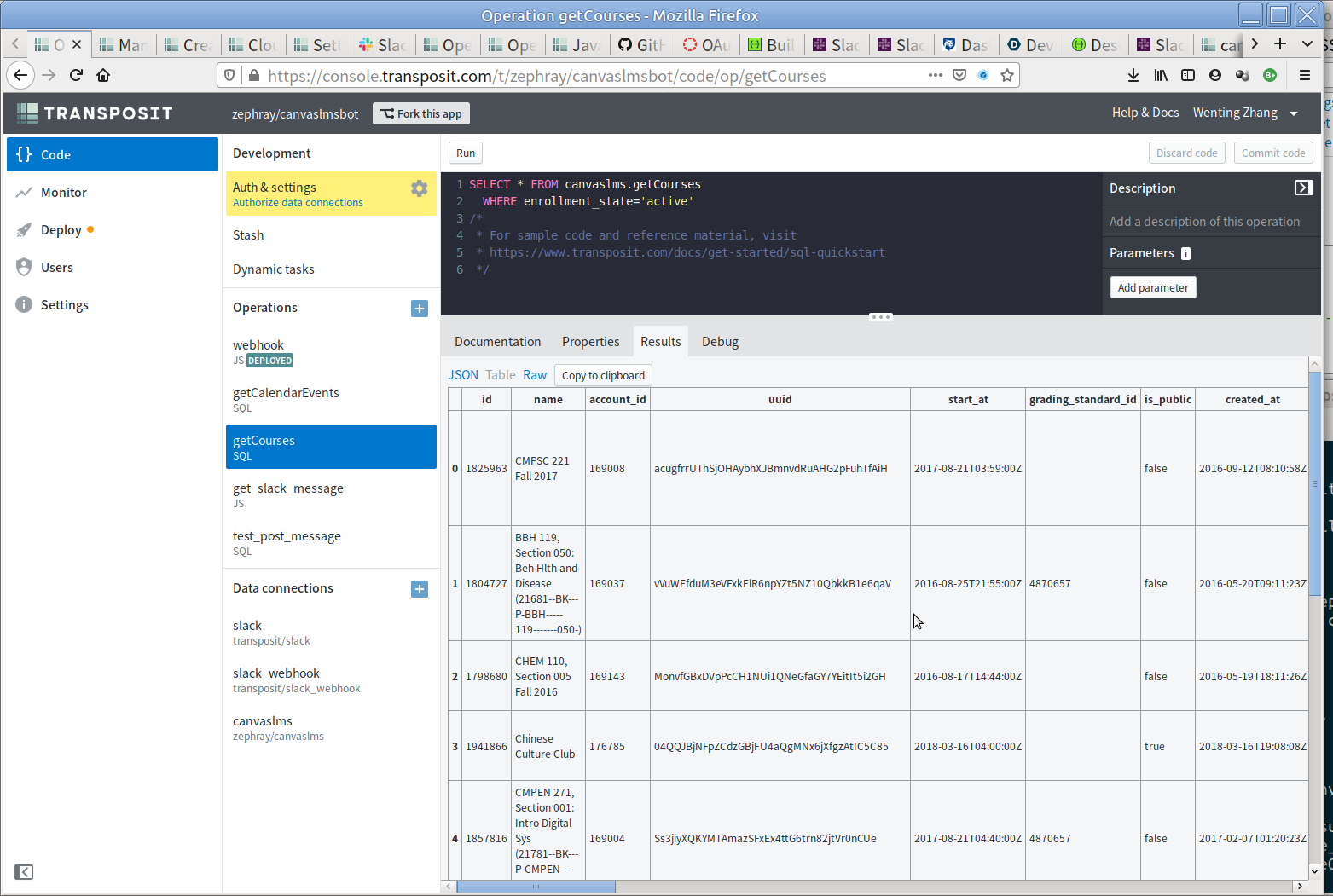
We used the transposit for transferring data from Canvas to Slack. By default, transposit has native support for Slack, so that can be used. However, it does not have support for Canvas. So we used SwaggerHub to create an (incomplete) OpenAPI 3.0 compatible definition of the Canvas LMS REST API. With API definition we created a Canvas Connector on transposit. Then it is possible to use SQL to query items from Canvas.
Challenges we ran into
In the Canvas API, the way they implement the parameter serialization is weird. Instead of the normal way of doing like "list=item0&list=item1", "list=item0,item1"or "list[0]=item0&list[1]=item1", they decided to implement it as "list[]=item0&list[]=item1". This way of doing serialization is not supported in OpenAPI. This is fine, it can still be described with OpenAPI. Just rename the parameter from list to list[], then use the normal explode serialization. However this is acceptable when calling in the SQL, or probably from many other languages, as item[] is not a legal parameter name. So far we had to leave it out for now.
Another challenge is the key expiration. Token from Canvas can have a expiration duration. Manually generated token never expires, so that's fine. However, token requested by third-party applications such as this bot via OAuth 2.0 would expire in 1 hour. The application need to refresh the token at least every hour. Transposit uses a "managed authentication" flow, where the token is managed by the transposit. Luckily it provided a "runtime" authentication method, allowing the application script to fetch the token. Though the application is unable to store the new refreshed token back, it may just use the token for the first time, then store all new tokens to user settings as a setting. However this is not perfect, runtime authentication cannot be used in conjunction with OAuth 2 managed authentication, making it rather hard for user to setup their account for the first time.
Accomplishments that we're proud of
It actually works, though Canvas and Transposit doesn't really fit together (as we found out later)
What we learned
Do thorough investigation before choosing the platform or framework. Each would have their limitations and may not work well together.
Canvas APIs are powerful, means with lot of parameters to customize the behaviour. However this can often be overlooked. Read the documents carefully. That saves debugging time.
What's next for Transposit Canvas LMS Slack Bot
Implement more features. Like sync all announcements from Canvas to Slack, or being able to watch activities within a Course, subscribe changes for a single file (some professors like to put a 'news.pdf' and update that file for communication), etc.
The idea of transposit is great. But their are certain quirks in Canvas that doesn't well translate to transposit's expected interface. Unless Transposit has workarounds for these quirks, we might actually need to move out from Transposit, and implement the bot purely in JavaScript or Python, so all the proposed functions can be implemented.
Built With
- javascript
- openapi
- sql
- swaggerhub
- transposit

Log in or sign up for Devpost to join the conversation.